
Seedance 2.5 vs FLUX 3: Video Quality, Free Tier & Which One Wins in 2026
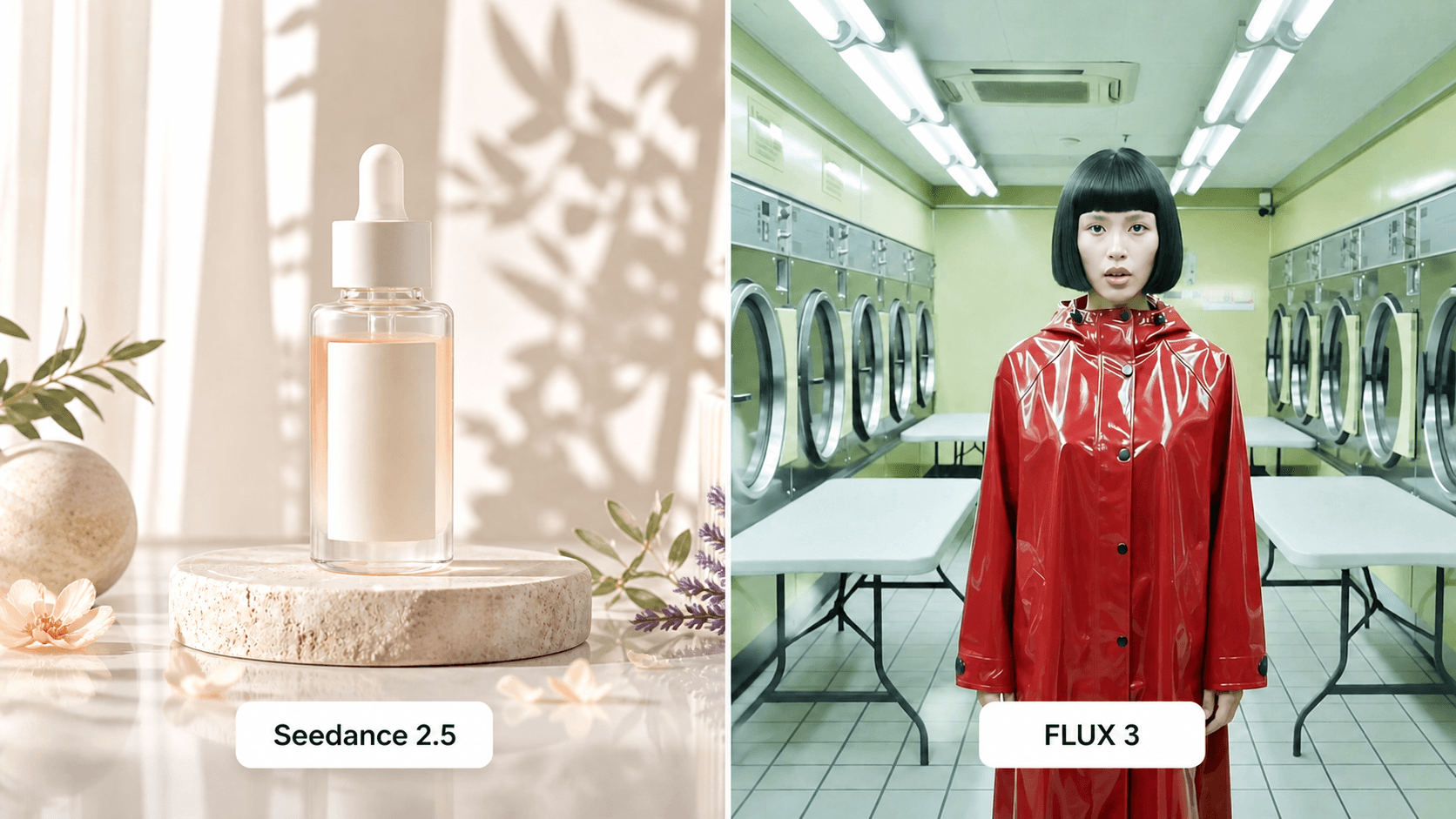
AI Overview
What is the main difference between Seedance 2.5 and FLUX 3?
Seedance 2.5 emphasizes reference-led production and editing inside a creator workspace. FLUX 3 is a pay-as-you-go video model with native audio, keyframes, continuation, and up to 20-second clips.
Which is better for free users — Seedance 2.5 or FLUX 3?
Seedance 2.5 is the clearer starting point because Seedance.tv offers signup credits. FLUX 3 requires an account and purchased credits; no recurring free quota is currently documented.
Which produces better video quality, Seedance 2.5 or FLUX 3?
FLUX 3 has the edge for native 1080p delivery and audio-led shots. Seedance 2.5 is often the more practical choice when reference fidelity and iterative editing matter most.
Can I use both Seedance 2.5 and FLUX 3 for commercial projects?
Yes, commercial work is possible under the applicable plan and service terms. You must still clear uploaded assets, music, likenesses, trademarks, and any claims in the final edit.
Seedance 2.5 vs FLUX 3: Quick Verdict (TL;DR)
Choose Seedance 2.5 for reference control and predictable monthly production. Choose FLUX 3 for native audio, 20-second clips, keyframes, and usage-based API economics. Seedance 2.5 is the better general starting point; FLUX 3 is the stronger single-shot specialist.
| Category | Seedance 2.5 on Seedance.tv | FLUX 3 | Winner |
|---|---|---|---|
| Generation type | Text, image, video, and audio-reference workflows; editing routes vary | Text-to-video, image-to-video, 1–10 keyframes, continuation | FLUX 3 for breadth in one model |
| Maximum duration | 4–30 seconds on the currently exposed route | Up to 20 seconds | Seedance 2.5 |
| Free quota | Signup credits; no verified recurring reset | No documented recurring free quota | Seedance 2.5 |
| Output | Current Seedance.tv route exposes 480p/720p; model marketing may describe higher capability | Native 720p or upscaled 1080p at 24 fps | FLUX 3 |
| Watermark | Verify the current route and plan before delivery | No API-editor watermark; partner interfaces can differ | Check your route |
| Commercial rights | Commercial use listed on paid plans, subject to terms | Commercial use subject to API or partner terms | Tie |
| Editorial quality fit | 8.7/10 for references and production iteration | 8.8/10 for polished audio-visual shots | Project-dependent |
| Best use cases | Product ads, social campaigns, character continuity, iterative edits | Dialogue, sound-aware scenes, keyframe sequences, shot continuation | Split decision |
These are editorial workflow scores, not a laboratory benchmark. Verify the route before scheduling client work.
Video Quality Face-Off: Motion, Realism & Cinematic Output
A fair test uses the same brief, aspect ratio, duration, source image, and checklist. Include motion, reflective material, readable geometry, parallax, and one camera move. Compare full clips for face stability, hands, fabric, motion cadence, lighting, and unwanted object changes.
Seedance 2.5 is strongest when source material establishes what must remain fixed. Product, character, environment, and motion references provide concrete anchors, suiting brand work where approved details matter. The Seedance 2.5 reference guide explains how to assign each reference a role.

Seedance 2.5 is at its best when the reference pack clearly defines the subject, material, and approved composition.
FLUX 3 coordinates native stereo audio, multilingual dialogue, multiple shots, typography, and keyframe interpolation. It supports ten keyframe images and clip continuation. Its 1080p option has the cleaner delivery specification, although upscaling cannot repair unstable anatomy.
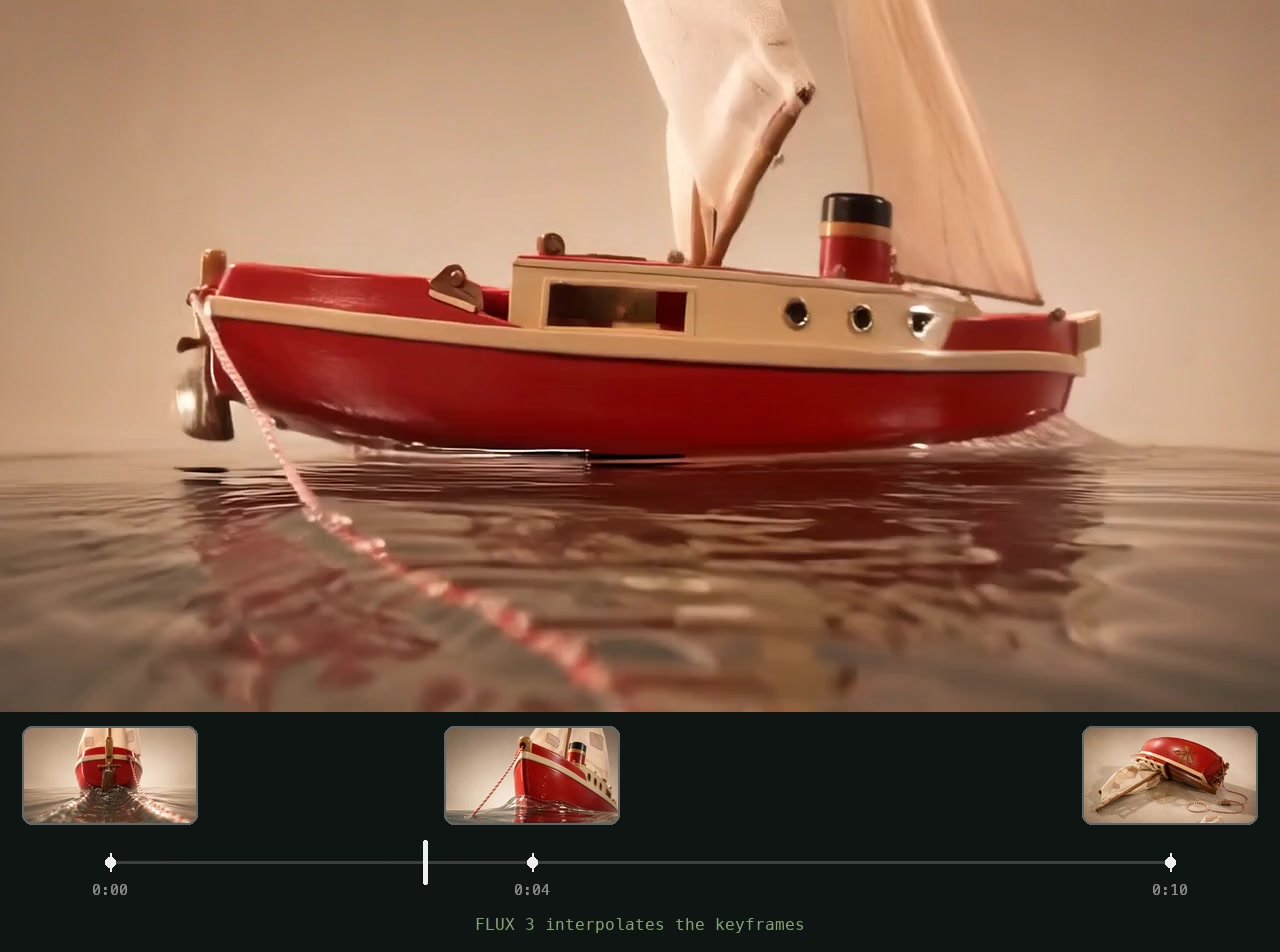
FLUX 3 can treat several images as timed visual anchors, which is useful when the beginning, middle, and end must be planned in advance.
No disclosed controlled benchmark compares both models under identical settings. FLUX 3 wins resolution and audio-led shot design; Seedance 2.5 wins when reference preservation and rapid iteration determine usability.
Free Tier Comparison: How Much Can You Generate Without Paying?
Seedance.tv currently provides six welcome credits after signup, valid for one month. They can test a prompt and interface but are not a recurring daily allowance or a campaign budget.
FLUX 3 requires an account and pay-as-you-go credits; no recurring free allowance is documented. Draft generation lowers exploration cost but remains paid usage.
| Free-access detail | Seedance 2.5 | FLUX 3 |
|---|---|---|
| Initial access | Six welcome credits after signup | Account plus purchased credits |
| Reset cycle | No verified recurring reset | None documented |
| Free output limit | Enough for a small route-dependent test | No documented free render quota |
| Resolution | Depends on the selected route | Paid Draft, 720p, or 1080p options |
| Watermark | Confirm on the exact export route | API output has no editor watermark; hosts may differ |
| Registration threshold | Email or supported account login | Account and billing credits |
Seedance 2.5 wins for free users because it lets you test before paying. Use the welcome credits for one clean reference and one short prompt before choosing a paid budget.
Prompt Handling: Which Model Follows Instructions Better?
Both models respond better to a short shot plan than competing adjectives. Seedance 2.5 benefits from preservation rules and one action per time range. FLUX 3 benefits from an ordered subject, action, camera, audio, and transition sequence.
Use this shared test prompt:
10-second cinematic product shot, 16:9. Preserve the amber bottle shape, black cap,
white label position, and all printed text. 0–4s: slow clockwise orbit at eye level.
4–7s: narrow warm light sweeps across the glass. 7–10s: camera settles on the label.
Quiet studio ambience, no speech, no music, no extra objects, no label deformation.
In Seedance 2.5, attach the bottle and repeat the preservation line. In FLUX 3, use it as the first keyframe; add another only when the final composition must be exact. Keep negative instructions as a compact list after the positive scene.
This FLUX 3 example demonstrates why audio belongs in the shot brief rather than being treated as an afterthought.
The Seedance 2.5 prompt guide provides copy-ready structures. Seedance 2.5 wins for reference preservation; FLUX 3 wins for combining shot structure, audio, and keyframes.
Use Case Breakdown: When to Pick Seedance 2.5 vs FLUX 3
| Use case | Pick | Why |
|---|---|---|
| TikTok, Reels, Shorts | Seedance 2.5 | Faster reference-led variants and a lower-friction first test |
| YouTube B-roll | FLUX 3 | Longer self-contained shots, continuation, and useful native ambience |
| Brand ads | Seedance 2.5 | Product and character anchors are central to approval |
| Art experiments | FLUX 3 | Keyframes, typography, multi-shot direction, and sound invite exploration |
| Product demos | Seedance 2.5 | Reference fidelity and repeatable angles matter more than spectacle |
| Dialogue scenes | FLUX 3 | Native audio and multilingual lip-sync are designed into generation |
For a fixed character or SKU, begin in the Reference to Video workspace and reuse approved assets. For dialogue or a timed keyframe transformation, FLUX 3 may reduce post-production.

Use-case fit becomes clearer when several approved shots are reviewed as one sequence.
FLUX 3 Alternatives: Why Seedance 2.5 Is Worth Switching To
As a FLUX 3 alternative, Seedance 2.5 offers five advantages: signup credits, reference-led subject protection, an approachable browser workflow, predictable monthly bundles, and editing-oriented revision routes.
FLUX 3 keyframe sequences do not transfer as executable projects, so save source images, prompts, audio, timing notes, and accepted clips separately. Rewrite API-oriented prompts into Seedance preservation blocks and scene beats, then learn its reference roles and route limits.
Run one paid brief in both systems, record attempts per accepted clip, and compare edit time. FLUX 3 may remain better for native dialogue or 1080p keyframe choreography; Seedance 2.5 offers a more manageable loop for repeatable product or character campaigns. Read our FLUX 3 video review before migrating.
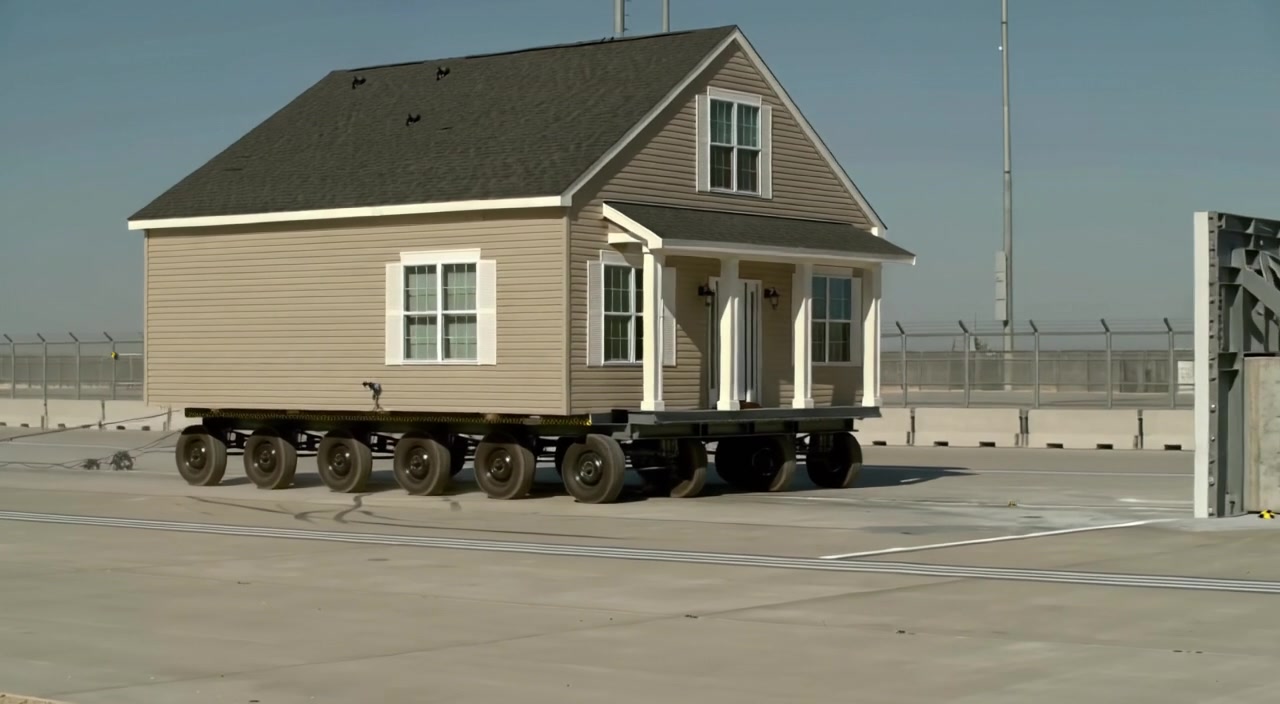
A strong specialist model earns its place when an unusual shot stays geometrically readable in motion.
Pricing & Value: Which Gives You More for Your Money?
Seedance.tv sells monthly capacity: Mini is $39 for 400 credits, Standard is $80 for 1,600, and Plus is $160 for 4,800. Annual billing currently lowers the effective monthly prices to $28, $56, and $112. The value is predictable planning across several supported generation workflows.
FLUX 3 charges by generated second. Standard text-to-video or image-to-video costs $0.17 per second at 720p and $0.29 per second at 1080p; Draft costs $0.06 per second. A ten-second shot therefore starts around $0.60 in Draft, $1.70 at 720p, or $2.90 at 1080p before rerolls. Continuation costs more per second.
For best AI video generator 2026 value, compare accepted output, not headline price. Choose Seedance 2.5 for weekly variants and a monthly ceiling. Choose FLUX 3 for irregular usage, API access, or shots that combine dialogue, sound, and visuals. Commercial use remains subject to governing terms and input rights.
Budget three attempts per critical shot, then add editing, voice, music, and compliance review. The Seedance 2.5 video editing guide shows where to reserve higher-cost generations.
Conclusion
Seedance 2.5 wins this comparison for most creators because it combines a usable signup test, reference-led consistency, and a predictable production workspace. FLUX 3 wins when native audio, 1080p delivery, keyframe choreography, or pay-as-you-go API usage defines the brief. Test the same ten-second shot in both, judge complete clips and total edit time, then standardize the workflow that produces the most approved output—not the flashiest first render. Start creating with Seedance →
Ready to create your own AI video?
Turn ideas, text prompts, and images into polished videos with Seedance. If this article helped, the fastest next step is to try the product.
Free credits on signup. Plans from $28/month.
Related Articles
More posts in the same locale you may want to read next.

Seedance App Preview Video Generator 2026: Create App Store and Product Launch Clips
Use Seedance to turn app screenshots, feature copy, and launch goals into App Store previews, Google Play promo videos, and product launch clips.
Read article
Gemini AI Video Prompt Examples: Copy-Ready Veo Scenes and a Better Prompt Formula
Copy Gemini AI video prompt examples for cinematic motion, product ads, dialogue, and vertical clips, then adapt them with a practical Veo prompt formula.
Read article
How to Keep Product Shape Consistent in AI Video Ads
Lock product geometry, packaging, labels, references, camera angles, and approval checks so AI video ads preserve the real SKU across every shot.
Read article