

Wedding Highlight Reel
The best moments in one film
Upload your wedding photos and footage, add music, and generate a cinematic wedding video in minutes. No editor. No watermark.
Describe the video you want — e.g. “a 15s vertical ad for my coffee brand”
The best moments in one film

Relive every meaningful moment

Music-synced speeches and dancing

Vertical cuts for Reels and TikTok

A keepsake to revisit every year

A personal film for loved ones
Upload your photos or video clips—Seedance handles the editing, transitions, music sync, and pacing. No timeline, no keyframes, no experience needed. Download in full resolution, watermark-free.
Smooth cinematic cuts that match the mood of every wedding moment
Sync your own song or a built-in track to the rhythm of the edit
Mix still images and footage while Seedance handles composition and flow
Create a wedding film that looks professionally edited—without hiring an editor or spending hours on a timeline. Start free, generate multiple versions, and keep the one you love.
Upload JPG, PNG, or MP4 files—Seedance generates smooth transitions, color-consistent scenes, and natural pacing. Review your result before downloading and regenerate if any cut feels off.
Create a 16:9 cinema cut for YouTube, a 9:16 reel for Instagram or TikTok, and a 1:1 version for feeds. Choose the format before generating and keep your story consistent across every channel.
Upload your first-dance song, ceremony music, or another audio file, or choose a royalty-free track. Seedance matches transitions and pacing to the music automatically—no manual beat mapping needed.
Download your wedding video as a 1080p MP4 and share it through WhatsApp, Google Drive, YouTube, or social media. Create a full highlight film and shorter versions for friends and family.
Create polished edits for the couple, guests, family, social channels, and anniversaries from the wedding media you already have.
Turn camera-roll photos and wedding footage into a complete highlight reel, a ceremony recap, or a short thank-you video without learning professional editing software.
Move from wedding media to a polished, shareable film in three simple steps.
Add the ceremony, portraits, speeches, first dance, reception, and candid moments you want to include. Use clear files and remove duplicates before generating.
Select 16:9, 9:16, or 1:1; choose 30 seconds, 60 seconds, or a longer edit; then add a song and describe the mood and pace.
Preview the edit, check every face and key moment, regenerate any section that feels off, and download the final 1080p MP4 without a watermark.
Start with the type of film you want, then add the key moments, mood, music direction, duration, and aspect ratio.
 01
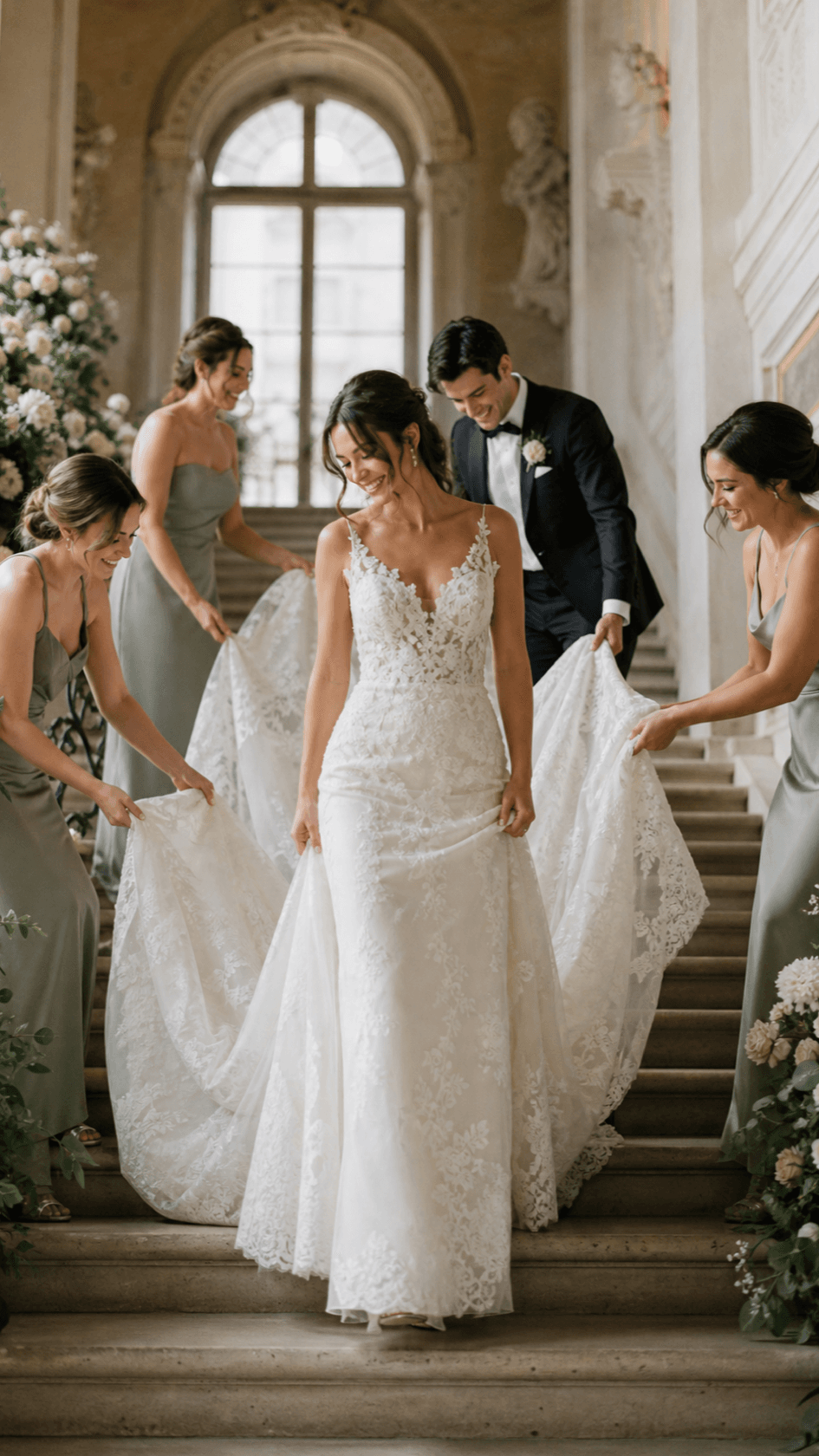
01Wedding Highlight Reel
Open with the couple's arrival, move through vows, portraits, speeches, and dancing, then finish on a joyful exit with warm cinematic pacing.
 02
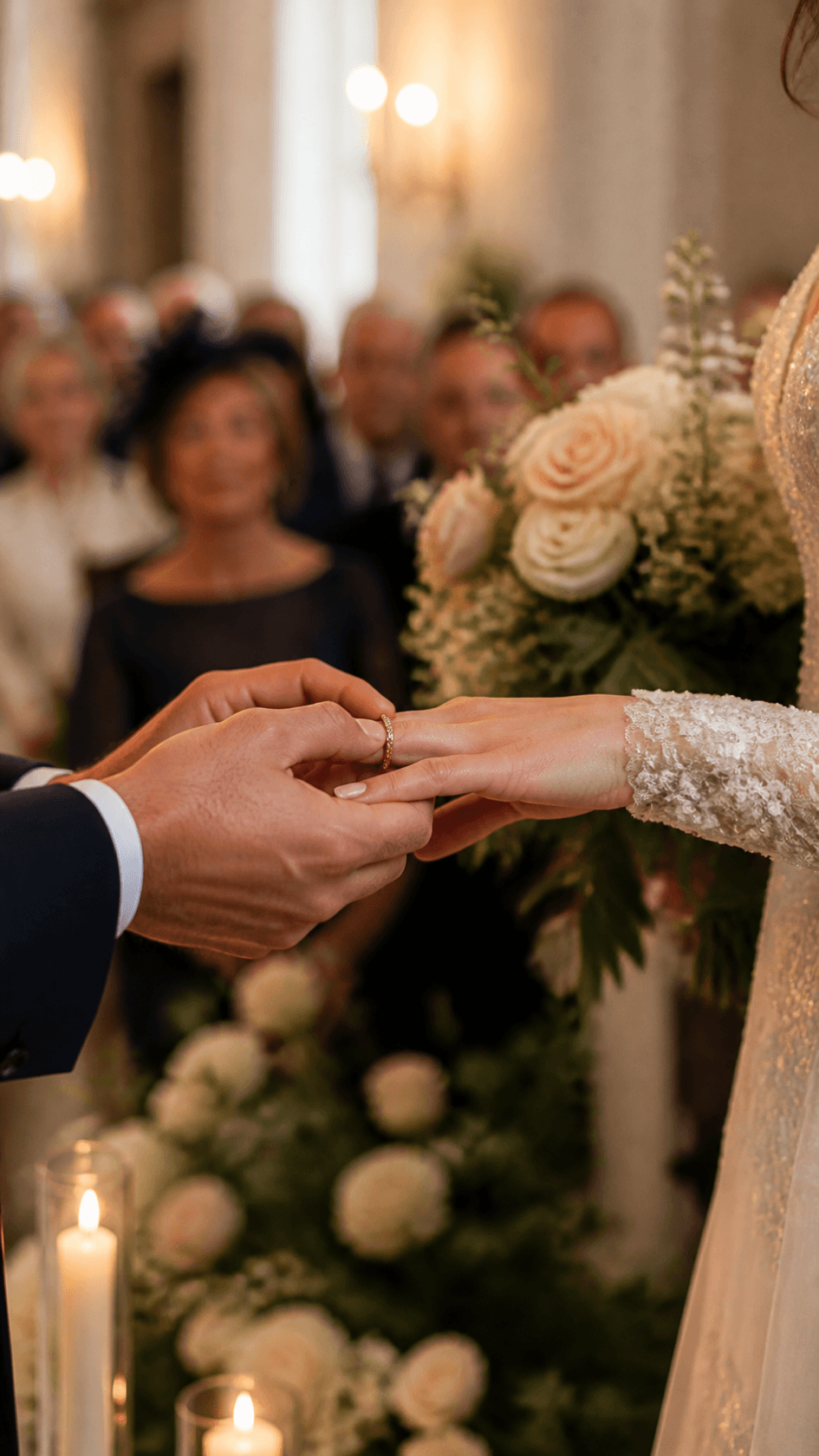
02Ceremony Recap
Focus on the aisle, vows, rings, first kiss, and guests' reactions with natural audio moments, gentle music, and clean transitions.
 03
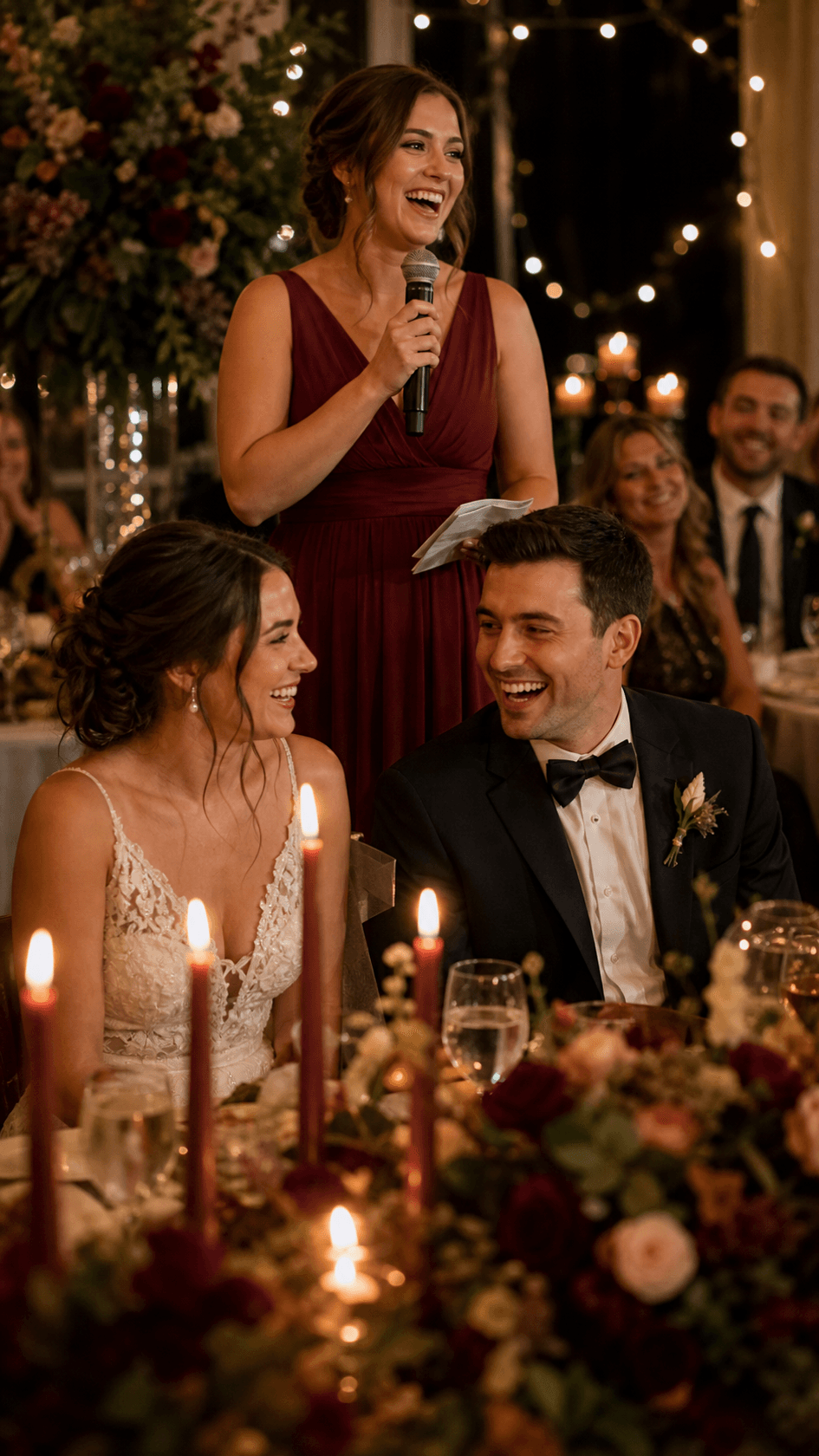
03Reception Montage
Sync dinner, speeches, cake, first dance, and open-floor moments to an upbeat song with faster cuts as the celebration builds.
 04
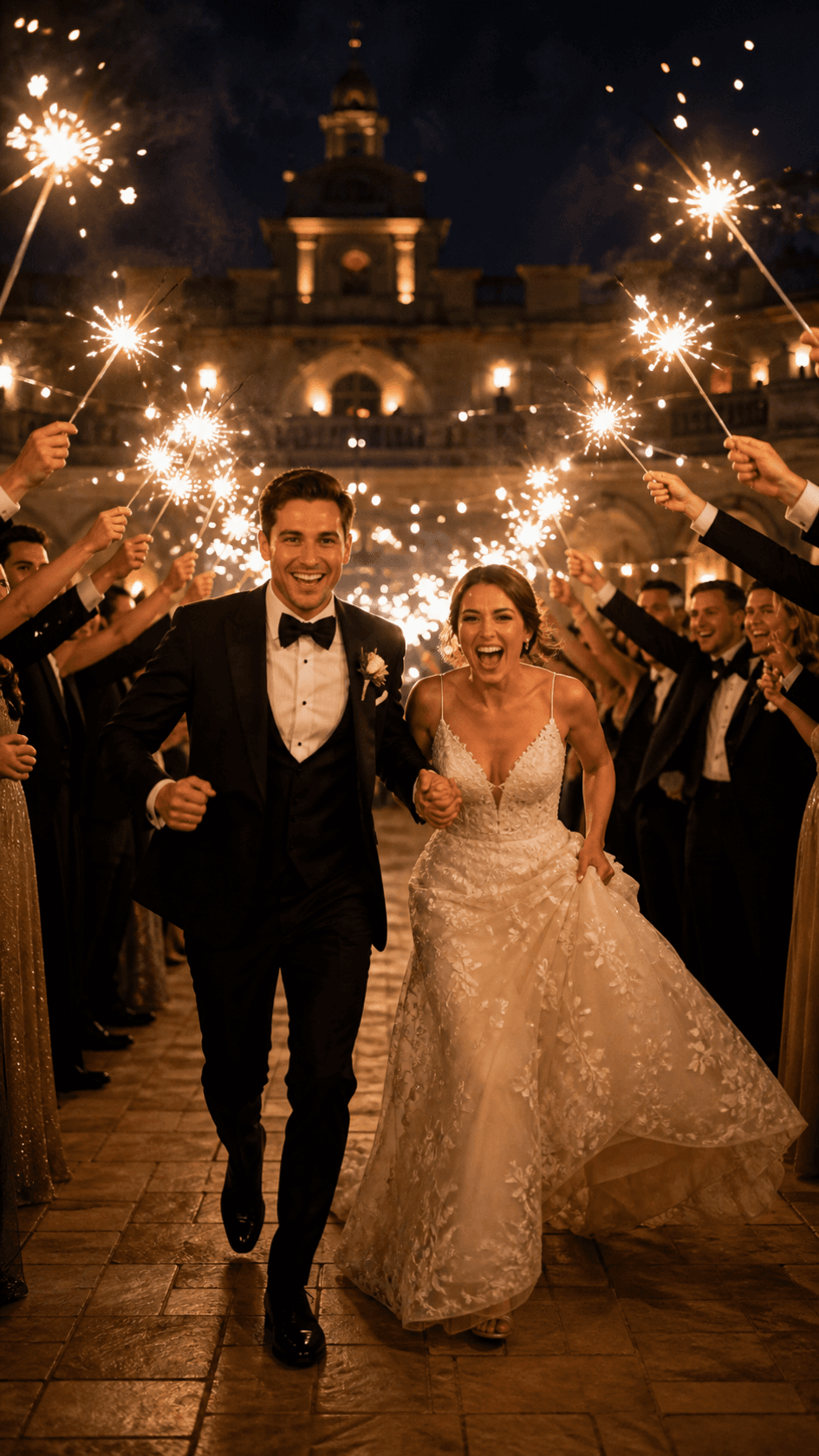
04Social Wedding Reel
Create a 15-second 9:16 cut with an immediate romantic hook, three memorable moments, music-synced edits, and a clean final portrait.
 05
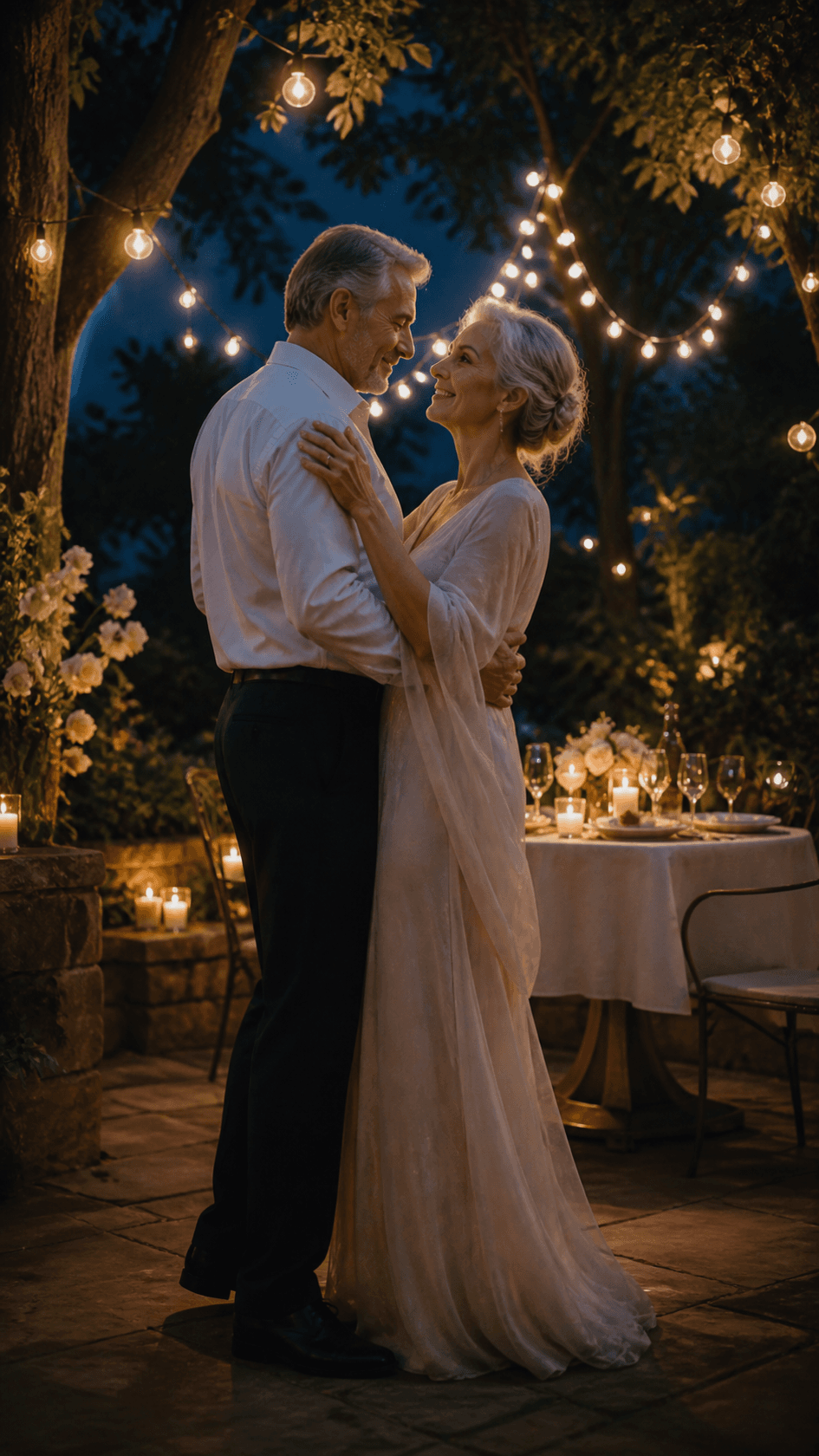
05Anniversary Film
Blend wedding-day memories with recent photos, keep the pacing reflective and warm, and end on the anniversary date or a personal message.

Animate a favorite wedding portrait or still photo when the original composition should guide the shot.
Create original transition shots or atmospheric wedding visuals from a written description.
Use visual references to guide a consistent couple, venue, wardrobe, flowers, and overall film direction.
Practical answers for turning wedding photos, footage, and music into a finished film.
An AI wedding video maker turns photos, video clips, music, and a creative brief into an edited wedding film. You can guide the mood, pacing, transitions, duration, resolution, and aspect ratio without editing on a traditional timeline.
Yes. Upload JPG or PNG photos with MP4 clips and describe how you want them arranged. Seedance can blend still images and footage into one edit with consistent pacing and transitions.
You can upload a song or choose a built-in track, then ask Seedance to match the edit rhythm to the music. Make sure you have the rights needed to use and share any uploaded audio.
Use 16:9 for YouTube, TVs, and cinema-style sharing; 9:16 for TikTok, Instagram Reels, and YouTube Shorts; or 1:1 for square feed placements. Preview every crop before downloading.
A 30–60 second edit works well for social sharing, while a 2–3 minute film gives more room for the ceremony, speeches, portraits, and reception. Choose the shortest length that includes the moments you care about.
New accounts may receive starter credits. The number of videos those credits cover depends on the current model, duration, resolution, audio, and input mode, so check the live credit estimate before generating.
Seedance supports watermark-free downloads. Review the current export details shown in the generator before creating your final version.
Review faces, hands, names, dates, crop, pacing, original audio, and every key moment. Also confirm that you have permission to use and share the uploaded photos, footage, music, and voices.
Upload your wedding photos and footage, add music, choose a format, and turn the moments you love into a polished film ready to share.