
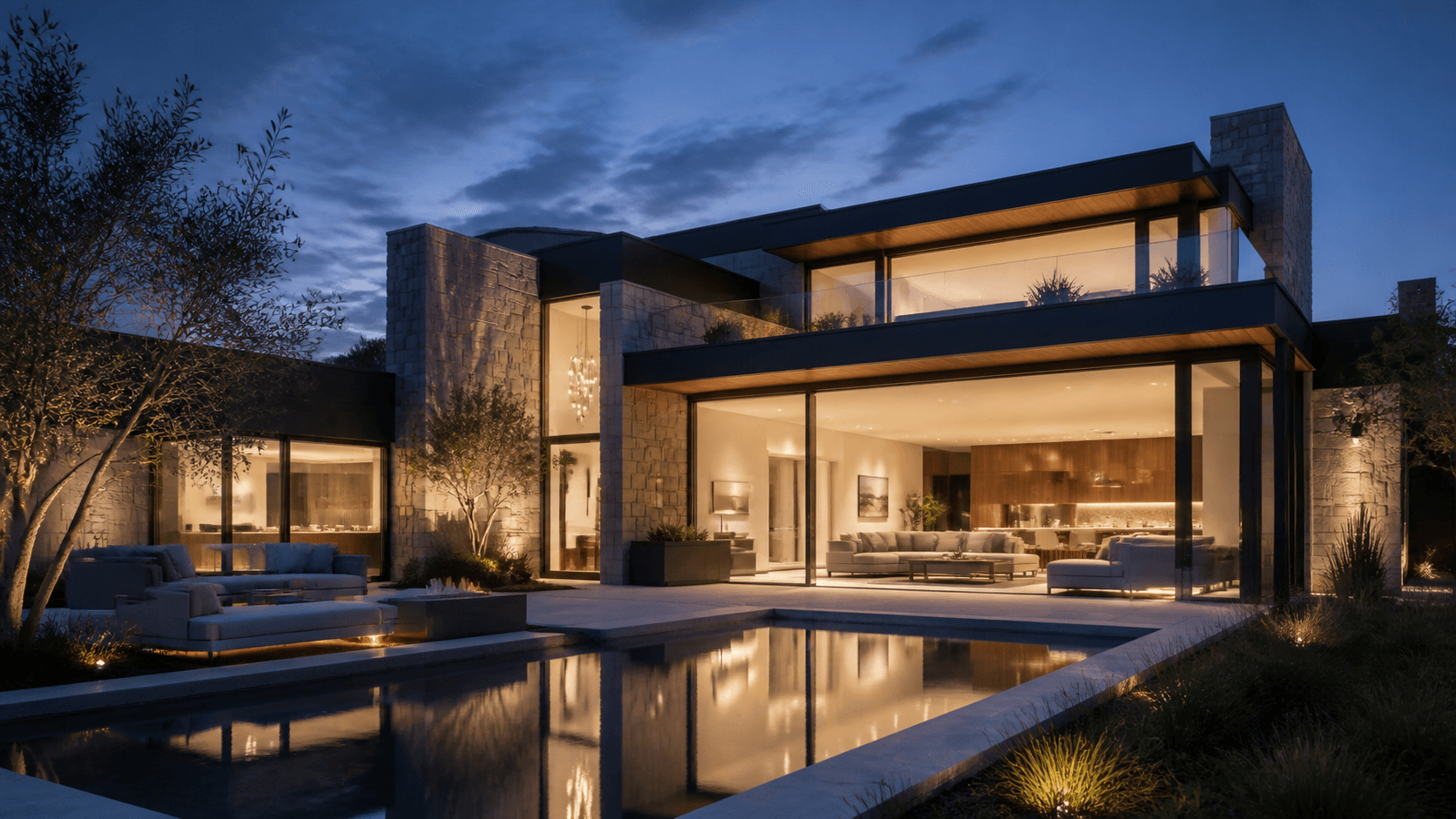
Property Listing Video
Turn listing photos into a polished walkthrough
Upload property photos, describe the home, and generate a professional real estate video in minutes. No camera crew. No editing. No watermark.
Describe the video you want — e.g. “a 15s vertical ad for my coffee brand”
Turn listing photos into a polished walkthrough
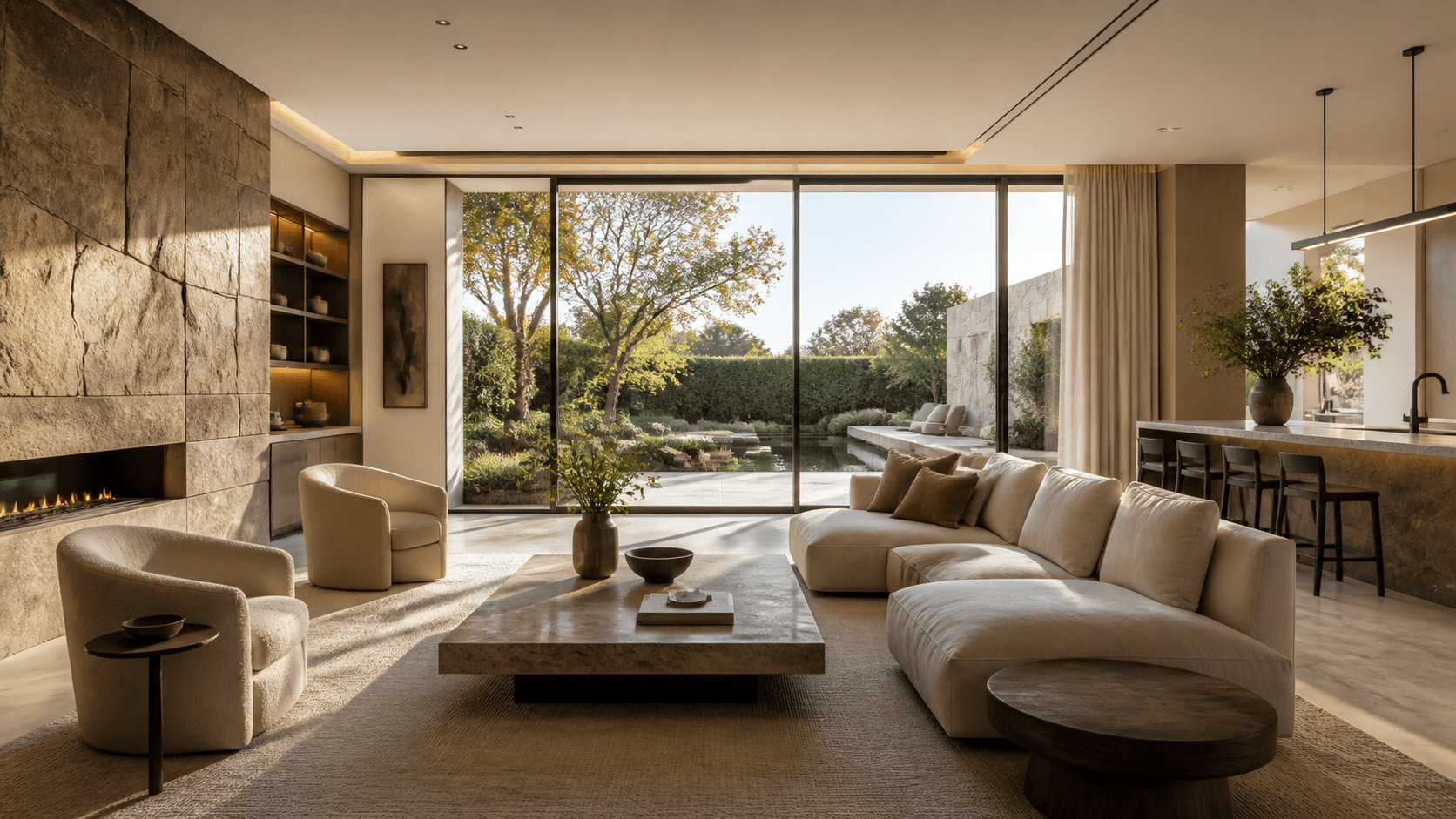
Match premium property value with cinematic quality
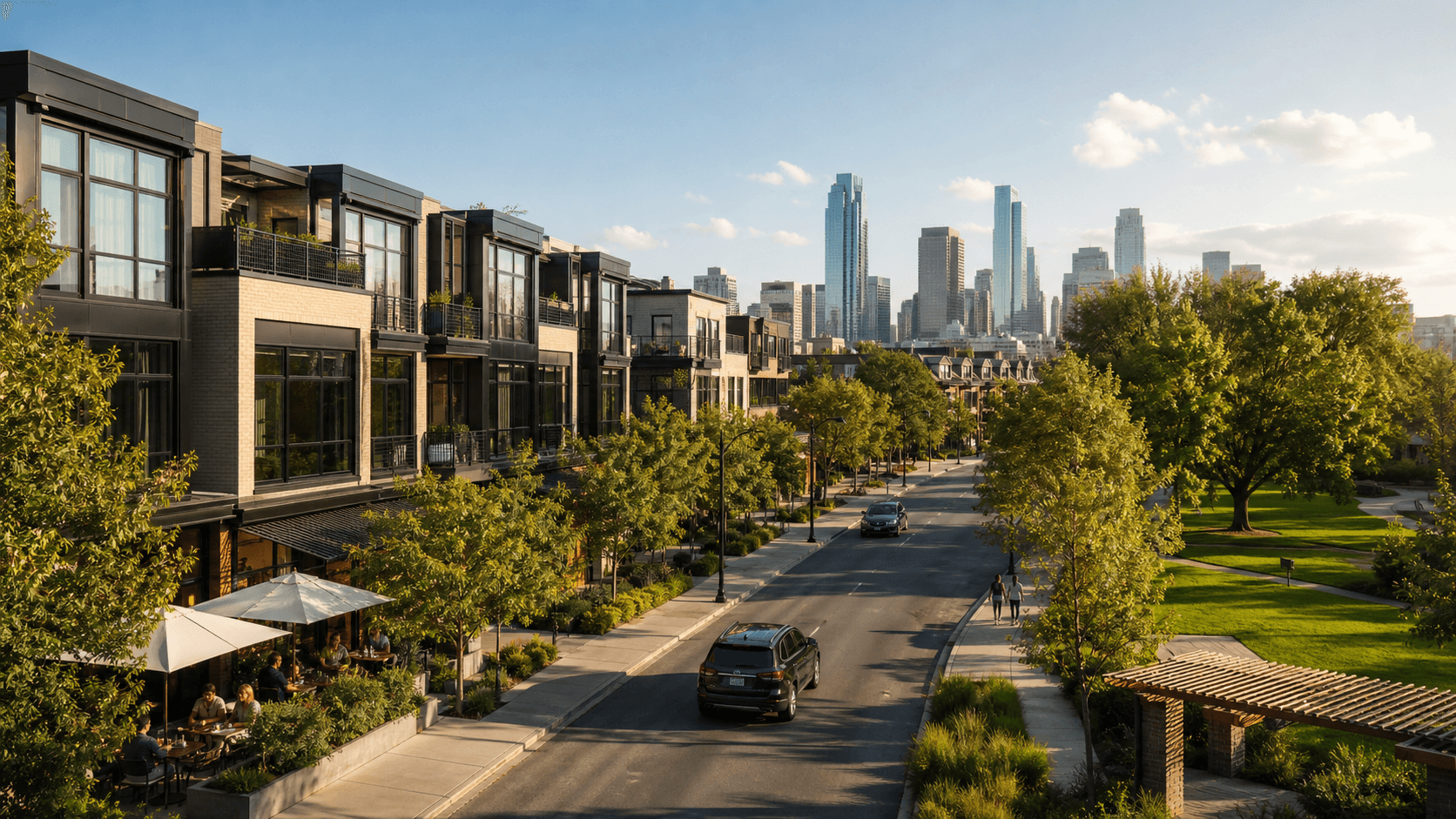
Highlight location, commute, and lifestyle
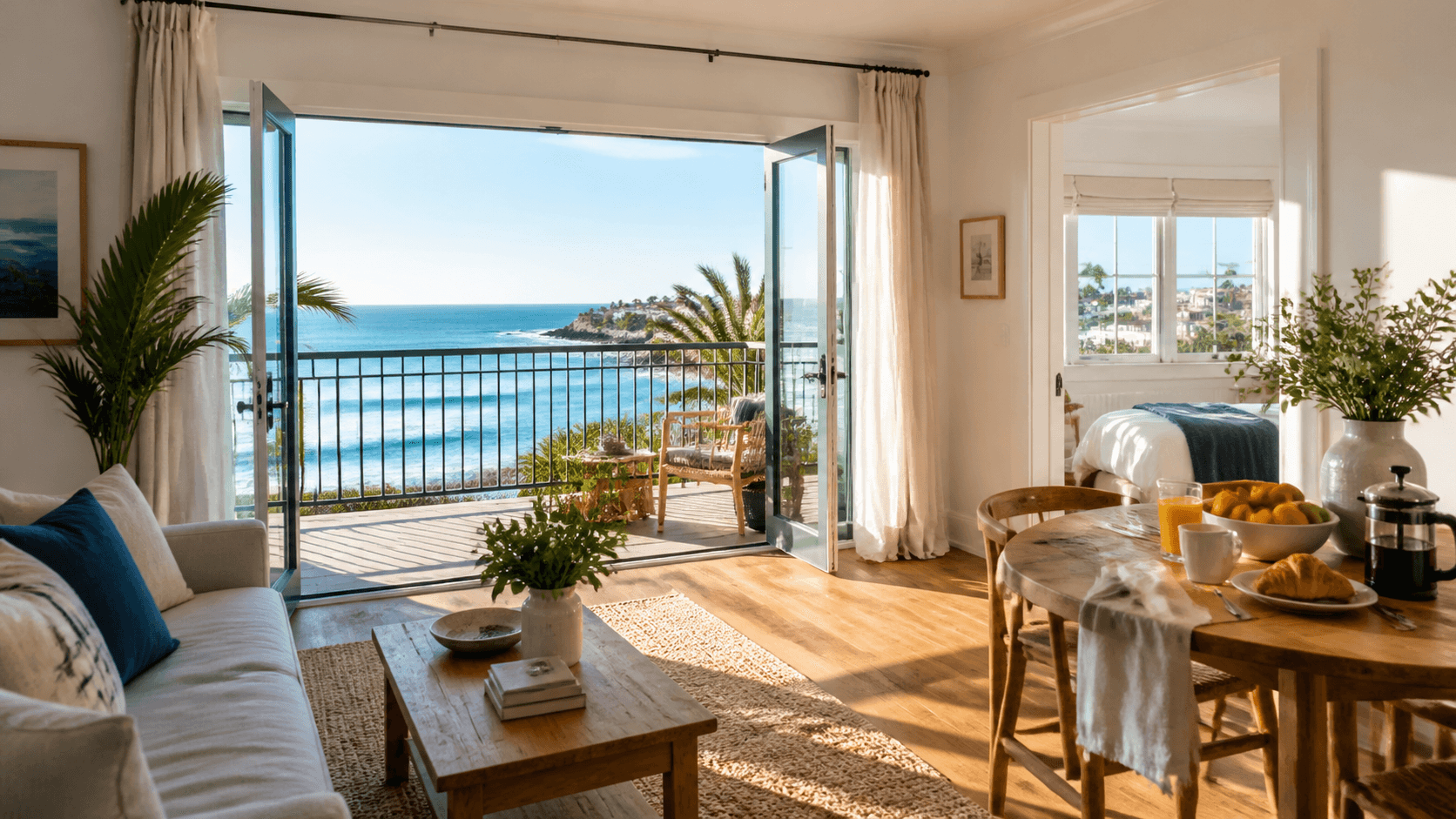
Create short-form clips for rental platforms and social
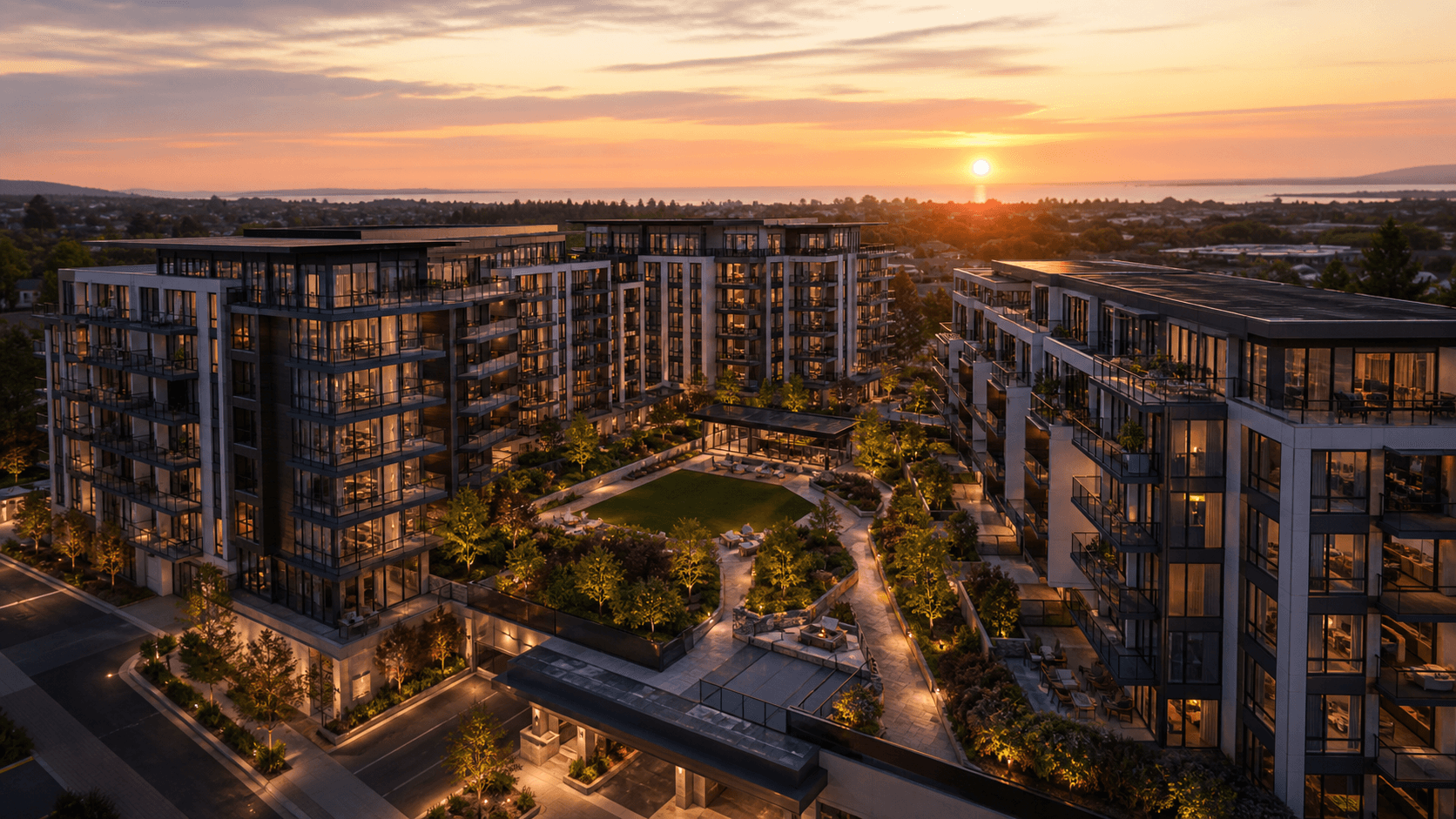
Market a project before construction is complete

Keep every listing video polished and consistent
Upload your listing photos or floor plan images—Seedance handles the motion, transitions, pacing, and music. No drone crew, no video editor, no post-production queue. Download in full resolution, watermark-free, ready to publish on Zillow, YouTube, or Instagram.
Add smooth pan, zoom, and reveal transitions that make each room feel spacious and inviting
Describe the property's strongest selling points and build the visual narrative around them
Plan 16:9 walkthroughs, 9:16 Reels, and 1:1 feed posts from the same property assets
Upload the property assets you already have, guide the visual story, and create professional listing videos for every channel without scheduling a camera crew.
Upload JPG or PNG listing photos and direct the camera path, room order, mood, and strongest selling points. Seedance creates smooth motion, consistent pacing, and a polished property story. Try it with starter credits, review the live estimate before generating, and export without a watermark.
Create a 16:9 house video for YouTube and listing pages, a 9:16 vertical Reel for Instagram and TikTok, and a square version for social feeds. Keep the property story consistent while adapting the opening pace, framing, captions, and call to action for each placement.
Generate a video for every new listing without coordinating shoots or waiting on editors. Real estate agents and teams can keep the same brand tone, color direction, pacing, and end card across every property they represent—in hours, not weeks.
Create focused property videos for listings, luxury homes, neighborhoods, rentals, new developments, and agent marketing from the assets you already have.
Turn exterior, interior, amenity, and floor-plan images into a clear walkthrough built around the property's most persuasive features. Use it for listing pages, MLS-linked marketing, YouTube, email, and social media.
Move from listing assets to a polished, reviewable property video in three steps.
Upload authorized exterior, interior, amenity, floor-plan, neighborhood, logo, and agent images. Choose the clearest photos and remove duplicates before you begin.
Describe the property type, best features, room order, camera movement, mood, duration, aspect ratio, music, captions, and call to action.
Compare variations, then check room accuracy, layout continuity, lighting, address and price text, mobile crop, music rights, and every property claim before publishing.
Build each prompt with the same practical formula: property type + strongest feature + shot order + camera motion + mood + CTA + aspect ratio.
 01
01Listing Walkthrough
Open on the front approach, move through the entry and main living area, reveal the kitchen and primary suite, then finish on the backyard with a clean book-a-tour call to action.
 02
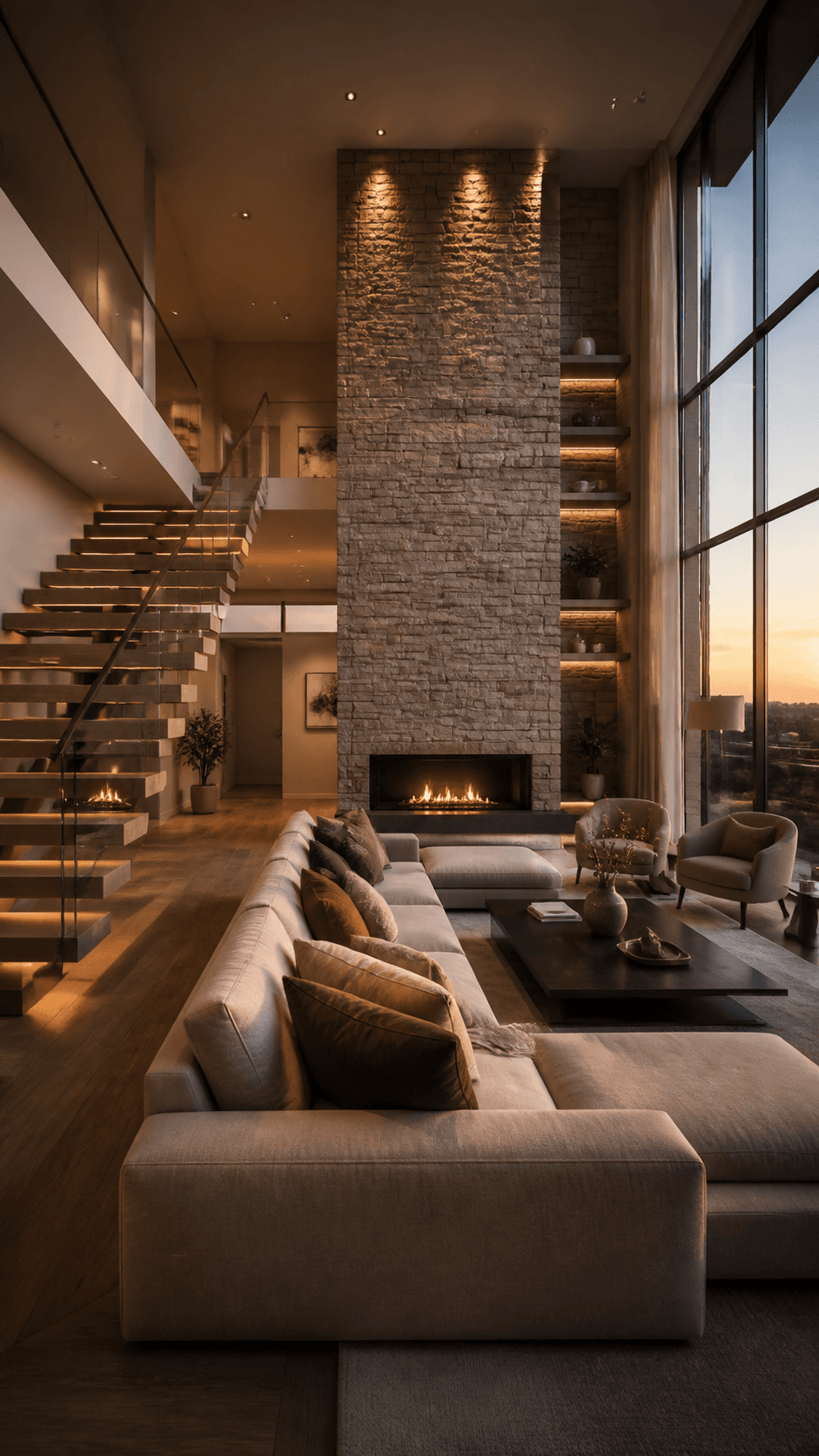
02Luxury Home Reveal
Use restrained cinematic movement, architectural close-ups, natural stone and wood detail, a slow double-height living-room reveal, and an elegant private-viewing call to action.
 03
03Neighborhood Lifestyle
Connect the home to the nearby park, cafes, transit, and walkable streets with brighter pacing, clear location context, and a discover-the-neighborhood call to action.
 04
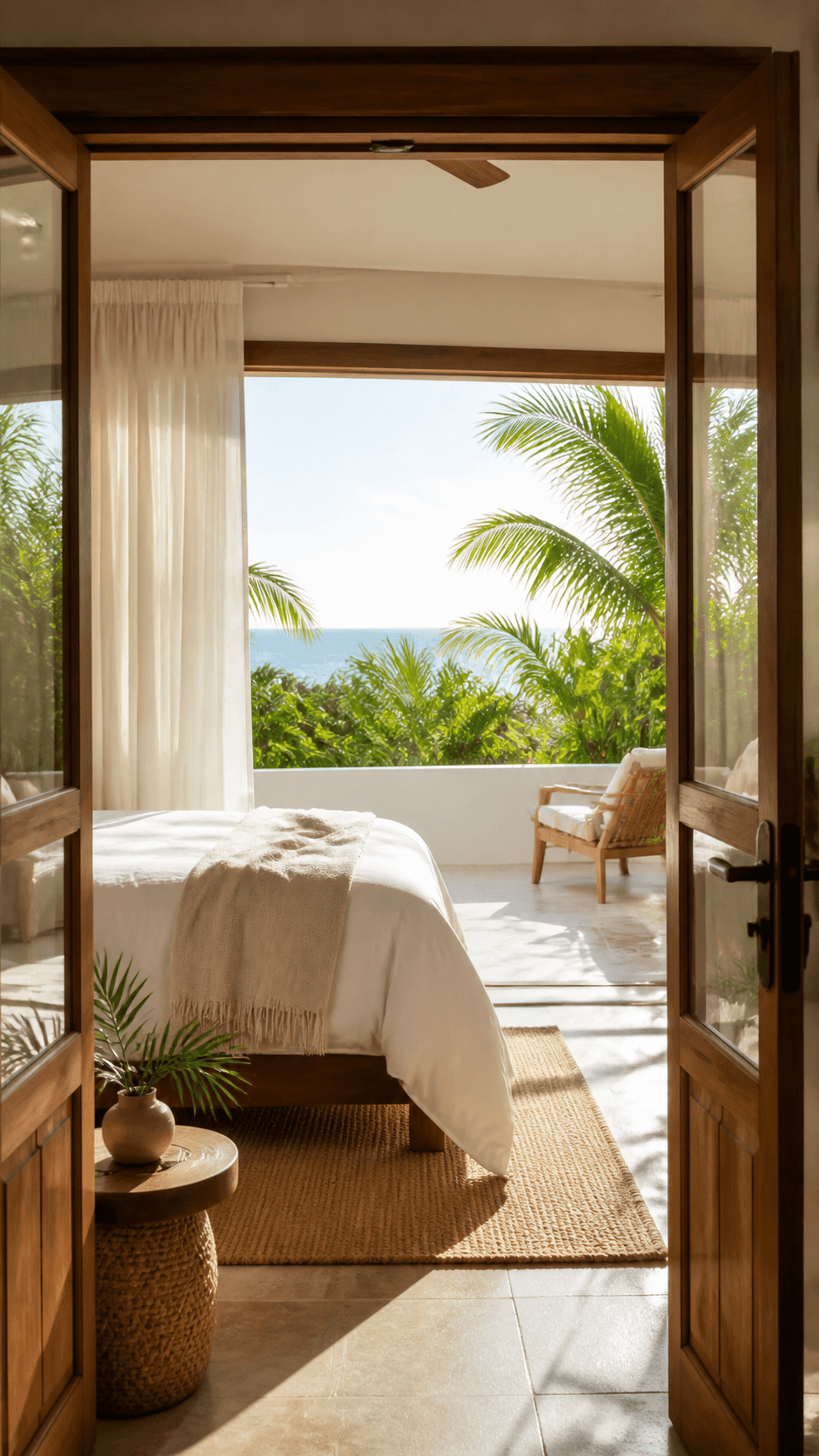
04Vacation Rental Promo
Lead with the view, reveal the bedroom, terrace, kitchen, and pool, use an upbeat vertical pace, and finish with a book-your-stay call to action.
 05
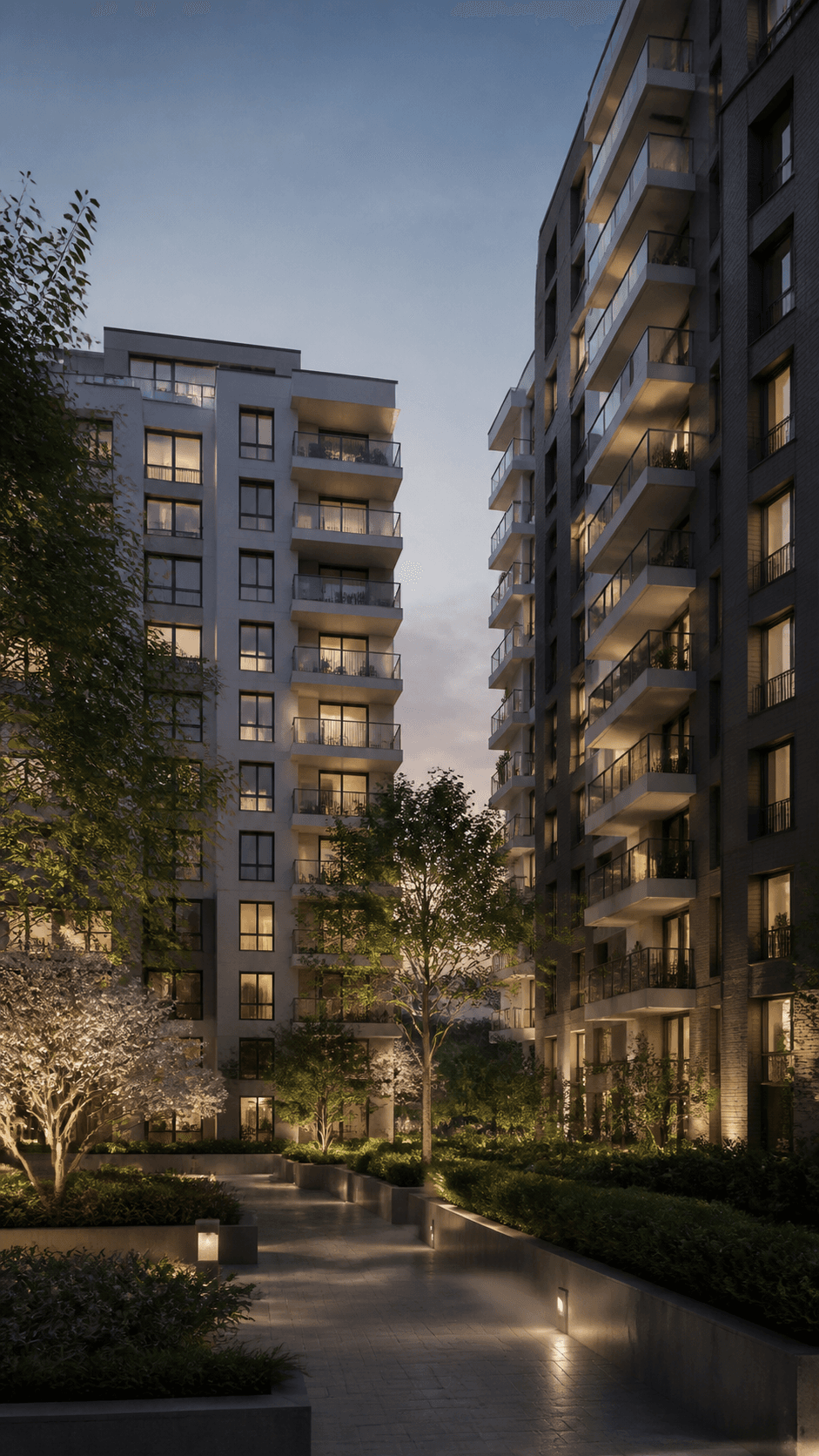
05New Development Launch
Move from the site context to the exterior, landscaped courtyard, model residence, and amenities, then close on availability and register-interest messaging.

Animate property photos into smooth cinematic clips when the starting composition and real room details matter.
Generate exterior, neighborhood, or lifestyle concepts from a written description when final property photos are not available yet.
Use visual references to guide consistent branding, color direction, property details, and camera language across a listing portfolio.
Practical answers for turning property photos, floor plans, and listing descriptions into real estate marketing videos.
An AI real estate video generator turns property photos, floor plans, and written directions into a short listing or marketing video. You can guide the room order, camera movement, pacing, music, captions, call to action, duration, and aspect ratio.
Yes. Upload clear exterior, interior, amenity, and neighborhood photos, then describe how the walkthrough should move between them. Review the output carefully because generated motion can sometimes change room geometry or property details.
New accounts may receive starter credits, but how many property clips those credits cover depends on the current model, duration, resolution, audio, and input mode. Check the live credit estimate and current export terms before generating.
You can prepare videos for listing pages, YouTube, Instagram, TikTok, Facebook, email, agent websites, rental platforms, and other channels that accept your chosen file format. Always follow each platform's listing, advertising, and disclosure rules.
Use 16:9 for YouTube and many listing pages, 9:16 for Reels, TikTok, and Shorts, and 1:1 for square social placements. Preview addresses, prices, captions, logos, and calls to action inside the safe area for each platform.
You can direct the soundtrack or narration in your workflow, depending on the selected model and current feature support. Use only music, voices, scripts, and property claims you are authorized to publish, and review pronunciation and factual accuracy before release.
Seedance exports are designed to be downloaded without a Seedance watermark. Check the current plan and export terms before generating, and add your own authorized brokerage or agent branding when needed.
Seedance gives you direct control over prompt-guided camera motion, room order, pacing, aspect ratio, audio direction, and reusable visual references. Unlike template-first tools such as Steve AI or generation-focused tools such as Pollo AI, the best choice depends on whether you prioritize templates, editing controls, model access, output consistency, or production speed. Compare current features and pricing before deciding.
Add property photos or a floor plan, describe the home's strongest features, choose a platform format, and create professional listing video variations in minutes.