
Kling 4.0 AI Video Generator
Explore Kling 4.0 for longer stories, controlled camera moves, reference-driven scenes and synchronized sound. See official examples and plan your next product video, ad or short film. Kling 4.0 is not yet connected to Seedance; the generator below opens Kling 3.0, clearly shown before you create.
Text to Video
 Kling 3.0
Kling 4.0 Key Features and Official Demos
30-Second Scenes with Keyframe Control
Kling describes 3–30 second generation and up to 10 keyframes for the full 4.0 model. Plan an opening, a turning point and a final image before adding shot details. The official dragon demo below illustrates an extended cinematic scene.
Dynamic Motion and Cinematic Camera Work
The announced model improves action continuity and complex camera movement. The official action sequence shows why subject shape, screen direction and camera speed matter together. When planning your own scene, choose one main action and one camera move before making the choreography more demanding.
Omni References for Consistent Scenes
Kling announces up to 15 combined reference assets, with individual limits for images, videos and subjects. Give each reference a clear role: appearance, setting or movement. This official racing example illustrates reference-led production; keep the brief focused on what should remain consistent as the scene changes.
Dialogue, Performance and Synchronized Sound
The 4.0 announcement highlights stereo audio and improved lip sync. The official reunion scene demonstrates dialogue-led storytelling. Write short spoken lines, identify the speaker and describe the intended emotion. These page previews are silent excerpts; check the official full demos for audio.
How to Plan a Video for Kling 4.0
Prepare your brief and references before choosing a model. The form on this page uses Kling 3.0 while Seedance awaits a Kling 4.0 integration.
Choose the Subject and Reference
Start with a clear product photo, character image or written scene. Define what must stay unchanged, such as the product silhouette, outfit or background.
Write the Scene in Order
Describe the subject, action, camera, light and sound. Example: a ceramic cup on a breakfast table; steam rises as the camera slowly pushes in; warm morning light and quiet room ambience.
Check the Model and Review the Result
Confirm the model name, duration, resolution and credits in the generator. Review the entire clip for continuity, readable product details and sound before exporting.
Kling 4.0 Video Ideas and Use Cases
Official Kling showcase stills illustrate the scene types below. Use these examples to plan your own brief; they are not videos generated on Seedance.

Storyboards and Timed Reveals
Map the opening image, turning point and final frame before writing the full prompt. Keep each change easy to identify when reviewing the sequence.
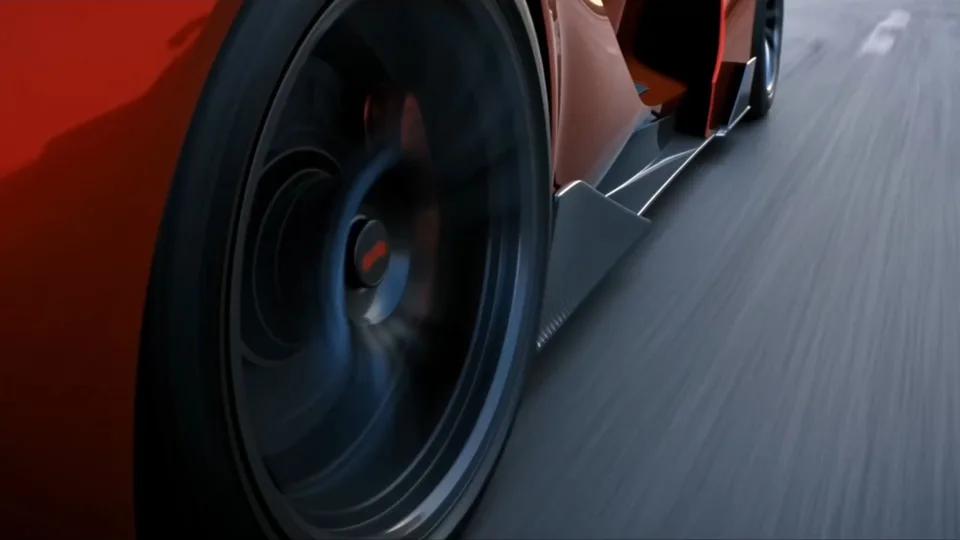
Automotive and Action Concepts
Use one continuous direction of travel and a clear camera path. Review the vehicle shape, road markings and background continuity throughout the shot.
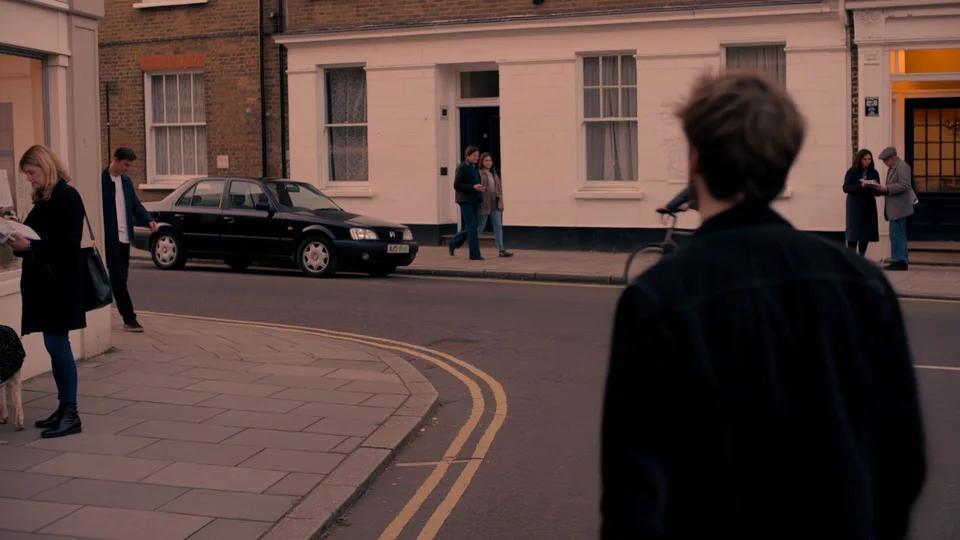
Character Dialogue and Social Stories
Keep dialogue concise and identify who is speaking. Give each character an action and an emotional beat so the scene has a purpose beyond delivering a line.

Fantasy Films and World Building
Establish the scale of the environment before introducing the main action. Describe the relationship between the subject, landscape and camera.
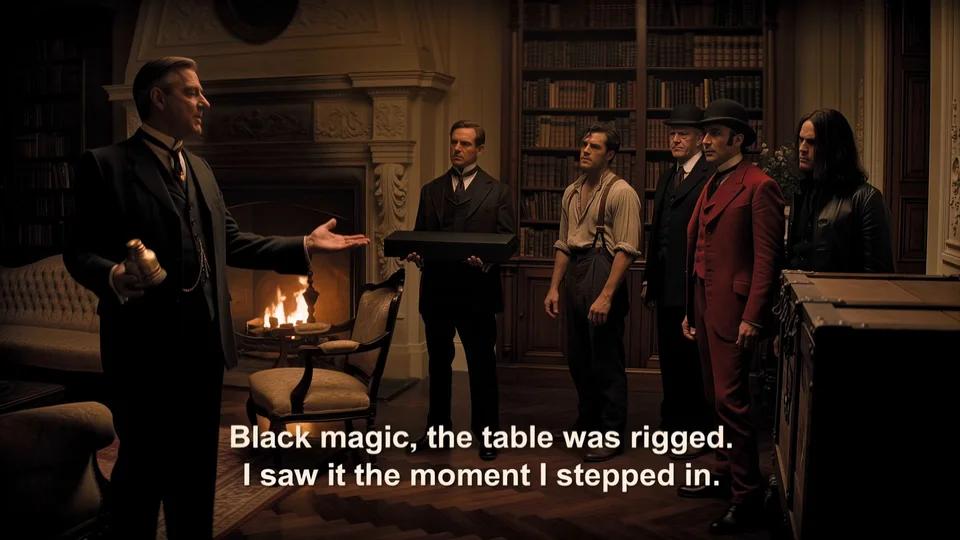
Product and Scene Editing Concepts
Plan a targeted change to a subject or setting. List the details to preserve so you can compare the result against the original frame.

Choreography and Action Previews
Break a complex movement into readable beats. Check anatomy, contact points and screen direction before using the clip as a production reference.
Kling 4.0 vs Kling 3.0
| Feature | Kling 4.0 | Kling 3.0 |
|---|---|---|
| Access on Seedance | Not yet connected | Available in the generator |
| Video Duration | 3–30 seconds announced | Check the selected generation mode |
| Scene Planning | Up to 10 keyframes announced | Prompt-based shot direction |
| References | Up to 15 combined assets announced | Depends on the selected mode |
| Audio | Stereo and improved lip sync announced | Native audio on supported settings |
| Best Next Step | Review official demos and prepare your brief | Create a draft with the available settings |
Kling 4.0 Pricing and Availability
Availability checked October 8, 2026. The official September 30 announcement describes a staged rollout; this page does not offer paid Kling 4.0 generation.
Kling 4.0 Flash Early Access
Kling announced Flash access for Ultra Yearly subscribers from September 28. Eligibility and current pricing are controlled by Kling; a Seedance subscription does not grant that access.
Full Kling 4.0 Rollout
The official guide schedules the full model for October 2026. Features can roll out separately, and 10-bit HDR is described as coming soon. Confirm availability in the official account before purchasing.
Create on Seedance Today
The form above sends your prompt or image to the available Kling 3.0 generator. Its credit cost and output options are shown before generation. No Kling 4.0 credit price is listed here.
Explore More AI Video Models

Kling 3.0
Create text-to-video and image-to-video drafts with the Kling model currently offered on Seedance.

Seedance 2.5
Explore another workflow for longer scenes, reference inputs and audio-aware video creation.

Google Veo 3.1
Compare a different video model for cinematic concepts, product scenes and creative tests.
Kling 4.0 FAQ
What is Kling 4.0?
What is Kling 4.0?
Kling 4.0 is the next generation of Kling AI video models from Kuaishou. Its announced upgrades cover longer scenes, reference control, editing and audiovisual quality. This page summarizes the model and displays official showcase material.
When is the Kling 4.0 release date?
When is the Kling 4.0 release date?
Kling’s September 30, 2026 guide schedules the full model for October 2026. Flash early access was announced from September 28 for eligible Ultra Yearly subscribers. A rollout announcement is not a guarantee of access for every account.
Can I use Kling 4.0 on Seedance now?
Can I use Kling 4.0 on Seedance now?
Kling 4.0 is not yet connected to Seedance. The form on this page explicitly opens Kling 3.0. Check the selected model name before generating; a Kling 3.0 output should not be described as a Kling 4.0 result.
What is the difference between Kling 4.0 and Kling 4.0 Flash?
What is the difference between Kling 4.0 and Kling 4.0 Flash?
Flash is the version highlighted for early access. The full 4.0 model has a separate rollout. Do not assume every announced full-model feature is available in Flash; check the options provided in your Kling account.
Does Kling 4.0 support text to video and image to video?
Does Kling 4.0 support text to video and image to video?
Kling describes a unified workflow using text and visual references. For a text brief, specify the subject, action and camera. For an image brief, explain what should move and what should remain unchanged. Actual input controls depend on the available version.
How long are Kling 4.0 videos?
How long are Kling 4.0 videos?
The full model is announced with 3–30 second generation. This does not change the duration limits of Kling 3.0 in the Seedance form. Always check the selected model settings.
Does Kling 4.0 support 4K and HDR?
Does Kling 4.0 support 4K and HDR?
The official guide describes 4K output and 21:9 video, while 10-bit HDR is marked coming soon. Confirm the specific version and output settings; a 4K announcement does not mean every mode produces native 4K HDR.
How much does Kling 4.0 cost?
How much does Kling 4.0 cost?
This page does not quote a Kling 4.0 generation price or promise free access. Check Kling’s current subscription and generation pricing. Seedance shows the separate credit cost of its available models before you create.
What should I include in a Kling video prompt?
What should I include in a Kling video prompt?
Name the subject, setting, main action, camera move, lighting and sound. For a product clip, state which shape, color and label details must stay fixed. Start with one scene and refine one element at a time.
Where do these Kling 4.0 images and videos come from?
Where do these Kling 4.0 images and videos come from?
The images and silent video excerpts come from Kling AI’s official Kling 4.0 guide and showcase. They illustrate announced capabilities, not outputs made using Seedance. Original source URLs and media measurements are recorded with this page’s assets.