
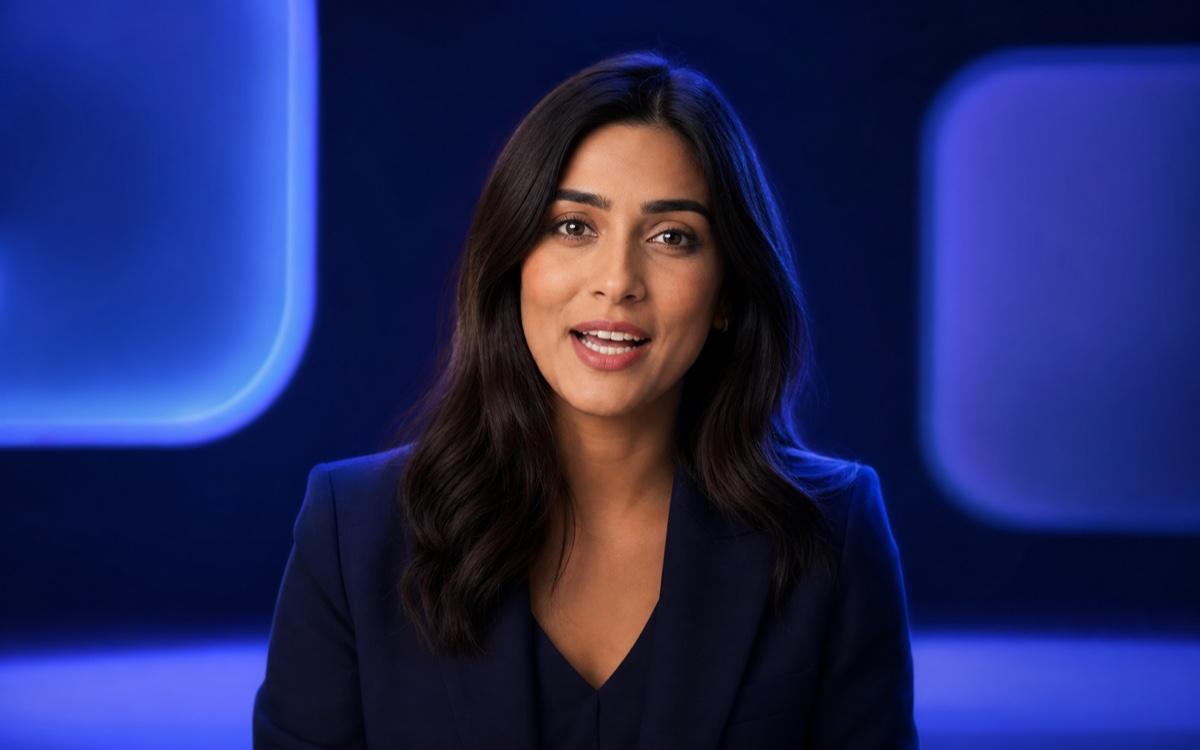
Marketing Spokesperson
Create on-brand videos without a studio
Upload a photo, type your script, and watch it speak in seconds. No watermark. No skills needed.
Describe the video you want — e.g. “a 15s vertical ad for my coffee brand”
Create on-brand videos without a studio
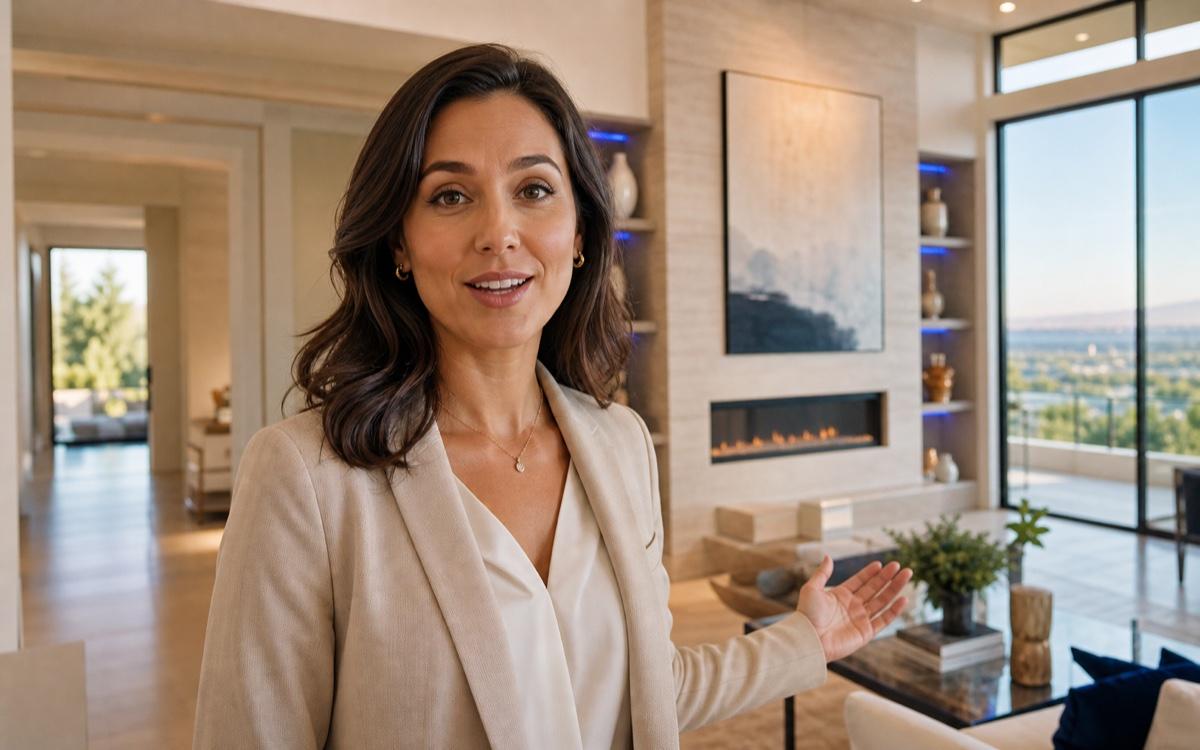
Narrate listings without filming
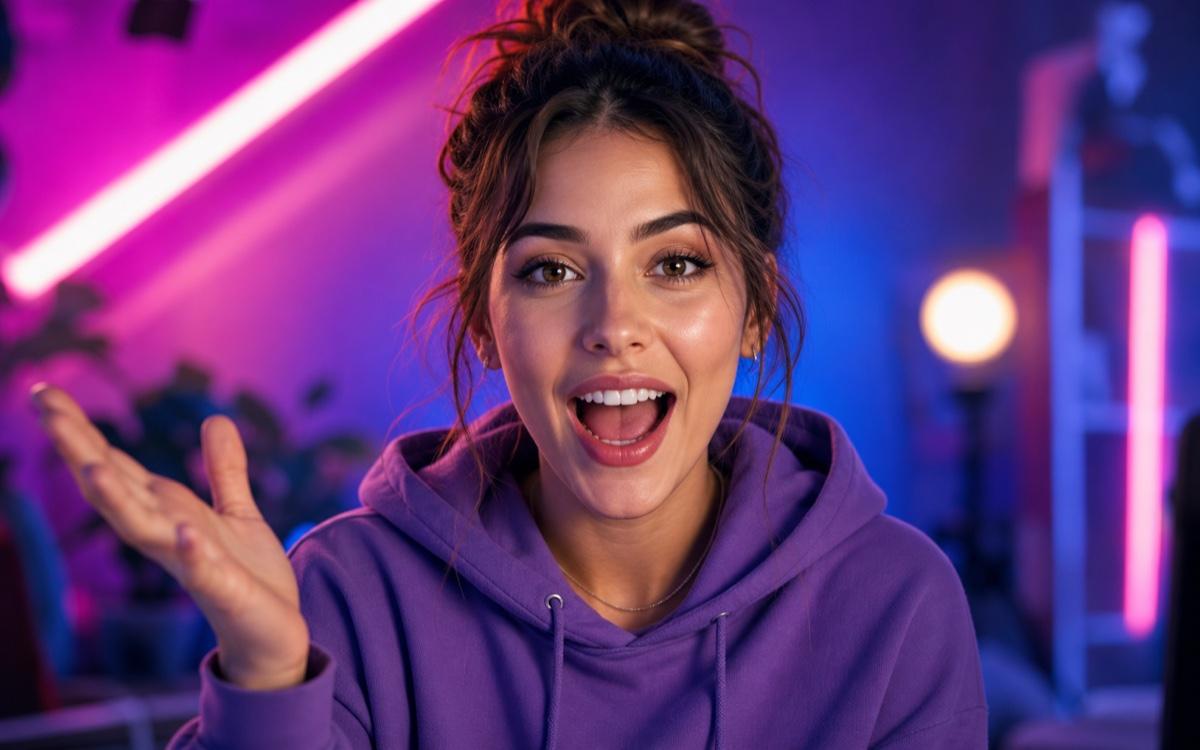
Make talking memes, skits, and clips
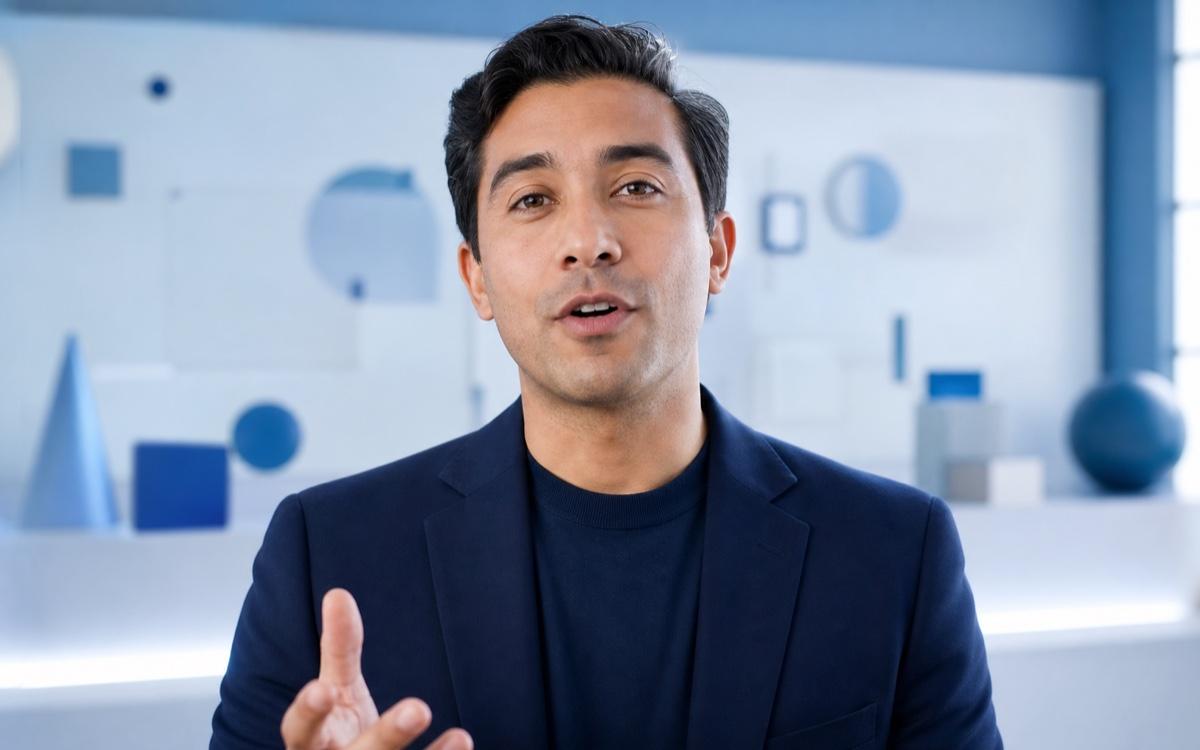
Bring portraits and slides to life
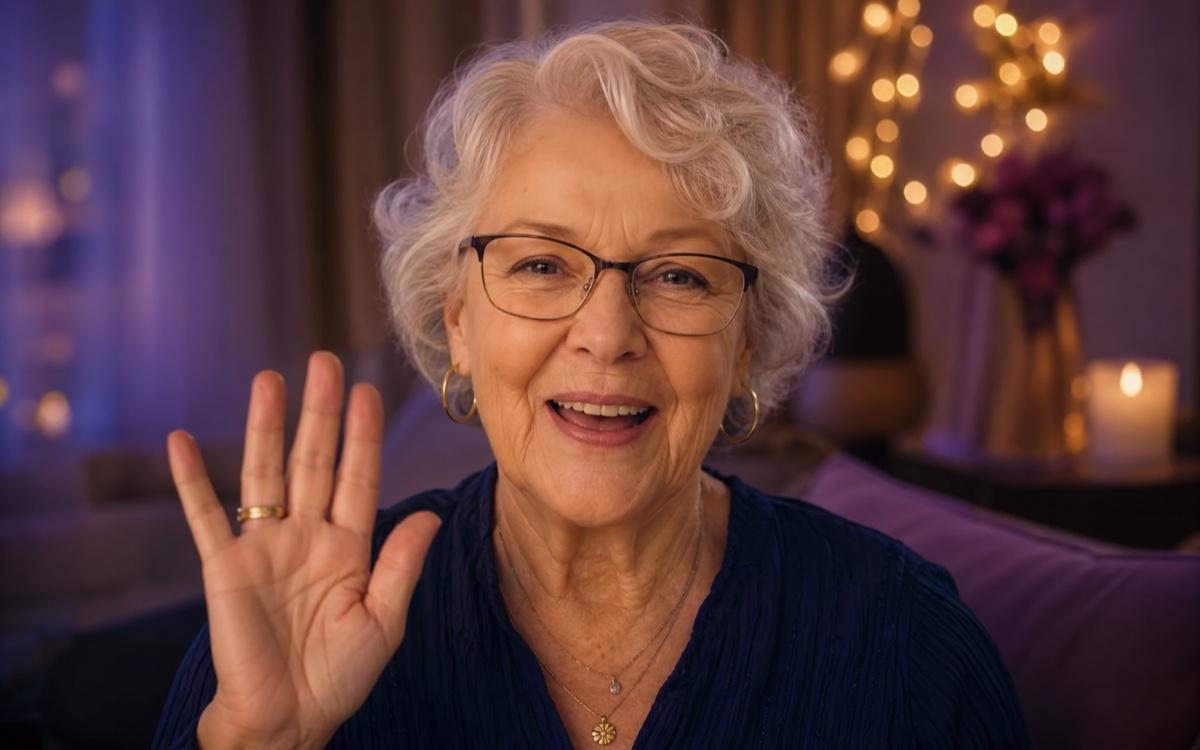
Send a message from any portrait

Animate avatars and illustrations
Upload a portrait photo and a text script—Seedance generates natural lip sync, realistic facial expression, and matching audio in seconds. No editing skills, no studio, no watermark.
Match mouth movement, blinking, and expression to the generated voice
Animate real people, illustrated characters, avatars, and historical portraits
Create narration for different audiences without re-uploading the photo
Create natural speaking videos from the photos you already have. Start free, choose a language and voice style, and review every result before sharing.
Upload any clear portrait photo—real people, illustrated characters, or avatars. Seedance animates natural mouth movement, blinking, and subtle expression to match your script. Review the output before downloading; regenerate if lip sync drift is visible.
Type your script in any supported language and choose from multiple voice styles—neutral, warm, professional, or energetic. Output audio and lip sync are generated together in one pass.
Upload a property photo or floor plan, write a walkthrough script, and generate a narrated tour video. No voiceover artist, no camera crew—ready to share on listings or social media.
Turn a brand portrait or product photo into a speaking ad asset. Generate multiple script variations from the same photo for A/B testing across Meta, TikTok, and Google placements.
Use one portrait to create spokesperson clips, narrated listings, social videos, training content, personal greetings, and animated character messages.
Create on-brand spokesperson videos without hiring talent or booking a studio. Keep the portrait consistent while testing different hooks, offers, and calls to action.
Turn a portrait and a short script into a natural speaking video in three steps.
Add a well-lit, front-facing photo of a person, avatar, illustrated character, or historical portrait that you have permission to use.
Enter what the photo should say, then choose the language, voice style, expression, framing, duration, and aspect ratio for your channel.
Check lip sync, blinking, facial expression, audio clarity, and mobile crop. Regenerate visible drift, then download the version you want to share.
Start with a clear portrait, then describe the audience, script, language, voice, expression, framing, and platform format.
 01
01Marketing Spokesperson
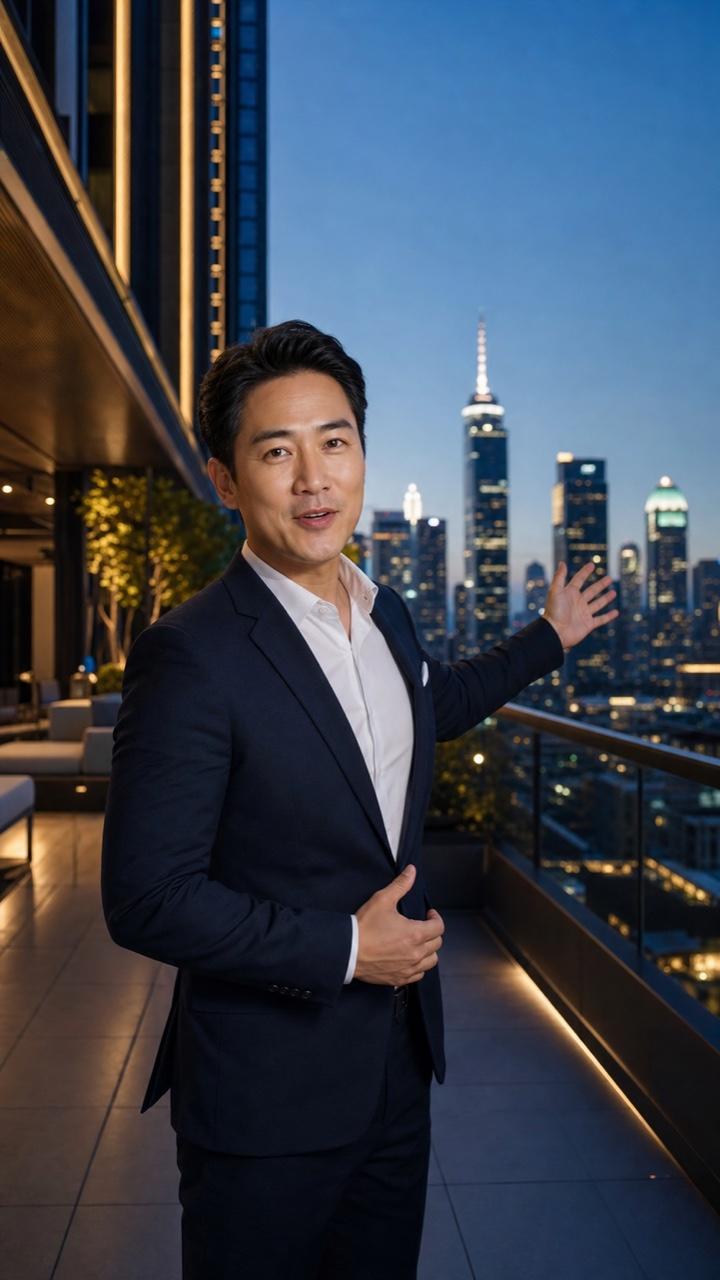
A confident brand presenter delivers one clear product benefit with warm professional energy, natural eye contact, subtle expression, and a concise call to action.
 02
02Real Estate Tour
A friendly property agent introduces the home, highlights the living space and natural light, and ends with a simple invitation to book a viewing.
 03
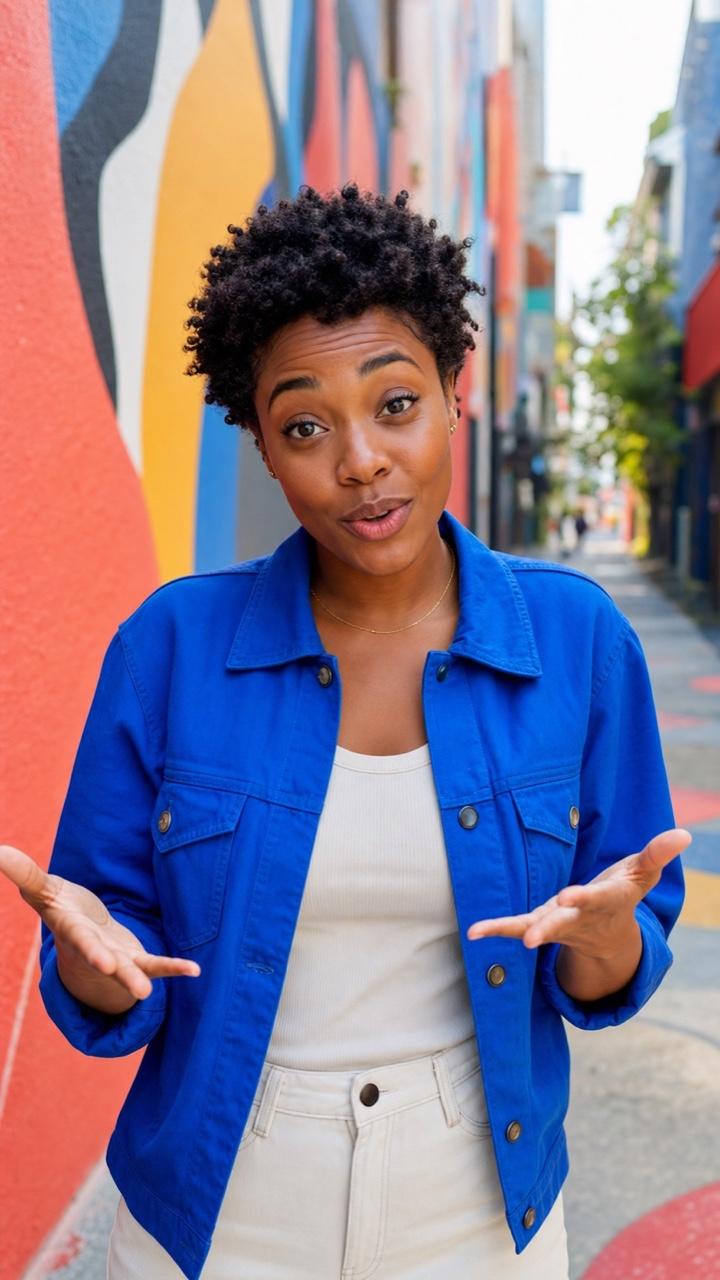
03Social Media Clip
An expressive creator delivers a fast hook and one punchline with energetic pacing, natural facial movement, and a vertical short-form composition.
 04
04E-learning Instructor
A calm instructor explains one concept in clear language with measured pacing, credible expression, and space for readable captions.
 05
05Personalized Greeting
A warm portrait shares a short birthday or celebration message with a friendly smile, gentle voice, and natural eye contact.

Animate any image with motion, camera movement, and scene dynamics when you do not need a script or voiceover.
Generate a fully AI-produced video from a written prompt when you do not need a source photo.
Turn product photos into scroll-stopping ad videos for TikTok, Meta, Google, and ecommerce campaigns.
Practical answers for turning a portrait, avatar, or character image into a natural speaking video.
New Seedance accounts receive starter credits that cover initial generations. The number of videos those credits produce depends on the current model and resolution settings. Check the live credit estimate before generating.
Yes. Upload a property photo or floor plan, write a walkthrough script, and generate a narrated tour video. Review output quality before sharing on listings—regenerate if the result shows visible artifacts.
Watermark behavior depends on your current Seedance plan and the generation model selected. Check your plan details before generating if watermark-free output is required.
Standard image formats including JPG and PNG are supported. Clear, front-facing portrait photos with good lighting produce the most natural lip sync and expression results.
Review Seedance's current privacy policy and terms of service before uploading photos of real people. Only upload images you have the right to use.
Lip sync quality depends on the clarity of the source photo, the length of the script, and the generation model. Front-facing portraits with clear facial features produce the best results. Regenerate any output with visible sync drift.
Upload a portrait, type your script, and generate a natural speaking video in seconds. No watermark. No experience needed.