
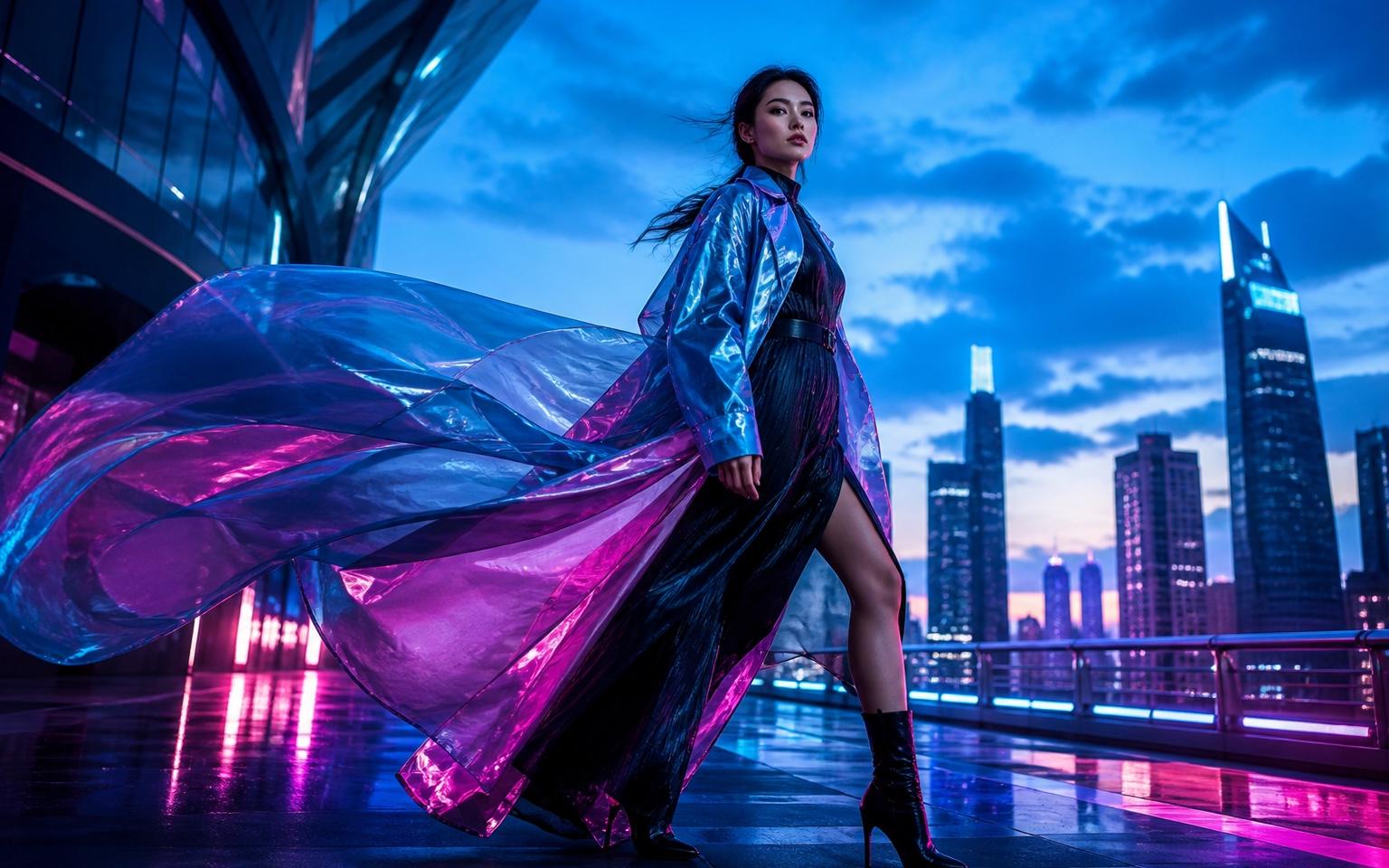
Prompt to Reel
Original visuals from one idea
Type a prompt or upload a photo, choose 9:16, and generate an Instagram Reel ready to post. No camera. No editing. No watermark.
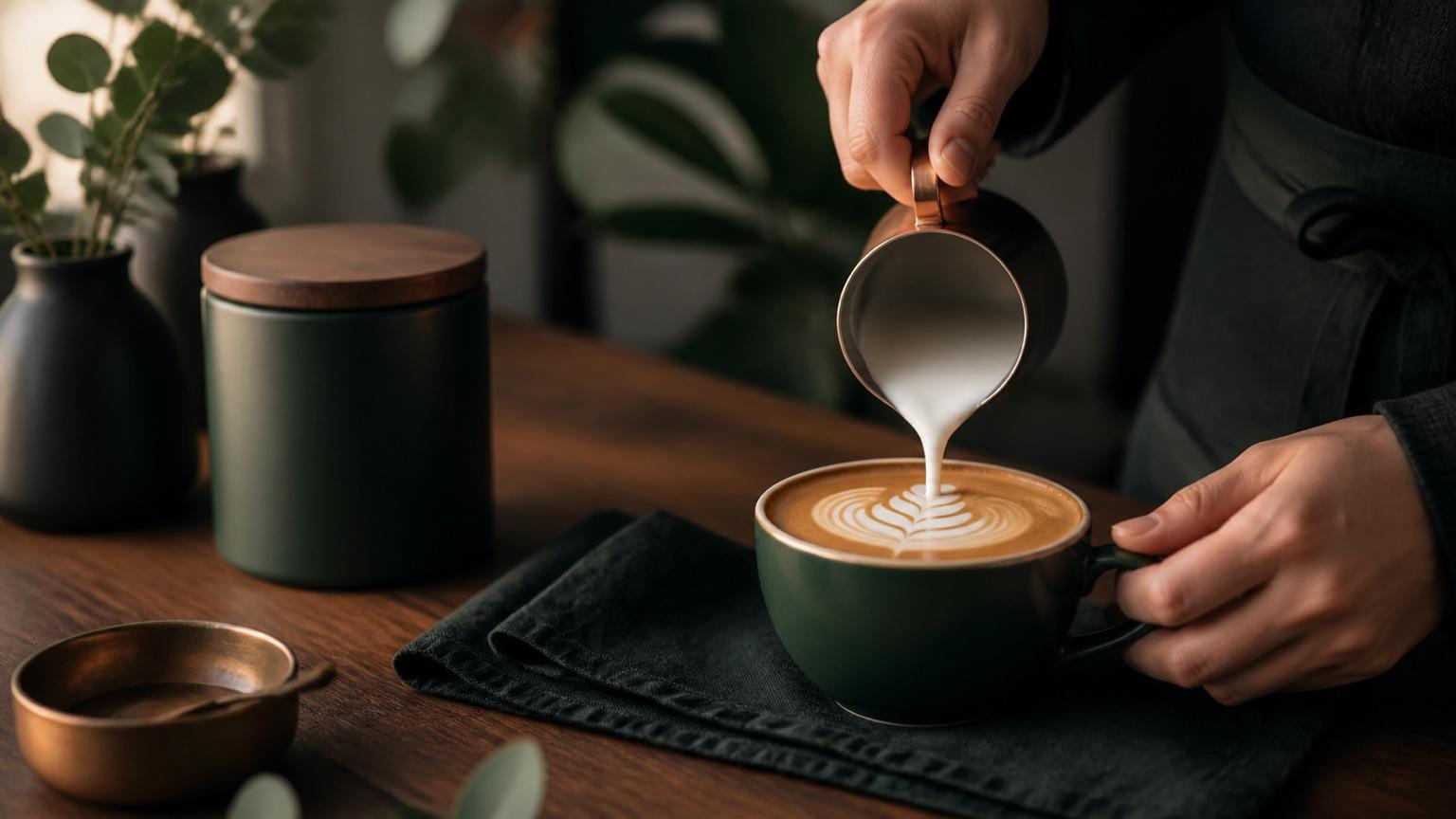
Describe the video you want — e.g. “a 15s vertical ad for my coffee brand”
Original visuals from one idea
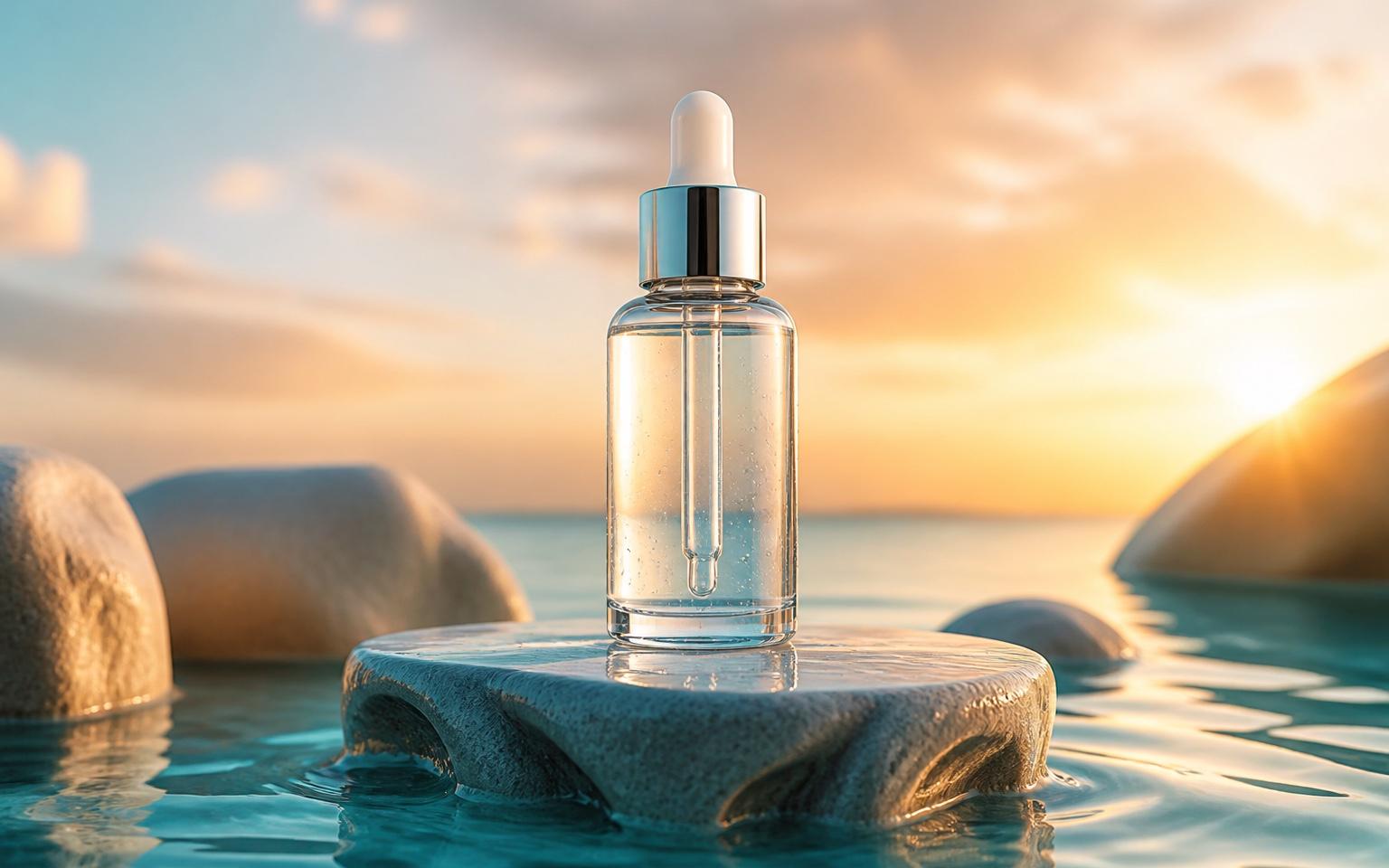
Turn a photo into motion
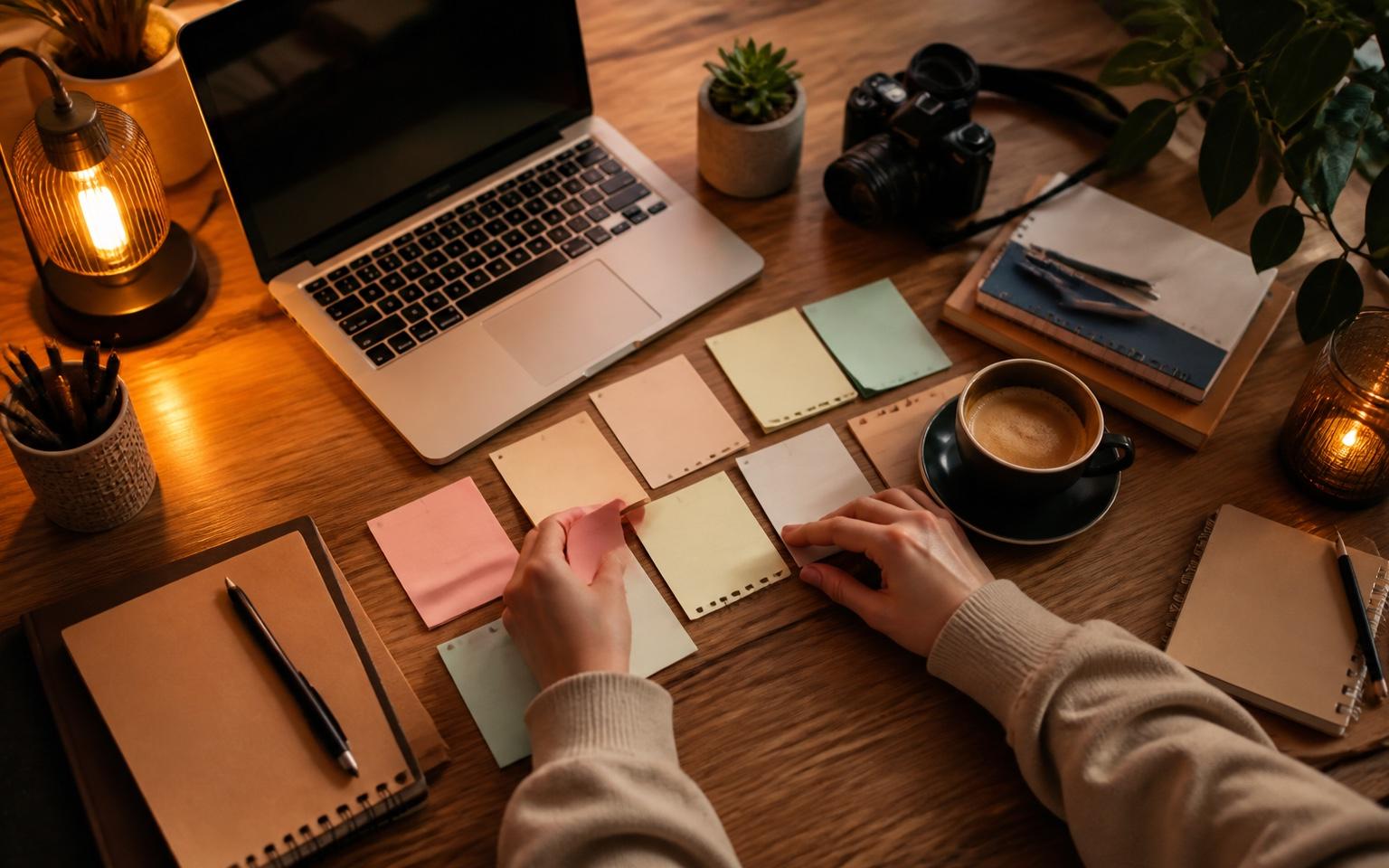
Build a niche without filming
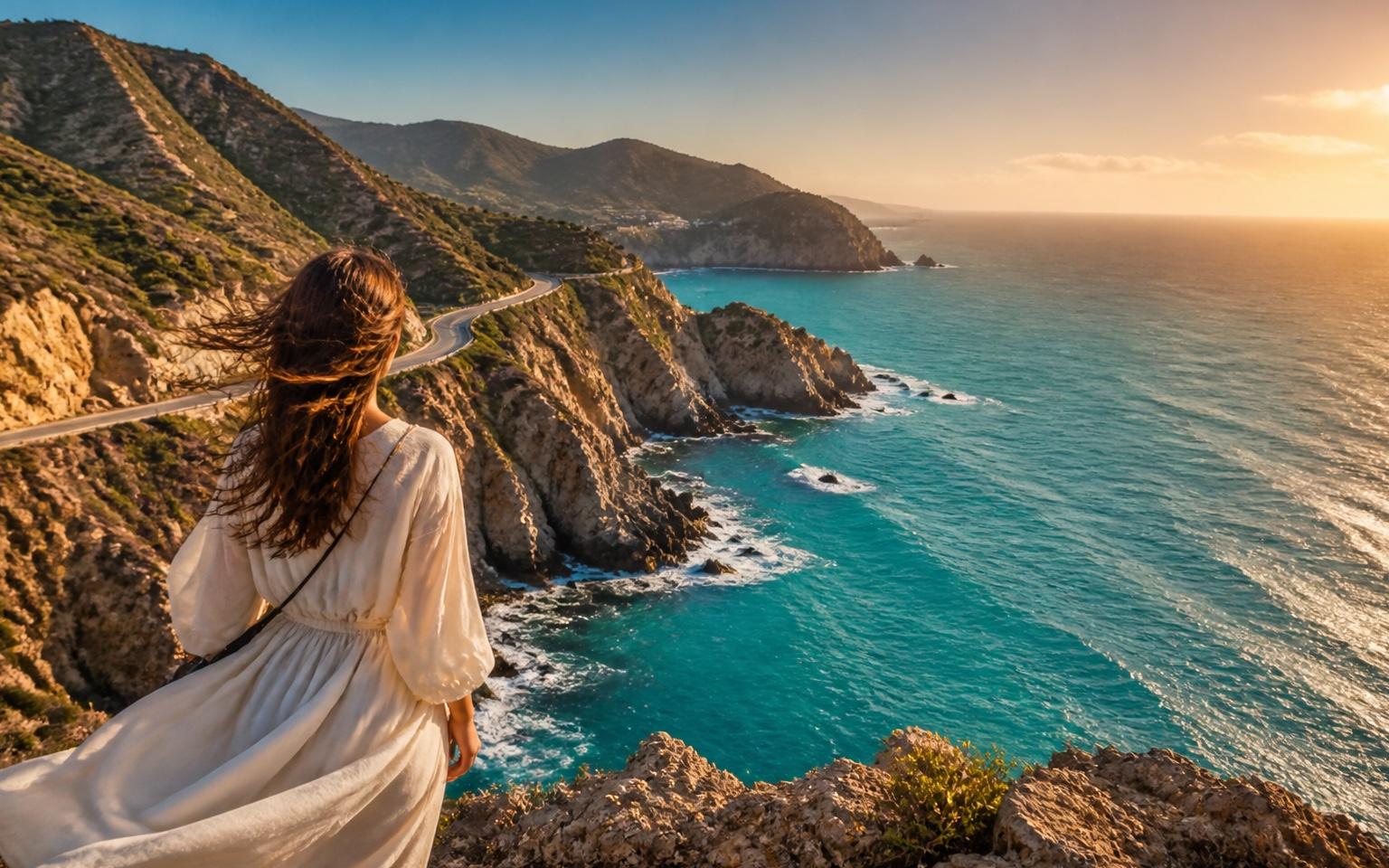
Make destinations feel cinematic
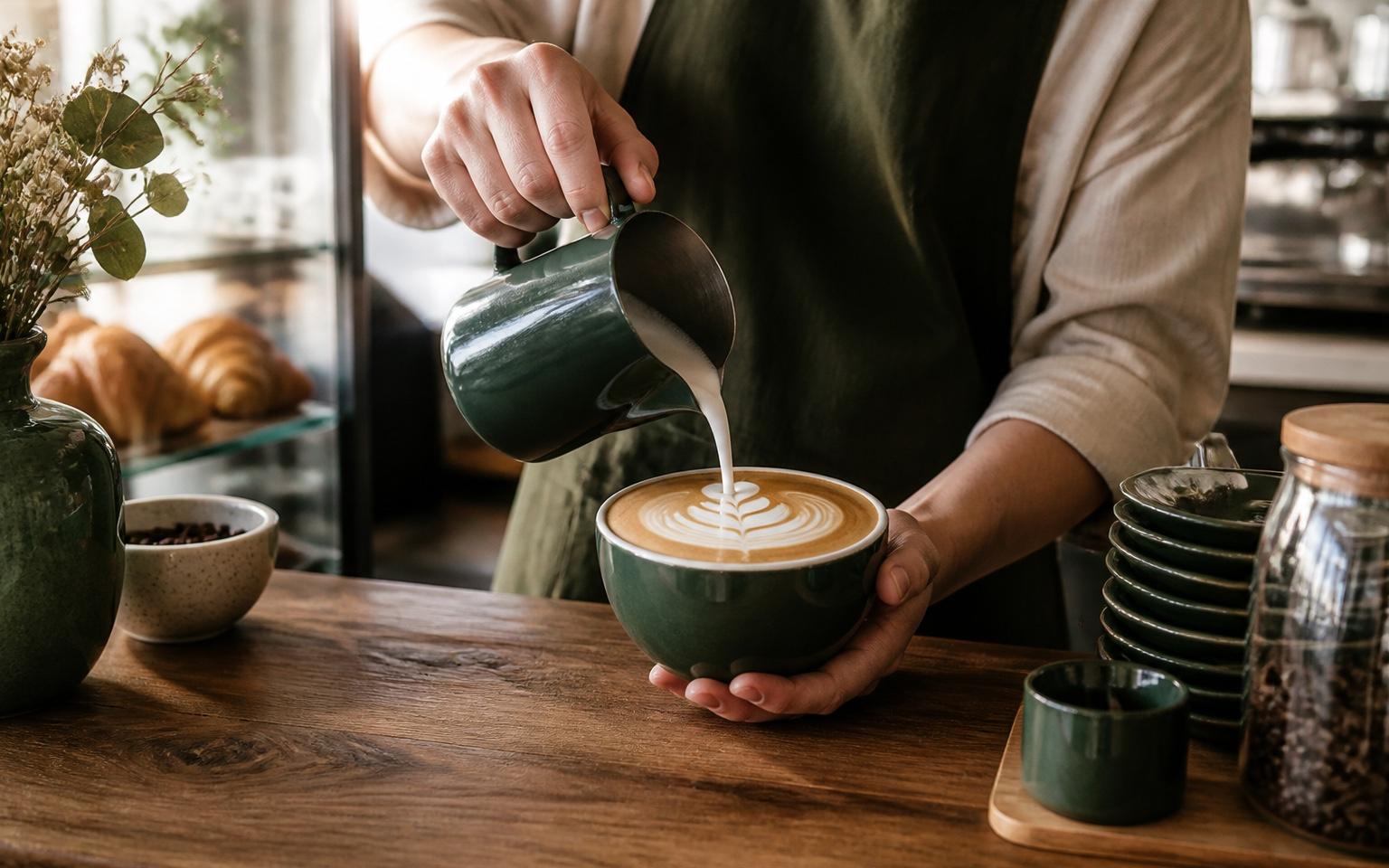
Keep every post on aesthetic
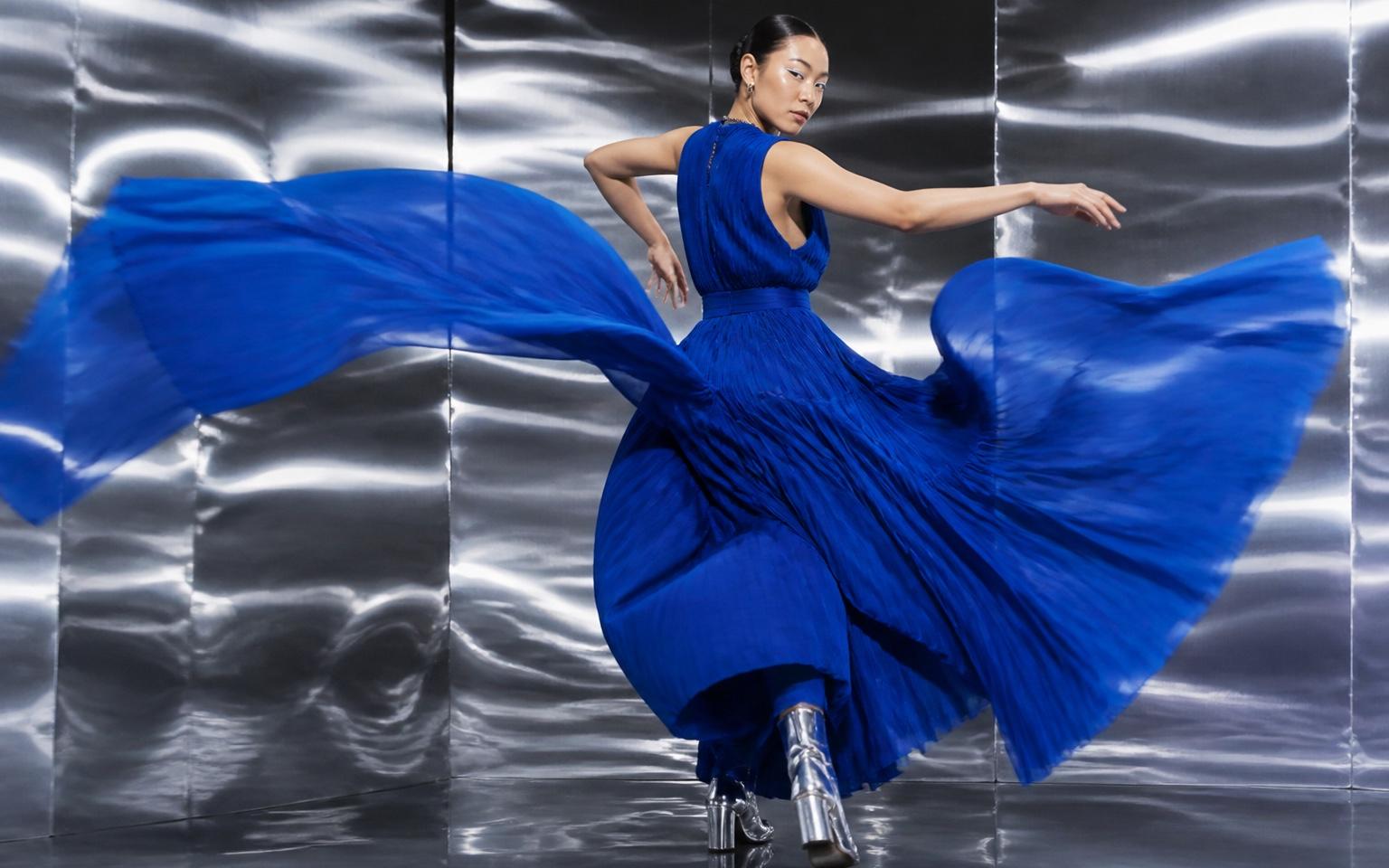
Explore current visual formats
Type what you want to show, upload a reference photo, or describe a scene — Seedance generates a native 9:16 Reel in minutes. No recording session, no editing timeline, no post-production. Download watermark-free and post directly to Instagram.
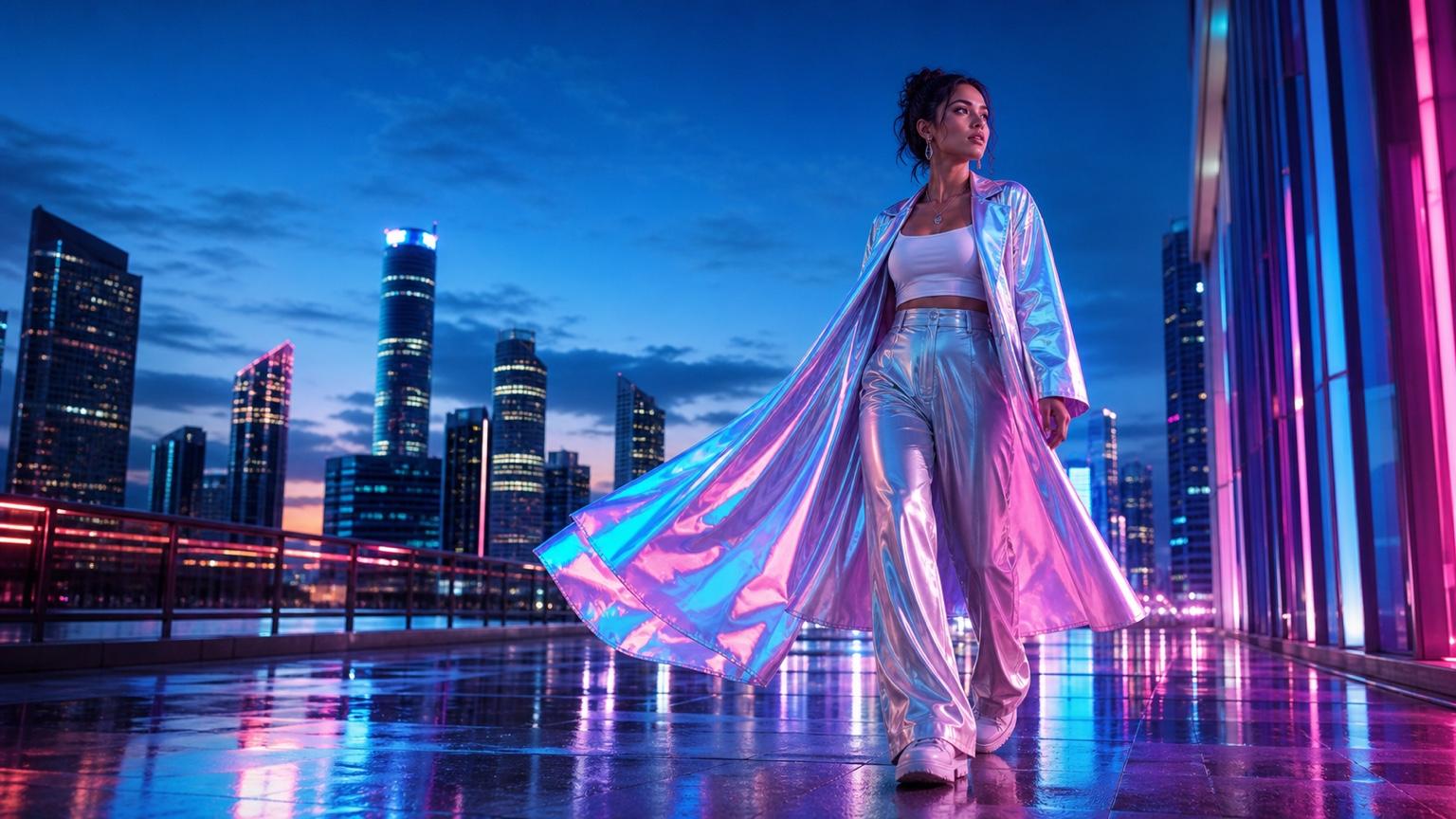
Generate vertical video for the full-screen Reels player from the start
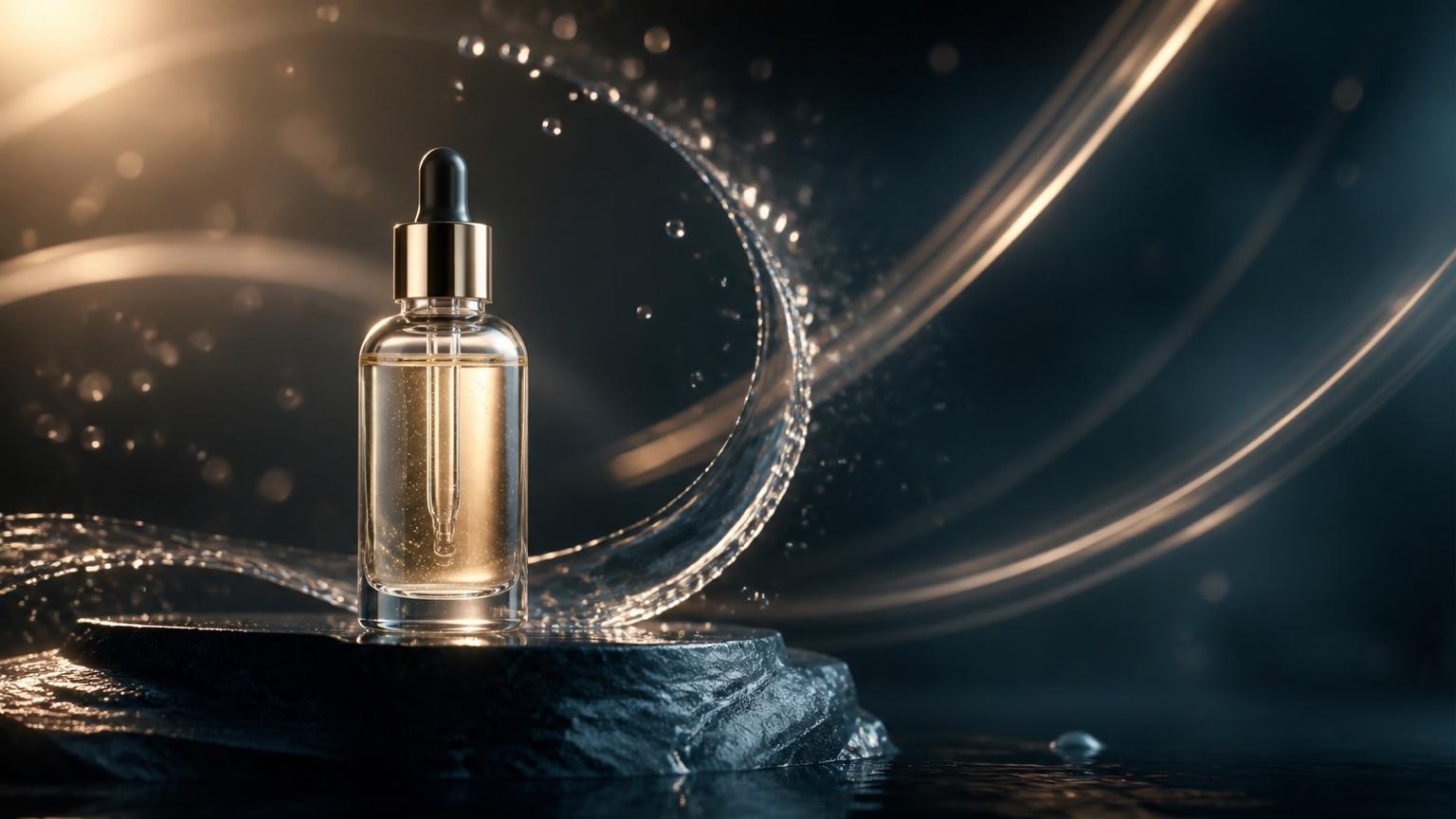
Animate a product, portrait, destination, or lifestyle photo in one step
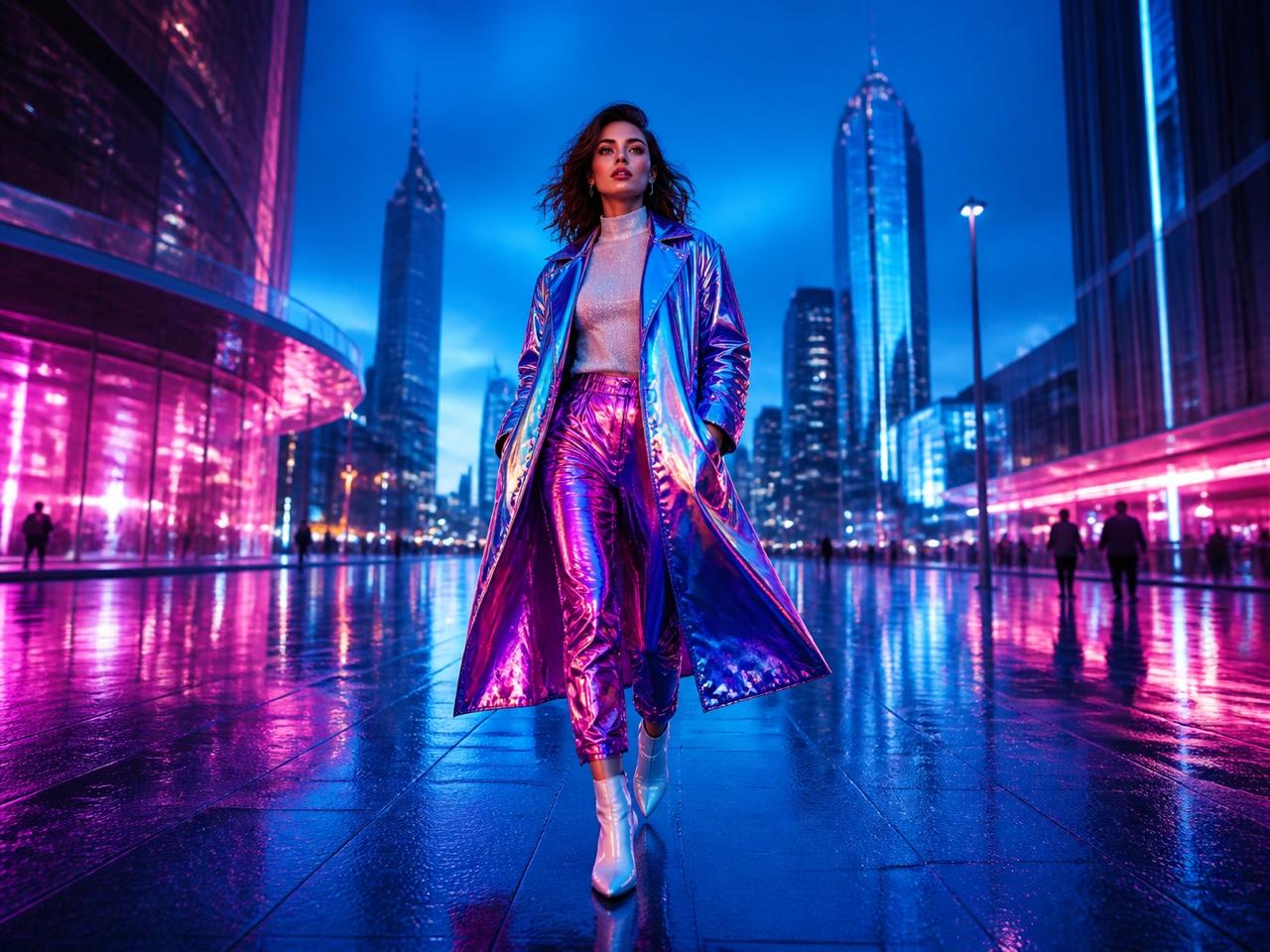
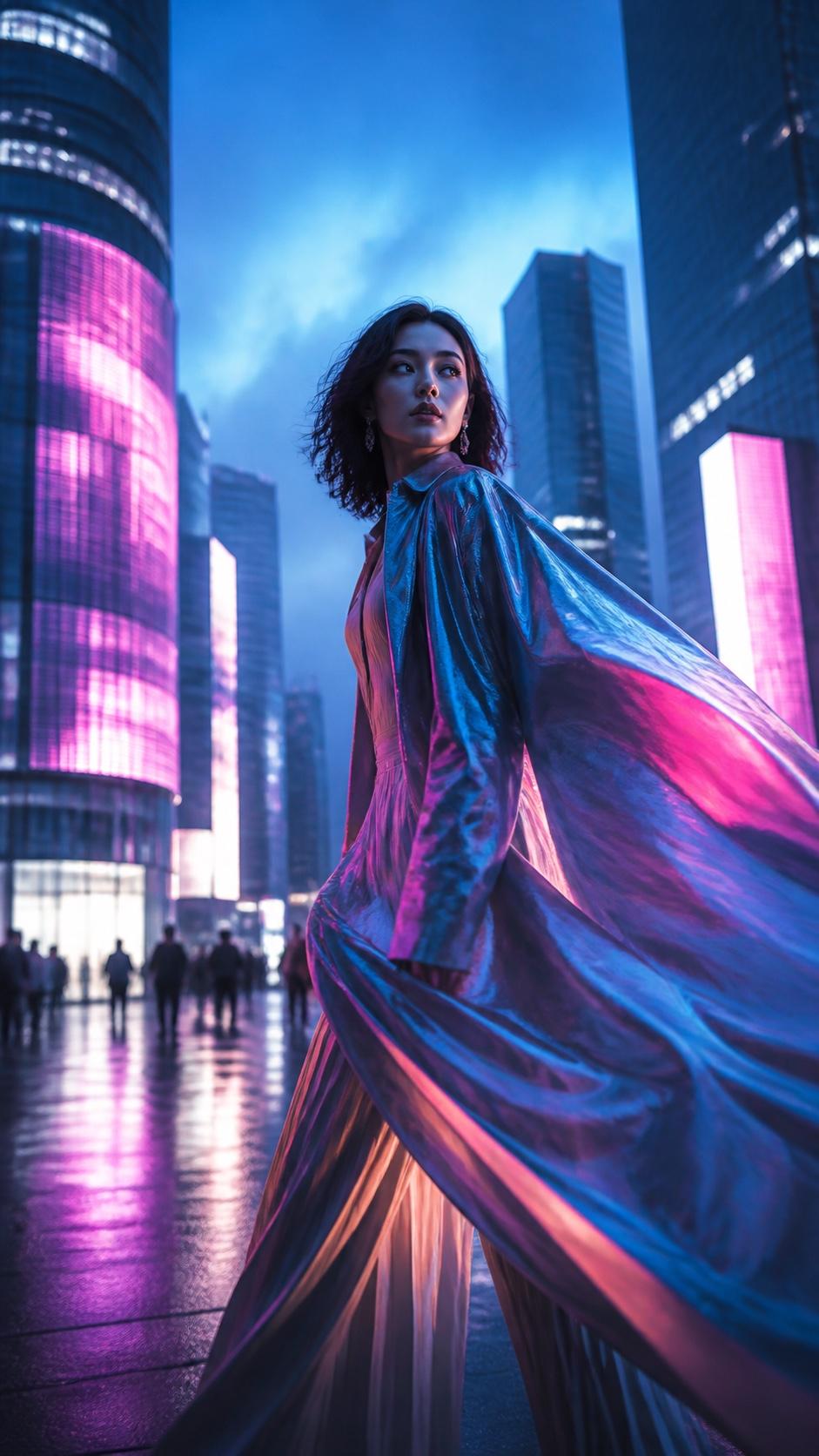
Use visual references to guide style across a repeatable Reels series
Create vertical Reels from a prompt or photo, keep your subject and aesthetic recognizable, and move from one idea to a clean MP4 without a camera or editing timeline.
Every video is generated in vertical format from the start, optimized for Instagram's full-screen Reels player. Keep the subject centered, plan movement for a tall frame, and preview the final crop before posting.
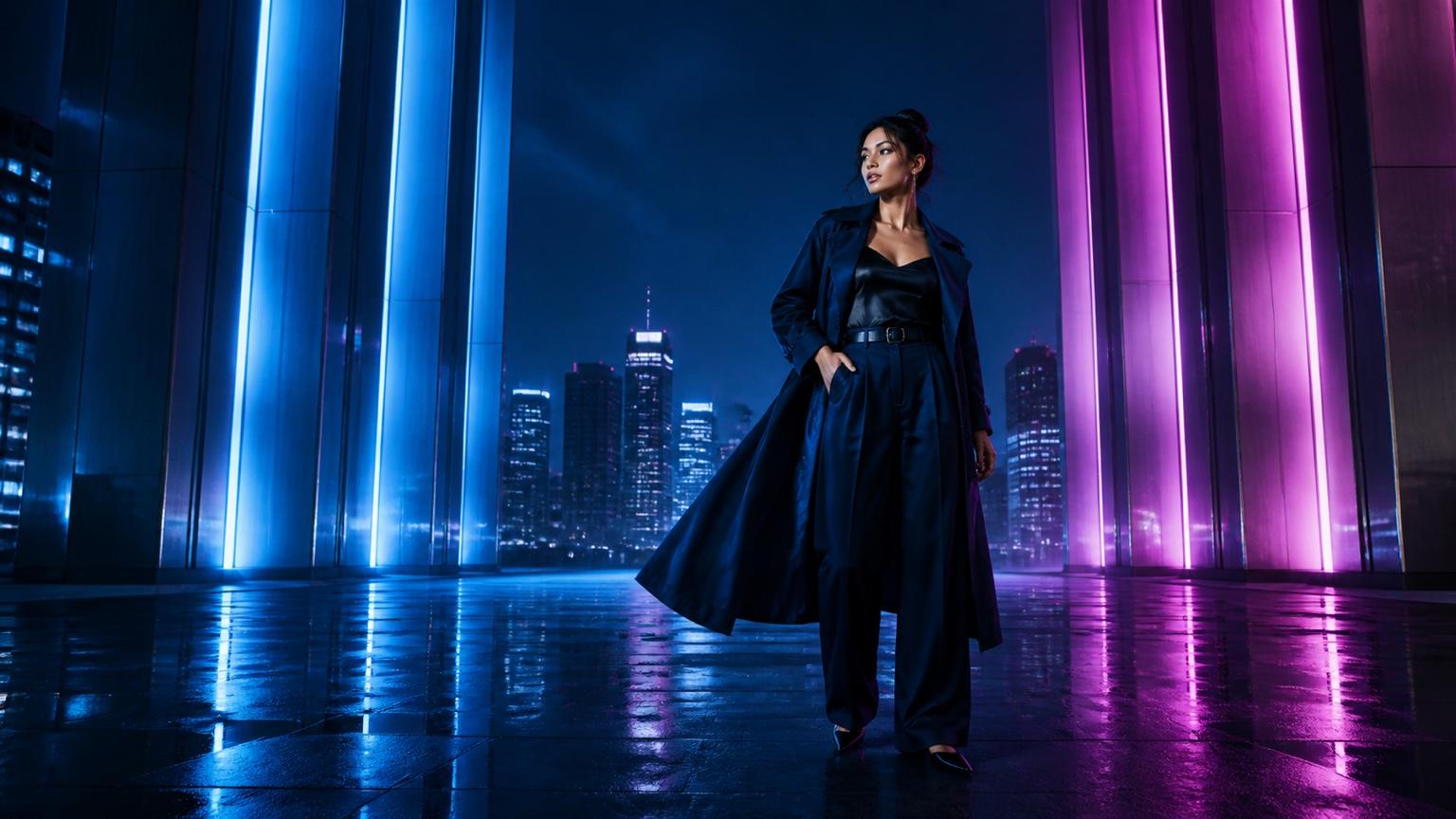
Upload a product photo, travel shot, portrait, or lifestyle image and turn it into a smooth, engaging Reel. Describe what should move, how the camera should travel, and which visual details must stay recognizable.
Use Reference to Video to guide a recurring color palette, subject, lighting direction, and camera language. Review every output before publishing, then reuse the strongest reference to build a coherent series.
Create original, personal-feeling vertical video and scale your output without adding cameras, reshoots, or an editing queue.
Seedance generates original video content from your prompt or photo — not a slideshow and not a template fill-in. Try it with starter credits, check the live credit estimate before generating, and download a clean Reel without a watermark.
Move from an idea or photo to a post-ready vertical video in three steps.
Describe the Reel you want, or upload a product, portrait, destination, or style reference that should anchor the video.
Set a vertical format and describe the opening hook, subject movement, camera direction, lighting, aesthetic, and pace.
Check the mobile crop, subject consistency, product details, and opening frame, then download the watermark-free MP4 and post or schedule it.
Start with a format that matches your account, then change the hook, subject, and aesthetic to make it your own.
 01
01Original AI Reel
Generate a complete 9:16 scene from a written idea alone.
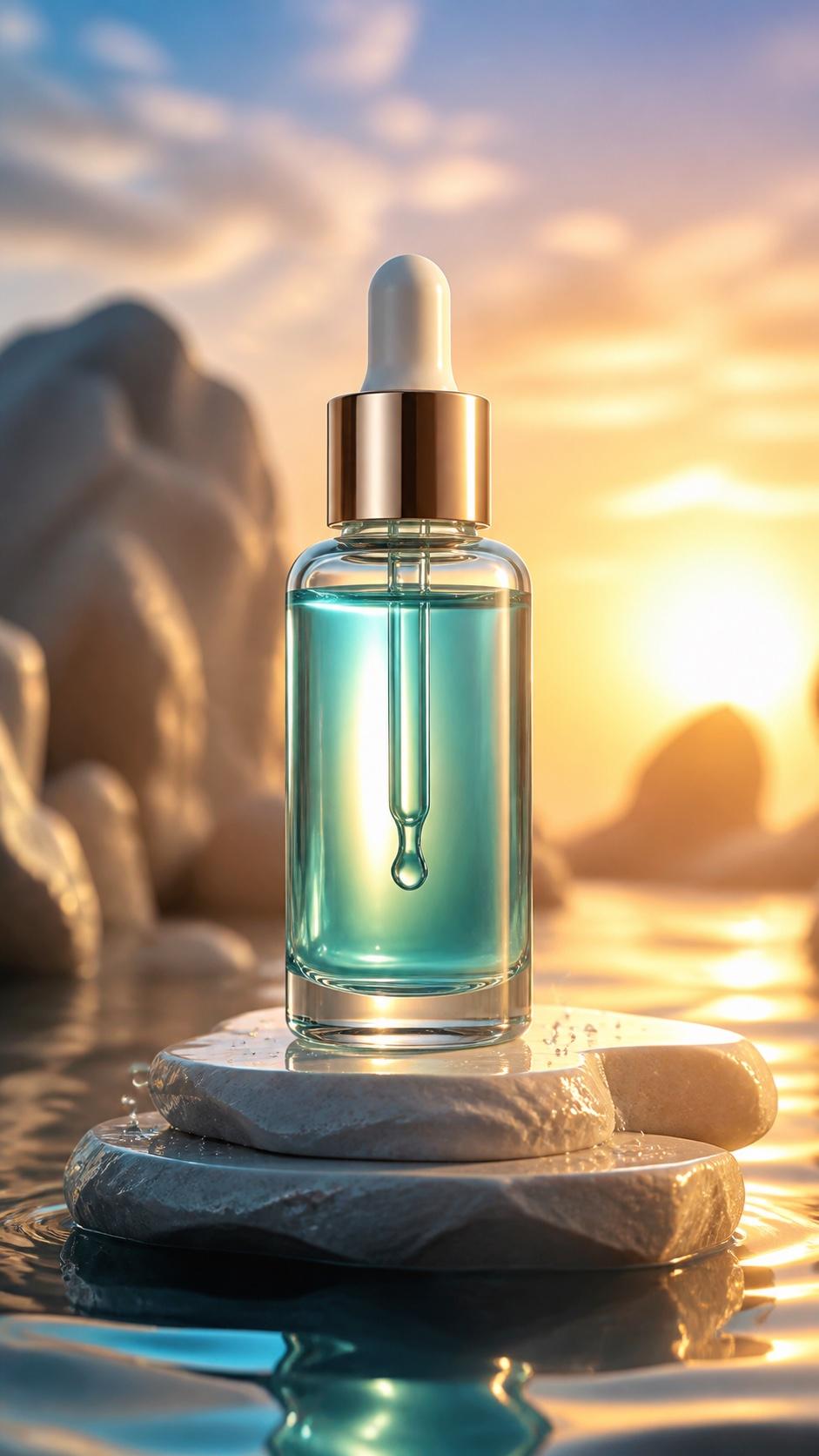 02
02Product Showcase
Turn one product photo into a dynamic visual demonstration.
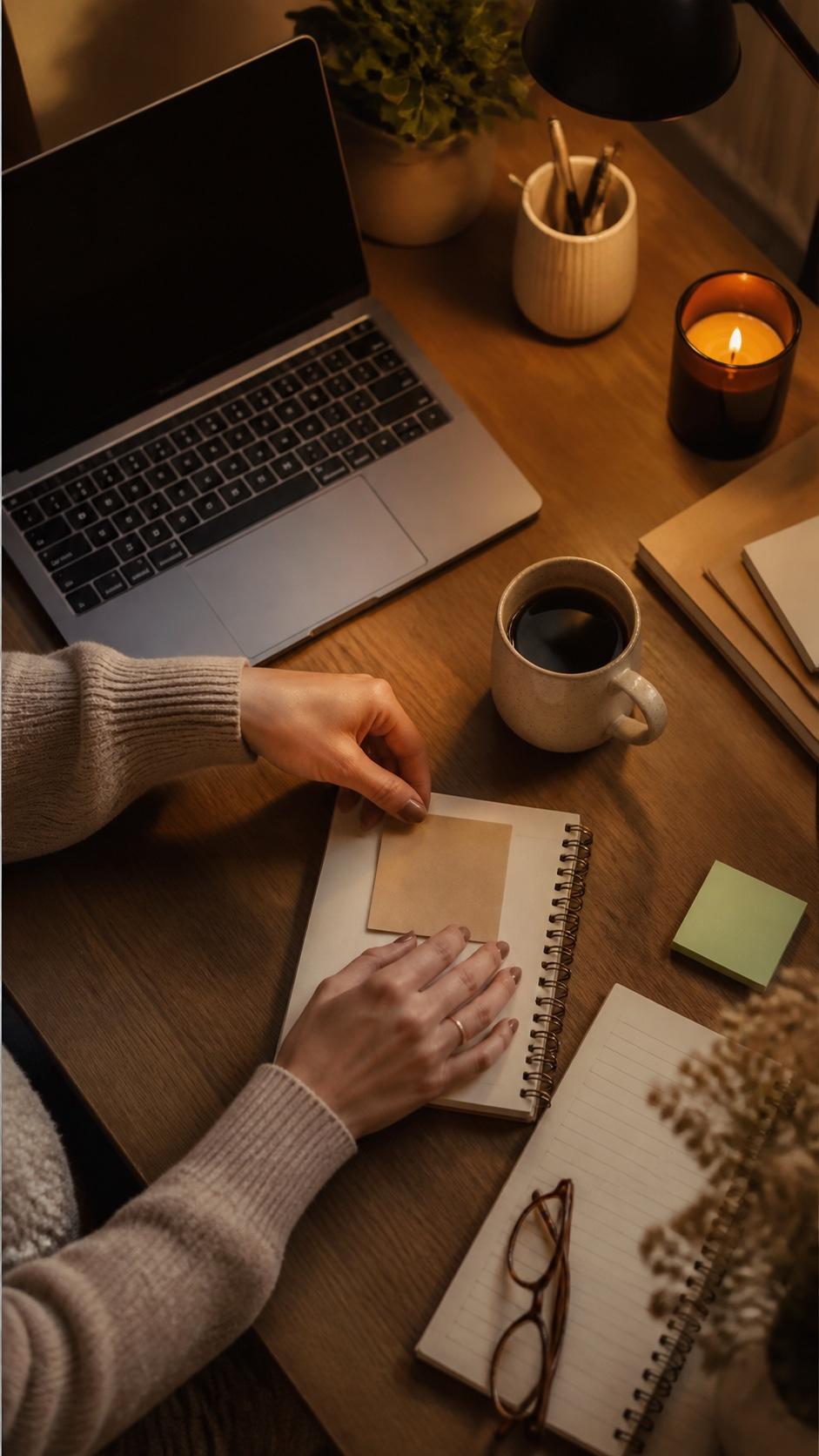 03
03Faceless Niche Content
Create visual storytelling without appearing on camera.
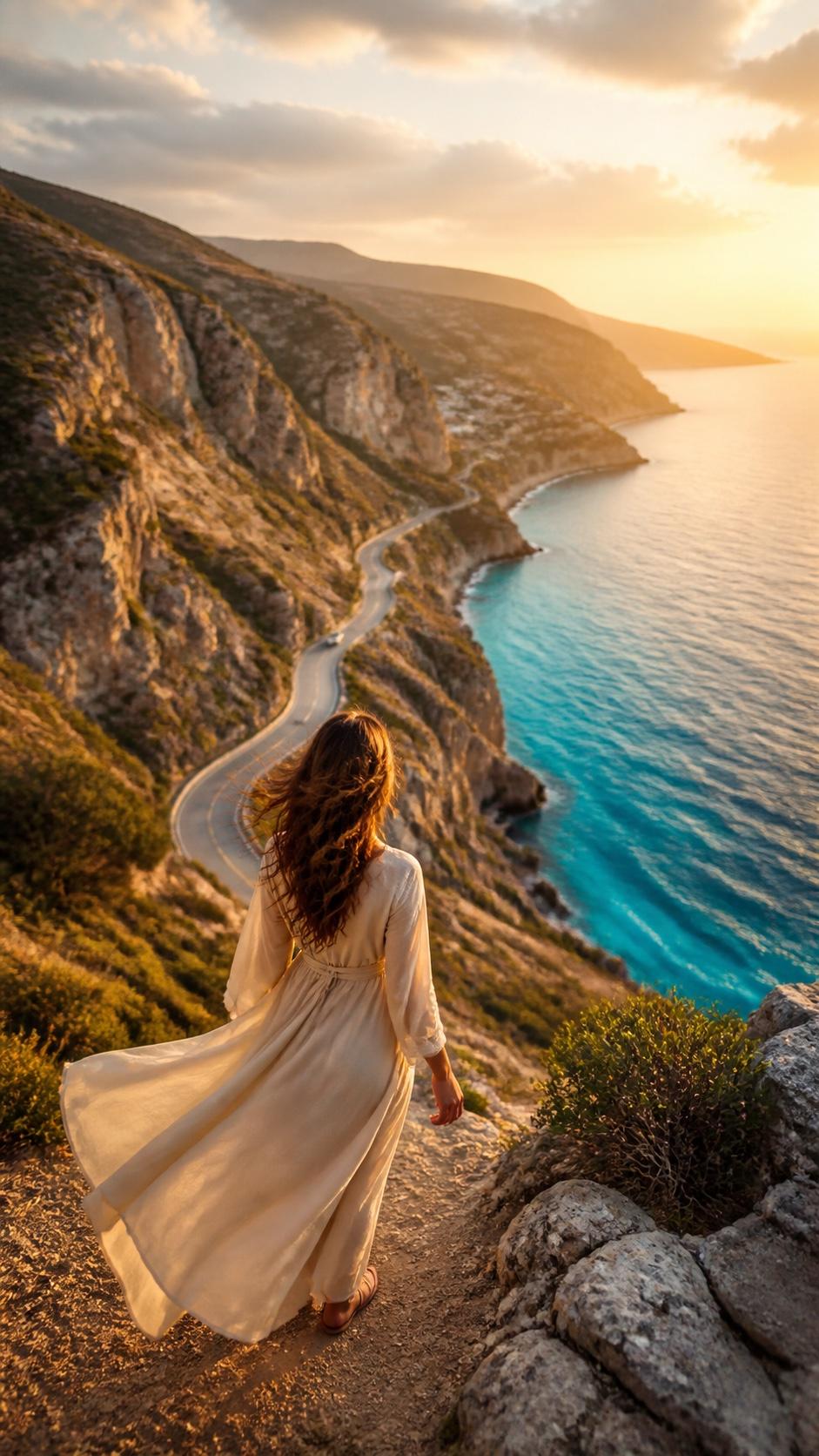 04
04Travel & Lifestyle
Give destinations, food, and experiences cinematic motion.
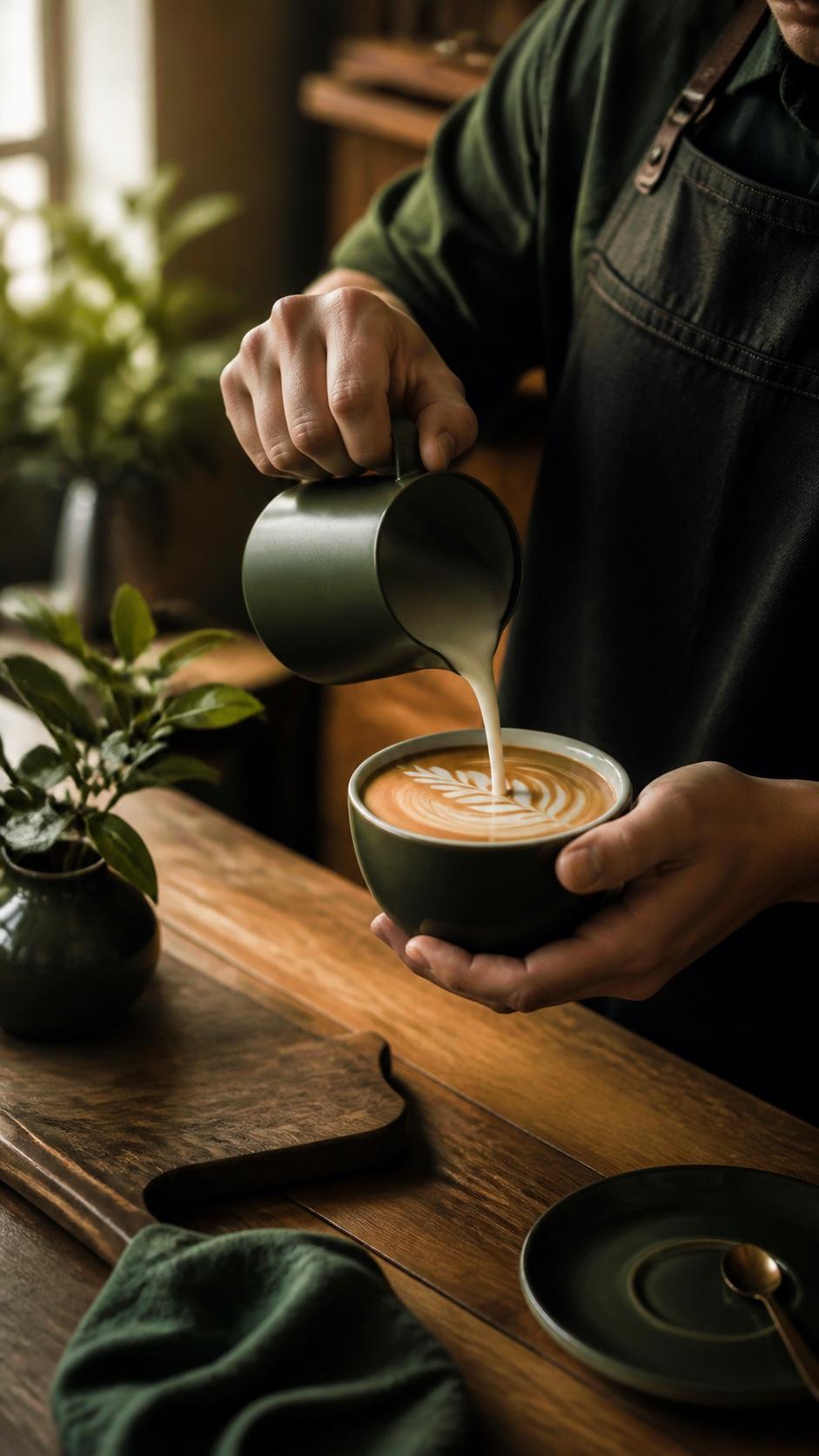 05
05Brand Story Reel
Repeat a clear palette and tone across your feed.

Animate any product photo, portrait, travel shot, or still image into a smooth, motion-rich Reel.
Generate a complete original Reel from a written description, with no starting assets required.
Guide the subject, color, and visual aesthetic across a consistent Instagram Reels series.
Quick answers about creating vertical Instagram videos from prompts and photos.
An AI Instagram Reels maker creates short vertical videos from a prompt, photo, or visual reference. You can direct the subject, motion, camera, lighting, mood, and pacing, then export the result for Instagram.
Yes. Upload a product photo, portrait, travel image, or lifestyle shot, then describe how the subject and camera should move. Use a clear high-resolution image for the strongest starting point.
Yes. Create scenes around products, hands, workspaces, destinations, objects, or abstract concepts without showing your face. Describe the visual tone and opening hook so the Reel still feels intentional and personal.
Use 9:16 for the full-screen Reels player. Keep faces, products, and key details away from the extreme top, bottom, and edges so Instagram's interface does not cover them.
Seedance supports clean, watermark-free downloads for posting or scheduling. Check the current plan and export terms shown in the product before generating.
Commercial use depends on your Seedance plan and current terms, the model used, and your rights to every input asset. Only upload photos, artwork, products, music, voices, and brand materials you are authorized to use.
Type an idea or upload a photo, choose 9:16, and generate a clean vertical Reel without a camera or editing timeline.