
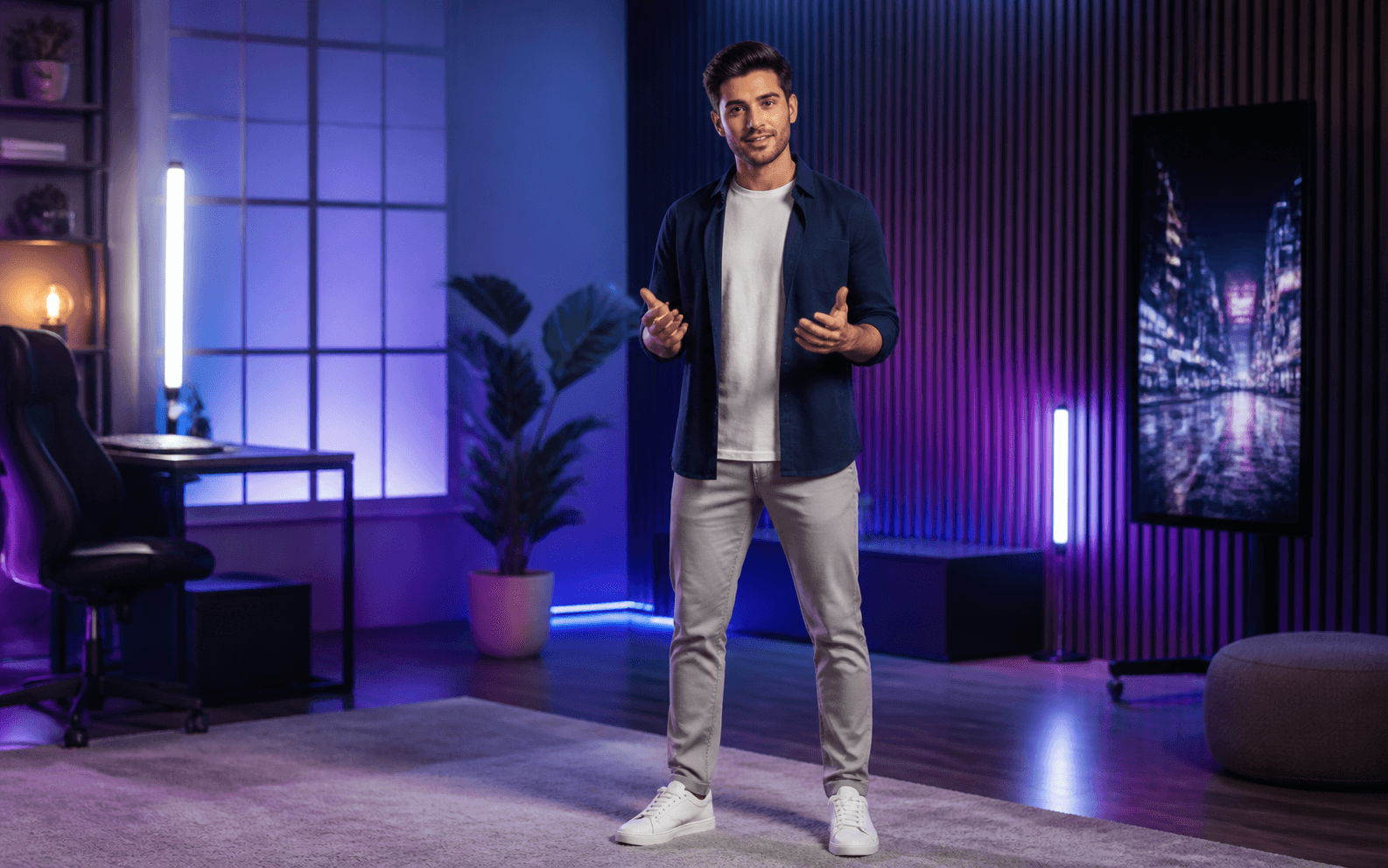
Faceless Content
Present on camera without filming
Upload a photo, describe your avatar's actions and scene, and generate a realistic avatar video in minutes. No camera. No studio. No watermark.
Describe the video you want — e.g. “a 15s vertical ad for my coffee brand”
Present on camera without filming
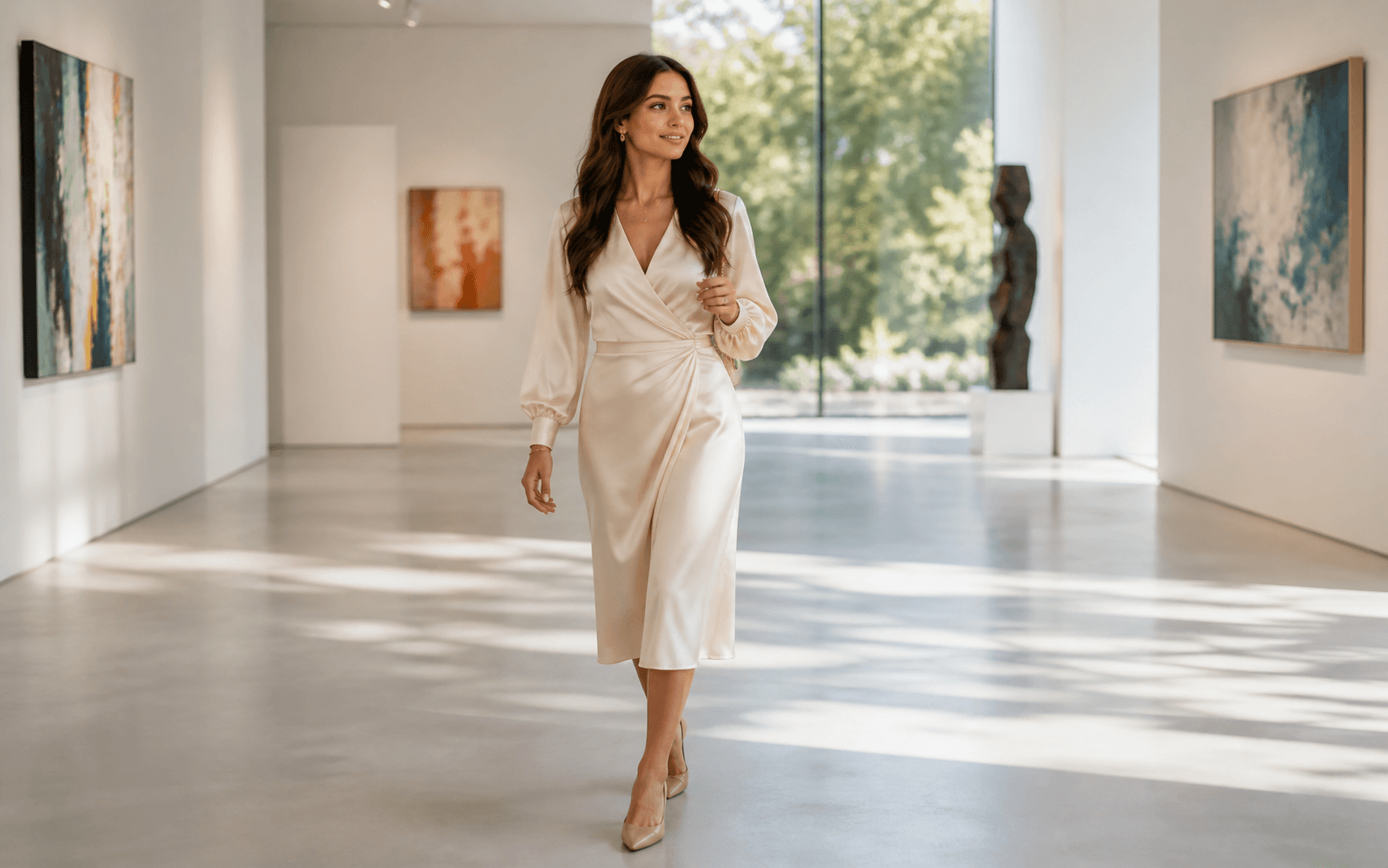
Animate a portrait with full-body motion
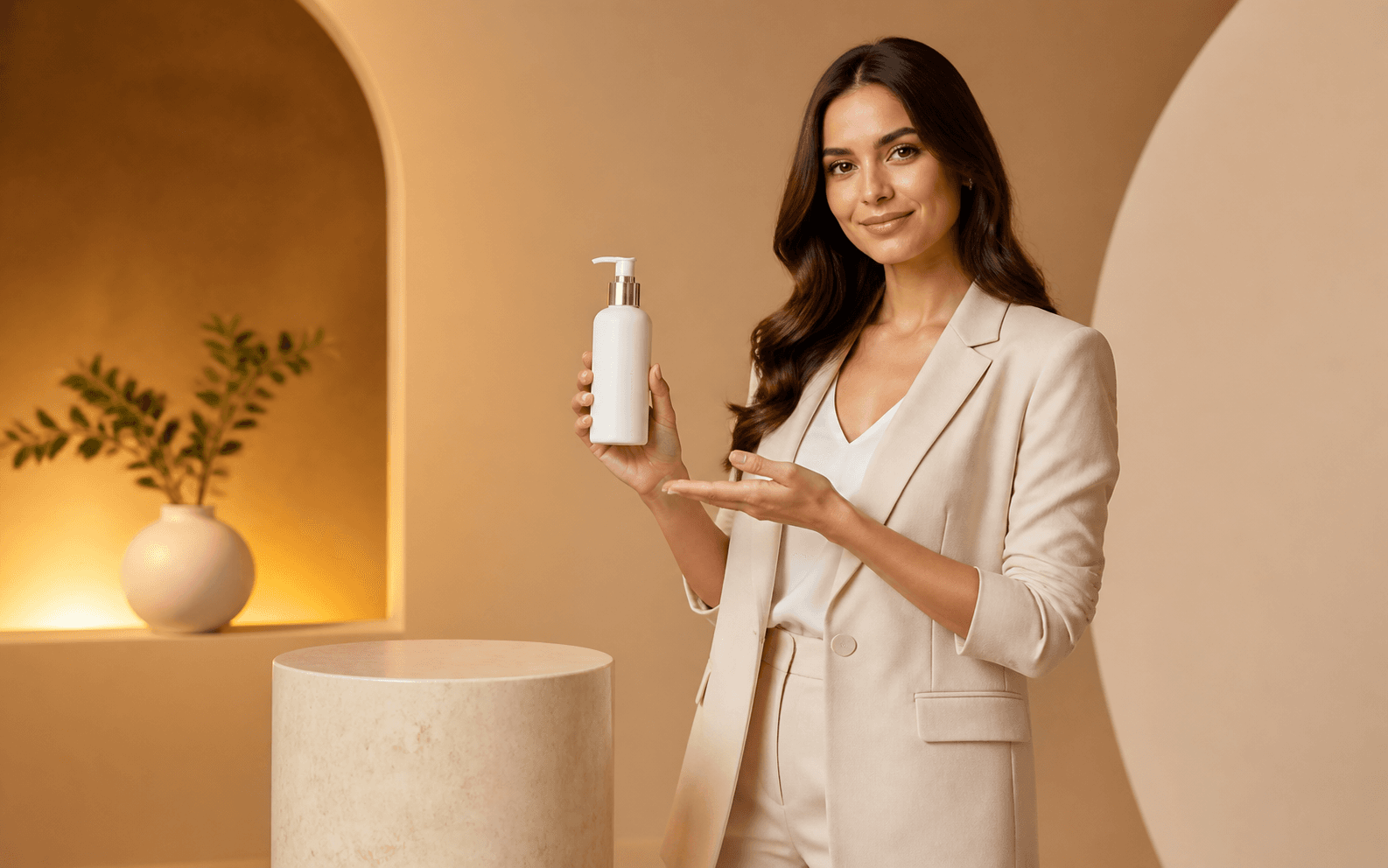
Keep one recognizable presenter
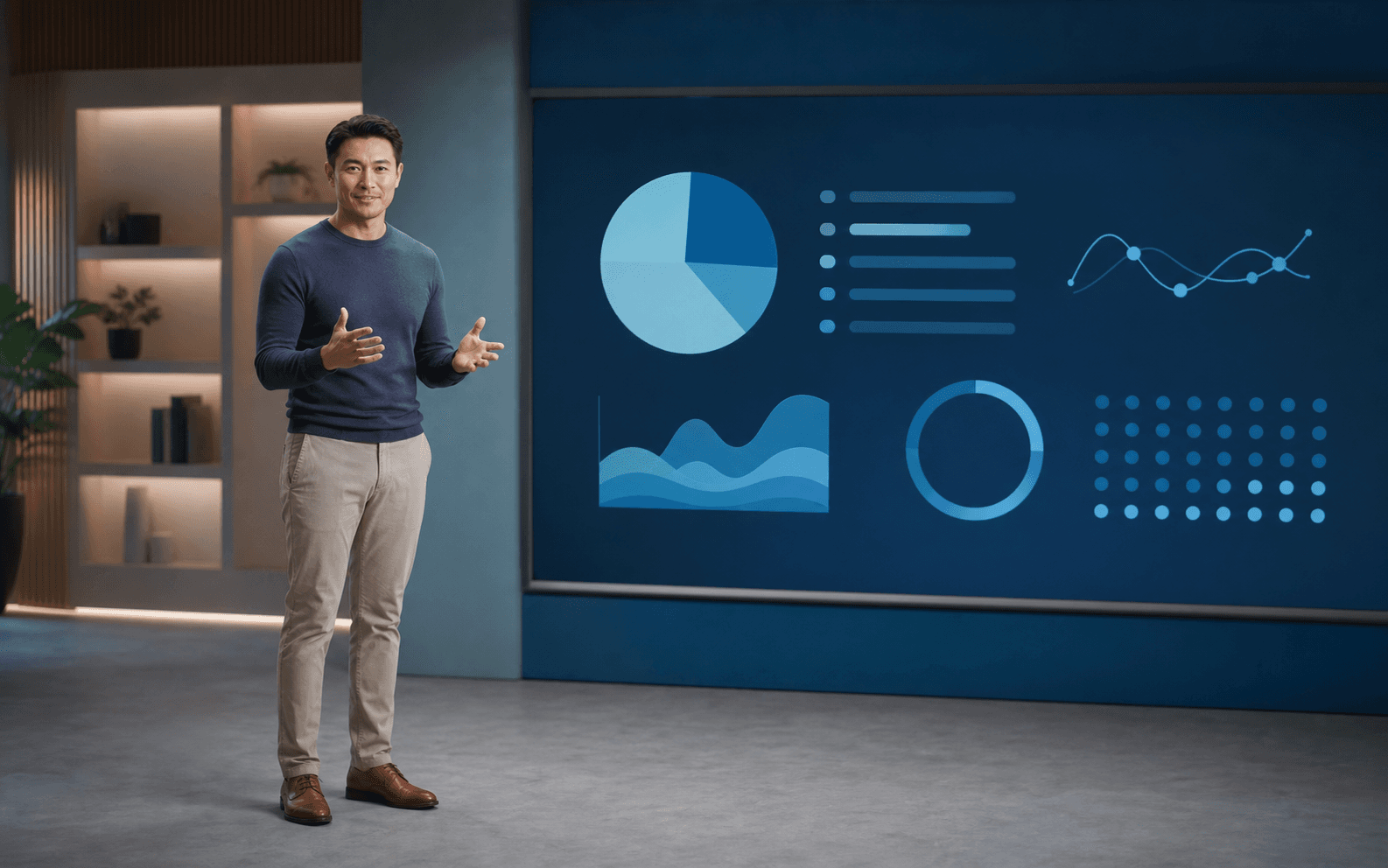
Deliver lessons at scale
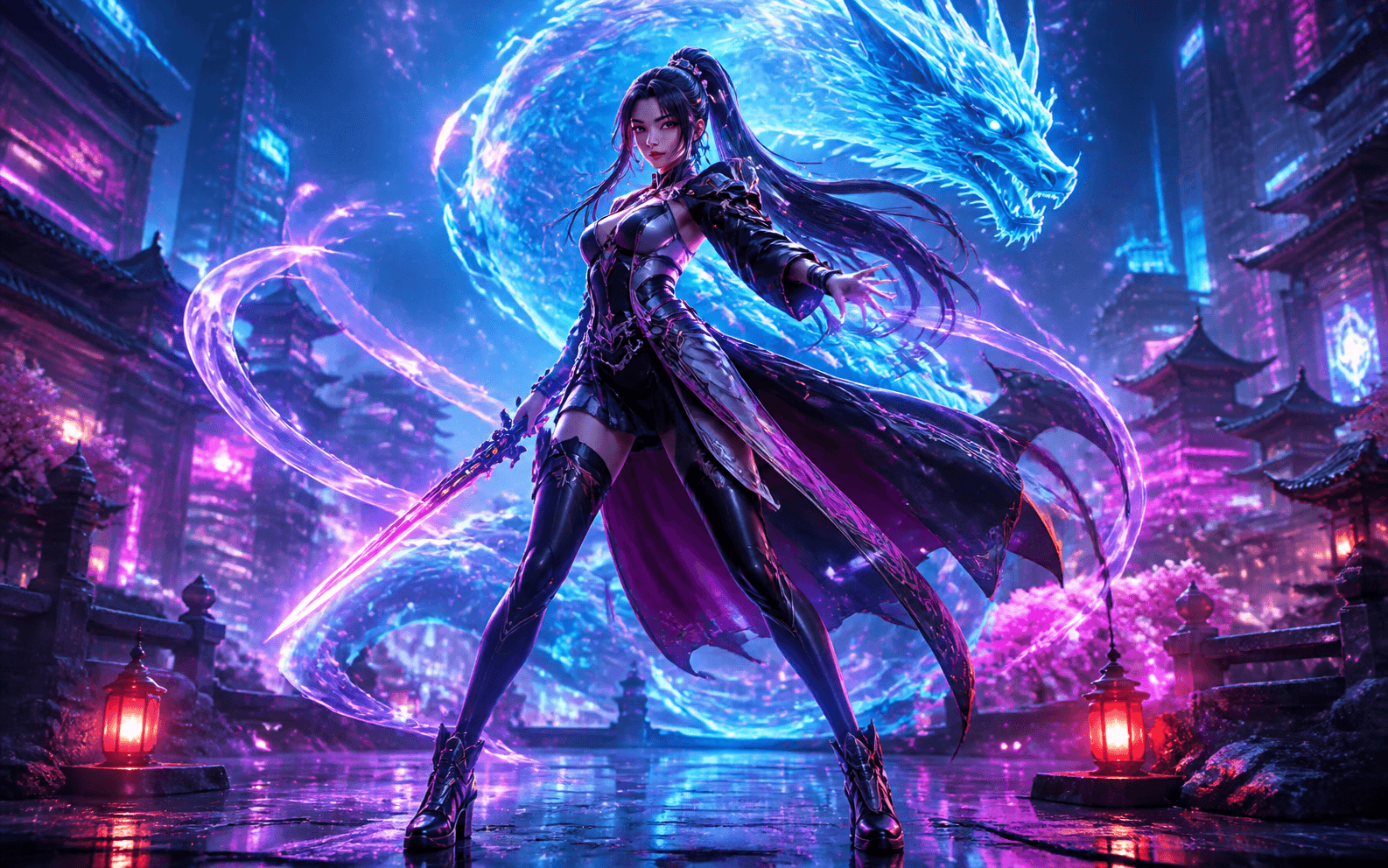
Bring an original character to life
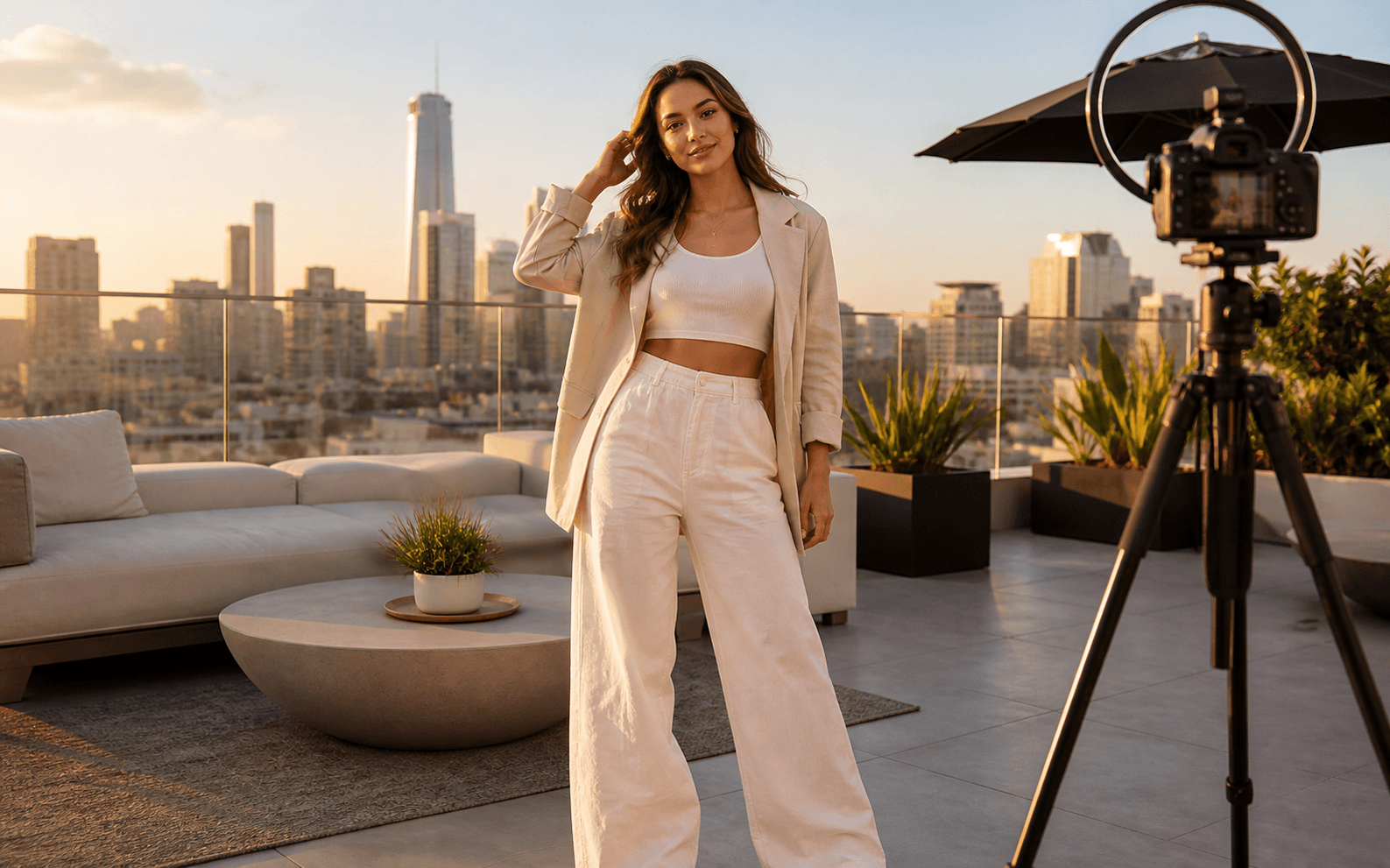
Build a recurring AI persona
Upload a portrait photo, describe the scene and actions—Seedance generates a fluid, realistic avatar video with natural movement. No motion capture, no voice studio, no post-production. Download watermark-free and publish directly to YouTube, TikTok, or Instagram.
Generate natural body movement, gestures, and expressions—not only a talking head
Direct what your avatar does, how it moves, and where the scene takes place
Create 9:16, 16:9, or 1:1 video from the same avatar reference
Start with one portrait, direct the movement and scene in a prompt, and create a consistent avatar for social content, ads, lessons, and character videos.
Upload any JPG or PNG portrait—Seedance generates a realistic avatar with natural motion and scene context. Try it with starter credits, download watermark-free, and check the live credit estimate before generating.
Unlike tools that only sync lip movement to audio, Seedance generates full avatar motion—walking, gesturing, and reacting—guided by your prompt. Generate multiple versions from the same photo and keep the one that matches your vision.
Use Reference to Video to guide your avatar's face, outfit, style, and environment across a content series. Reuse the strongest reference, review every result for visible drift, and regenerate any version that does not match.
Create camera-free presenter videos, brand campaigns, lessons, original character clips, and recurring virtual influencer content from one avatar reference.
Let an AI avatar present, narrate, and appear on screen so you do not have to. Build a recognizable channel presence while testing different hooks, scripts, and formats without another shoot day.
Move from one portrait to a reviewable avatar video in three steps.
Add a clear JPG or PNG with a visible face, outfit, and body pose. Only upload a real person's photo or character artwork that you have permission to use.
Describe how the avatar moves, gestures, reacts, and interacts with the setting. Choose the camera direction, duration, and 9:16, 16:9, or 1:1 format.
Check the face, hands, body movement, outfit, background, and mobile crop. Regenerate visible drift, then download the watermark-free version you want to publish.
Build each prompt with the avatar reference, action, expression, scene, camera direction, mood, duration, and platform format.
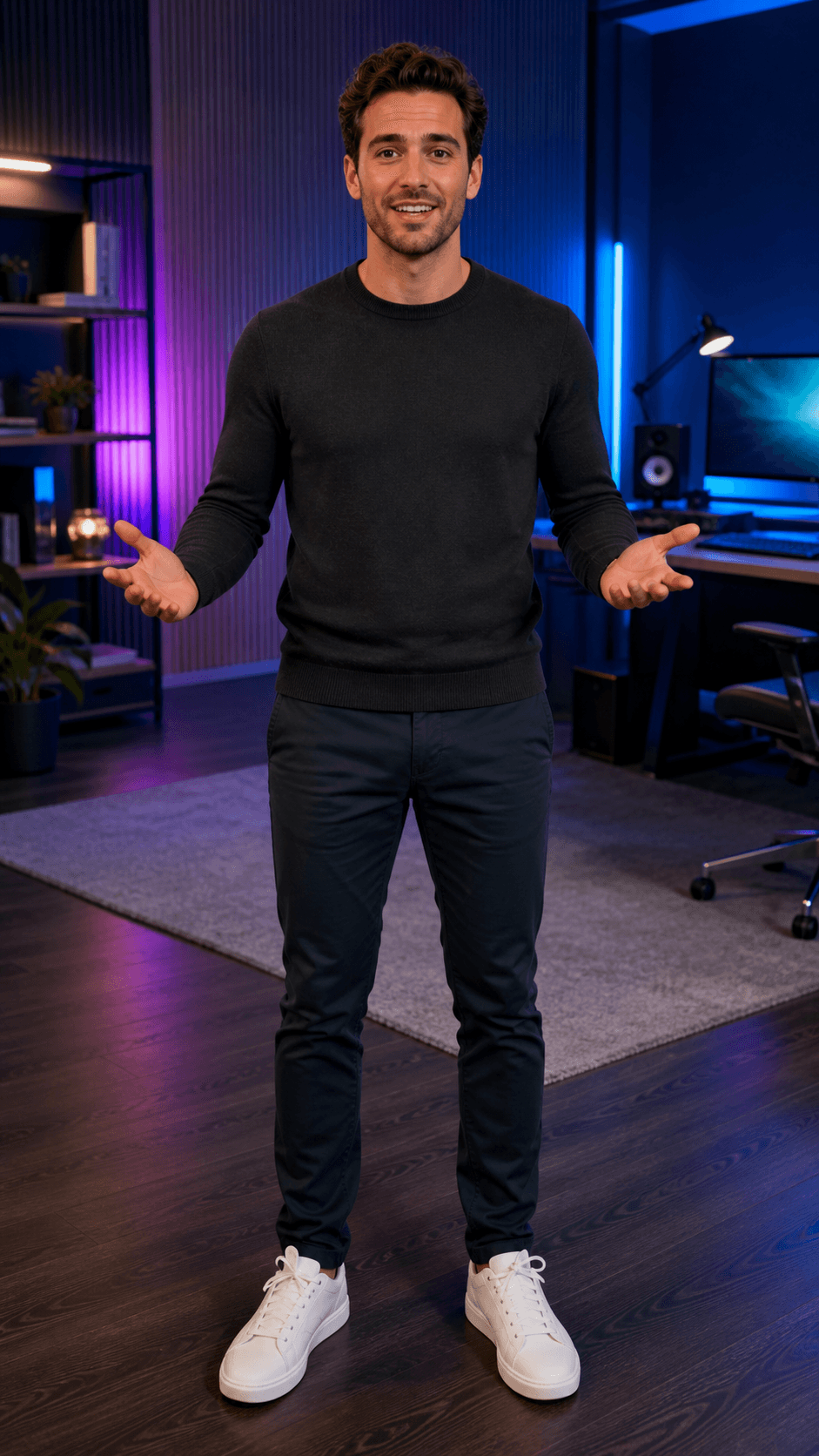 01
01Faceless Creator
A confident virtual presenter introduces one clear idea with natural full-body gestures, direct eye contact, a modern creator studio, energetic pacing, and a 9:16 social format.
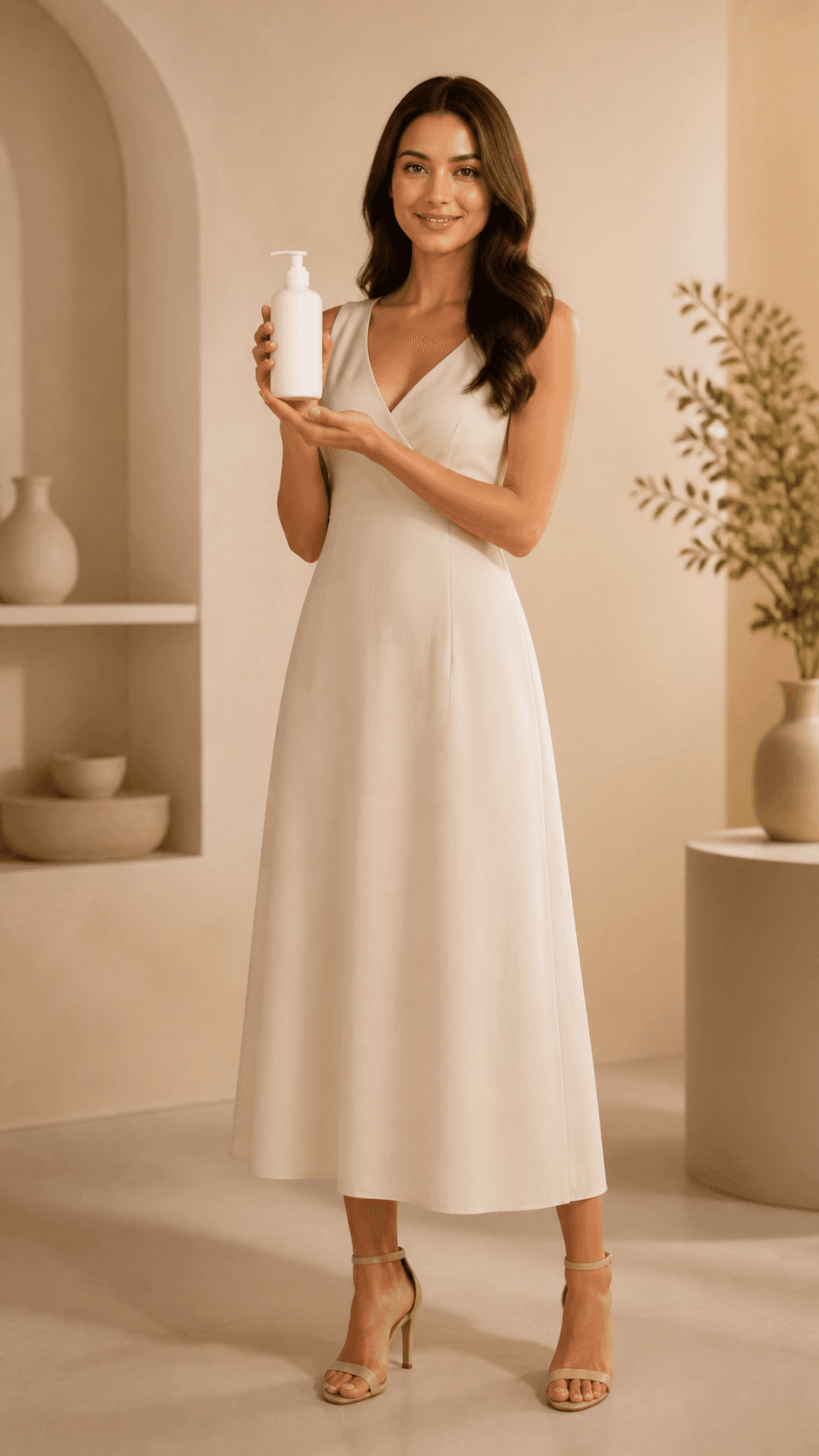 02
02Brand Spokesperson
A polished brand avatar presents an unbranded product with a warm credible expression, controlled hand movement, soft studio lighting, and a concise campaign call to action.
 03
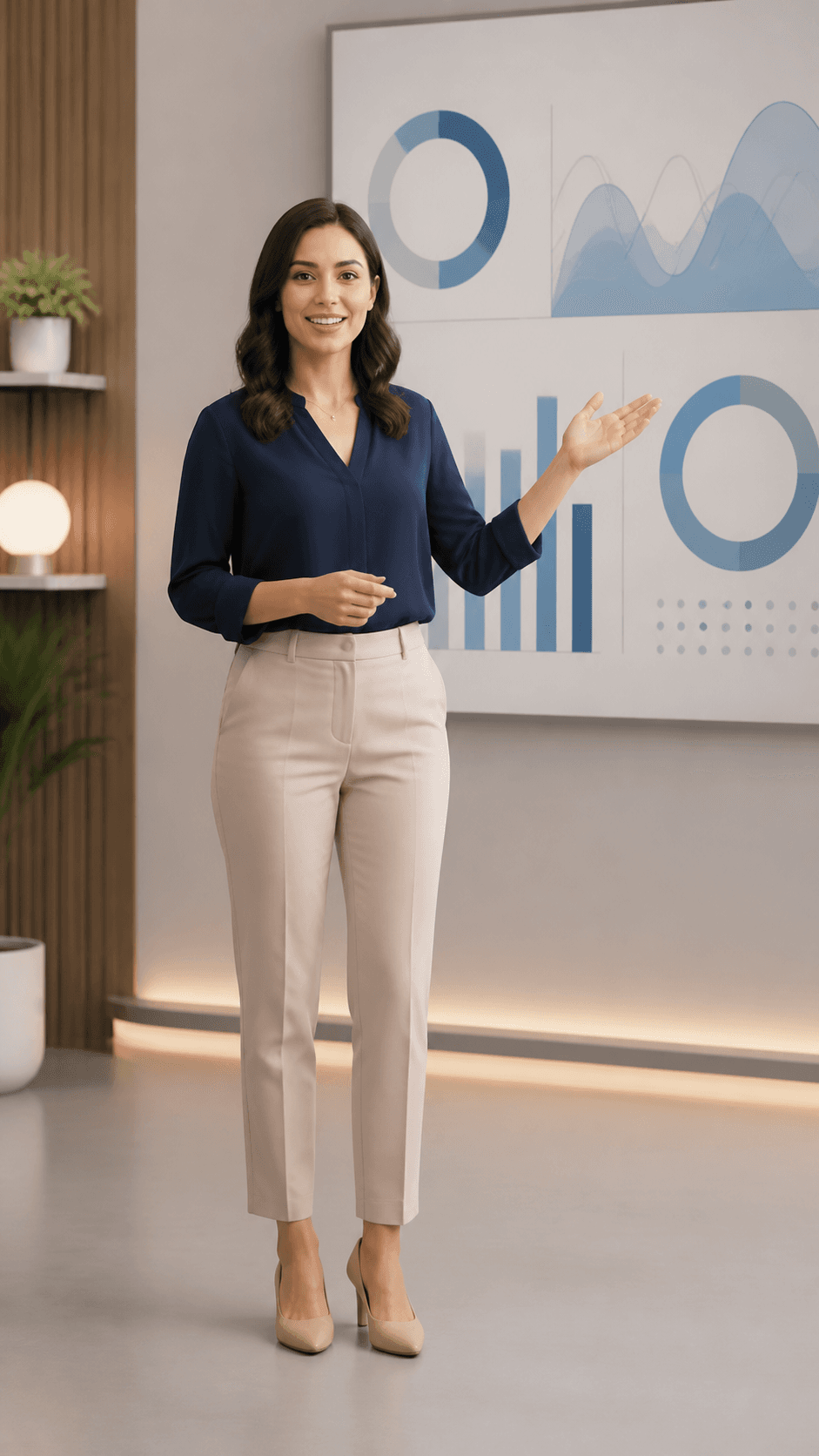
03Online Instructor
A calm AI instructor explains one concept beside simple visual charts with measured gestures, clear framing, space for captions, and a professional 16:9 course format.
 04
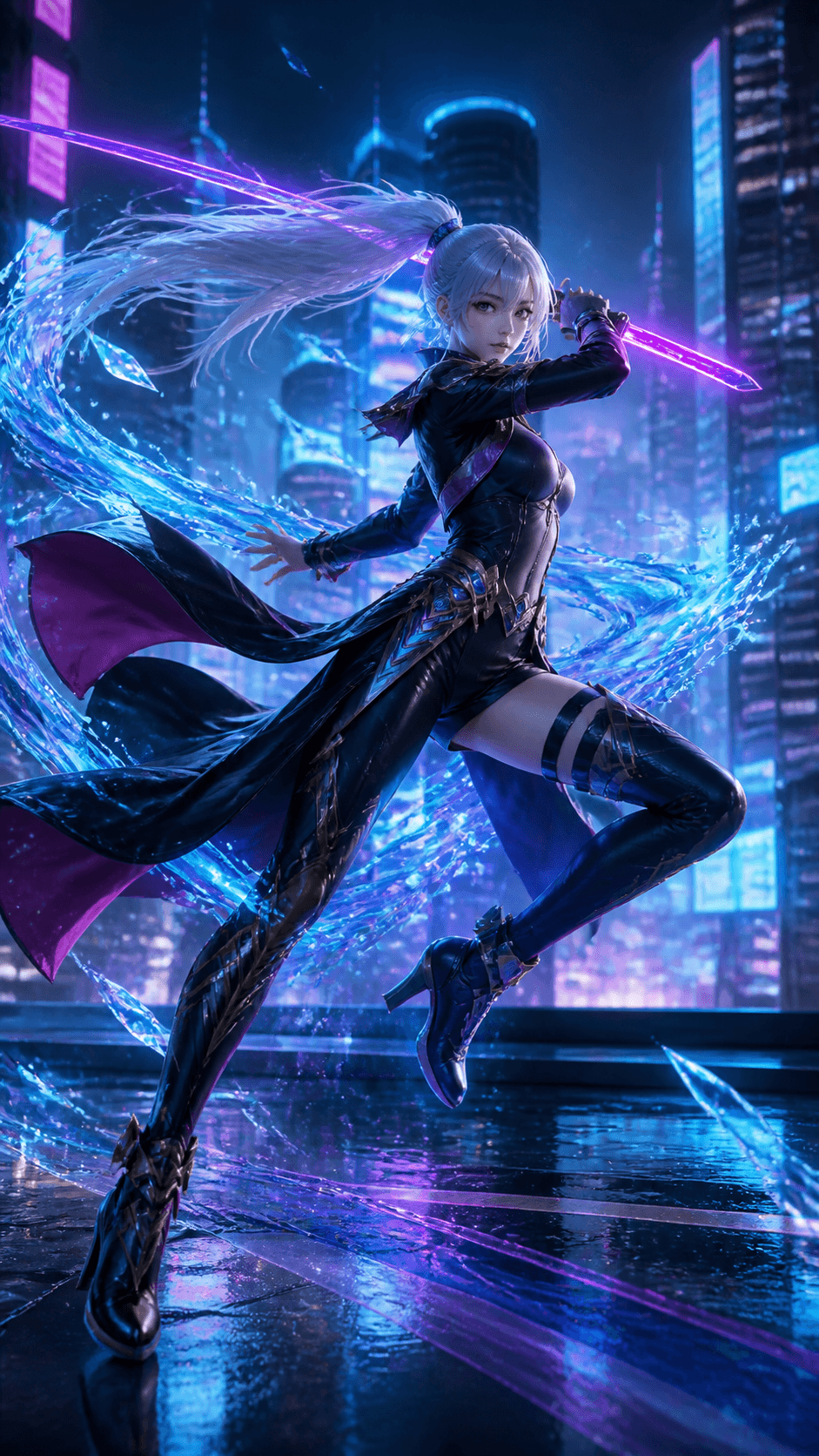
04Original Game Character
An original cyber-fantasy character steps forward, turns toward camera, and raises a glowing weapon in a neon city with dynamic full-body motion and cinematic lighting.
 05
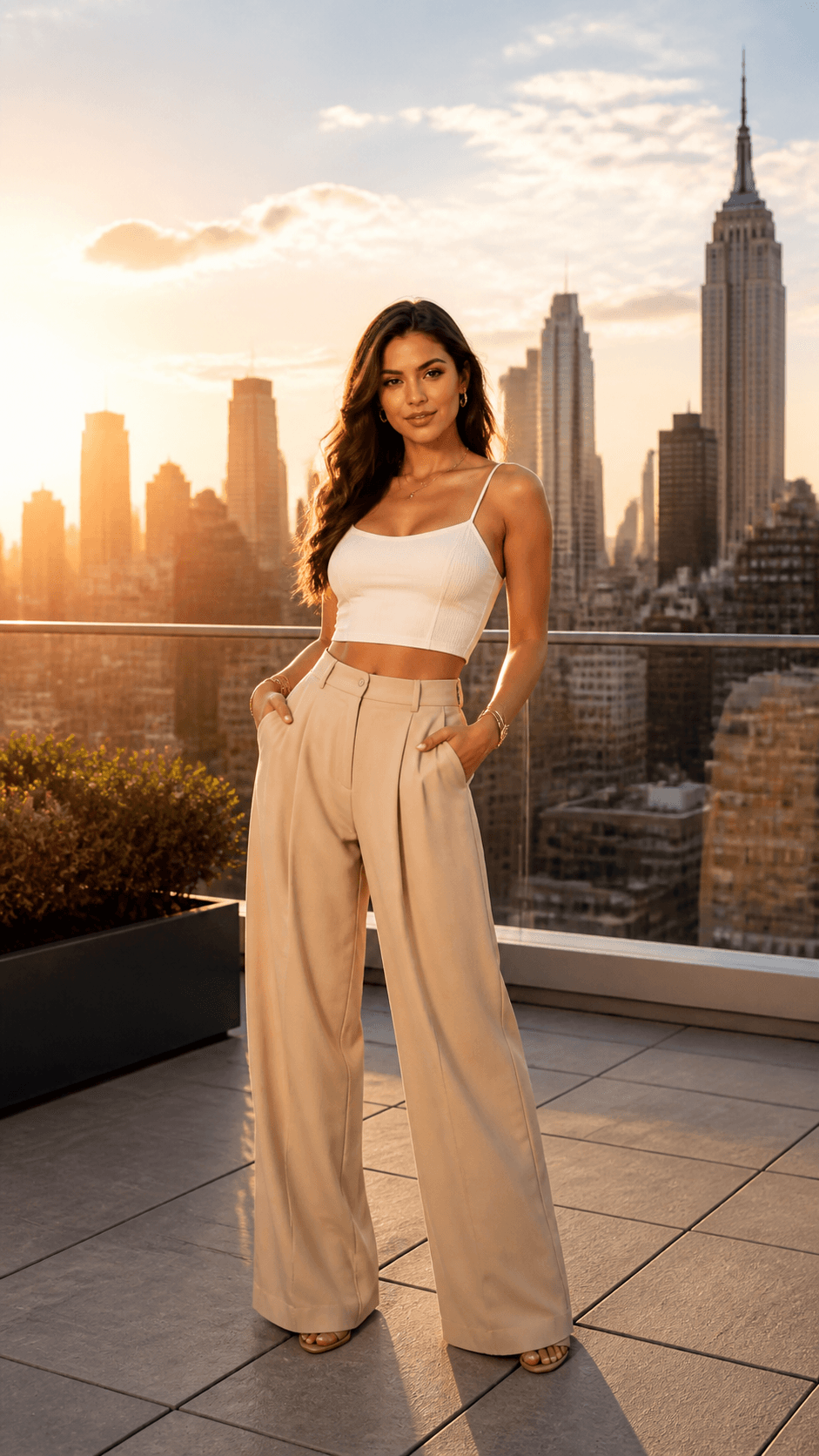
05Virtual Influencer
A recurring fashion avatar walks across a rooftop at golden hour, pauses for direct eye contact, and makes a natural styling gesture in a clean 9:16 social composition.

Animate a portrait or character image when the starting appearance and composition matter.
Create an original presenter, character, action, and scene directly from a written prompt.
Use visual references to guide a recurring avatar's face, outfit, style, and environment.
Practical answers for turning a portrait or character reference into a moving AI avatar video.
An AI avatar video generator turns a portrait, character image, or written description into a video with generated movement, gestures, expressions, camera direction, and scene context.
Yes. Upload a clear JPG or PNG portrait and describe the action and setting. A well-lit image with a visible face, outfit, and body pose gives the model a stronger reference.
New accounts may receive starter credits. The number of videos those credits cover depends on the current model, duration, resolution, and input mode, so check the live credit estimate before generating.
Seedance supports clean, watermark-free downloads. Check the current plan and export terms shown in the product before generating if watermark-free output is required.
Yes. You can prompt walking, turning, gesturing, reacting, and other full-body motion. Results depend on the source image and prompt, so review the face, hands, body, and clothing before publishing.
Reuse the same clear reference image and repeat important face, outfit, style, environment, and camera details. Exact consistency is not guaranteed, so review every result and regenerate visible drift.
Use 9:16 for TikTok, Reels, and Shorts; 16:9 for YouTube, courses, and presentations; or 1:1 for square feed placements. Preview the crop before exporting.
Commercial use depends on your Seedance plan and current terms, the generation model, and your rights to every input. Get permission before using a real person's likeness, voice, artwork, music, or brand assets.
Upload a portrait, describe the action and scene, choose a platform format, and generate a realistic avatar video without a camera or studio.