

An AI product ad can look polished and still be unusable. A bottle becomes taller during a camera move, a cap changes diameter, a box gains a second flap, or a label slides around the package. Viewers may not name the defect, but they notice that the product no longer feels real. For a brand team, this is more than a visual flaw: the generated object may no longer represent the SKU being sold.
Product consistency improves when the workflow treats shape as a specification rather than a style request. Build a clean reference set, separate fixed geometry from allowed motion, choose camera moves by risk, and reject a clip as soon as a protected feature changes. This guide provides a product lock sheet, prompt template, camera-risk ladder, and repair path for reliable AI video ads.
AI Overview
How do I keep a product shape consistent in AI video ads?
Use a clean product reference, list the silhouette and proportions that cannot change, keep motion simple, and compare every generated frame against an approved hero image before editing the ad.
How many product reference images should I use?
Begin with a sharp front three-quarter hero view. Add side or rear references only when the shot reveals features the hero image cannot describe, and identify each reference's purpose in the prompt.
Why does packaging warp during camera movement?
Rotation exposes unseen geometry while motion blur hides edges, so the model must invent details. Reduce the camera arc, use a stronger reference angle, and keep the product itself nearly rigid.
Can prompting preserve logos and label text perfectly?
Prompting can improve placement but does not guarantee exact typography. Protect the label area during generation, then composite an approved label plate in post when legal or packaging accuracy is required.
Build a Product Lock Sheet
Before generating motion, describe the item as if another artist had to rebuild it. “Blue perfume bottle” is too broad. Record the ratio of width to height, shoulder profile, base thickness, cap geometry, neck position, material, label shape, and the exact features that identify the SKU.
Use three classes of attributes:
| Class | Examples | Rule |
|---|---|---|
| Locked geometry | silhouette, cap diameter, handle count, corner radius | Must not change in any frame |
| Locked surface | base color, material, label position, closure finish | May respond to light but cannot redesign |
| Allowed motion | camera push, hand lift, liquid reflection, background movement | Can change within the shot brief |
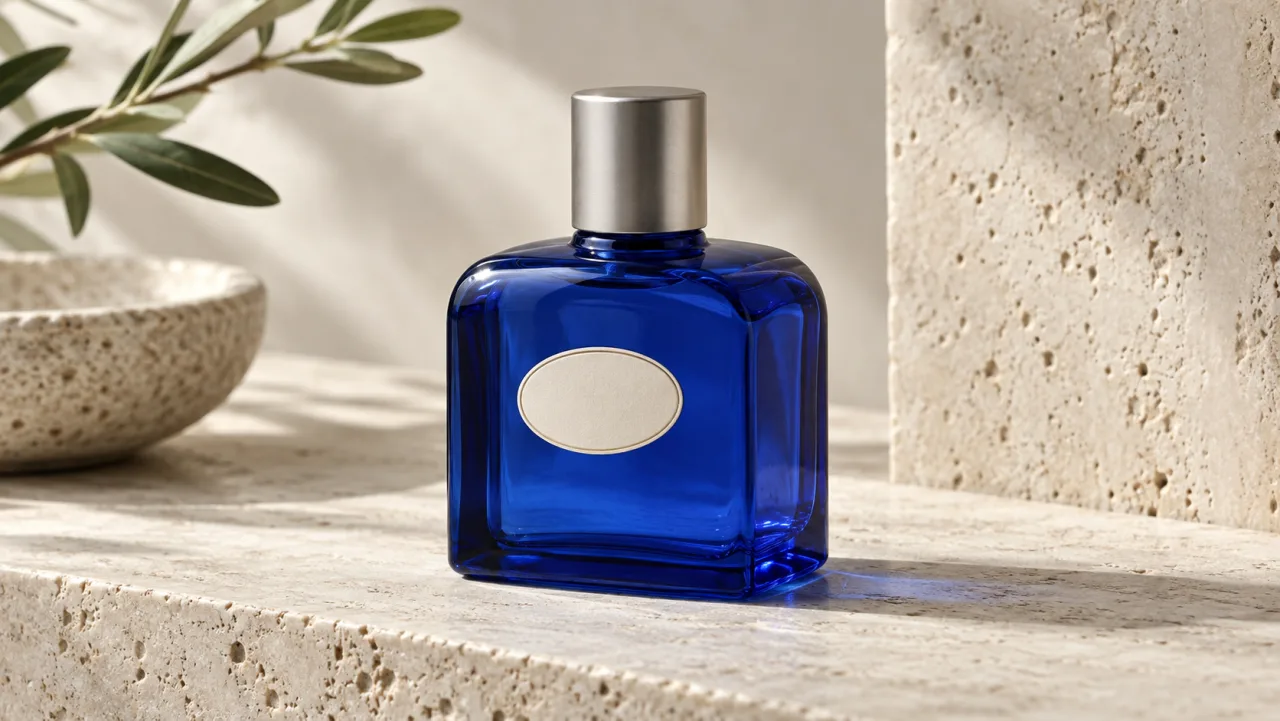
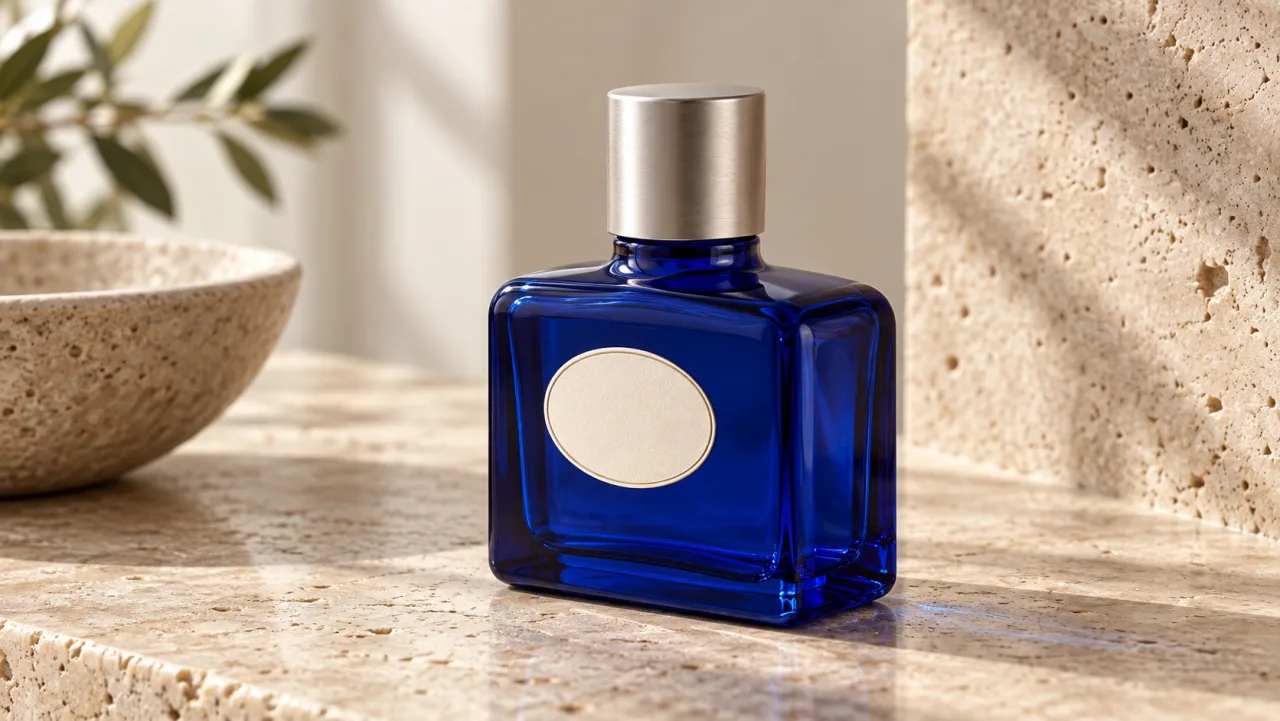
For the example bottle, the protected fingerprint is a squat rectangular cobalt body, rounded shoulders, a centered narrow neck, cylindrical silver cap, and cream oval label. The set may change, and reflections may move, but that fingerprint cannot. This distinction is more useful than repeatedly asking for “the same product.”
Save the lock sheet beside the approved reference, aspect ratio, model, and settings. If an ad uses several variants, create a separate sheet for each SKU. Do not blend references from two package sizes or old and new labels; the model may average them into a product that has never existed.
Prepare References That Explain the Shape
Start with a high-resolution image in even light and minimal clutter. The full silhouette must be visible, with no hand covering the closure or edge. A front three-quarter view usually reveals the face, depth, and side geometry at once. Crop closely enough for detail while leaving breathing room around the object.
Add references only when they resolve ambiguity. A side view can define depth; a rear view can show a hinge or handle; a top view can establish the cap. Name each image by job in the prompt: “Image 1 defines the exact bottle body and front label. Image 2 defines side depth and cap alignment.” This is clearer than uploading a folder and hoping the model chooses correctly.
Create the approved hero frame before motion. It becomes the visual source of truth for an image-to-video shot and the first item in every review. If the still already has a bent edge, drifting label, or impossible reflection, animation will amplify the problem.
Write a Geometry-First Prompt
Put the product identity before the scene styling. Describe the locked body once, state that it remains rigid, then define one motion. Finish with camera, light, and background. Long advertising copy and mood language should not bury the geometry.
Use this template:
Use Image 1 as the exact product reference.
The product keeps its [silhouette], [width-to-height ratio], [closure], [label position], and [distinctive edge or handle] in every frame.
The product is rigid and does not bend, stretch, taper, duplicate, or redesign.
Action: [one simple product or hand action].
Camera: [shot size and one restrained move].
Lighting: [stable direction and quality].
Background: [simple environment with separation from the silhouette].
Positive descriptions carry more information than a wall of negatives. “The cap remains a straight silver cylinder centered on the narrow neck” defines the desired result. Keep exclusions short and limited to common failures. If the tool supports named references or reference strength, use those controls and retain the same approved inputs across related shots.
Prompt one action at a time. A bottle that rotates, opens, sprays, lands, and changes camera angle asks the model to solve several geometry problems simultaneously. Generate a rigid hero rotation first. Make the hand interaction a second shot. Use product-ad workflows to organize these units around the commercial rather than forcing the whole ad into one generation.
Choose Camera Moves by Shape Risk
Camera motion changes how much unseen geometry the model must infer. Start with the lowest-risk shot that communicates the benefit.
- Locked frame with environmental motion: safest because the silhouette barely changes.
- Slow push-in or pull-back: preserves the viewing angle while changing scale.
- Short lateral slide: reveals modest parallax and tests depth.
- Small orbit: exposes new sides and needs multiple reference angles.
- Full spin, handoff, or fast whip: highest risk for edge drift, cap changes, and label movement.
Increase complexity only after a lower-risk take passes. A ten-degree orbit may sell the reflective finish as effectively as a full rotation. If a full spin is essential, consider a conventional 3D render or real turntable plate for the product and generate only the surrounding environment.
Keep focal length and camera height stable across cuts. A very wide lens can exaggerate the near side of a package; a later normal-lens shot then makes the product appear to change shape even if both clips are internally plausible. Write shot size, angle, direction, and motion into the brief so the edit preserves a coherent product.
Control Hands, Labels, and Reflections
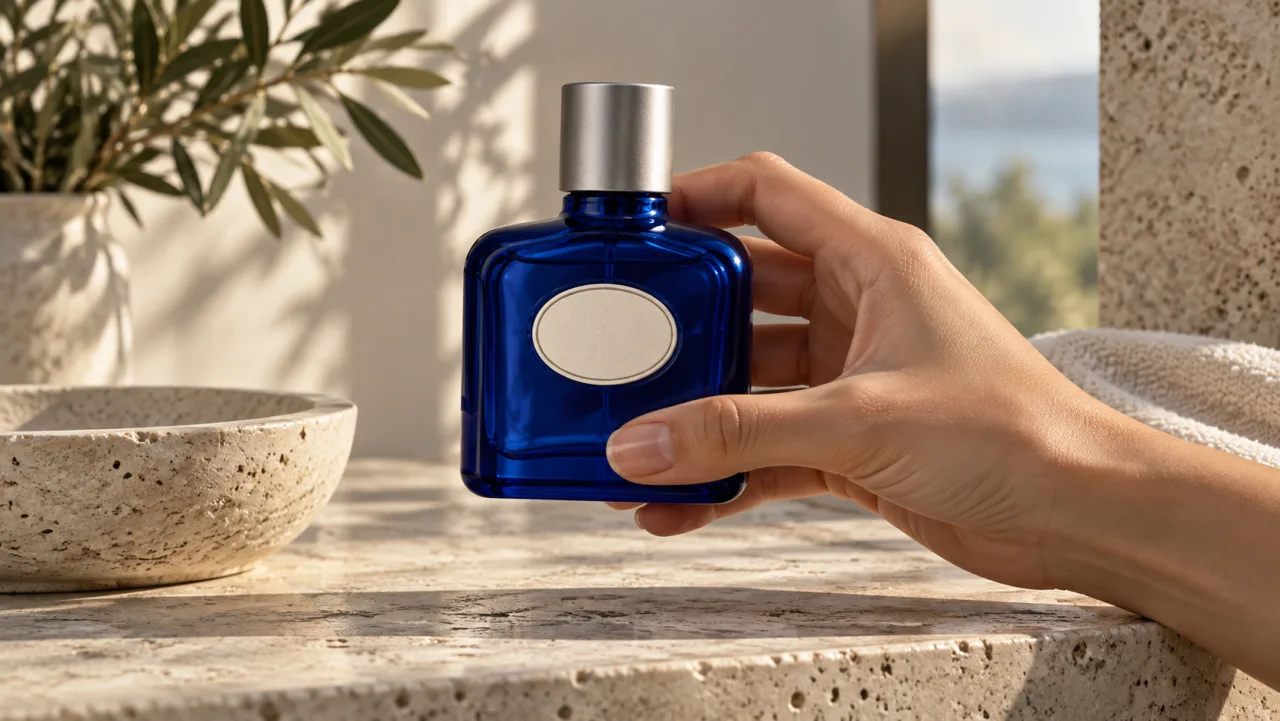
Hands introduce occlusion and pressure. They can hide the exact contour the model needs, then reveal an invented version. Begin with a neutral grip on a broad, noncritical face. Keep fingers away from logos, pumps, thin handles, and transparent edges. Use one lift, turn, or placement action per clip.
Treat label text as a separate production layer when it must be exact. Generate a clean label zone with the correct size and position, then track and composite the approved artwork. This prevents typography drift and creates a reviewable legal master. The same principle applies to small instructions, nutrition panels, certification marks, and serial details.
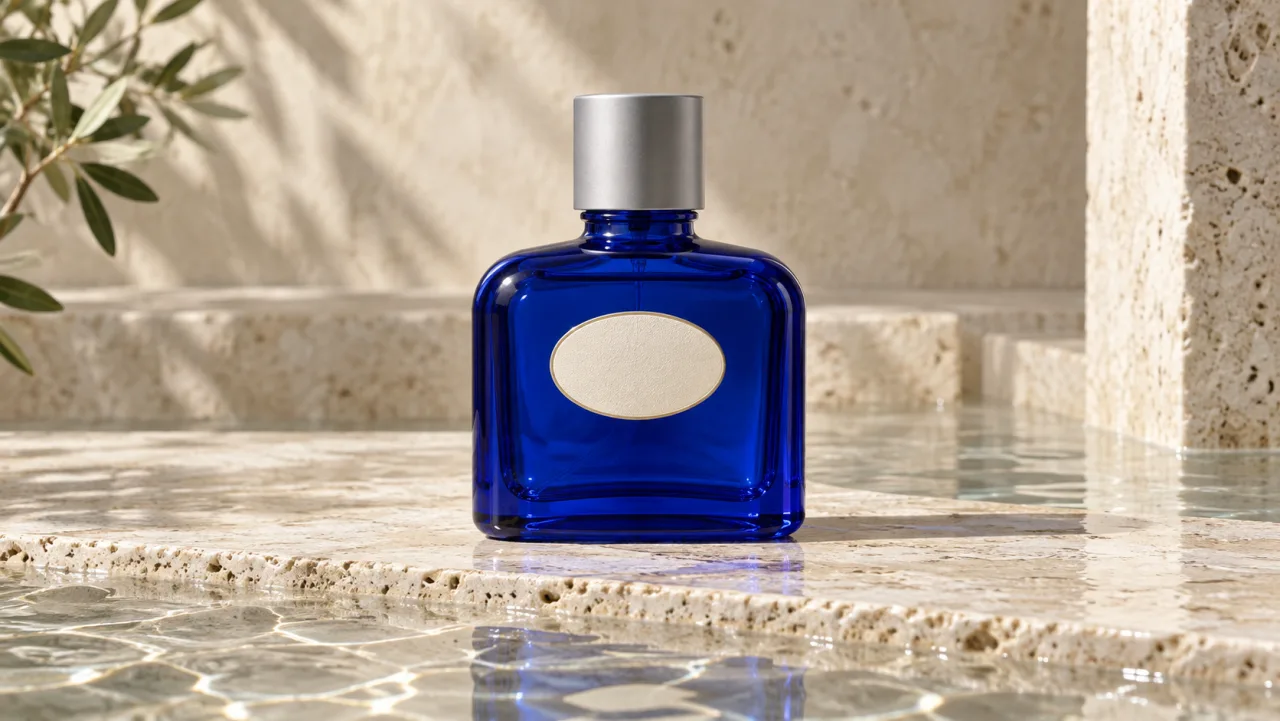
Reflections should move without rewriting the object. Large soft sources create readable gradients across glass or metal; many tiny lights can produce unstable highlights that look like dents. Separate a dark product from the background with a rim light, and avoid a background edge that touches the silhouette. Good lighting is a geometry control because it keeps the outline visible.
This Seedance clip is a real independent product-ad motion reference for reviewing framing, movement, and full-frame delivery. It is not proof that the fictional bottle above was generated as a video.
Apply a Geometry Acceptance Gate
Review product fidelity before judging color grade, music, or pacing. Compare the first, middle, and final frames with the hero reference, then scrub through transitions at full resolution. Check these protected points:
- overall width-to-height ratio and silhouette;
- cap, pump, lid, handle, or closure count and alignment;
- label size, shape, position, and orientation;
- seams, corners, base thickness, and transparent edges;
- color and material under changing light;
- product scale relative to the hand and set.
Use a binary gate for each locked attribute: pass or rerun. “Close enough” is dangerous because several small deviations across five shots make the ad feel like it contains different products. An overlay at partial opacity can reveal edge drift quickly. For expensive campaigns, measure a few landmark distances in pixels on the hero frame and compare them at matching angles.
Keep accepted frames and rejected examples. They become a practical consistency reference for the next iteration and help reviewers explain exactly what failed.
Repair the Smallest Faulty Unit
If the silhouette changes throughout the shot, return to a cleaner reference and simpler camera move. If only the final frames warp, shorten the clip or cut before the failure. If the cap changes during a hand lift, move the grip, lower motion, and isolate the interaction. If the label drifts while the body is stable, replace it in post instead of rerunning a good performance.
Do not solve every defect with a longer prompt. A clear reference, smaller camera arc, shorter duration, or separate plate often gives the model less uncertainty. Preserve accepted shots and rerun only the faulty unit so the campaign does not lose working material.
Seedance Agent can hold the lock sheet, reference set, shot list, accepted takes, and frame-specific feedback in one workflow. Teams can compare candidates against the same SKU rules and request a targeted rerun without changing already-approved shots. That turns “the bottle looks odd” into an actionable note such as “keep the cap diameter and label center fixed from frames 42–71.”
Conclusion
Keeping product shape consistent in AI video ads requires a measurable SKU fingerprint, clean references, geometry-first prompts, restrained camera motion, and a pass-or-rerun acceptance gate. Protect labels with compositing when exact artwork matters, use hands only where they do not hide critical edges, and repair the smallest failed shot rather than regenerating the campaign. To manage references, approvals, and targeted iterations across a complete ad, build the production in Seedance Agent.
Ready to try it yourself?
Put the steps from this guide into practice with Seedance and turn prompts or images into polished videos in minutes.
Free credits on signup. Plans from $28/month.
Related Articles
More posts in the same locale you may want to read next.

Seedance App Preview Video Generator 2026: Create App Store and Product Launch Clips
Use Seedance to turn app screenshots, feature copy, and launch goals into App Store previews, Google Play promo videos, and product launch clips.
Read article
15 Faceless YouTube Channel Ideas You Can Make with AI (2026)
15 faceless YouTube channel ideas for 2026, with the format, a sample AI video prompt and difficulty for each, plus how to make them with Seedance AI.
Read article
How to Use Seedance in Claude: MCP Setup and Automated Video Workflows
Use Seedance 2.5 inside Claude: connect the Seedance MCP server, generate videos by chat, batch variations and schedule daily video jobs with Claude scheduled tasks.
Read article