
Gemini AI Video Prompt Examples: Copy-Ready Veo Scenes and a Better Prompt Formula

AI Overview
What should a Gemini AI video prompt include?
Describe the video format, subject, ordered action, setting, visual style, framing, camera motion, lighting, and audio. Give one clear shot a manageable job instead of asking for a complete film in one generation.
Can I copy these Gemini video prompts directly?
Yes. Replace the capitalized variables and keep the shot structure intact for the first run. Then change one element at a time so you can tell whether motion, camera, style, or audio improved.
How do I prompt dialogue in Gemini video?
Name the visible speaker, write the exact short line in quotation marks, describe delivery and room sound, and request no subtitles when text is unwanted. Keep one speaker and one sentence in the first test.
How does Seedance Agent help with Gemini video production?
Use Seedance Agent to organize references, split a concept into shots, compare takes, record approvals, and replace only the weak clip. It turns separate generations into a reviewable production workflow.
Use a Nine-Part Gemini Video Prompt Formula
People searching for Gemini AI video prompt examples usually have an idea but lack production language. “Make a cinematic coffee ad” leaves the model to decide the subject, action, camera, timing, light, and sound at once. A stronger prompt assigns each of those decisions explicitly while keeping the shot short enough to execute.
Use this reusable order: format + subject + ordered action + setting + style + framing + camera + light + audio + constraints. Format means the practical delivery request, such as a continuous 16:9 product shot or a vertical social clip. Ordered action states what happens first, next, and last. Constraints protect the details that would make the take unusable if they changed.
Google's official Veo guidance separates subject, action, style, camera position and movement, composition, focus, ambience, and audio. That makes a good checklist, but it is not a magic incantation. Veo still generates a new interpretation each time. The useful habit is to write an observable shot, inspect the moving result, and revise the smallest failing variable.
Use this fill-in template:
Create a [FORMAT] video of [SUBJECT] in [SETTING]. The subject first [ACTION 1], then [ACTION 2], and ends by [ACTION 3]. Visual style: [STYLE]. Composition: [SHOT SIZE, ANGLE, SUBJECT PLACEMENT]. Camera: [ONE CAMERA MOVE]. Lighting and atmosphere: [LIGHT]. Audio: [AMBIENCE, EFFECTS, MUSIC, OR DIALOGUE]. Preserve [IDENTITY/OBJECT/ENVIRONMENT ANCHORS]. Avoid [FAILURES, TEXT, CUTS, OR EXTRA SUBJECTS].
The four examples below are editorial templates based on documented prompt categories. The accompanying stills show what to plan and inspect; they are not official Gemini results. For wider model-neutral syntax, use the Seedance video prompt guide.
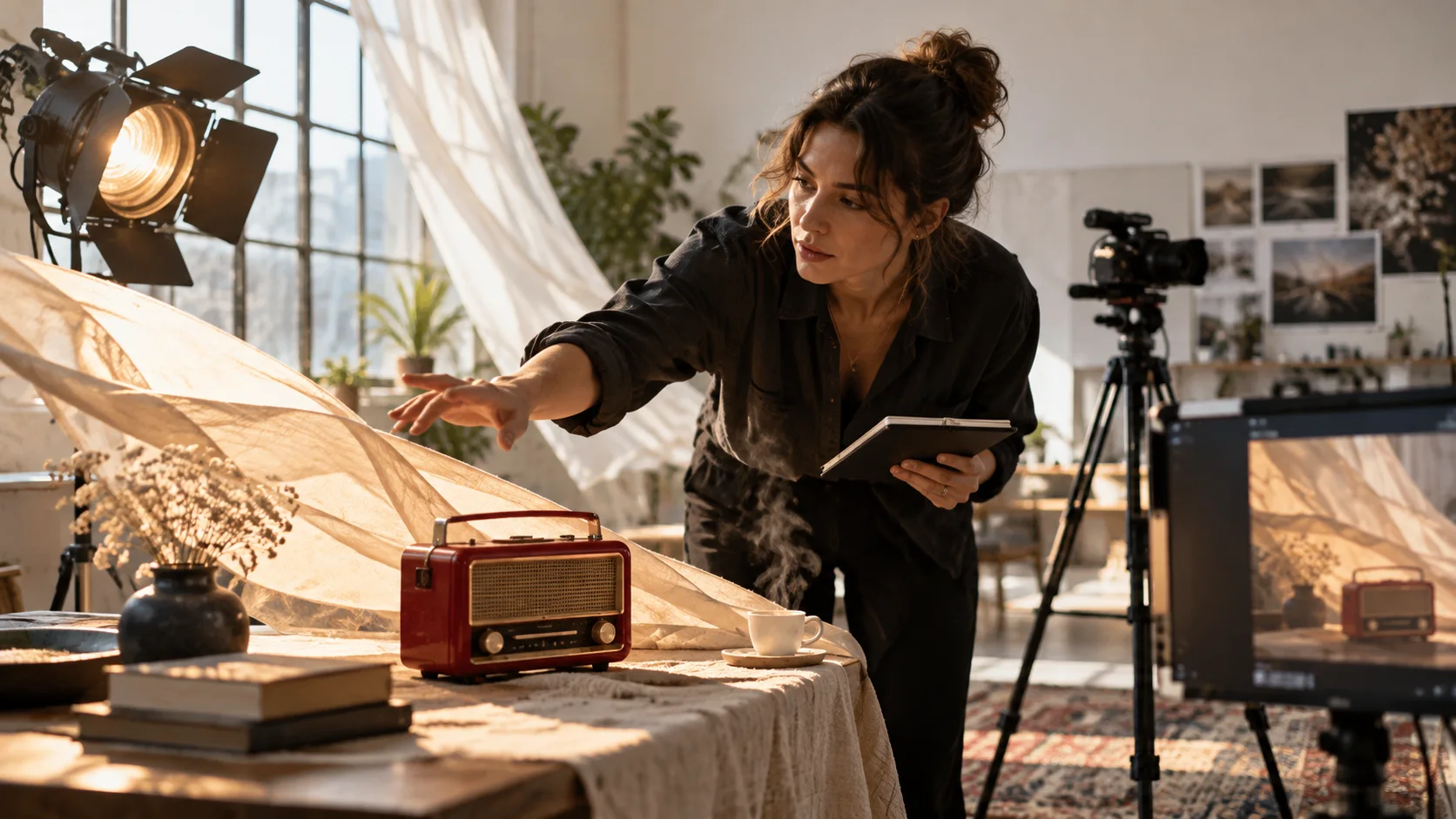
Original editorial still. Define the hero object, practical light, fabric movement, and camera job before generating the moving take.
Four Copy-Ready Gemini AI Video Prompt Examples
Cinematic travel action
Create a continuous 16:9 cinematic tracking shot of an adult cyclist in a yellow rain jacket riding along a wet European riverside street at blue hour. The cyclist enters from the left, passes close to camera, then continues toward the illuminated bridge. Low camera at wheel height, medium-wide composition, smooth lateral tracking at matching speed, realistic wheel rotation and water spray, reflections on pavement, cool sky with warm streetlights. Audio: tire hiss on wet asphalt, light chain movement, distant traffic, no music and no speech. Preserve the rider, jacket, bicycle frame, wheel count, street direction, and weather throughout. No cuts, logos, text, duplicated riders, warped wheels, or sudden camera orbit.
This prompt gives the subject and camera compatible paths. If the bicycle bends, lock the camera and shorten the pass before adding tracking.
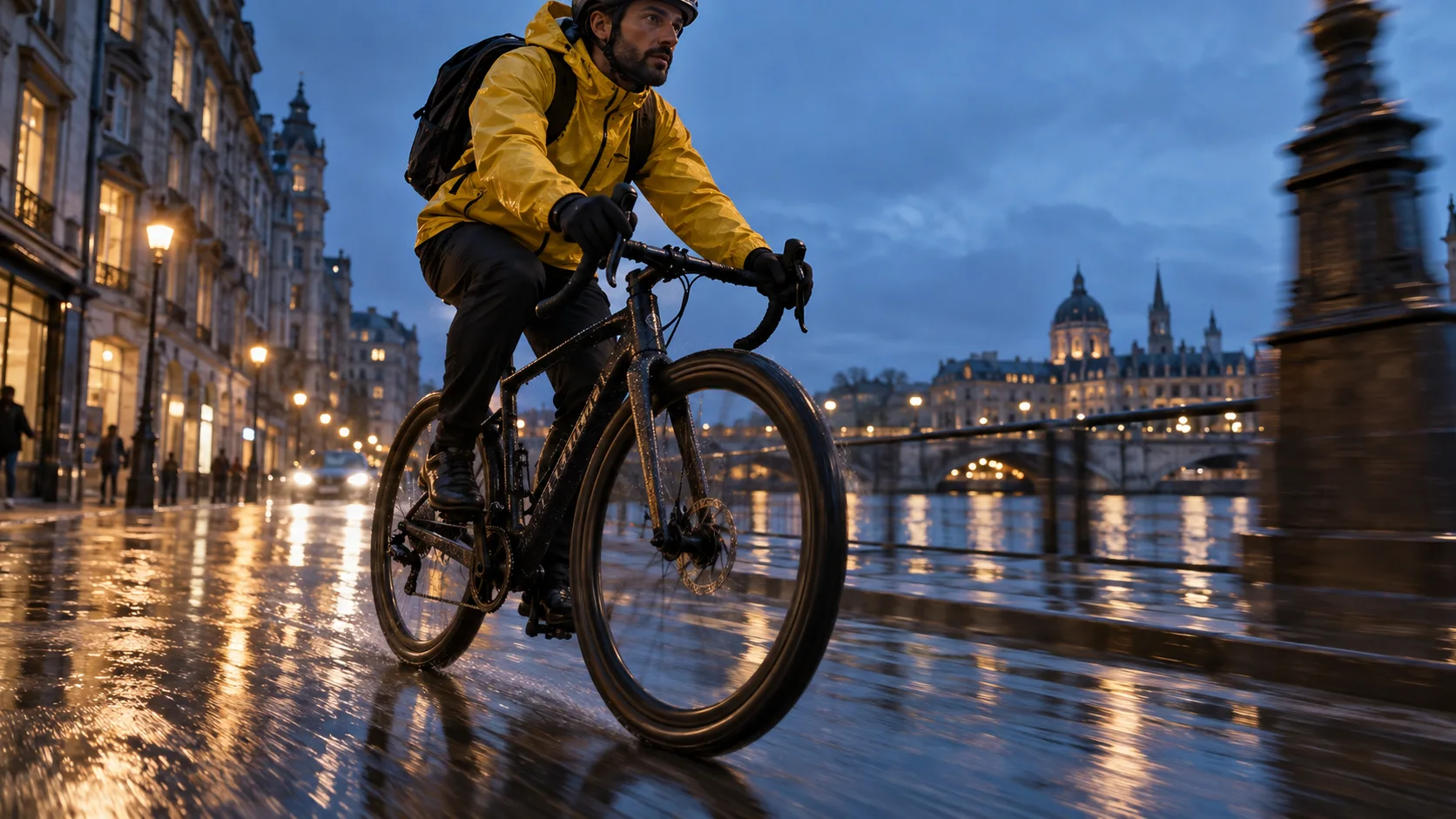
Original planning still. Review wheel geometry, road contact, reflections, and the rider's identity across the whole pass.
Product ad with controlled geometry
Create a premium 16:9 macro product video of one unbranded cobalt-blue glass perfume bottle on dark wet stone. Begin with a locked three-quarter close-up. A narrow ribbon of water arcs behind the bottle from left to right while the camera makes one slow ten-centimeter push-in. Hard cool rim light defines the glass edges; a softer side light reveals the liquid and cap. End with the bottle centered and completely still for one second. Audio: one clean water sweep, tiny droplets on stone, low restrained tonal bed. Preserve the exact rectangular bottle, cap size, blue color, label-free front, stone surface, and light direction. No extra bottles, text, logo, melting glass, changing cap, splash covering the product, or cut.
Product prompts benefit from a geometry lock and a final hold. If the water hides the bottle, reduce the arc rather than rewriting the bottle description. The product-image-to-video workflow is useful when an approved packshot must stay recognizable.
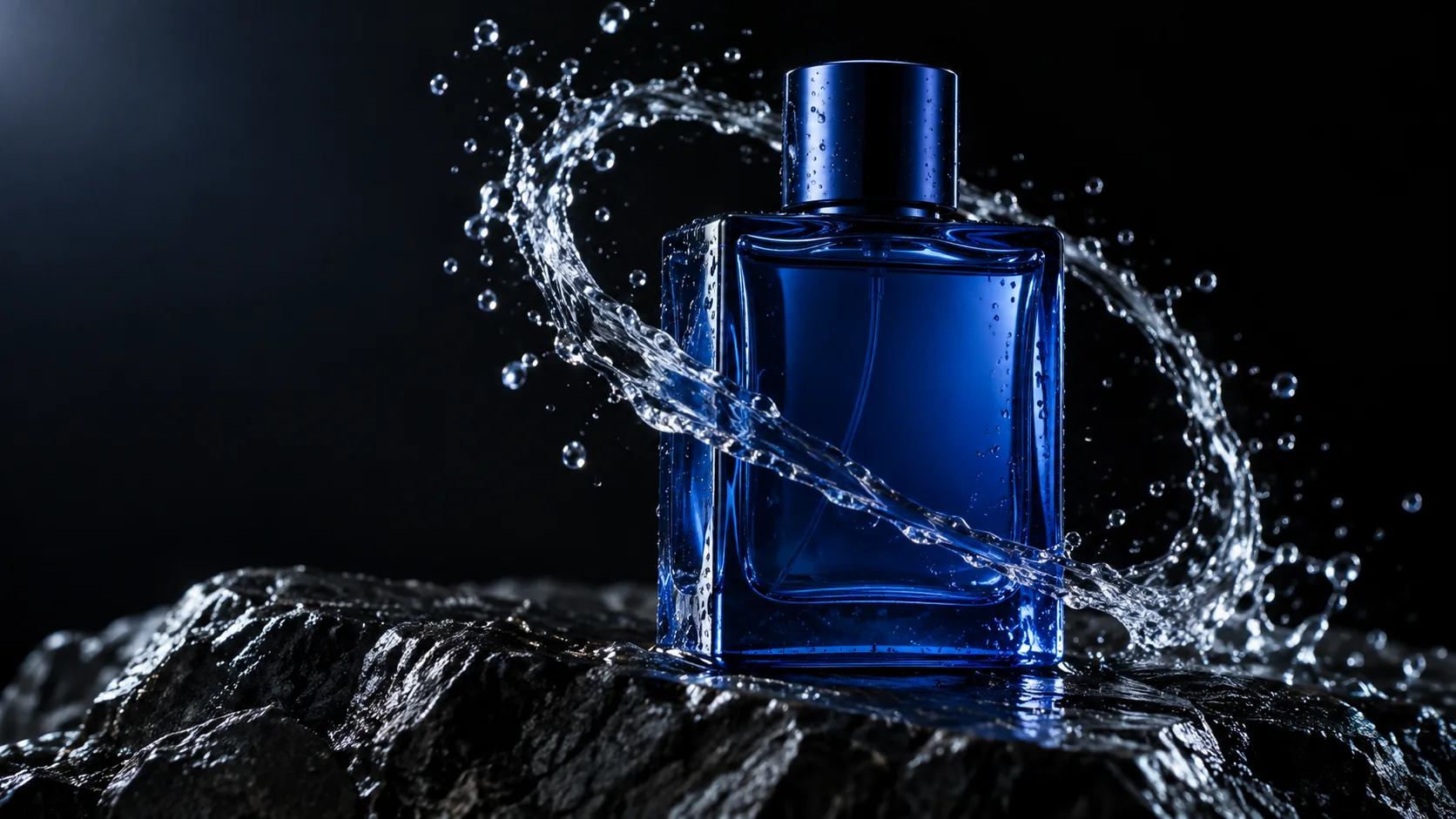
Original product-planning still. The bottle silhouette, cap, glass edges, and label-free face are the acceptance anchors.
Dialogue scene with natural room sound
Create a single continuous 16:9 documentary-style shot in a warm restaurant kitchen. One fictional adult chef in a white jacket places a ceramic plate on the pass, looks toward an off-camera colleague, and says calmly, “Table twelve is ready.” Medium shot at counter height, subtle handheld breathing without shake, shallow depth of field, tungsten practical lights, visible steam, background cook remains soft and does not speak. Audio: exact dialogue once, natural plate contact, quiet ventilation, restrained kitchen ambience, no music. Keep the chef's face, jacket, hands, plate, food arrangement, counter, and light consistent. No subtitles, captions, logos, extra dialogue, lip movement before the line, camera cut, or additional foreground hands.
Short dialogue gives the model fewer timing conflicts. If the words are wrong, keep the visual description and simplify the line; if the face changes, use a reference image and reduce camera movement. For a dedicated audio workflow, compare the native-audio video guide.
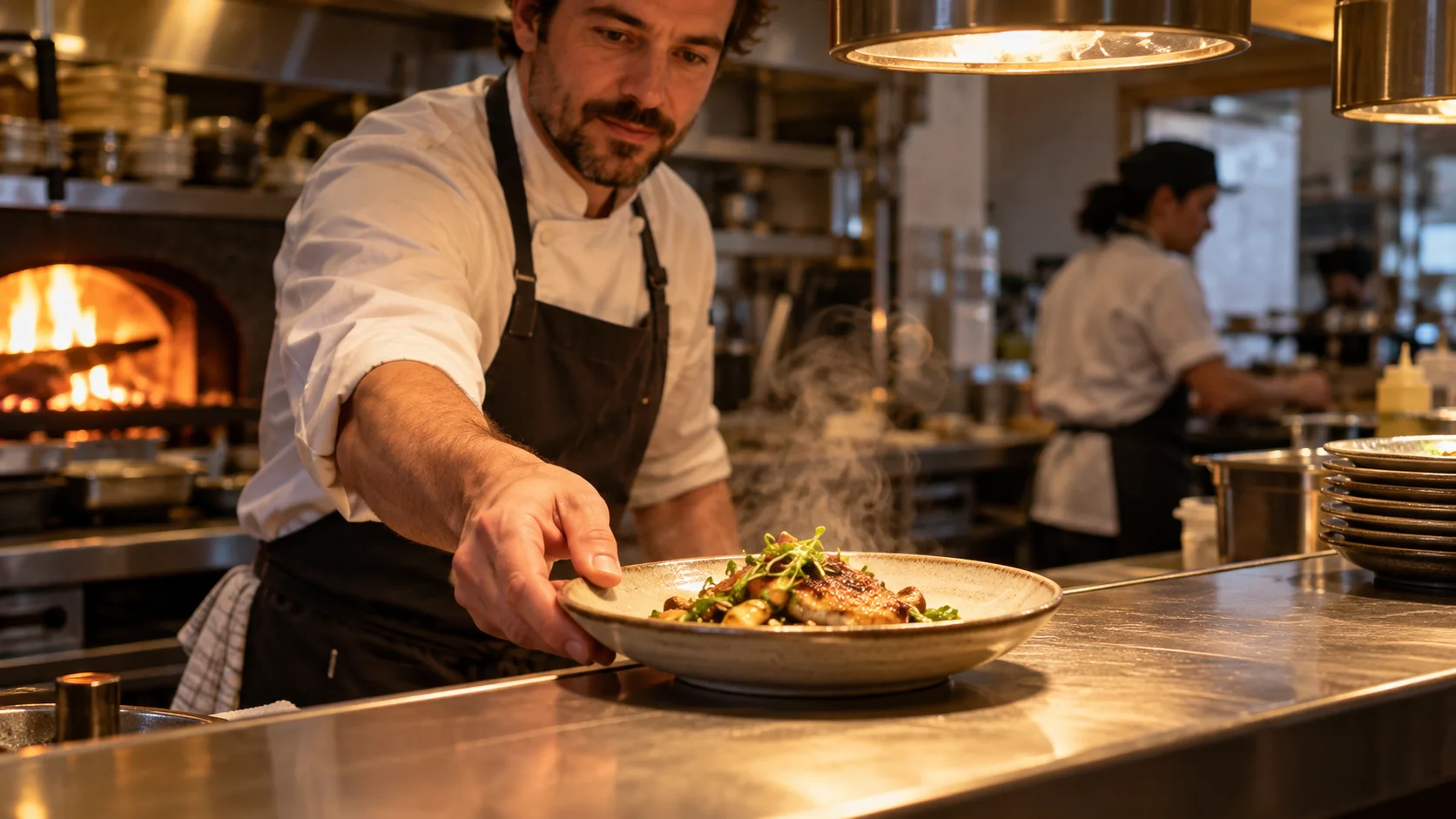
Original dialogue-planning still. Check hand contact, plate continuity, steam, eye line, lip timing, and background activity together.
Vertical social reveal
Create a continuous 9:16 social video of a small vintage red radio on a linen-covered table in a bright creative studio. Start on a close detail of the tuning dial. Pull back slowly as a curtain moves in the breeze and sunlight travels across the table, revealing the full radio and a cup beside it. End on a centered medium shot with clear space above the radio for optional editing later. Warm natural editorial style, realistic fabric and dust in sunlight. Audio: soft room tone, curtain rustle, one gentle analog click, no voice and no music. Preserve the radio shape, red finish, dial positions, table objects, window direction, and daylight. No on-screen text, logo, morphing controls, extra objects, abrupt exposure change, jump cut, or rotation.
The reveal has one hero object, one camera move, and two environmental motions. That is enough visual activity for a short vertical take.
Adapt a Prompt Without Losing Control
Copying a strong example is only the first run. Save the prompt, reference, aspect ratio, duration, and output together. Watch the entire clip once at normal speed before pausing on defects. Classify the failure as subject, action, camera, environment, audio, or delivery. Then change only that category.
If the action is wrong, rewrite it as three ordered verbs and remove decorative language. If the camera ignores direction, use one familiar move—locked shot, pan, tilt, tracking, or push-in—and state what remains framed. If the scene drifts, repeat two or three anchors such as wardrobe color, bottle silhouette, counter layout, or time of day. If audio competes with dialogue, list speech first and reduce ambience.
Negative instructions work best when they name visible failure conditions: no extra subject, no subtitles, no changing product geometry, no cuts. A long list of abstract negatives can dilute the main action. The camera movement prompt examples help translate direction into a shot the model can attempt.
Use references for what text describes poorly. An image can anchor identity, wardrobe, product shape, composition, and palette. A short licensed motion reference can communicate cadence. Keep provenance clear and avoid asking for a living artist's or performer’s recognizable style. The reference-to-video workflow explains how to prepare clean source material.
Review the Moving Result, Not the Poster
A beautiful first frame can hide a broken clip. Inspect subject identity, limb or object geometry, contact with the ground or props, camera path, background continuity, lighting direction, audio timing, dialogue accuracy, and the final hold. Record pass, repair, or reject for each category.
This is an independent Seedance moving example for practicing dialogue and continuity review. It is not Gemini output and does not benchmark Veo.
For product footage, reject any take where the package changes even if the splash looks impressive. For dialogue, listen once without looking, then watch on mute to isolate speech and facial timing. For action, inspect crossings and occlusions frame by frame. A usable shot must survive its intended edit, not merely produce a strong thumbnail.
Turn Separate Prompts Into a Short Video
Long scenes become more reliable when planned as short shots with compatible boundaries. Define a start frame, one primary action, and an ending state for each shot. Reuse the same subject and environment anchors, but give each prompt only the camera job it needs. Join shots on a held pose, completed gesture, object placement, or stable sound bed.
Seedance Agent helps manage this production layer. Store the approved reference, shot list, prompt versions, generated takes, and acceptance notes in one canvas; compare alternatives; rerun only the weak shot; then assemble the approved clips. This is especially useful when Gemini creates a strong product reveal but weak dialogue, or a good opening action but unstable ending. The agent coordinates the work without pretending that one prompt guarantees a finished film.
Keep a compact prompt ledger: version, changed variable, expected effect, result, and decision. After three failures, simplify the shot.
Save This Prompt Checklist
Before generating, confirm subject, action order, camera, light, audio, continuity anchors, aspect ratio, and final hold.
Conclusion
The best Gemini AI video prompt examples behave like shot briefs: they identify one subject, order the action, define the setting and style, assign one camera move, specify light and audio, protect continuity anchors, and name visible failures to avoid. Copy one example, replace only the variables you understand, review the complete moving result, and revise one category at a time; when the concept needs several coordinated shots, plan, compare, and assemble them in Seedance Agent.
Ready to try it yourself?
Put the steps from this guide into practice with Seedance and turn prompts or images into polished videos in minutes.
Free credits on signup. Plans from $28/month.
Related Articles
More posts in the same locale you may want to read next.

Seedance App Preview Video Generator 2026: Create App Store and Product Launch Clips
Use Seedance to turn app screenshots, feature copy, and launch goals into App Store previews, Google Play promo videos, and product launch clips.
Read article
How to Keep Product Shape Consistent in AI Video Ads
Lock product geometry, packaging, labels, references, camera angles, and approval checks so AI video ads preserve the real SKU across every shot.
Read article
How to Make AI Video Follow a Multi-Step Action
Plan atomic actions, state transitions, timing, continuity, and shot handoffs so an AI video completes a sequence in the intended order.
Read article