
Dola AI Watermark: Why It Appears and How to Get a Clean Video

If a video you made with Dola has a watermark, the most reliable fix is to change how you export or generate it, not to edit the mark out afterwards.
We could not confirm Dola's current watermark rules. Its site showed a region notice in our test on November 5, 2026, and third-party pages disagree. So check the export inside your own app. Here is what you can do either way.
Why AI videos carry watermarks
AI video tools usually add a visible mark for two reasons: to show how the content was made, and to separate free output from paid output. Some tools also embed information that you cannot see. Removing a visible logo does not remove that.
Check these first
- Export from the original app. Screen recordings and third-party downloaders can give you a worse copy, with the mark still on it.
- Look at your export options. Some apps offer different downloads, and paid accounts may get different output.
- Check the source. If you used a site with a similar name, it may not be Dola at all. Different sites have different rules.
Should you use a Dola AI watermark remover?
You will find tools and browser extensions that promise this. Think about three things first:
- Rights: only edit videos you own or are authorized to change. A tool's terms may also forbid removing marks.
- Quality: removers paint over the area, which can leave blur or flicker in moving video.
- Safety: be careful with unofficial APKs and extensions, especially any that ask for broad access to your account or browser.
If a platform requires AI disclosure, removing a visible mark does not remove that duty.
The cleaner route: generate without one
The simplest option is to generate the final version in a tool and plan that gives you clean output. On Seedance TV, an independent product that offers Seedance 2.5 in the browser:
- Seedance videos on the free plan include a watermark.
- Paid plans can remove it.
- You can test prompts cheaply at a lower resolution, then render the final version at up to 1080p.
- The credit cost is shown before you generate.
Paste the prompt you used in Dola and adjust it from there. Start with a short clip, because the same prompt can behave differently in a different tool.
FAQ
How do I remove the Dola AI watermark?
Start with Dola's own export options. If those do not help, regenerate the video in a tool or plan that gives you clean output. Only use a remover on videos you have the rights to edit.
Is it legal to remove a watermark from an AI video?
It depends on the terms of the tool, how you use the video and local law. This is not legal advice. Check the terms first.
Does Seedance TV have a watermark?
Yes on the free plan. Paid plans can remove it.
Ready to try it yourself?
Put the steps from this guide into practice with Seedance and turn prompts or images into polished videos in minutes.
Free credits on signup. Plans from $28/month.
Related Articles
More posts in the same locale you may want to read next.
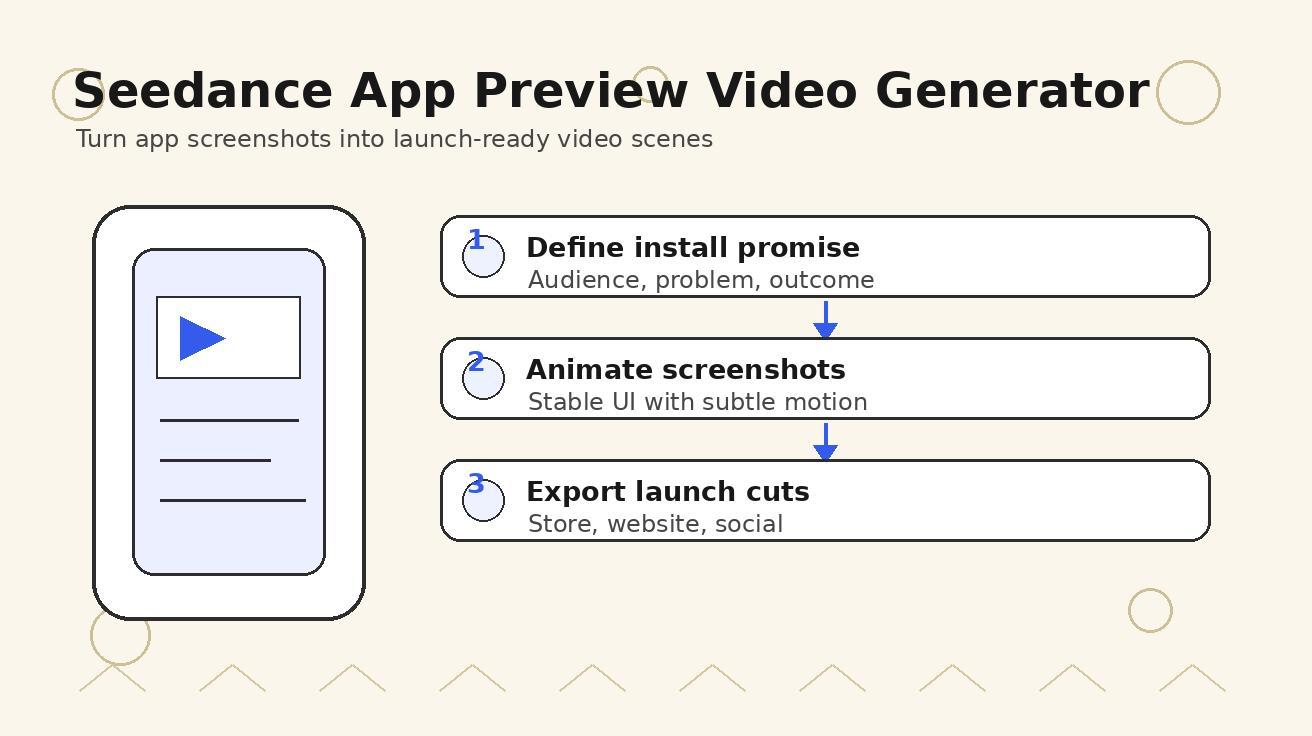
Seedance App Preview Video Generator 2026: Create App Store and Product Launch Clips
Use Seedance to turn app screenshots, feature copy, and launch goals into App Store previews, Google Play promo videos, and product launch clips.
Read article
Dola AI Not Working or Not Available? Fixes for Region and Seedance 2.5 Issues
Dola AI not working, or Seedance 2.5 missing from your account? What to check for region notices, video mode and app downloads, and what to do next.
Read article
Is Dola AI Free? Credits, Pricing and Limits to Check (2026)
Is Dola AI free? What we could confirm about Dola's free use, video credits and pricing, and what to compare before you pay for Seedance 2.5 video.
Read article