
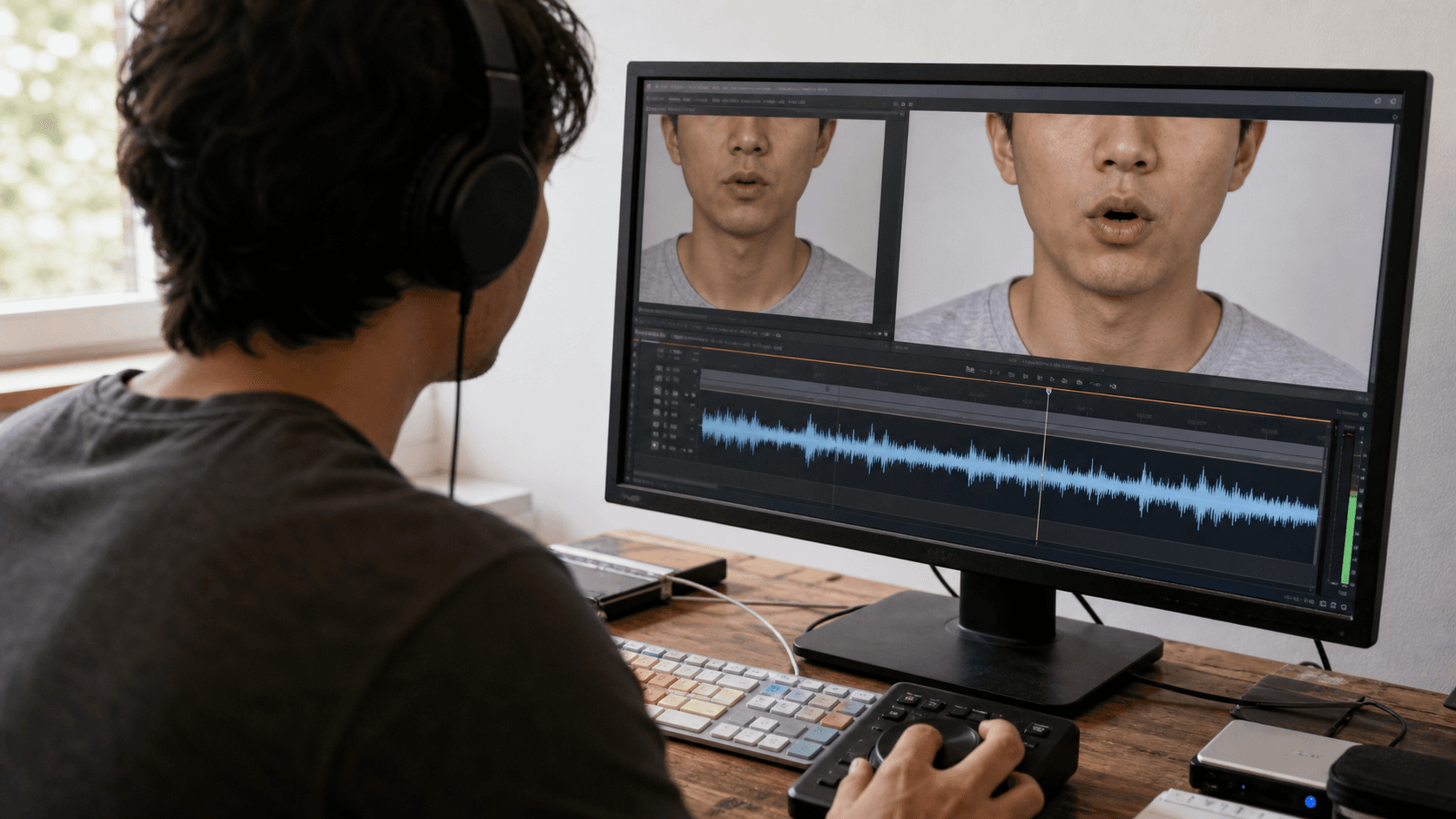
AI Overview
What causes lip sync issues in Seedance 2.5?
The usual causes are unclear or compressed speech, long dialogue, a small or moving face, multiple speakers, and prompts that ask for too many actions at once. Accents, fast delivery, background music, and ambiguous speaker labels can make timing less stable.
How do I fix lip sync not working in Seedance 2.5?
Use clean dialogue, one visible speaker, a stable medium close-up, and one short quoted line. Test a short clip first, then regenerate while changing only the audio, source frame, or prompt—not all three together.
Does Seedance 2.5 support all languages for lip sync?
Seedance 2.5 has demonstrated multilingual speech, but accuracy varies with pronunciation, pace, shot clarity, and the model route available in your account. Test the exact language and voice before producing a full sequence.
Is Seedance 2.5 lip sync better than HeyGen or D-ID?
It is better suited to cinematic scenes where voice, ambience, motion, and picture are generated together. Dedicated avatar tools may be more predictable for long, precisely scripted presenter videos.
What Is Lip Sync in Seedance 2.5 and How Does It Work
Native audio-video generation, not simple dubbing
Traditional lip sync drives a finished face video from a separate voice track. Seedance 2.5 can instead generate picture, speech, ambience, and movement as one scene, connecting a spoken line to breathing, head motion, camera timing, and the room.
The trade-off is that lip movement is only one part of the shot. If the prompt also demands a camera orbit, a walk, hand gestures, changing light, two speakers, and a long sentence, the model must solve every event inside the same seconds. Mouth timing can lose priority even when the overall clip looks convincing.
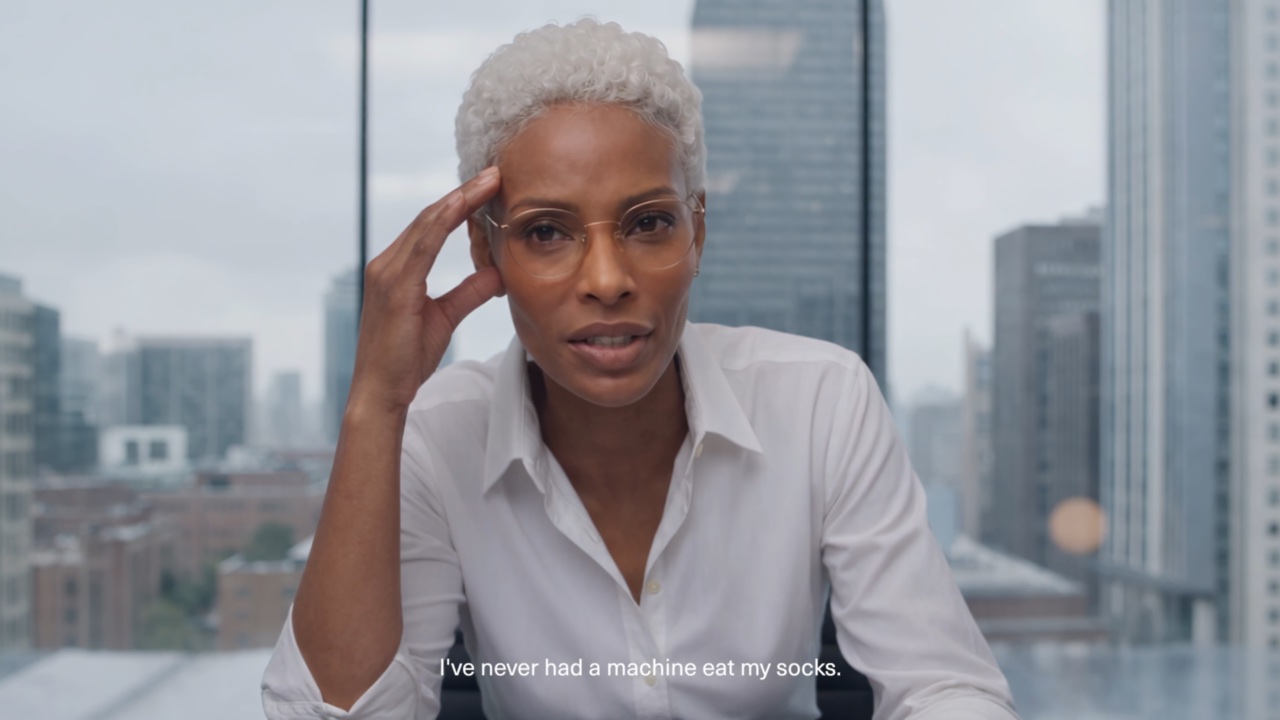
A readable face, an unobstructed mouth, and a simple shot make synchronization easier to judge.
What “accurate” lip sync should look like
Check when the jaw opens, whether closures match m, b, and p, whether teeth and lower lip support f and v, and whether the mouth ends with the final syllable. Watch for a correct first half that drifts late near the end.
For a practical benchmark, create a five-to-eight-second line with one speaker and no cut. Review it once with sound, once muted, and once at half speed. The Seedance 2.5 video editing guide shows how to evaluate native audio as part of the whole scene.
Common Seedance 2.5 Lip Sync Problems (And What Causes Them)
Recognize the symptom before changing the prompt
| Problem | Likely cause | First fix to try |
|---|---|---|
| Mouth starts late | Intro silence, slow visual setup, or unclear speaker | Trim lead-in and name the speaker |
| Timing drifts | Dialogue is too long or fast | Split the line into shorter shots |
| Generic mouth motion | Face is small, angled, or obscured | Use a clear medium close-up |
| Plosives look weak | Compression or blurred mouth detail | Use a cleaner source and audio |
| Wrong person speaks | Two faces or ambiguous dialogue | Assign each quoted line explicitly |
| Speech sounds muddy | Reverb, music, clipping, or low bitrate | Isolate the voice before generation |
Lag is not always an audio problem. A character may turn away, the camera may cut on a syllable, or a hand may cover the mouth. Simplify the performance and framing before replacing the voice.
Why more detail can produce worse timing
Over-directed prompts divide attention among acting, lighting, camera motion, sound effects, and dialogue. Keep the visual brief compact, then specify speaker, language, exact line, tone, and pause.
Avoid phonetic spellings unless a name is consistently mispronounced. They can improve one word while damaging the rhythm of the full sentence. Use the structure in the Seedance 2.5 prompt guide, then add only the pronunciation cue that is actually needed.
How to Fix Seedance 2.5 Lip Sync Not Working — Step by Step
Step 1: Build a controlled five-second test
Start with one front-facing person, one sentence, no cut or music, and minimal camera motion. Choose an evenly lit reference with a natural mouth position; profiles, heavy shadow, exaggerated smiles, and obstructed lips make diagnosis harder.
Use a prompt such as:
Medium close-up, locked camera. One presenter looks into the lens and says in calm English: “Your first cut is ready for review.” Natural blinking and subtle head motion. Quiet studio room tone. No music, no subtitles, no second speaker.
Generate two or three short versions and select the best first syllable, mid-line closures, and ending. The reference-to-video workspace helps keep facial identity and framing anchored.
Step 2: Change one variable at a time
If timing is late, remove lead-in silence. If it drifts, shorten the sentence. If articulation is generic, enlarge the face. If the wrong person speaks, remove extra faces or label the speaker. For bad pronunciation, revise only that word or record a cleaner guide.
Do not regenerate a 30-second scene after every change. Prove the voice and face in a short shot, then build adjacent shots around it. For reference-led work, the Seedance 2.5 reference guide explains how to protect identity while limiting unwanted motion.
Best Audio Settings for Seedance Lip Sync Accuracy
A clean production target
Seedance 2.5 can create speech directly from written dialogue, so an uploaded audio file is not always required. When your route accepts or uses a guide track, treat these as reliable production targets rather than platform minimums:
| Setting | Recommended target | Why it helps |
|---|---|---|
| Format | PCM WAV; high-bitrate MP3 if needed | Avoids heavy compression artifacts |
| Sample rate | 44.1 or 48 kHz | Preserves consonant detail for editing |
| Channels | Mono for one isolated voice | Keeps the speaker centered and simple |
| Level | Peaks around -6 to -3 dBFS | Leaves headroom without sounding faint |
| Pace | Natural, with brief phrase pauses | Gives visible articulation room |
| Background | Dry voice, little reverb or music | Prevents speech from competing with sound |
Normalization cannot repair clipping. Re-record near the microphone, reduce echo, and remove loud breaths or long silence while preserving natural micro-pauses.
Text dialogue still needs audio discipline
Punctuation controls rhythm: commas invite pauses, full stops create endings, and multiple clauses raise drift risk. Spell out symbols and abbreviations. Describe emotion once—“quietly relieved,” for example—rather than interrupting every phrase with acting notes.
Native audio is part of the generated performance, so judge the complete shot—not the waveform alone.
Seedance 2.5 Lip Sync for Different Languages — What to Expect
Multilingual support is real, but every voice is a new test
Official demonstrations show Seedance 2.5 speaking across multiple languages, but accents, names, numbers, and code-switches are not equally reliable. Regional accents, rapid speech, borrowed words, and mixed-language sentences need more testing.
Use the demonstration as capability evidence, then run a controlled test with your exact language, accent, and script.
Practical workarounds for difficult lines
Keep each segment in one language when possible. Write numbers as words, expand abbreviations, and isolate difficult names. If a translation is longer, extend or split the shot rather than forcing the original duration.
For bilingual scenes, name the language beside each speaker and avoid overlapping dialogue. Generate each turn separately if identity or pronunciation drifts, then assemble the exchange in the edit. This gives you control over pauses without asking the model to coordinate two complex performances at once.
Seedance 2.5 vs Competitors: Lip Sync Quality Compared
Choose by production job, not a universal winner
| Workflow | Best fit | Lip-sync approach | Main trade-off |
|---|---|---|---|
| Seedance 2.5 | Cinematic scenes, full-body action, native sound | Co-generates speech, motion, and environment | Long precise scripts need testing |
| HeyGen or D-ID | Presenter, training, and avatar delivery | Script- or audio-driven talking head | Less focused on cinematic scene motion |
| Runway | Performance transfer and character animation | Character script or driving performance | Workflow depends on the selected model route |
| Kling | Creative image-to-video and character shots | Speech support varies by product route | Confirm audio behavior before planning delivery |
If your search starts with ai lip sync video generator free, compare the full job: free credits, export restrictions, clip length, identity control, audio route, and the number of rerolls needed for an approved take. A free first clip is not cheaper if a scripted presenter requires repeated repairs.
Where Seedance has the clearest advantage
Seedance is compelling when a character moves, reacts, speaks, and shares the environment's ambience. A dedicated avatar workflow may be more efficient for a static spokesperson reading long exact copy. Our talking photo video guide covers the shorter image-led format.
Pro Tips to Get Perfect Lip Sync Every Time in Seedance
Direct the face like a cinematographer
Use a medium close-up, keep lips and jaw visible, and hold the camera steady during speech. Ask for subtle blinking and head motion rather than many gestures. Test profile angles and fast turns only after the baseline works.
Choose a reference with a neutral expression and realistic facial proportions. Extreme beauty retouching, glossy synthetic skin, oversized teeth, or an already-open mouth can push the model toward unstable articulation. Consistent identity matters, but a readable mouth matters more for the synchronization test.
Build an approval loop, not a lucky prompt
Save the source, dialogue, settings, selected take, and failure note. Review at normal speed, half speed, and muted; ask a native speaker to approve pronunciation before a multilingual campaign.
When a take is nearly right, protect what already works: keep the source and prompt, shorten only the difficult phrase, or cut away briefly to a reaction or object. A small edit is often more reliable than requesting a complete performance again.
Conclusion
Seedance 2.5 lip sync works best when the model has one clear speaker, a visible mouth, clean or precisely written dialogue, simple timing, and room to articulate each phrase. Diagnose the symptom, test five seconds, change one variable, and expand only after the voice and face hold together; for cinematic native-audio scenes that workflow is usually faster than trying to rescue an overloaded prompt. Create a controlled Seedance lip-sync test →
Ready to try it yourself?
Put the steps from this guide into practice with Seedance and turn prompts or images into polished videos in minutes.
Free credits on signup. Plans from $28/month.
Related Articles
More posts in the same locale you may want to read next.

Seedance App Preview Video Generator 2026: Create App Store and Product Launch Clips
Use Seedance to turn app screenshots, feature copy, and launch goals into App Store previews, Google Play promo videos, and product launch clips.
Read article
Gemini AI Video Prompt Examples: Copy-Ready Veo Scenes and a Better Prompt Formula
Copy Gemini AI video prompt examples for cinematic motion, product ads, dialogue, and vertical clips, then adapt them with a practical Veo prompt formula.
Read article
How to Keep Product Shape Consistent in AI Video Ads
Lock product geometry, packaging, labels, references, camera angles, and approval checks so AI video ads preserve the real SKU across every shot.
Read article