
How to Stop Seedance from Singing: Control Character Audio in Your Videos
AI Overview
Why does my Seedance character start singing instead of talking?
Seedance can read melodic audio, music-heavy references, performance language, and stage-like visuals as cues for singing. Conflicting sound instructions make that interpretation more likely.
How do I stop Seedance from making my character sing?
Use clean speech-only audio and write the dialogue explicitly. Add “speaking naturally, dialogue only, no singing, no background music,” then remove musical or performance cues.
Can I make Seedance generate a talking character without any singing?
Yes. Use a talking-photo or speech-led workflow when available, identify the speaker, quote the exact dialogue, and request quiet room tone rather than music.
Does Seedance 2.5 have a setting to disable singing entirely?
There is no universal singing-off switch across every workflow. Control comes from the selected mode, reference audio, speaker assignment, prompt wording, and a speech-only regeneration.
Why Does Seedance Make Characters Sing in the First Place?
Seedance 2.5 can coordinate pictures with dialogue, ambience, effects, and music. That range is useful, but it also means the model has to infer what kind of vocal performance a scene needs. It does not read only the sentence in quotation marks; it reads the prompt, references, visible setting, character behavior, and sound cues as one brief.
A voice reference with a hummed intro, sustained vowels, heavy pitch correction, or music leaking beneath the speaker may imply melody. A prompt such as “the performer delivers a powerful vocal” is also ambiguous: vocal can mean speech or song. Even a silent image can steer the result when it shows a concert microphone, stage lighting, raised chin, or exaggerated open-mouth pose.
This is usually an instruction conflict, not a broken character. The reliable fix is to make every input support the same outcome: conversational performance, exact words, stable face, and restrained sound. Before changing the character image, test whether the prompt and audio agree.
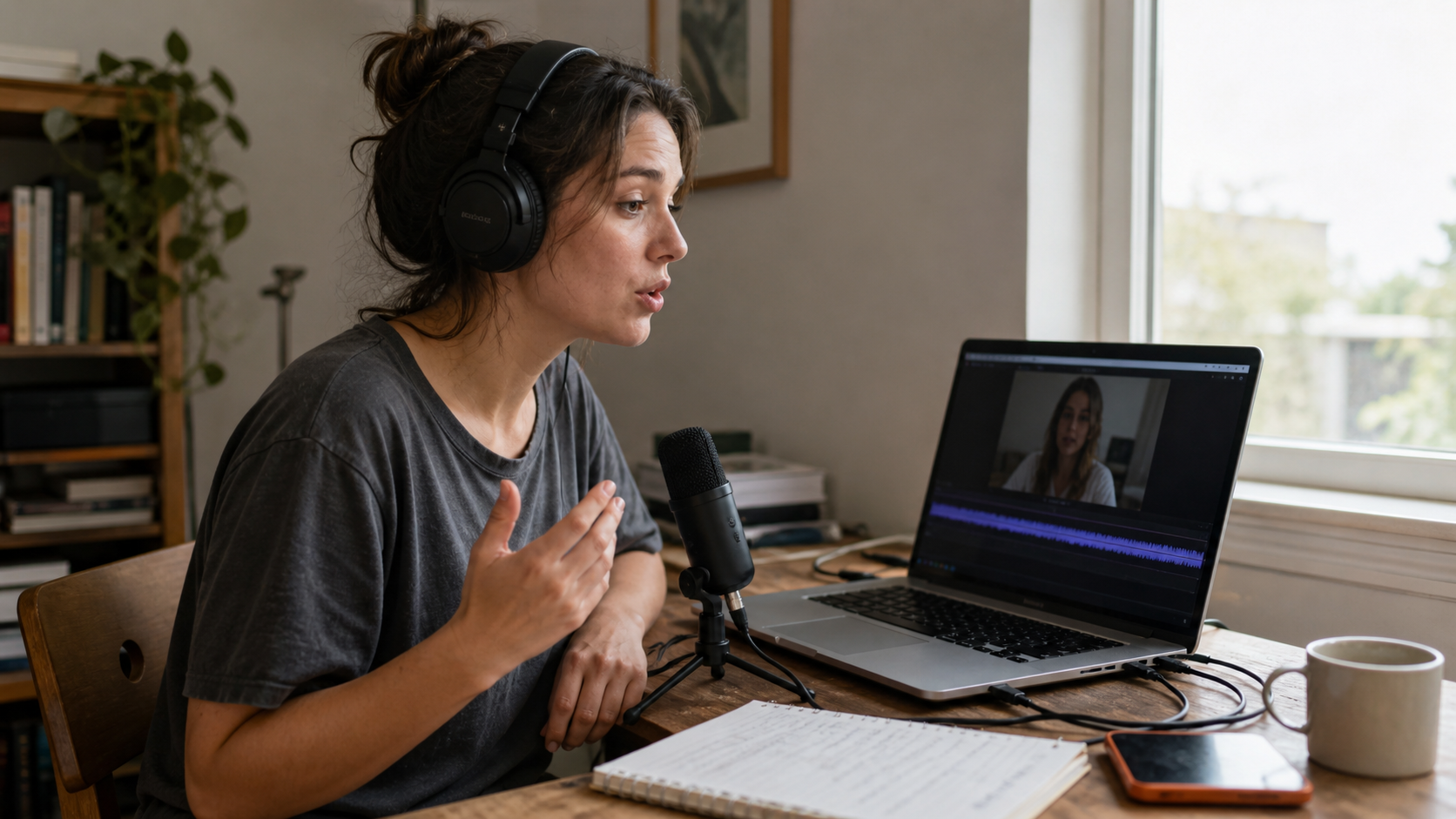
A dry, close speech recording gives the model a clearer vocal target than a mixed track with music or reverb.
Common Triggers: What's Making Your Seedance Character Sing
Look for combinations of cues rather than one forbidden word. These are the most common triggers:
- Music under the reference voice. Background tracks, melodic jingles, and even headphone bleed can pull delivery toward singing.
- Music-adjacent prompt language. “Performing,” “vocal,” “melody,” “chorus,” “song,” and “musical” invite a musical interpretation unless the context clearly says otherwise.
- Stage or microphone imagery. A concert setup, spotlight, handheld stage mic, or cheering crowd suggests a performance before the dialogue is considered.
- Singing-like body direction. “Opens her mouth wide,” “raises his chin,” “holds the final word,” or “projects to the audience” resembles vocal performance.
- Too much sound in one prompt. Dialogue, score, crowd noise, effects, and camera action competing in a short clip leave the model to decide which element dominates.
Run one diagnostic test: keep the same portrait, remove all audio references, request one short spoken sentence and quiet room tone, then compare. If the voice becomes conversational, reintroduce the original ingredients one at a time. For broader mouth-timing problems, use the Seedance 2.5 lip-sync issues guide.
How to Stop Seedance from Singing — Step-by-Step Fix
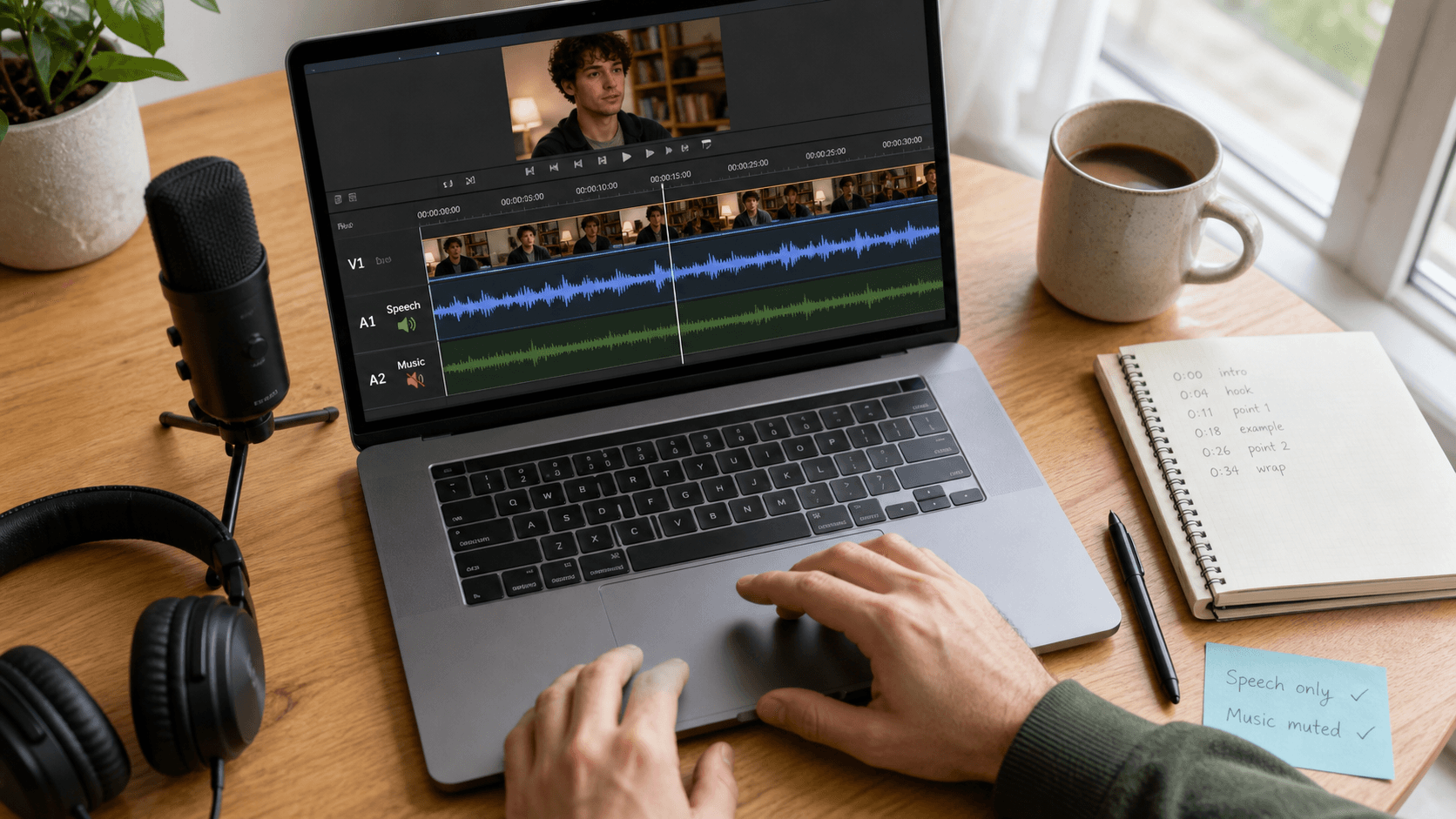
Start with the audio. Export a dry voice track without music, applause, long reverb, or a melodic intro. Trim dead air before the first word and after the last word; leave only a short natural breath at each edge. For a normal video workflow, a mono or stereo WAV at 48 kHz is a dependable editing master. Avoid repeatedly compressing an MP3, because smeared consonants make both lip sync and delivery less predictable.
Next, write the scene as speech rather than as a general performance. Name the speaker, quote the exact line, specify conversational delivery, and state what the soundtrack must contain.
Weak: A host performs a powerful voice introduction for the audience.

Better: The host looks into camera and speaks naturally in a calm conversational tone:
“Today I’ll show you the three steps.” Dialogue only, no singing, no melody,
no background music; quiet studio room tone.
Weak: She delivers the line with emotion while music builds.

Better: She says, “I thought you had already left,” in a restrained speaking voice.
Natural pauses, steady pitch, subtle breath, no sustained notes. No music.
Weak: A presenter sings out the product benefits into a microphone.

Better: A presenter explains one product benefit in ordinary speech, seated at a desk.
Exact dialogue: “It keeps the bottle cold for twelve hours.” Speech only.
When the interface offers a talking-photo, talking-head, or speech-led route, choose it instead of an open cinematic scene. In text-, image-, or reference-led generation, assign the audio to the named speaker and keep the camera stable while the line is delivered. The Seedance 2.5 video editing guide covers the surrounding generate-review-refine workflow.
Prompt Keywords That Control Speech vs Singing in Seedance
For seedance prompt control character speech, positive speech cues are more useful than an enormous negative list. Build prompts from three compact groups:
- Speech cues: speaking, talking, dialogue, narrating, explaining, presenting, conversational tone, natural cadence, steady pitch, short pauses.
- Potential singing cues: performing, vocal performance, melody, song, chorus, musical, sustained note, powerful vocals, sings to camera.
- Negative sound constraints: no singing, no melody, speech only, no background music, no humming, no sustained vowels.
Use the speech cues beside the character and line they govern. Put negative constraints after the soundtrack description, not in a disconnected paragraph. “No music” alone may still leave a cappella singing; “speaks naturally, speech only, no singing or melody” defines the desired behavior first.
A reusable prompt block is:
[Character] speaks directly to [listener/camera] in a natural conversational tone.
Exact dialogue: “[line].” Steady speaking pitch, realistic pauses, clear consonants.
Soundtrack: dry dialogue and quiet room tone only. No singing, humming, melody, or music.
For full visual structure—subject, action, camera, light, timing, and sound—see the Seedance 2.5 prompt guide.
Getting Seedance Lip Sync Right for Speech-Only Videos
Once singing is gone, optimize seedance lip sync speech mode with a shorter, cleaner line. Aim for one speaker and one clause per shot during diagnosis. Fast speech, tongue twisters, overlapping voices, and a moving or partially hidden mouth create more opportunities for drift.
Keep the face large enough to read, close to frontal, and consistently lit. Avoid a rapid orbit, hand across the mouth, chewing, or a cut during a key syllable. If a portrait has tightly closed lips or an extreme expression, try a neutral source with a relaxed jaw. Exact subtitles should be added after generation because frame-accurate text is a post-production task.
Audio should begin cleanly, maintain a consistent level, and avoid clipped peaks. Remove long silence rather than asking the model to invent facial motion through it. If the line still drifts, divide it at a natural pause and generate two short clips. Change one variable per reroll so you know whether audio, wording, pose, or camera movement solved the problem.
Use a simple dialogue shot as the benchmark: clear speaker turns, readable mouths, and no competing movement.
Seedance Talking Character vs Singing Character — When to Use Each
For a seedance video character talking not singing, choose speech when the viewer needs to understand information: product demos, explainers, customer stories, tutorials, dialogue scenes, virtual presenters, or training clips. Natural speech benefits from steady framing, ordinary gestures, clear consonants, and room for pauses.
Singing is useful when melody is the actual creative goal: music videos, jingles, stylized performance shots, animated musical characters, or transitions synchronized to a chorus. In those cases, a musical reference and stage-like direction are helpful rather than harmful.
The difference should be deliberate. Do not ask one short shot to alternate repeatedly between explanation and song. Create separate clips, each with its own audio reference and performance direction, then edit them together. If your project depends on jointly generated dialogue, effects, or ambience, the native-audio generator guide explains what to evaluate beyond the picture.
Advanced Tips: Full Audio Control in Seedance 2.5
For a sequence that speaks first and sings later, split the timeline. Generate the talking section with dry speech and a neutral setting; generate the musical section with its own song reference, performance pose, and camera plan. Join them at a visible action such as a turn, lighting change, or cut to a wider frame. This is more controllable than forcing two vocal modes into one prompt.
Use references selectively. A clean portrait can anchor identity, a short motion clip can guide gesture, and one audio file can define the voice—but every extra reference adds another signal. Avoid concert footage, lip movements from a different sentence, or mixed vocals when the goal is ordinary dialogue. The Reference to Video workspace is best used with an explicit role for each asset.
If the character still sings, try this edge-case checklist: remove words such as “perform” and “vocal,” replace a handheld microphone with a desk or camera-facing setup, shorten sustained vowels in the source, move music to post-production, and start a fresh generation with only the approved portrait and clean line. Do not stack contradictory negatives such as “not musical but emotionally melodic.” State one positive outcome: natural spoken dialogue.
Finally, listen outside the browser on headphones and speakers. Check whether the voice remains intelligible, whether ambience masks consonants, and whether the delivery becomes melodic near the end. Save the prompt, references, audio master, and accepted output so a later clip can reuse the same speech recipe.
Conclusion
Unexpected singing is usually the result of mixed creative signals, not a character failure. Align a clean speech recording, an explicit quoted line, conversational performance cues, stable framing, and “speech only” soundtrack constraints; then test one short shot before rebuilding the full scene. Keep singing for clips where melody is intentional, and separate talking and musical sections when a project needs both. Create a speech-led Seedance video →
Ready to try it yourself?
Put the steps from this guide into practice with Seedance and turn prompts or images into polished videos in minutes.
Free credits on signup. Plans from $28/month.
Related Articles
More posts in the same locale you may want to read next.

Seedance App Preview Video Generator 2026: Create App Store and Product Launch Clips
Use Seedance to turn app screenshots, feature copy, and launch goals into App Store previews, Google Play promo videos, and product launch clips.
Read article
Gemini AI Video Prompt Examples: Copy-Ready Veo Scenes and a Better Prompt Formula
Copy Gemini AI video prompt examples for cinematic motion, product ads, dialogue, and vertical clips, then adapt them with a practical Veo prompt formula.
Read article
How to Keep Product Shape Consistent in AI Video Ads
Lock product geometry, packaging, labels, references, camera angles, and approval checks so AI video ads preserve the real SKU across every shot.
Read article