
AI Overview
What is the main difference between H3 Max and Seedance 2.5?
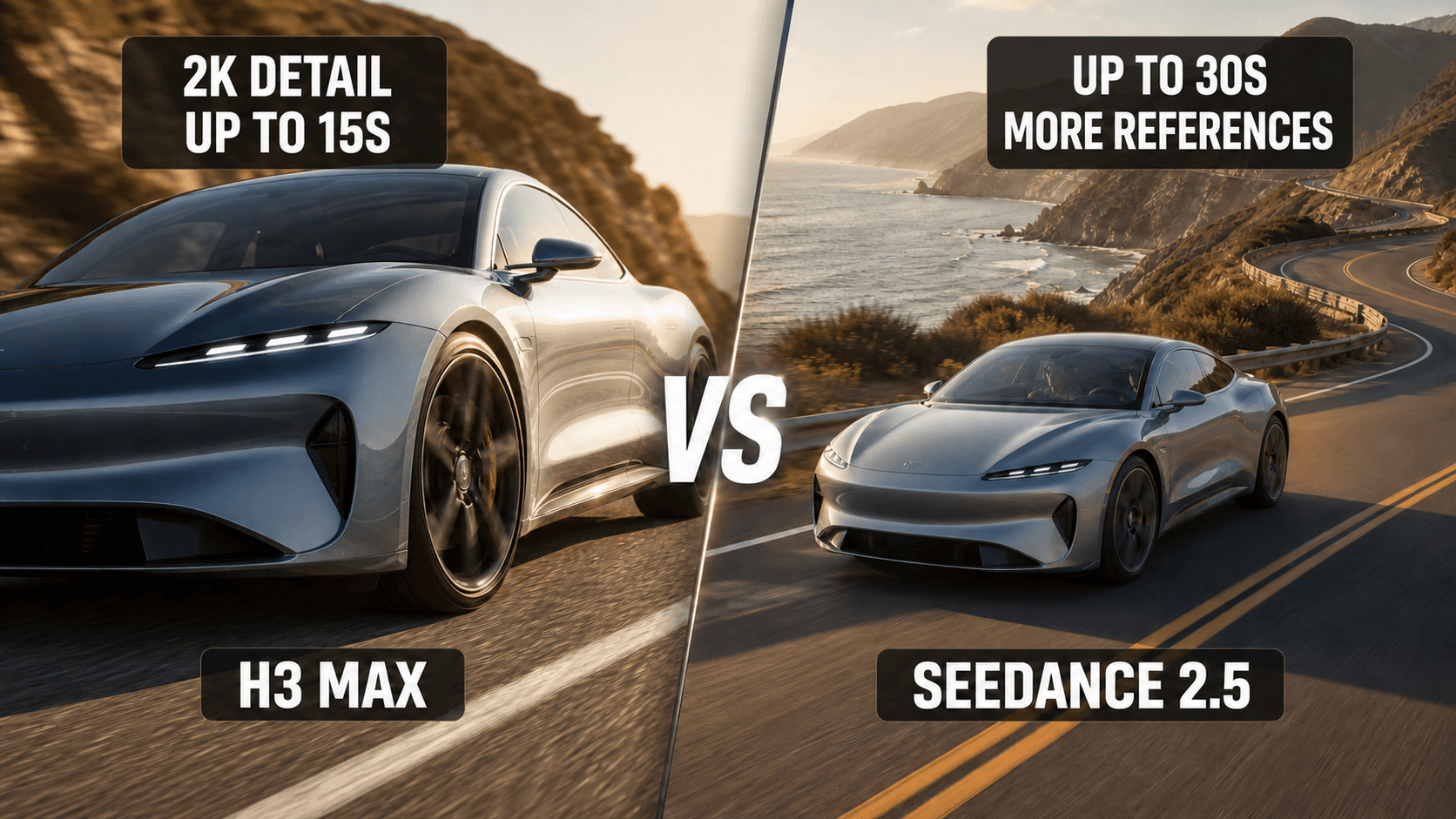
H3 Max prioritizes native 2K detail in clips up to 15 seconds. Seedance 2.5 prioritizes longer, reference-rich productions up to 30 seconds at 480p or 720p.
Which is cheaper — H3 Max or Seedance 2.5?
At the rates used in this comparison, H3 Max is $0.26 per second at 2K; Seedance 2.5 is $0.134 per second at 480p or $0.29 at 720p. Seedance is cheaper only at 480p.
Which model is better for long-form AI video?
Seedance 2.5 is the stronger single-generation choice because it can produce up to 30 seconds. H3 Max requires multiple clips once a sequence exceeds 15 seconds.
Does H3 Max support more reference inputs than Seedance 2.5?
No. The open H3 Max release documents up to 9 images, 3 videos, and 3 audio files, while Seedance 2.5 supports up to 30 images, 10 videos, and 10 audio files within its total asset limit.
H3 Max and Seedance 2.5 at a Glance — Two Models, Two Jobs
H3 Max and Seedance 2.5 arrived on July 31, 2026, but they solve different production problems. H3 Max is a short-form finishing model: native 2K output, 24 fps delivery, native stereo audio, and a 4–15 second range. It is attractive when one compact shot must survive close inspection, cropping, or a premium commercial export.
Seedance 2.5 is built around duration and input breadth. A creator can plan a 4–30 second clip, provide a larger reference package, and keep more of a narrative or campaign beat inside one generation. Its 480p route is economical for testing; 720p is the practical final route in this comparison.
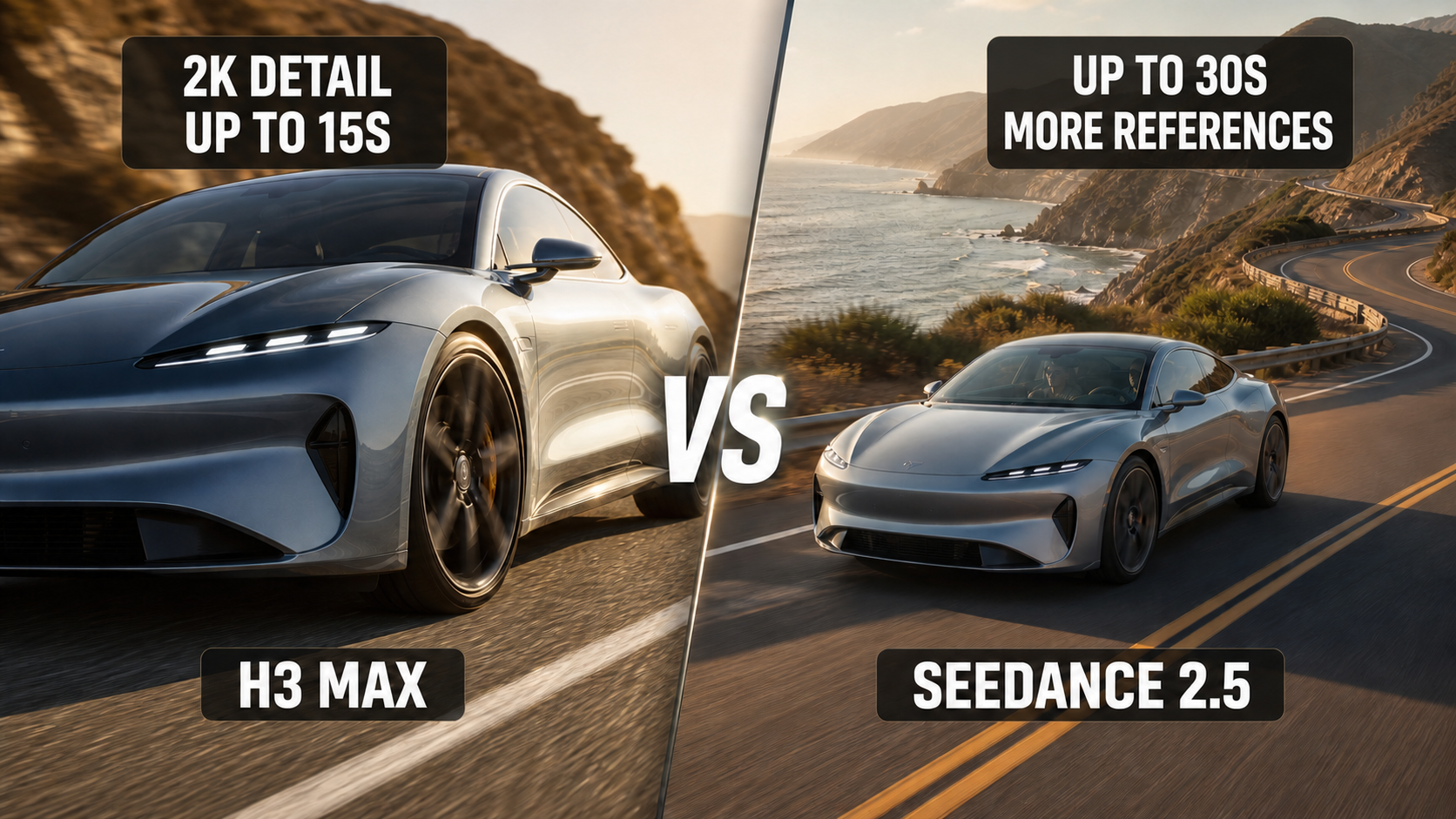
Editorial comparison illustration: H3 Max emphasizes a detail-first hero shot, while Seedance 2.5 emphasizes a wider narrative frame.
Neither model replaces the other across a full project. A product launch may use H3 Max for the hero macro shot and Seedance for a 30-second story with consistent talent, locations, and sound. Decide shot by shot rather than forcing one model to cover every deliverable.
Full Spec Comparison — Resolution, Duration, and References
| Spec | H3 Max | Seedance 2.5 |
|---|---|---|
| Maximum resolution | Native 2K | 720p |
| Clip duration | 4–15 seconds | 4–30 seconds |
| Aspect-ratio options | 6 common formats | 7 formats, including adaptive 21:9 |
| Image references | Up to 9 | Up to 30 |
| Video references | Up to 3, 15s total | Up to 10 |
| Audio references | Up to 3 | Up to 10 |
| Published rate used here | $0.26/second at 2K | $0.134/second at 480p; $0.29/second at 720p |
Two details matter before a purchase decision. First, the official open H3 Max limits are lower than the often-repeated “9 images, 9 videos, and 9 audio files” claim: the documented caps are nine images, three videos, and three audio files. Second, the Seedance 2.5 route compared here supports 480p and 720p—not native 4K. A 4K delivery therefore needs a separate upscale and quality-control step.
Limits can vary by host, API route, and interface. Confirm the generation summary before a large batch, especially when an input package mixes image, video, and audio references.
Video Quality — 2K vs 720p in Practice
Native 2K gives H3 Max a practical advantage when the final shot contains small type, product texture, jewelry, UI, hair detail, or a face that will be reframed in post. A 2K master leaves more pixels for stabilization, moderate crops, and a 1080p delivery. That margin is useful for short product ads and polished opening shots.
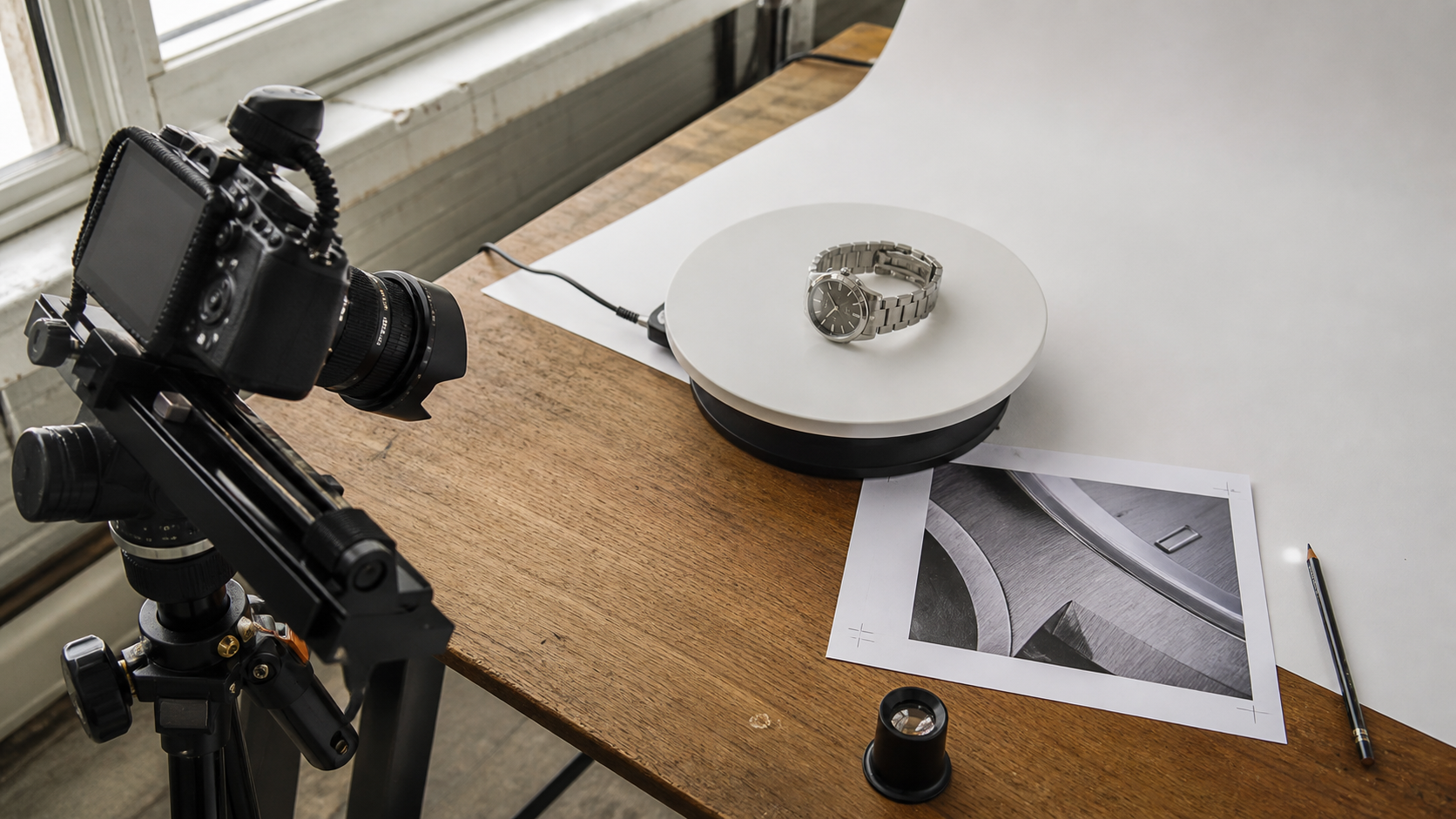
Editorial workflow illustration—not a direct output benchmark. Resolution matters most when a shot will be cropped, stabilized, or examined closely.
Seedance 2.5 at 720p is usually sufficient for mobile feeds, pitch cuts, narrative blocking, and sequences where continuity matters more than pixel-level inspection. It can still look strong when the framing is clean, but aggressive zooms expose the smaller source faster. If the destination is 4K, judge edges, facial detail, gradients, and motion before assuming an upscale will restore missing information.
Run the same brief only when you need a controlled comparison: identical duration, aspect ratio, source assets, and viewing size. Otherwise, compare whether each model delivers a usable shot for its intended job.
Duration — When 30 Seconds Changes Everything
A 30-second single pass can preserve wardrobe, lighting, environment, and audio tone across a complete social ad or narrative beat. It also reduces the number of transitions an editor must hide. Seedance 2.5 is therefore better suited to an establishing shot that becomes dialogue, a product demonstration with three stages, or a sequence that depends on one continuous camera move.
A continuous generation can carry the same subject, wardrobe, and visual tone through several connected beats without forcing a midpoint stitch.
That does not make every 30-second generation efficient. Long prompts fail when they stack too many simultaneous actions. Divide the timeline into clear ranges and give each range one camera and one job. The Seedance 2.5 timeline prompt guide shows how to write those timed beats without turning the prompt into a shot list the model cannot follow.
H3 Max works best when the concept naturally fits inside 15 seconds: a social hook, product reveal, character reaction, transition, or premium cutaway. Longer H3 projects need multiple generations and an edit plan. That adds continuity risk, but it can also give a director more control over every shot.
Pricing Deep Dive — Which Is Actually Cheaper?
At the rates supplied for this comparison, a 10-second H3 Max clip costs $2.60 at native 2K. A 10-second Seedance 2.5 clip costs $1.34 at 480p or $2.90 at 720p. H3 Max is therefore $0.30 cheaper than Seedance 720p for the same 10-second duration while delivering a larger native frame.
For 30 seconds, Seedance costs $4.02 at 480p or $8.70 at 720p. H3 Max cannot make that duration in one pass; two 15-second generations would total $7.80, before allowing for reruns, edit handles, and continuity fixes. The lower theoretical total is not automatically the lower production cost.
For 100 clips per day, calculate approved output rather than first-generation price. A cheap draft route is valuable for testing composition, but switching resolution can change texture and motion enough to require another review. Track generation cost, reroll rate, edit time, and the percentage of clips that reach delivery.
Prices and host-level limits can change. Recheck the active route before committing a campaign budget.
Reference System — Which Handles Multi-Asset Workflows Better?
Seedance 2.5 wins on reference capacity. Its larger image and video allowance is useful for a recurring character, several wardrobe states, a location pack, product angles, and motion examples. The total package still needs discipline: every reference should have a named purpose, and conflicting images can weaken consistency instead of improving it.
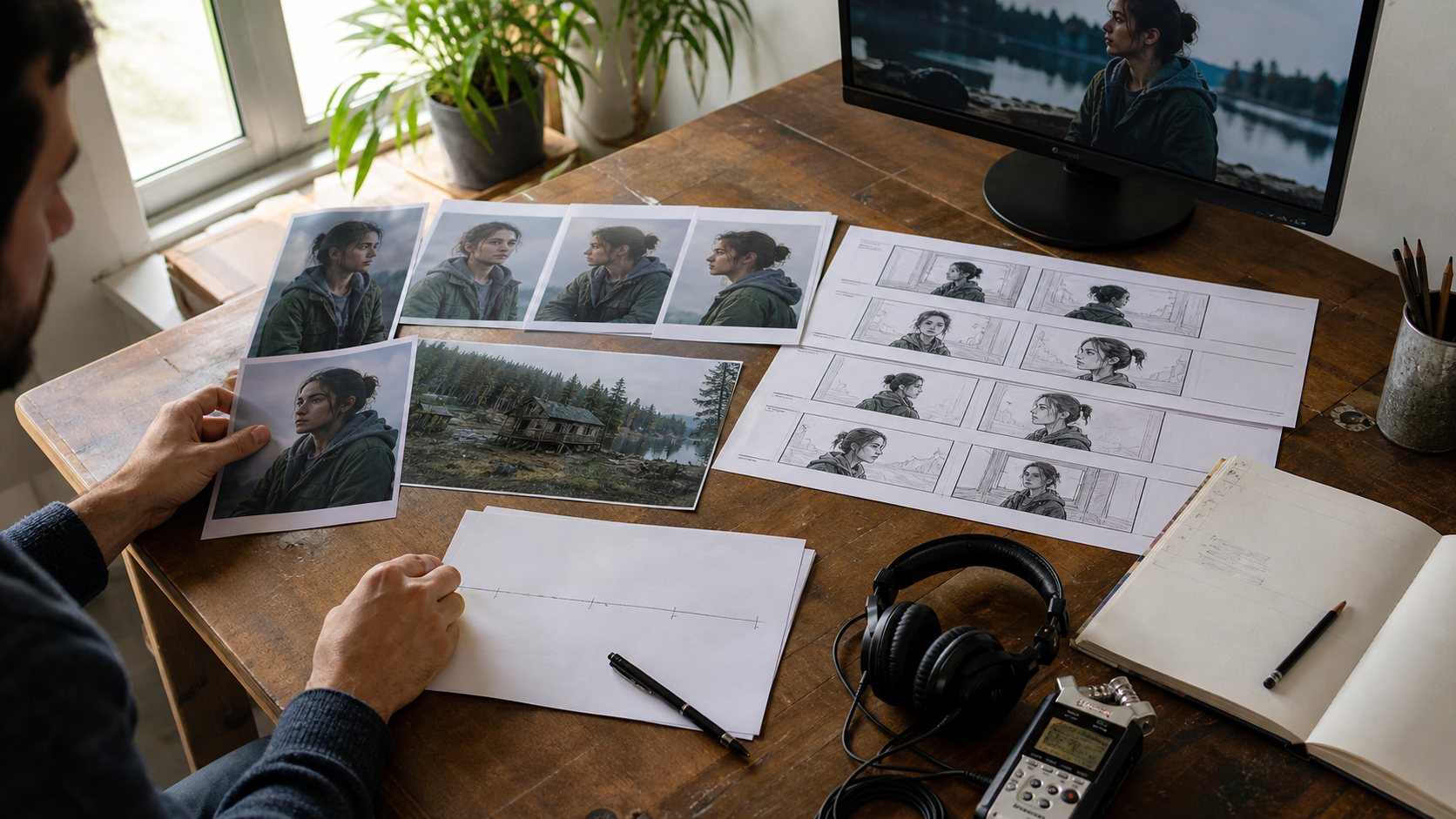
A larger reference limit helps only when every asset has a clear role in the shot.
For dialogue and recurring talent, use one clean identity reference per person and repeat exact character anchors. The multi-character dialogue guide provides a reliable speaker-and-listener structure. For motion or composition led by supplied assets, reference to video keeps the source package central to the workflow.
H3 Max accepts fewer video and audio references, but the audio inputs are valuable for music-aware motion, performance timing, ambience, and sound-led short clips. Keep the package focused: one visual identity set, one motion reference, and only the audio that controls the shot. For broader sound evaluation criteria, see the native-audio video guide.
Which Should You Choose? — Decision Guide by Use Case
| Production need | Better starting point | Why |
|---|---|---|
| Native 2K short output | H3 Max | More detail for crops and premium delivery |
| One video longer than 15s | Seedance 2.5 | Up to 30 seconds in one generation |
| Multi-character reference consistency | Seedance 2.5 | Larger reference package and longer scene window |
| Audio-reference-driven short content | H3 Max | Direct image, video, and audio reference workflow |
| Low-cost HD short | H3 Max | Lower listed 10s cost than Seedance at 720p |
| 30-second narrative or ad | Seedance 2.5 | No mandatory stitching at the midpoint |
| Mixed commercial project | Hybrid workflow | Route each shot by its real constraint |
Choose H3 Max when resolution is the non-negotiable requirement and the idea is short enough to finish cleanly. Choose Seedance 2.5 when duration, recurring characters, or a dense reference package would otherwise create extra edits. For destination-specific framing, the Seedance 2.5 aspect-ratio guide helps protect composition before generation.
A hybrid workflow is often strongest: storyboard the full piece, assign high-detail inserts to H3 Max, route longer performance or continuity shots to Seedance 2.5, then normalize color, audio level, and grain in the edit. This avoids paying 2K rates for shots that will be small on screen while preserving detail where viewers notice it.
H3 Max vs Seedance 2.5 vs Other 2026 Models
Kling 2.5, Runway Gen-4, and Wan 3.0 add other trade-offs around motion, editing control, access, and open deployment. They are useful comparison points, but model names alone do not answer a production brief. Build a short test matrix with the same source assets, then score identity retention, motion, audio, duration, editability, and approved cost.
H3 Max remains distinctive for native 2K short-form generation with stereo audio. Seedance 2.5 remains distinctive for 30-second, reference-heavy production. A model with stronger motion but shorter duration, or easier editing but fewer references, may win a specific shot without replacing either workflow across the whole project.
Conclusion
H3 Max and Seedance 2.5 launched on the same day but serve different jobs: choose H3 Max for detail-critical 2K clips up to 15 seconds, and choose Seedance 2.5 for 30-second, multi-reference sequences where continuity matters more than native resolution. Compare the cost of an approved shot—not only the listed second—and use both when a project needs premium inserts plus longer narrative coverage.
Ready to create your own AI video?
Turn ideas, text prompts, and images into polished videos with Seedance. If this article helped, the fastest next step is to try the product.
Free credits on signup. Plans from $28/month.
Related Articles
More posts in the same locale you may want to read next.

Seedance App Preview Video Generator 2026: Create App Store and Product Launch Clips
Use Seedance to turn app screenshots, feature copy, and launch goals into App Store previews, Google Play promo videos, and product launch clips.
Read article
AI Halloween Costume Transformation Video Guide
Turn one photo into a Halloween costume transformation video with AI: vampire, witch, zombie, and skeleton glow-ups, with prompts and step-by-step tips.
Read article
AI Halloween Dance Video: Skeleton & Zombie Dances
Make a viral AI Halloween dance video: dancing skeletons, zombie dance-offs, witches, and costume dance trends. Step-by-step with prompts and motion control.
Read article