
Seedance 2.5 Multi Character Dialogue: How to Generate Consistent Two-Person Scenes
AI Overview
Can Seedance 2.5 generate videos with multiple characters talking to each other?
Yes. Give each person a dedicated reference and a distinct role label, then state who speaks, who listens, and where both people stay in every timed beat.
How do I keep two characters visually consistent in a Seedance 2.5 dialogue scene?
Use one clean single-person reference per character, repeat the same anchor phrase verbatim, and keep wardrobe, lighting, screen direction, and the shared prop stable through the scene.
How many characters can Seedance 2.5 handle in one generation?
Two characters are the most controllable setup; three can work when references are clearly different. For a larger group, generate focused pair or reaction shots and edit them together.
What's the best prompt structure for an AI dialogue scene in Seedance 2.5?
Plan a wide two-shot, one medium shot per speaker, then a final reaction or resolution. In every beat name the active speaker, action, camera, and listener position.
Why Multi-Character Dialogue Is the Hardest Shot in AI Video
A single-character clip asks a model to preserve one face, one outfit, one body language pattern, and one route through a scene. A dialogue shot asks it to do that twice while also tracking eye-lines, turn-taking, hand movement, camera cuts, and sound. When a prompt only says “two people talking,” the model must guess who owns a line, where the listener looks, and which details belong to which person.
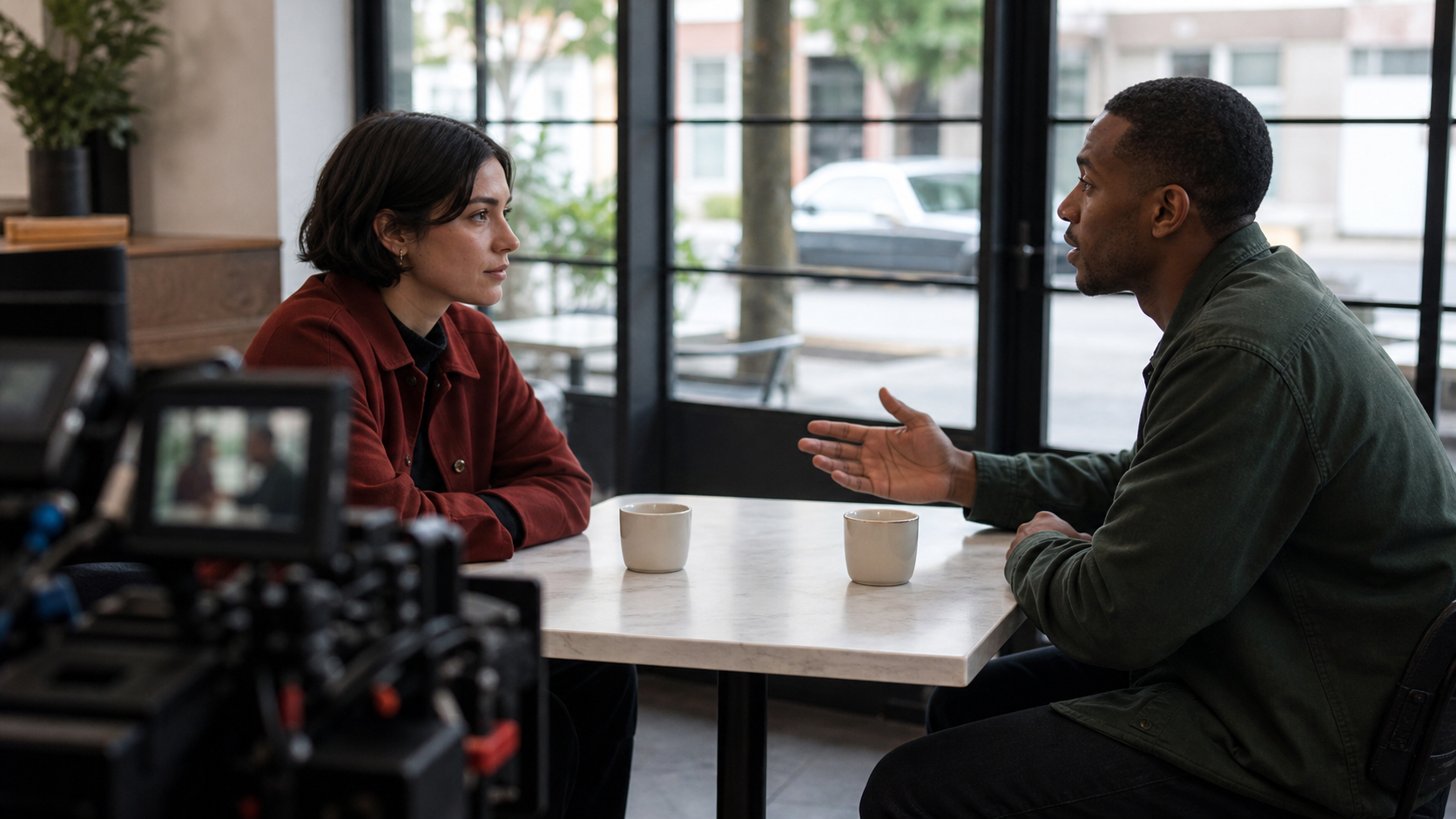
Two character identities, one shared space, and a clear listener position are the baseline for a controllable dialogue shot.
That ambiguity can cause identity leak: one character borrows the other’s hair, jacket color, posture, or facial features after a cut. It can also cause role leak, where the visual of Character A speaks while the prompt describes Character B’s action. The practical answer is not more adjectives. It is a repeatable production map: one reference per person, a role name for each reference, and a beat sheet that assigns every moment a clear owner.
Seedance 2.5 is most useful here when you treat a dialogue as linked shots rather than a single paragraph. Build a reliable first scene in reference to video, then use the same anchors for every variation. If the two characters need a pre-approved opening composition, start with image to video and animate that frame instead of describing the room from scratch.
Setting Up Character References in Seedance 2.5
Prepare one reference image for each character, not one image containing both. The ideal reference is a sharp single-person view with a readable face, hairstyle, silhouette, and outfit. It does not need to be a studio portrait, but it should show the visual facts you expect to survive the whole scene.
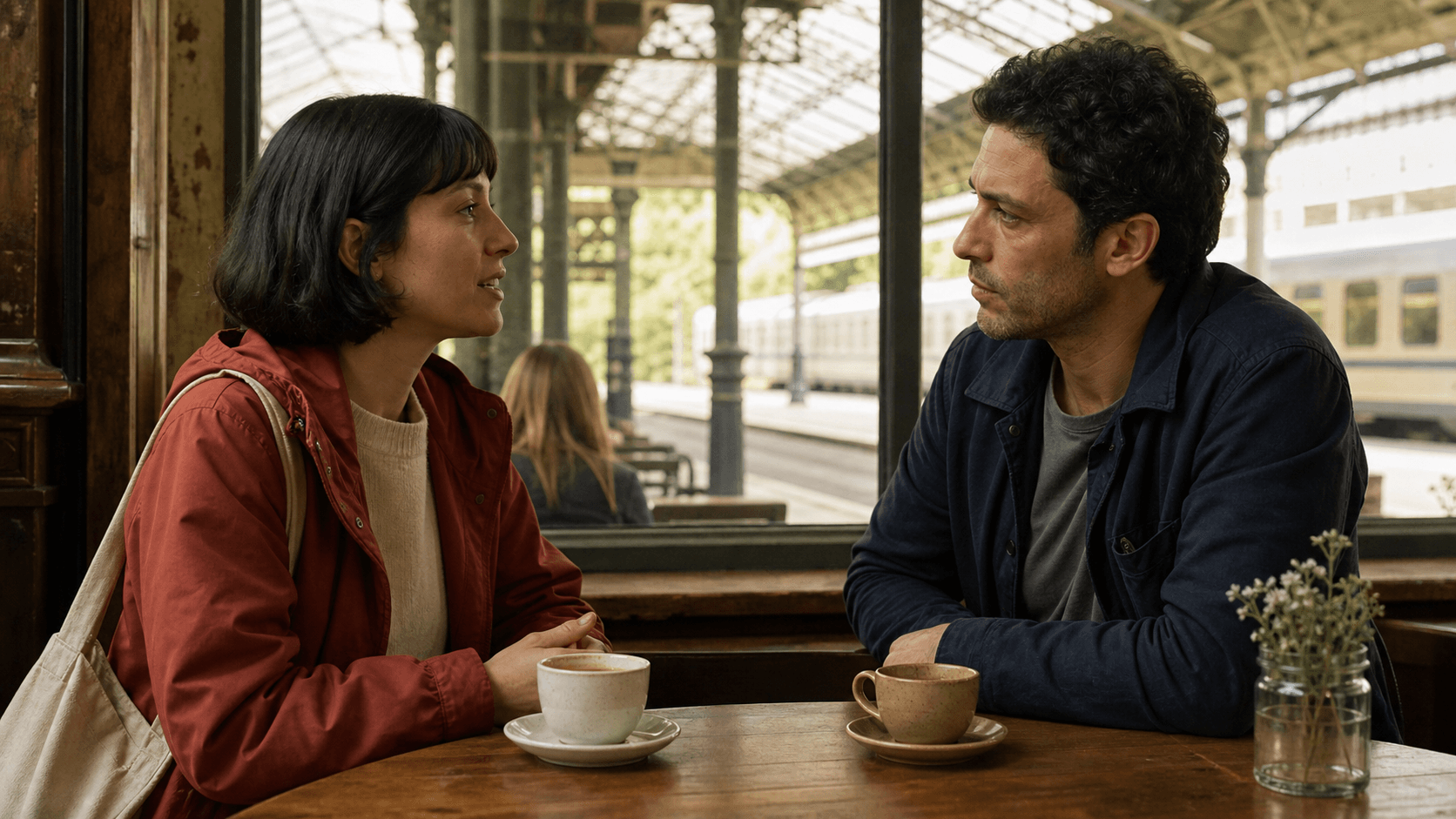
For a two-person scene, make the differences deliberate. If both people have dark hair, dark coats, and similar height, the model has less to separate. Choose clear visual anchors such as a rust-red raincoat and blunt bob for Character A, then a navy field jacket and short curly hair for Character B. Keep those distinctions factual, not ornamental.
Avoid couple photos, crowded group images, or references with inconsistent lighting and heavy background detail. They make it harder to associate one identity with one role. Label the uploaded references and use the same labels in the prompt:
Character A: woman with a blunt dark bob, rust-red raincoat, cream sweater, canvas shoulder bag.
Character B: man with short curly black hair, navy field jacket, grey T-shirt.
The label is a production handle, not dialogue. Do not change it to “the woman,” “she,” “the red-coat person,” or a shorter synonym in the next beat. Consistent language gives the model the same identity instruction every time.
The Dialogue Scene Prompt Structure — Beat by Beat
The safest two-person conversation has four visual jobs. Beat 1 establishes the relationship; Beats 2 and 3 make turn-taking unambiguous; Beat 4 gives the scene a readable ending. This structure works for 15-second exchanges as well as a longer scene split into edit-friendly clips.
| Beat | Job | Prompt responsibility |
|---|---|---|
| 1 | Wide establishing shot | Put both characters in the same place and lock screen direction. |
| 2 | Character A speaks | Name A’s action, camera angle, and B’s listening position. |
| 3 | Character B responds | Reverse the ownership: B acts, A listens in the established position. |
| 4 | Reaction or resolution | Land on a silent look, decision, shared action, or stable hold. |
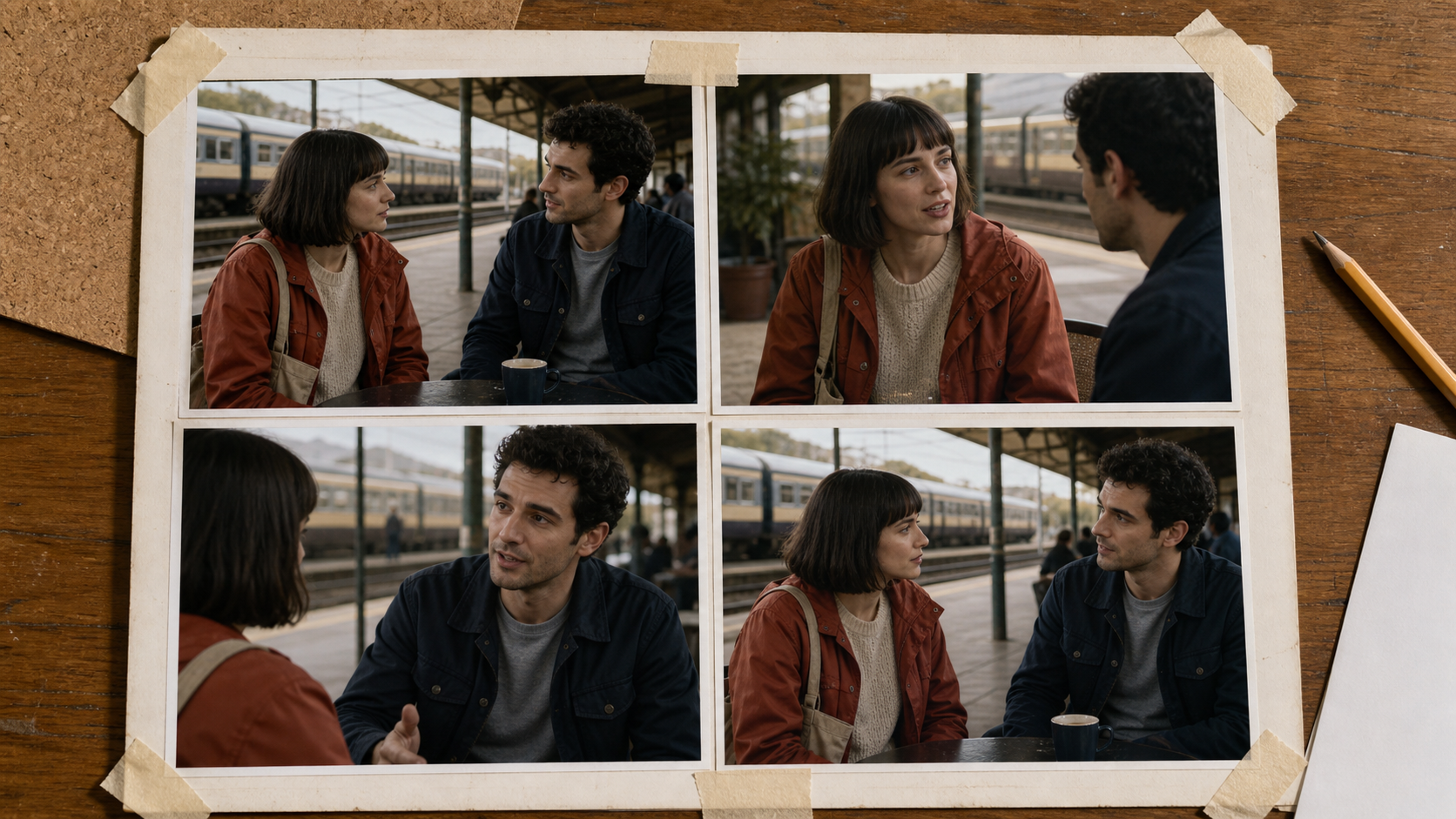
A contact sheet exposes continuity problems before a dialogue becomes a long prompt.
Here is the working pattern:
[0–4s] Wide two-shot at a daylight train-station café. Character A sits screen left facing right;
Character B sits screen right facing left. Both remain seated at the same wooden table.

[4–8s] Medium shot on Character A. Character A quietly says one short line and touches the cup;
Character B remains in the right foreground, listening without speaking. Slow, stable push-in.

[8–12s] Medium shot on Character B. Character B answers with one short line;
Character A remains in the left foreground, listening. Same daylight and camera height.

[12–15s] Return to a close two-shot. Both characters pause, exchange a brief look, and hold for 1.5 seconds.
The details that matter in every beat are: active speaker, dominant action, camera framing, listener position, and continuity anchor. If you need help allocating those ranges, the Seedance 2.5 timeline prompt guide shows how to assign one job to each time interval.
How to Write Character Anchor Phrases That Stick
An anchor phrase is the smallest repeatable description that makes a character unmistakable. It is not a new literary description for every shot. Copy it exactly into each beat, then add only the action and camera change around it.
For a natural café exchange, use:
Character A: woman with a blunt dark bob, rust-red raincoat, cream sweater, canvas shoulder bag.
Character B: man with short curly black hair, navy field jacket, grey T-shirt.
For a business conversation, use a contrasting pair:
Character A: tall man with silver-rim glasses, charcoal suit, pale blue shirt, slim black notebook.
Character B: shorter man with a shaved head, olive overshirt, white T-shirt, amber glasses.
Notice what stays out of the anchors: mood, metaphor, an imagined backstory, and actions that only happen once. “Nervous,” “charismatic,” or “dressed for a rainy future” are less stable than observable identifiers. A good anchor has a role, hair, clothing color, and one hero accessory; a great pair has no overlapping visual shorthand.
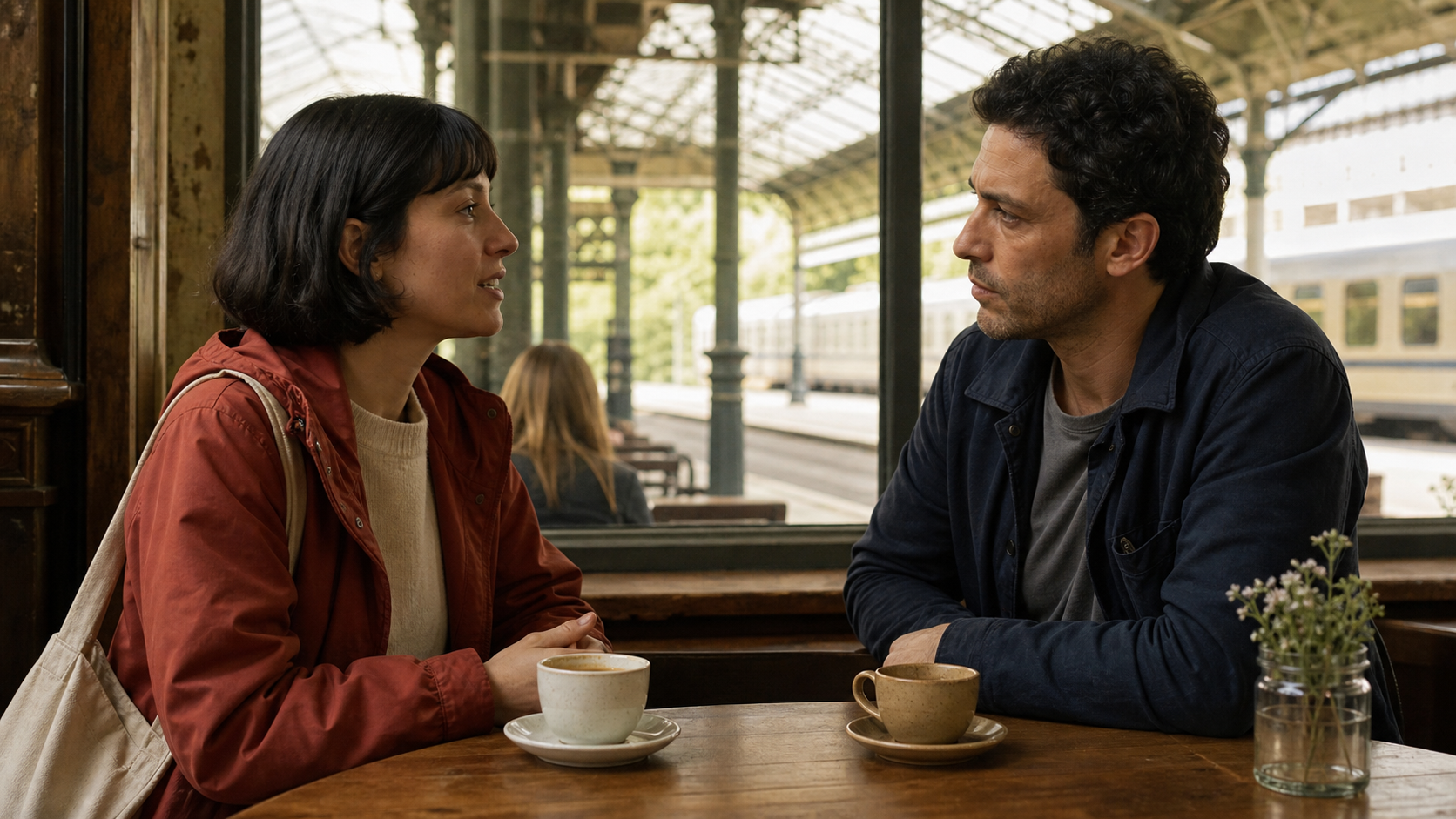
Give the model two identities it can tell apart before asking it to perform a conversation.
When placement and lens direction matter more than texture, block the room first with the Seedance 2.5 white-model guide. A simple spatial plan prevents the listener from jumping across the axis when the speaking shot changes.
Native Audio and Dialogue Sync in Seedance 2.5
Native audio is most reliable when visual and sound instructions share the same beat boundaries. State the current speaker by name, keep each spoken line short, and leave a visible response beat instead of asking both characters to talk over one another. Distinct voice descriptions such as “calm low male voice” and “clear restrained female voice” can reinforce the role assignment, but they should match the visual labels rather than replace them.
Write the audio instruction next to the visual ownership: “Character A speaks one short line from 4–8s; Character B listens silently.” Then swap roles in the next range. If lips move before the assigned speaker changes, shorten the sentence, lengthen the shot, and regenerate only that beat. Do not try to fix a two-speaker mismatch by adding more simultaneous dialogue.
Treat spoken dialogue as a testable layer. First validate a silent pass for faces, turns, and eye-lines; then add simple lines and voice contrast. The native-audio video generator guide has a broader workflow for sound-led clips, while this page focuses on who owns each line in a shared frame.
Common Failures and How to Fix Them
Faces blend after the reverse shot. The anchors are too similar or were shortened. Restore the full phrase for both people at every beat opening and make the wardrobe or hero prop more distinct.
The wrong person speaks. The prompt names dialogue but not the listener. State both: “Character A speaks; Character B listens on screen right.” Keep the next beat symmetrical rather than saying “then he replies.”
Characters swap sides. The scene lacks screen direction. Set it in Beat 1, then repeat “A screen left, B screen right” in the medium shots. Use an initial reference or a simple layout if the blocking is important.
The listener freezes unnaturally. Give the passive character one quiet task: watches A, nods once, holds the cup, or rests a hand on the table. Do not ask for separate dramatic actions at the same moment.
Audio is late or overlaps. Make each line shorter, separate the turns with a pause, and align the speaker change to a camera beat. A clean 15-second result is more valuable than a rushed mini-scene.
3 Ready-to-Copy Seedance 2.5 Dialogue Scene Templates
1. Quiet reunion · 15 seconds · 16:9
Character A: woman with a blunt dark bob, rust-red raincoat, cream sweater, canvas shoulder bag.
Character B: man with short curly black hair, navy field jacket, grey T-shirt.
[0–4s] Wide two-shot at a daylight station café; A screen left, B screen right.
[4–8s] Medium on A; A says one short greeting, B listens in right foreground.
[8–12s] Medium on B; B answers quietly, A listens in left foreground.
[12–15s] Close two-shot; both pause and smile slightly, hold 1.5 seconds. Natural room tone, no music.
2. Product-review partners · 15 seconds · 9:16
Character A: woman with shoulder-length auburn hair, cream overshirt, small silver watch.
Character B: man with closely cropped hair, forest-green hoodie, black messenger bag.
[0–4s] Vertical two-shot at a bright workbench; product centered between them.
[4–9s] A points to one feature and speaks one short line; B watches the product.
[9–13s] B turns the product once and replies; A listens, still on screen left.
[13–15s] Both look at the product, clean centered hold. No logos or on-screen text.
3. Office decision · 20 seconds · 16:9
Character A: tall man with silver-rim glasses, charcoal suit, pale blue shirt, slim black notebook.
Character B: shorter man with a shaved head, olive overshirt, white T-shirt, amber glasses.
[0–5s] Wide two-shot in a daylight meeting room; A left, B right, same table.
[5–10s] Medium on A; A closes the notebook and states one concise decision; B listens.
[10–15s] Medium on B; B nods once and gives one concise reply; A listens.
[15–20s] Two-shot; both stand and gather papers, camera holds as they leave frame together.
Test the structure first with fictional characters, then add supplied references once the timing reads correctly.
Seedance 2.5 vs Other AI Tools for Multi-Character Dialogue
For multi-character dialogue, compare workflows rather than marketing labels. Ask four questions: Can each person have a separate reference? Can the prompt name the active speaker and listener in timed beats? Can the workflow support a controlled starting frame? Can you rerun a broken reverse shot without rebuilding the entire scene?
Tools that only accept a single scene description can make attractive one-off conversations, but they make identity diagnosis difficult when a face drifts after a cut. A per-character reference workflow gives you a more concrete corrective action: improve one reference, strengthen one anchor, or redo the failed beat. That is especially valuable for ads, scenes with branded wardrobe, and any dialogue that must be edited with matching close-ups.
Seedance 2.5 is a practical fit when you want to move from an approved reference into a planned multi-shot result. Keep the pair visually distinct, make every turn-taking instruction explicit, and judge the output beat by beat—not only by the best frame.
Conclusion
Two-person dialogue works when the model never has to guess who is who or who is speaking. Give each character a dedicated clean reference, repeat their full anchor phrases in every beat, establish screen direction in the opening shot, and alternate one active speaker at a time. Start with a quiet, short exchange; once the identities, turns, and audio line up, extend the structure into a larger scene.
Ready to try it yourself?
Put the steps from this guide into practice with Seedance and turn prompts or images into polished videos in minutes.
Free credits on signup. Plans from $28/month.
Related Articles
More posts in the same locale you may want to read next.

Seedance App Preview Video Generator 2026: Create App Store and Product Launch Clips
Use Seedance to turn app screenshots, feature copy, and launch goals into App Store previews, Google Play promo videos, and product launch clips.
Read article
AI Halloween Costume Transformation Video Guide
Turn one photo into a Halloween costume transformation video with AI: vampire, witch, zombie, and skeleton glow-ups, with prompts and step-by-step tips.
Read article
AI Halloween Dance Video: Skeleton & Zombie Dances
Make a viral AI Halloween dance video: dancing skeletons, zombie dance-offs, witches, and costume dance trends. Step-by-step with prompts and motion control.
Read article