
Best AI Video Generator for 1 Minute Videos in 2025 (No Time Limit)
AI Overview
Which AI video generator can make 1 minute long videos?
No mainstream generator reliably delivers a polished minute as one unlimited render. Seedance 2.5 supports clips up to 30 seconds on Seedance.tv, making a linked multi-scene workflow the practical route to 60 seconds.
Are there free AI video generators that support 1 minute videos?
Free credits can test several short segments, but a finished minute usually needs paid retries. Budget for accepted clips, not merely 60 generated seconds.
How do I make a 1 minute AI video with Seedance?
Turn the script into 6–8 scene beats, reuse the same references and anchor prompt, generate each shot separately, then assemble the approved clips in an editor.
What's the hardest part about generating 1 minute AI videos?
Continuity is hardest: identity, wardrobe, lighting, screen direction, sound, and camera language can drift between clips. A fixed reference pack and planned handoff frames reduce that drift.
Why Most AI Video Tools Cap Out at 10 Seconds
AI video models do not process time like a conventional camera. Every additional second adds more frames whose subjects, motion, lighting, geometry, and sound must remain coherent. A model can create a striking five-second shot while still losing a character's face, product shape, or camera direction over a longer sequence.
Compute is the second constraint. Longer outputs consume more processing and make failed generations more expensive for both the platform and the creator. Short defaults let a service return results faster, offer lower-cost previews, and isolate errors before they spread across an entire minute.
The third reason is creative control. A one-minute deliverable usually needs several visual ideas: hook, setup, proof, change, result, and call to action. Asking one prompt to stage all of them often produces a vague middle and a rushed ending. Shot-based generation makes each beat reviewable, replaceable, and easier to direct.
That is why “one-minute generator” should describe the workflow, not imply an AI video generator no time limit. Current tools still impose clip, credit, or export constraints. The production question is whether the system helps you create and connect enough controlled shots to reach the final runtime.
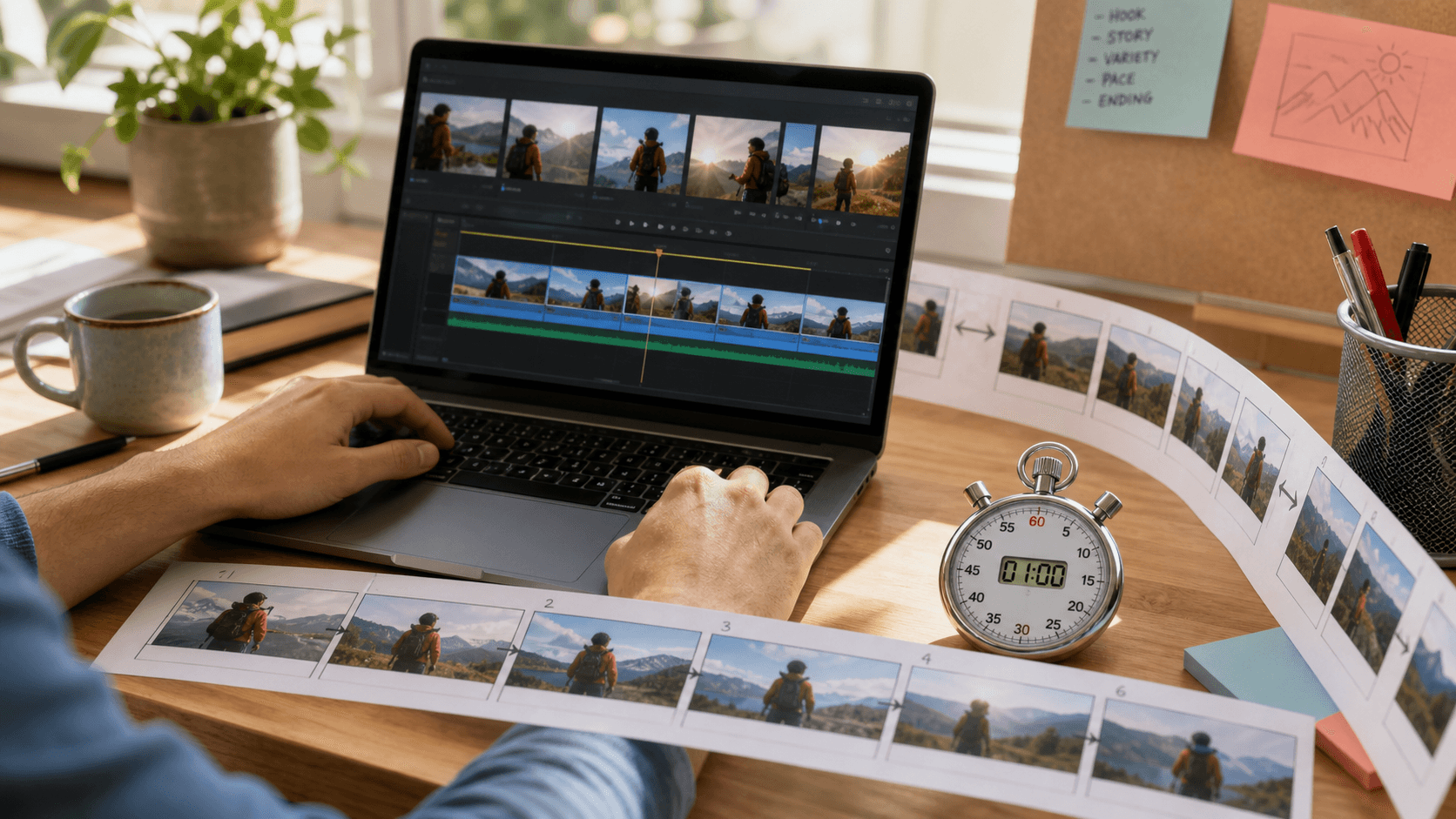
A minute becomes manageable when it is planned as a sequence of replaceable shots rather than one oversized prompt.
What to Look for in an AI Video Generator for Long Videos
Start with the maximum duration available in the exact workflow you intend to use. Text-to-video, image-to-video, reference-to-video, keyframe, and extension modes can expose different limits inside the same product. Seedance.tv currently offers Seedance 2.5 clips from 4 to 30 seconds depending on the route and input.
Next, test consistency rather than trusting the longest number on a pricing page. Use the same character, wardrobe, prop, and location across three scenes. Check the face in profile, hands during interaction, product labels, weather, time of day, and the direction the subject enters and exits the frame.
The strongest long-video workflow should provide:
- useful single-clip duration without forcing every shot to be long;
- image, video, and audio references with clearly assigned roles;
- reproducible character and style anchors across separate jobs;
- prompt timing or multi-shot direction for complex scenes;
- synchronized dialogue, ambience, or effects when audio matters;
- practical export quality and a history that preserves accepted clips.
There is no literal unlimited generator. A credible tool makes the limit workable by supporting references, extensions, rerolls, and clean assembly. For a deeper review of reference roles, use the Seedance 2.5 reference guide.
Best AI Video Generators for 1 Minute Videos — Ranked
For an AI video generator long video free comparison, separate the finished runtime from the native clip limit. The table reflects current first-party product information; availability, free credits, and model routes can change.
| Rank | Tool and current route | Typical maximum per generation | Free access | Continuity fit for a 60s edit |
|---|---|---|---|---|
| 1 | Seedance 2.5 on Seedance.tv | Up to 30s, route-dependent | Signup credits for testing | Strong when references and anchor prompts are reused |
| 2 | Runway Gen-3 Alpha | 5s or 10s; extension can reach 40s | Plan-dependent | Good for controlled extensions from the last frame |
| 3 | Kling 3.0 | 3–15s continuous output | Limited free access may vary | Good multi-shot and native-audio potential |
| 4 | Pika 2.5 | 5s or 10s; Pikaframes can reach 25s | Basic free credits | Better for compact effects and keyframed segments |
| 5 | Hailuo 2.3 | 6s or 10s, resolution-dependent | Limited access may vary | Best treated as short, well-defined motion clips |
Seedance ranks first here because a 30-second ceiling reduces the number of joins while reference-led modes help keep people and products recognizable. That does not mean every scene should run for 30 seconds. A product close-up may need four seconds, while a dialogue or demonstration beat may need twelve.
Runway's extension workflow is useful when the next shot genuinely continues the last frame. Kling offers flexible 3–15-second scenes with audio-visual direction. Pika and Hailuo remain useful for short transformations, inserts, and motion beats. Choose by the hardest shot in your script, then compare usable takes rather than demo highlights.
How to Make a 1 Minute Video with Seedance 2.5 — Step by Step
For how to make 1 minute AI video production, begin with a timed script. A reliable 60-second structure is: 0–5s hook, 5–15s context, 15–30s demonstration, 30–45s proof or change, 45–55s result, and 55–60s close. Turn each range into one visual job.
Build a small reference pack before generating: one neutral character image, one wardrobe view, one environment frame, one product view, and optional audio. Give each asset a role. Do not upload ten near-duplicates and expect the model to decide which detail matters.
Create an anchor block and repeat it unchanged:
Anchor: Mira, early 30s, short dark curls, navy field jacket, tan backpack.
Late-afternoon railway platform, soft overcast light, restrained documentary color.
Preserve face, hair, jacket, backpack, weather, and left-to-right travel direction.
Then write one prompt per scene:
Scene 1 · 0–6s hook: Medium tracking shot. Mira steps onto the platform from frame left,
checks the departure board, then stops. One smooth camera move; quiet station ambience.
End on a clean profile with the train arriving behind her.
Scene 2 · 6–16s context: Begin from the previous profile composition.
Mira turns toward the arriving train and tightens one backpack strap.
Slow push-in, same light and screen direction. End with her hand on the carriage door.
Generate a short draft first. Review identity, hands, wardrobe, geography, final frame, and audio before requesting a higher-cost version. Use the accepted last frame as the next scene's composition reference where helpful, but rewrite the action so the new shot has one clear job. The Seedance storyboard-to-video guide provides a fuller scene-planning workflow.

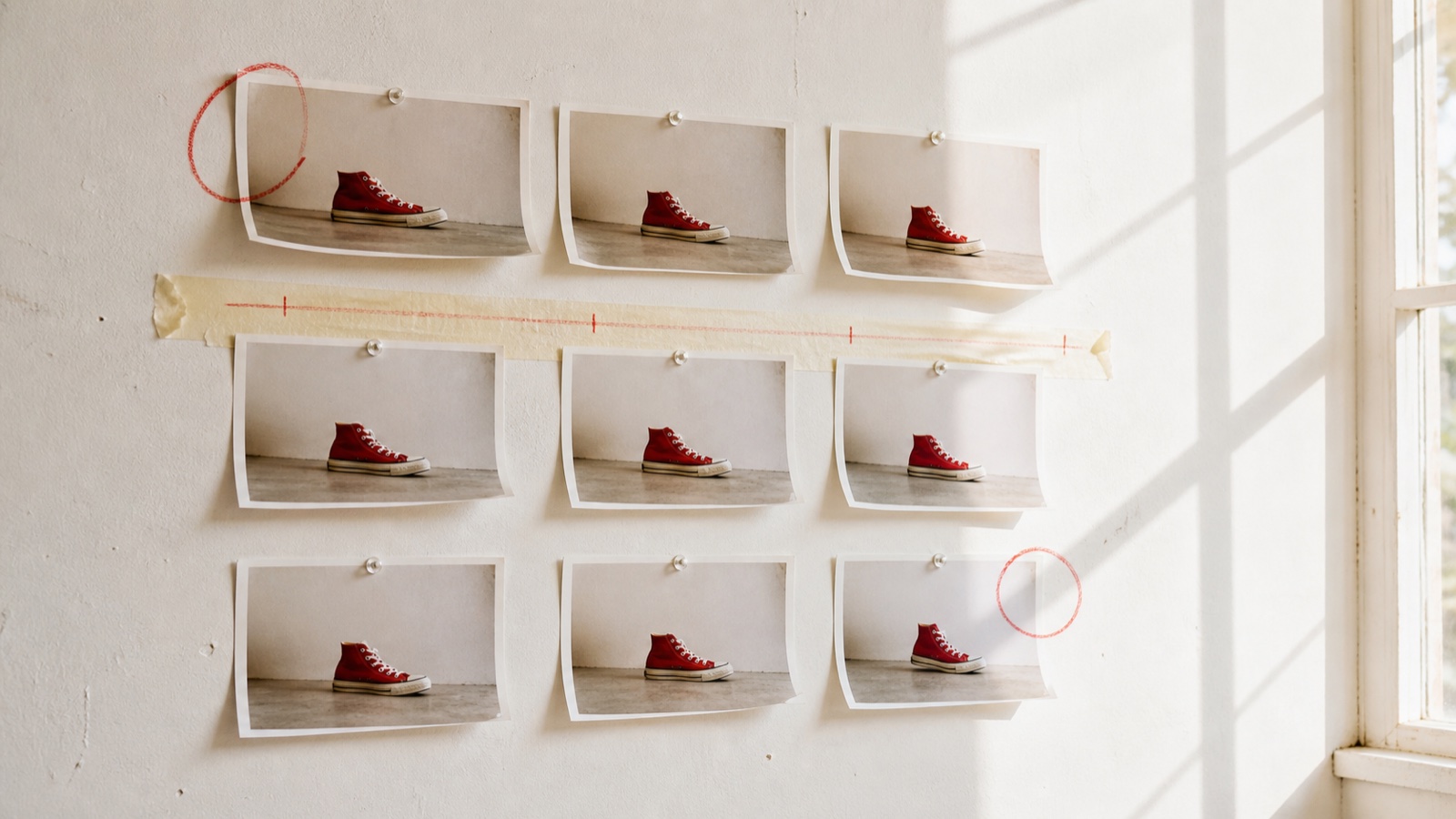
Generate scenes independently, approve them independently, and assemble only the takes that preserve the sequence.
Seedance Long Video Generation: Tips for Consistent Results
For Seedance long video generation, lock the first frame of every scene with a clean reference that shows the features most likely to drift. A frontal portrait protects the face; a three-quarter product view protects geometry; a wide environment frame protects layout. One image rarely anchors all three equally well.
Write transitions in pairs. The outgoing prompt should specify its final pose and camera, while the incoming prompt should begin from that same state. “She walks away” is weak; “she exits frame right, camera locked on the open door” gives the following shot a usable handoff.

A memorable transition can hide a cut, but repeated identity and camera rules are what preserve the story.
Use uploaded audio when exact voice, rhythm, or timing matters; use text-only sound direction for ambience that can vary. If a scene fails, diagnose one category at a time. Face drift calls for a stronger identity reference; location drift calls for an environment anchor; a jump cut calls for a better final-frame match. Avoid changing the character description, lens, light, and action in the same reroll.
Timestamp blocks help a longer clip stay readable, but each time range still needs one job. The Seedance timestamp prompt guide shows how to divide action without stacking contradictions.
Use Cases: Who Actually Needs 1 Minute AI Videos?
Social creators need a minute when a complete idea has setup, change, and payoff. Generate a strong opening separately, reserve the middle for two or three useful beats, and keep the final five seconds visually simple enough for captions or a CTA.
Ecommerce teams can use one minute for a problem-solution demonstration: product context, feature action, close detail, real-scale use, result, and offer. Keep the same approved product reference in every job and finish exact labels and claims in post-production.
Education and training benefit from stable framing more than spectacle. Use a recurring presenter, screen or object insert, and chapter-like scenes. Record the final narration first when timing is fixed, then generate visuals to the audio plan.
Brand and advertising teams need continuity across campaign assets. A one-minute master can supply shorter cutdowns when each scene begins and ends cleanly. The Reference to Video workspace is useful when identity, product shape, and motion references must remain assigned across several shots.
Free vs Paid: Getting 1 Minute AI Videos Without Breaking the Budget
Free credits are best for proving the workflow: one reference pack, one short scene, and one continuity test. They are rarely enough for a polished minute because the usable-take rate matters more than raw generated seconds. A creator who accepts one in three outputs may generate three minutes of footage to finish one minute.
Calculate cost with this practical formula:
finished cost = planned clips × average attempts per accepted clip × cost per generation
Compare tools using the same resolution, duration, and retry assumption. A cheap five-second generation can become expensive when it takes twelve clips and several rerolls; a more expensive 20- or 30-second route may reduce joins but waste credits if the middle drifts.
For a zero- or low-budget test, make a 20-second proof with three scenes and reuse it as a style benchmark. For regular social output, pay for the route that gives the best accepted clips per credit. For client work, budget drafts, final renders, edit time, music or voice rights, and one contingency reroll per critical scene. Do not promise a fixed cost per minute until you have measured your own acceptance rate.
The Seedance video extension guide explains when extending a good clip is cheaper than rebuilding the sequence.
Conclusion
A one-minute AI video is achievable, but it is a planned edit rather than a magical unlimited render. Seedance 2.5 is a strong first choice because its route-dependent 30-second clips, multimodal references, and scene control reduce the number of joins. Build a timed storyboard, lock identity and environment, create one job per scene, preserve handoff frames, and measure cost by accepted takes. Create your one-minute Seedance video →
Ready to try it yourself?
Put the steps from this guide into practice with Seedance and turn prompts or images into polished videos in minutes.
Free credits on signup. Plans from $28/month.
Related Articles
More posts in the same locale you may want to read next.

Seedance App Preview Video Generator 2026: Create App Store and Product Launch Clips
Use Seedance to turn app screenshots, feature copy, and launch goals into App Store previews, Google Play promo videos, and product launch clips.
Read article
Gemini AI Video Prompt Examples: Copy-Ready Veo Scenes and a Better Prompt Formula
Copy Gemini AI video prompt examples for cinematic motion, product ads, dialogue, and vertical clips, then adapt them with a practical Veo prompt formula.
Read article
How to Keep Product Shape Consistent in AI Video Ads
Lock product geometry, packaging, labels, references, camera angles, and approval checks so AI video ads preserve the real SKU across every shot.
Read article