
AI Video Generator for Instagram Reels: Create Viral Content in Minutes (2026)
Instagram Reels is the fastest-growing content format on the platform. But creating 15-60 second vertical videos consistently? That's a full-time job — unless you use AI.
Quick Answer: AI video generation with Seedance lets you create stunning, professional-quality videos from text prompts or images in just minutes — no editing experience required.
AI video generators can produce scroll-stopping Reels from a text prompt or a single photo. No camera, no editing timeline, no After Effects. Just describe what you want, and the AI builds it.
Here's how to use AI video generators specifically for Instagram Reels — with the right formats, styles, and strategies that actually get views.
Why AI Video Works for Instagram Reels
Three reasons:
- Volume wins on Reels. The algorithm rewards consistent posting (1-2 Reels/day). AI lets you produce at that pace without burning out.
- Short format = AI's sweet spot. AI generators produce 5-10 second clips. String 2-3 together and you have a perfect Reel.
- Visual novelty gets views. AI-generated content looks different from typical phone footage. That novelty drives engagement.
Best AI Video Generators for Instagram Reels
1. Seedance — Best for Volume and Variety
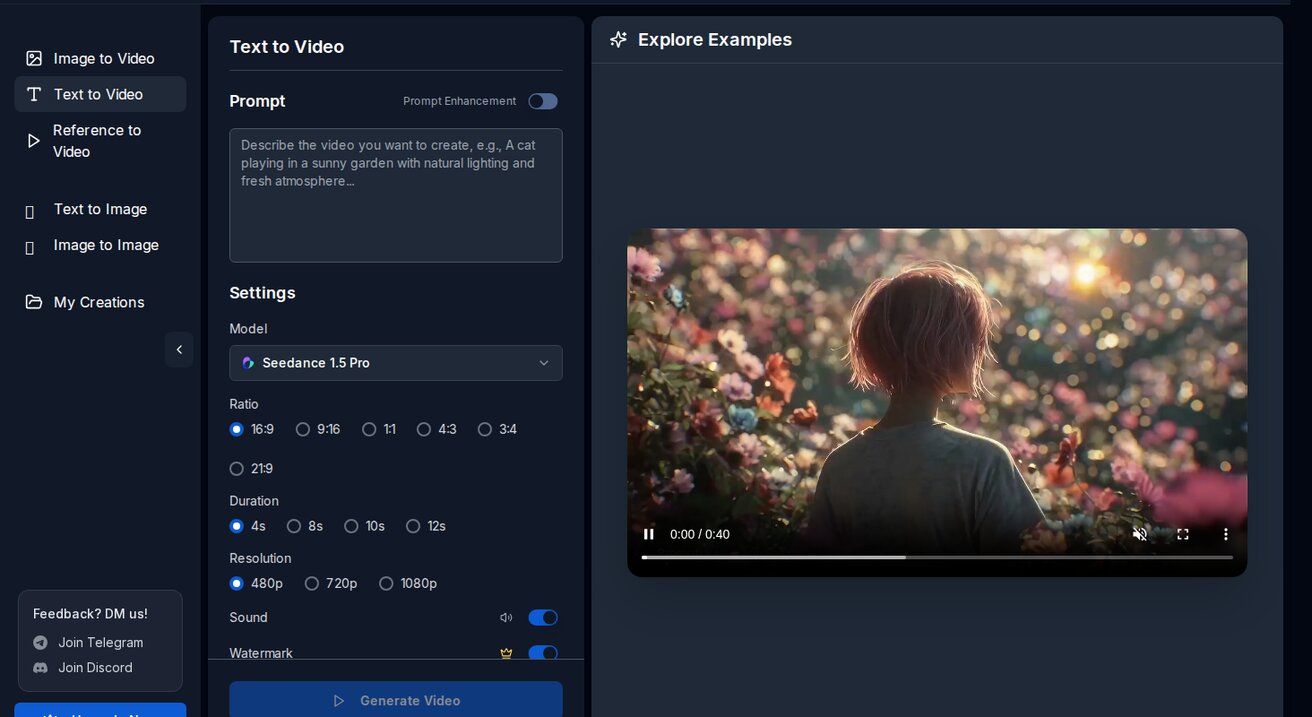
With 100 free daily credits, you can generate 10-20 video clips per day — enough for multiple Reels. The multi-model approach means you can try Veo 3 for cinematic shots, Seedance 2.0 for realistic content, and Wan for anime-style Reels.
Why it works for Reels:
- 1080p vertical output (9:16 aspect ratio supported)
- No watermark on free tier
- Fast generation (60-90 seconds per clip)
- Image-to-video for product content
2. Runway — Best for Polished Edits
Runway's Motion Brush lets you control exactly what moves in your video. Great for product showcases where you want the product to rotate while the background stays still.
Limitation: 125 credits/month on free tier. That's maybe 5-10 Reels.
3. Pika — Best for Trendy Styles
Pika excels at stylized content — think anime transformations, sketch-to-life effects, and artistic filters. These styles tend to go viral on Reels.
Limitation: 150 credits/month, watermark on free tier.
Instagram Reels Specs You Need to Know
Before generating, make sure your AI output matches Instagram's requirements:
| Spec | Requirement |
|---|---|
| Aspect ratio | 9:16 (vertical) |
| Resolution | 1080 x 1920 pixels |
| Length | 15-90 seconds (30-60 is optimal) |
| Format | MP4 |
| File size | Under 250MB |
| Frame rate | 30 FPS |
On Seedance: Select 9:16 aspect ratio before generating. The output is 1080p MP4 — ready to upload directly.
5 Reel Formats That Work with AI Video
1. The "Satisfying Loop"
Create a seamless loop that viewers watch multiple times. AI is perfect for this — generate a short clip with smooth, repetitive motion.
Prompt example:
Smooth infinite zoom into a fractal pattern of blooming flowers, each layer revealing a new garden, seamless loop, vibrant colors, 9:16 vertical
Why it works: Loop views count as multiple views, boosting your reach.
2. The "Before/After Transformation"
Show a transformation — photo to video, sketch to animation, day to night.
How to create it:
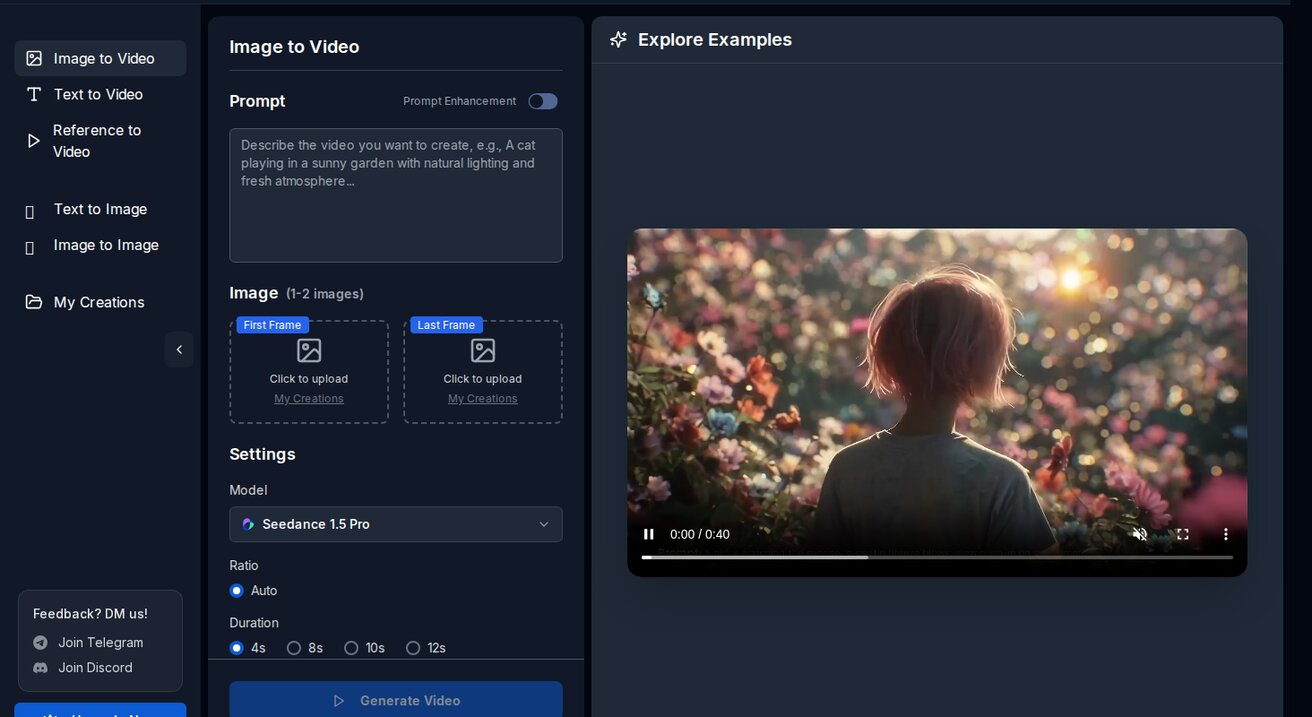
- Upload a "before" image to Seedance
- Generate the animated "after" version
- Edit them together with a transition
Prompt example:
A pencil sketch of a city skyline gradually coming to life with color, movement, and lighting, transformation effect, cinematic
3. The "Product Showcase"
Turn product photos into dynamic videos. This is gold for e-commerce brands and dropshippers.
How to create it:
- Upload your product photo
- Use image-to-video with a rotation/showcase prompt
Prompt example:
Slow 360-degree rotation of the product, soft studio lighting, subtle shadow, clean white background, professional product video, 9:16
4. The "AI Art Slideshow"
Generate 5-10 AI images or video clips around a theme, set them to trending audio.
Themes that perform well:
- "What [city] looks like in 2050"
- "If [movie character] was real"
- "AI reimagines [famous painting] as video"
5. The "Tutorial/How-To"
Screen-record yourself using an AI video generator, then show the result. Meta content about AI tools performs extremely well on Reels right now.
Workflow: From Prompt to Published Reel
Step 1: Plan Your Content (2 minutes)
Pick a format from above. Write your prompt. Decide if you're using text-to-video or image-to-video.
Step 2: Generate Clips (5 minutes)
On Seedance:
- Enter your prompt
- Select 9:16 aspect ratio
- Choose your model (Seedance 2.0 for realistic, Wan for anime)
- Generate 3-4 variations
- Download the best ones
Step 3: Edit (5 minutes)
For simple Reels, you might not need editing at all — just upload the AI clip directly.
For multi-clip Reels:
- Use Instagram's built-in editor
- Or CapCut (free, great for Reels)
- Add trending audio
- Add text overlays
Step 4: Optimize for Discovery
- Caption: Include 3-5 relevant hashtags + a hook in the first line
- Audio: Use trending sounds (check Instagram's audio library)
- Cover image: Pick the most eye-catching frame
- Post time: 9-11 AM or 7-9 PM in your audience's timezone
Hashtags That Work for AI Video Content
Copy-paste these:
#AIVideo #AIArt #AIGenerated #TextToVideo #AIVideoGenerator
#ReelsCreator #ContentCreator #AIContent #VideoAI #FreeAITools
For niche content, add specific tags:
- Product videos:
#ProductVideo #Ecommerce #DropshippingTips - Travel:
#AITravel #VirtualTravel #DreamDestination - Art:
#AIArtist #DigitalArt #GenerativeArt
How Many Reels Can You Make for Free?
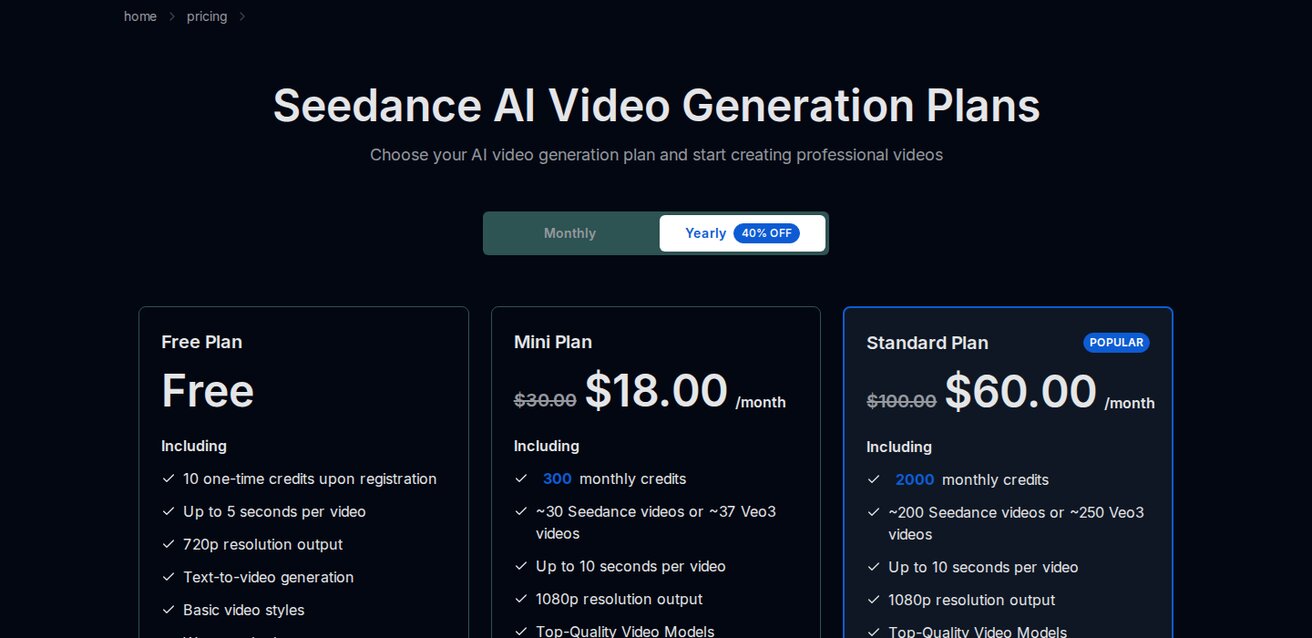
With Seedance's 100 daily credits:
| Reel Type | Clips Needed | Credits Used | Reels/Day |
|---|---|---|---|
| Single clip | 1 | 10-20 | 5-10 |
| Multi-clip (3 clips) | 3 | 30-60 | 2-3 |
| With iterations | 5-6 | 50-100 | 1-2 |
Realistically: You can produce 2-3 polished Reels per day on the free tier. That's 60-90 Reels per month — more than enough to grow an account.
Watch: AI Video Generation in Action
See how AI video generators work in practice:
Common Mistakes to Avoid
1. Wrong aspect ratio
Always generate in 9:16. Horizontal videos get cropped and look terrible on Reels.
2. No audio
Reels without audio get significantly less reach. Always add trending music or voiceover.
3. Too long
The sweet spot is 15-30 seconds. Longer Reels have lower completion rates, which hurts the algorithm.
4. No hook in the first second
The first frame decides if someone keeps watching. Start with the most visually striking moment.
5. Posting without a caption strategy
The algorithm uses your caption to categorize your content. Include keywords your target audience searches for.
Frequently Asked Questions
Can Instagram detect AI-generated videos? Instagram doesn't penalize AI content. Many top creators openly use AI tools. Just don't claim AI content is real footage if it's not.
What's the best AI model for Reels? Seedance 2.0 for realistic content, Wan for anime/artistic styles, Veo 3 for cinematic quality.
Do AI Reels get less reach? No. The algorithm cares about watch time and engagement, not how the video was made. Good content is good content.
Can I monetize AI-generated Reels? Yes. Instagram's monetization policies don't prohibit AI-generated content as long as it follows community guidelines.
How do I make AI videos vertical? On Seedance, select 9:16 aspect ratio before generating. Most other tools also support vertical output.
Start Creating
The barrier to creating Instagram Reels just dropped to zero. You don't need a camera, editing skills, or a content team. You need a good prompt and a free Seedance account.
Generate your first Reel today. It takes 5 minutes.
Related: How to Make AI Videos for Free | Best AI Video Prompts | AI Videos for TikTok
Read Next
Our Verdict
After thorough evaluation, Seedance stands out as our top recommendation for AI video generation. Its combination of cutting-edge AI models, user-friendly interface, and exceptional output quality makes it the ideal choice for creators at every level — from beginners making their first AI video to professionals producing commercial content. Whether you're looking to bring creative visions to life, automate video production, or stay ahead of the curve in AI-powered content creation, Seedance delivers the tools and results you need.
Ready to try it yourself?
Put the steps from this guide into practice with Seedance and turn prompts or images into polished videos in minutes.
Free credits on signup. Plans from $20/month.
Related Articles
More posts in the same locale you may want to read next.

Seedance App Preview Video Generator 2026: Create App Store and Product Launch Clips
Use Seedance to turn app screenshots, feature copy, and launch goals into App Store previews, Google Play promo videos, and product launch clips.
Read article
MiniMax H3 Continuous Talking Avatar Workflow: Keep One Face and Voice Across Clips
Build a longer MiniMax H3 talking avatar from stable 4–15 second clips with one face, voice, speaker ID, boundary frame, and clean audio handoff.
Read article
MiniMax H3 Camera Focal Length Control: Wide, Normal, and Telephoto Looks
Control the apparent lens look in MiniMax H3 with shot size, camera distance, zoom language, reference frames, and a repeatable 24mm-to-85mm prompt test.
Read article