
Last Updated: March 17, 2026
Quick Answer: AI video generation with Seedance lets you create stunning, professional-quality videos from text prompts or images in just minutes — no editing experience required.
AI video generators have changed TikTok content creation. You no longer need a camera, actors, or editing skills to create scroll-stopping videos. This guide shows you exactly how to create AI videos for TikTok using free tools.
Why AI Videos Are Dominating TikTok
AI-generated videos are everywhere on TikTok in 2026. Creators use them for:
- Storytelling clips — Cinematic scenes from text prompts
- Product showcases — Animate product photos into dynamic demos
- Trend participation — Quickly create content for trending formats
- Educational content — Visualize concepts that are hard to film
- Aesthetic content — Dreamy, surreal visuals that rack up saves
The best part? You can create these videos in under 5 minutes, completely free.
Step-by-Step: Create Your First AI TikTok Video
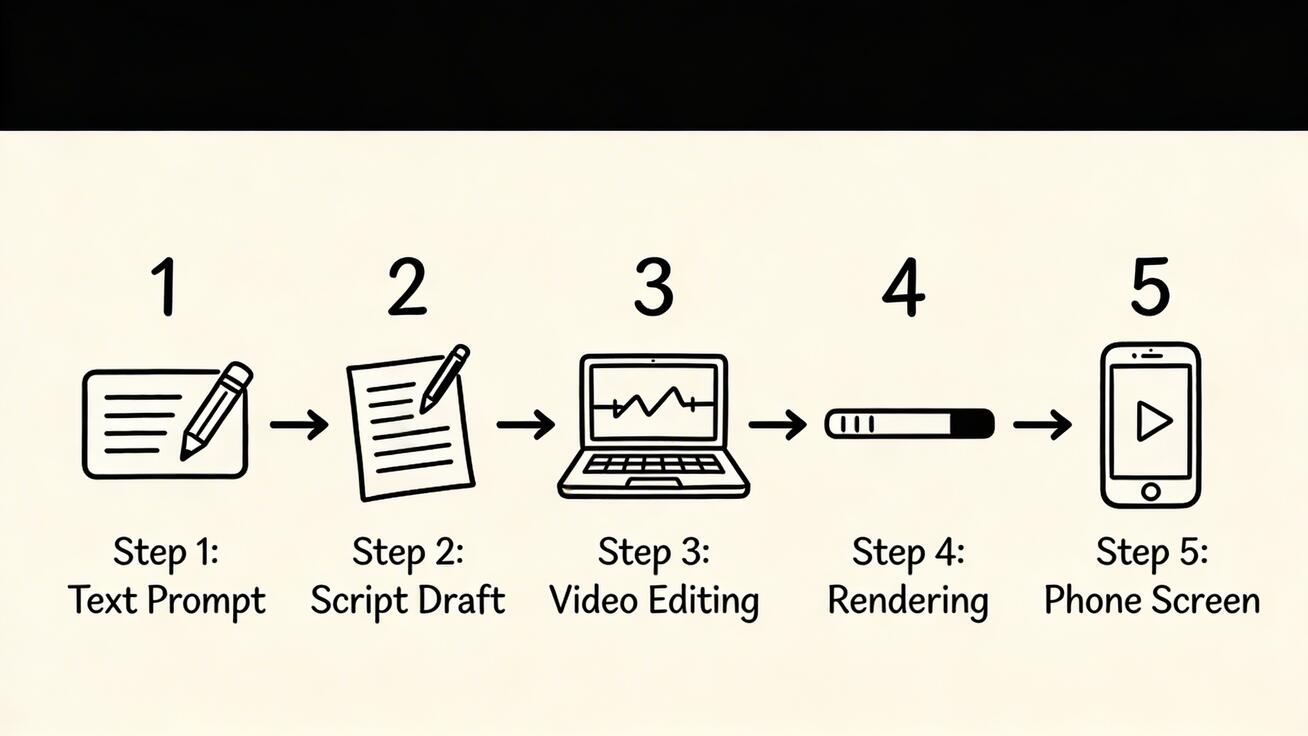
Step 1: Choose Your AI Video Generator
For TikTok content, you need a tool that supports:
- 9:16 vertical format (1080x1920)
- Fast generation (under 2 minutes)
- No watermarks (TikTok penalizes watermarked content)
- Free tier (so you can experiment freely)
Our recommendation: Seedance — It checks all four boxes. Free daily credits, 1080p output, no watermarks, and access to multiple AI models.
Step 2: Write Your Prompt
The prompt is everything. Here are proven TikTok prompt formulas:
For cinematic clips:
A [subject] in [setting], [action], [lighting], [camera angle], cinematic quality, 9:16 vertical
Example:
A woman walking through a neon-lit Tokyo alley at night, rain falling, reflections on wet pavement, low angle shot, cinematic lighting, 9:16 vertical
For product demos:
A [product] floating and rotating against a [background], studio lighting, smooth motion, product showcase style, 9:16 vertical
For trending content:
A [character/subject] doing [trending action], [style], vibrant colors, engaging motion, 9:16 vertical
Pro tips for better prompts:
- Always specify "9:16 vertical" for TikTok format
- Include lighting details (golden hour, neon, studio)
- Mention camera movement (slow zoom, tracking shot, dolly)
- Keep prompts under 200 words for best results
- Be specific about the mood (dreamy, energetic, mysterious)
Step 3: Generate Your Video
- Go to Seedance Text-to-Video
- Paste your prompt
- Select your preferred model:
- Seedance 2.0 — Best for cinematic quality and character consistency
- Veo 3 — Best for photorealism and natural motion
- Kling — Best for longer clips
- Click Generate
- Wait 60-90 seconds
Pro tip: Generate 3-4 variations of the same prompt with different models. Pick the best one.
Step 4: Edit for TikTok
Raw AI videos need a few touches before posting:
Using CapCut (free):
- Import your AI video
- Add trending music (CapCut has a built-in library)
- Add text overlays or captions
- Adjust timing to match the beat
- Add a hook in the first 0.5 seconds
Quick edits that boost engagement:
- Add captions (85% of TikTok is watched on mute)
- Use trending sounds
- Add a text hook at the start ("Wait for it..." or "POV:")
- Loop the video seamlessly if possible
Step 5: Post with the Right Strategy
Best posting practices for AI TikTok videos:
- Hashtags: Use #AIart #AIvideo #AIgenerated plus niche tags
- Caption: Ask a question or create curiosity
- Timing: Post when your audience is active (check TikTok analytics)
- Frequency: Post 1-3 AI videos per day for algorithm favor
- Engage: Reply to comments in the first hour
Best AI Video Generators for TikTok
1. Seedance (Recommended)
The best all-around option for TikTok creators:
- ✅ Free daily credits
- ✅ Multiple AI models (Veo 3, Sora 2, Seedance 2.0)
- ✅ 1080p, no watermarks
- ✅ Fast generation (60-90 seconds)
- ✅ Supports vertical 9:16 format
2. CapCut (Dreamina)
Best if you want generation + editing in one app:
- ✅ Built-in video editor
- ✅ Direct TikTok export
- ✅ Templates for trending formats
- ⚠️ AI generation quality varies
3. Pika Labs
Best for unique, stylized content:
- ✅ Distinctive visual style
- ✅ Good for artistic content
- ⚠️ Less photorealistic
4. Kling AI
Best for longer TikTok videos:
- ✅ Up to 2-minute videos
- ✅ Good free tier
- ⚠️ Slower generation
10 Viral AI Video Ideas for TikTok
Need inspiration? Try these proven formats:
- "POV: You're in [fantasy location]" — Generate a cinematic scene of a magical or futuristic place
- "What [city] looks like in 2050" — Futuristic cityscapes always go viral
- "If [movie character] was real" — Generate realistic versions of fictional characters
- "Satisfying AI art" — Smooth, mesmerizing abstract animations
- "AI tries to make [food/animal/object]" — Intentionally weird prompts for humor
- "Day in the life of a [fantasy job]" — Dragon trainer, space barista, etc.
- "This AI video is not real" — Photorealistic scenes that fool viewers
- "[Song lyric] as an AI video" — Visualize popular song lyrics
- "Historical events reimagined" — What if moments in history looked different
- "AI fashion show" — Generate models wearing impossible outfits
Tips for Going Viral with AI Videos
Content Strategy
- Hook in 0.5 seconds — The first frame must grab attention
- Surprise element — Include something unexpected in the video
- Emotional trigger — Beautiful, funny, or mind-blowing content gets shared
- Series format — Create a series ("Day 1 of generating [X] with AI") for followers
Technical Tips
- Resolution matters — Always use 1080p. TikTok compresses video, so start with the highest quality
- Aspect ratio — 9:16 vertical fills the screen. Never post horizontal AI videos on TikTok
- Length — 5-15 seconds is the sweet spot for AI clips. Short enough to loop, long enough to impress
- Sound — Add trending audio. TikTok's algorithm favors videos with popular sounds
What to Avoid
- ❌ Don't post AI videos with watermarks (use Seedance for watermark-free output)
- ❌ Don't use horizontal format (always 9:16)
- ❌ Don't post without sound (add music or narration)
- ❌ Don't spam the same style (vary your content)
- ❌ Don't forget to disclose AI content where required by local regulations
Frequently Asked Questions
Q: Is it free to create AI videos for TikTok? A: Yes. Seedance offers free daily credits with no watermarks. You can create multiple TikTok videos per day without paying anything.
Q: What size should AI videos be for TikTok? A: 1080x1920 pixels (9:16 vertical). Always specify vertical format in your prompt.
Q: How long should AI TikTok videos be? A: 5-15 seconds is ideal. Short enough to encourage replays, long enough to showcase the AI generation.
Q: Will TikTok penalize AI-generated content? A: TikTok does not penalize AI content, but some regions require disclosure. Add #AIgenerated to be safe.
Q: Can I monetize AI videos on TikTok? A: Yes, as long as the content is original (you created the prompt and generated it yourself). Check TikTok's creator fund guidelines for your region.
Q: Which AI model is best for TikTok? A: Seedance 2.0 for cinematic quality, Veo 3 for photorealism. Try both on Seedance and compare.
Start Creating Now
You are 60 seconds away from your first AI TikTok video:
- Text to Video → — Type a prompt, get a video
- Image to Video → — Animate any photo
- Seedance 2.0 → — Try the latest model
No signup required. No watermarks. No cost.
Related Articles:
- Seedance vs Runway: Complete Comparison
- Seedance vs Sora 2: Which Should You Choose?
- Top 10 Runway Alternatives (Free & Paid)
Our Verdict
After thorough evaluation, Seedance stands out as our top recommendation for AI video generation. Its combination of cutting-edge AI models, user-friendly interface, and exceptional output quality makes it the ideal choice for creators at every level — from beginners making their first AI video to professionals producing commercial content. Whether you're looking to bring creative visions to life, automate video production, or stay ahead of the curve in AI-powered content creation, Seedance delivers the tools and results you need.
Ready to try it yourself?
Put the steps from this guide into practice with Seedance and turn prompts or images into polished videos in minutes.
Free credits on signup. Plans from $20/month.
Related Articles
More posts in the same locale you may want to read next.

Seedance App Preview Video Generator 2026: Create App Store and Product Launch Clips
Use Seedance to turn app screenshots, feature copy, and launch goals into App Store previews, Google Play promo videos, and product launch clips.
Read article
Google Flow Not Working With VPN? A Safe Troubleshooting Path
Diagnose Google Flow VPN access problems safely. Separate region eligibility, unusual activity, loading, pending tasks, and network-path issues without unsafe bypasses.
Read article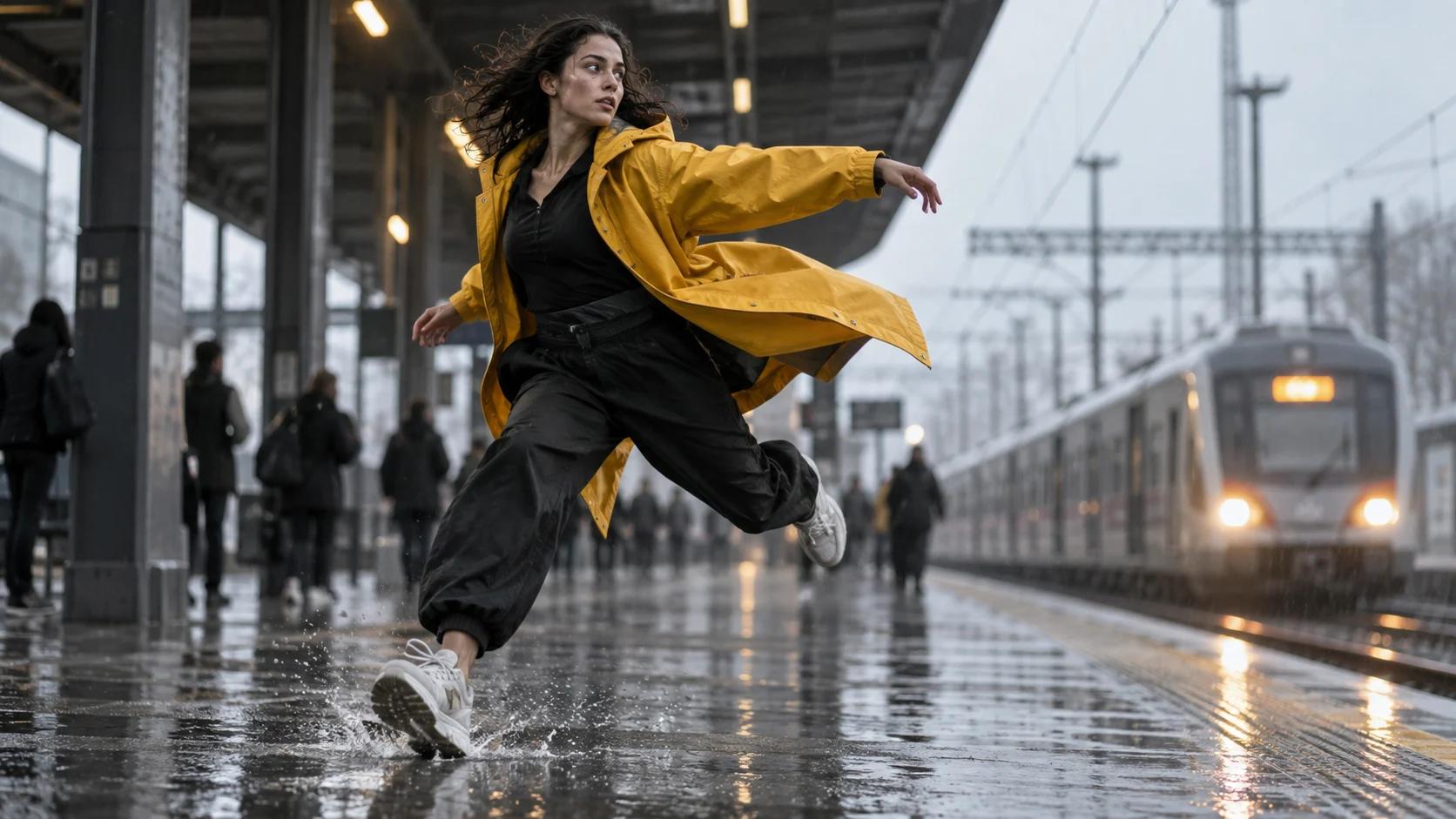
Kling AI Generation Taking Too Long? Diagnose the Queue Before You Rerun
Diagnose a slow Kling AI video job without duplicate charges. Use a status decision table for queues, 99% stalls, failed requests, delivery issues, and deadline fallbacks.
Read article