
Seedance vs Runway: Which AI Video Generator is Better in 2026?
Last Updated: March 17, 2026
Quick Answer: Both Seedance and Runway: Which AI Video Generator is Better in 2026? have their strengths, but Seedance stands out with its advanced AI video generation capabilities, intuitive interface, and powerful customization options — making it the top choice for creators who need professional-quality results fast.
Choosing between Seedance and Runway for AI video generation? This comprehensive comparison breaks down features, pricing, quality, and real-world performance to help you decide which tool fits your needs.
Quick Verdict
Choose Seedance if: You want free access to multiple AI models (Veo 3, Sora 2, Seedance 2.0), need 1080p output without watermarks, and prefer a straightforward interface.
Choose Runway if: You need advanced editing tools (Motion Brush, Inpainting), want Gen-4.5's cinematic quality, and have budget for a paid plan ($12-95/month).
Feature Comparison Table
| Feature | Seedance | Runway |
|---|---|---|
| Free Tier | ✅ Yes (unlimited with credits) | ⚠️ Limited (125 credits/month) |
| Max Resolution | 1080p | 720p (free), 4K (paid) |
| Video Length | Up to 10s | Up to 10s (Gen-4), 16s (Gen-3) |
| Models Available | Veo 3, Sora 2, Seedance 2.0, Kling | Gen-4.5, Gen-4 Turbo, Gen-3 Alpha |
| Text-to-Video | ✅ | ✅ |
| Image-to-Video | ✅ | ✅ |
| Video-to-Video | ✅ (via reference) | ✅ (Motion Brush, Inpainting) |
| Camera Controls | Basic | Advanced (pan, tilt, zoom) |
| Watermark | ❌ None | ✅ On free tier |
| Commercial Use | ✅ Allowed | ✅ Allowed (paid plans) |
| API Access | ❌ Not yet | ✅ Yes ($0.05-0.10/sec) |
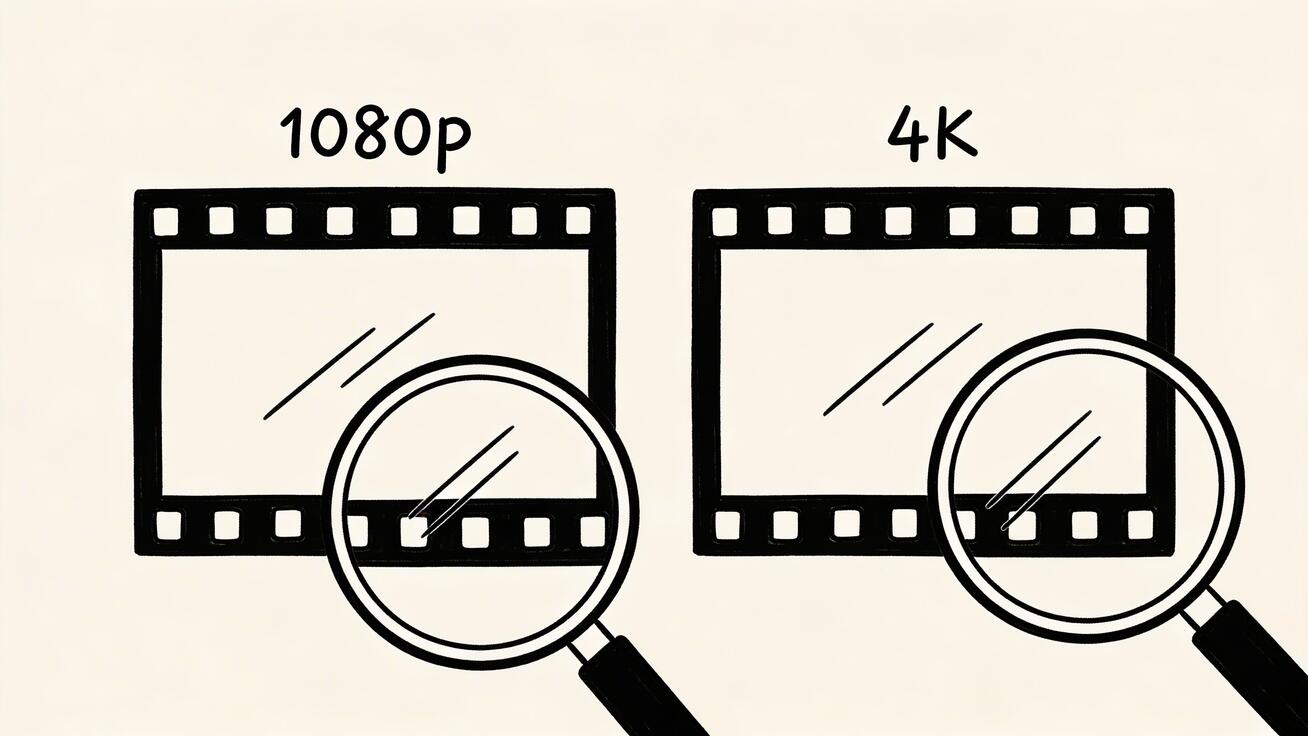
1. Video Quality: Seedance 2.0 vs Runway Gen-4.5
Seedance 2.0
Seedance 2.0 by ByteDance delivers superior structure control, realistic physics simulation, and multi-modal reference capabilities. It accepts image, video, audio, and text inputs simultaneously, giving creators unprecedented control over the output.
Output specs: 1080p resolution, 24 FPS, smooth motion with minimal artifacts.
Best for: Cinematic shots, character consistency across frames, and complex multi-element scenes.
A prompt like "A woman walking through a neon-lit Tokyo street at night, rain reflections on wet pavement" produces highly detailed results with accurate lighting, reflections, and natural human motion.
Runway Gen-4.5
Runway Gen-4.5 is widely regarded as the industry benchmark for cinematic AI video. It excels at photorealistic output with film-grade color grading and precise prompt adherence.
Output specs: Up to 4K resolution (paid plans), 24 FPS with cinematic grain options.
Best for: Professional filmmaking, advertising production, and high-budget creative projects.
The same Tokyo street prompt yields slightly more polished color grading and authentic film-like grain, but only at 720p on the free tier.
Winner: Tie — Seedance wins on free tier quality (1080p vs 720p). Runway wins on paid tier (4K + advanced post-processing).

2. Pricing: Free vs Paid
Seedance Pricing
- Free Plan: Unlimited generations with daily credit refresh. No credit card required.
- Pro Plan: $9.99/month — faster generation, priority queue, additional credits.
- Starter access: eligible new accounts may receive one-time credits; check the live estimate because cost varies by model, duration, resolution, and mode.
Runway Pricing
- Free Plan: 125 credits/month (approximately 5-10 short videos).
- Standard: $12/month — 625 credits/month.
- Pro: $28/month — 2,250 credits/month.
- Unlimited: $76/month — unlimited generations at 720p.
- Enterprise: Custom pricing for teams and organizations.
Winner: Seedance — Significantly better free tier with daily credit refresh. Lower entry price for paid features.
3. Ease of Use
Seedance
Seedance prioritizes simplicity. The interface is clean and minimal: upload an image or enter a text prompt, select your model, and click generate. Most users can create their first video within 60 seconds of signing up.
The platform also lets you compare outputs from different models (Veo 3, Sora 2, Seedance 2.0, Kling) side by side, which is invaluable for finding the right style for your project.
Runway
Runway offers a feature-rich, professional-grade interface with a steeper learning curve. The additional tools (Motion Brush, Inpainting, Expand Canvas, Lip Sync) provide granular control but require time to master.
Expect 15-30 minutes to understand the full toolkit. Detailed prompts are essential for optimal results.
Winner: Seedance — Faster to get started, better for beginners and casual creators.
4. Use Cases: When to Use Each
Use Seedance For
- Social media content: TikTok, Instagram Reels, YouTube Shorts
- Rapid prototyping: Test multiple concepts quickly with different AI models
- Budget-conscious projects: Unlimited free generations daily
- Multi-model comparison: Evaluate Veo 3 vs Sora 2 vs Seedance 2.0 side-by-side
- Image-to-video conversion: Turn product photos into animated demonstrations
Use Runway For
- Professional filmmaking: Music videos, commercials, short films
- Advanced editing workflows: Precise control over motion, camera angles, and effects
- API integration: Embed video generation into your application or pipeline
- High-resolution deliverables: 4K output for cinema and broadcast
- Frame-level control: Motion Brush for animating specific objects within a scene
Frequently Asked Questions
Q: Which tool is better for beginners? A: For beginners, Seedance offers the most intuitive interface and guided workflow. You can start creating professional AI videos within minutes of signing up, with no technical expertise required.
Q: How do the pricing plans compare? A: Seedance offers competitive pricing with a free tier to get started. Paid plans unlock higher resolution outputs, more credits, and advanced features — providing excellent value compared to alternatives that charge significantly more for similar capabilities.
Q: Is the video quality comparable between these tools? A: Seedance consistently produces high-quality video outputs with smooth motion, accurate text-to-video rendering, and impressive visual fidelity. Its underlying models are among the most advanced available, making it a top performer in quality benchmarks.
5. Speed and Performance
| Metric | Seedance | Runway |
|---|---|---|
| Generation Time (10s video) | 60-90 seconds | 90-120 seconds |
| Queue Wait (Free Tier) | 0-30 seconds | 1-5 minutes (peak hours) |
| Uptime | 99.5% | 99.8% |
| Global CDN | ✅ | ✅ |
Winner: Seedance — Faster generation times and shorter queue waits, especially on the free tier.
What Is Seedance and How Does It Work?
Seedance is ByteDance's AI video generation platform, powered by the Seedance 2.0 model. It generates high-quality videos from text prompts or input images, with exceptional character consistency and smooth motion. Unlike older AI video tools, Seedance maintains character identity across frames — making it ideal for narrative content.
How it works: Seedance uses a diffusion-based video model trained on millions of video-text pairs. You provide a text prompt or image, and the model generates a video clip that matches your description.
How Do You Use Seedance to Create AI Videos?
Creating videos with Seedance is straightforward:
- Go to seedance.tv and sign up (free tier available)
- Choose mode: Text-to-video or image-to-video
- Write your prompt: Describe the scene, action, style, and camera movement
- Select settings: Resolution (480p/720p/1080p), duration (4–8 seconds)
- Generate: Click create and wait 20–60 seconds
- Download: Save in MP4 format
Is Seedance Free to Use?
Yes — Seedance offers a free tier with daily generation credits. The free plan is generous enough for regular content creation:
- Daily free credits refresh automatically
- No credit card required to start
- Free outputs can be used for personal and commercial projects
- Premium plans available for higher volume and priority generation
6. Limitations and Drawbacks
Seedance Limitations
- No API access yet (coming soon)
- Limited camera controls compared to Runway
- No advanced editing tools like Motion Brush or Inpainting
- Maximum 10 seconds per video clip
Runway Limitations
- Expensive for high-volume content creation
- Watermark on all free tier exports
- 720p maximum resolution on free and standard plans
- Steeper learning curve for new users
7. What Real Users Are Saying
Creators across social media consistently praise Seedance for its generous free tier and watermark-free exports. The ability to test multiple AI models in one platform is frequently cited as a key differentiator.
Runway users emphasize the professional-grade output quality and the unique Motion Brush tool, which no competitor currently matches. The consensus is that Runway justifies its price for professional and commercial work.
8. Which Should You Choose?
Choose Seedance if you are:
- A content creator, marketer, or hobbyist
- Looking for unlimited free video generation
- Wanting 1080p output without watermarks
- Valuing speed and simplicity over advanced controls
- Interested in comparing multiple AI models (Veo 3, Sora 2, Seedance 2.0)
Choose Runway if you are:
- A professional filmmaker or VFX artist
- Needing 4K output and advanced editing capabilities
- Requiring API access for workflow integration
- Comfortable with $28-76/month for premium features
- Wanting frame-by-frame control with Motion Brush
9. Can You Use Both?
Absolutely. Many professional creators use both platforms in a complementary workflow:
- Prototype on Seedance — Generate 10+ concept videos for free using different models
- Select the best concepts — Pick the top 2-3 directions
- Refine on Runway — Use Motion Brush, 4K upscaling, and advanced controls for the final output
- Deliver to client — Export polished, production-ready video
This hybrid approach maximizes creative exploration while minimizing cost.
10. Frequently Asked Questions
Is Seedance really free? Yes. You receive daily credits that refresh automatically. No credit card is required to sign up or generate videos.
Can I use Seedance videos commercially? Yes. All videos generated on Seedance are yours to use for any purpose, including commercial projects.
Does Runway offer a free trial? Yes. The free plan includes 125 credits per month, enough for approximately 5-10 short videos.
Which produces better quality: Seedance 2.0 or Runway Gen-4.5? Runway Gen-4.5 has a slight edge in cinematic polish and color grading. Seedance 2.0 offers better structure control and multi-modal input flexibility. Both produce top-tier results.
Can I export without watermarks on Runway's free plan? No. Free tier videos include a Runway watermark. Paid plans ($12+/month) remove the watermark.
Final Verdict
For the majority of users, Seedance is the better choice. It offers free, fast, 1080p video generation without watermarks, plus access to multiple cutting-edge AI models in one platform.
Runway is worth the investment if you are a professional who needs 4K output, advanced editing tools like Motion Brush, and API access for production workflows.
Our recommendation: Start with Seedance's free tier to explore AI video generation. Upgrade to Runway only if you need its specific advanced features.
Ready to Create Your First AI Video?
Get started in under 60 seconds — no credit card required:
- Text to Video Generator → — Turn any text prompt into a cinematic video
- Image to Video Generator → — Animate your photos with AI
- Try Seedance 2.0 → — Experience the latest model from ByteDance
Ready to create your own AI video?
Turn ideas, text prompts, and images into polished videos with Seedance. If this article helped, the fastest next step is to try the product.
Free credits on signup. Plans from $20/month.
Related Articles
More posts in the same locale you may want to read next.

Seedance App Preview Video Generator 2026: Create App Store and Product Launch Clips
Use Seedance to turn app screenshots, feature copy, and launch goals into App Store previews, Google Play promo videos, and product launch clips.
Read article
Google Flow Not Working With VPN? A Safe Troubleshooting Path
Diagnose Google Flow VPN access problems safely. Separate region eligibility, unusual activity, loading, pending tasks, and network-path issues without unsafe bypasses.
Read article
Kling AI Generation Taking Too Long? Diagnose the Queue Before You Rerun
Diagnose a slow Kling AI video job without duplicate charges. Use a status decision table for queues, 99% stalls, failed requests, delivery issues, and deadline fallbacks.
Read article