
How to Make AI Videos for Free: Step-by-Step Guide (2026)
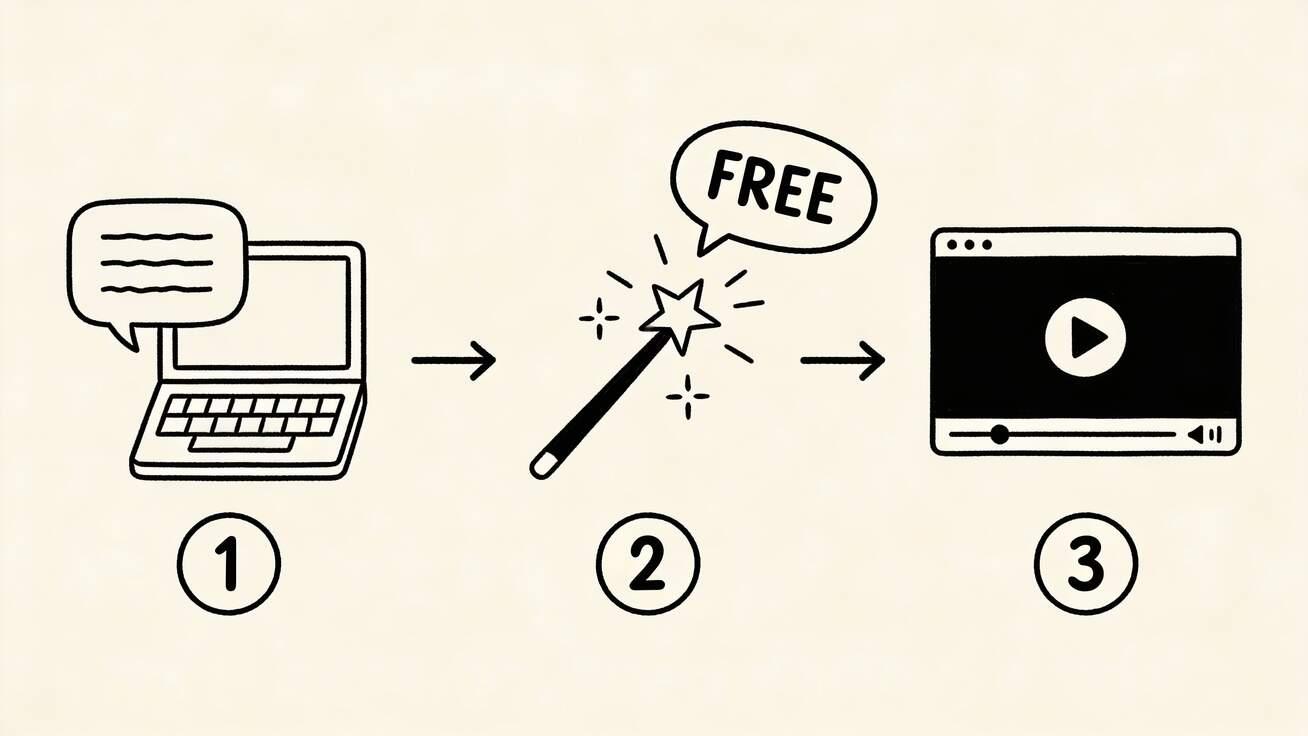
Making videos with AI is no longer science fiction — it's a 60-second process that anyone can do for free. No editing skills, no expensive software, no camera required.
Quick Answer: Yes, you can get started with AI video generation for free using Seedance, which offers a generous free tier that lets you create high-quality videos without any upfront cost.
This step-by-step guide walks you through creating your first AI video from scratch, with real examples and tips to get professional results.
What You'll Need
- A computer or phone with internet access
- A free account on an AI video platform
- An idea (or just use our prompt examples below)
That's it. No GPU, no software installation, no credit card.
Step-by-Step: Your First AI Video
Step 1: Choose Your Tool
For this guide, we'll use Seedance 2.0 because it offers the most generous free tier: 100 daily credits, 1080p quality, and no watermark.
Go to seedance.tv/text-to-video and sign in with Google.
Step 2: Choose Your Method
You have two options:
Text-to-Video — Describe what you want in words
- Best for: creating something entirely new
- Example: "A cat walking through a flower garden in spring sunlight"
Image-to-Video — Upload a photo and animate it
- Best for: bringing existing photos to life
- Go to seedance.tv/image-to-video instead
Step 3: Write Your Prompt
A good prompt has 5 elements:
[Subject] + [Action] + [Setting] + [Style] + [Camera/Lighting]
Bad prompt: "A dog" Good prompt: "A golden retriever puppy running through autumn leaves in a park, slow motion, warm golden hour sunlight, cinematic shallow depth of field"
Step 4: Configure Settings
- Model: Seedance 2.0 (best quality)
- Aspect ratio: 16:9 for YouTube, 9:16 for TikTok/Reels, 1:1 for Instagram
- Duration: Default (usually 5-10 seconds)
Step 5: Generate
Click the generate button. Your video will be ready in approximately 60 seconds.
Step 6: Download and Use
Preview the video. If you like it, download in MP4 format. If not, adjust your prompt and try again — you have 100 credits per day, so don't be afraid to experiment.
10 Ready-to-Use Prompts
Copy and paste these directly into Seedance 2.0:
1. Cinematic Nature
"Aerial drone shot of a winding river through autumn forest, golden and red leaves, morning mist, cinematic 4K, National Geographic style"
2. Product Showcase
"A sleek pair of wireless earbuds floating and rotating against a gradient purple background, studio lighting, commercial advertisement quality"
3. Food Content
"Fresh pasta being tossed in a pan with olive oil and garlic, steam rising, close-up macro shot, warm kitchen lighting, food photography style"
4. Abstract Art
"Liquid mercury and gold paint mixing in slow motion, swirling patterns, dark background, macro close-up, satisfying ASMR aesthetic"
5. Urban Scene
"Time-lapse of a busy Tokyo street crossing at night, neon signs reflecting on wet pavement, people with umbrellas, cyberpunk aesthetic"
6. Pet Content
"A fluffy white cat lazily stretching and yawning on a sun-drenched windowsill, soft natural light, shallow depth of field, cozy aesthetic"
7. Fitness/Sport
"Slow motion of a surfer riding a massive wave at sunset, water droplets catching golden light, action sports photography style"
8. Fashion
"A flowing silk dress billowing in the wind on a rooftop at sunset, fashion photography, editorial style, dramatic lighting"
9. Technology
"Holographic data visualization floating above a futuristic desk, blue glowing particles, sci-fi aesthetic, clean minimal design"
10. Travel
"A wooden boat gliding through crystal clear turquoise water in the Maldives, aerial overhead shot, bright sunny day, paradise aesthetic"
Frequently Asked Questions
Q: Is Seedance really free to use? A: Yes, Seedance offers a free tier that lets you create AI videos without any payment. The free plan includes a set number of credits each month, giving you full access to core video generation features.
Q: What are the limitations of the free plan? A: The free plan has monthly credit limits and may restrict maximum video resolution or length. Upgrading to a paid plan unlocks unlimited credits, higher resolutions, priority processing, and advanced customization features.
Q: How do I get the most out of free AI video generation? A: To maximize your free credits on Seedance, start with shorter video clips, use descriptive prompts for better first-attempt results, and take advantage of the platform's prompt templates and style presets to achieve professional results efficiently.
Advanced Techniques
Combining Image + Text
For maximum control:
- Find or create an image that matches your vision
- Go to seedance.tv/image-to-video
- Upload the image
- Add a motion prompt: "slow zoom in, gentle breeze, natural movement"
This gives you control over both appearance (from the image) and motion (from the text).
Using Reference Videos
Seedance 2.0's unique feature: reference-to-video. Upload an existing video to use as a motion reference, then apply that motion style to new content.
Use case: Take a dance video, extract the motion style, apply it to a totally different character or scene.
Creating Longer Videos
AI generates 5-10 second clips. For longer videos:
- Generate multiple clips with consistent prompts
- Download all clips
- Open a free editor (CapCut, DaVinci Resolve, or even iMovie)
- Arrange clips in sequence
- Add transitions between clips
- Add music and narration
Batch Creation
Need lots of content? Use Seedance's 100 daily credits efficiently:
- Write 10 prompts in advance
- Generate all 10 in one session (~10 minutes)
- Download and organize
- Edit and schedule for the week
Common Mistakes to Avoid
❌ Vague Prompts
"Make a cool video" → AI doesn't know what you want. Fix: Be specific about subject, action, style, and camera.
❌ Too Many Elements
"A cat and dog and bird playing in a garden with a rainbow while it's raining and snowing" → AI struggles with complex multi-element scenes. Fix: Keep it focused. One main subject, one clear action.
❌ Ignoring Aspect Ratio
Generating 16:9 video then cropping to 9:16 → loses half your content. Fix: Set the correct aspect ratio before generating.
❌ Not Experimenting
Stopping at the first result even if it's not great. Fix: Regenerate with adjusted prompts. You have 100 credits — use them.
❌ No Post-Production
Posting raw AI output without any editing. Fix: At minimum, add music and captions. This takes 2 minutes and doubles engagement.
Free AI Video Tools Comparison
| Tool | Free Credits/Day | Quality | Best For |
|---|---|---|---|
| Seedance 2.0 | 100 | ⭐⭐⭐⭐⭐ | All-around best free option |
| Veo 3 | ~5-10 | ⭐⭐⭐⭐⭐ | Photorealism + audio |
| Hailuo AI | ~5-10 | ⭐⭐⭐⭐ | Fastest generation |
| Kling 3.0 | ~5 | ⭐⭐⭐⭐ | Character consistency |
| Wan 2.6 | Unlimited (local) | ⭐⭐⭐ | Self-hosted, no limits |
FAQ
How much does it cost to make AI videos?
You can create an account without a credit card. Eligible new accounts may receive one-time starter credits; the number of videos depends on the live estimate and selected settings.
Do I need a powerful computer?
No. AI video generation happens on the server side. You just need a browser and internet connection. It works on any device — even your phone.
Can I use AI videos commercially?
Yes, most tools (including Seedance 2.0) allow commercial use. Check the specific tool's terms of service for details.
How long can AI videos be?
Individual clips are typically 5-10 seconds. For longer videos, generate multiple clips and edit them together. Many creators make 30-60 second videos by combining 4-8 AI clips.
Will people know my video was AI-generated?
Current AI video quality is impressive enough that short clips often pass as real footage. However, longer clips or complex scenes may still show AI artifacts. Adding your own editing, music, and text overlays makes it harder to distinguish.
Start Making Videos Now
Stop overthinking it. Open Seedance 2.0, paste one of the prompts above, and generate your first AI video in 60 seconds.
100 credits. 1080p. No watermark. No excuses.
More resources:
- Best AI Video Generator 2026
- Text to Video AI Free
- Image to Video AI Free
- AI Video Generator for Instagram Reels
Our Verdict
After thorough evaluation, Seedance stands out as our top recommendation for AI video generation. Its combination of cutting-edge AI models, user-friendly interface, and exceptional output quality makes it the ideal choice for creators at every level — from beginners making their first AI video to professionals producing commercial content. Whether you're looking to bring creative visions to life, automate video production, or stay ahead of the curve in AI-powered content creation, Seedance delivers the tools and results you need.
Ready to try it yourself?
Put the steps from this guide into practice with Seedance and turn prompts or images into polished videos in minutes.
Free credits on signup. Plans from $20/month.
Related Articles
More posts in the same locale you may want to read next.

Seedance App Preview Video Generator 2026: Create App Store and Product Launch Clips
Use Seedance to turn app screenshots, feature copy, and launch goals into App Store previews, Google Play promo videos, and product launch clips.
Read article
Synthesia AI Assistant Video Tutorial: From Source Material to an Editable Draft
Learn how to use Synthesia Assistant with prompts, files, scripts, outlines, Storyboard revisions, precise scene edits, and a reliable final QA pass.
Read article
MiniMax H3 Continuous Talking Avatar Workflow: Keep One Face and Voice Across Clips
Build a longer MiniMax H3 talking avatar from stable 4–15 second clips with one face, voice, speaker ID, boundary frame, and clean audio handoff.
Read article