
Where Is Seedance 2.5 Available? Countries, Platforms & Free Access Guide

AI Overview
Where is Seedance 2.5 available?
Seedance 2.5 is available through Seedance.tv in a modern web browser. The site is designed for global access, although local network, payment, and model-provider availability can vary.
Is Seedance 2.5 available for free?
Yes. New Seedance.tv accounts currently receive 10 welcome credits, enough for one starter video, with no credit card required and no watermark.
Is there a Seedance 2.5 app to download?
No dedicated iOS, Android, Windows, or macOS app is required. Seedance 2.5 runs in the browser on desktop, tablet, and mobile devices.
What is the official Seedance 2.5 website?
The official access point covered in this guide is Seedance.tv. Check the domain before signing in, uploading media, or entering payment information.
Is Seedance 2.5 Available in Your Country?
Seedance 2.5 is accessed as a web service rather than a country-specific software download. If Seedance.tv opens in your browser, you can create an account, enter the workspace, and test the available generation modes without installing a regional build. The interface is designed for international use and the site does not ask creators to choose a country edition before generating.
You normally do not need a VPN. A VPN can add latency to uploads, previews, and large video downloads, and it may complicate sign-in or payment verification. Start with your normal connection, a current browser, and a stable network. If the page does not load, first check whether the problem affects the whole site or only one browser, extension, office firewall, or network.
“Available” has three practical layers. Website access means the page and account system load. Model access means Seedance 2.5 appears in the current workspace. Paid access depends on the payment options offered in your location. These layers can change independently because payment routing and individual model capacity may vary. The reliable test is to sign in, confirm that Seedance 2.5 is selectable, and generate a short draft before planning a deadline around it.
A real Seedance output demonstrates that browser access can support a complete moving scene, not just a static product-page demo.
Where to Find the Official Seedance 2.5 Website
The Seedance 2.5 official website entry used for this article is Seedance.tv. Open the domain directly, then use the site navigation or account workspace to select the model. A legitimate page should use HTTPS, keep the seedance.tv domain visible in the address bar, and present the same account, credit, history, and generation workflow across the site.
Be cautious with search ads, copied landing pages, download buttons, and domains that add extra words around “Seedance.” A third-party page may describe the model accurately while still sending uploads or payments somewhere else. Never install a browser extension, desktop package, mobile profile, or “activation tool” merely to reach a browser-based generator. Seedance 2.5 does not require those files.
Before uploading a client asset, verify three things: the exact domain, the signed-in account, and the model selected in the workspace. Before paying, confirm that the checkout returns to the same account and displays the credits or plan you expect. Bookmarking the official page removes most search-related confusion on later visits.
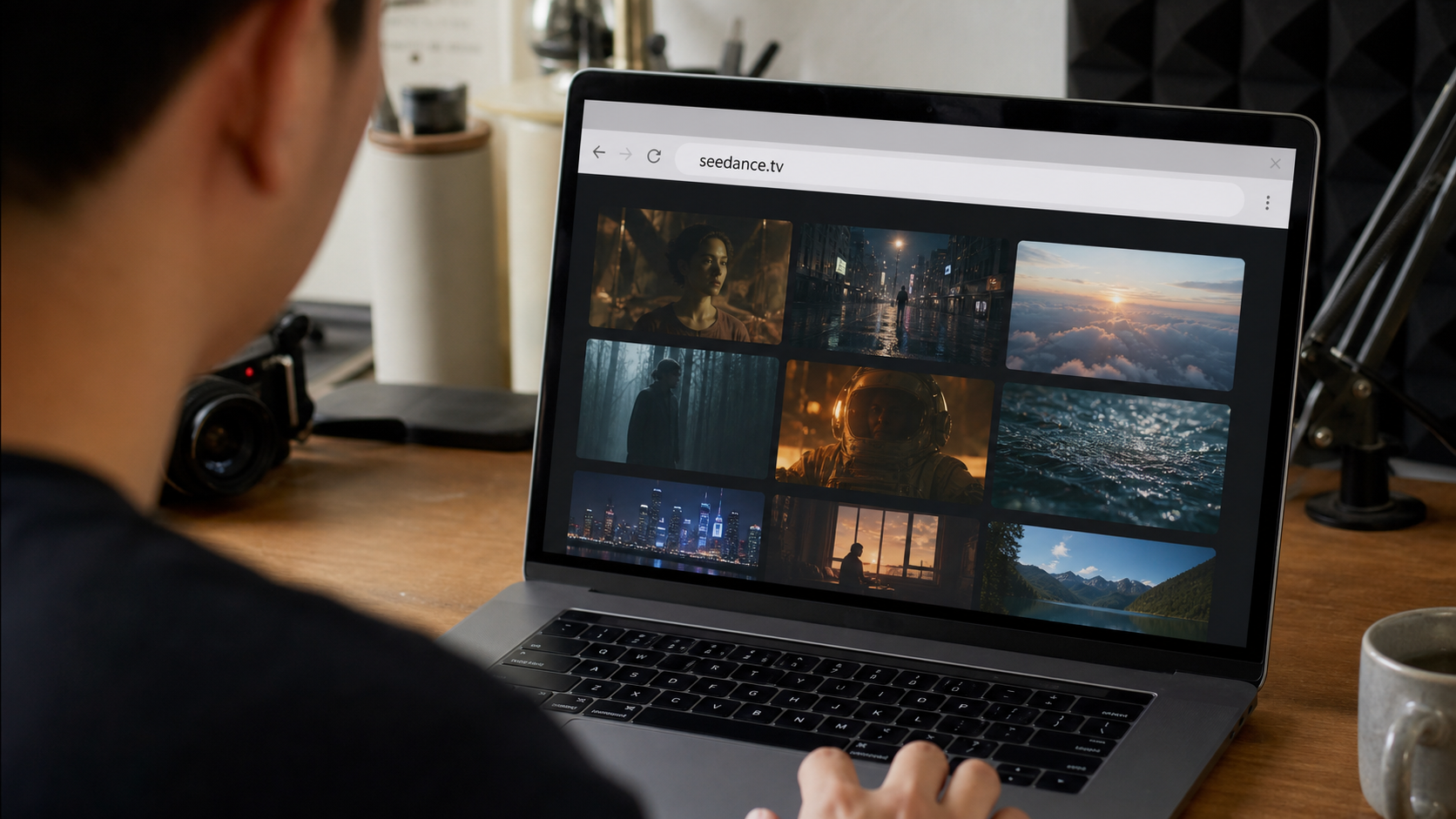
Check the exact seedance.tv domain before signing in, uploading a client asset, or entering payment information.
Is Seedance 2.5 Free to Access?
Yes, Seedance 2.5 is free to try after registration. New users currently receive 10 welcome credits. That amount is designed for one starter video, so the free test should answer a specific production question: can the model preserve this product, animate this portrait, or execute this camera move? No credit card is required for the welcome test, and generated videos do not carry a Seedance watermark.
The free access is a sign-up grant, not an unlimited monthly allowance. Generation cost depends on the model and settings, so duration, resolution, and advanced options can consume credits at different rates. Check the cost displayed in the workspace before pressing Generate. If the first result is close, revise one variable at a time instead of spending the remaining balance on unrelated prompts.
Use a short, controlled prompt for the first run: one subject, one action, one camera move, and two or three details that must stay fixed. Upload a clean source image when identity or product geometry matters. This gives the free test a fair chance and produces evidence you can compare with a paid workflow later.

A focused first test is more useful than a crowded prompt: preserve the product, assign one motion, and judge the complete result.
Seedance 2.5 on Desktop vs Mobile — What Works?
Seedance 2.5 works through modern browsers on Windows PCs, Macs, iPads, Android tablets, iPhones, and Android phones. The generation happens in the cloud, so the device is mainly responsible for file selection, prompt entry, preview playback, and downloading. You do not need a workstation-class GPU, but a stable connection and enough local storage for source and output files still matter.
Desktop is the strongest option for production work. The wider screen makes it easier to compare reference images, read long prompts, inspect a video frame by frame, manage multiple versions, and move files into an editing timeline. A mouse and keyboard also reduce mistakes when naming uploads or revising time-coded instructions.
Tablet is a useful middle ground. It offers more review space than a phone while remaining convenient on set, in a meeting, or during a location scout. Mobile browsers are best for signing in, checking queue status, testing a compact prompt, previewing a draft, or sharing a finished file. Small screens make precise reference management and quality control harder, so approve important client work on a larger display whenever possible.
If mobile upload fails, confirm the browser has permission to access photos and files, shorten unusually long filenames, and keep the tab open during transfer. If playback stutters, download the result and review it locally before assuming the generated file is damaged.
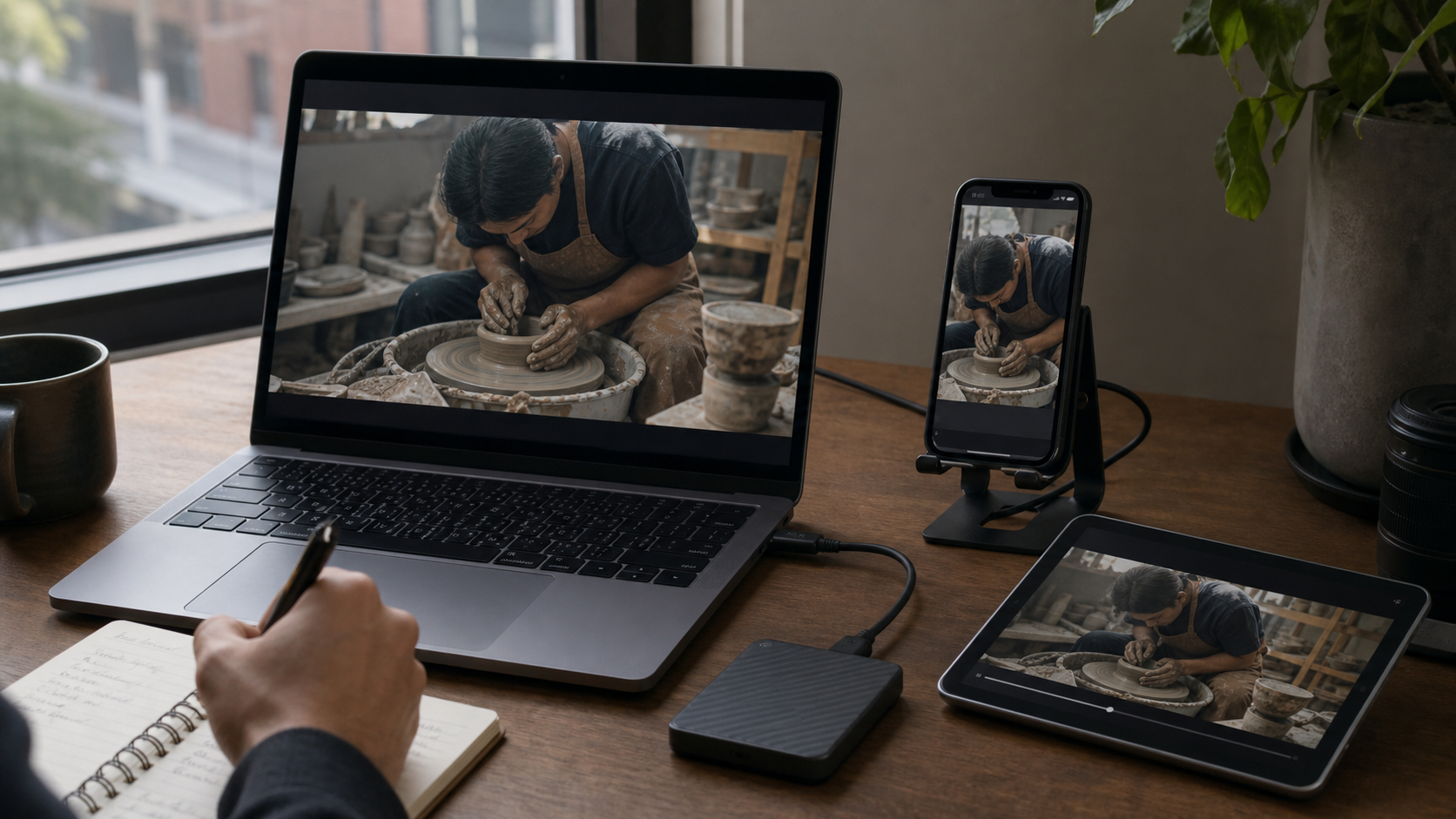
Desktop gives this kind of continuity check more room, while mobile remains practical for quick review and approval.
Is There a Seedance 2.5 App for iOS or Android?
There is no dedicated Seedance 2.5 iOS or Android download required for the workflow described here. The product behaves as a web app: open the official site in Safari, Chrome, or another current browser, sign in, and use the available tools. The same principle applies on Windows and macOS—there is no installer needed to generate in the cloud.
You can make the web experience feel more app-like without installing unofficial software. On iPhone or iPad, use the browser’s Add to Home Screen option. On Android, add the site to the home screen or install it as a browser shortcut when that option appears. The icon opens the official web page and keeps updates on the server, so there is no separate app version to maintain.
Avoid APK files, configuration profiles, desktop executables, or extensions promoted as “Seedance 2.5 download.” They are unnecessary for normal access and may create privacy or account risks. If a future official app becomes available, confirm it from Seedance.tv before installing it, then check the named publisher, requested permissions, and linked privacy information in the app store.
How to Sign Up and Start Using Seedance 2.5 for Free
- Open the official Seedance.tv homepage and choose the sign-in or start-creating option.
- Create an account with the supported sign-in method, then return to the workspace under the same account.
- Confirm the 10 welcome credits are visible before beginning the first generation.
- Choose Text to Video for a scene built from a written brief, or Image to Video when the opening subject and composition must remain recognizable.
- Select Seedance 2.5, set the aspect ratio and duration, and review the displayed credit cost.
- Write one clear shot: subject, visible action, camera behavior, lighting, sound, and protected details.
- Generate, then watch the complete video with sound before downloading or rerunning it.
For the first attempt, use a short duration and a simple motion. A product orbit, a portrait turning toward camera, or a locked shot with one environmental change is easier to evaluate than a multi-scene sequence. If the result drifts, keep the useful parts of the prompt and revise only the failed instruction. Our guide to what creators can make with Seedance 2.5 provides practical use cases after the access test succeeds.
A compact reference-led shot is an efficient way to judge preservation, motion, lighting, and audio before purchasing more credits.
Seedance 2.5 Free vs Paid — What's Actually Unlocked?
The free experience and paid plans use the same browser-based access pattern. The practical difference is production capacity. Free welcome credits let a new user validate the workflow once. Paid plans add recurring monthly credits, priority processing, and commercial usage rights, with larger plans supporting more frequent generation. They do not remove the need to manage credits carefully: the current pricing system remains credit-based rather than literally unlimited.
| Access | Free welcome test | Paid plans |
|---|---|---|
| Upfront requirement | Account; no credit card | Subscription or plan purchase |
| Credits | 10 welcome credits | Monthly credits based on plan |
| Best use | One focused quality test | Iteration, campaigns, and regular production |
| Queue | Standard availability | Priority queue |
| Commercial usage | Confirm before client delivery | Included in current paid-plan benefits |
| Watermark | No Seedance watermark | No Seedance watermark |
Upgrade when the free result proves the model can handle your subject and you can estimate how many attempts a deliverable needs. A solo creator testing one idea may be better served by the welcome credits. A marketing team producing variants needs enough monthly capacity for rejected drafts, aspect-ratio versions, and final exports. Teams planning dialogue or sound-led work should also compare the workflow described in our guide to AI video generators with native audio.
Check the live pricing page before purchase because plan names, included credits, and prices can change. Record the generation settings and credit cost of your successful free test; that small benchmark is more useful for budgeting than a headline promise of “unlimited” creation.
Conclusion
Seedance 2.5 is available through Seedance.tv on desktop and mobile browsers, with no app download, VPN, or special GPU required for most users. New accounts can test one short, controlled shot with 10 welcome credits and no card; paid credit plans make sense when regular production, priority processing, or commercial use justifies the cost. Verify the domain, confirm the model in your workspace, and review the first result before upgrading; for a broader workflow comparison, see the Seedance 2.0 and Higgsfield comparison.
Ready to try it yourself?
Put the steps from this guide into practice with Seedance and turn prompts or images into polished videos in minutes.
Free credits on signup. Plans from $28/month.
Related Articles
More posts in the same locale you may want to read next.

Seedance App Preview Video Generator 2026: Create App Store and Product Launch Clips
Use Seedance to turn app screenshots, feature copy, and launch goals into App Store previews, Google Play promo videos, and product launch clips.
Read article
Gemini AI Video Prompt Examples: Copy-Ready Veo Scenes and a Better Prompt Formula
Copy Gemini AI video prompt examples for cinematic motion, product ads, dialogue, and vertical clips, then adapt them with a practical Veo prompt formula.
Read article
How to Keep Product Shape Consistent in AI Video Ads
Lock product geometry, packaging, labels, references, camera angles, and approval checks so AI video ads preserve the real SKU across every shot.
Read article