
Higgsfield vs Seedance: Which AI Video Tool Should You Use in 2026?
AI Overview
What's the main difference between Higgsfield AI and Seedance?
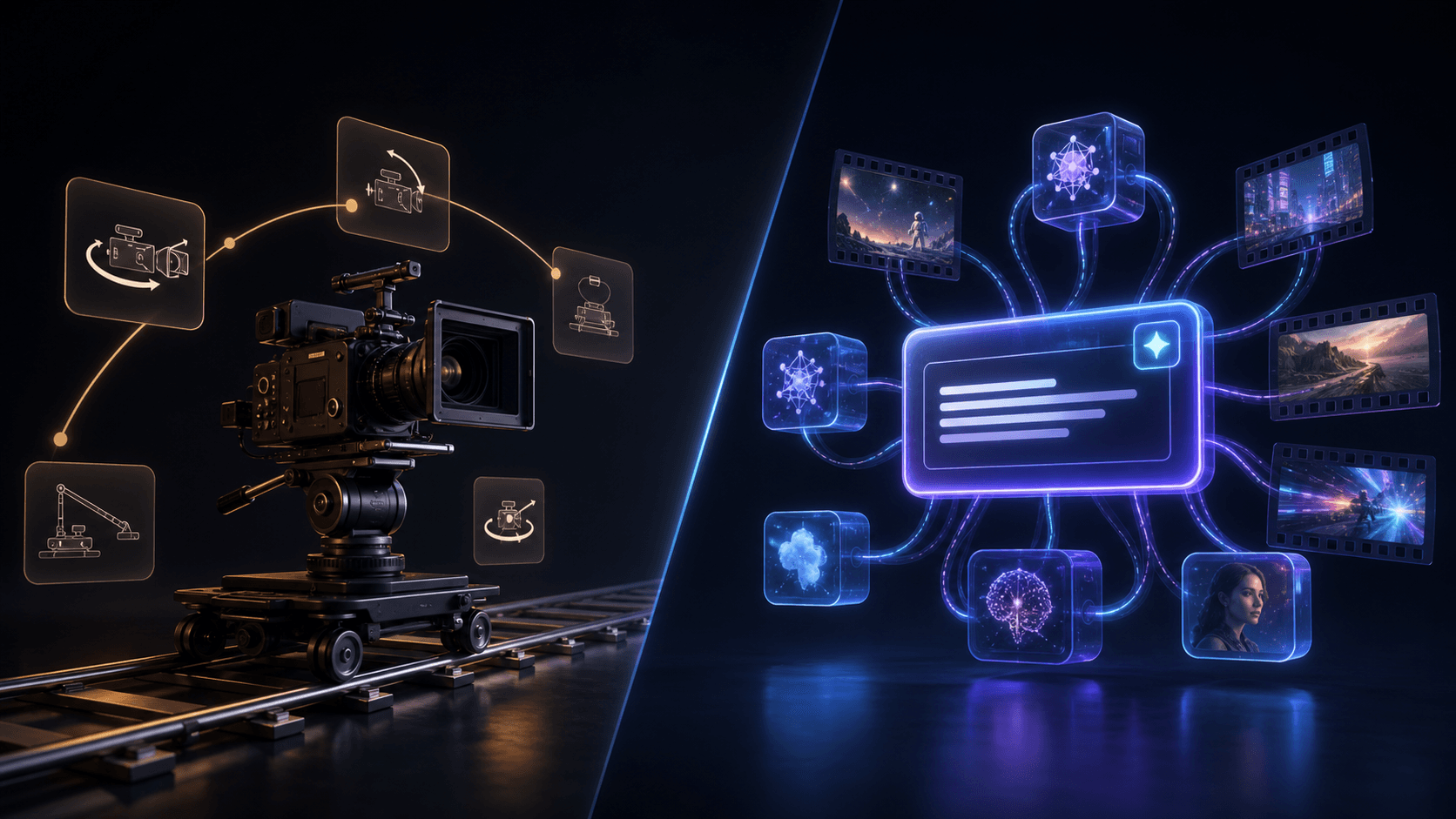
Higgsfield AI focuses on cinematic camera presets and motion effects — you pick a preset and apply it. Seedance is a multi-model hub (Seedance 2.0, Sora 2, Veo 3, Kling) where you direct the camera through natural language prompts. Higgsfield wins on preset-based motion control; Seedance wins on flexibility and model variety.
Is Higgsfield AI better than Seedance 2.0?
It depends on your workflow. Higgsfield is better if you want one-click cinematic camera moves. Seedance 2.0 is better if you want prompt-driven generation, a lower entry price, and access to multiple top models from one interface.
Which is cheaper — Higgsfield AI or Seedance?
Seedance has a more accessible free tier and simpler pricing. Higgsfield uses a credit economy where heavy use adds up fast. For budget-conscious creators, Seedance offers better value at volume.
Can Seedance 2.0 replicate Higgsfield's camera moves?
Yes, through prompt engineering. Keywords like "crash zoom," "orbit shot," "FPV sweep," or "bullet time" in a Seedance prompt can produce similar results — without needing presets. It requires more prompt knowledge but gives more control.
Quick Answer: Higgsfield vs Seedance at a Glance
Short on time? Higgsfield is the motion-preset specialist; Seedance is the flexible, prompt-driven multi-model hub.
| Dimension | Seedance | Higgsfield AI |
|---|---|---|
| Core identity | Multi-model text-to-video and image-to-video hub | Cinematic camera-control and motion-preset platform |
| Free tier allowance | 6 welcome credits at signup, valid for one month | 0 guaranteed recurring credits; free access depends on temporary trials or promotions |
| Maximum video length | Up to 15 seconds per generation, depending on model | Up to 15 seconds on supported models and plans; common model limits range from 8–12 seconds |
| Supported model count | 8 active video model families across 24 generation configurations | 15+ generation models across image, video, and 3D workflows |
| Standout strength | Prompt-driven generation, model choice, and fast iteration | One-click cinematic camera presets and stackable motion |
| Camera control | Natural-language camera direction | Preset-driven, multi-axis camera moves |
| Best for | Ads, product demos, ecommerce, and high-volume social variants | Music videos, cinematic shorts, and motion-first social hooks |
| Learning curve | Low: write a prompt, choose a model, generate | Moderate: learn the preset system and credit cost of each workflow |
What Higgsfield AI Actually Does
Higgsfield is a motion-first AI video workspace. Instead of describing every move in a prompt, you select cinematic presets—such as dolly, orbit, crash zoom, bullet time, or FPV—and apply or stack them on a shot. That makes it especially useful for TikTok and Reels hooks, music-video shots, product reveals, and avatar clips where camera movement is the main effect.
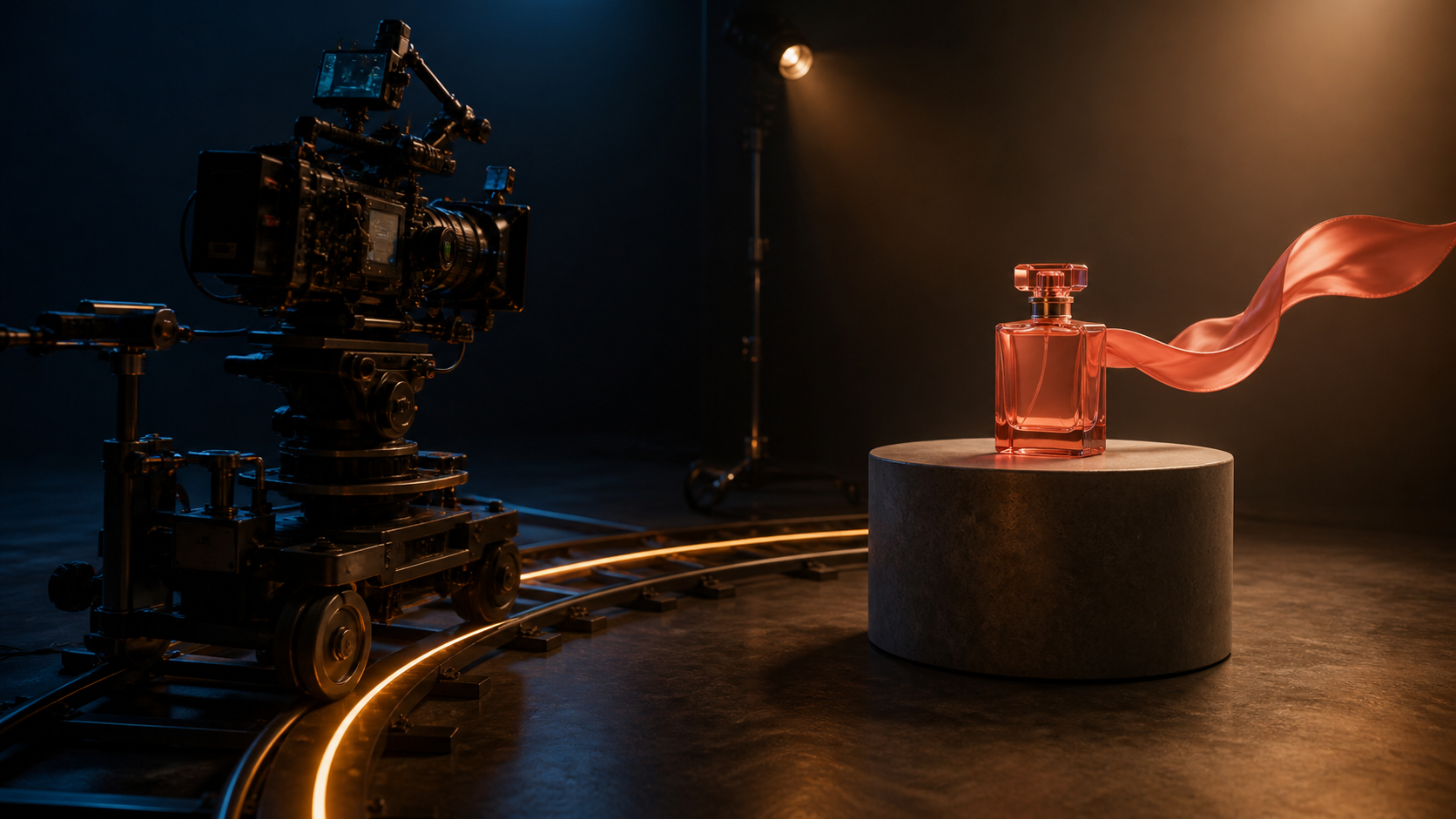
A realistic motion-first workflow: one subject, one controlled camera path, and one clear movement cue.
The trade-off is cost predictability. Output quality depends on the underlying model, while credit use changes with model, duration, and resolution. Higgsfield is strongest when its presets save more production time than the extra credit management costs.
What Seedance 2.0 Does Differently
Seedance 2.0 takes the opposite approach: instead of a preset library, it gives you a clean prompt box and a model picker. You can run Seedance 2.0 for stylized, motion-rich generation, or switch to Sora 2, Veo 3, or Kling when a particular job needs that model's strengths—all from the same interface. That multi-model breadth means you're not locked into one engine's look.
Seedance leans hard into two workflows that most creators actually use every day:
- Text-to-video: describe a scene and get a clip. This is the fastest path from idea to footage, and it's where prompt-driven camera direction ("slow dolly-in, shallow depth of field") lives. See the practical walkthrough in our Seedance 2.0 text-to-video guide.
- Image-to-video: upload a product shot, character render, or photo and animate it. This is the workhorse for ecommerce and product marketing. Start at the Seedance image-to-video tool.
The trade-off is that Seedance expects you to direct the camera through your prompt rather than tap a "bullet time" button. For most marketing and social work that's fine—and arguably faster—but if your project is fundamentally a camera-choreography exercise, that's exactly where Higgsfield's presets shine.
Head-to-Head: Camera Control & Motion
This is the clearest dividing line between the two tools.
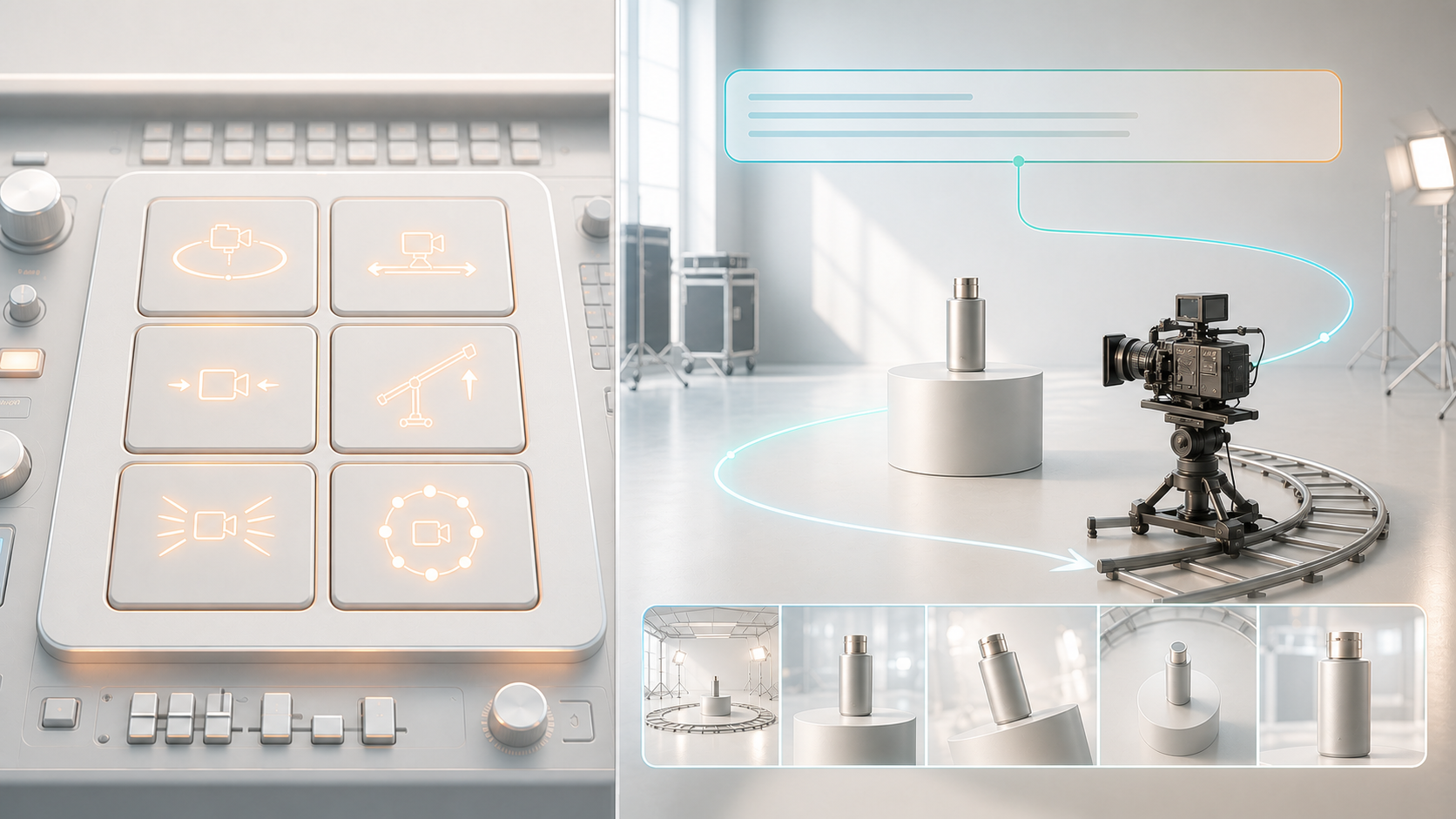
Higgsfield AI wins on out-of-the-box camera moves. Its preset library is large, the moves are tuned to look cinematic, and stacking multiple movements on one shot is a real capability. If you want a crash-zoom-into-orbit combo without prompt engineering, Higgsfield gets you there with fewer attempts.
Seedance 2.0 wins on flexibility and speed of iteration. Because camera direction lives in your prompt, you can describe moves that no preset covers, then regenerate two or three variations in the time it takes to fine-tune one preset stack. For creators who think in language ("handheld, push toward subject, rack focus to the logo"), this is liberating. Our camera movement prompt guide has copy-ready examples.
Verdict: Higgsfield for prebuilt, repeatable cinematic moves; Seedance for fast, custom, prompt-driven direction.
Head-to-Head: Model Quality / Realism
Here's the nuance most comparisons miss: both platforms route to multiple underlying models, so neither has a single fixed "quality level." The output depends on the model you choose for the job.
Seedance 2.0 makes the model choice explicit and central—you pick Seedance 2.0, Sora 2, Veo 3, or Kling per generation, which is ideal when you know that, say, Veo 3 handles a particular realism scenario better, or Seedance 2.0 nails a stylized motion look. If you want the full breakdown of what Seedance 2.0 brings on its own, see our Seedance 2.0 features guide.
Higgsfield abstracts more of that away behind its presets and studio, which is convenient but gives you slightly less direct control over the raw engine.
For physics, subject consistency, and motion realism specifically, the two are close enough that your prompt quality and model choice matter more than the platform brand. If you're cross-shopping Kling specifically, our Seedance vs Kling AI comparison digs into that pairing in detail.
Verdict: A tie on raw quality—both can produce professional output. Seedance gives you more explicit per-job model control; Higgsfield trades some of that control for preset convenience.
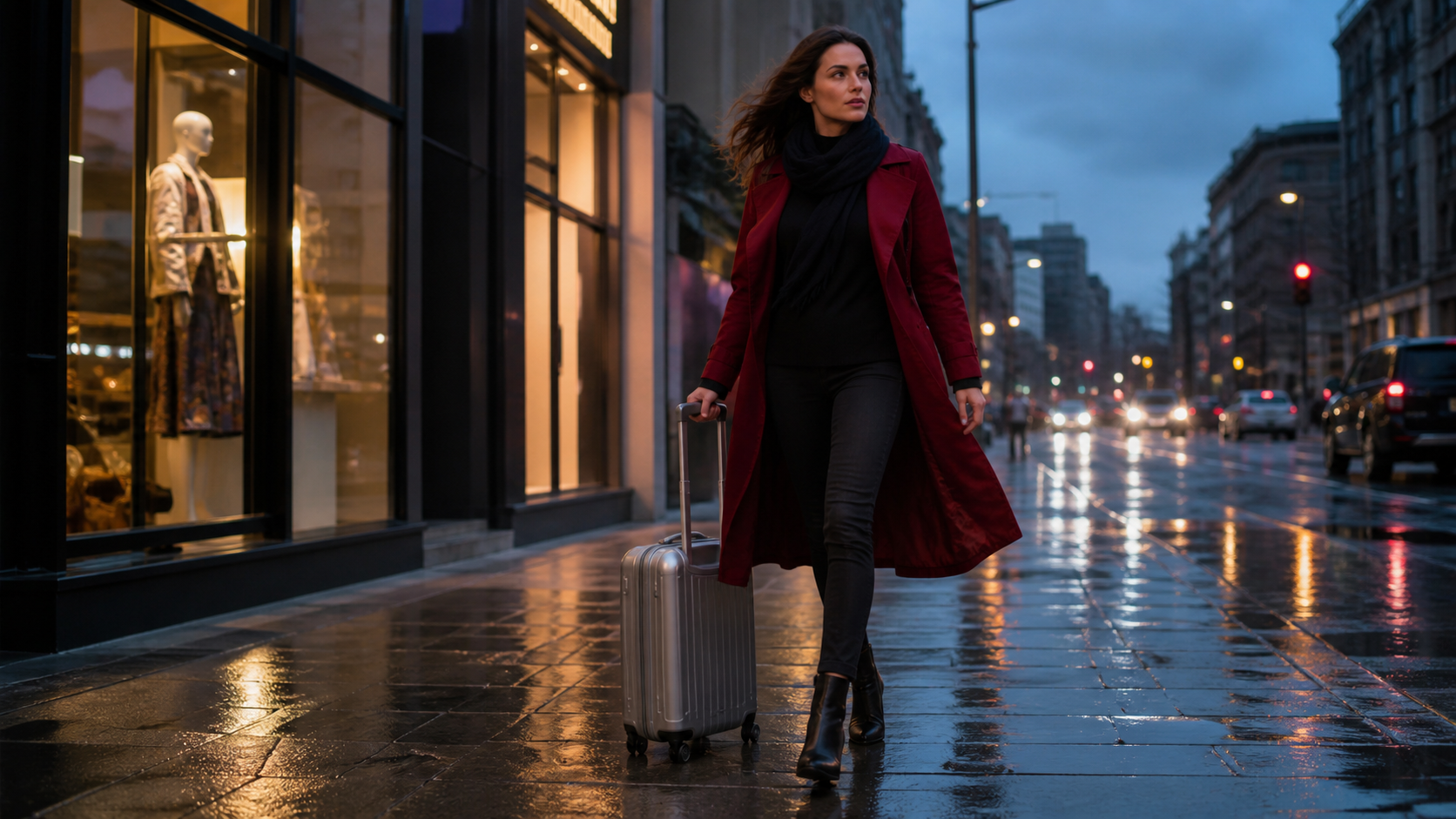
A practical realism test scene. Generate the same brief in each model, then compare hands, fabric motion, suitcase geometry, wet-surface reflections, depth, and frame-to-frame consistency.
Head-to-Head: Pricing & Credits
Pricing is where the two workflows diverge most. As of mid-2026, Seedance paid plans span $39–$160 per month, or an effective $28–$112 per month with annual billing, and include 400–4,800 monthly credits. Higgsfield individual plans span roughly $9–$375 per month with 120–9,000 monthly credits, depending on plan and region.
| Plan level | Seedance | Higgsfield AI |
|---|---|---|
| Entry | Mini: $39/month, or $28/month billed yearly; 400 credits | Entry plans start around $9/month for 120–270 credits, depending on region |
| Mid-tier | Standard: $80/month, or $56/month billed yearly; 1,600 credits | Mid-tier plans start around $29/month for 600–1,200 credits |
| High-volume | Plus: $160/month, or $112/month billed yearly; 4,800 credits | Top individual tiers start around $79/month for 1,800–9,000 credits |
Seedance also lets you start free with no credit card. Its published allowances make monthly output easier to estimate: the Mini plan is positioned for roughly 40 Seedance videos, Standard for roughly 160, and Plus for roughly 480, although actual usage varies by model and settings.
Higgsfield's cost per finished clip is less predictable because credit use changes with the selected model, duration, resolution, and premium feature. Its lower headline entry price can be attractive for light use, while repeated premium generations can burn through credits quickly.
Verdict: choose Seedance when predictable volume and multi-model access matter most. Choose Higgsfield when its motion presets save enough production time to justify variable credit use.
Prices may change after mid-2026.
Which Should You Choose?
✅ Choose Higgsfield if:
- You want one-click preset camera moves
- Your workflow is motion-first (TikTok, Reels hooks)
- You're comfortable with a credit economy
✅ Choose Seedance if:
- You prefer prompt-driven control
- You want to switch between Sora 2 / Veo 3 / Kling
- You need a free tier that's actually usable
- You want lower cost at volume
Who Should NOT Use Higgsfield AI?
Skip Higgsfield if you need predictable monthly output costs, generate many variations before approving a shot, or want camera moves that do not fit a preset. It is also a poor fit if you do not want to learn which models and settings consume the most credits.
Conclusion
Higgsfield AI is the specialist for preset-driven cinematic motion. Seedance is the stronger everyday platform for prompt-driven creation, model choice, and predictable production volume.
For most marketers and creators shipping ads, product demos, and social content, start with Seedance. If a campaign depends on a signature preset such as bullet time, a crash zoom, or a stacked orbit, test Higgsfield against the same brief.
If you are also comparing Higgsfield with an image-first creative suite, read our Higgsfield AI vs OpenArt comparison.
Ready to compare the workflow with a real project? Try Seedance 2.0 free →
Ready to create your own AI video?
Turn ideas, text prompts, and images into polished videos with Seedance. If this article helped, the fastest next step is to try the product.
Free credits on signup. Plans from $28/month.
Related Articles
More posts in the same locale you may want to read next.

Seedance App Preview Video Generator 2026: Create App Store and Product Launch Clips
Use Seedance to turn app screenshots, feature copy, and launch goals into App Store previews, Google Play promo videos, and product launch clips.
Read article
How to Keep Product Shape Consistent in AI Video Ads
Lock product geometry, packaging, labels, references, camera angles, and approval checks so AI video ads preserve the real SKU across every shot.
Read article
How to Make AI Video Follow a Multi-Step Action
Plan atomic actions, state transitions, timing, continuity, and shot handoffs so an AI video completes a sequence in the intended order.
Read article