
 Sora 2
Seedance Image to Video AI Generator
Turn any image into an AI-generated video with Seedance Image to Video. Upload a photo, describe the motion, and create high-quality image-to-video clips online with seedance free image to video.
Sora 2 Veo 3
Veo 3 Seedance
 Hailuo
Animate Photos with Seedance Image to Video
Upload an image and add a prompt. Seedance Image to Video turns still photos into creative AI videos with natural motion.
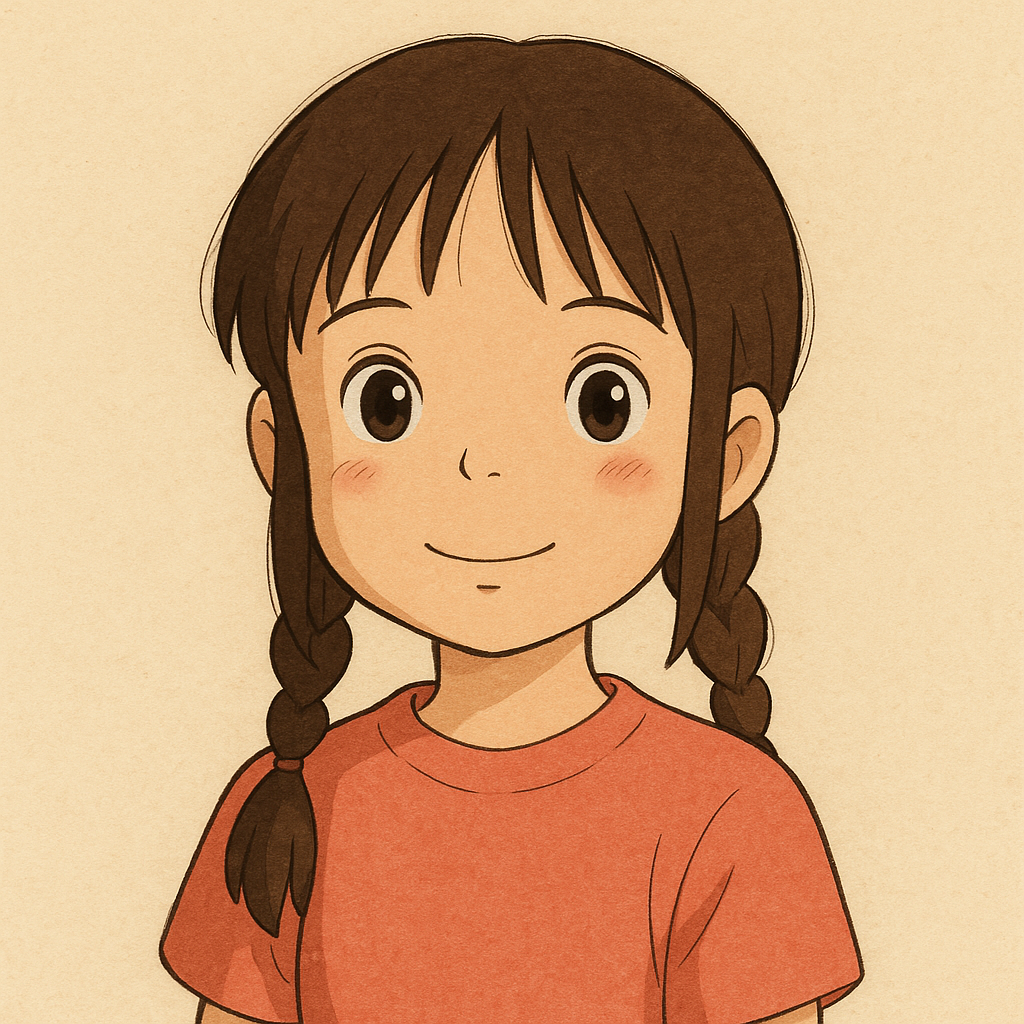 Original image
Prompt
The little girl keeps smiling at the camera and pokes the lens with her finger.
From One Image to Consistent Creative Video
Use Seedance free image to video to turn one source image into controlled, consistent creative videos for stories, ads, product scenes, and social posts.
Turn One Image Into Multiple Creative Directions
Use a single product shot, portrait, or concept image to explore different pacing, camera movement, and visual moods. Seedance Image to Video makes early creative iteration faster without starting from scratch.
Keep Motion Natural and Visual Style Consistent
Good image-to-video output needs more than movement. Seedance helps preserve the subject, lighting, and scene tone while adding motion that feels controlled and believable.
Test Prompts Before Scaling Production
Try different motion prompts, compare results quickly, and move forward with the strongest version. This keeps your workflow practical whether you are making social clips, ads, or presentation videos.
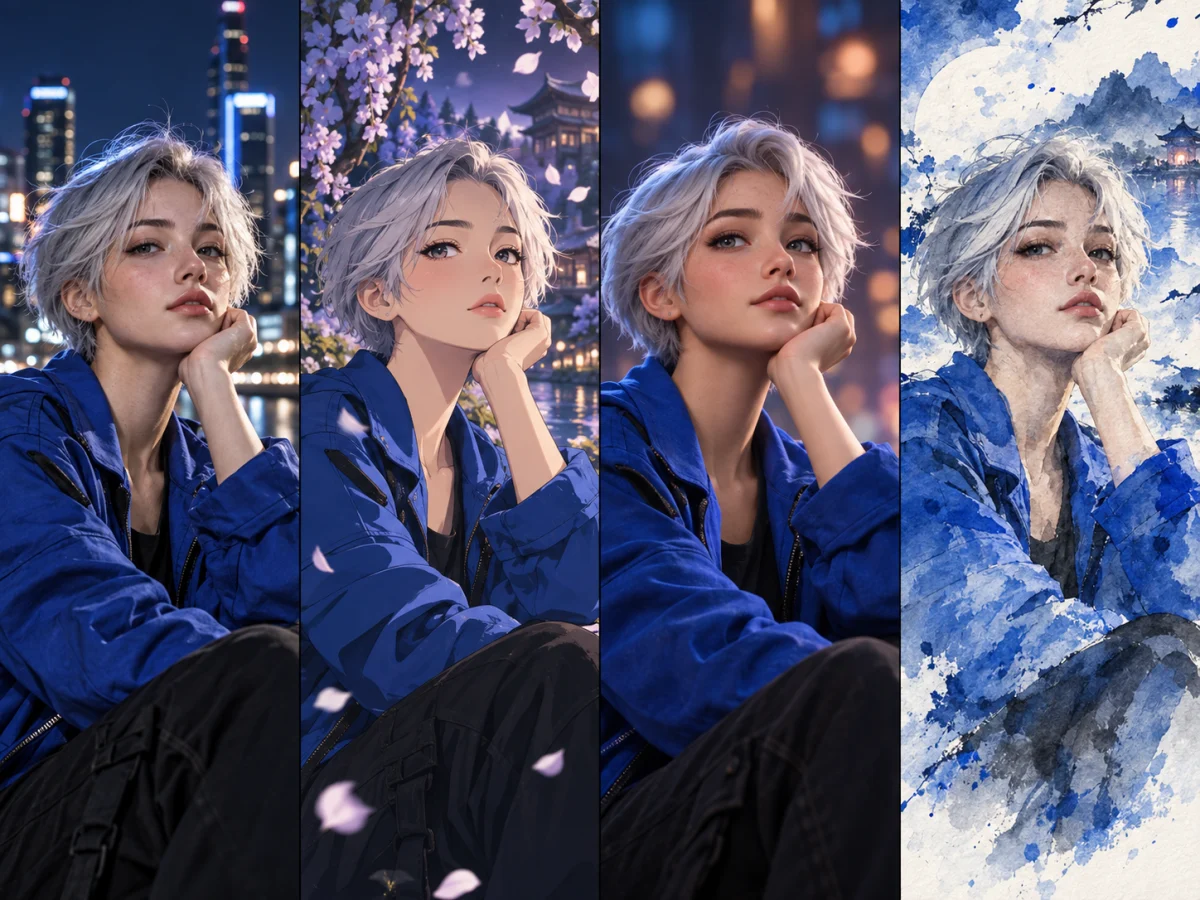
Better Consistency Across Different Visual Styles
AI image to video workflows are most useful when style consistency matters. You can keep subject integrity and scene tone stable across multiple generations, even when testing different motion ideas.
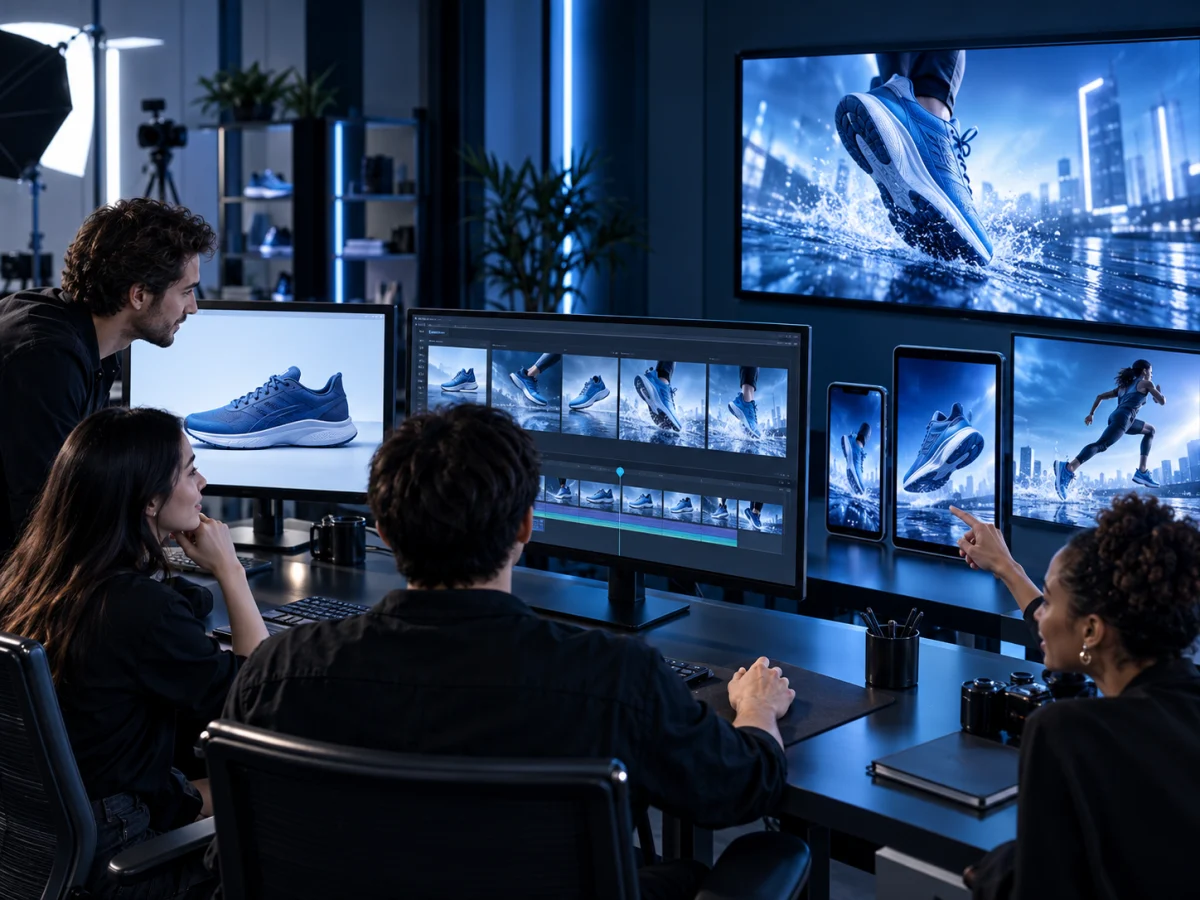
Output Suitable For Commercial Content Pipelines
If your goal is campaign delivery, ai image to video generator free testing helps you validate concepts first, then move stronger versions into paid or client-facing production.
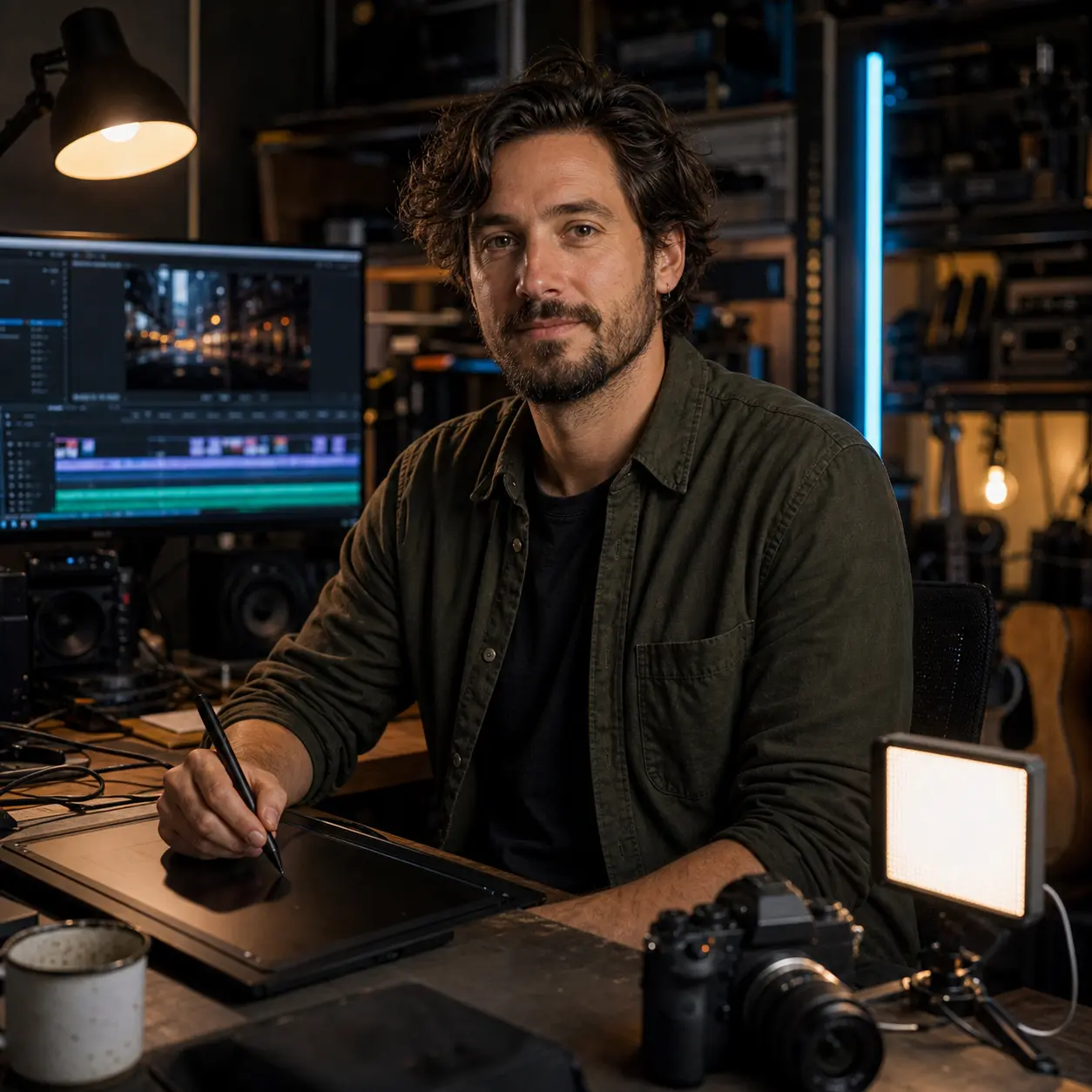
Flexible Path From Testing To Scale
With image to video AI free entry points, you can start small, evaluate performance, and expand usage only when content demand or output requirements increase.
Perfect for Every Image-to-Video Creator
Photographers
Transform photos into cinematic stories
Bring your photography portfolio to life by animating static images. Create stunning visual narratives and showcase your work in dynamic new ways that captivate audiences.
Grow Your Brand With Seedance Free Image to Video
Use the Seedance AI video generator as a free image to video workflow for brand campaigns, product stories, social clips, and portfolio work that starts from visuals you already own.
Grow Your Audience Faster by 50%
Turn more still visuals into short videos for reels, shorts, and social posts, giving your audience more reasons to stop, watch, and follow.

Speed Up Online Content Posting by About 75%
Create more video variations from existing images, so teams can move from idea to published post with fewer production steps.
Improve Online Brand Awareness by at Least 60%
Use motion-led product visuals, campaign clips, and creative showcases to make your brand easier to notice across channels.
Lower Video Animation Time and Costs by About 70%
Start from the images you already have and reduce the need for repeated shoots, manual animation, or expensive production cycles.
How to Convert Image to Video with Seedance
Seedance AI video generator keeps the free image to video process simple while giving you enough control to get production-ready output.
Upload a Clear Source Image to Animate
Choose an image with a clear subject, stable composition, and good lighting. Strong input quality helps seedance free image to video preserve identity and style.
Write Motion, Camera, and Style in One Prompt
Describe subject movement, camera behavior, and visual mood in one concise prompt. Clear direction helps free image to video output look more intentional.
Generate, Compare Versions, and Export
Generate with the Seedance AI video generator, compare versions from the same image, and export the strongest clip for your campaign or story.
Frequently Asked Questions
What is Seedance Image to Video?+
Seedance Image to Video is an AI tool that turns a still image into a dynamic video. Upload a photo, add a prompt, and create motion with natural movement, camera direction, and visual consistency.
What makes Seedance Image to Video different?+
Seedance Image to Video combines fast generation, prompt-based motion control, and access to multiple AI video models in one workflow. It is designed for creators who want to test ideas quickly and turn existing visuals into social clips, product stories, ads, and creative presentations.
How do I convert an image to video with Seedance?+
Upload your image, describe the motion you want, choose the available settings, and generate the video. You can compare different results and keep the version that best fits your story, post, or campaign.
What images work best for AI image to video?+
Clear, high-resolution images usually work best. Choose visuals with a strong subject, clean lighting, and a simple composition so the AI can add motion while preserving the main look of the image.
Is Seedance Image to Video free to try?+
Yes. New users can use free credits to try image-to-video generation, test prompts, and preview motion results. Higher-volume generation or advanced settings may require a paid plan.
Which AI video models can I use?+
Seedance Image to Video gives you access to multiple AI video models in one place, including Seedance and other popular models such as Veo, Sora, and Hailuo when available. Model options may vary by feature, region, or current availability.
Can Seedance Image to Video create videos with audio?+
Audio support depends on the selected model and generation settings. When audio is available, you can create richer image-to-video results for stories, ads, and social content. If a model does not support audio, you can still generate the video first and add sound in your editing workflow.
Can I improve or regenerate the video after it is created?+
Yes. You can adjust your prompt, change motion direction, try another model, or generate a new version from the same image. This makes it easier to compare results and choose the strongest video for your final use.
Try Seedance Image to Video AI Generator
Bring a photo, product shot, or visual idea to Seedance Image to Video and create a share-ready AI video in minutes.