

Fantasy & Sci-Fi
Reveal a world worth entering
Create an AI book trailer from a synopsis, cover, character art, or prompt. Build cinematic launch videos for BookTok, YouTube, preorder campaigns, author pages, and social media.
Describe the video you want — e.g. “a 15s vertical ad for my coffee brand”
Reveal a world worth entering

Build emotional tension fast

Tease the question, not the answer

Turn lived experience into a hook

Bring a storybook world to life

Make the reader benefit clear
Transform a synopsis, excerpt, cover, character brief, or prompt into a focused video concept built around one memorable hook. Direct the genre, world, characters, pacing, title reveal, and launch call to action—then create versions for the channels where readers discover books.
Transform a synopsis, excerpt, cover, or character brief into one clear story hook
Guide pacing, atmosphere, camera direction, and transitions for the book's genre
Plan versions for BookTok, YouTube, preorder pages, author sites, and social campaigns
Start with the book assets you already have, then shape a focused hook, consistent visual world, readable reveal, and platform-ready call to action.
Start with a synopsis, excerpt, cover, character art, scene reference, or written prompt. Use the strongest material you already have, then define the audience, central conflict, emotional promise, and visual direction without waiting for a complete live-action production.
Reference the same character art, cover palette, locations, wardrobe, and atmosphere across shots. Clear visual anchors can reduce drift, but every generation should still be reviewed for character appearance, world details, color, and camera style.
Structure the trailer like a compact launch ad: open with one question, conflict, or emotional promise; escalate with a few carefully chosen images; reveal the book title and author; then end with a preorder, buy now, read now, or learn more call to action.
Keep the creative direction while changing the aspect ratio, duration, subtitle density, opening pace, and call to action. Create a fast vertical teaser for BookTok and Reels, a wider cut for YouTube, and a clear launch version for preorder or author pages.
Create focused launch videos for authors, publishing teams, book creators, classrooms, and libraries without turning the whole book into a plot summary.
Create launch teasers for a new release, preorder campaign, Amazon listing, newsletter, author website, and social channels. Test a few hooks before choosing the strongest direction.
Move from book assets to a focused, reviewable launch video in three steps.
Add the synopsis, cover, character references, key scenes, book title, author name, launch date, and any review quote you are authorized to use.
Define the target reader, one central hook, genre, mood, duration, aspect ratio, title reveal, and call to action. Avoid squeezing the entire plot into one short video.
Compare two or three versions. Check character and setting drift, readable title and author cards, pacing, spoilers, mobile crop, music and voice rights, and every uploaded asset before publishing.
Build each prompt with the same practical formula: genre + audience + hook + visual direction + pacing + title card + CTA + aspect ratio.
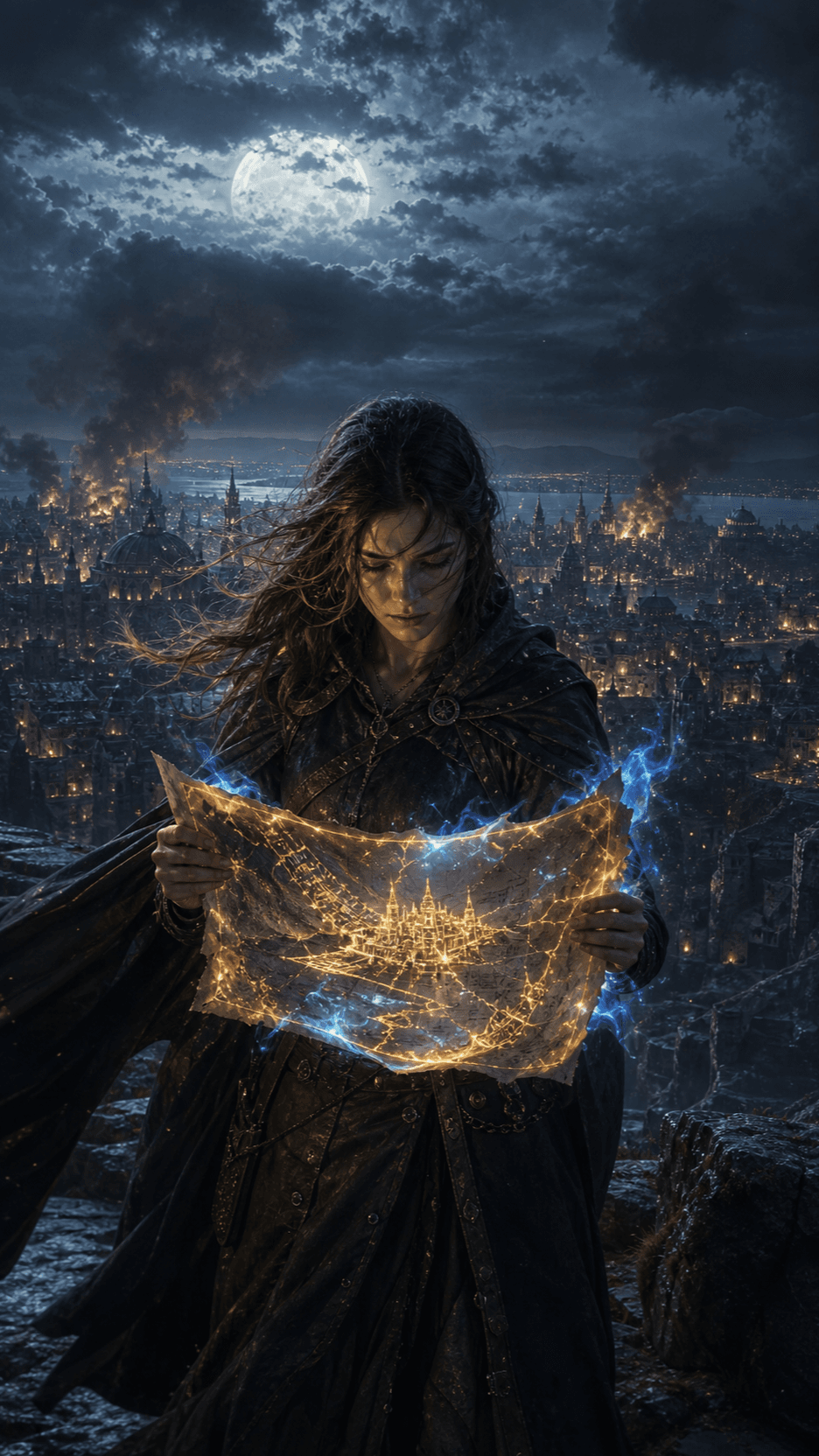 01
01Fantasy Novel Trailer
A forbidden map ignites under moonlight; reveal the heroine, the threatened city, and one impossible choice with sweeping camera movement, rising pace, an atmospheric title card, and a preorder CTA.
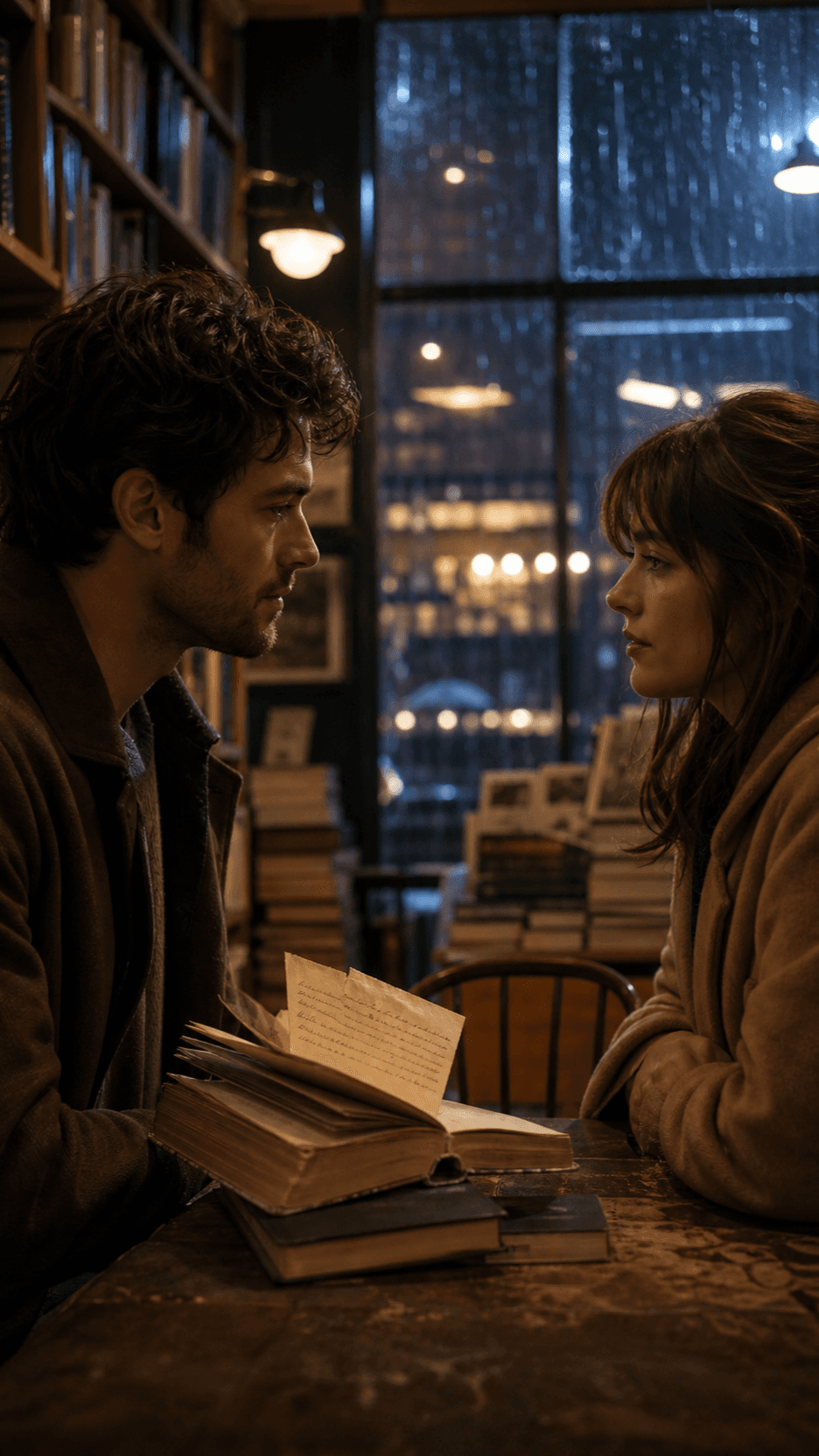 02
02Romance Book Trailer
Two people meet again in a rain-lit bookstore; focus on restrained glances, one emotionally charged object, warm close-ups, a gentle pace, a cover reveal, and a read-now CTA.
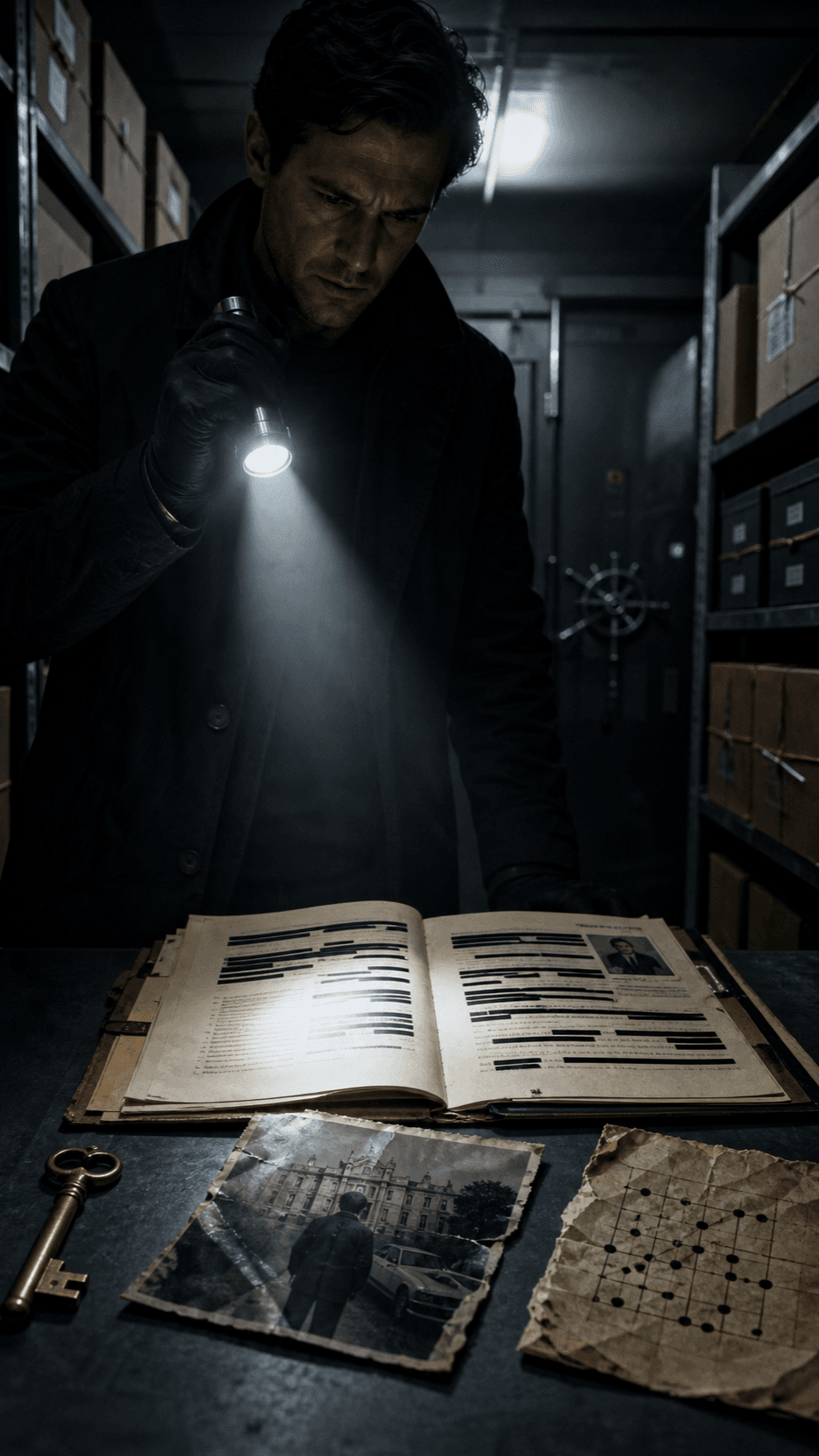 03
03Mystery and Thriller
Open on a redacted file and a locked archive; tease three visual clues with fast, precise cuts, escalating sound, no solution or spoiler, then end on one unanswered question and the book title.
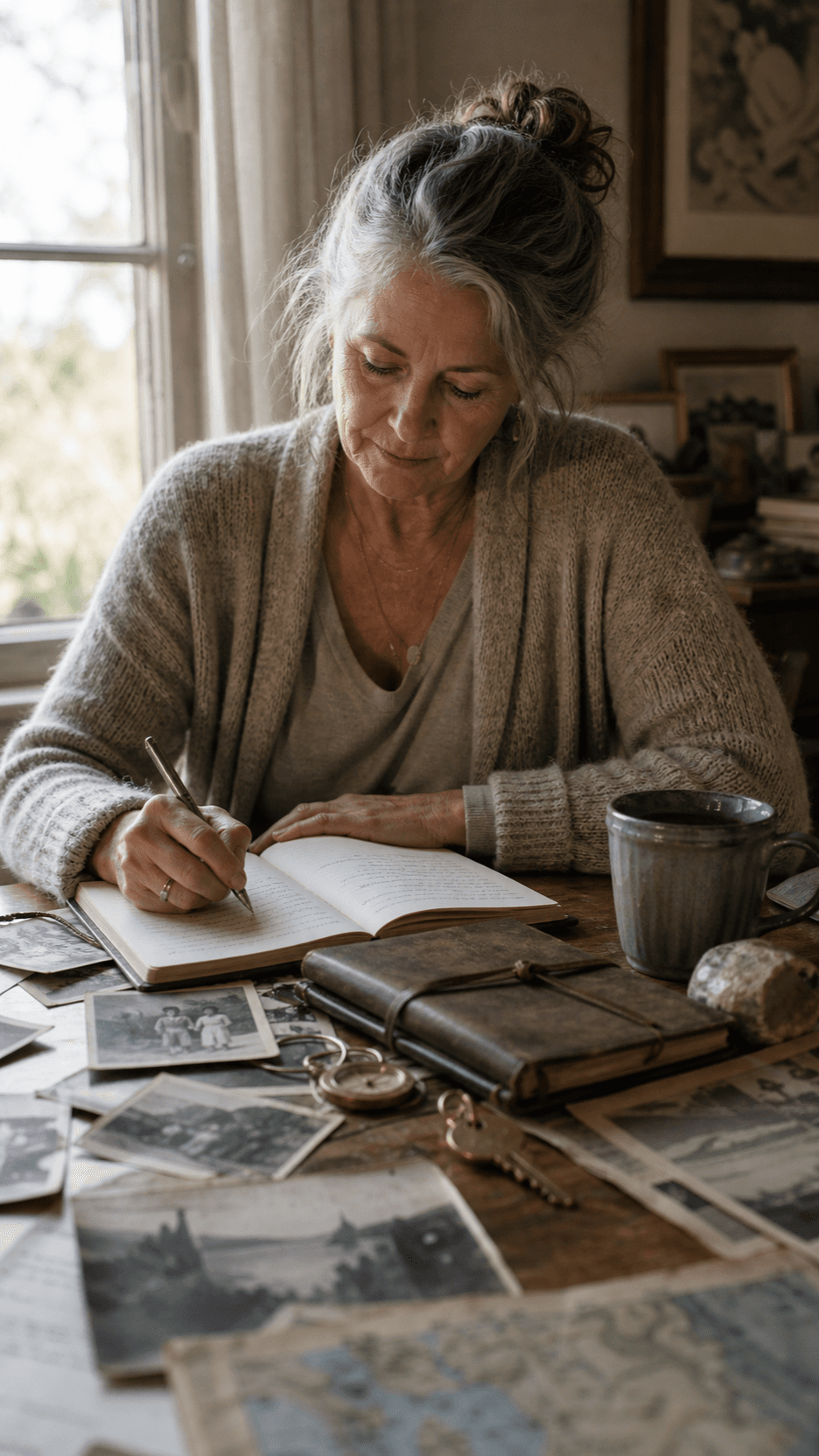 04
04Memoir or Nonfiction
Move through archival photographs, places, and objects that shaped one life; use intimate natural light, reflective pacing, a grounded voiceover direction, and a clear reason this story matters now.
 05
05Children's Book Trailer
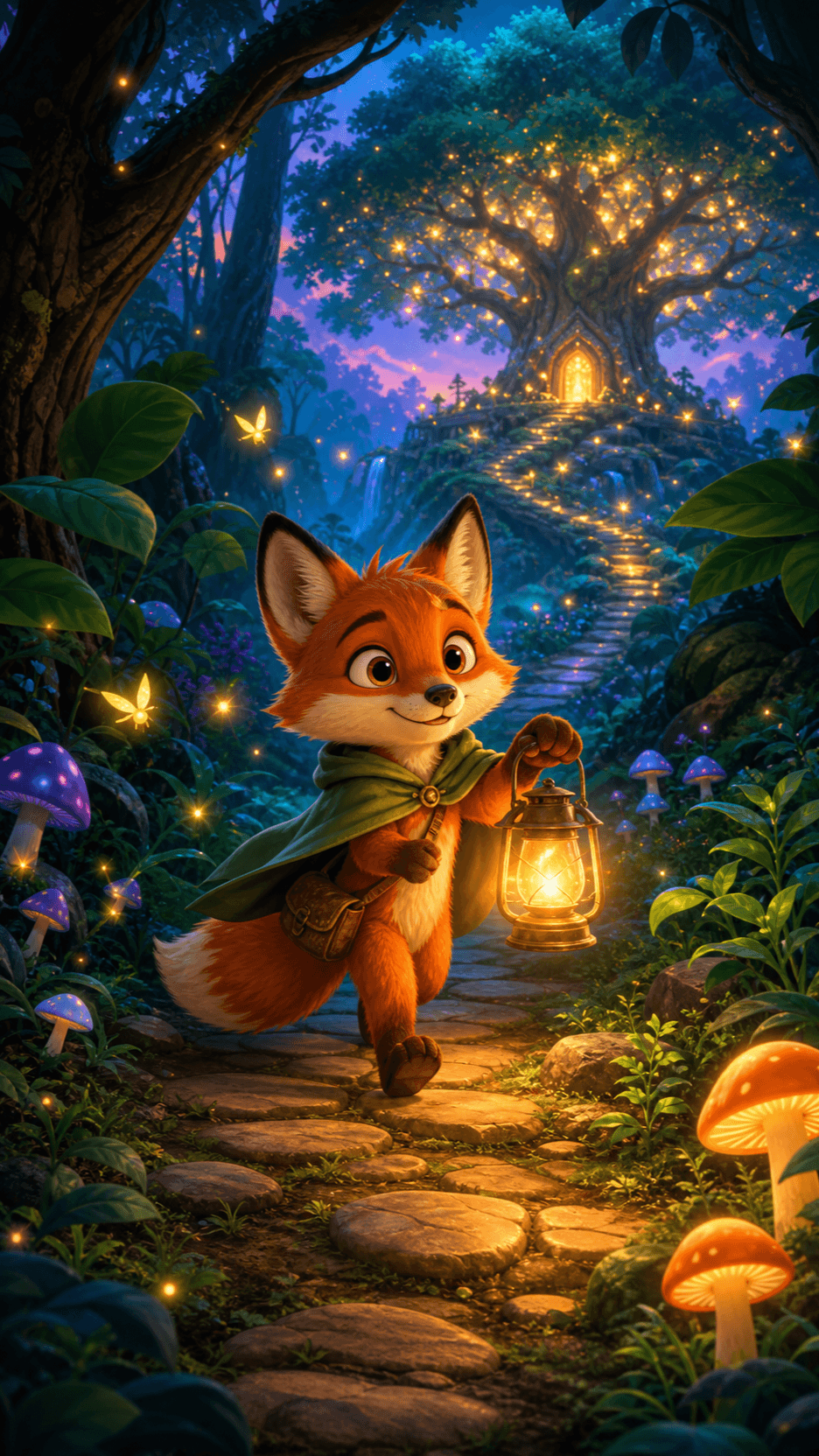
A brave little fox follows a glowing lantern into an enchanted forest; use expressive character animation, a friendly sense of wonder, warm color, simple story beats, and a family-safe book reveal.

Animate an authorized book cover, character illustration, or key scene when the starting composition matters.
Turn a synopsis, excerpt, or scene description into original cinematic shots from a written prompt.
Use visual references to guide recurring characters, locations, props, and the overall trailer direction.
Practical answers for turning a synopsis, cover, character art, or prompt into a book launch video.
An AI book trailer maker turns a synopsis, excerpt, cover, character reference, or prompt into a short promotional video. You can guide the genre, hook, characters, setting, camera, pacing, title reveal, call to action, and platform format.
Yes. Use image-to-video when the cover or character art should anchor the visual direction, or text-to-video when you want to build scenes from a synopsis or prompt. You can combine those directions across multiple trailer shots.
New accounts may receive starter credits, but the number of trailer clips those credits cover depends on the current model, duration, resolution, audio, and input mode. Check the live credit estimate and current export terms before generating.
Short social teasers often work well at 10–20 seconds, while launch-page or YouTube trailers may run 30–60 seconds. Use the shortest duration that establishes one hook, reveals the book clearly, and leaves time for the call to action.
Use 9:16 for BookTok, TikTok, Instagram Reels, and YouTube Shorts; use 16:9 for standard YouTube and many author or preorder pages; use 1:1 when a square feed placement requires it. Preview titles and subtitles inside each platform's safe area.
Do not upload covers, character art, illustrations, photographs, review quotes, fonts, music, narration, or video clips unless you created them or have permission to use them. Avoid imitating protected characters, franchises, or another creator's distinctive work.
Reuse clear character and location references, repeat key wardrobe and environment details, keep the palette and camera language stable, and review each shot before assembling the trailer. Exact consistency is not guaranteed, so regenerate visible drift.
Commercial use depends on your current Seedance plan and terms, the generation model, rights to every input asset, and the rules of the platform where you publish. Review the latest terms and clear all covers, artwork, quotes, music, voices, and fonts before release.
Add your book synopsis, cover, or character references, choose a genre and platform format, and create trailer variations for your next book launch.