
Higgsfield AI vs OpenArt: Which AI Video & Image Tool Is Right for You? (2026)
AI Overview
What is the main difference between Higgsfield AI and OpenArt?
Higgsfield is director-first, centering cinematic camera logic, motion, characters, ads, and production. OpenArt started image-first and now spans image, video, audio, training, editing, and stories. Choose between shot direction and reusable visual-asset development.
Is Higgsfield AI or OpenArt better for beginners?
OpenArt is usually easier for beginners because prompt-led generation, model choice, and one-click workflows share one studio. Higgsfield also creates fast results, but its deeper camera, lens, character, and production controls suit creators who already think in shots.
Which one is free to use?
Both offer a free starting path, but neither provides unlimited premium generation. OpenArt currently lists one-time trial credits; Higgsfield access and regional offers vary. Test the same real brief and check the live credit cost before upgrading.
Can Higgsfield AI and OpenArt both generate videos?
Yes. Higgsfield focuses on cinematic direction, camera movement, characters, and production. OpenArt offers video models, start/end frames, references, and audio. Higgsfield favors directing shots; OpenArt favors image-led workflows.
Higgsfield AI vs OpenArt: Quick Comparison (2026)
| Category | Higgsfield AI | OpenArt |
|---|---|---|
| Core approach | Director-first video and image production | All-in-one image, video, audio, and story studio |
| Best use | Cinematic shots, ads, recurring characters | Images, characters, art direction, mixed-media stories |
| Free start | Entry access or offers vary by region | 40 one-time trial credits at last check |
| Paid entry | From about $9/month, region-dependent | Essential at $14/month |
| Video strength | Camera, lens, motion, character, production control | Broad model access, Director, start/end frames |
| Image strength | Cinematic and fashion-oriented still workflows | Model variety, editing, character and model training |
| Learning curve | Higher when using advanced direction controls | Lower for exploration; deeper tools add complexity |
Quick verdict: choose Higgsfield when the deliverable is a directed shot. Choose OpenArt when the project starts with images, characters, styles, or a mixed-media story. Choose Seedance when you want an approved image to move into a controlled video workflow with fewer production layers.
What Is Higgsfield AI?
Higgsfield is a creative production suite built around cinematic language. Cinema Studio exposes camera, lens, lighting, color, cast, and shot controls before generation. WAN Camera Control handles movements such as dolly, crane, orbit, tracking, and focus shifts, while Soul ID is designed to keep a recurring person consistent across scenes.
Core features
- Cinematic camera and lens controls
- Image-to-video and start/end-frame workflows
- Soul ID characters and casting tools
- Ad, speaking, audio, effects, and long-form production workflows
- Access to multiple image and video models
Its advantage is direction: the interface helps define how a scene should be filmed, not only what should appear. The tradeoff is more setup and a layered credit system. A beautiful preset still needs a clear subject anchor, one action, and a realistic retry budget.
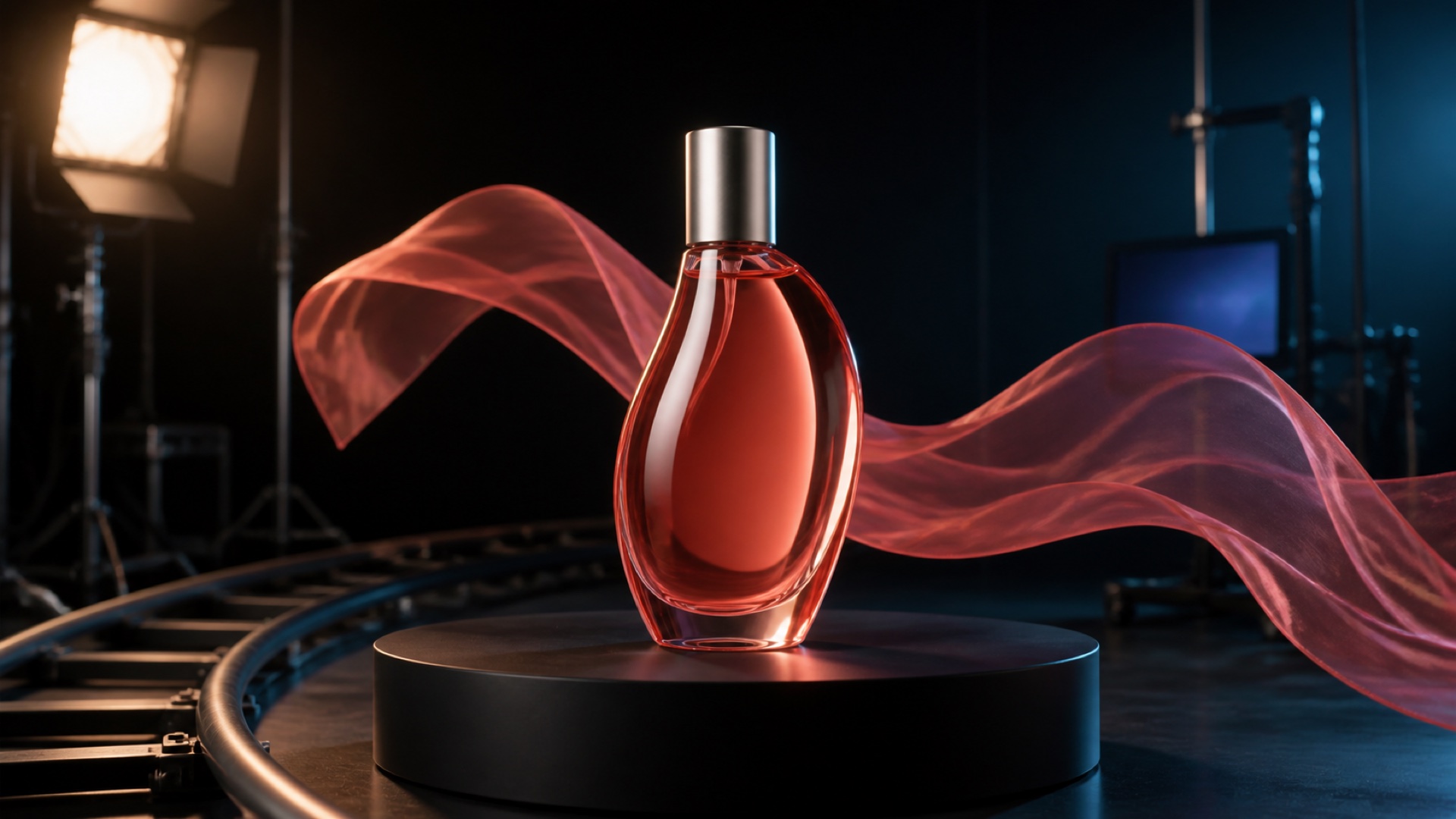
Original editorial benchmark still created for this comparison. Use one approved product, one material-motion cue, one camera move, and the same attempt count when comparing video workflows.
What Is OpenArt?
OpenArt is no longer simply an AI art gallery with video added on. Its current suite spans image, video, audio, 3D, consistent characters, personalized models, editing, One-Click Story, and Director. It also aggregates many premium image and video models under one credit balance.
Core features
- Broad image, video, and audio model library
- Image editing and reference-led generation
- Consistent-character and personalized-model training
- Director and One-Click Story workflows
- Start/end frames, visual references, audio, and multi-asset creation
OpenArt remains especially attractive when creators want to develop the visual asset first: a character, product scene, illustration system, or campaign key art. The tradeoff is choice overload. Model variety does not automatically create a coherent workflow, so users still need to decide which asset is the source of truth.
For an image-first benchmark, keep the prompt, reference, ratio, and output count fixed. You can reproduce that method in Text to Image.
Head-to-Head: Video Generation Quality
Higgsfield has the clearer edge for creators who want to direct the shot. Its camera vocabulary, lens choices, cast controls, and motion systems reduce ambiguity before the model runs. This matters for fashion, product films, trailers, and recurring-character sequences.
OpenArt is more capable in video than older comparisons suggest. It now provides Director, start/end frames, character and visual references, audio controls, and a wide model catalog. Its strength is flexibility; Higgsfield's is a more explicit filmmaking interface.
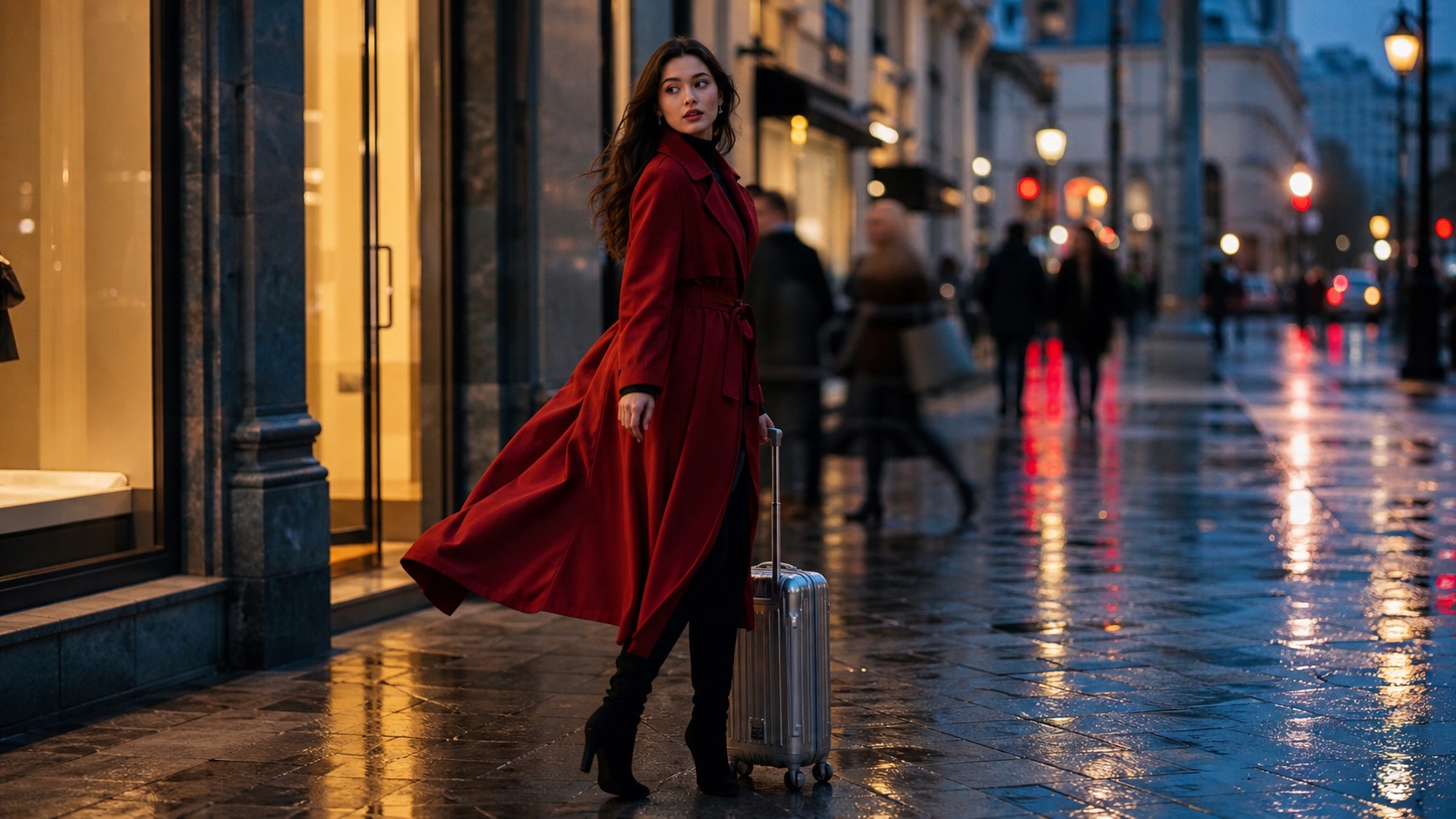
A generated cinematic benchmark frame designed to expose subject drift, hand anatomy, fabric motion, reflections, depth, and camera-path consistency across a full clip.
Neither platform guarantees usable footage on the first attempt. Judge the whole clip for subject drift, camera-path accuracy, motion physics, hands, text, flicker, audio, wait time, and paid retries. Our best AI video generation models of 2026 explains a repeatable scoring method.
Head-to-Head: Image and Art Creation
OpenArt wins for breadth. It supports a large model library, editing, character building, personalized model training, style exploration, and reusable story assets. Illustrators, concept artists, character creators, and teams building a visual world will usually find more image-side depth here.
Higgsfield's image tools are strongest when the still is part of a cinematic production: a cast reference, fashion portrait, storyboard frame, ad concept, or locked start frame. That is useful, but it is a narrower reason to choose an image platform.
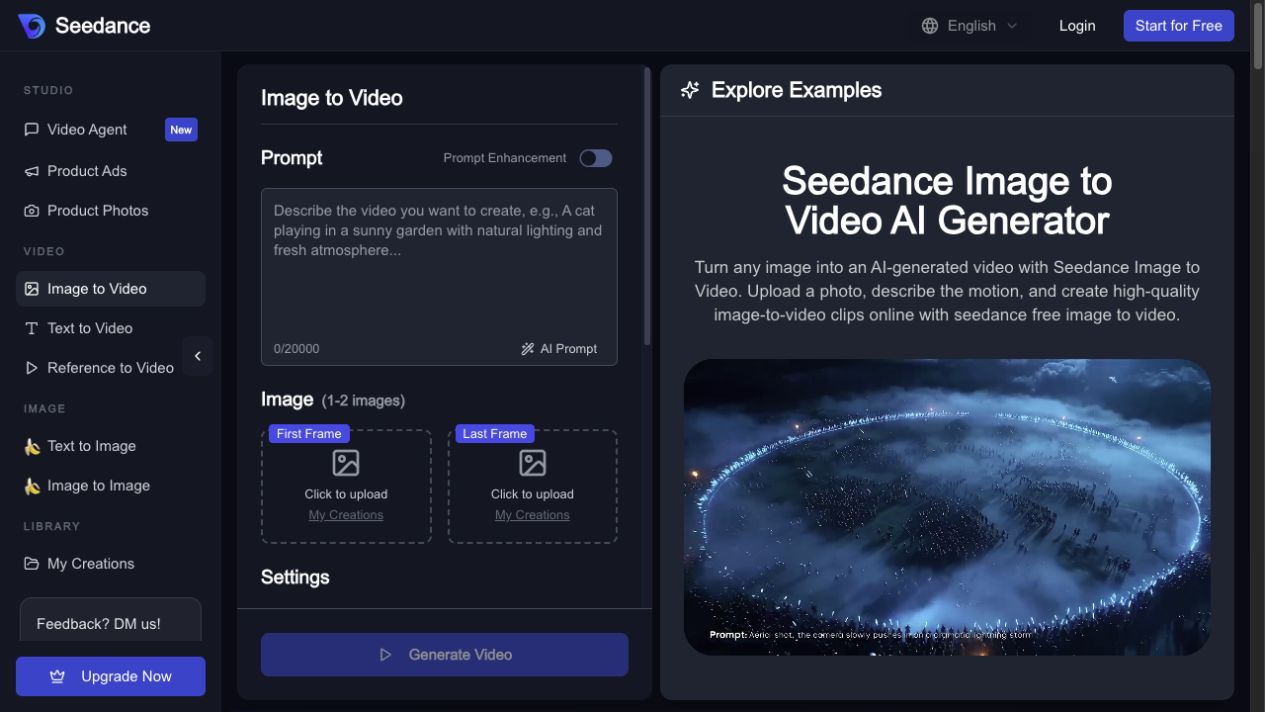
The practical test is continuity. Can the approved still survive the move into motion? The Image to Video workspace demonstrates an anchor-first workflow with the source frame, prompt, settings, estimate, and output kept together.
Pricing Comparison: Which Gives More Value?
Pricing checked August 5, 2026. Promotions, annual billing, taxes, region, model access, and per-generation credit costs can change.
Higgsfield uses region-adjusted plans. Its current first-party guidance places Starter or Basic from about $9/month, Plus or Pro from about $29/month, and Ultra or Max from about $79/month, with credit allocations varying by region. Higher tiers add broader model access, unlimited windows for selected models, and more parallel generations.
OpenArt currently lists Essential at $14/month for 4,000 credits, Advanced at $29 for 12,000, Infinite at $56 for 24,000, and Wonder at $240 for 106,000. Annual discounts and model-specific promotions can lower the effective monthly price.
Best plan for casual users
Start with the free allowance or one month at the entry tier. Run the same real deliverable three times and record how many attempts become usable. OpenArt usually offers more room for image exploration; Higgsfield is worth the premium when camera direction replaces manual trial and error.
Best plan for power users
Do not compare raw credits across platforms. Compare cost per usable image, shot, or campaign variant. Include failed generations, queue time, parallel limits, privacy, commercial use, and the effort required after export. Power users should also test whether model access changes between plan tiers before committing annually.
What Real Users Say on Reddit and in Reviews
Community reports are anecdotal, not a controlled survey, but recurring patterns are useful. Higgsfield users often praise cinematic motion, model variety, and fast concepting. Complaints focus on credit math, changing unlimited-mode rules, output inconsistency, and the gap between a striking demo and client-ready footage.
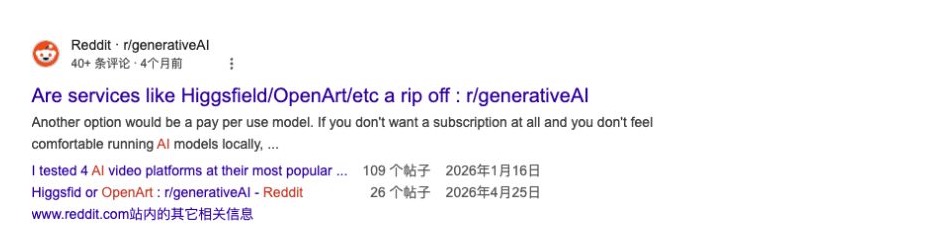
A real Google search result for a public Reddit discussion comparing Higgsfield AI and OpenArt, captured August 5, 2026. The visible snippet is anecdotal and not a representative survey.
OpenArt users often value cloud access, character or model training, and the ability to explore many styles without a local GPU. Complaints tend to focus on credit consumption, the cost of training or repeated generations, and the learning curve created by many models and tools.
The shared lesson is simple: test one production brief before buying a year. Gallery quality is not the same as repeatable delivery.
Higgsfield AI vs OpenArt: Which Should You Choose?
- Choose Higgsfield for cinematic video, explicit camera movement, recurring cast, fashion, trailers, ads, and production teams that think in shots.
- Choose OpenArt for image generation, character development, personalized models, style exploration, story assets, and mixed-media creation.
- Use both only if OpenArt is genuinely your asset-development home and Higgsfield removes measurable friction from the video stage. Otherwise, the handoff can add another subscription and another place for versions to drift.
Where Seedance Fits
Seedance is the focused alternative when the creative task is “make or approve a strong source image, then turn it into a controlled clip.” The workflow keeps subject anchors, model selection, cost estimation, generation history, and downloadable results in one browser workspace. For multi-shot or ambiguous briefs, Video Agent can help structure the task before paid generation.
Inspect the full clip for subject fidelity, parallax, motion stability, and the camera path—not only the opening frame. For another image-first comparison, read Leonardo AI vs Higgsfield.
Conclusion
Higgsfield is the better fit for director-first video production; OpenArt is the better fit for image-rich creative development and a broad mixed-media model library. The 2026 comparison is no longer “video tool versus image tool”—both now do both. The real decision is whether your work is organized around the shot, the reusable visual asset, or the complete path from approved image to usable video.
Ready to create your own AI video?
Turn ideas, text prompts, and images into polished videos with Seedance. If this article helped, the fastest next step is to try the product.
Free credits on signup. Plans from $28/month.
Related Articles
More posts in the same locale you may want to read next.

Seedance App Preview Video Generator 2026: Create App Store and Product Launch Clips
Use Seedance to turn app screenshots, feature copy, and launch goals into App Store previews, Google Play promo videos, and product launch clips.
Read article
15 Faceless YouTube Channel Ideas You Can Make with AI (2026)
15 faceless YouTube channel ideas for 2026, with the format, a sample AI video prompt and difficulty for each, plus how to make them with Seedance AI.
Read article
How to Use Seedance in Claude: MCP Setup and Automated Video Workflows
Use Seedance 2.5 inside Claude: connect the Seedance MCP server, generate videos by chat, batch variations and schedule daily video jobs with Claude scheduled tasks.
Read article