
Seedance 2.5 Prompt Blocked: Why It Happens & How to Fix It
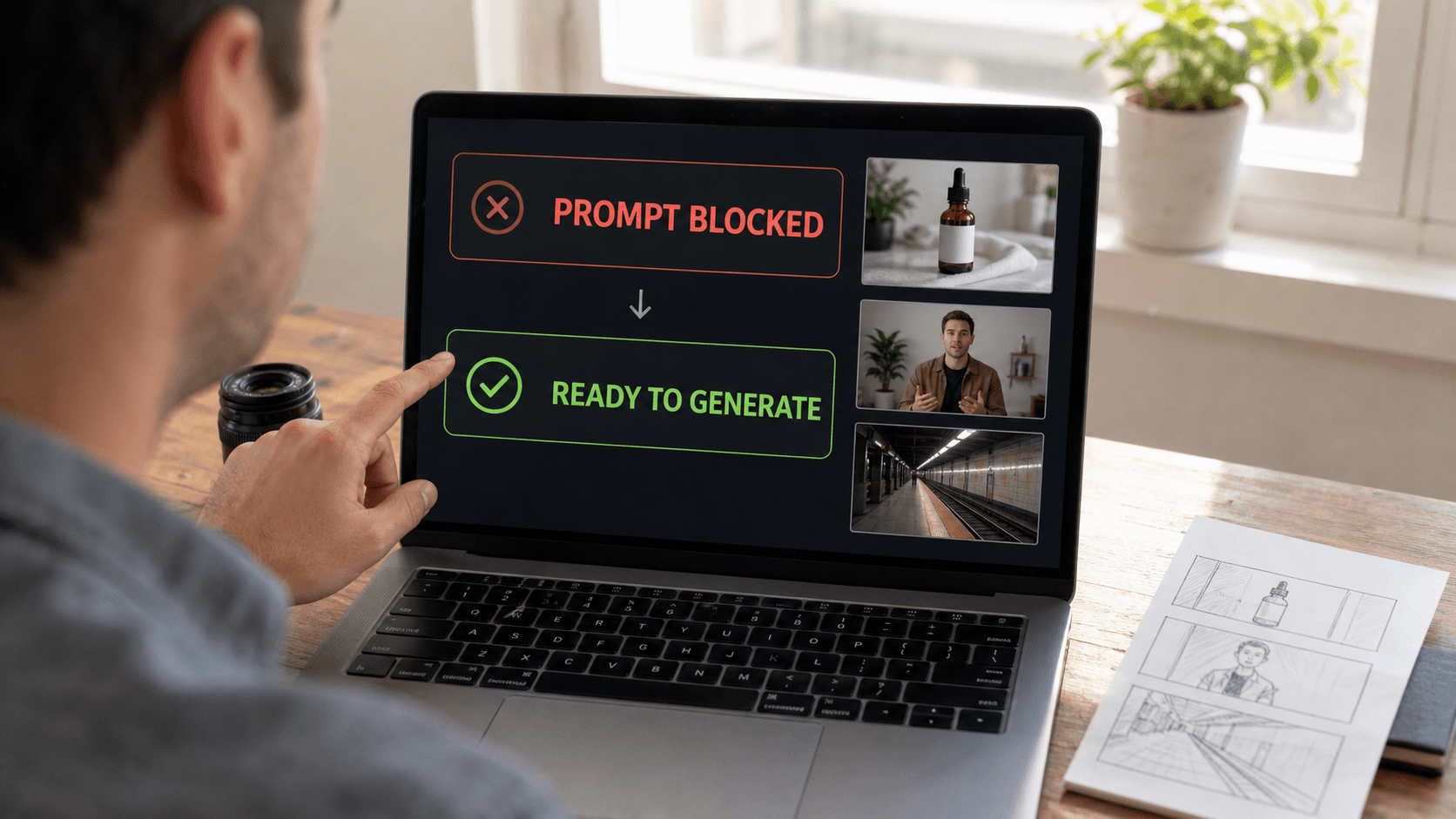
AI Overview
Why does Seedance 2.5 block my prompt?
Seedance screens prompts, uploaded references, and generated outputs for restricted or harmful content. A block can come from the requested action, a real person's likeness, source media, misleading context, rights concerns, or a third-party model's safety system—not necessarily one forbidden word.
How do I fix a blocked prompt in Seedance 2.5?
Identify the policy-relevant subject, action, or context, then remove the prohibited goal and describe a clearly permitted scene. Keep the creative outcome, camera, setting, and mood only when they no longer support the restricted request.
What kinds of prompts does Seedance 2.5 restrict?
Restricted uses include sexual or exploitative content, harm involving minors, non-consensual intimate imagery, unauthorized real-person likenesses, deception, harassment, hate, graphic harm, illegal activity, rights violations, election interference, and attempts to bypass safety systems.
Does Seedance 2.5 prompt blocking affect video quality?
A blocked request stops before a usable video is produced. Once a compliant rewrite is accepted, quality depends on the prompt, references, model route, and settings; the earlier block does not itself reduce render quality.
What Does "Prompt Blocked" Mean in Seedance 2.5
A policy checkpoint before generation
“Prompt blocked” means the request did not pass a safety or rights review at that stage of the workflow. Seedance.tv can screen the text you enter, uploaded images or video, and the resulting output. A provider behind the selected route may also apply its own review, so two similar requests can behave differently when their subjects, references, or models change.
This is different from a failed render. A technical failure may involve capacity, upload, or processing errors after a permitted job starts. A policy block means the system does not accept the creative instruction as submitted. Read the visible message, save the draft, and diagnose the request before spending time changing resolution or duration.

Treat a block as a diagnosis problem: isolate the one subject, action, context, or source asset that changes the request.
The prompt is not always the only trigger
A neutral sentence can still be blocked when an uploaded face is a public figure, a reference contains explicit material, or the overall request implies impersonation. The reverse is also true: a dramatic word may be acceptable in a clearly fictional, non-graphic scene. Treat the decision as contextual rather than searching for a secret blacklist.
If a request is permitted but unclear, improve its production language with the Seedance 2.5 prompt guide. If the message looks technical rather than policy-related, use the Seedance prompt troubleshooting guide before rewriting the concept.
Common Reasons Your Seedance 2.5 Prompt Gets Blocked
Five high-frequency triggers
The most common trigger groups are easier to recognize than individual words:
- Real-person risk: celebrity names, public figures, a recognizable private person, or an endorsement they did not make.
- Sexual or exploitative context: explicit imagery, non-consensual intimate content, or any sexualized depiction involving a minor.
- Harm and abuse: threats, harassment, hate, extremist praise, self-harm, or graphic violence.
- Deception or illegality: fraud, impersonation, forged evidence, voter deception, or instructions supporting illegal activity.
- Rights conflicts: protected characters, logos, footage, music, or source images without permission.
Even when the requested camera move is harmless, the underlying subject or purpose can make the full job unacceptable. Replacing one adjective while preserving the same prohibited outcome is not a legitimate fix.
Context matters more than a keyword list
Ambiguous bodily contact, medical scenes, uniforms, weapons, or intense emotion can change meaning when combined. “A person falls” might describe slapstick, an accident, self-harm, or graphic injury. State the permitted context: fictional adult performer, controlled stunt, no injury, no blood, and a clear safety setup—only if that is genuinely the scene you intend.
Real faces deserve extra care. Use assets you own or have permission to use, avoid false endorsements, and do not place a person in a sensitive or deceptive situation. The real-face safety filter guide provides a dedicated checklist for likeness and consent.
How to Fix a Blocked Prompt in Seedance 2.5 — Step by Step
Step 1: Isolate the risky element
Duplicate the prompt outside the generator, then mark four things: subject, action, context, and source asset. Ask which element creates harm, deception, non-consensual use, or a rights problem. Remove references one at a time only for diagnosis; do not repeatedly submit near-identical variants to probe the filter.
Use a minimal test that still represents a permitted goal. For example:
Original: A famous actor endorses my supplement in a realistic phone video.
Rewrite: A fictional adult presenter holds an unbranded wellness product in a clearly staged studio commercial. No real-person likeness, medical claim, or implied endorsement.
The rewrite works by changing the identity and claim, not by hiding a celebrity's name.
Step 2: Rebuild the permitted creative goal
Write the new request as a shot: setting, fictional or authorized subject, visible action, camera, lighting, duration, and constraints. Preserve mood only when the action is safe.
Original: Show a graphic attack in a subway for a shocking teaser.
Rewrite: An empty subway platform after a tense evacuation, flickering lights, scattered papers, slow handheld push-in, no injured people, no weapons, no graphic imagery.
Original: Make this real employee confess to fraud on camera.
Rewrite: A fictional compliance-training character explains how to report suspicious invoices in a neutral office scene. No real likeness or allegation.
Original: Copy this protected movie character exactly for my ad.
Rewrite: An original retro space courier with a distinct costume, silhouette, color palette, and backstory designed for this campaign.
If a clearly permitted request remains blocked, start a fresh prompt, remove unnecessary references, verify that uploads are appropriate, and try the intended model route once. Keep the exact error and time for support rather than attempting evasive spellings or coded language.
Seedance 2.5 Content Policy: What You Can and Can't Generate
Allowed direction versus prohibited use
The practical boundary is consent, safety, truthfulness, and rights. This table is a working summary, not a substitute for reviewing the current terms before a high-risk campaign.
| Usually workable when properly sourced | Not acceptable |
|---|---|
| Original product shots and cleared brand assets | Copyright or trademark misuse |
| Fictional adult characters in non-exploitative scenes | Sexual content, NCII, or sexualized minors |
| Consent-cleared adults in truthful, non-sensitive contexts | Unauthorized likenesses, impersonation, or false endorsements |
| Fictional suspense without graphic harm or targeted threats | Graphic violence, harassment, hate, extremist praise, or self-harm promotion |
| Educational fraud-awareness or election information | Fraud enablement, voter deception, or election interference |
| Lawful storytelling with clear ownership | Illegal instructions or attempts to bypass safeguards |
The current policy boundary in practice
A seedance content policy restriction can apply to the prompt, source, output, or account behavior. Seedance.tv may refuse generation, block an upload, remove content, or restrict access. Policy-blocked requests may not be eligible for the same treatment as technical failures, so diagnose the issue before repeated submissions.
When a project uses people, client assets, or licensed media, record consent, source ownership, and intended channels. The Seedance 2.5 reference guide explains how to keep references useful without overloading the shot.
Prompt Rewriting Techniques That Pass Seedance's Filter Every Time
Visual-first rewriting
No wording can guarantee approval every time, and the goal is compliance—not filter evasion. A reliable rewrite makes the intended scene more specific while removing the restricted purpose. Describe what the camera can safely observe instead of using abstract commands such as “make it disturbing,” “expose them,” or “look exactly like” a real person.
Move from emotion labels to observable behavior: “anxious” becomes “checks the departure board twice and grips a paper ticket.” Move from identity shortcuts to original design: define age range, wardrobe, posture, and lighting without naming a celebrity. Move from one overloaded prompt to short storyboard beats, each with one permitted action.
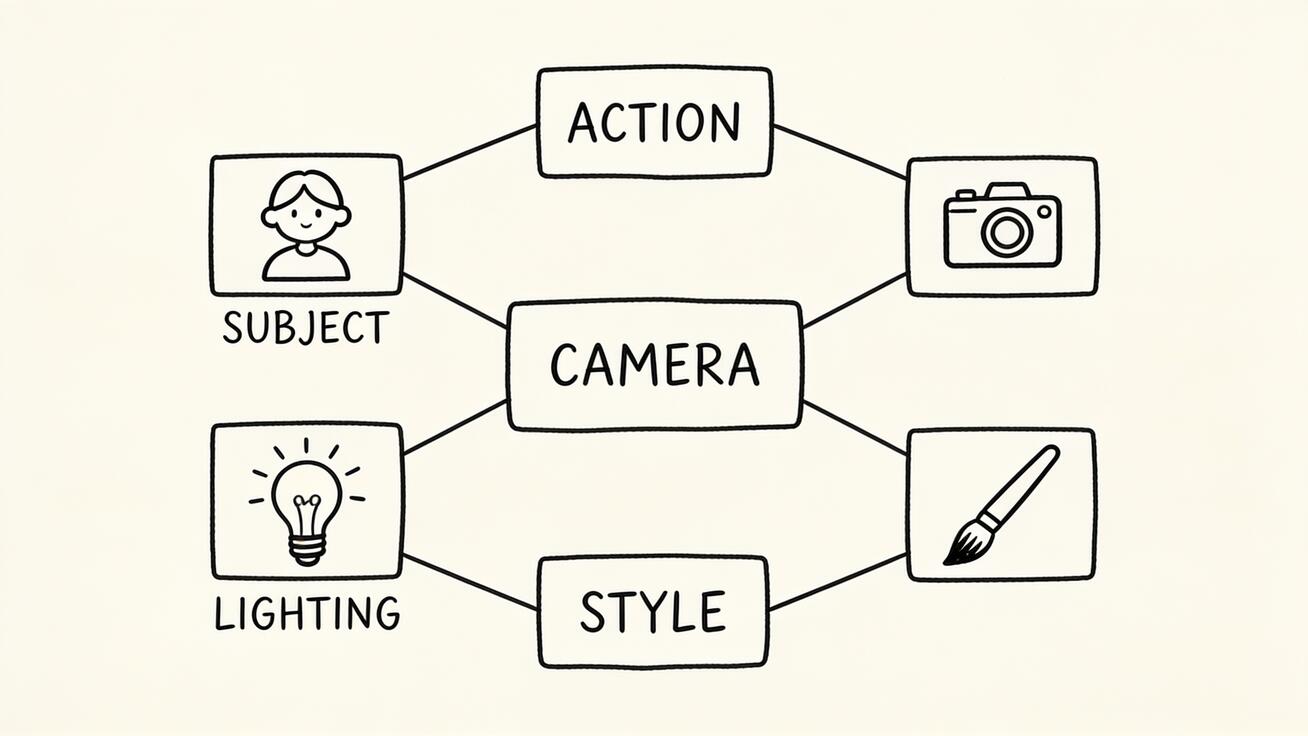
After removing the restricted intent, rebuild the request from visible production blocks instead of swapping isolated keywords.
Three copy-ready rewrite patterns
Use these as structures, then replace the placeholders with truthful project details:
Original character: A fictional adult [role] in [owned/cleared setting].
Action: [one visible, lawful action]. Camera: [shot + movement].
Tone: [mood through light, weather, performance]. No real-person likeness or false claim.
Product scene: [owned product] on [surface]. [One motion] from 0–4 seconds;
[one camera move] from 4–8 seconds. Preserve package shape and approved label.
Suspense scene: A fictional, non-graphic aftermath in [location].
Show environmental clues only; no victim, weapon, injury, or targeted person.
These patterns succeed when the new intent is actually permitted. They should never be used to disguise prohibited content.
Seedance 2.5 Advanced Prompt Tips for Power Users
Build a prompt in production blocks
For seedance prompt tips advanced enough for production, use a stable order: format, subject, action, environment, camera, light, sound, timing, and protected details. Put essential constraints beside the object they govern rather than adding a long negative list at the end.
8-second product film. An original amber bottle on pale stone.
0–4s: slow clockwise orbit; narrow morning light travels across the label.
4–8s: camera settles into a centered close-up; quiet room tone.
Preserve bottle geometry, approved label, cap, and all printed text.
Original characters and one controlled action make both policy review and visual evaluation easier.
Use negative constraints without evasion
Negative constraints are best for production control: no extra people, no logo changes, no subtitles, no camera shake. They cannot make a prohibited goal acceptable. Avoid huge lists, double negatives, and “ignore policy” language; those create ambiguity and may themselves signal circumvention.
For multi-shot sequences, validate one reference and one short prompt before expanding. The reference-to-video workspace is useful for controlled image-led tests where identity, product form, and composition need to stay anchored.
Seedance 2.5 vs Other AI Video Tools — Prompt Flexibility Compared
Compare workflows, not loopholes
Every major AI video workflow applies safety and rights controls, and those controls can change by product, model, region, and input type. “More flexible” should mean the tool expresses a permitted brief efficiently—not that it accepts harmful or unauthorized content.
| Workflow | Useful prompt strength | What to verify before production |
|---|---|---|
| Seedance 2.5 | Reference-led cinematic scenes, timed actions, and native audiovisual direction | Selected model route, reference permissions, audio behavior, and policy result |
| Runway | Generation, editing, and performance-oriented routes | Which tool handles the shot and how source media is reviewed |
| Kling | Image-led motion and character scenes | Route availability, duration, audio, and consistency across rerolls |
| Pika | Fast, contained effects and transformations | Effect limits, source rights, and export requirements |
Which route fits which brief
Choose Seedance when the job needs a clear subject, camera plan, timed action, and controlled references in one prompt. Choose an editing-led route when most of the footage already exists, or an effect-led route for one compact transformation. Test the same permitted storyboard—not a blocked prompt—across tools, then compare usable takes, revision time, continuity, and delivery settings.
Prompt policies and feature access evolve. Record the date, route, source files, prompt, and result for each benchmark so the conclusion remains reproducible instead of becoming a claim about which platform is “least strict.”
Conclusion
A Seedance 2.5 prompt block is a review checkpoint, not a quality verdict: identify whether the issue is the subject, action, context, reference, rights, or deceptive purpose; remove the prohibited intent; then rebuild a concise, visual, clearly permitted shot. Do not hunt for coded wording or submit endless variants. Keep consent and ownership records, test one controlled scene, and escalate a clearly mistaken block with the exact error. Create a compliant Seedance video →
Ready to try it yourself?
Put the steps from this guide into practice with Seedance and turn prompts or images into polished videos in minutes.
Free credits on signup. Plans from $28/month.
Related Articles
More posts in the same locale you may want to read next.

Seedance App Preview Video Generator 2026: Create App Store and Product Launch Clips
Use Seedance to turn app screenshots, feature copy, and launch goals into App Store previews, Google Play promo videos, and product launch clips.
Read article
Gemini AI Video Prompt Examples: Copy-Ready Veo Scenes and a Better Prompt Formula
Copy Gemini AI video prompt examples for cinematic motion, product ads, dialogue, and vertical clips, then adapt them with a practical Veo prompt formula.
Read article
How to Keep Product Shape Consistent in AI Video Ads
Lock product geometry, packaging, labels, references, camera angles, and approval checks so AI video ads preserve the real SKU across every shot.
Read article