
Seedance 1.5: Why It's Not Available Yet and Which Version to Use Instead
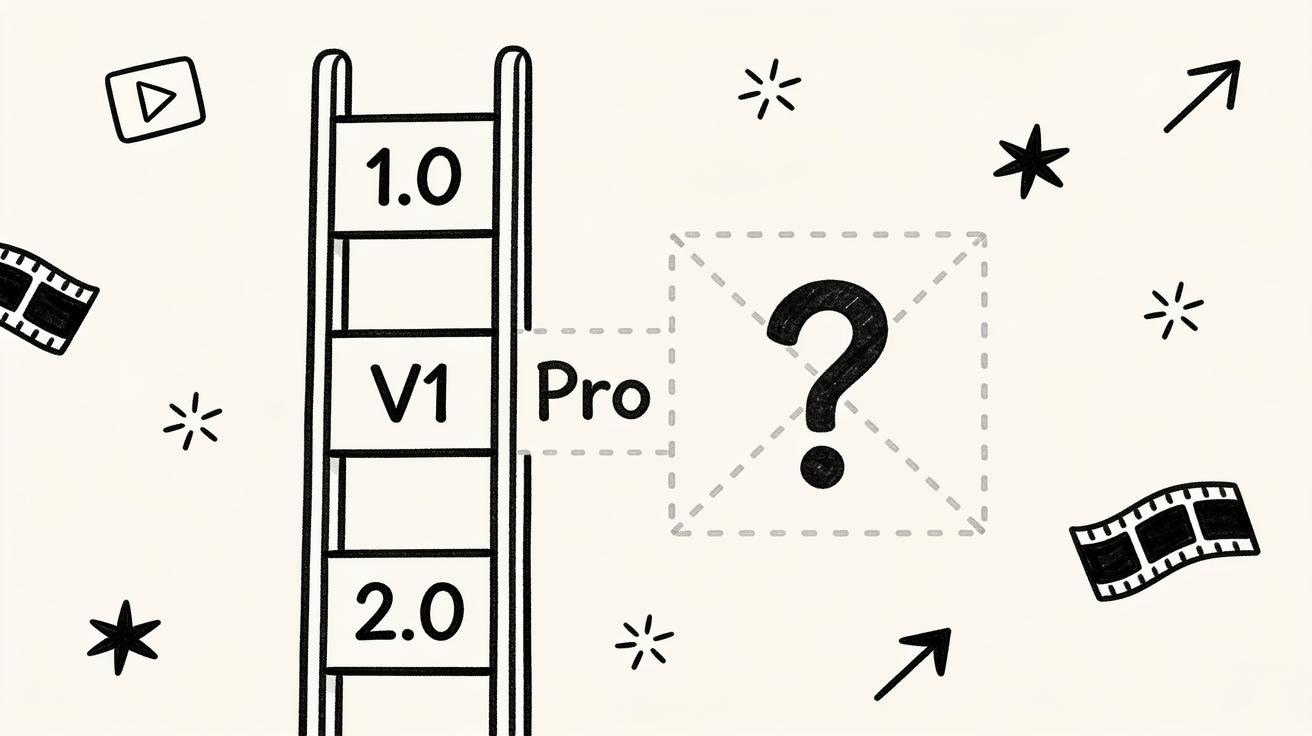
If you came here searching for Seedance 1.5, here is the honest answer up front: there is no official Seedance 1.5 release. ByteDance has not shipped a public model or flagship update under that exact name, so there is no Seedance 1.5 changelog, pricing page, or download to find. What does exist is a clear, usable family of Seedance versions — Seedance 1.0, the V1 Pro tier, and the current flagship Seedance 2.0 — and one of them is almost certainly the model you actually want.
This guide clears up the confusion. We will explain why so many people search for "Seedance 1.5," map the real version landscape so you stop guessing, and show you exactly which version to open right now for image-to-video, text-to-video, ads, and longer multi-shot clips. You will also get copy-ready prompts and a quick QA checklist so the version you pick actually delivers. No invented specs, no fake benchmarks — just the real picture and a clear next step.
Quick Answer: Is Seedance 1.5 Available?
No. Seedance 1.5 is not an official, public release. There is no standalone Seedance 1.5 model with its own feature set, and you will not find a real changelog for it.
Here is what is real and available today:
- Seedance 2.0 — the current flagship. Use it when you need synchronized audio, up to 2K resolution, longer multi-shot storytelling, or multiple reference inputs.
- Seedance 1.0 Pro (often shown as V1 Pro) — the reliable, lower-cost tier for fast, silent single clips at up to 1080p.
- Seedance 1.0 lite / legacy tiers — cheap, fast drafts for high-volume iteration.
So if a tutorial, a forum post, or your own memory pointed you toward "Seedance 1.5," the model you are looking for is Seedance 2.0 if you want the newest and most capable version, or V1 Pro if you want a fast, economical workhorse. For the full side-by-side, our Seedance versions explained guide breaks down every tier in detail.
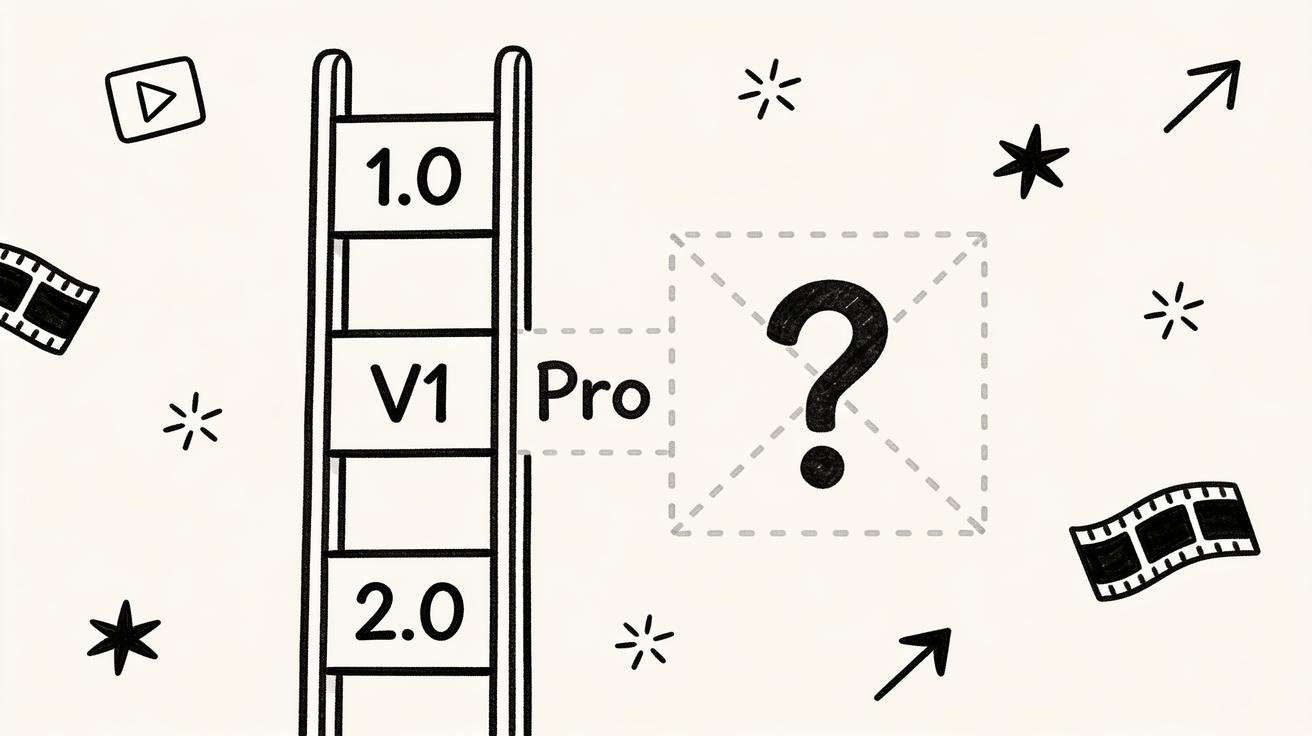 There is no official Seedance 1.5 — the real ladder runs 1.0 → V1 Pro → 2.0.
Why People Search for "Seedance 1.5"
If Seedance 1.5 does not exist, why is it such a common search? A few very understandable reasons, and none of them mean you did anything wrong.
1. Version-number pattern matching
Software trains us to expect a 1.5 between a 1.0 and a 2.0. We see Photoshop, iOS, and game engines ship "point-five" mid-cycle updates all the time, so when people hear there is a Seedance 1.0 and a Seedance 2.0, the brain naturally fills in a 1.5 that "must" sit in the middle. Seedance simply did not number its lineup that way — it moved from the 1.0 family and its Pro tiers straight to a ground-up 2.0.
2. "Pro" tier labels get read as version numbers
Across model pickers, third-party listings, and aggregator sites, the intermediate Seedance tiers have been described in different ways — "Pro," "V1 Pro," and similar Pro-tier labels for the stronger 1.0-generation build. When a stronger tier sits above the base model but below the new flagship, it is easy for someone to mentally file it as "1.5." The label you may have seen is a Pro tier of the 1.0 family, not a separate Seedance 1.5 model with its own release.
3. Confusion with other AI video tools
The AI video space moves fast and the names rhyme. Runway has Gen-3 and Gen-4, Kling has multiple numbered versions, Pika ships frequent point releases, and Google's Veo line keeps climbing. It is genuinely easy to cross-wire a "1.5" you saw on another tool onto Seedance. If you are comparing across tools, our Sora 2 vs Veo 3 vs Seedance 2.0 comparison lays out who is actually on which version.
4. Old screenshots and cached tutorials
AI tools iterate faster than the tutorials about them. A months-old YouTube video or blog post may reference an internal build number, a beta label, or a naming scheme that never became a public product. Cached pages and reposted screenshots keep those phantom version numbers alive in search long after the product moved on.
The takeaway: searching "Seedance 1.5" is a sign you are close — you know Seedance has multiple versions. You are just one name off. Let's fix the map.
The Real Seedance Version Map
ByteDance ships Seedance as a family of models, not a single product on a tidy 1.0 → 1.5 → 2.0 track. Each tier targets a different balance of quality, speed, and cost. Here is the lineup as it stands in mid-2026.
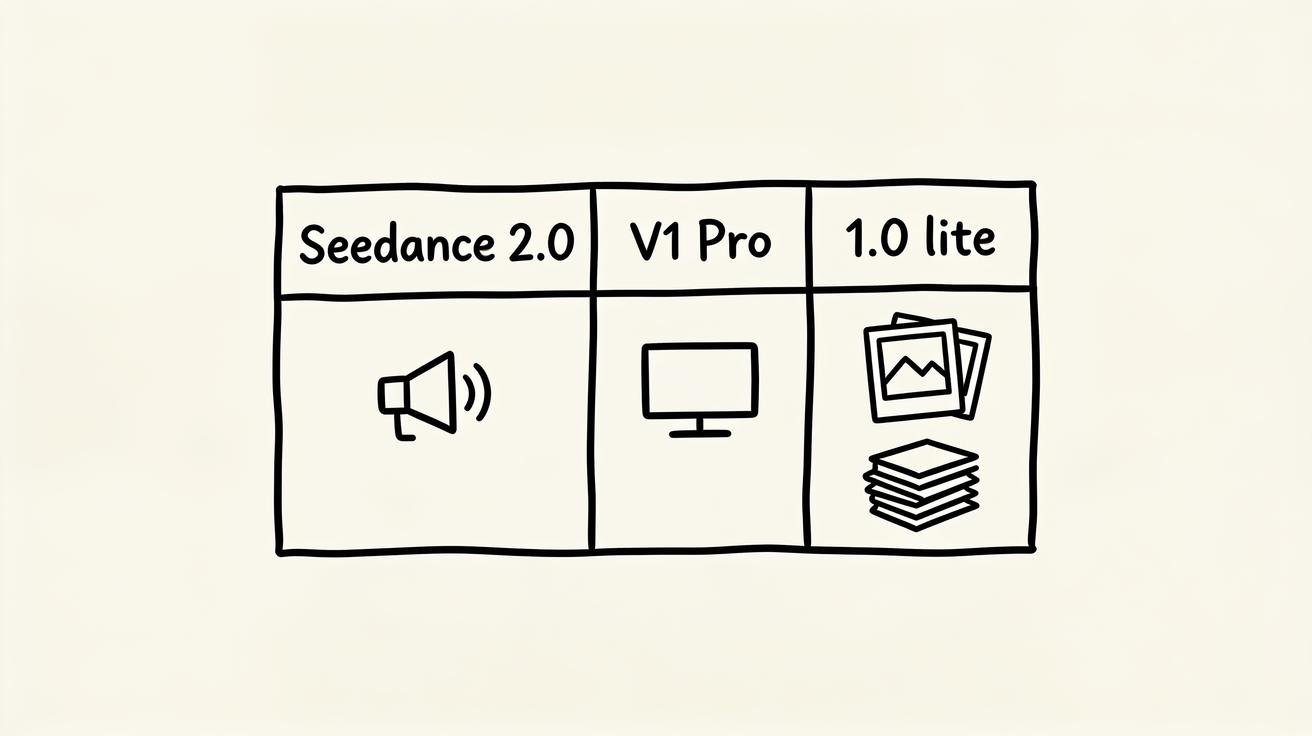 The real Seedance version map: flagship 2.0, reliable V1 Pro, and lightweight legacy tiers — no 1.5 in between.
| Version / tier | Best for | Max resolution | Typical clip length | Native audio | Reference inputs |
|---|---|---|---|---|---|
| Seedance 2.0 | Flagship: ads, demos, multi-shot stories | Up to 2K | Longer, multi-shot | Yes, synchronized | Text, image(s), audio, video reference |
| Seedance 1.0 Pro (V1 Pro) | Reliable single clips, B-roll, loops | Up to 1080p | Short single clip | No | Text, single image |
| Seedance 1.0 lite / legacy | Cheap drafts, fast iteration | 720p–1080p | Short single clip | No | Text, single image |
A few notes so you read this map correctly:
- Seedance 1.0 Pro launched first (around mid-2025) and was a strong, silent video generator — it produced video without an audio track, like most models of that generation.
- Seedance 2.0 is a ground-up redesign released in early 2026, not a small mid-cycle patch. It is a multimodal model that takes text, images, audio, and video as inputs and produces synchronized audio in the same pass. That jump is exactly why there was no incremental "1.5" — 2.0 was a new architecture, not a tune-up.
- Exact numbers move. Credit costs, the longest available duration, and fps shift as ByteDance updates the service, so always confirm the live values in the Seedance model picker before a paid batch. The relationships between tiers are stable; the precise caps can change.
If you want the deep version-by-version breakdown — including which tier wins for budget, B-roll, and bulk testing — the full Seedance versions guide is the companion to this article.
What Actually Changed Between the Real Versions
People expect a "Seedance 1.5" because they assume there must have been a meaningful step between 1.0 and 2.0. There was a step — it just landed as 2.0. If you only remember four differences between the real Seedance versions, make it these.
1. Audio: silent vs synchronized
This is the headline upgrade. Seedance 1.0 (including V1 Pro) generated silent video — you added music and sound design afterward in an editor. Seedance 2.0 generates picture and sound together, so footsteps, ambient room tone, whooshes, and even basic dialogue land on the same timeline as the motion. For talking-head product clips, sensory ASMR-style shots, or any video where sound sells the moment, 2.0 removes an entire editing step.
2. Resolution: 1080p vs up to 2K
Seedance 1.0 Pro tops out around 1080p, which is still perfectly good for social feeds and most landing pages. Seedance 2.0 pushes up to 2K, giving you more crop room, sharper text legibility, and headroom for large-screen or pitch-deck playback. If you plan to crop, zoom, or composite the clip, the extra resolution in 2.0 pays off.
3. Duration and multi-shot storytelling
Seedance 1.0 was built for a single coherent clip in the short-form range. Seedance 2.0 supports longer runtimes and multi-shot generation — it can hold the same character or product across several cuts in one piece, instead of forcing you to stitch unrelated single clips together. That makes 2.0 the right Seedance version for mini ad spots, before-and-after sequences, and short stories with a beginning, middle, and end. Our Seedance 2.0 multi-shot how-to walks through that workflow step by step.
4. Reference inputs: one image vs many modalities
In Seedance 1.0 Pro you pass a text prompt and a single reference image. Seedance 2.0 accepts arrays of references — multiple images, a video to guide motion or style, and audio — in one call. That is what enables stronger character consistency and lets you say, in effect, "this character, this product, this motion style, this voice," all at once.
On top of those four, Seedance 2.0 is also reported to generate roughly 30% faster than the previous generation for comparable work and to hold subject consistency noticeably better across a shot. The trade-off is cost: the flagship tier generally spends more credits per second than V1 Pro, which is exactly why the older tier still has a job to do.
Which Seedance Version to Use Instead of 1.5
Forget the missing 1.5 and match the model to the job. Here is the practical decision.
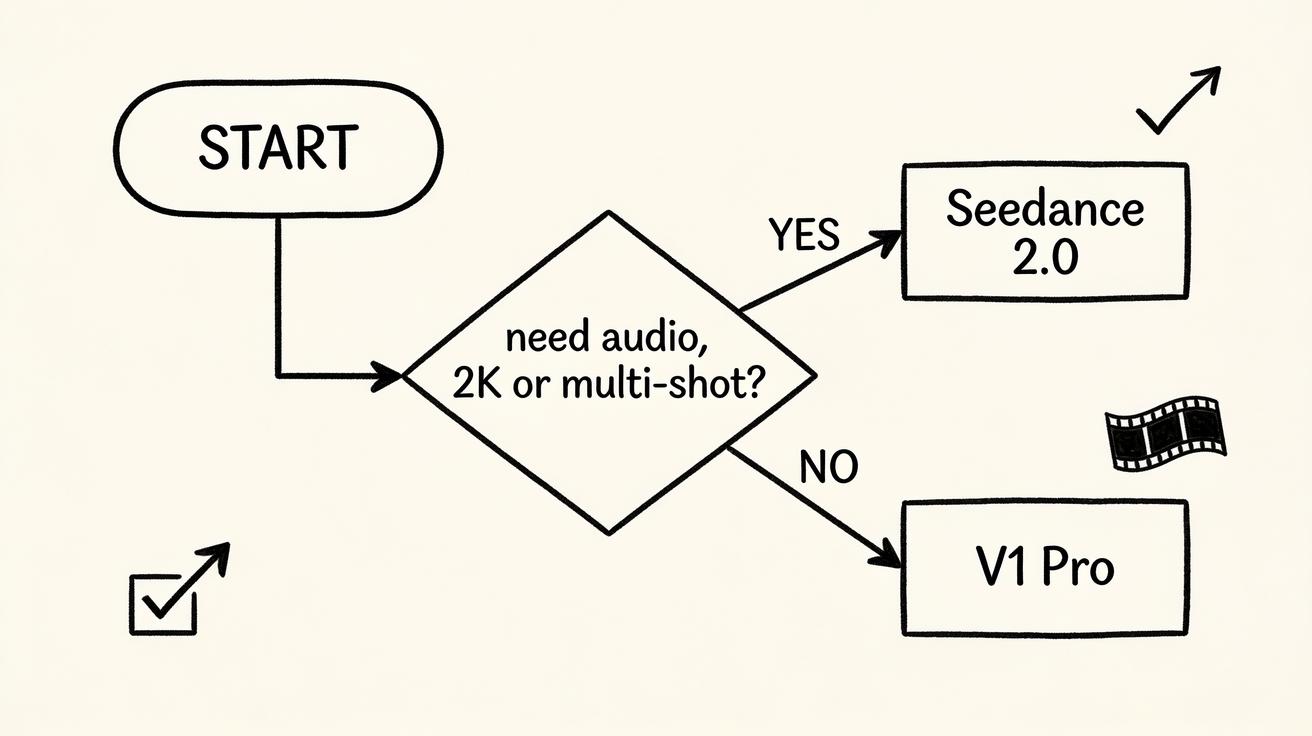 Skip the search for 1.5 — pick by the job: 2.0 for audio, 2K, and multi-shot; V1 Pro for fast, silent clips.
Use Seedance 2.0 when you need any of these:
- Native, synchronized audio in the same generation.
- Up to 2K resolution for crisp text, large screens, or heavy cropping.
- Longer, multi-shot clips that keep a character or product consistent.
- Multiple reference images, a motion-guiding video, or an audio reference.
- The single best quality for a hero shot, ad, or product demo.
Use Seedance 1.0 Pro (V1 Pro) when you want:
- A fast, dependable single clip at up to 1080p.
- Silent B-roll, website hero loops, or a SaaS dashboard pan that does not need sound.
- High-volume variant testing — generate 15 versions cheaply to find a winner.
- Lower credit spend across a big batch of clips.
Use a Seedance 1.0 lite / legacy tier when you only need:
- Cheap, rapid drafts and thumbnail-scale tests.
- Throwaway variations while you hunt for a direction.
If you are unsure, here is the workflow most creators land on: start the hero shot in Seedance 2.0, lock your prompt, then drop to V1 Pro to mass-produce supporting variants at lower cost. You get flagship quality where it matters and cheap volume everywhere else — without ever needing a mythical 1.5.
How to Access the Current Best Seedance Version
You do not need a special build, a beta invite, or a "1.5 unlock." The current best version is live right now. Here is how to use it.
- Open Seedance and pick your input. For a photo-driven clip, go to Image to Video and upload your image. For a description-driven clip, go to Text to Video and start with a prompt.
- Open the model picker. Choose your version directly — select Seedance 2.0 for the flagship feature set, or V1 Pro if you want a faster, cheaper single clip. This is where you confirm the live, current versions instead of trusting an old tutorial.
- Write a version-aware prompt. If you picked 2.0, include audio cues and any multi-shot direction. If you picked V1 Pro, keep it to a single clear motion (more on prompts below).
- Add your references. In 2.0 you can attach multiple images, a style/motion video, or an audio reference. In V1 Pro, attach your single reference image.
- Generate 2–3 versions. Produce a few variants from the same prompt so you can compare motion, consistency, and timing rather than betting on one render.
- Inspect and QA. Check subject consistency, physical motion, camera movement, text accuracy, and — in 2.0 — audio sync before you commit.
- Export and reuse. Download for TikTok, Reels, a landing-page hero, a product demo, or an app preview, and reuse the locked prompt for the rest of the batch.
That is the entire path to the "latest Seedance" — no 1.5 required. The newest capabilities are simply the 2.0 option in the picker. New to the platform? You can try Seedance free and run your first clip in minutes.
Prompt Tips to Get "1.5-Level" Results Today
The thing people imagine a 1.5 would unlock — sharper, more controlled, better-looking clips — is mostly a prompting problem, not a version problem. These templates pull more quality out of the versions that already exist.
Image-to-video (works in V1 Pro and 2.0):
[Subject] in the uploaded image, [single clear motion: e.g. slowly turning
toward camera]. Camera: [slow push-in / locked-off / gentle orbit].
Lighting stays consistent with the photo. Keep [key feature] sharp and
unchanged. Realistic physics, smooth motion, no warping.
Text-to-video product clip (best in 2.0 for audio):
A [product] on a [surface] in [setting]. Camera does a slow 180-degree
orbit. Soft studio lighting, shallow depth of field. Audio: subtle ambient
room tone and a soft whoosh as the camera moves. 2K, clean and premium.
Multi-shot mini-ad (Seedance 2.0 only):
Shot 1: close-up of [product], soft light, 2 seconds.
Shot 2: hand picks up the [product], same lighting and background.
Shot 3: wide reveal of the [product] in use, upbeat ambient audio.
Keep the product identical across all three shots. Synchronized sound.
Camera-movement control (any version):
[Scene]. Camera movement: [dolly in / crane up / tracking left]. Slow,
steady, cinematic. No sudden jumps. Hold the subject centered.
Prompt-writing habits that matter more than any version number:
- Be specific about motion. One clear action beats three vague ones. "Slowly turns toward camera" outperforms "moves around dynamically."
- Lock what must not change. Name the product, face, or logo and say "keep it unchanged" to protect consistency.
- Only add audio cues in 2.0. Sound directions do nothing in silent V1 Pro — write version-aware prompts.
- Generate variants, then pick. Two or three renders from one prompt almost always beats a single shot.
Best Use Cases by Version
Different deliverables call for different Seedance versions. Here is where each one earns its place.
Reach for Seedance 2.0 for:
- Social ads with sound — TikTok and Reels spots where audio carries the hook.
- Product demos — a clean orbit or reveal with synchronized ambient sound and 2K crop room.
- Multi-shot stories — before-and-after sequences and mini-narratives that hold one subject across cuts.
- Talking-head and sensory clips — anything where picture and sound need to land together.
Reach for V1 Pro for:
- Website hero loops — silent, seamless background motion at 1080p.
- SaaS and app B-roll — dashboard pans, UI motion, and product turntables.
- Bulk variant testing — 10–20 cheap renders to find the winning direction before a 2.0 final.
- Quick image-to-video — a clean single clip from one photo, fast and economical.
For deeper, scenario-specific playbooks, see our guides on creating YouTube videos with Seedance and the image-to-video AI workflow. Both use the real, available versions — no 1.5 needed.
FAQ
Is Seedance 1.5 real? No. There is no official, public Seedance 1.5 release, model, or changelog. The real lineup is Seedance 1.0, the V1 Pro tier, and the current flagship Seedance 2.0. If you were looking for 1.5, you most likely want 2.0.
What replaced or comes after Seedance 1.0? Seedance 2.0 is the next major version after the 1.0 family. It was a ground-up redesign — multimodal inputs and synchronized audio — rather than a small mid-cycle update, which is why there was no incremental 1.5 in between.
Why do I see "Seedance 1.5" mentioned online? Usually because of version-number pattern matching (assuming a 1.5 sits between 1.0 and 2.0), Pro-tier labels being read as version numbers, confusion with other tools' versioning, or old cached tutorials referencing labels that never became a public product.
Which Seedance version is best for image-to-video? For a clean single clip from one photo, V1 Pro is fast and economical. If you need sound, multiple reference images, or a longer multi-shot result, use Seedance 2.0. See the full versions guide to choose.
How do I get the latest Seedance features? Open the model picker and select Seedance 2.0 — the newest capabilities are simply the 2.0 option, available now. There is no separate 1.5 build to unlock.
Will there be a Seedance 1.5 in the future? ByteDance has not announced one, and the version line moved from the 1.0 family to 2.0. Always check the live model picker for the current versions and specs rather than relying on a number you saw in an old post.
Conclusion
If you searched for Seedance 1.5, you were close — you just had the name slightly off. There is no official Seedance 1.5; the real, available lineup is Seedance 1.0, the V1 Pro tier, and the flagship Seedance 2.0. The big jump people imagine a 1.5 would bring — synchronized audio, up to 2K, longer multi-shot clips, multiple references — already shipped as 2.0.
So stop hunting for a version that does not exist and pick the one that fits your deliverable: reach for Seedance 2.0 when you need audio, resolution, or multi-shot storytelling, and stay on V1 Pro for fast, silent, lower-cost single clips. Open the model picker, choose your version, and try Seedance free on your next clip — start with one hero shot in Seedance 2.0 and see the difference for yourself.
Ready to try it yourself?
Put the steps from this guide into practice with Seedance and turn prompts or images into polished videos in minutes.
Free credits on signup. Plans from $28/month.
Related Articles
More posts in the same locale you may want to read next.

Seedance App Preview Video Generator 2026: Create App Store and Product Launch Clips
Use Seedance to turn app screenshots, feature copy, and launch goals into App Store previews, Google Play promo videos, and product launch clips.
Read article
How to Keep Product Shape Consistent in AI Video Ads
Lock product geometry, packaging, labels, references, camera angles, and approval checks so AI video ads preserve the real SKU across every shot.
Read article
How to Make AI Video Follow a Multi-Step Action
Plan atomic actions, state transitions, timing, continuity, and shot handoffs so an AI video completes a sequence in the intended order.
Read article