
ElevenLabs Find Voice From Video: Exact Match or Similar Voice?
AI Overview
Can ElevenLabs find a voice from a video?
Yes. Upload an audio or video clip to Voice Library search, and ElevenLabs can return the original shared voice when available plus acoustically similar library voices.
Will it always identify the exact ElevenLabs voice?
No. An exact result depends on that voice still existing in the public Voice Library. Private, removed, custom, or non-ElevenLabs voices may return only similar candidates.
What kind of clip works best for voice search?
Use a short speech-only excerpt with one speaker, little echo, and no music or effects. Clean dialogue gives the matcher more useful vocal evidence than a long mixed scene.
Can I reuse the voice I find in my own video?
Only when its library terms and your project rights allow it. A similarity result is not identity proof or permission to clone a real person without consent.
Can ElevenLabs Actually Identify a Voice From Video?
Know what the result can prove
The current Voice Library accepts audio or video as a search sample. If the original voice is publicly available there, the search can surface it; otherwise the result is a ranked set of similar shared voices. That makes the tool useful for recovering a library voice used in an old edit or finding a replacement with comparable age, accent, texture, and delivery.
It does not prove who a real human speaker is. A close acoustic match also does not prove that a specific voice generated the clip. Treat an exact library result as a production lead to verify with the voice ID, project history, and saved assets—not as biometric identification. This distinction matters when a client asks for “the same voice” but supplies only a compressed social-media export.
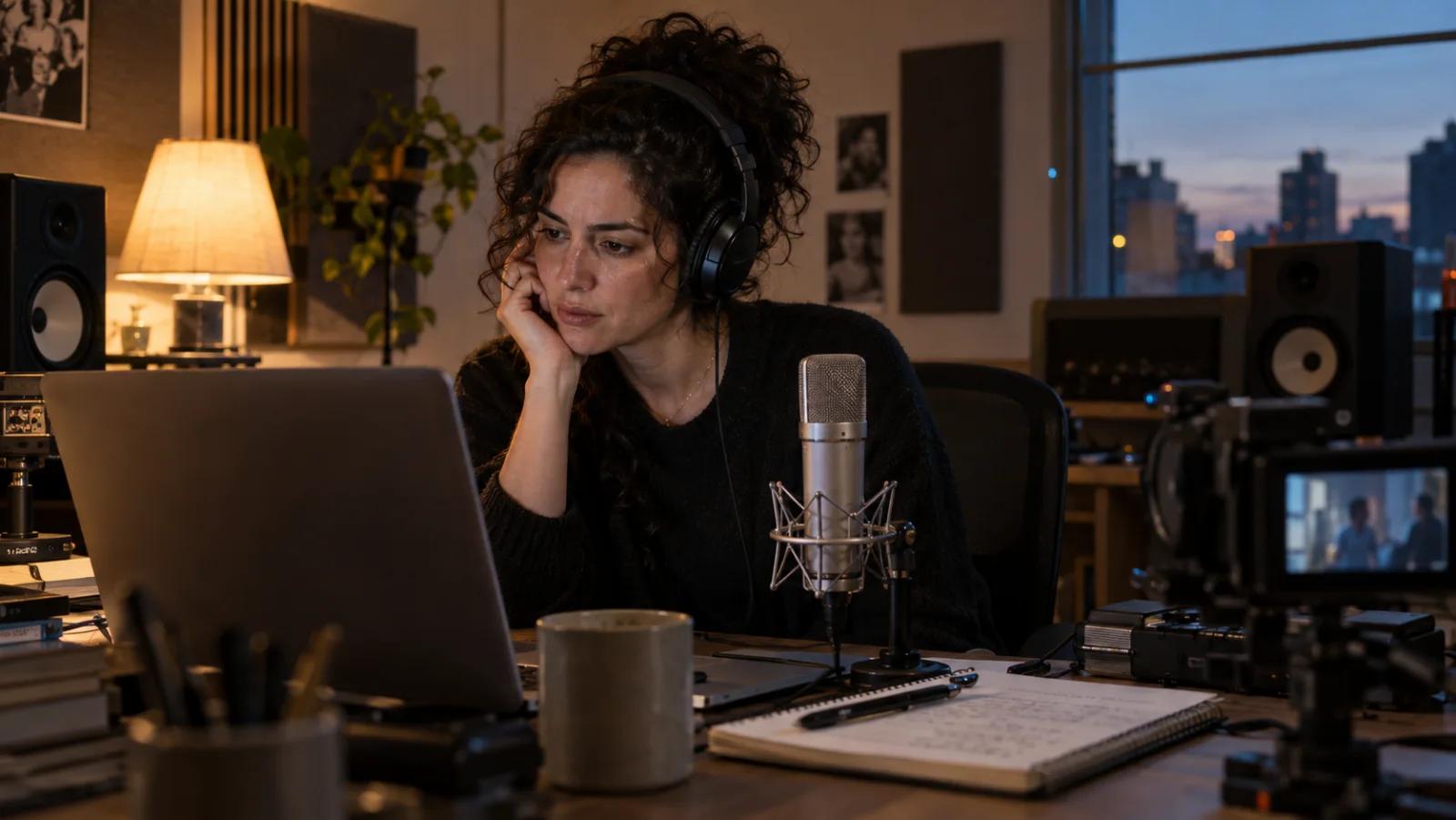
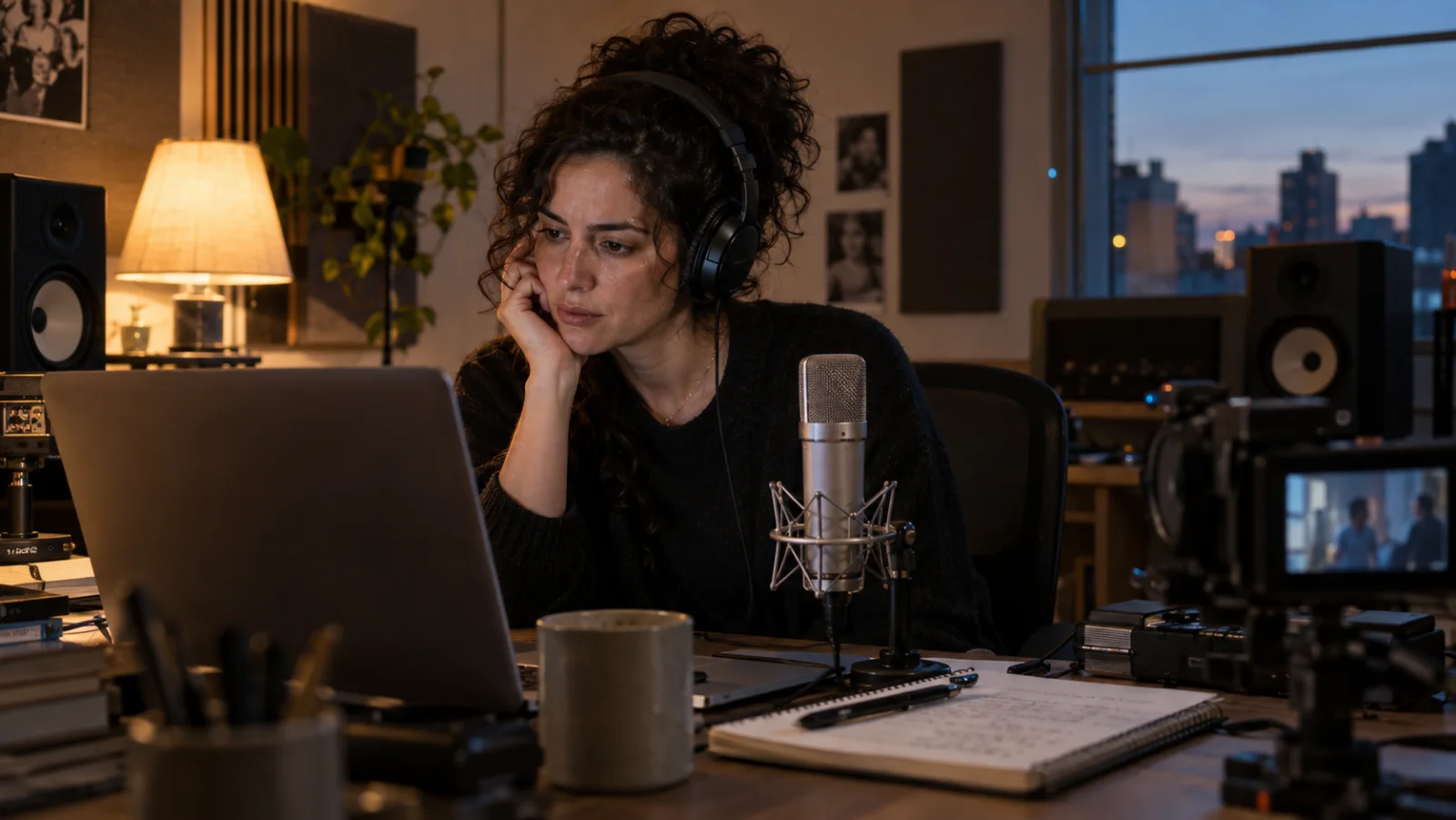 Start with the source clip and a clear question: recover a known library voice, or select a legally usable voice with a similar performance profile.
Separate recovery from replacement
Recovery means locating a voice your team already used. Search old ElevenLabs projects, export records, collaborator notes, and voice IDs before relying on sound alone. Replacement means choosing a new authorized voice that can carry the same narrative function. The second task is often easier and safer because you can compare several candidates using identical copy.
If the voice came from a previous localization project, review the cost and language assumptions in the ElevenLabs dubbing cost guide before regenerating every market. A recovered voice does not eliminate billing, pronunciation review, or timing work.
Prepare a Searchable Voice Sample
Isolate one speaker and one neutral passage
Choose 10–30 seconds in which one person speaks continuously. Avoid laughter, shouting, whispering, singing, telephone filters, crowd beds, and hard music transitions for the first search. Select a neutral passage containing several vowels and consonants rather than a single catchphrase. Long clips are unnecessary; clean evidence matters more than duration.
Export the segment at the best available quality. Do not repeatedly transcode a downloaded social clip if you still have the original timeline or camera audio. Keep a separate untouched source file and make a search copy. If dialogue overlaps with music, isolate the voice first, then listen for metallic artifacts that could distort the match.
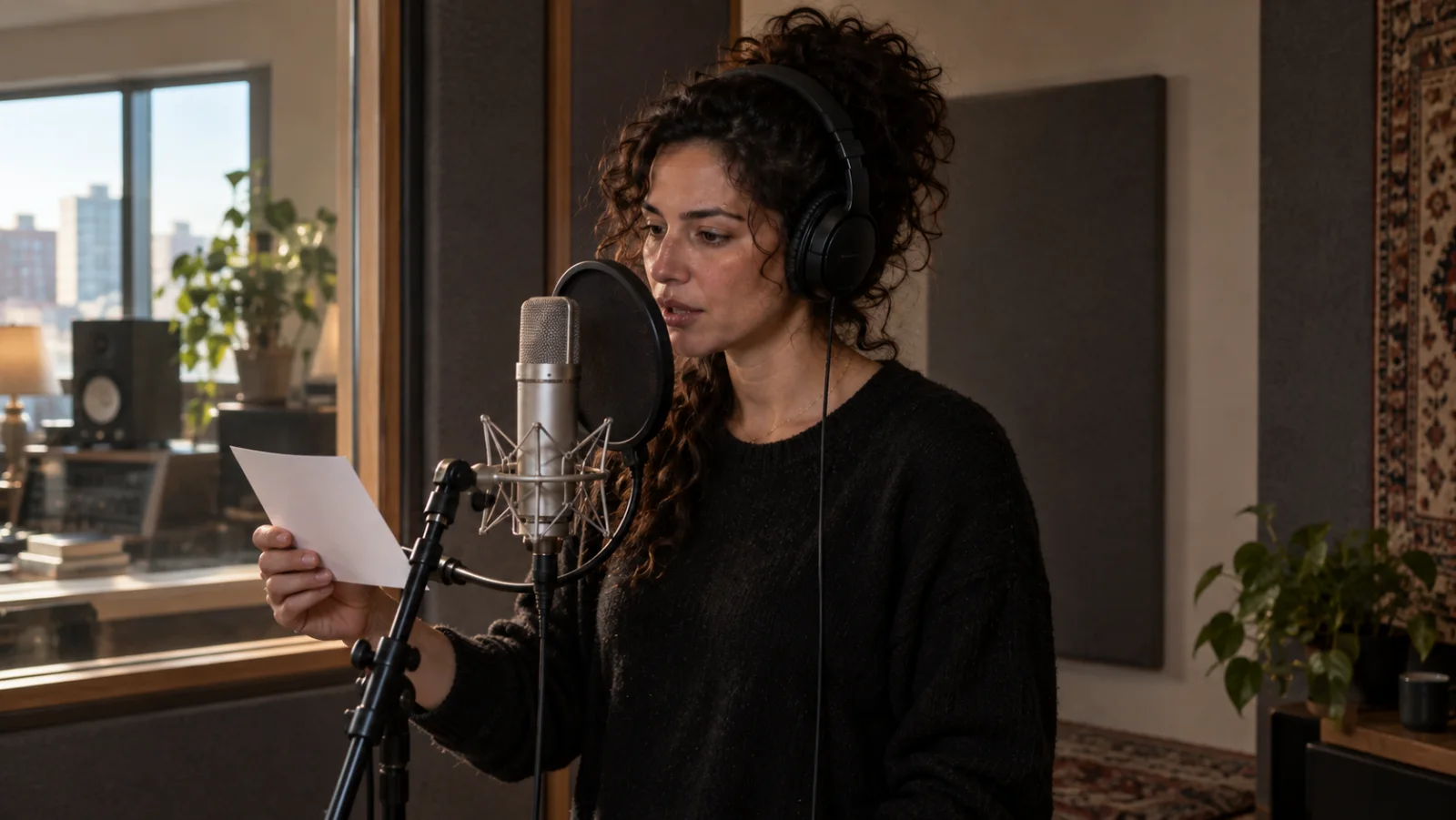 A clean, neutral sentence is easier to compare than a dramatic line covered by music, reverb, or another speaker.
Record the evidence you already know
Before uploading, write down the source URL or file name, timecode, language, apparent accent, estimated age range, speaking style, and whether the clip may have been pitch-shifted. Add the date and person who supplied it. This small worksheet prevents a similar-sounding candidate from quietly becoming “confirmed” through repetition.
Also note any known account, workspace, or campaign. Search My Voices by name, description, tags, category, and voice ID when you have access to the original account. Public Voice Library search and a private workspace search answer different questions: the former finds shared candidates; the latter can recover assets your team already owns.
Step-by-Step: Find a Similar ElevenLabs Voice
Upload the clean clip and create a shortlist
Open the Voice Library, use its upload control, and select the speech-only audio or video sample. Listen to the original result when one is shown, then save three to five similar candidates rather than choosing the first thumbnail. Compare language, accent, age, category, quality, notice period, and whether the voice is available to your plan.
Search results can change as owners publish or remove voices. Record each candidate's voice ID and notice period, not only its display name. A name can be edited; the ID is the reliable production reference. If you are automating the process, the similar-voices API can return shared candidates from an uploaded audio file and can be filtered with a similarity threshold and result count.
Test every candidate with the same script
Use a 70–150-character test that contains the names, numbers, emotion, and sentence rhythm your finished video needs. Render the exact same text with each candidate. Match level and loudness before reviewing, then listen blind if possible. The best voice is the one that survives your actual delivery conditions, not the one whose demo was mastered most impressively.
Keep the visual master stable during voice selection. The voice-consistency workflow shows how to preserve one speaker identity across shots, while the audio search narrows the vocal performance. Locking both references early reduces late-stage replacement.
Score Candidate Voices With a Repeatable Test
Compare identity, performance, and production fit
Use a five-column scorecard: timbre, accent, pacing, emotional range, and recording cleanliness. Score each from one to five, then add two pass/fail checks for language pronunciation and commercial availability. Timbre alone is a weak selector. A voice can sound close in one sentence yet fail on a brand name, a fast call to action, or a quiet emotional beat.
Listen on headphones and ordinary phone speakers. Check breaths, sibilance, plosives, room tone, and how the voice sits against music. Review at the same loudness so a louder sample does not feel falsely “better.” For dialogue scenes, alternate candidate lines with the picture and watch whether pauses still fit the actor's facial movement.
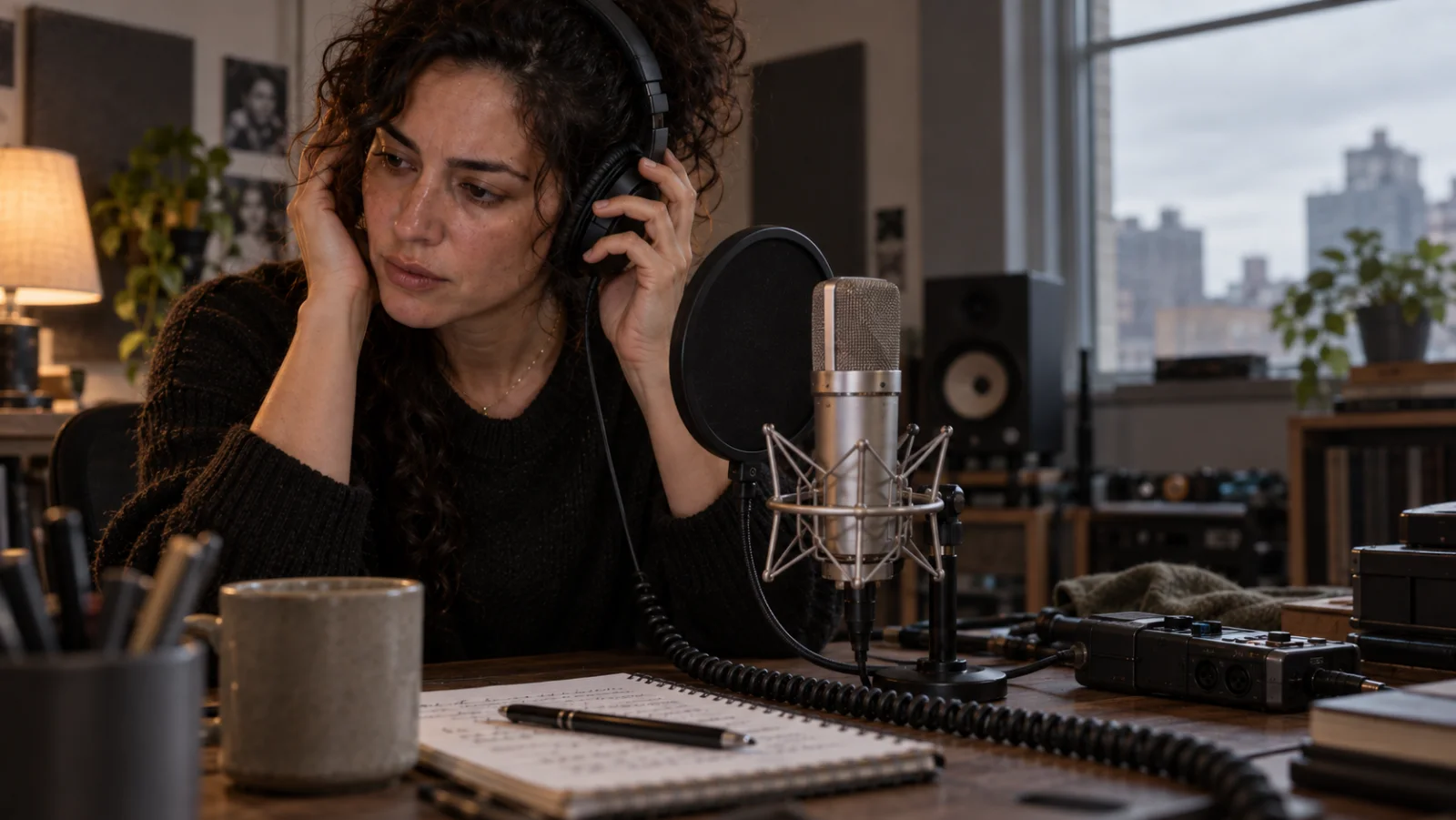 Evaluate candidates under the same script, loudness, and playback conditions; otherwise the comparison measures production polish rather than voice fit.
Run a scene test before a full episode
Generate one representative 15–30-second scene with the leading two candidates. Include a proper noun, a number, a short emotional turn, and one pause that must align with the picture. Ask reviewers to mark specific failures instead of voting on a vague favorite. “Wrong stress on the product name” is actionable; “less natural” is not.
When dialogue, ambient sound, and image motion are being created together, the native-audio video guide provides a useful final-scene checklist. Test a whole scene before committing to a long video or a multilingual batch.
What If the Exact Voice Is Not in the Library?
Choose the correct fallback route
If no exact result appears, decide whether you need a similar public voice, a designed fictional voice, or an authorized clone. A public library replacement is fastest. Voice Design is useful when you need a defined character but cannot find a suitable library option. Cloning should be reserved for a voice you own or are explicitly authorized to reproduce, with the required verification and clean source recordings.
Do not disguise uncertainty. Label the choice “similar replacement,” not “exact original,” and retain the search sample, candidate IDs, approval date, and usage terms. For celebrity, employee, customer, or creator voices, written consent and distribution scope are production requirements, not paperwork to add after launch.
Avoid the three common false matches
First, background music can push the search toward voices with similarly mastered demos. Second, pitch shifting can make two different speakers appear closer than they are. Third, accent and vocal age can dominate a quick listen while cadence and emotional range diverge in longer copy. Clean the sample, compare longer sentences, and re-test in the finished mix.
For presenter-led campaigns, a stable authorized avatar and voice pair is more repeatable than rediscovering a near match for every revision. The AI avatar video workflow explains how to plan presenter continuity and reusable speaking shots.
Turn the Voice Match Into a Finished Video
Keep one approved voice card
Create a compact voice card with the chosen voice ID, owner or source, notice period, approved language, pronunciation notes, sample script, settings, and a link to the signed consent when applicable. Add one dry reference file and one in-context scene. A future editor should be able to reproduce the decision without guessing from an exported MP4.
src=https://r2.seedance.tv/model-landing/seedance-2-5/feature-audio.mp4
poster=https://r2.seedance.tv/model-landing/seedance-2-5/feature-audio-poster.jpg
label=Seedance 2.5 synchronized audio output example
This real Seedance output is a finished synchronization reference, not an ElevenLabs voice-search benchmark. Judge the selected voice again when it is placed against final motion and sound.
Use Seedance Agent for the visual handoff
Once the voice is approved, organize the script, voice card, character reference, shot list, and output variants in Seedance Agent. The Agent can help plan the visual sequence, generate and compare shots, preserve approved references, and rerun only the weak section instead of restarting the entire video. That gives the voice decision a clear home inside the broader production chain.
 Final approval belongs to the complete scene: voice, timing, facial movement, ambience, music, and delivery format must work together.
Keep the source voice search separate from the final publish test. The search finds candidates; the scene test validates the choice. For multi-shot work, the Seedance reference guide helps keep the speaker, environment, and visual style stable while the audio is reviewed.
Conclusion
ElevenLabs can find a voice from video when you upload a clean speech sample to Voice Library search, but the useful result is either a verifiable library match or a shortlist of similar shared voices—not proof of a real person's identity. Isolate one speaker, record your evidence, save voice IDs and notice periods, compare candidates with identical copy, confirm usage rights, and approve a complete scene before scaling. If the exact voice is unavailable, document a similar replacement or use an authorized design or cloning route instead of presenting a guess as certainty. To carry the approved voice into a consistent multi-shot production, start the project with Seedance Agent.
Ready to try it yourself?
Put the steps from this guide into practice with Seedance and turn prompts or images into polished videos in minutes.
Free credits on signup. Plans from $28/month.
Related Articles
More posts in the same locale you may want to read next.

Seedance App Preview Video Generator 2026: Create App Store and Product Launch Clips
Use Seedance to turn app screenshots, feature copy, and launch goals into App Store previews, Google Play promo videos, and product launch clips.
Read article
How to Make a Talking AI Avatar You Can Reuse
Make a talking AI avatar with Seedance: design one consistent character, give it a voice, and make it speak in a talking photo or a full Seedance 2.5 scene, episode after episode.
Read article
Best AI Video-to-Video Models in 2026
The best AI video-to-video models in 2026 for editing footage you already shot: Higgsfield Genjutsu, Seedance 2.x, Runway Aleph, Luma Modify and Kling Omni compared.
Read article