
ElevenLabs Dubbing Cost Per Minute (2026): V1 vs V2 Calculator
AI Overview
How much does ElevenLabs dubbing cost per minute?
Current API rates list Dubbing v1 at $0.33 per source minute with a watermark or $0.50 without one. Dubbing v2 is listed at $2.20 per source minute.
Is the charge based on the source or dubbed output length?
ElevenLabs bills each target language from the source media duration. A ten-minute source dubbed into three languages is therefore thirty billable language-minutes.
Does ElevenLabs charge again for every language?
Yes. Creating a project prepays the first target language; each additional language is charged when queued. The first language is not charged twice.
Which is cheaper: Dubbing v1 or v2?
V1 is far cheaper and offers an editable Studio route. V2 costs more but is designed to preserve the original speaker's voice, emotion, timing, and delivery more directly.
Current ElevenLabs Dubbing Cost per Minute
As of September 2026, ElevenLabs lists three practical API price points. Taxes, levies, and duties are excluded, and enterprise agreements may differ.
| Route | Published rate | Ten-minute source, one language | Best fit |
|---|---|---|---|
| Dubbing v1, automatic with watermark | $0.33/min | $3.30 | Drafts and low-cost tests |
| Dubbing v1, automatic without watermark | $0.50/min | $5.00 | Publishable automatic output |
| Dubbing Studio v1 | $0.50/min | $5.00 | Transcript and segment editing |
| Dubbing v2 | $2.20/min | $22.00 | Higher-fidelity performance preservation |
The headline rate is only the first number in a useful estimate. Your total also depends on source duration, number of target languages, failed or repeated segments, cleanup time, and whether the master video changes after localization begins.
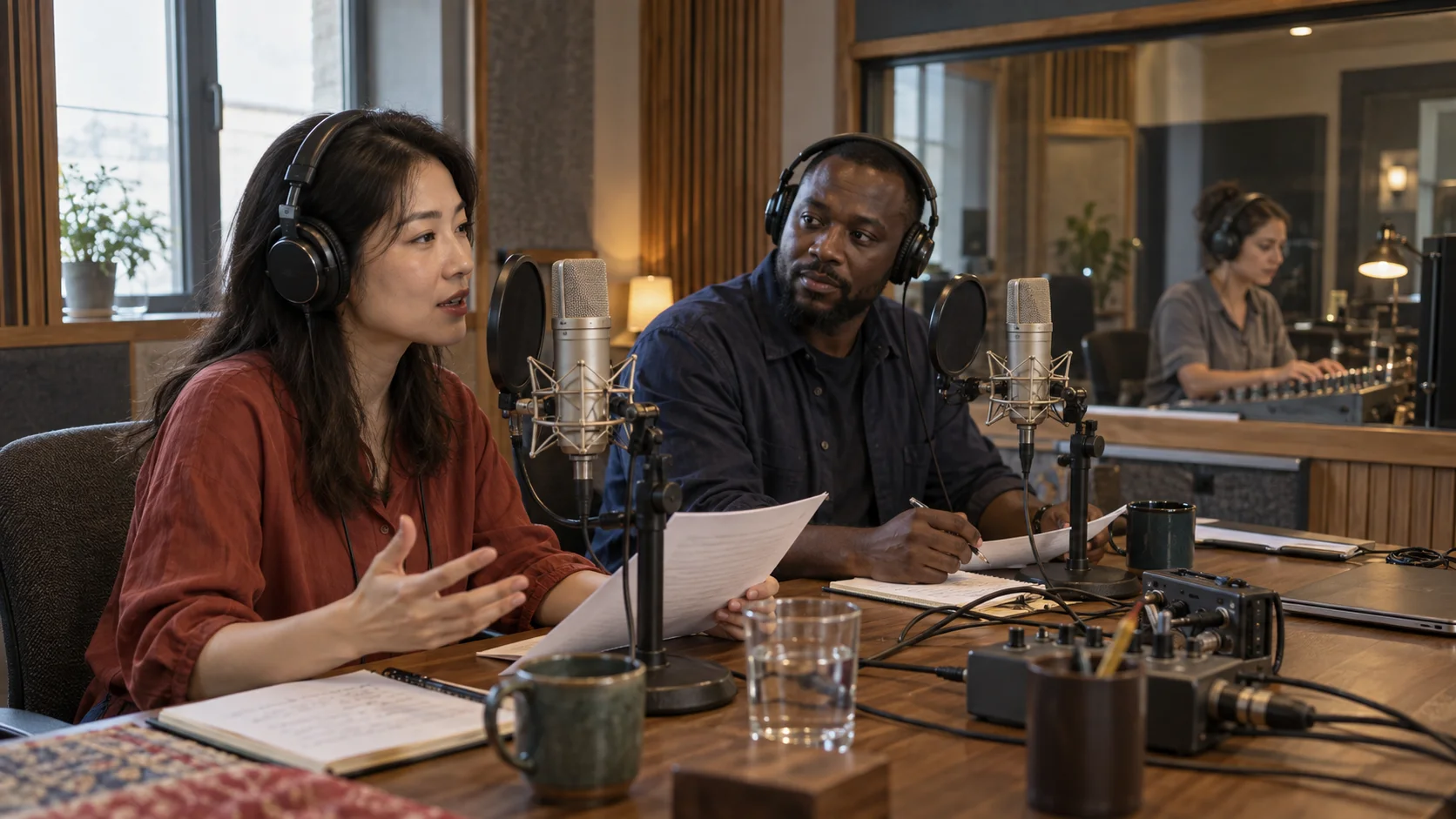 A dubbing budget starts with the locked source duration and the number of language versions—not the length of the translated script.
If you are still producing the source video, organize references, shots, and approvals in Seedance Agent before paying to localize material that may be replaced.
How ElevenLabs Calculates a Dubbing Project
Use source minutes multiplied by target languages
For a straightforward estimate, use:
Source duration × target languages × rate per minute = base dubbing cost
A 12-minute video translated into Spanish, French, and Japanese creates 36 billable language-minutes. At the published v1 watermarked rate, the base is $11.88. At the v1 no-watermark or Studio rate, it is $18.00. At the v2 rate, it is $79.20.
ElevenLabs charges one language when the project is created. That payment prepares the source and prepays the first language target. When the first target is queued, it uses the prepayment; it does not create a second charge. Every additional target language is then billed separately.
Budget for whole source duration, not speaking time
The meter is based on source media duration. Silence, intro music, pauses, and non-dialogue sections still occupy time in the uploaded asset. Trimming an unnecessary 45-second title card from a source that will be dubbed into eight languages removes six billable language-minutes.
This is why the cleanest cost optimization happens before upload: lock the cut, remove unused handles, decide which markets genuinely need the full program, and produce shorter regional versions only when they serve a different audience job.
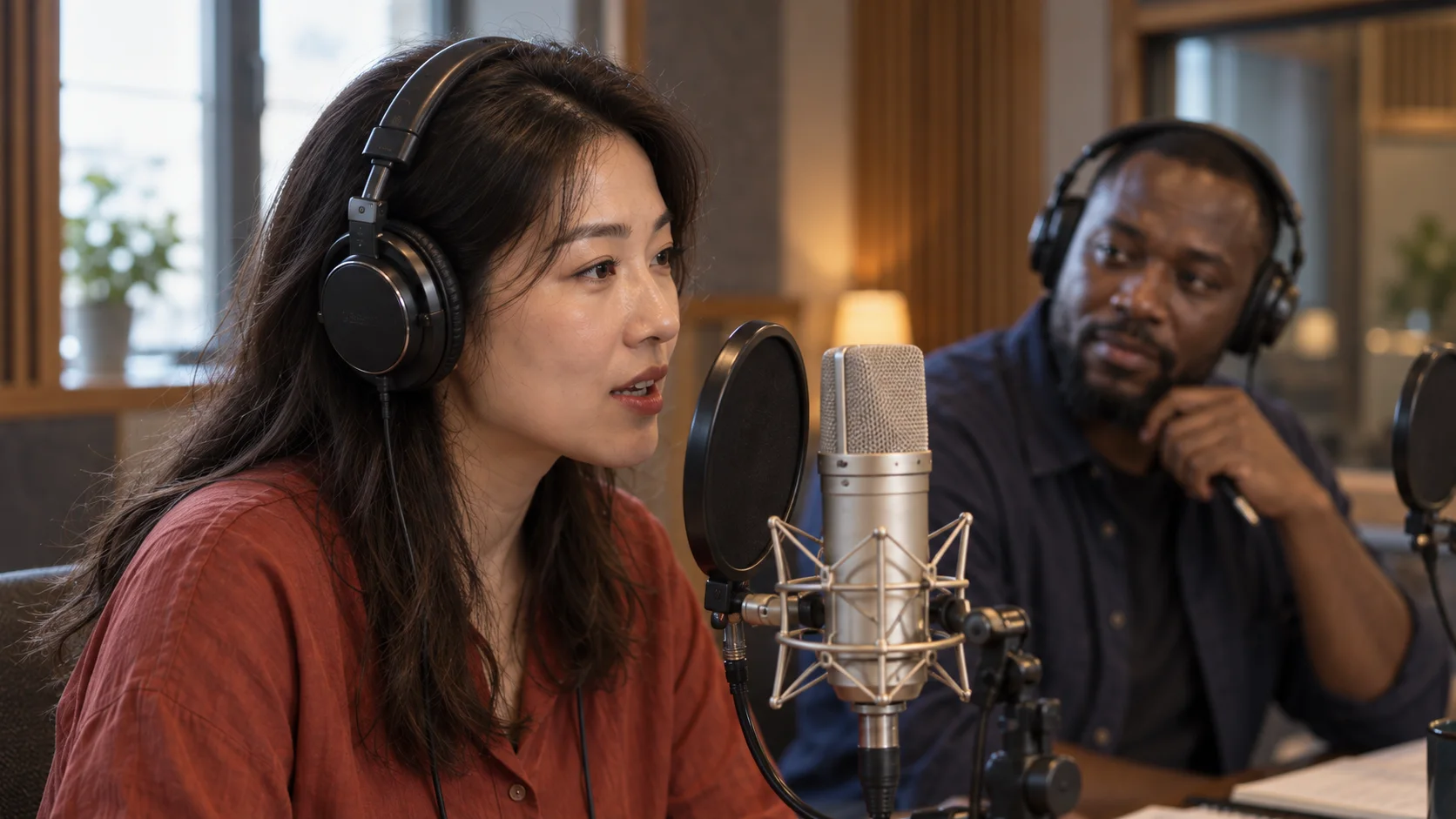 Use a clean source with stable speech, limited overlap, and a locked edit so paid language versions do not inherit avoidable timing problems.
Dubbing v1 vs V2: What the Higher Rate Buys
Choose v1 when editability and unit cost matter
Dubbing v1 is the economical route. Automatic v1 can detect speakers and produce a fast language version, while Dubbing Studio v1 provides the editable project workflow. That matters when a reviewer must correct a name, adjust a translated sentence, change a speaker assignment, or regenerate only a specific segment.
The watermarked $0.33 route suits evaluation. The $0.50 no-watermark or Studio rate is the more realistic production comparison when the output will be published. Do not compare a watermarked test price with a finished-delivery requirement and conclude that the entire project will cost $0.33 per minute.
Choose v2 when performance preservation matters more
Dubbing v2 uses a direct audio-to-audio approach intended to preserve voice identity, emotion, pacing, and timing across languages. It is priced at $2.20 per source minute per language—more than four times the v1 no-watermark rate. Current documentation describes v2 as an alpha product, so budget a quality review even when the first result sounds convincing.
In the main web experience, automatic v2 does not provide the same in-app transcript editor as Dubbing Studio v1. API editing and regeneration controls for v2 are limited to enterprise access. The choice is therefore not simply “cheap versus good”; it is also editable Studio control versus a more automatic performance-preserving route.
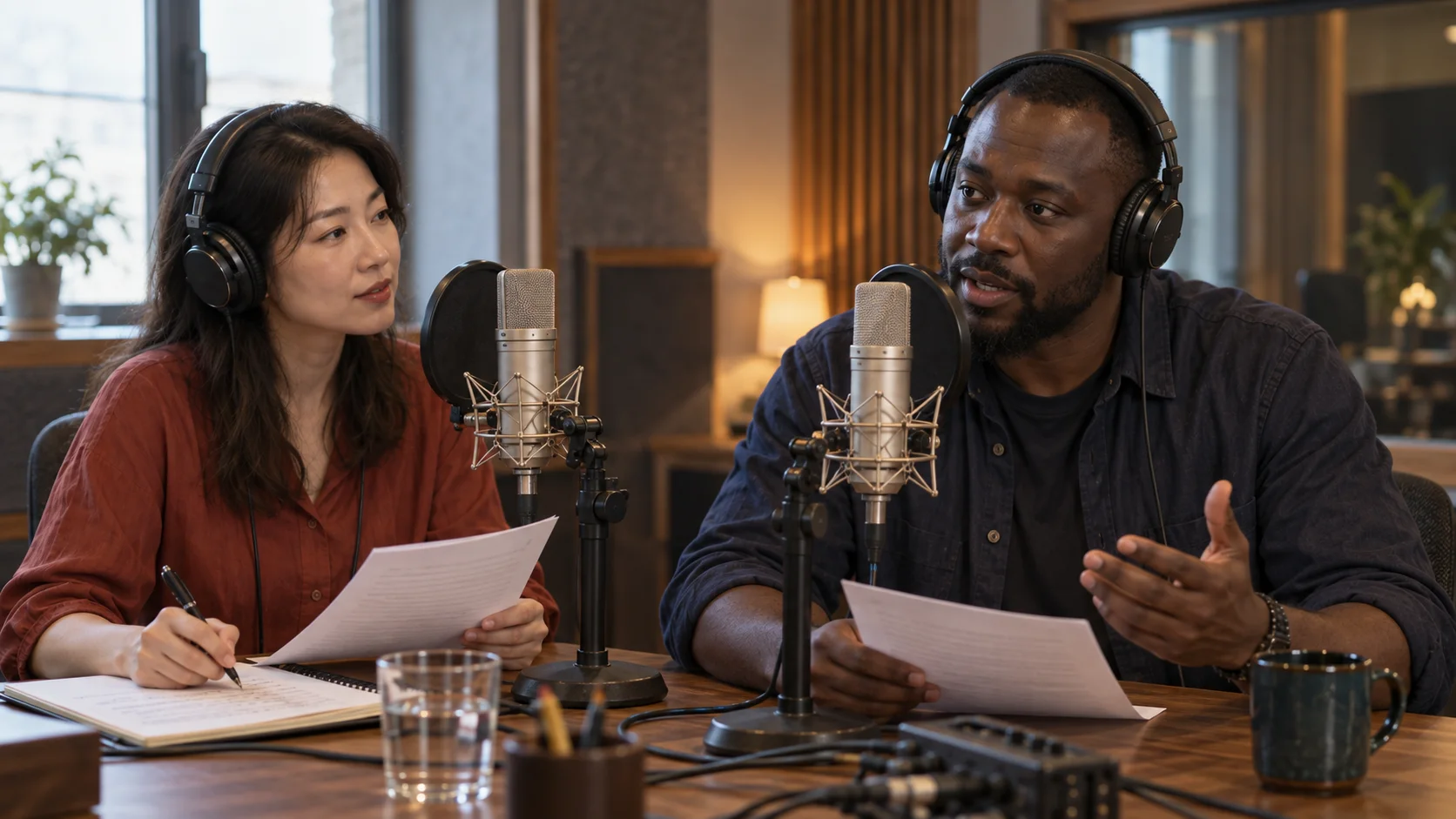 Multi-speaker material should be reviewed speaker by speaker; one strong voice match does not guarantee clean turn-taking or overlap handling.
Build a Realistic Dubbing Cost Calculator
Start with a scenario table
| Source and languages | V1 with watermark | V1 no watermark / Studio | V2 |
|---|---|---|---|
| 5 minutes × 1 language | $1.65 | $2.50 | $11.00 |
| 10 minutes × 3 languages | $9.90 | $15.00 | $66.00 |
| 30 minutes × 5 languages | $49.50 | $75.00 | $330.00 |
| 60 minutes × 10 languages | $198.00 | $300.00 | $1,320.00 |
These are base API calculations from the published per-minute rates, before tax and human review. Self-serve plans may include different amounts of usage, but the operational formula remains useful for comparing routes and estimating scale.
Add a rework allowance
Do not assume every language passes on the first run. Add an internal allowance for transcript correction, pronunciation review, visual timing, audio mixing, and final playback. This is not necessarily another full platform charge: a failed job may be refunded, and a segment-level correction can be smaller than rerunning a whole program. It is still real production time.
A sensible planning sheet includes source minutes, target languages, chosen model, watermark requirement, platform base, reviewer time, expected correction rate, and delivery formats. Keep platform spend separate from labor so a cheap generation route does not hide an expensive review process.
Control Rework Before You Pay for More Languages
Lock picture and clean the source audio
Finish structural edits first. If a scene is removed after six languages are generated, the team has paid for obsolete work and must realign every deliverable. Use the Seedance 2.5 editing guide to finish cuts, extensions, and shot replacement before localization begins.
Separate dialogue from loud music where possible, remove accidental room noise, and avoid overlapping speakers unless the overlap is essential. A model can preserve voices well and still produce a confusing dub when two people speak over each other or a name is buried under sound effects.
Define an acceptance checklist
Review each language for meaning, names and numbers, speaker identity, pronunciation, timing, mouth movement, background sound, and final loudness. For avatar-led programs, also check facial continuity and whether pauses still look intentional. The AI avatar video workflow provides a useful production route when the presenter and speaking shot must remain consistent.
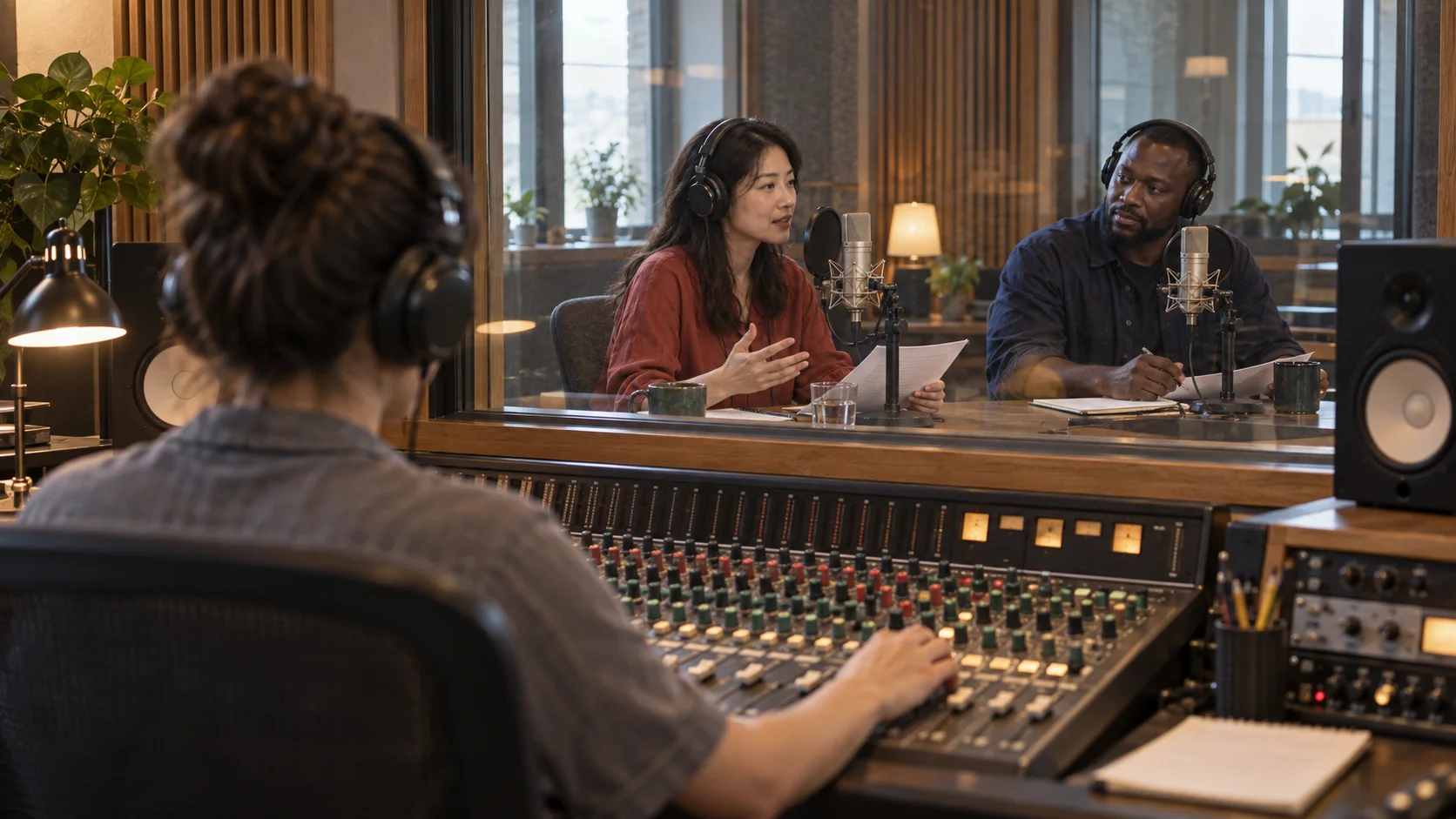 A complete cost estimate includes the review pass that catches wrong speakers, mistranslated terms, clipped words, and distracting room-tone changes.
Where Seedance Fits in a Multilingual Video Workflow
ElevenLabs solves language localization after you have a source. Seedance helps earlier, when the source video, presenter shots, supporting visuals, native sound, and final cut are still being developed. Keeping those stages separate prevents expensive dubbing from becoming a substitute for fixing the master.
This real Seedance output illustrates the dialogue and timing checks to complete before a master is sent into a multi-language dubbing pipeline.
For a dialogue-heavy source, use the native-audio guide to evaluate voice timing and scene sound. If one recurring speaker must remain stable across several shots, the voice consistency workflow explains how to lock voice references and continuity. Approve that master first, then calculate ElevenLabs usage from its final duration.
Seedance Agent is especially useful for a campaign with multiple localized cuts. It can retain approved source shots, organize regional versions, rerun only the weak visual segment, and keep the master and short variants together. You still pay the dubbing provider for each language-minute, but you reduce the risk of paying twice because the underlying picture changed.
Conclusion
ElevenLabs dubbing cost per minute is straightforward once you separate route, duration, and language count: v1 begins at $0.33 per source minute with a watermark or $0.50 without one, while v2 is listed at $2.20 per source minute, and every target language multiplies the billable duration. V1 is the practical choice for lower-cost work and editable Studio projects; v2 is the higher-cost choice when preserving the original performance is worth the premium. Lock the source cut, trim unused duration, test one representative language, and budget review time before scaling. To prepare a stable visual and audio master before localization, use the Seedance reference workflow.
Start generating for free - no credit card required
Create videos with free signup credits, then scale with affordable plans whenever you need more generations.
Free credits on signup. Plans from $28/month.
Related Articles
More posts in the same locale you may want to read next.

Seedance App Preview Video Generator 2026: Create App Store and Product Launch Clips
Use Seedance to turn app screenshots, feature copy, and launch goals into App Store previews, Google Play promo videos, and product launch clips.
Read article
How to Make a Talking AI Avatar You Can Reuse
Make a talking AI avatar with Seedance: design one consistent character, give it a voice, and make it speak in a talking photo or a full Seedance 2.5 scene, episode after episode.
Read article
Best AI Video-to-Video Models in 2026
The best AI video-to-video models in 2026 for editing footage you already shot: Higgsfield Genjutsu, Seedance 2.x, Runway Aleph, Luma Modify and Kling Omni compared.
Read article