Repair Visible Wear
Upload a clear scan or photograph of the old print.
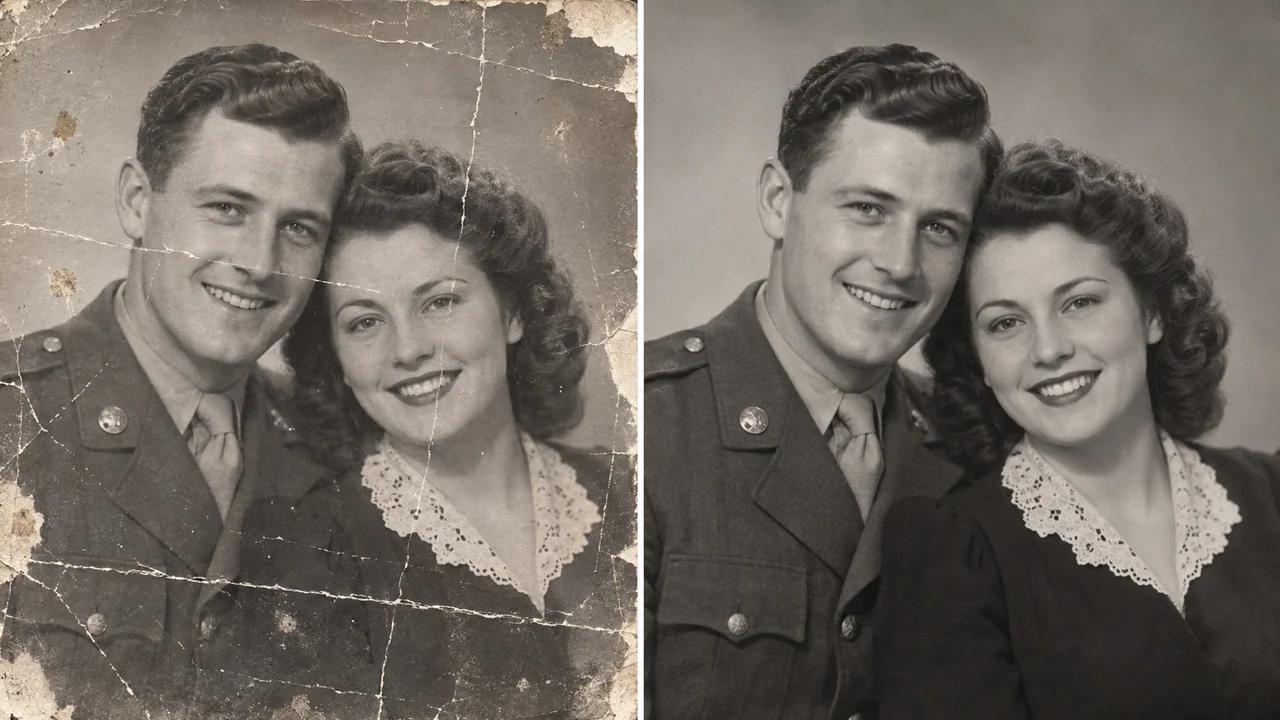
Give faded and damaged photographs a clearer digital version with Seedance's AI photo restoration tool. Repair visible scratches, reduce signs of wear and improve soft details while keeping the original photograph as your reference.
Restore an Old Photograph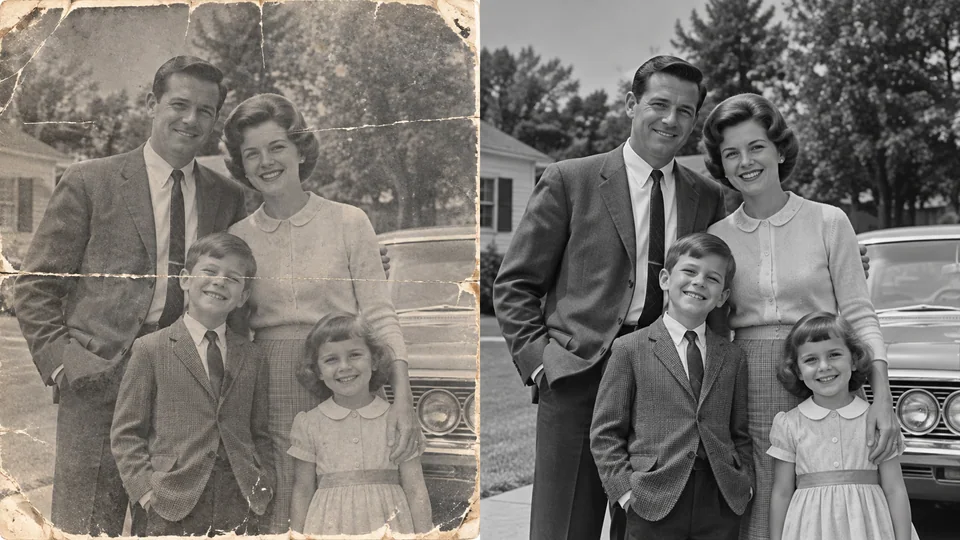
Upload a clear scan or photograph of the old print.
Review the displayed credits and start photo restoration.
Compare the restored image with the original, then download a copy and keep your source scan.
Creases and fading can make a family photograph difficult to enjoy. Begin with a flat, evenly lit scan and work on visible damage. Save a separate restored copy so the untouched scan remains available for comparison.
Restore an Old Photograph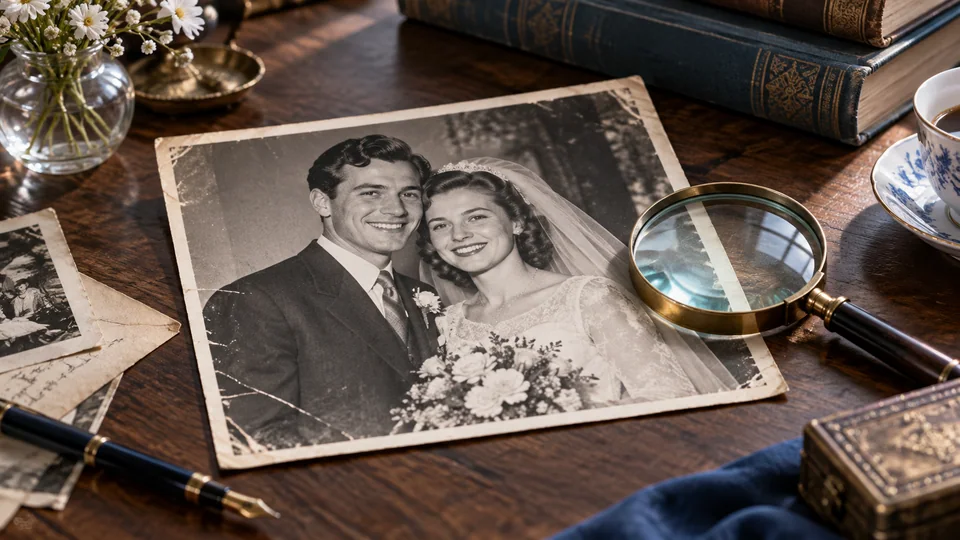
An old wedding print can deserve a fresh place in a digital album. Review restored faces, clothing and background details before sharing. Where the source is missing information, reconstructed detail is an interpretation rather than historical proof.
Restore an Old Photograph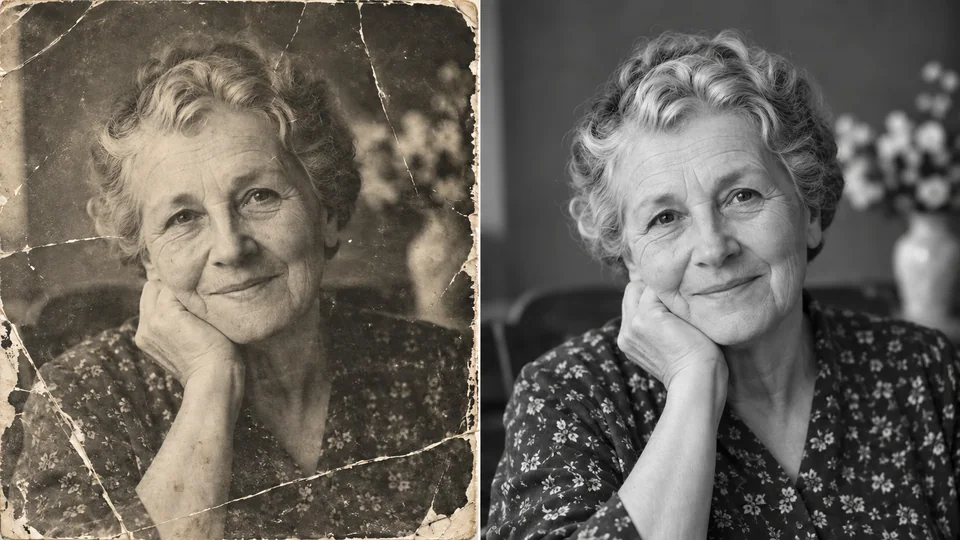
Faded contrast can obscure the expressions that make a portrait special. Restoration can make remaining information easier to read. Look closely at eyes, smiles and distinctive features; reject a version that changes the person more than it repairs the print.
Restore an Old Photograph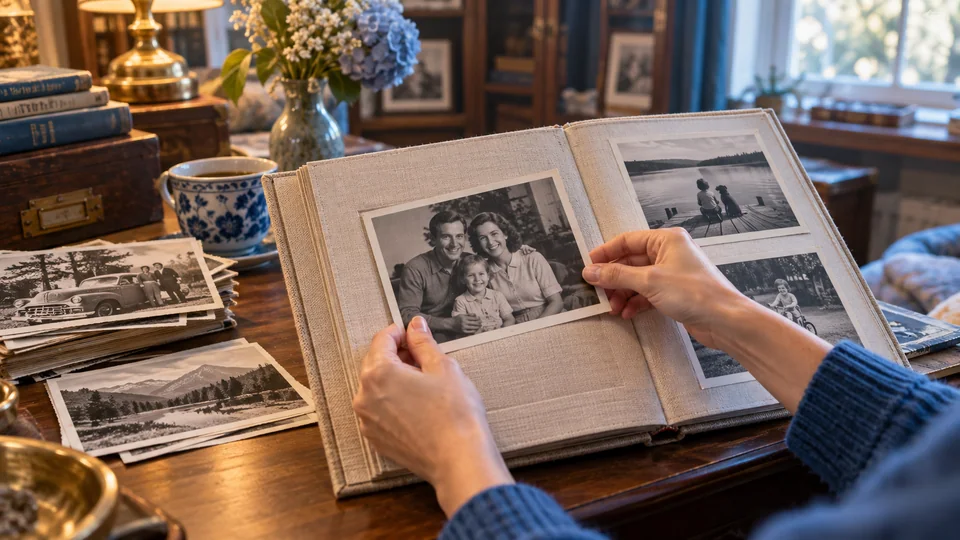
Store the original scan, restored version and notes together for review with relatives. This page focuses on repair and clarity, not dedicated colorization. Keep a monochrome source when its original color treatment is important to the memory.
Restore an Old Photograph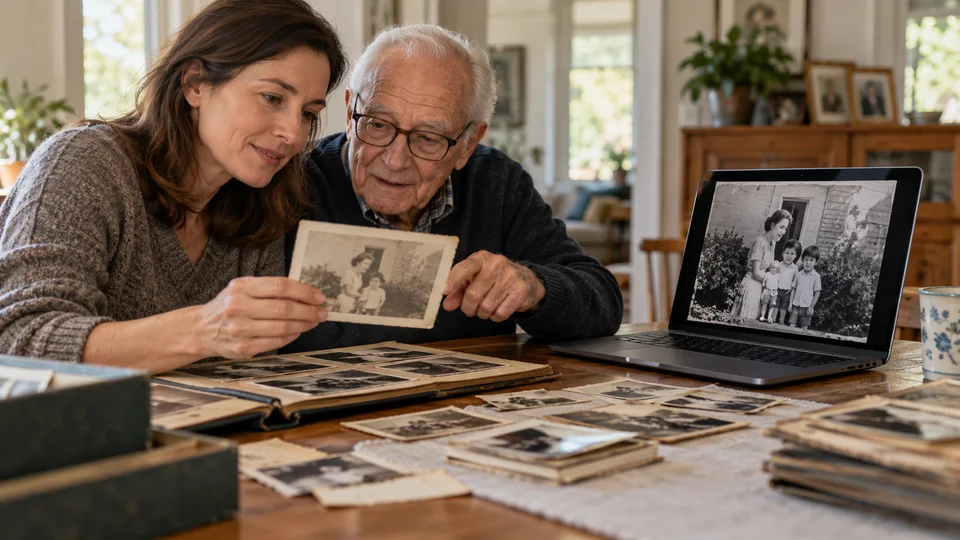
Create viewing copies while preserving untouched scans. Ask relatives to help identify names and dates in separate archive notes.
Restore a meaningful print before designing an album page. Check the result at the actual intended print size.
Use a restored copy for easier viewing, but keep the source for historical details. Generated texture is not a verified record.
Flatten the print and avoid glare. Careful capture preserves more useful information than repeatedly restoring a poor photograph of the print.
Upload a clear scan or photograph of the old print.
Review the displayed credits and start photo restoration.
Compare the restored image with the original, then download a copy and keep your source scan.
Give faded and damaged photographs a clearer digital version with Seedance's AI photo restoration tool. Repair visible scratches, reduce signs of wear and improve soft details while keeping the original photograph as your reference.
Results depend on how much detail remains. Light scratches and fading are easier than missing faces or large torn areas. Keep the original because AI may invent details in damaged regions.
This tool focuses on repairing damage and improving clarity. It is not a dedicated colorization workflow, and a specific color treatment is not guaranteed.
Upload a clear scan or photograph of the old print. Review the displayed credits and start photo restoration. Compare the restored image with the original, then download a copy and keep your source scan.
This tool uses your Seedance credits. Check the cost shown in the generator before submitting; the amount depends on the model and settings. Your existing Seedance plan and credit balance apply.
The examples below are AI-generated illustrations of possible uses, not measured outputs from this tool. Your result depends on the source image and generation settings.
Compare the output with your original at full size. Inspect faces, text, edges and important details, and make sure you have the rights to edit and publish the image.