Transparentes PNG-Ausgabeformat
Laden Sie ein klares Bild mit dem gewünschten Motiv hoch.
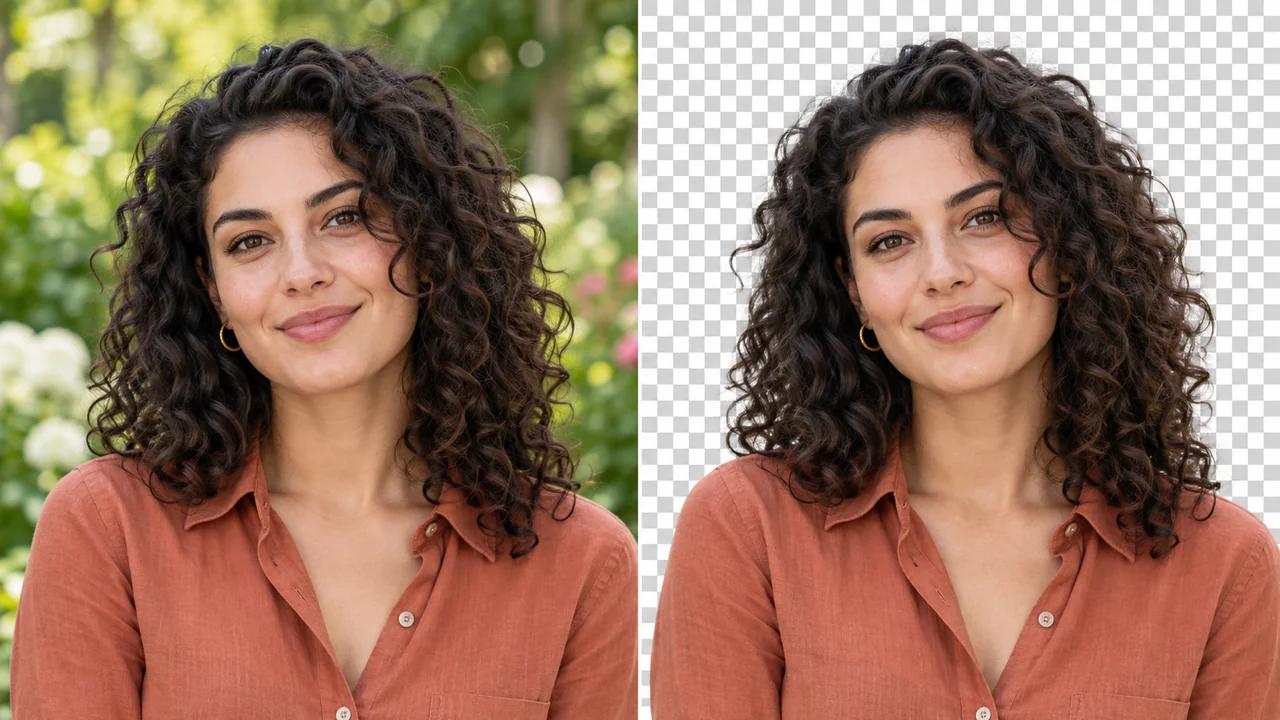
Entfernen Sie online den Hintergrund eines Bildes und erstellen Sie ein transparentes PNG mit Seedance. Isolieren Sie ein Produkt, ein Porträt oder ein anderes Motiv für Layouts, bei denen die ursprüngliche Umgebung stört.
Entfernen Sie den Hintergrund Ihres Bildes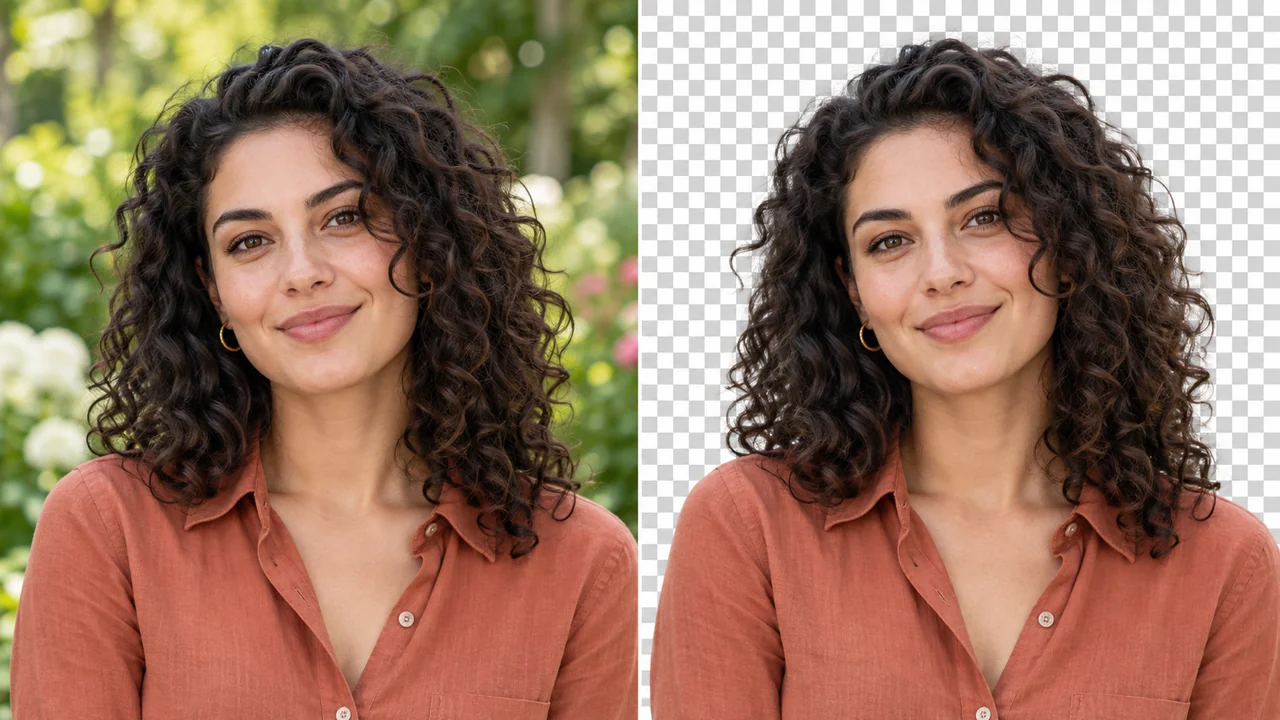
Laden Sie ein klares Bild mit dem gewünschten Motiv hoch.
Überprüfen Sie die Kosten in Credits und generieren Sie die Hintergrundentfernung.
Überprüfen Sie die Kanten und laden Sie das transparente PNG für Ihr nächstes Design herunter.
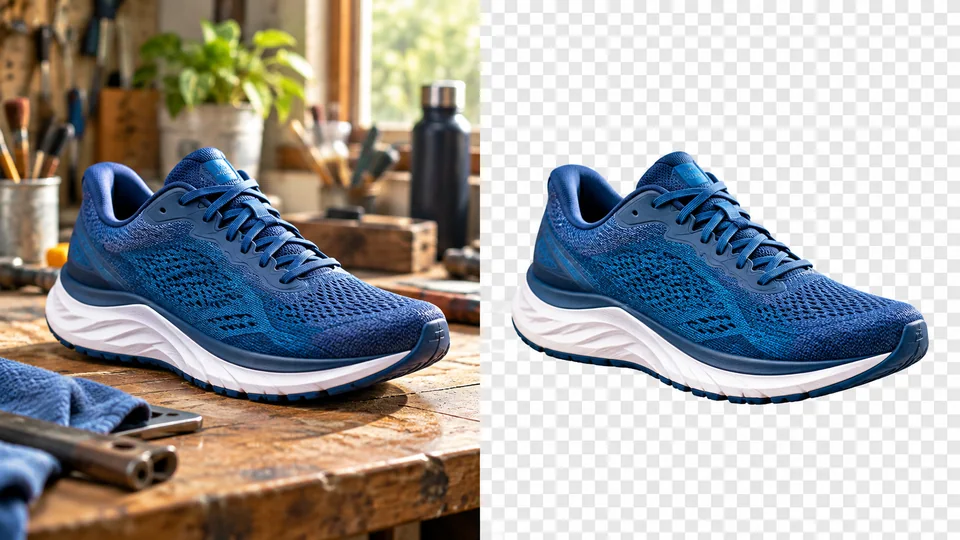
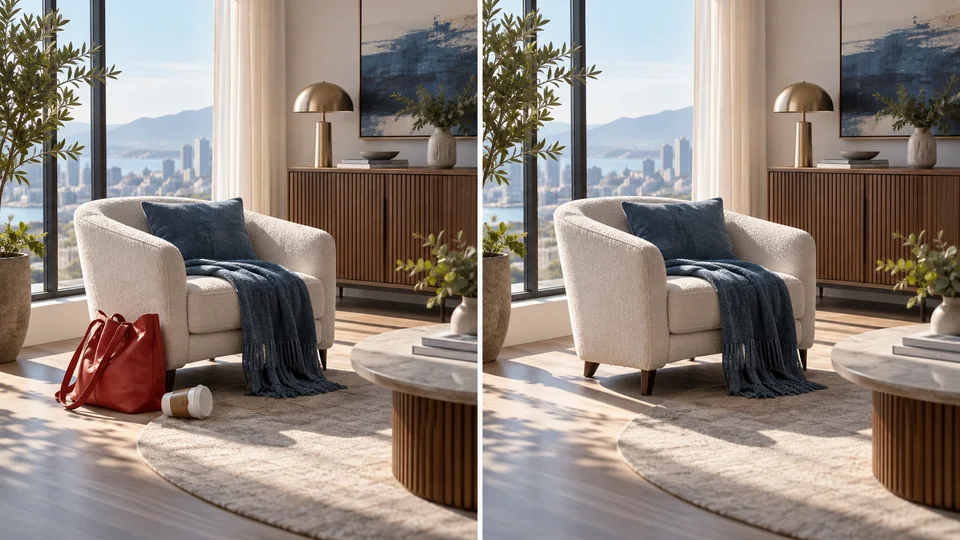
Ein transparenter Ausschnitt ermöglicht es, ein Produkt in verschiedene Layouts einzubetten, ohne dessen ursprüngliche Umgebung mitzunehmen. Beginnen Sie mit einer scharfen Fotografie, entfernen Sie den Hintergrund und überprüfen Sie die Kontur, bevor Sie das PNG in einen Katalog oder eine Werbegestaltung einfügen.
Entfernen Sie den Hintergrund Ihres Bildes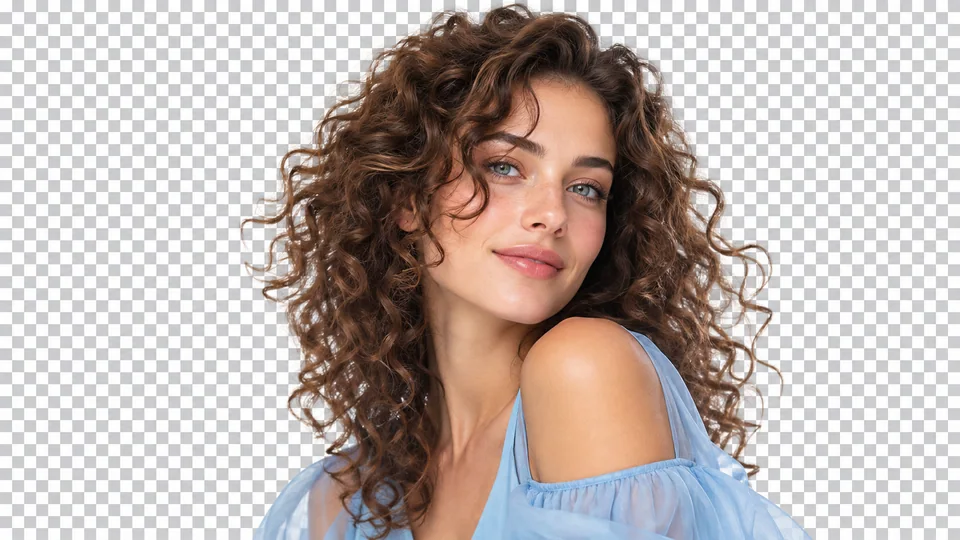
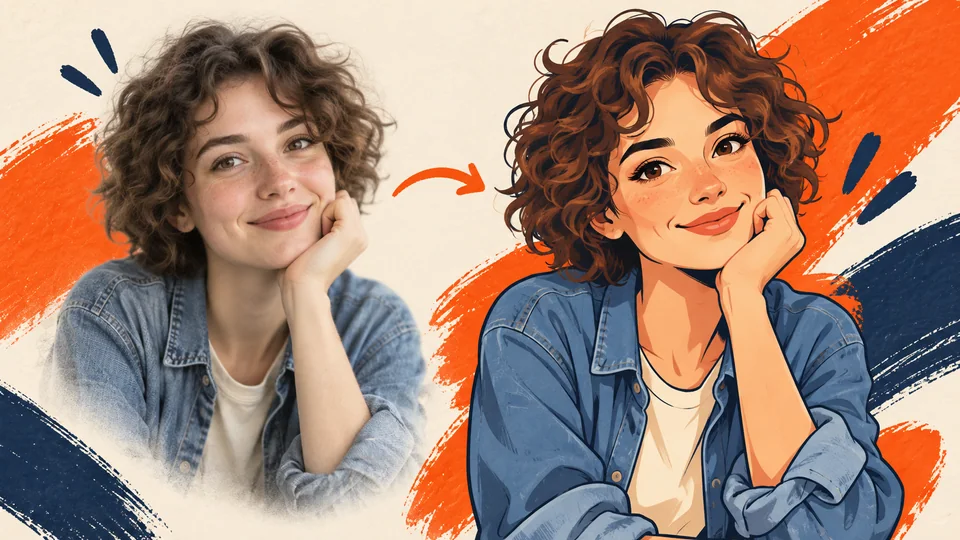
Ein porträtiertes Motiv kann Teil eines Profil-Layouts oder einer Veranstaltungsgrafik werden. Feines Haar und kontrastarme Kleidung erfordern eine sorgfältige Kantenkontrolle. Sehen Sie sich das Ergebnis sowohl auf hellen als auch auf dunklen Hintergründen an, bevor Sie den endgültigen Hintergrund wählen.
Entfernen Sie den Hintergrund Ihres Bildes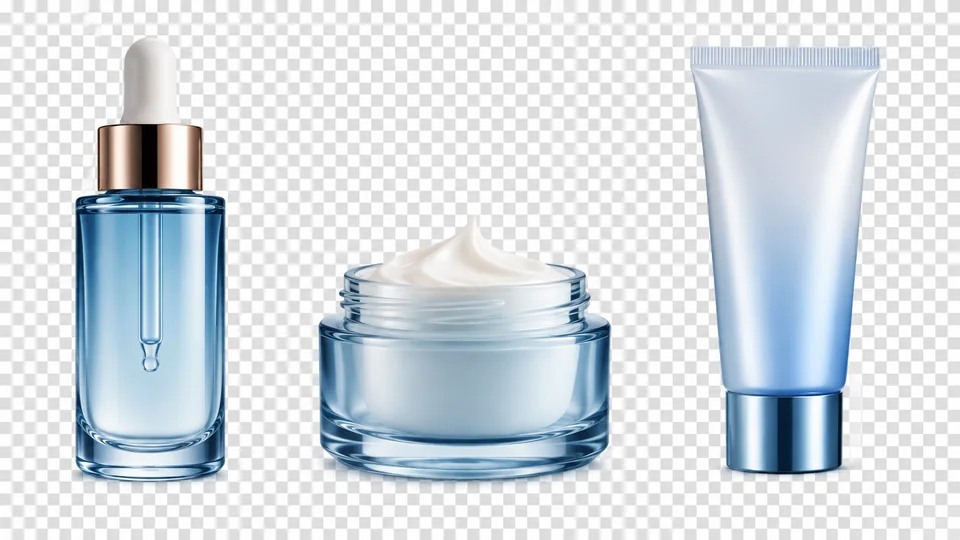
Fotos aus verschiedenen Shootings müssen nicht denselben ursprünglichen Hintergrund teilen. Verarbeiten Sie sie einzeln und integrieren Sie die Ausschnitte in ein konsistentes Layout. Passen Sie Maßstab, Abstände und Beleuchtung in Ihrem Editor an, statt auf eine automatische Ausrichtung zu setzen.
Entfernen Sie den Hintergrund Ihres Bildes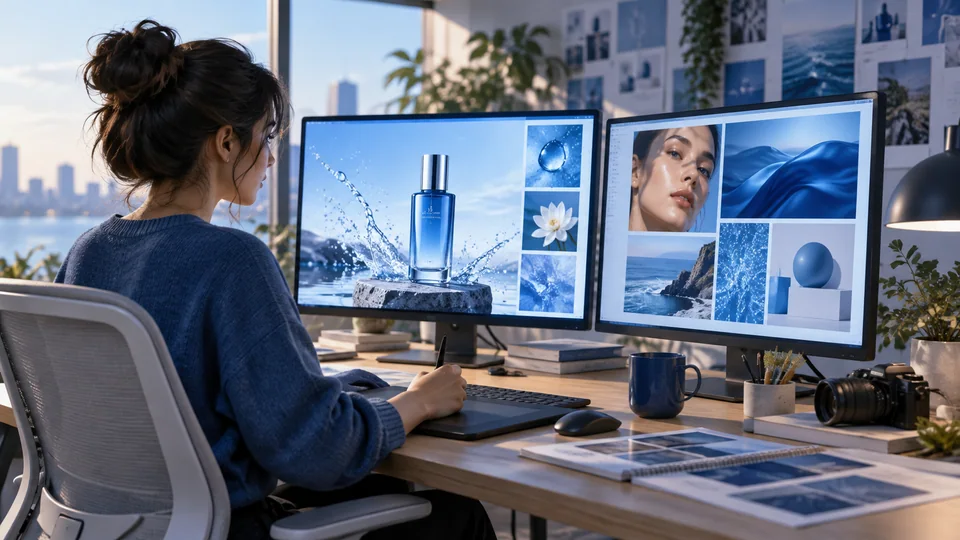
Transparenz ist hilfreich, wenn Sie die endgültige Komposition noch nicht festgelegt haben. Verschieben Sie das Motiv über Farbfelder, Fotos oder Formen in Ihrem Editor. Laden Sie das Bild im PNG-Format herunter, um die transparenten Bereiche zu bewahren, anstatt es auf einem festen weißen Hintergrund zu vereinheitlichen.
Entfernen Sie den Hintergrund Ihres Bildes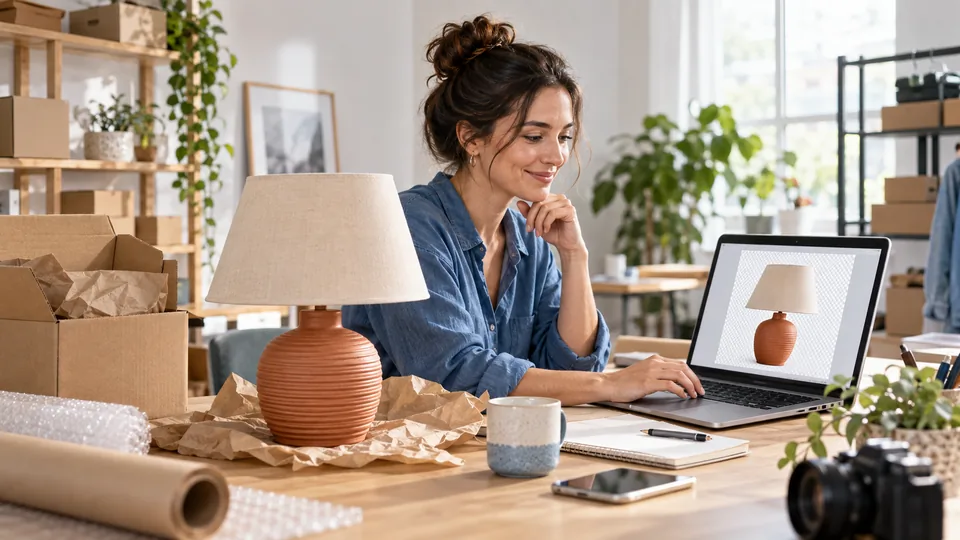
Erstellen Sie einen Produkt-Ausschnitt für ein Listing-Layout. Überprüfen Sie vor dem endgültigen Export die Kanten rund um Griffe, Schnürsenkel und reflektierende Materialien.
Isolieren Sie ein Porträt für ein Portfolio oder eine Einführungsfolie. Wählen Sie eine neue Umgebung, die mit dem vorhandenen Licht auf dem Gesicht harmoniert.
Verwenden Sie das PNG in Layouts mit unterschiedlichen Farben und Abständen. Bewahren Sie eine Originalreferenz auf, damit Produktdetails leicht verifizierbar bleiben.
Beginnen Sie mit einem KI-unterstützten Ausschnitt und verfeinern Sie Masken bei Bedarf, insbesondere um weiches Haar, Glas und durchscheinende Objekte.
Laden Sie ein klares Bild mit dem gewünschten Motiv hoch.
Überprüfen Sie die Kosten in Credits und generieren Sie die Hintergrundentfernung.
Überprüfen Sie die Kanten und laden Sie das transparente PNG für Ihr nächstes Design herunter.
Entfernen Sie online den Hintergrund eines Bildes und erstellen Sie ein transparentes PNG mit Seedance. Isolieren Sie ein Produkt, ein Porträt oder ein anderes Motiv für Layouts, bei denen die ursprüngliche Umgebung stört.
Dieses Tool erzeugt einen transparenten Hintergrund. Laden Sie das PNG herunter, um die Transparenz zu bewahren; ein weißer Hintergrund ist ein anderer Effekt, der im White Background Maker verfügbar ist.
KI kann bei feinen Kanten helfen, doch durchscheinende Materialien und geringer Kontrast können schwierig sein. Verwenden Sie ein scharfes Ausgangsfoto und überprüfen Sie den Ausschnitt, bevor Sie ihn auf einem neuen Hintergrund platzieren.
Laden Sie ein klares Bild mit dem gewünschten Motiv hoch. Überprüfen Sie die Kosten in Credits und generieren Sie die Hintergrundentfernung. Überprüfen Sie die Kanten und laden Sie das transparente PNG für Ihr nächstes Design herunter.
Dieses Tool nutzt Ihre Seedance-Credits. Prüfen Sie vor der Übermittlung die im Generator angezeigten Kosten; diese hängen vom Modell und den Einstellungen ab. Ihr bestehender Seedance-Tarif und Ihr Credit-Guthaben gelten.
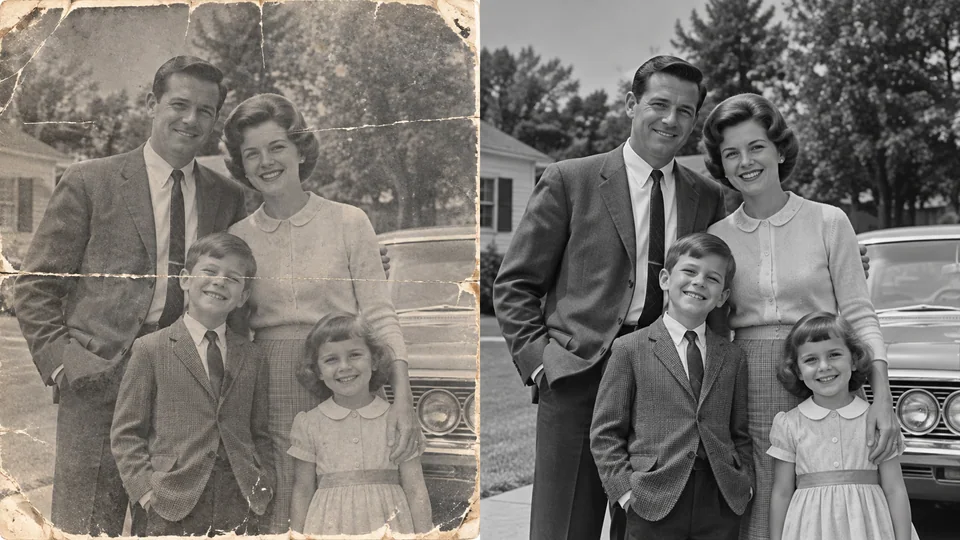
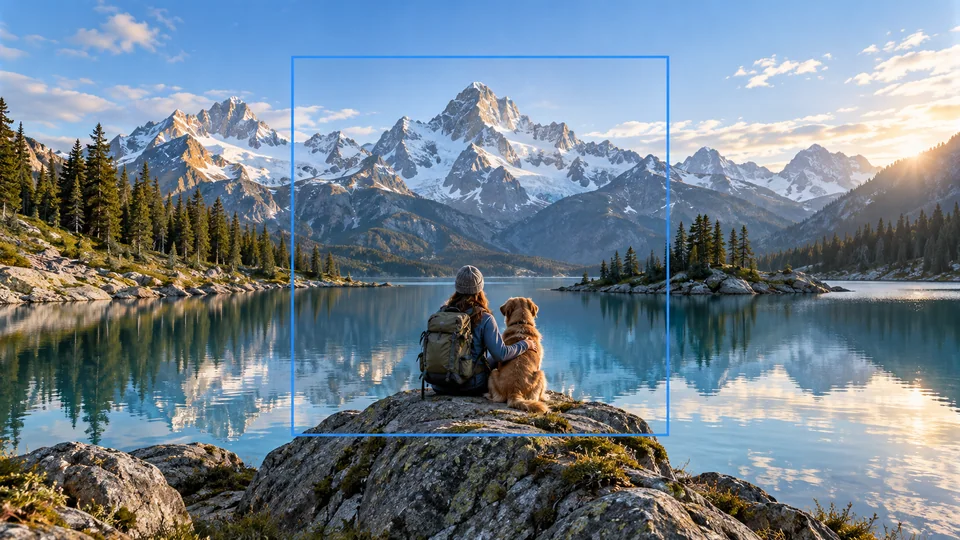
Die folgenden Beispiele sind KI-generierte Illustrationen möglicher Anwendungen, keine gemessenen Ausgaben dieses Tools. Ihr Ergebnis hängt vom Ausgangsbild und den Generierungseinstellungen ab.
Vergleichen Sie die Ausgabe mit Ihrem Original in voller Größe. Überprüfen Sie Gesichter, Text, Kanten und wichtige Details und stellen Sie sicher, dass Sie das Recht haben, das Bild zu bearbeiten und zu veröffentlichen.