
Не требуется опыт рисования
Загрузите фотографию и оставьте ИИ заботу о контурах, цветах и завершённом иллюстративном виде.
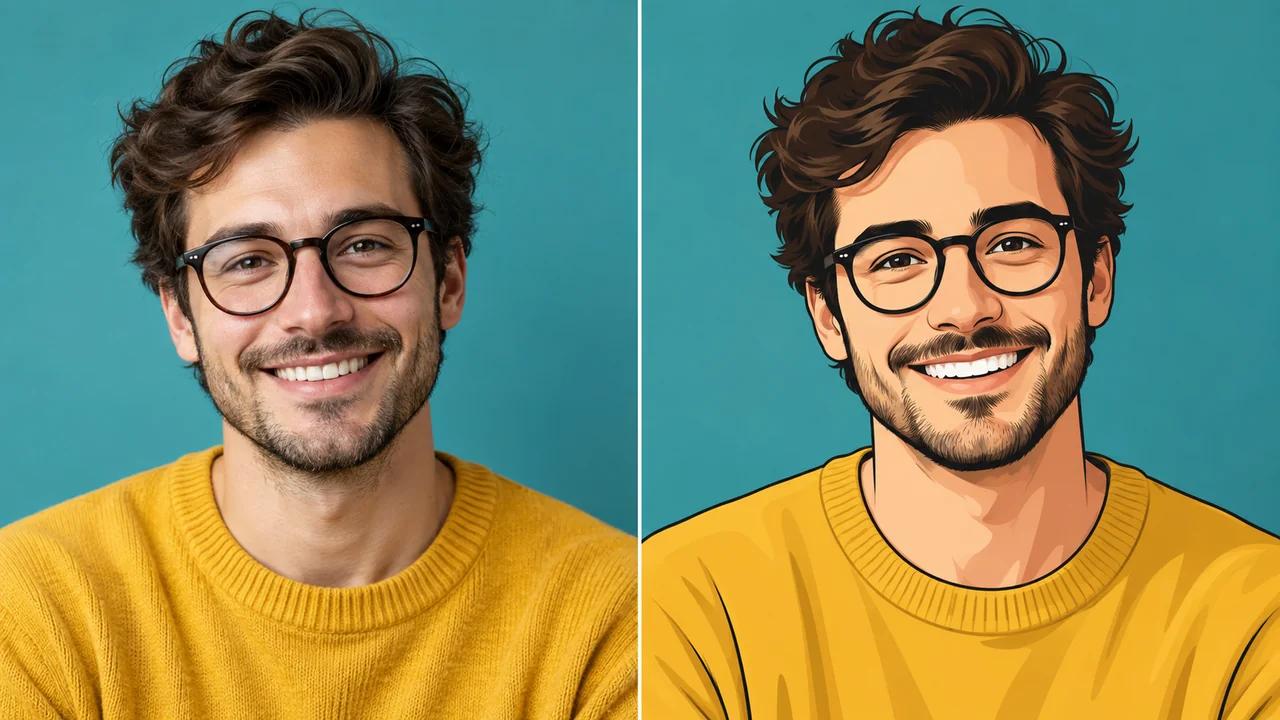
Превратите знакомую фотографию в иллюстрацию, достойную сохранения. ИИ-сервис Seedance для преобразования фото в мультяшный стиль воссоздаёт лица, домашних животных и повседневные сцены с выразительными контурами и насыщенными плоскими цветами. Начните с собственного изображения и создайте мультяшный портрет для профиля, в качестве подарка или как начало новой истории.
Превратите своё фото в мультяшный портрет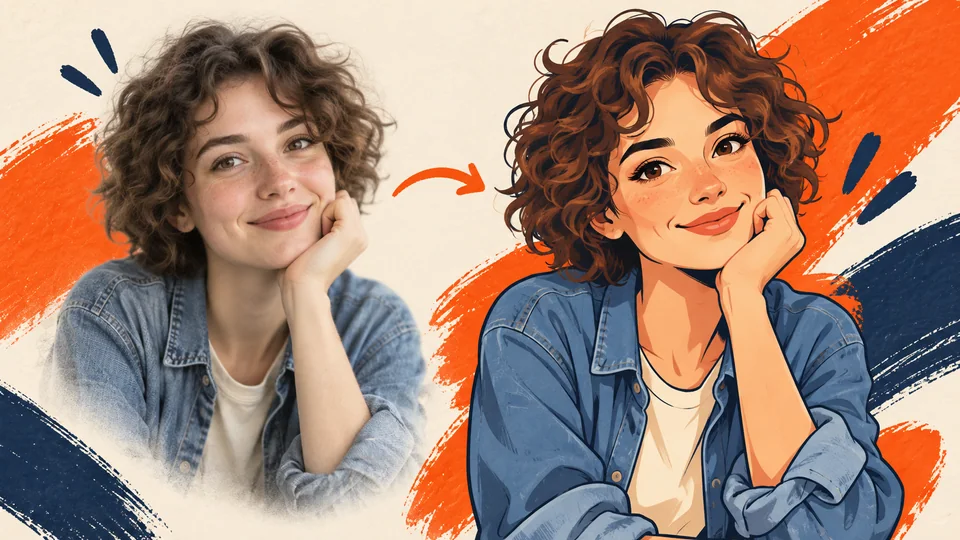
Загрузите фотографию и оставьте ИИ заботу о контурах, цветах и завершённом иллюстративном виде.
Придайте знакомым объектам смелые контуры и двумерную «целевую» раскраску (cel shading) с помощью готового мультяшного стиля.
Просмотрите свой мультяшный портрет, скачайте понравившийся вариант и используйте его в следующем личном или творческом проекте.
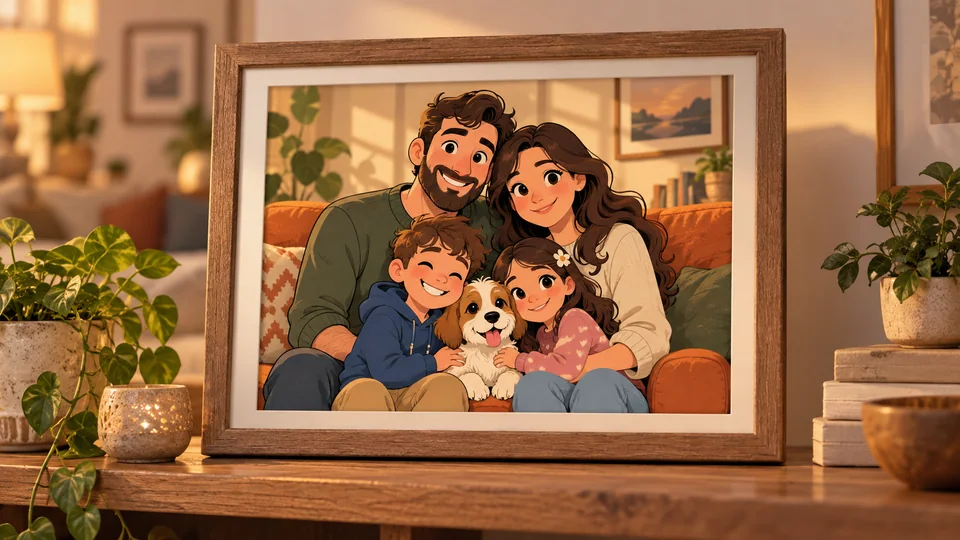
Ваши любимые снимки уже содержат значимых персонажей и важные моменты. Превратите фото в мультяшный портрет, чтобы придать семейным портретам, групповым снимкам и неформальным сценам более выразительный вид. Используйте результат для обновления профиля, публикации в социальных сетях или печати — так он будет выглядеть персонализированно, а исходное фото задаст композицию.
Создайте мультяшный портрет из любимого фото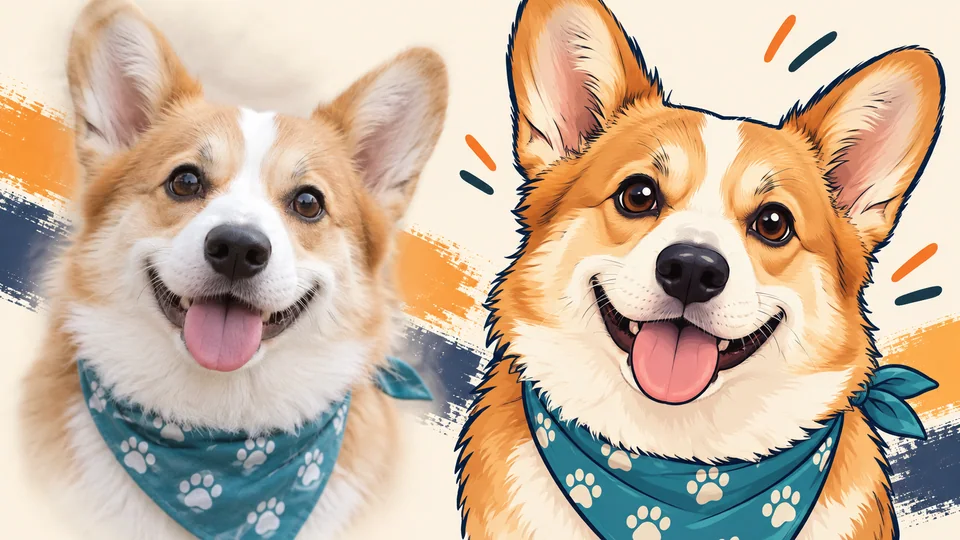
Характерное выражение морды питомца или миг из поездки могут стать новым типом воспоминания. ИИ-преобразование фото в мультяшный стиль добавляет иллюстративную интерпретацию к уже любимому вами изображению. Попробуйте создать портрет в качестве подарка, цифровую обложку альбома или разместите любимое фото питомца на стене.
Создайте мультяшный сувенир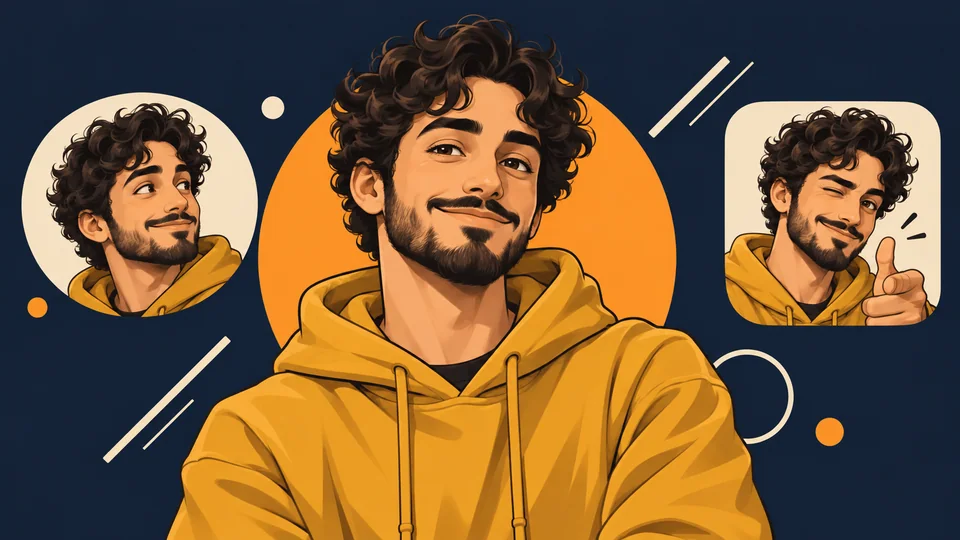
Создайте мультяшный портрет, который придаст индивидуальность каналу, профилю или личному проекту. Начните с чёткого фото, где лицо и выражение хорошо видны, затем выберите ту интерпретацию, которая наиболее точно передаёт вашу сущность. Нужна более широкая композиция для баннера? После загрузки мультяшного портрета продолжите работу с помощью инструмента Image Extender.
Создайте свой мультяшный портрет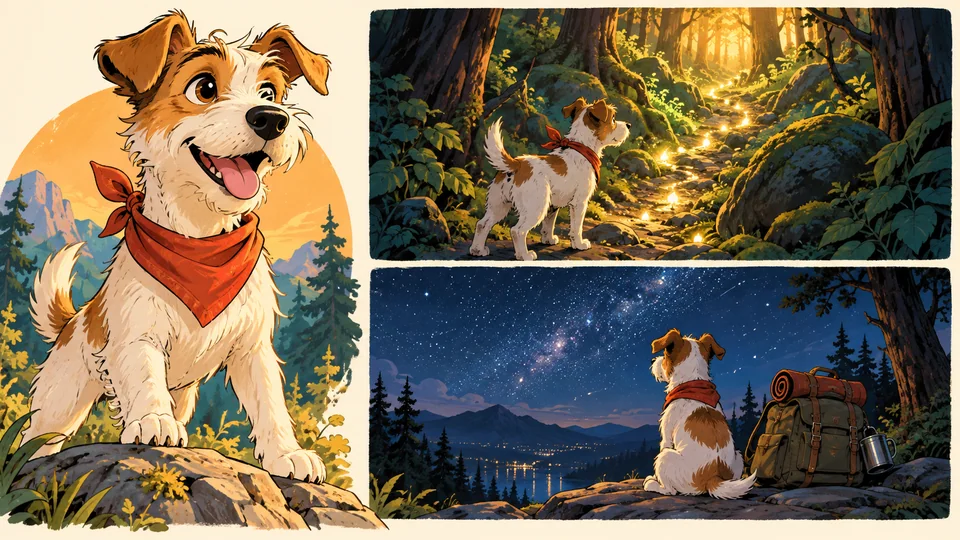
Фотография может служить первым ориентиром для персонажа, а не окончательной идеей. Создайте мультяшный портрет человека, питомца или места действия, чтобы исследовать визуальный тон комикса, презентации сюжета или иллюстрированной сцены. Доработайте полученный результат, изменив фон с помощью Background Changer, или импортируйте его в предпочитаемый редактор дизайна.
Исследуйте мультяшного персонажа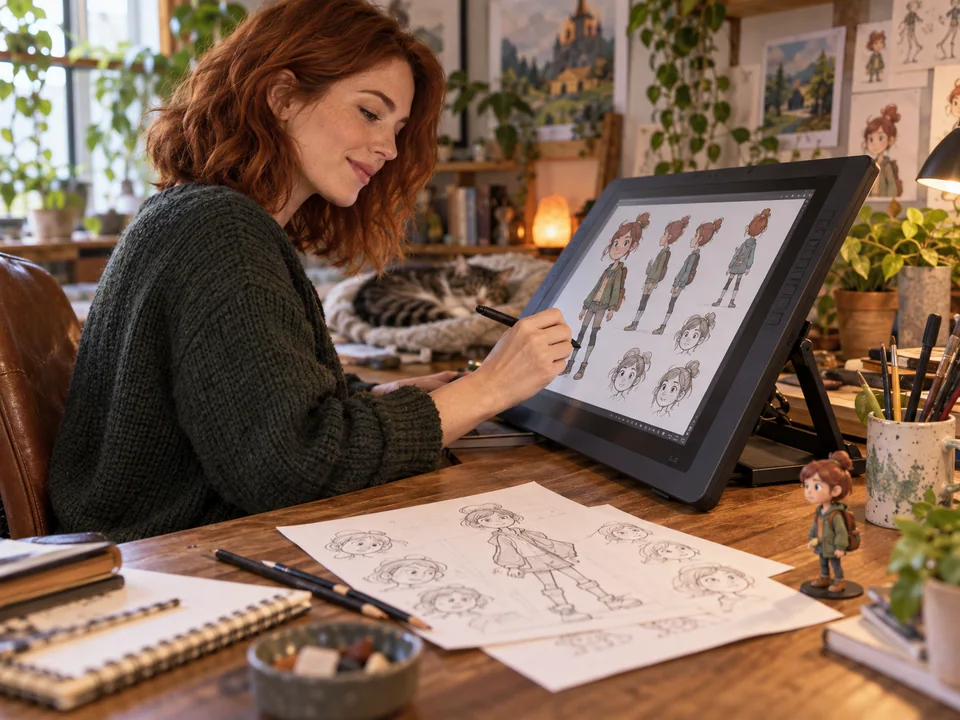
Превратите портрет или эталонный снимок костюма в мультяшную концепцию для листа персонажей, черновика комикса или презентации. Изучите, как привычное выражение лица выглядит в иллюстрации, прежде чем разрабатывать дополнительные сцены вокруг персонажа.
Начните с собственного портрета или фото в костюме, чтобы создать мультяшный аватар для карточки персонажа или игровой кампании. Используйте его как визуальную отправную точку для личности, выражения и истории, которые вы вносите в игру.
Придайте селфи иллюстративный вид для аватаров профилей, публикаций в социальных сетях или представлений канала. Выберите чёткое, не перегруженное деталями фото и проверьте результат в том малом размере, в котором его увидит ваша аудитория.
Создайте мультяшный портрет питомца для личной печати, подарка или цифрового сувенира. Чёткое фото с хорошо видимыми глазами и характерными отметинами даёт ИИ более надёжный ориентир для особенностей, делающих вашего питомца узнаваемым.
Выберите чёткое фото человека, питомца или сцены. Убедитесь, что важные детали хорошо видны, и начните с лучшего доступного качества.
Проверьте стоимость генерации в кредитах Seedance, отображаемую в инструменте, и нажмите «Создать изображение». Инструмент применит подготовленный двумерный мультяшный стиль к вашему фото.
Ознакомьтесь с готовой иллюстрацией, проверьте детали и скачайте её. Используйте понравившийся результат в следующем посте, макете или личном проекте.
ИИ-преобразование фото в мультяшный стиль создаёт иллюстративную интерпретацию загруженного изображения. Seedance использует видимого объекта, позу и окружение как ориентиры, а затем перерисовывает сцену в двумерном мультяшном стиле с жирными контурами и плоской «целевой» раскраской (cel shading).
Начните с чёткого фото, где лицо или основной объект легко различимы. Чёткое выражение лица, равномерное освещение и простой фон способствуют лучшему результату. Маленькие лица на групповых снимках и сильно размытые детали сложнее интерпретировать.
Загрузите одно изображение в инструмент и запустите генерацию после проверки стоимости в кредитах. Модель изображения получает ваше фото вместе с подготовленной инструкцией по мультяшному стилю. Просмотрите результат в рабочей среде и скачайте тот вариант, который хотите сохранить.
Генерация осуществляется с использованием кредитов Seedance в рамках вашего существующего аккаунта и тарифного плана. Стоимость отображается в инструменте до отправки запроса. Любые доступные кредиты аккаунта будут автоматически применены; актуальные тарифные планы указаны на странице цен Seedance — не предполагайте безлимитное бесплатное использование.
Вы можете создавать иллюстрированные аватары профилей, портреты питомцев, личные сувениры, графику для социальных сетей и визуальные ориентиры для персонажей. Проверьте готовое изображение в том размере, в котором оно будет отображаться или печататься, и внимательно изучите детали лица перед публикацией.
Этот специализированный инструмент применяет подготовленный двумерный мультяшный стиль. Выбор стиля не предусмотрен. Чтобы попробовать другой внешний вид — например, акварель или иной иллюстративный стиль — воспользуйтесь инструментом Image to Image и опишите желаемый стиль в текстовом запросе.
Рисовать не нужно. Загрузите фото, проверьте стоимость и запустите генерацию. Полученный файл можно использовать сразу как есть или доработать макет, фон или текст в другом редакторе.