
MiniMax H3 Max AI Video Generator
Direct the scene. Shape the motion. Bring it to life with sound. Create 5–15 second videos from a prompt, an image, or a set of references with fal’s post-trained MiniMax H3 Max, available on Seedance with output up to 1080p.
Text to Video
 MiniMax H3 Max
Your Creative Direction, in Motion
Choose a starting point and take it into the full Seedance editor. Refine the prompt, select your output settings, and check the credit estimate before creating.
Create More Deliberately with MiniMax H3 Max
Turn a Written Brief into a Finished Shot
Start with the action that matters: a product reveal, a camera move, or a moment in a story. Give the scene a clear beginning and end, then describe the lighting, materials, and sound. The text-to-video workflow is a practical way to explore an ad concept before arranging a shoot. This scooter spot is an H3 Max example published by fal.
Guide the Journey Between Two Frames
Use image-to-video when you already know how a shot should look. Supply a first frame to establish the subject and composition, then add an optional last frame in the editor to guide the destination. Describe the movement between them, rather than asking the model to guess the transition. Useful for reveals, scene changes, and visual transformations. The balloon sequence demonstrates the keyframe direction in fal’s showcase.
Keep Your References Part of the Story
A reference is most useful when it has a specific job. Use an image for the subject or visual style, a video for movement, and audio for a sound reference. Explain these roles in the prompt and add your files in the Reference to Video editor. Review faces, clothing, and product details after generation, especially when changing the setting. The character sequence shown here comes from fal’s H3 Max examples.
Make Sound Part of the Scene
Plan the soundtrack alongside the visuals: a spoken line, the rhythm of a performance, or the atmosphere of a room. H3 Max supports native audio, so you can describe what should be heard as well as seen. Keep dialogue concise for the chosen duration and listen back for timing and clarity. Unmute this official jazz-trio example to hear the performance.
Give Fine Actions Room to Read
For a craft demonstration or close-up product shot, concentrate the brief on a single action. Describe the camera distance, the material, and the movement that should remain visible. Choose 768p for exploration or the 1080p refinement option when you want a larger output. The vase-painting example is a useful way to inspect hands, surface detail, and the continuity of a small action.
Explore Transformations with a Clear Visual Arc
Build a short sequence around one visual idea. State what changes, what remains recognizable, and when the transformation happens. A 5–15 second clip gives you room for an opening image, a transition, and a final reveal without crowding the prompt with too many events. Use the result as a concept shot or a building block in a longer edit. This metamorphosis clip is from fal’s H3 Max showcase.
How to Use MiniMax H3 Max on Seedance
Start on this page and continue in the existing video editor. Your selected H3 Max workflow and prompt carry over.
Choose Your Starting Point
Write a scene prompt, a motion brief for your image, or a reference plan. Continue to the selected editor to upload any images or media.
Direct the Motion and Sound
Name the subject, action, camera movement, and audio. Add a last frame or media references where supported, then choose the duration and resolution.
Review the Estimate and Generate
Sign in and check your credit balance and the displayed cost. Generate, review the result in your history, and refine the prompt or references for your next version.
MiniMax H3 Max Use Cases
Use a short, focused shot to explore an idea, demonstrate a product, or develop the visual language of a campaign.
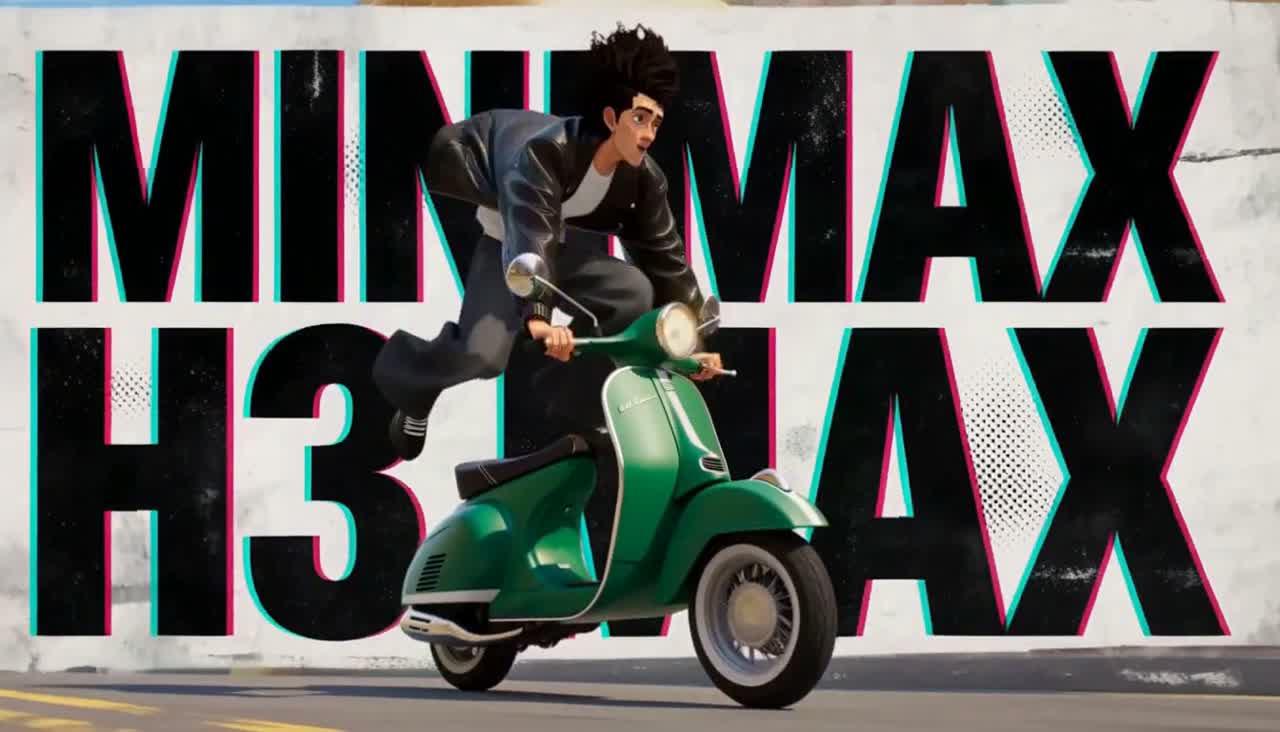
Product Ads and Launch Films
Build a clear reveal around a product’s shape, finish, or function. Start with one camera move and one main action, then adapt the direction for your campaign.
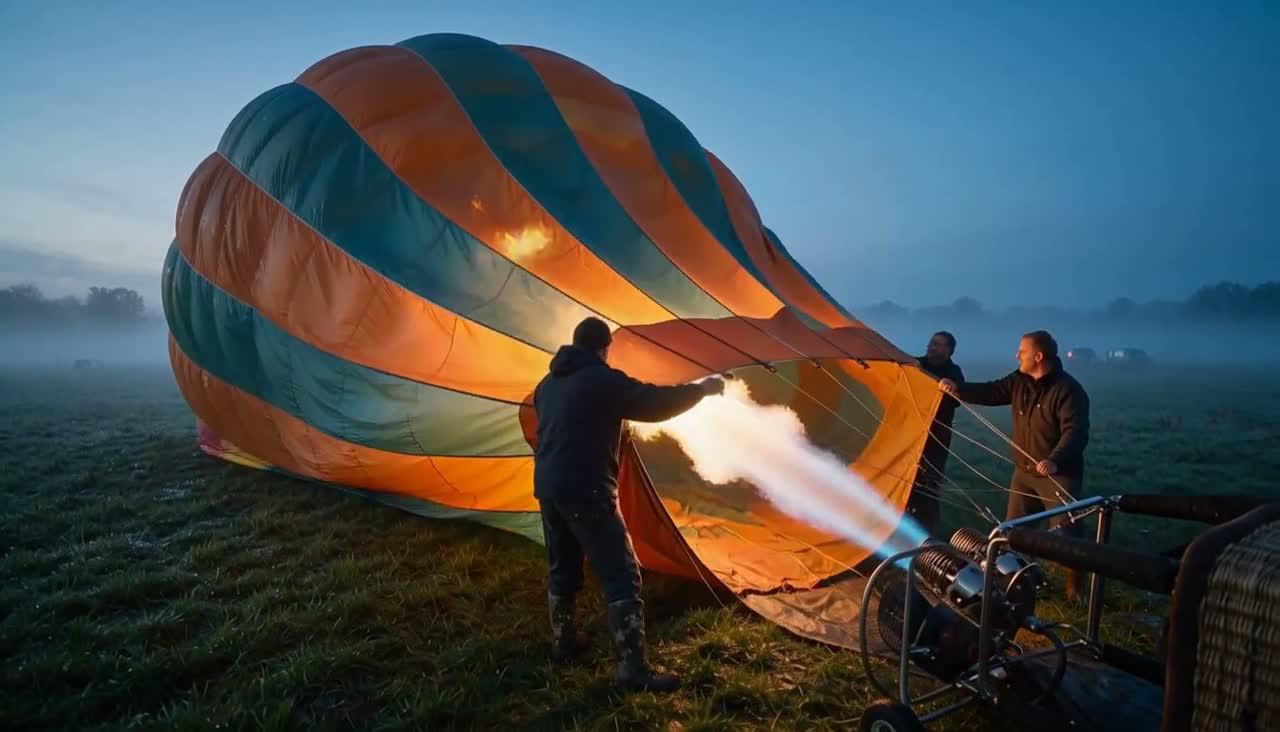
Image-Led Social Content
Turn an approved visual into a moving scene. Preserve the composition in the first frame and describe a simple movement that works in a short social edit.
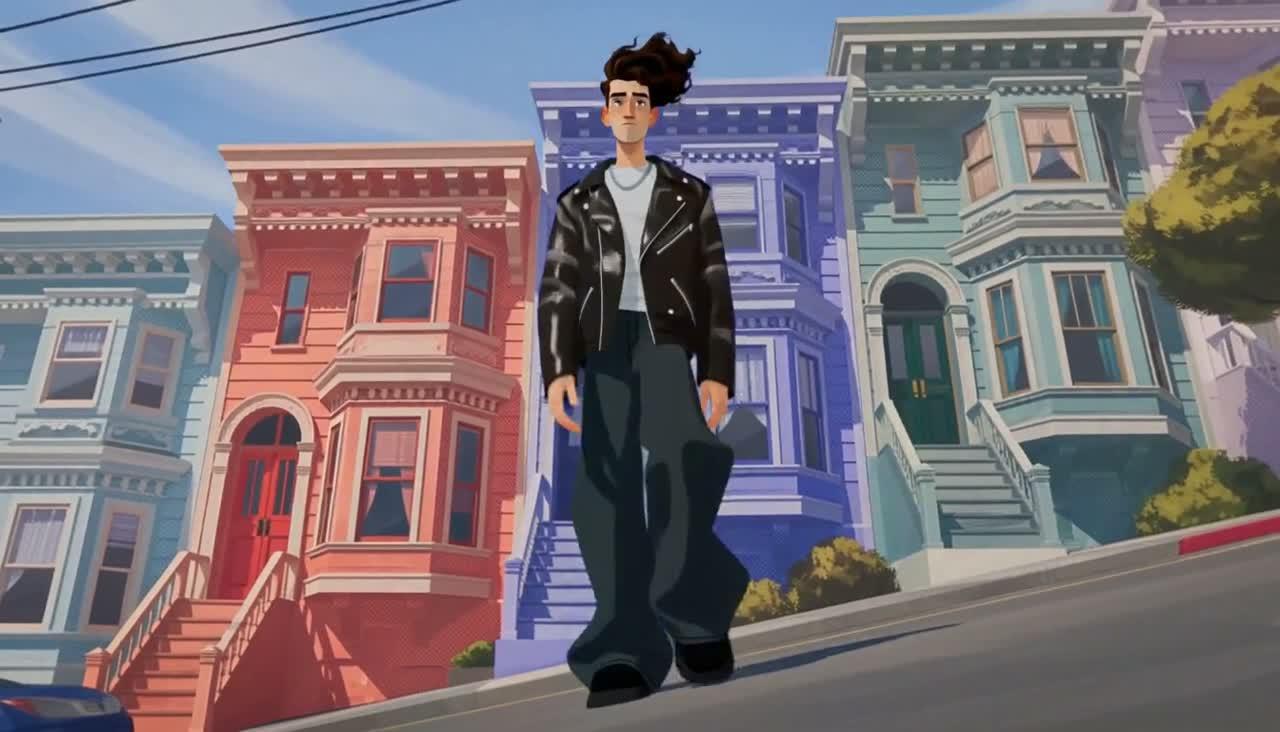
Character and Story Concepts
Develop a character’s setting, performance, and camera language using references. Compare each result with the source before assembling a sequence.
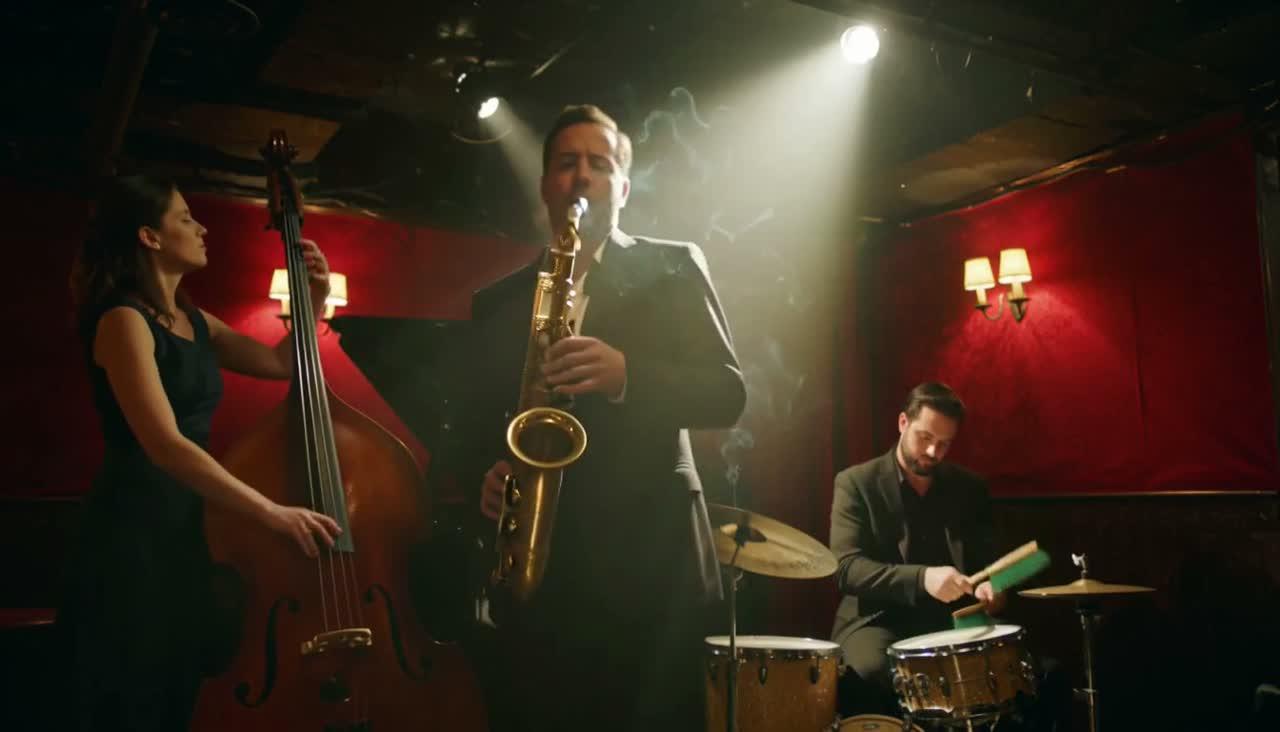
Music and Performance Visuals
Describe the instrument, rhythm, room, and camera framing together. Use native audio to explore how a performance feels before building the final edit.
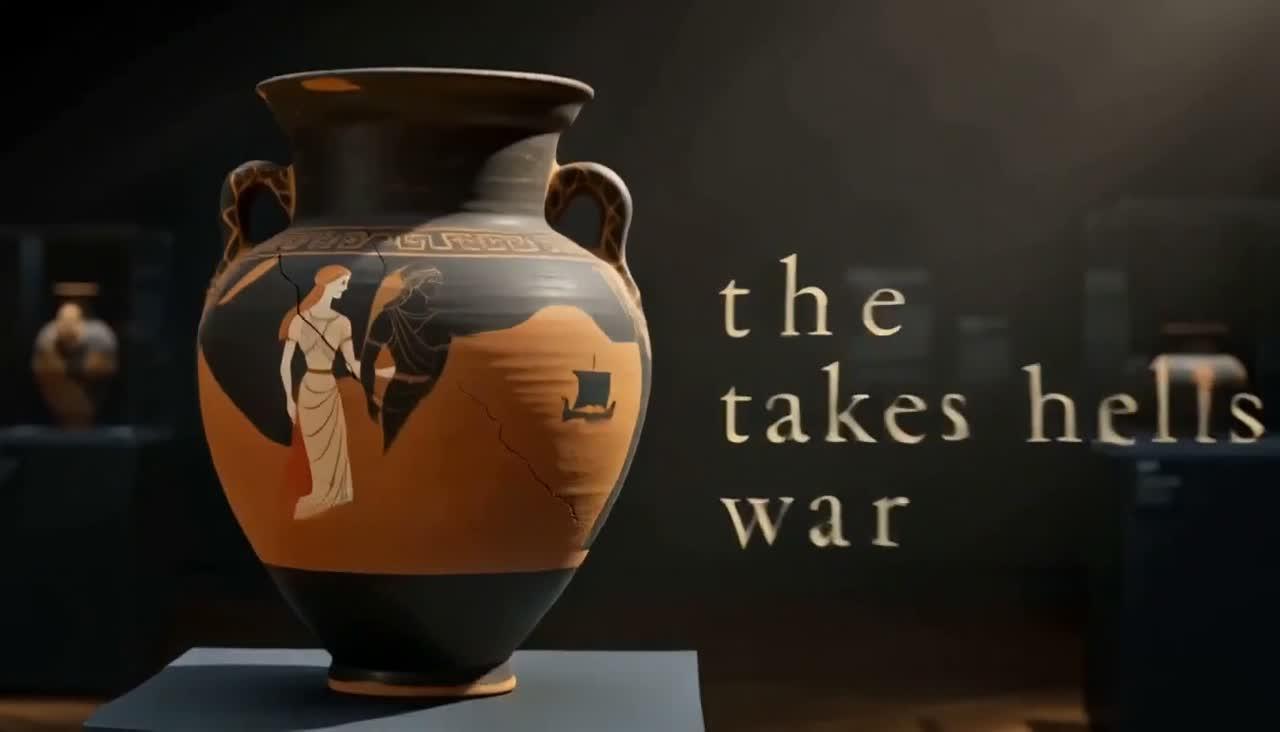
Craft and Process Close-Ups
Focus on a hand movement, a tool, or a change in material. Close framing and a restrained brief make it easier to assess whether the action reads clearly.
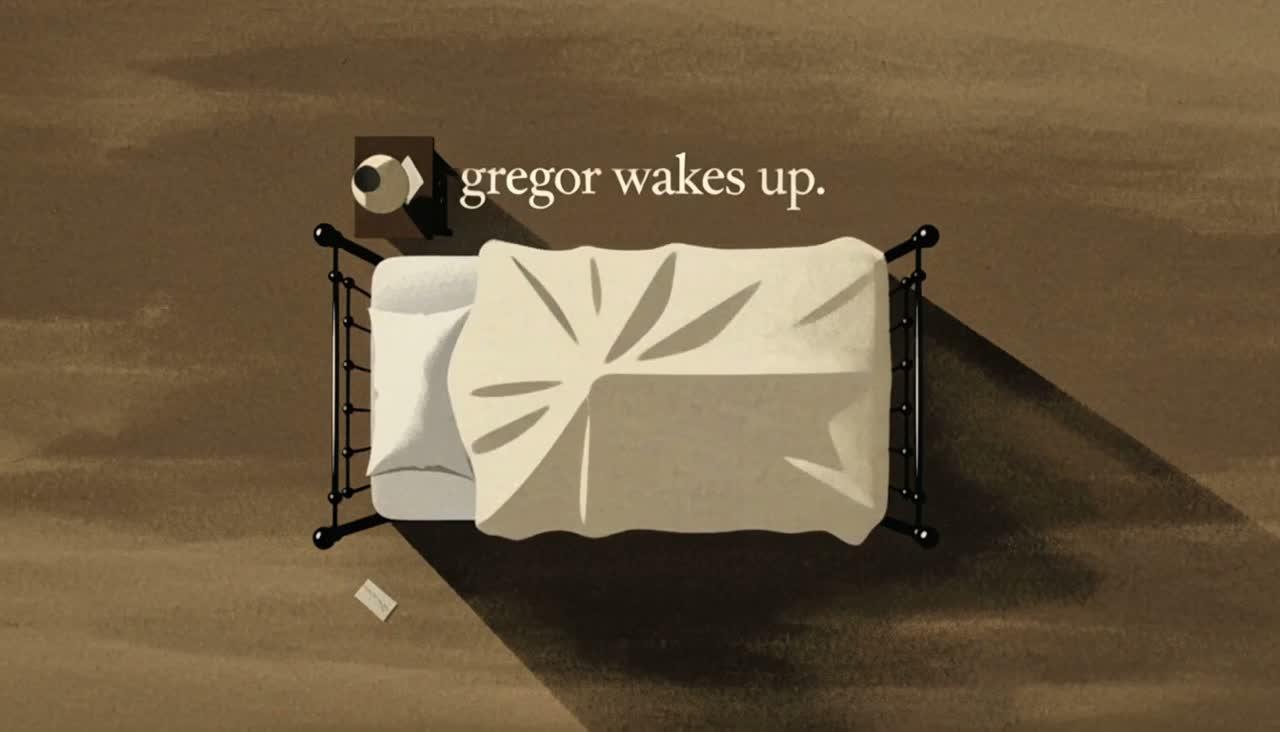
Concept Trailers and Visual Effects
Prototype an unusual transition or transformation as a standalone shot. Refine the timing and final pose, then combine selected clips in your preferred editor.
MiniMax H3 vs H3 Max on Seedance
| Workflow detail | MiniMax H3 | MiniMax H3 Max |
|---|---|---|
| Model direction | MiniMax’s H3 model | fal’s post-trained H3 variant |
| Clip duration | 4–15 seconds | 5–15 seconds |
| Output settings | 768p · 2K | 480p · 768p · 1080p |
| Text and image inputs | ||
| Media reference workflow | ||
| Native audio | ||
| Choose when | You need H3’s 2K output option | You want to explore fal’s post-trained model and its output tiers |
MiniMax H3 Max Pricing on Seedance
Generation uses Seedance credits. The editor calculates the estimate for your model, duration, resolution, and any applicable promotion. Always review that amount before submitting.
Choose an Output Tier
480p, 768p, and 1080p have different credit rates. Start with a short draft to evaluate your direction before choosing a larger output.
Set the Clip Length
Choose an integer duration from 5 to 15 seconds. Longer clips cost more at the same resolution; keep the duration appropriate for the action.
Account for Reference Video
In the reference workflow, reference-video duration contributes to the credit estimate alongside output duration. Upload only the segment needed to guide the shot.
Explore More AI Video Models



Frequently Asked Questions About MiniMax H3 Max
What is MiniMax H3 Max?
What is MiniMax H3 Max?
H3 Max is fal’s post-trained variant of MiniMax H3, tuned for prompt adherence and visual aesthetics. Seedance provides text-to-video, image-to-video, and media-reference workflows for this model through its existing video editor.
How is H3 Max different from MiniMax H3?
How is H3 Max different from MiniMax H3?
They are separate model options on Seedance. H3 offers 4–15 second clips and up to 2K output; H3 Max offers 5–15 second clips at 480p, 768p, or 1080p. Both have native audio and reference workflows. Select the exact model you want in the editor.
Can I use images, first and last frames, or media references?
Can I use images, first and last frames, or media references?
Yes. Image-to-video accepts a first frame and an optional last frame in the full editor. Reference to Video supports up to 9 images, 3 videos, and 3 audio clips, with a maximum of 12 files combined. Audio must be accompanied by a visual reference. Explain the purpose of each file in your prompt.
Does H3 Max generate audio and 1080p video?
Does H3 Max generate audio and 1080p video?
H3 Max supports native audio and output at 480p, 768p, or 1080p. The provider describes 1080p as latent refinement from a native 768p source, not native 2K generation. Describe the desired dialogue, ambience, or music in your prompt and review synchronization in the result.
Is MiniMax H3 Max free on Seedance?
Is MiniMax H3 Max free on Seedance?
Generation requires Seedance credits. If your account has eligible trial or promotional credits, you may use them according to their terms. Offers on fal’s own website are separate and do not establish a daily free allowance on Seedance. Check the live estimate before generating.
Do I need an API key, and where do my videos appear?
Do I need an API key, and where do my videos appear?
No API key is needed for the Seedance web editor. Choose a workflow here, continue to the editor, sign in, and generate with your account credits. Review completed videos in your generation history. You can refine your prompt or change references to create another version.