
Wan 3.0 vs MiniMax H3: Quality, Price & Same-Prompt Tests
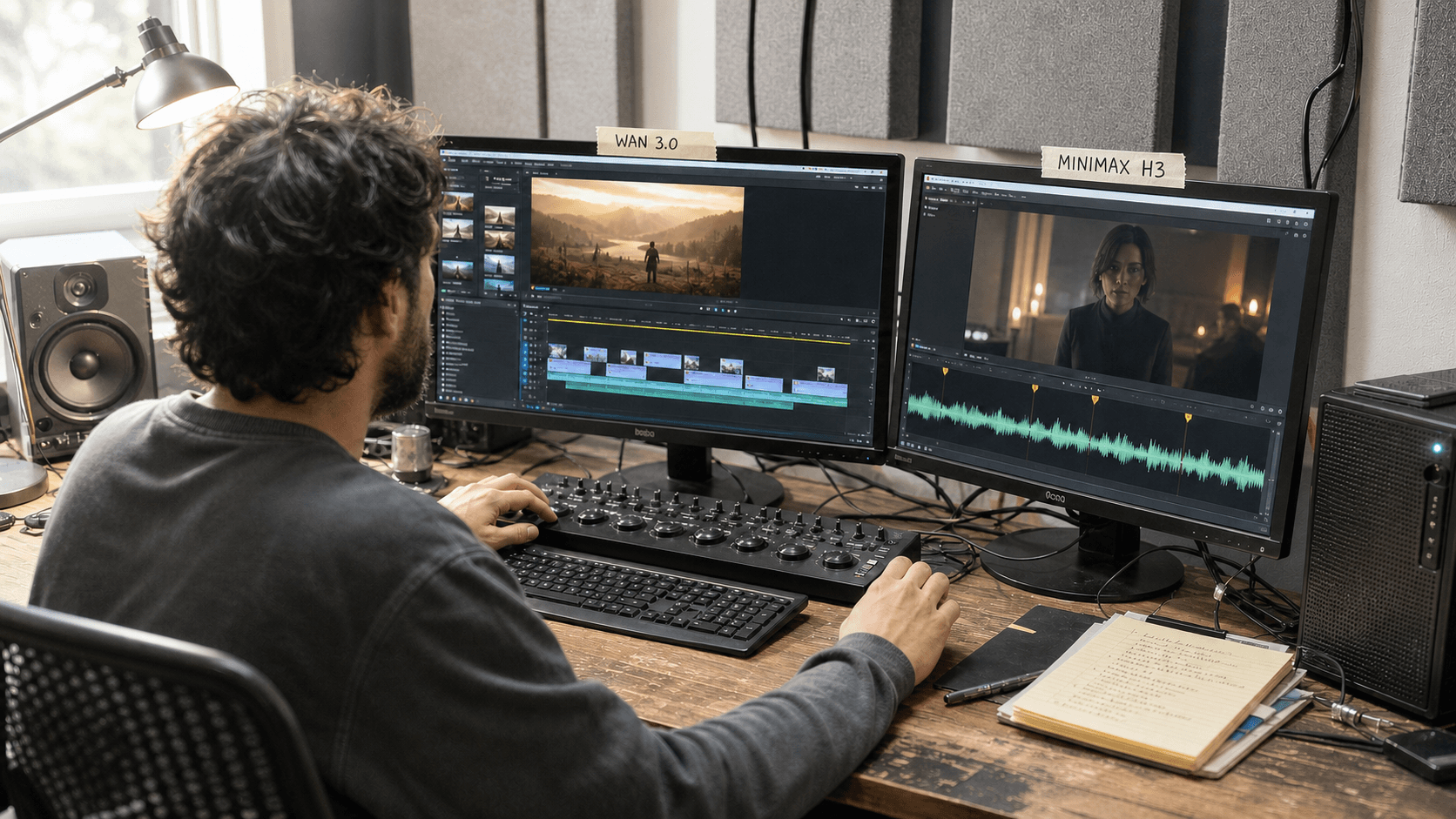
AI Overview
Is Wan 3.0 or MiniMax H3 better?
Choose Wan 3.0 for longer cloud-based videos and broader source inputs. Choose MiniMax H3 for controlled short clips, open weights, first/last-frame workflows, and a higher managed-resolution ceiling.
Which model generates longer videos?
Wan 3.0 supports up to 30 seconds in one generation. MiniMax H3 currently supports 4–15 seconds, making it better suited to planned short shots or chained local segments.
Which is better for image-to-video?
MiniMax H3 is stronger when exact starting and ending frames or local reference workflows matter. Wan 3.0 is more useful when an image must grow into a longer cloud-generated scene.
Which model is cheaper?
It depends on resolution, duration, reference inputs, and rerolls. Compare cost per usable video—not only the lowest published per-second rate.
Wan 3.0 vs MiniMax H3: Quick Verdict
The practical difference is duration versus controlled ownership. Wan 3.0 is the better fit for a creator who wants one cloud workflow to absorb a large brief and produce a longer finished sequence. MiniMax H3 is the better fit for a technical creator who values open weights, local experimentation, native stereo audio, and defined first/last-frame or reference-driven modes.
| Decision point | Wan 3.0 | MiniMax H3 |
|---|---|---|
| Maximum generation | Up to 30 seconds | 4–15 seconds |
| Output ceiling | Up to 1080P | 768P base; managed 2K regeneration route |
| Frame rate | 30 fps | 24 fps |
| Audio | Native audiovisual output | Native 32 kHz stereo audio |
| Best control model | Broad cloud inputs and editing | First/last frame, references, local graphs |
| Deployment | Managed cloud/API workflow | Open-weight local path plus managed services |
| Best fit | Longer narratives, briefs and ads | Controlled short shots and custom pipelines |
Choose Wan 3.0 if
Your brief needs a 20–30 second arc, several source materials, or a faster route from business information to a finished video. It is also the simpler option when nobody on the team wants to maintain checkpoints, GPU memory, node packs, or render queues. For another current benchmark around the same model, see Wan 3.0 vs Seedance 2.5.
Choose MiniMax H3 if
You need to own the local generation stack, inspect the model, tune a ComfyUI workflow, or define both ends of a shot. H3 is especially compelling for high-control short sequences where a precise reference workflow matters more than a single 30-second render.
Wan 3.0 vs MiniMax H3 Feature Comparison
Video length, resolution and frame rate
Wan 3.0's headline advantage is time: its hosted video route can produce sequences up to 30 seconds at 30 fps, with 480P, 720P, and 1080P output options. That longer window gives a product demonstration, dialogue beat, or narrative turn room to complete without an immediate edit point.
MiniMax H3 produces 4–15 second video at 24 fps. Its open H3-Base workflow targets a practical 768-pixel short side, while the complete managed workflow adds a 2K regeneration stage. Treat that distinction carefully: “H3 supports 2K” does not mean every local graph produces native 2K in one ordinary pass.
Native audio and dialogue
Both systems generate picture and sound together. MiniMax H3 publishes a clear 32 kHz stereo specification and supports multilingual dialogue, making sound a first-class part of its short-shot design. Wan 3.0 is attractive when audio belongs to a longer sequence and the creator wants to edit plot, visuals, or dialogue in the same managed workflow.
Multimodal references and prompt structure
Wan 3.0 accepts a broad creative context: prompts, images, video, audio, and supported document-style source material. MiniMax H3 divides control into explicit modes—text/first/last-frame generation and reference-to-audio-video generation. Wan asks, “How much useful context can this longer scene absorb?” H3 asks, “Which visual or audiovisual state must this short shot preserve?”
These are separate capability samples, not a matched benchmark. Use them to inspect each model's motion and audiovisual character without claiming that different prompts prove a winner.
Wan 3.0 vs MiniMax H3 Same-Prompt Test
A useful Wan 3.0 vs MiniMax H3 same-prompt test controls everything that can be controlled. Use one reference image, the same aspect ratio, the same duration target up to H3's limit, equivalent output tiers, and no model-specific prompt enhancement. Save the complete prompt and every setting with the outputs.

A credible comparison separates the input controls from the review score. It does not quietly give one model more references or a different prompt.
A copy-ready benchmark prompt
Create a 10-second, 16:9 cinematic shot of an adult traveler in a rust-red coat
walking beneath a black umbrella on a rain-slick city street at blue hour. Begin
wide and track laterally at walking speed. Preserve the face, coat, umbrella,
street layout, rain direction, and left-to-right movement. Show natural steps,
cloth response, wet reflections, distant traffic, and synchronized rain audio.
No cuts, text, extra foreground people, camera shake, or identity changes.
What to score in the outputs
Review identity, hands, umbrella geometry, foot contact, fabric motion, reflections, camera speed, audio synchronization, and the final stable frame. Score prompt adherence separately from beauty: a gorgeous clip that reverses screen direction or drops the umbrella has failed the brief.
For each model, count attempts until the first export you would actually approve. That number feeds the cost comparison later. You can run the same structure through Text to Video when you want a managed baseline without maintaining a local graph.
Image-to-Video, References and Creative Control
First- and last-frame control
MiniMax H3 has a clearly defined lane for no frame, a first frame, a last frame, or both. This is useful for product transitions, match cuts, looping shots, and sequences that must land on an exact composition. Wan 3.0 supports image-led creation and broader editing, but its main advantage is using rich context to develop a longer sequence rather than specializing only in endpoints.
Start from Image to Video when subject identity, product geometry, or opening composition matters more than discovering the scene from text.
MiniMax H3 local vs Wan 3.0 cloud
Local H3 gives a team control over weights, versions, storage, queues, privacy, and custom nodes. It also makes the team responsible for VRAM, system RAM, quantization, compatible attention builds, decoding, and failed jobs. The MiniMax H3 low-VRAM workflow explains why fitting the graph is only the first production problem.
Wan 3.0's managed route removes that infrastructure layer. The trade-off is less ownership of the model stack and dependence on service availability and API rules. If H3 slows after a graph or dependency change, use the MiniMax H3 ComfyUI slowdown checklist before blaming the checkpoint.
Choose the bottleneck you want to own: infrastructure and repeatability on the local side, or service dependency and usage billing on the cloud side.
Pricing, Speed and Cost per Usable Video
Published API rates at the research date put Wan 3.0 around $0.05 per second at 480P, $0.10 at 720P, and $0.20 at 1080P. MiniMax H3 is listed around $0.08 per second at 768P and $0.13 at 2K, with some reference inputs adding cost. Prices and product routes can change, so confirm the active interface before budgeting a campaign.
| Example output | Approximate generation price |
|---|---|
| Wan 3.0, 15s at 720P | $1.50 |
| Wan 3.0, 15s at 1080P | $3.00 |
| Wan 3.0, 30s at 1080P | $6.00 |
| MiniMax H3, 15s at 768P | $1.20 |
| MiniMax H3, 15s at 2K | $1.95 plus applicable reference charges |
Calculate cost per usable clip
Multiply the render price by the attempts required to reach approval, then add local GPU time, storage, setup, and human review. A $1.20 generation that needs six attempts costs more than a $3 render approved on the second try. Speed should also be measured from submission to reviewed file—not only inference time.
This is where a managed multi-model workflow can reduce risk: test the same brief and compare the number of approved seconds produced per hour rather than treating one model's listed rate as the whole decision.
Which Model Should You Choose?
Best for product ads
Choose Wan 3.0 for a complete 20–30 second product story that starts from a brief, product media, and supporting information. Choose MiniMax H3 for a shorter premium hero shot, a precisely planned first-to-last-frame transition, or a local pipeline that must protect source assets.
Best for cinematic and narrative video
Wan 3.0 has the structural advantage when one uninterrupted scene needs more time for setup, action, and resolution. H3 works well when a film is built from tightly art-directed short shots and the editor expects to assemble them later.
Best for social video
H3's controlled 4–15 second range matches many hooks, loops, and visual moments. Wan 3.0 is more useful when the creator wants a complete short-form story in one generation instead of several clips.
Best for developers and local workflows
MiniMax H3 is the clear choice when open weights, offline inference, custom training experiments, or reproducible nodes are requirements. Wan 3.0 is the better choice when developers want a managed API and would rather ship a product than operate the model infrastructure.
Conclusion
Wan 3.0 wins when the bottleneck is duration, cloud convenience, or turning a large creative brief into one longer video. MiniMax H3 wins when the bottleneck is endpoint control, local ownership, reproducible short shots, or a higher-resolution managed finish. Run the same 10-second brief, count attempts to the first usable clip, and choose the workflow that removes your real production constraint—not the model with the longest feature list. Try Seedance free and compare your own prompt →
Start generating for free - no credit card required
Create videos with free signup credits, then scale with affordable plans whenever you need more generations.
Free credits on signup. Plans from $28/month.
Related Articles
More posts in the same locale you may want to read next.

Seedance App Preview Video Generator 2026: Create App Store and Product Launch Clips
Use Seedance to turn app screenshots, feature copy, and launch goals into App Store previews, Google Play promo videos, and product launch clips.
Read article
Kling 4.0 vs Seedance 2.5: Full Comparison
Kling 4.0 vs Seedance 2.5 compared by spec: 30-second clips, keyframes vs 50 references, audio, 4K and 10-bit color, editing, and which model fits which job.
Read article
Kling 4.0 Keyframes & Omni Reference Guide
Learn how Kling 4.0 uses up to 10 keyframes and 15 Omni Reference assets in one 30-second video, with 3 worked plans, common mistakes, and Seedance 2.5 tips.
Read article