
Wan 3.0 vs Kling 3.0: Quality, Pricing & Same-Prompt Tests
AI Overview
Is Wan 3.0 better than Kling 3.0?
Wan 3.0 is the stronger fit for longer clips and broad reference inputs. Kling 3.0 is more direct for short multi-shot stories, multilingual dialogue, and element-led control.
Which model creates longer AI videos?
Wan 3.0 officially supports up to 30 seconds in one generation. Kling Video 3.0 supports up to 15 seconds in its official workflow.
Which is better for image-to-video?
Wan 3.0 offers first/last-frame and multimodal reference workflows. Kling 3.0 emphasizes element consistency, image references, and controlled multi-shot movement.
Which model offers better value?
The answer depends on resolution, audio, and rerolls. Compare cost per approved clip—not only the displayed price of one attempt.
Wan 3.0 vs Kling 3.0 at a Glance
The useful distinction is long-form context versus compact direction. Wan 3.0 gives a brief more room to develop and accepts unusually broad source material. Kling 3.0 concentrates control into shorter, cinematic sequences with native dialogue, custom multi-shot planning, and reusable visual elements.
| Decision factor | Wan 3.0 | Kling 3.0 |
|---|---|---|
| Best for | Longer audiovisual scenes and rich source inputs | Short multi-shot stories and dialogue |
| Official maximum duration | Up to 30 seconds | Up to 15 seconds |
| Current Seedance route | Not yet a standard model-picker route | 5 or 10 seconds |
| Resolution | 480P, 720P, 1080P | Official family includes higher tiers; current Seedance route offers 720P/1080P |
| Native audio | Yes, with an audio toggle and reference audio | Yes, including multilingual speech |
| Image-to-video | First frame, first/last frame, all-in-one reference | Single-image animation and element consistency |
| Standout control | Images, video, audio, documents, and web references | Automatic or custom multi-shot storytelling |
| Main risk | A longer clip can accumulate drift | Shorter duration may require editing several clips |
Quick verdict
Choose Wan 3.0 when the brief must unfold over 20–30 seconds or absorb several kinds of reference material. Choose Kling 3.0 when the job is a tight 5–15 second scene driven by performance, cuts, dialogue, or repeatable elements. If neither constraint dominates, run a controlled test and choose the model that reaches approval in fewer attempts.
For context on how Wan fits another current production workflow, see Wan 3.0 vs Seedance 2.5.
What Are We Comparing—and How Should We Test?
Model names hide product differences. Wan 3.0 and the speed-optimized Wan 3.0 Prime expose the same broad creation surface, but their speed and quality trade-offs can differ. Kling Video 3.0 and Kling 3.0 Omni also should not be treated as one switch: the standard route focuses on video generation, while Omni expands reusable elements and multimodal editing.
Controlled test rules
A credible Wan 3.0 vs Kling 3.0 same-prompt test fixes the prompt, input image, duration, aspect ratio, resolution tier, audio choice, and attempt budget. It also saves every output—including failures—instead of showing only one lucky render.
Use a duration both models can complete, such as 10 seconds. Disable hidden prompt enhancement, or apply the same enhancement before submitting to either model. Score the result on prompt coverage, identity, object geometry, motion, camera path, audio timing, and the number of attempts required to reach a usable file.
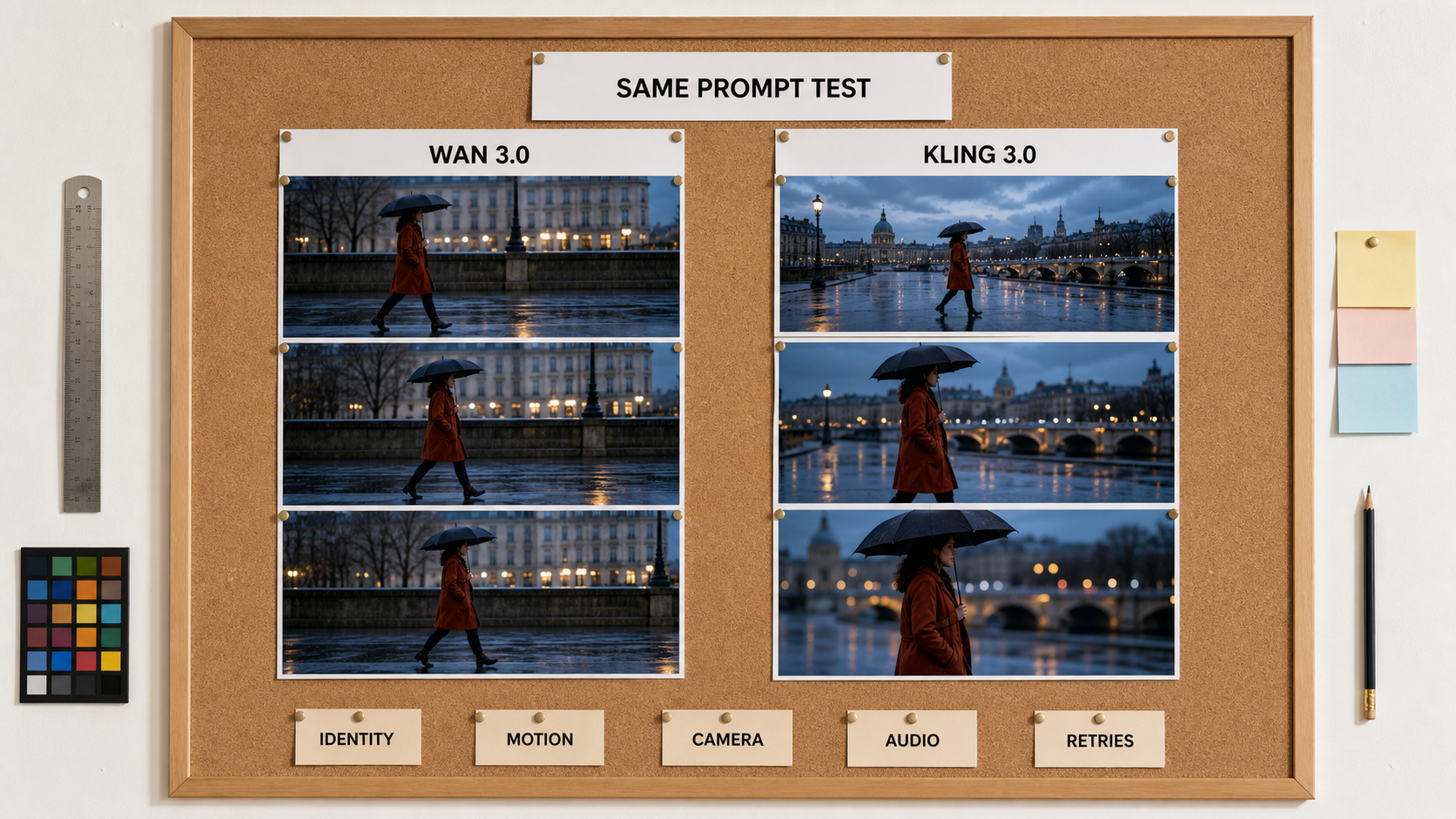
Editorial visualization of the review method—not a claimed model result. A fair test keeps every frame visible and scores identity, motion, camera, audio, and retries separately.
Copy-ready benchmark prompt
Create a 10-second, 16:9 cinematic scene of an adult traveler in a rust-red coat
walking beneath a black umbrella on a rain-slick city street at blue hour.
Begin wide, track left to right, then cut once to a medium profile. Preserve the
face, coat, umbrella, street layout, rain direction, and walking speed. Include
natural footsteps, rain, distant traffic, and one quiet breath. No text, crowd
crossing, extra umbrellas, camera shake, identity change, or reversed direction.
Run this in Text to Video when you want a consistent starting point and a visible credit estimate.
Wan 3.0 vs Kling 3.0 Same-Prompt Video Tests
One attractive frame cannot prove video quality. Review the full clip at normal speed, muted, frame by frame, and then with sound. The model must complete the requested action, not merely produce a cinematic opening.
Test 1: cinematic text-to-video
The rain prompt above tests a lateral camera move, a stable human subject, an umbrella, reflective surfaces, and synchronized ambience. Wan's 30 fps route gives continuous motion more temporal samples, while Kling's multi-shot design makes the planned cut a natural test of continuity. Score the coat color, umbrella geometry, foot contact, rain direction, reflections, and screen direction separately.
Test 2: fast motion and physical interaction
Use a safe action such as a cyclist braking beside a shallow puddle. Look for tire shape, wheel rotation, water displacement, body balance, cloth response, and whether the camera preserves the horizon. Fast motion exposes temporal smearing and invented contact points more reliably than a static portrait.
Test 3: dialogue and multi-shot audio
Ask two adults in a quiet workshop to exchange one short line each across three planned shots. Verify that the correct character speaks, mouths move only during the assigned line, room tone remains stable, and cuts do not change faces or wardrobe. Kling explicitly foregrounds multilingual dialogue and custom multi-shot planning; Wan has more duration to complete a longer conversational beat.
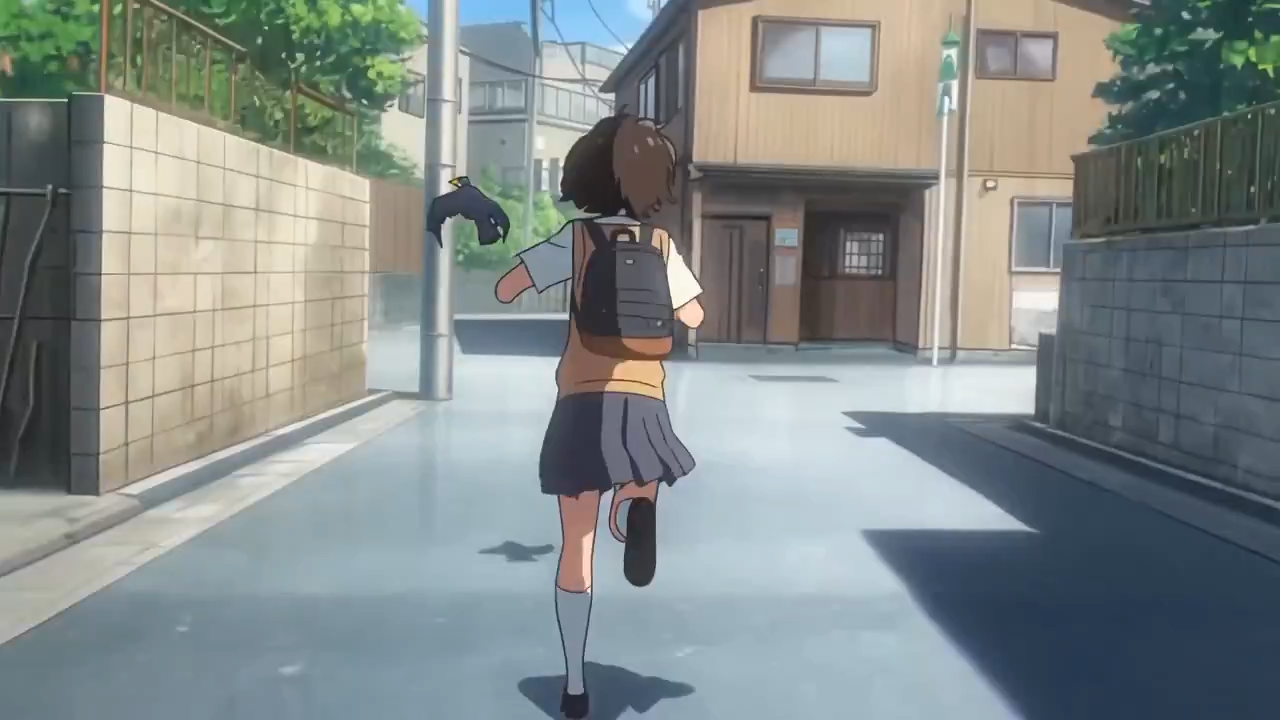
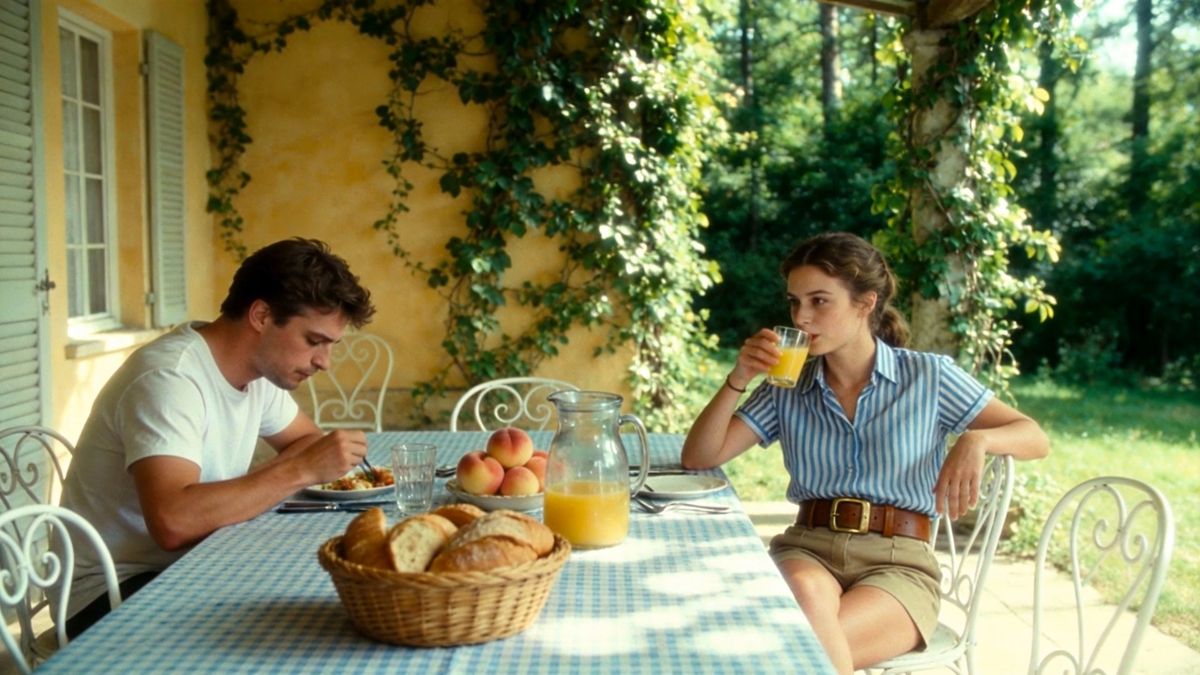
These are separate capability samples with different source briefs, not a controlled A/B result. Use them to inspect framing and visual character; use matched generations to choose a winner.
For another Kling-oriented benchmark structure, read Seedance 2.0 vs Kling 3.0.
Wan 3.0 vs Kling 3.0 Image-to-Video and Reference Control
Image-to-video changes the question from “Which model invents the best image?” to “Which model protects the source while adding useful motion?” Start with a frame containing a face or product, a textured background, and one small prop. Those anchors make drift visible.
Same-image test
Ask both models to animate one product photograph with a slow orbit or a simple pour. Compare the silhouette, label placement, handle and spout geometry, background layout, lighting direction, and final stable frame. A dramatic clip that changes the product is a failed ad, even if its motion looks expensive.
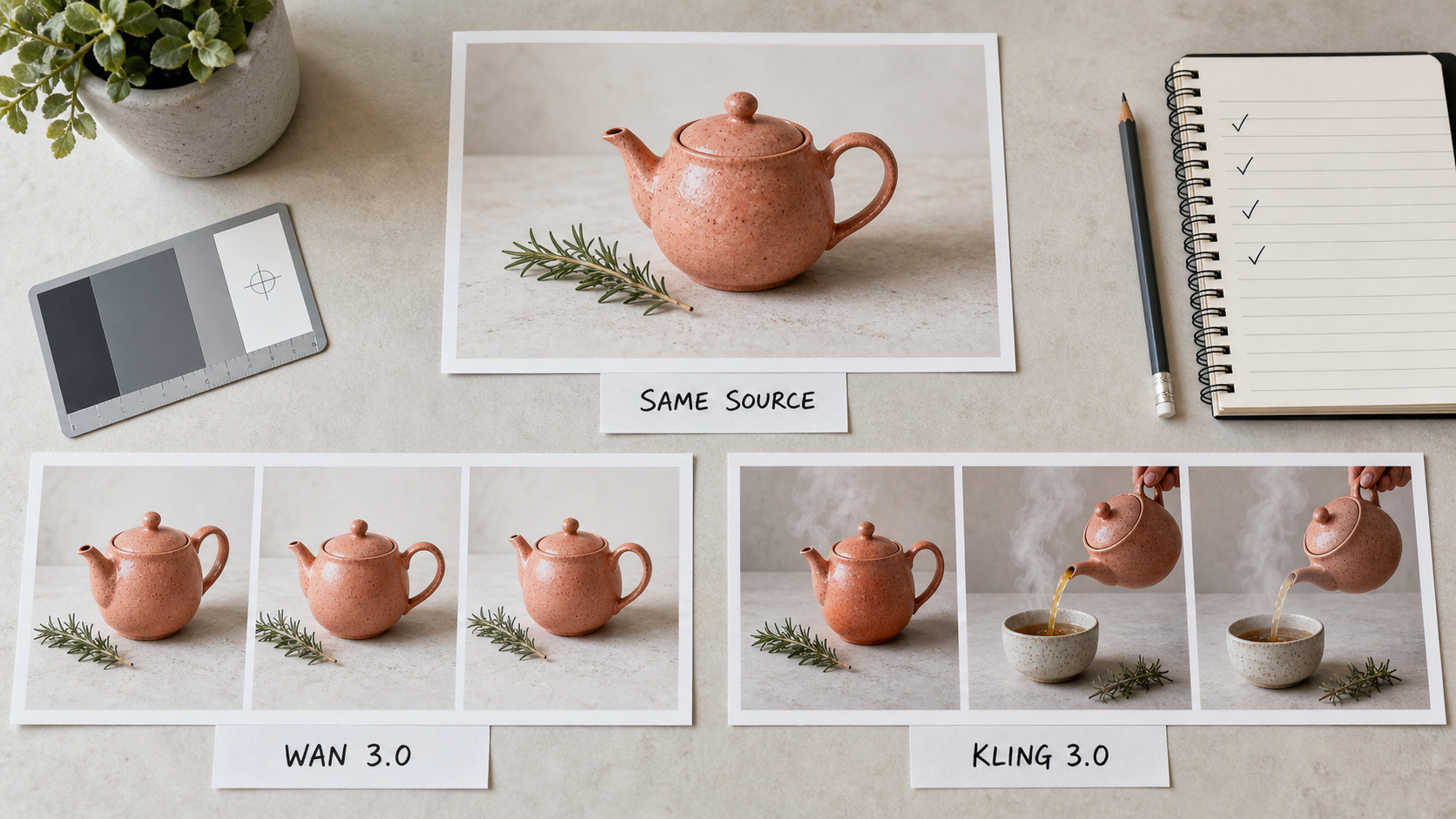
Editorial visualization of the test design. One source image, two motion instructions, and fully visible contact sheets make preservation errors easier to identify.
First/last frames versus elements
Wan 3.0 supports first-frame and first/last-frame workflows, useful when a transition must begin and land on specified compositions. Its all-in-one route can also accept images, video, audio, documents, and supported web material as context.
Kling 3.0 centers image animation and element consistency. Its broader family can use image or video references to help preserve characters, objects, and locations across a planned sequence. Use Image to Video for a one-source baseline before testing richer references; otherwise unequal inputs make the comparison difficult to interpret.
Native Audio, Duration, Speed and Pricing
Both models generate picture and sound in one workflow, but their useful audio cases differ. Wan can stretch ambience, effects, and speech across a longer scene and accepts reference audio. Kling is designed around native multilingual speech, controlled speaking order, and short multi-character scenes. Evaluate intelligibility and timing with headphones; the presence of an audio track does not prove correct words or lip sync.
Thirty seconds versus fifteen seconds
Wan's 30-second ceiling is valuable for product demos, narrative turns, and continuous camera moves that need setup and resolution. It is not a guaranteed quality win: every extra second creates another chance for identity, props, lighting, or story order to drift. Kling's 15-second official ceiling is easier to review as a compact shot, but a longer deliverable may need several generations and an edit.
Current cost comparison
Wan's global hosted API is priced by output second and resolution. At the research date, its public table listed roughly $0.08 per second for 720P and $0.17 per second for 1080P on the standard route, before checking any active promotion or region-specific condition.
The current Seedance Kling route uses credits: 720P starts at 6 credits per second without audio and 10 with audio; 1080P starts at 7.5 credits per second without audio and 12.5 with audio. That makes a five-second 720P test 30 credits muted or 50 with sound, while 1080P is approximately 38 or 63 credits.
Do not declare a price winner by comparing dollars with platform credits. Measure the complete workflow:
Cost per approved clip = price per attempt × attempts to approval
A cheaper render that needs four rerolls can cost more than a stronger first pass. Add generation time, rejected jobs, manual editing, and usable seconds to the review sheet.
Which Model Should You Choose?
Choose Wan 3.0 if you need
- a complete 20–30 second audiovisual sequence;
- first/last-frame control or unusually broad reference inputs;
- a long product brief, document, or media pack turned into video;
- 30 fps output and several resolution tiers in one hosted route.
Choose Kling 3.0 if you need
- a compact multi-shot story with explicit shot planning;
- multilingual dialogue, character-level speaking control, or native ambience;
- image animation and reusable element consistency;
- a model currently selectable in the Seedance text- and image-to-video workflow.
For dialogue-heavy or richer Omni workflows, compare the decision logic in Seedance 2.5 vs Kling 3.0 Omni.
Recommendations by use case
| Use case | Better starting point | Why |
|---|---|---|
| 20–30 second product story | Wan 3.0 | More native time and broad business inputs |
| Short dialogue scene | Kling 3.0 | Multilingual speech and planned shots |
| Exact transition endpoints | Wan 3.0 | First/last-frame workflow |
| Character-led social hook | Kling 3.0 | Compact motion and element control |
| Reference-heavy campaign | Test both | Input parity and retry rate decide the result |
| High-volume production | Test both | Cost per approved clip matters more than list price |
Conclusion
Wan 3.0 is the stronger starting point when duration, first/last-frame control, or broad reference context is the production bottleneck. Kling 3.0 is the sharper choice for compact multi-shot storytelling, multilingual dialogue, and reusable visual elements. Run the same ten-second brief, keep the settings and attempt budget fixed, then choose the model that delivers more approved seconds with less repair—not the one with the longest feature list. Try Seedance and compare the workflow →
Start generating for free - no credit card required
Create videos with free signup credits, then scale with affordable plans whenever you need more generations.
Free credits on signup. Plans from $28/month.
Related Articles
More posts in the same locale you may want to read next.

Seedance App Preview Video Generator 2026: Create App Store and Product Launch Clips
Use Seedance to turn app screenshots, feature copy, and launch goals into App Store previews, Google Play promo videos, and product launch clips.
Read article
Kling 4.0 vs Seedance 2.5: Full Comparison
Kling 4.0 vs Seedance 2.5 compared by spec: 30-second clips, keyframes vs 50 references, audio, 4K and 10-bit color, editing, and which model fits which job.
Read article
Kling 4.0 Keyframes & Omni Reference Guide
Learn how Kling 4.0 uses up to 10 keyframes and 15 Omni Reference assets in one 30-second video, with 3 worked plans, common mistakes, and Seedance 2.5 tips.
Read article