
Seedance 2.5 vs Higgsfield AI: Which Is Better for AI Video?

AI Overview
What is the difference between Seedance 2.5 and Higgsfield AI?
Seedance 2.5 is a flexible text-to-video and image-to-video model built for directed, cinematic generation. Higgsfield is a creative video platform centered on stylized short-form output and preset-led motion.
Does Seedance 2.5 offer unlimited video generation compared to Higgsfield?
Neither workflow is truly unlimited in every setting. Both use plan or credit limits; Seedance 2.5 is the more practical option when you need to compare settings and generate many commercial variations.
Which is better for AI video — Seedance 2.5 or Higgsfield?
Choose Seedance 2.5 for realistic scenes, prompt adherence, and flexible inputs. Choose Higgsfield when a stylized, personality-led short clip is the goal and presets fit the brief.
Can I use Seedance 2.5 as a Higgsfield alternative?
Yes. Seedance 2.5 covers text-to-video, image-to-video, and reference-guided workflows, while giving you more room to direct the shot in plain language.
What Is Seedance 2.5? (ByteDance's AI Video Generator)
Seedance 2.5 is an AI video model for turning a written brief or source image into a directed clip. It is designed for creators who need more than a visual effect: a product must stay recognizable, the action must follow the prompt, and the camera needs a clear job.
Core features and generation modes
With Seedance, you can begin from a written idea, animate a still in Image to Video, or use several inputs in Reference to Video. Describe the subject, action, camera, lighting, pacing, and audio intent in one brief, then refine from the result rather than rebuilding the project in another tool.
A Seedance 2.5 example: a single prompt can carry subject detail, atmosphere, action, and camera direction through a longer sequence.
Who Seedance 2.5 is built for
It fits marketers making product ads, social teams producing several hooks from one concept, and filmmakers prototyping a sequence before a shoot. It is also useful when a creator needs to start with one product photo or character frame and protect that identity as the shot moves.
What Is Higgsfield AI?
Higgsfield AI is a creative video workspace best known for punchy stylized clips, creator-led aesthetics, and motion presets. Its appeal is speed: select a look or a camera treatment, feed it a focused idea, and make a short clip that is ready to test in a feed.
Core features and use cases
Higgsfield is a natural fit for music-video energy, selfie or avatar-led concepts, fashion transitions, and social hooks where the visual treatment is the main idea. Presets reduce the amount of direction required, especially for creators who do not want to write a detailed cinematography prompt.
What Higgsfield does well
It makes stylization easy to reach. When the objective is an eye-catching first second rather than a tightly controlled product narrative, an effect-forward workflow can get to a testable draft quickly. The constraint is that a preset may become the creative decision instead of serving the brief.
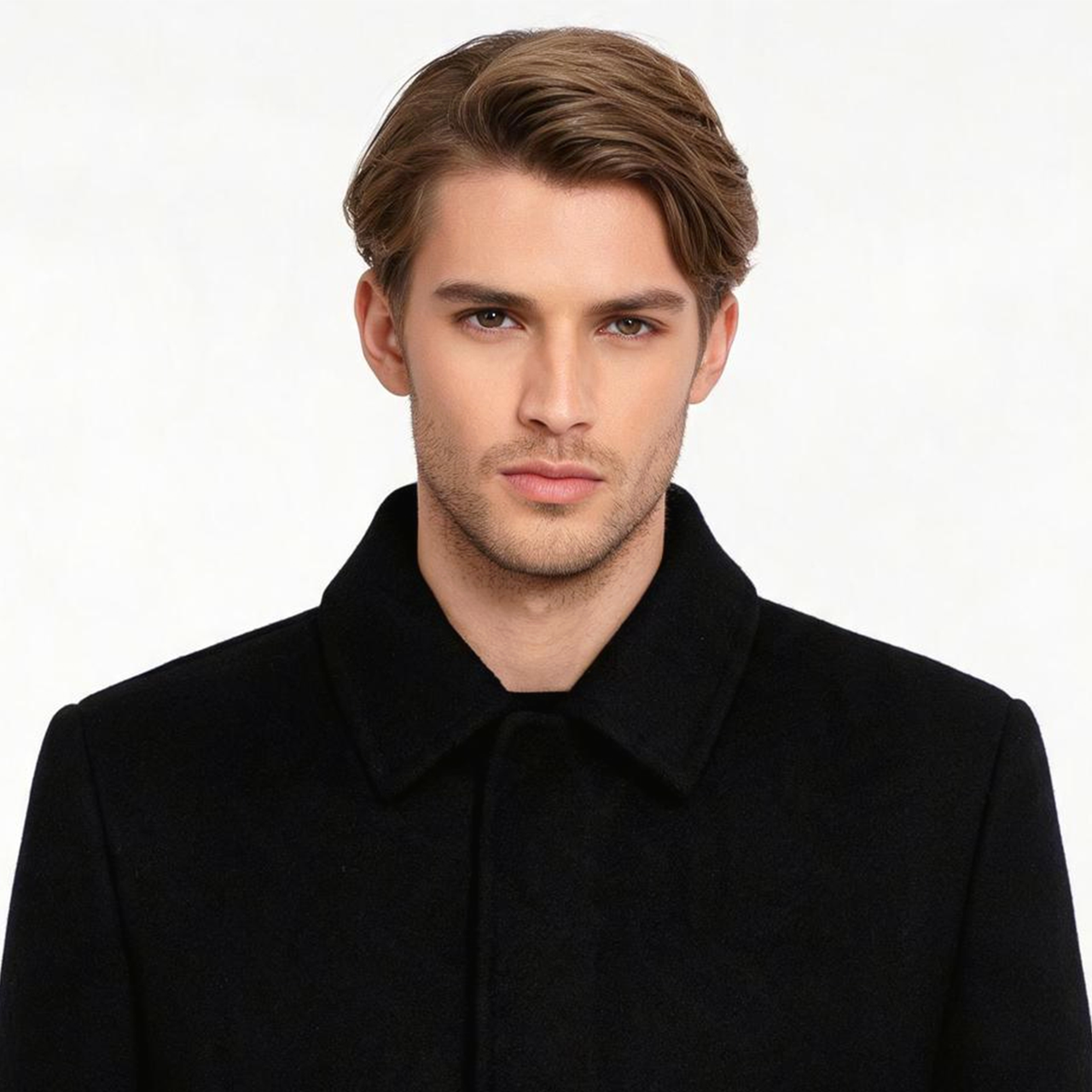
For commercial work, evaluate whether the subject, material, and framing remain usable—not only whether the opening frame looks dramatic.
Seedance 2.5 vs Higgsfield AI: Feature Comparison
| Workflow area | Seedance 2.5 | Higgsfield AI |
|---|---|---|
| Primary strength | Directed cinematic generation | Stylized short-form creativity |
| Best input | Detailed prompt, image, or references | Focused idea paired with a look or preset |
| Motion control | Natural-language camera and action direction | Preset-led movement and effects |
| Commercial consistency | Strong fit for products, scenes, and variations | Best when the style itself is the hook |
| Iteration style | Compare prompts, inputs, and settings | Try treatments and creative variations |
Video quality & output resolution
The best-looking output depends on the shot. Seedance 2.5 is strongest when realism, a recognizable product, or a continuous story beat matters. Higgsfield can be more immediately expressive for editorial, fashion, or creator-style visuals. For either tool, inspect a full clip for geometry drift, texture changes, and the final frames—not only the thumbnail.
Motion control & prompt adherence
Seedance 2.5 gives you a more direct way to state intent: “slow orbit around the object,” “the actor turns once,” or “keep the logo centered.” That makes it easier to revise a failed clip without changing the concept. Higgsfield is faster when its supplied movement language already matches the desired effect.
Text-to-video & image-to-video support
Both can start from an idea or image-led creative direction. The practical difference is control depth. Use Text to Video when a concept needs exploration from words; use Seedance 2.5 image input when the product, packaging, or character must remain the anchor.
Generation speed
Speed is more than queue time. A fast draft that needs several repairs may take longer than a deliberate first pass that preserves the subject. Time each workflow from brief to approved clip, including retries, prompt changes, and export review.
Seedance 2.5 vs Higgsfield: Pricing & Unlimited Plans
Seedance 2.5 free tier and paid plans
Seedance lets you start with credits and scale when the workflow proves useful. Check the live plan and generation estimate before a project: duration, resolution, reference inputs, and audio can change the credit cost. The useful comparison is approved clips per budget, not the headline number of credits.
Higgsfield pricing breakdown
Higgsfield also uses plan-based access and credits that vary by generation route. It can be an efficient entry point for occasional effect-led social drafts, but assess the cost after the retries needed to get a publishable version.
Which gives you more for your money
For high-volume product, ad, or narrative work, Seedance 2.5 usually provides more usable directions from one brief: prompt changes, image input, and reference-driven variants. For a small number of highly stylized hooks, Higgsfield may be enough. Run one real task in each before committing a monthly production budget.
Real Output Examples: Seedance 2.5 vs Higgsfield
Commercial ad clips
Give both tools the same product, one target audience, and one action. Seedance 2.5 is the better starting point when packaging, texture, or a brand-colored set must remain stable through the shot. Ask for one camera move and one product interaction; complexity can be added after the first approved take.
Social media short-form content
For a feed-first hook, Higgsfield's effect vocabulary can be compelling. Seedance 2.5 is the stronger alternative when the social concept needs several versions—different crops, product colors, openings, or captions—without losing the core visual identity.
Cinematic / storytelling videos
Storytelling rewards cause and effect: a subject moves, the camera follows, light changes, and the next beat makes sense. Seedance 2.5 is more useful for this work because the creative direction can be written into the prompt, then carried through a sequence.
Reference-guided generation is useful when a scene needs visual anchors instead of a style effect alone.
When to Use Seedance 2.5 vs Higgsfield
Best use cases for Seedance 2.5
Choose Seedance 2.5 for product films, ecommerce ads, image-to-video animation, short narrative scenes, and teams that need several controlled variations. It is especially valuable when a source asset carries requirements such as a label, character wardrobe, color palette, or established composition.
Best use cases for Higgsfield
Choose Higgsfield for a single stylized social hook, a creator-centered fashion edit, or a quick effect test where preset motion is the point. It is a sensible specialist tool when the brief already maps to its aesthetic vocabulary.
Quick decision guide
Use Seedance 2.5 if you need the model to follow a detailed direction, preserve an input, or make several production-ready alternatives. Use Higgsfield if you need a treatment-led clip quickly and the preset is the idea. For broader model selection criteria, see our best AI video generation models guide.
How to Get Started with Seedance 2.5
Step-by-step: first video in under 5 minutes
- Open Seedance and choose the Seedance 2.5 model.
- Start with a clear subject and one action; add a source image only when identity matters.
- Define one camera instruction, such as “slow push-in” or “side tracking shot.”
- Generate a short draft, then change one variable at a time for the next version.
- Download only after checking the beginning, midpoint, and final second of the clip.
Prompt tips for best results
Write in production order: subject, setting, action, camera, lighting, then constraints. For example: “A cobalt running shoe on wet black stone; droplets slide off the sole as it rotates one quarter turn; slow low-angle orbit; cool studio light; keep the shoe shape and laces stable; no text or watermark.” This gives you a clear standard for judging the result.
Conclusion
Seedance 2.5 and Higgsfield solve different creative problems. Higgsfield is a focused option for stylized, effect-led short clips; Seedance 2.5 is the more versatile choice for realistic, prompt-directed, and repeatable video production. If your output needs a recognizable product, a controlled story beat, or more than one usable variation, start with Seedance 2.5.
Ready to create your own AI video?
Turn ideas, text prompts, and images into polished videos with Seedance. If this article helped, the fastest next step is to try the product.
Free credits on signup. Plans from $28/month.
Related Articles
More posts in the same locale you may want to read next.

Seedance App Preview Video Generator 2026: Create App Store and Product Launch Clips
Use Seedance to turn app screenshots, feature copy, and launch goals into App Store previews, Google Play promo videos, and product launch clips.
Read article
Dola AI Not Working or Not Available? Fixes for Region and Seedance 2.5 Issues
Dola AI not working, or Seedance 2.5 missing from your account? What to check for region notices, video mode and app downloads, and what to do next.
Read article
Is Dola AI Free? Credits, Pricing and Limits to Check (2026)
Is Dola AI free? What we could confirm about Dola's free use, video credits and pricing, and what to compare before you pay for Seedance 2.5 video.
Read article