
Seedance 2.5 Copyright Review: Who Owns Your Videos & What You Can Sell

AI Overview
Who owns the copyright in a Seedance 2.5 video?
Seedance.tv paid plans advertise commercial usage rights, but permission to use an output is not the same as guaranteed copyright ownership. Protectable rights still depend on your jurisdiction and meaningful human creative contribution.
Does Seedance 2.5 add a watermark?
Do not infer watermark status from the plan name alone. Export a short test, inspect the whole file, and verify the rules shown for your current account, model, and delivery path.
Can I sell videos made with Seedance 2.5?
Paid plans are presented with commercial usage rights, so client work, ads, and monetized publishing are generally supported. You must still clear every uploaded image, face, logo, character, voice, and music track.
Is Seedance 2.5 output safe from DMCA claims?
No AI output is DMCA-proof. Risk rises when your inputs are unauthorized or the result is substantially similar to protected characters, footage, branding, music, or a recognizable person.
How Seedance 2.5 Copyright Works: The Plain-English Summary
Four rights layers, not one ownership switch
Read Seedance 2.5 copyright as four questions: does the platform permit commercial use, can law protect the finished work, were all inputs authorized, and will the publisher accept the clip? A “yes” at one layer does not answer the others.
The current Seedance.tv pricing page lists commercial usage rights on paid plans. That permission supports business use, but it does not promise exclusivity, unique output, or copyright registration for model-generated frames.
| Question | What answers it | What you should keep |
|---|---|---|
| May I use the output commercially? | Current plan and service terms | Invoice, plan screenshot, terms date |
| Can I claim copyright? | Law in the relevant jurisdiction | Edit timeline, project file, creative notes |
| Were the inputs cleared? | Licenses, releases, and contracts | Source receipts and signed permissions |
| Can I publish it here? | Channel, marketplace, and ad policies | Submission record and disclosures |
Start each project in the Seedance creation workspace, then save the plan name and displayed generation settings with the exported master. This modest paper trail is more useful than a vague note saying “made with AI.”
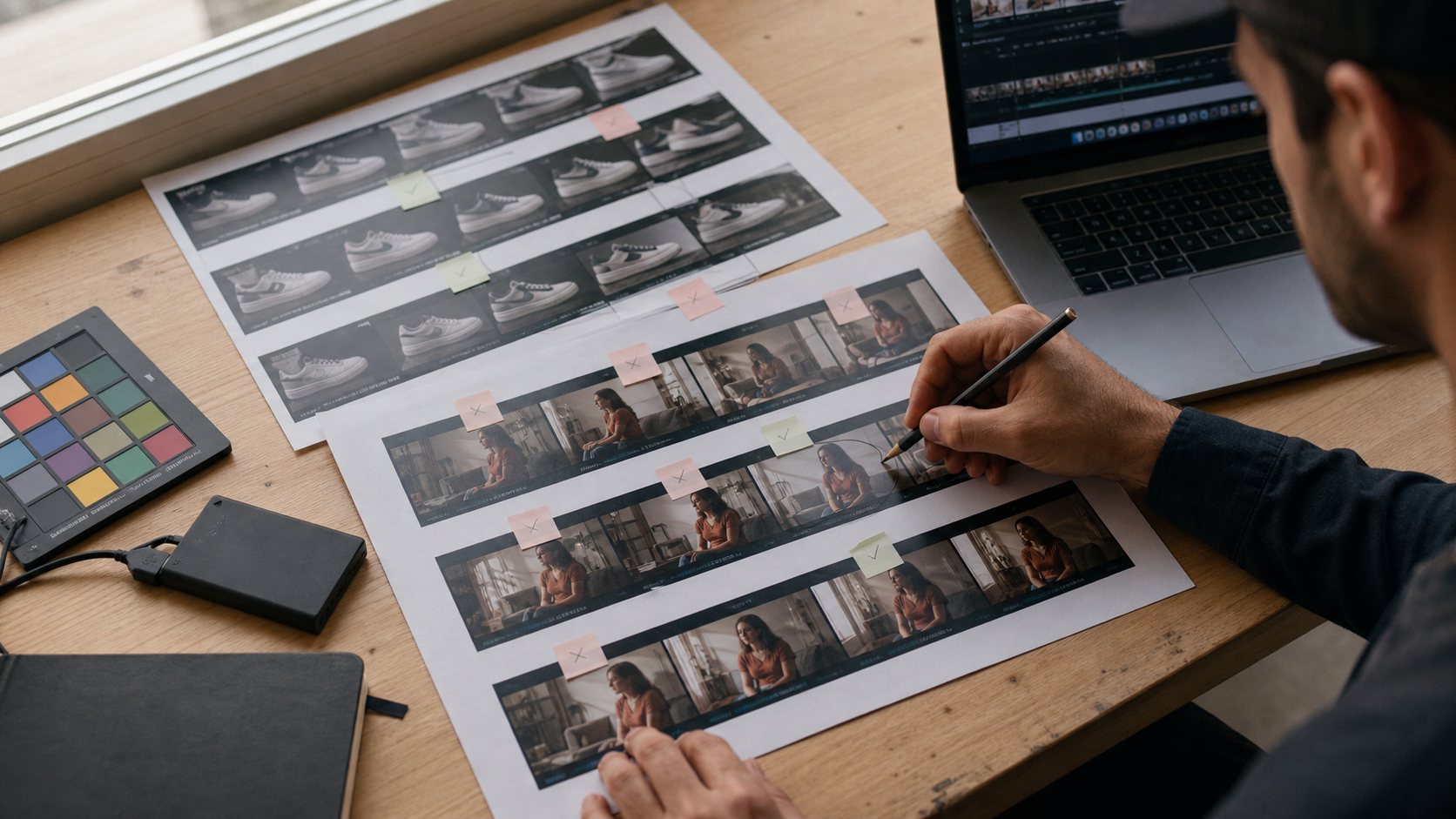
A defensible workflow records source, prompt, selected take, human edits, and final approval instead of keeping only the downloaded clip.
Permission is not a legal guarantee
This is practical publishing guidance, not legal advice. Rules vary by country, contract, and channel. Obtain qualified review when a campaign depends on exclusivity, a celebrity likeness, a famous character, or a valuable launch.
Who Actually Owns Your Seedance 2.5 Output?
Contractual control versus copyright protection
In everyday production language, “ownership” often means you can download, edit, deliver, monetize, and license a clip to a client. Seedance.tv’s paid-plan commercial rights support that operational use. Copyright law asks a narrower question: which parts reflect human authorship strongly enough to receive protection?
In the United States, current Copyright Office guidance says human-authored selection, arrangement, or modification may be protected, while purely AI-generated material is not protected merely because someone wrote a prompt. Other jurisdictions may apply different tests. A strong project therefore adds documented human decisions: original source photography, story structure, shot selection, compositing, timing, captions, sound design, color, and final edit.
The generated performance is one production element; human selection, sequencing, sound, and editorial decisions can shape the protectable finished work.
Build evidence of the human contribution
Keep prompts, original references, rejected takes, the edit project, licenses, releases, and approvals. For client work, describe the exported video and rights you can legally transfer; do not promise that generated pixels are exclusive worldwide.
Does Seedance 2.5 Have a Watermark? (Free vs Paid)
Check the exported file, not the preview
The current public paid-plan cards emphasize commercial usage rights but do not provide a universal watermark promise for every model and export route. Free access, trial credits, regional offers, and partner integrations can behave differently. The responsible answer is to test the exact workflow attached to the account you will use for delivery.
| Check | Free or trial access | Paid Seedance.tv plan |
|---|---|---|
| Commercial-use listing | Do not assume; confirm live account terms | Listed on current paid plan cards |
| Visible watermark | Inspect the exported master | Inspect the exported master |
| Preview overlay | May differ from download | May differ from download |
| Metadata or provenance | Possible even without a logo | Possible even without a logo |

A clean-looking frame is only the first check; review the opening, closing, corners, audio, and file metadata before delivery.
A 60-second watermark test
Generate a five-second clip, download it, and inspect the first frame, last frame, corners, audio, and metadata. Record the date and plan; re-test after changing models, accounts, or export settings, and compare the live Seedance pricing page.
Seedance 2.5 Commercial License: What You Can and Can't Do
Uses a paid workflow is designed to support
Commercial usage rights generally cover publishing paid social videos, product pages, monetized creator content, internal brand films, pitch visuals, and client deliverables created within the rules. The practical question is not “Can AI be sold?” but “Is every component of this specific master cleared?” Our detailed commercial-use safety review explains that distinction by project type.
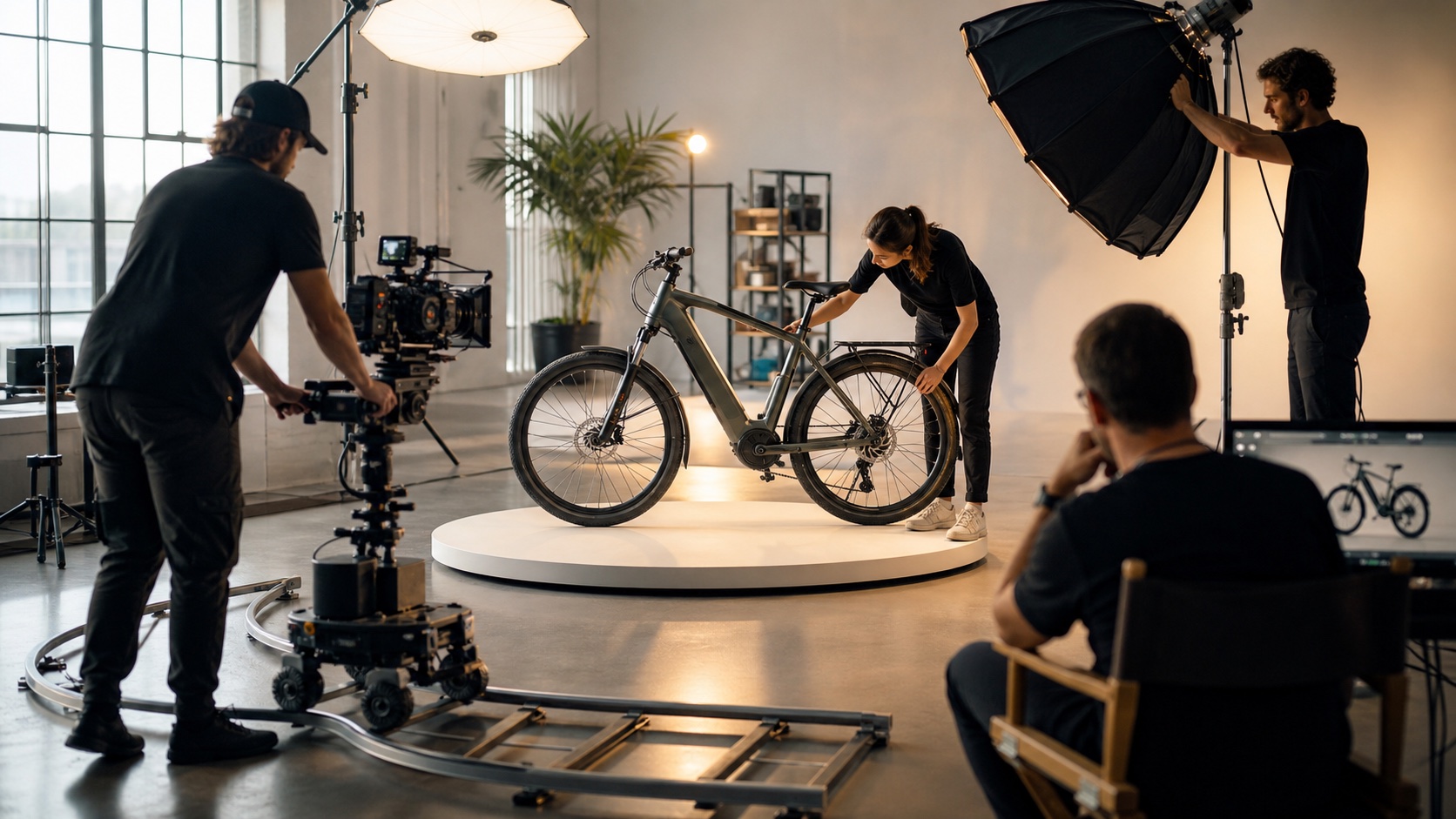
Commercial permission becomes useful when the surrounding production—product, people, music, claims, and delivery—is cleared too.
A sellable product clip needs a rights-safe product design, source image, soundtrack, copy, and final edit—not only a commercial AI plan.
Uses the license does not automatically clear
Do not upload another photographer’s image, copy a competitor campaign, imitate a protected character, clone a voice without consent, or place a recognizable person in a misleading scene. Logos, packaging, fonts, artwork, stock assets, and music carry separate restrictions. Platform permission does not override advertising, privacy, publicity, contract, or disclosure rules.
For a repeatable client workflow, use the deliverable and approval structure in our AI commercial video guide. If a client wants exclusivity, define the human-made brand assets and edit as the exclusive package rather than promising that the generative model can never produce a similar visual.
DMCA & Third-Party Copyright Risk: What Reddit Creators Found
The recurring problem is usually the input
Creator discussions repeatedly focus on a familiar shortcut: upload a movie still, influencer photo, branded advertisement, copyrighted song, or another artist’s image and ask the model to animate it. The output may change motion and texture, but generation does not erase the source owner’s rights. A DMCA notice can still target the published video, thumbnail, soundtrack, or source-derived frames.

Original, logo-free reference photography gives the production a cleaner starting point than a borrowed campaign image.
Community reports are signals, not verdicts
Reddit is useful for spotting operational failures—rejected ads, disputed likenesses, surprise watermarks, and clients asking for proof—but a post is not legal authority. Treat the pattern as a prompt for documentation. Verify the applicable terms, the source license, and the channel policy yourself. Our Reddit workflow review separates repeatable practices from anecdotes.
If a result resembles a famous character, celebrity, logo, or existing shot, do not publish merely because you omitted the name. Change the source, regenerate with generic attributes, and review again.
Seedance 2.5 vs Runway vs Kling: Copyright Terms Compared
The services converge on user responsibility
Current public materials for all three services are creator-friendly about output use, but none removes third-party risk. Seedance.tv advertises commercial usage rights on paid plans. Runway states that, as between the user and Runway, creators retain rights in their creations and commercial use is not restricted when terms are followed. Kling states that it does not claim ownership of user content under applicable law while retaining a service license to process content.
| Service | Output position in current public materials | Commercial use | Important caveat |
|---|---|---|---|
| Seedance.tv | Paid-plan commercial usage rights | Listed on paid plans | Verify free access, export, and project inputs |
| Runway | User retains rights as between user and service | Generally unrestricted under the terms | User must have input rights and follow usage policy |
| Kling | Does not claim ownership under applicable law | Commercial use is not broadly prohibited | Service license and user responsibility still apply |
Compare tools with the same rights-safe source and brief; then evaluate the terms attached to the account that produced the selected take.
What the comparison cannot promise
“You own the output” remains limited by applicable law and third-party rights; it does not guarantee registration, exclusivity, non-infringement, trademark clearance, or distributor acceptance. Archive the terms that applied on the generation date instead of relying on an old review.
Copyright Checklist Before You Publish Seedance 2.5 Content
The five-point release gate
- Account tier: Confirm the active plan, commercial-use wording, model, export path, and watermark result.
- Input licenses: Keep receipts or permissions for photographs, footage, artwork, fonts, logos, and datasets used as references.
- Face and voice releases: Obtain consent for recognizable people, performers, voice clones, and client representatives.
- Audio rights: Clear music, narration, sound effects, and any audio embedded after generation; silence is safer than an uncertain track.
- Channel restrictions: Check AI disclosure, ad, marketplace, and client rules for the final destination, not just the generator.
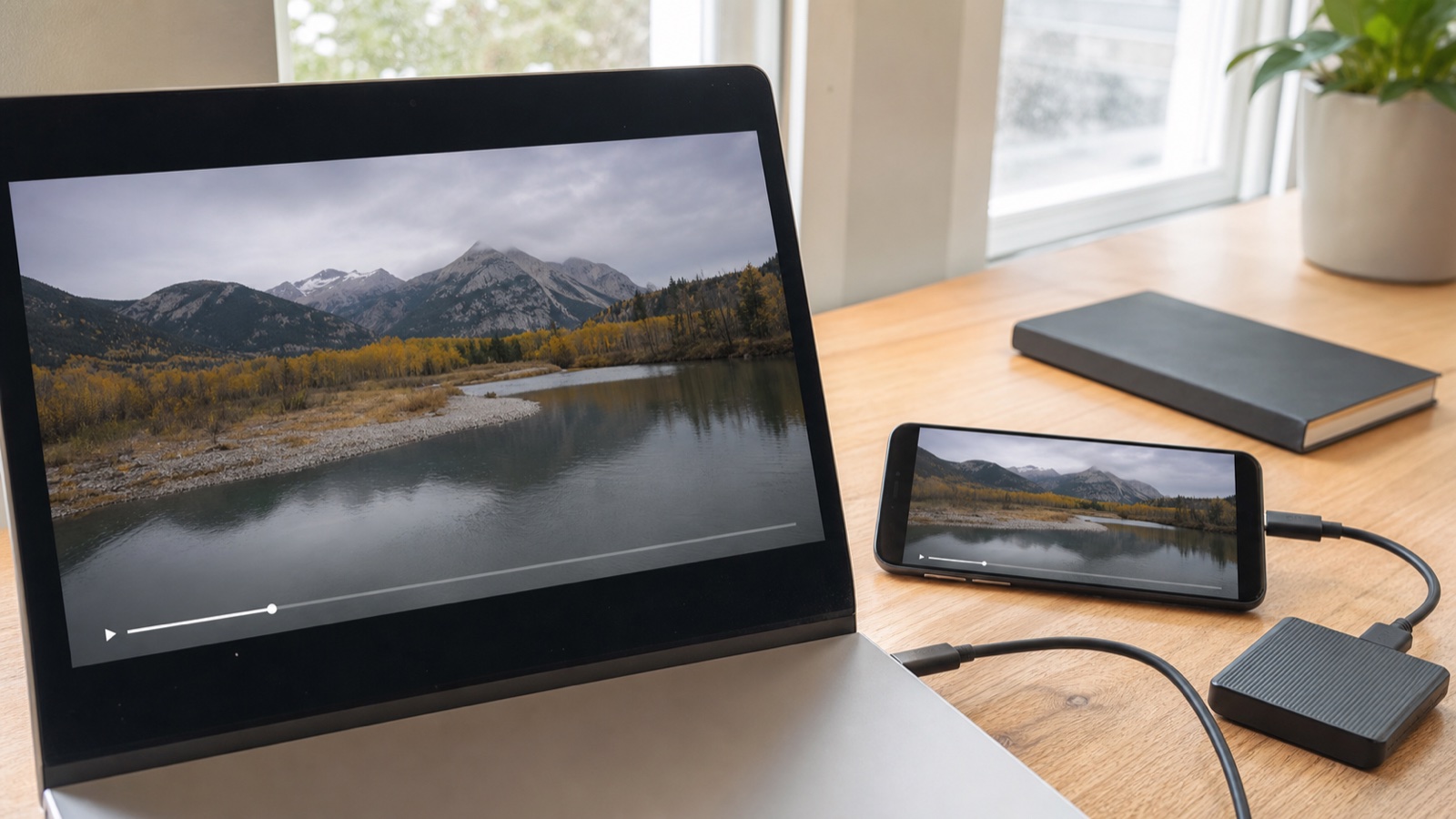
Review the approved master on both desktop and mobile, then complete the rights check before the campaign goes live.
Package the evidence with the master
Keep the approved video, sources, licenses, releases, plan evidence, prompt log, edit project, and client approval in one campaign folder. This small archive makes updates, disputes, and reuse easier to manage.
Conclusion
Seedance 2.5 is commercially practical when you use a paid plan, clear the inputs, document the human creative work, and check the finished export; it is not a shortcut around copyright, likeness, music, advertising, or channel rules. Treat Seedance.tv’s commercial usage rights as permission from the platform—not a guarantee of exclusive statutory copyright or immunity from claims—then keep a compact evidence folder for every client or monetized release. Create a rights-ready Seedance 2.5 test →
Ready to try it yourself?
Put the steps from this guide into practice with Seedance and turn prompts or images into polished videos in minutes.
Free credits on signup. Plans from $28/month.
Related Articles
More posts in the same locale you may want to read next.

Seedance App Preview Video Generator 2026: Create App Store and Product Launch Clips
Use Seedance to turn app screenshots, feature copy, and launch goals into App Store previews, Google Play promo videos, and product launch clips.
Read article
Gemini AI Video Prompt Examples: Copy-Ready Veo Scenes and a Better Prompt Formula
Copy Gemini AI video prompt examples for cinematic motion, product ads, dialogue, and vertical clips, then adapt them with a practical Veo prompt formula.
Read article
How to Keep Product Shape Consistent in AI Video Ads
Lock product geometry, packaging, labels, references, camera angles, and approval checks so AI video ads preserve the real SKU across every shot.
Read article