
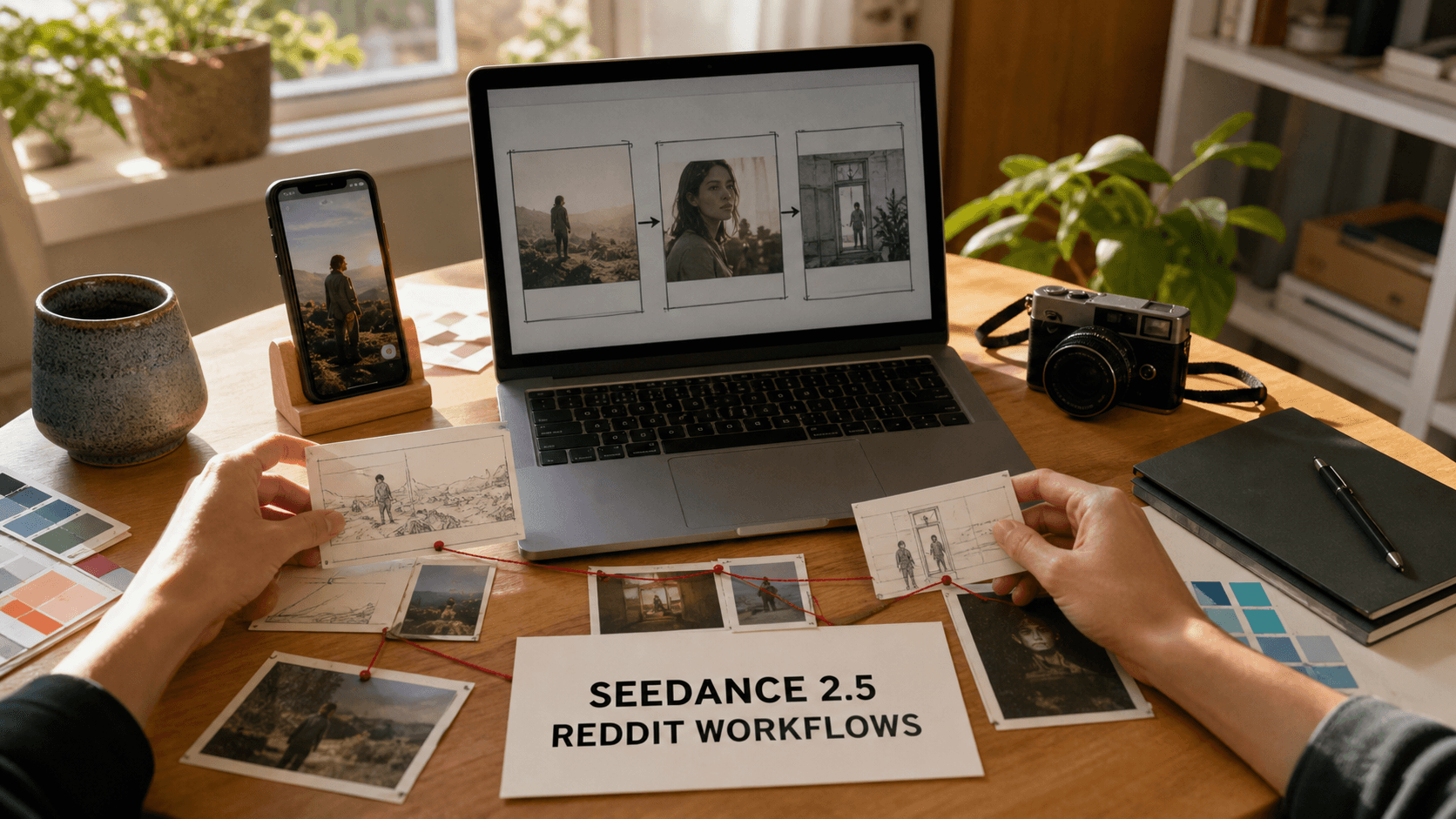
AI Overview
Where can I use Seedance 2.5?
Use Seedance 2.5 in the browser on Seedance.tv. Sign in, choose the model, and generate from text, images, or references without installing desktop software; mobile browsers also work for lighter tasks.
Is Seedance 2.5 free to use?
Yes. New accounts can start with free welcome credits and no card. Current access is a limited trial rather than a guaranteed daily reset, so check the credit balance and export settings shown in your account.
What are Reddit users using Seedance 2.5 for?
Recent community workflows center on short social clips, YouTube B-roll, product ads, dialogue scenes, and prompt experiments. The most repeatable results use time-coded beats, clean references, and one controlled camera move per shot.
Does Seedance 2.5 work for commercial projects?
Yes, when the account terms, source assets, depicted people, audio, and final placement are cleared. Community examples are useful workflow evidence, but they do not replace written licenses, releases, or client approval.
How to Access Seedance 2.5 (Web, Mobile & API)
Web: the simplest route
Open the Seedance.tv creation workspace, sign in with an available account method, and select Seedance 2.5 in the model picker. Use text-to-video when you want the model to invent the scene, image-to-video when the opening composition must stay recognizable, and references when character, product, motion, or sound needs tighter control. Generation runs in the cloud, so there is no local model download.
Mobile: useful for drafts and reviews
The mobile browser supports prompting, uploads, playback, and downloads. Use stable Wi-Fi or 5G and keep the tab active during uploads. Desktop remains better for comparing references and frame-level approval.
API: confirm the route before building
API features and cost can differ from the browser product. Before automating, confirm the endpoint, model name, inputs, retention, concurrency, errors, and commercial terms for the exact route. A community comment is not account documentation.
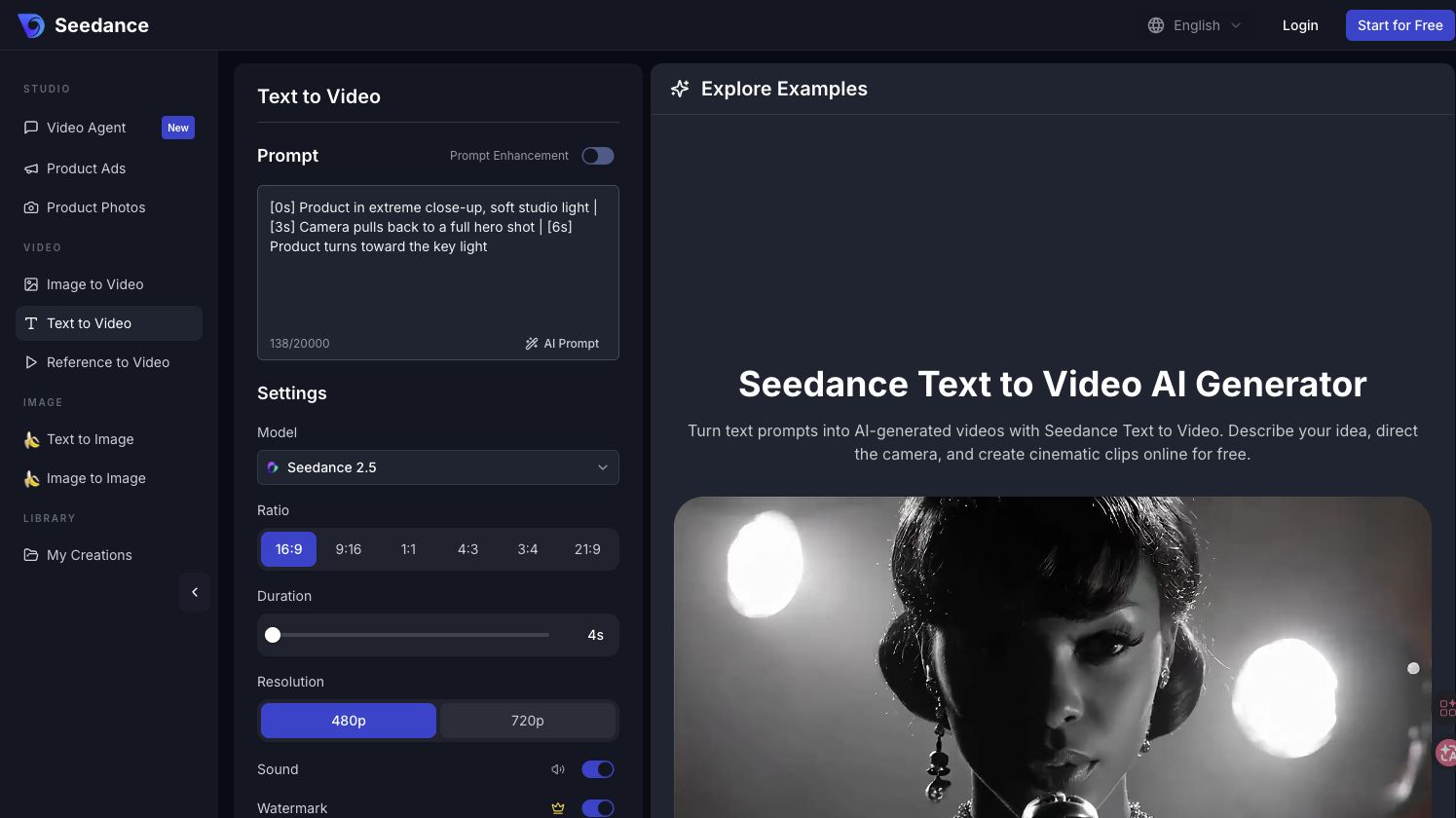
The browser route keeps the model, prompt, format, duration, and output controls in one visible workspace.
Is Seedance 2.5 Free? What Reddit Actually Says
Reddit answers often mix different websites, regions, launch promotions, and older Seedance versions. That is why one post may mention daily credits while another describes a one-time trial. On Seedance.tv, current new-account access uses limited welcome credits; it should not be presented as a guaranteed allowance that resets every 24 hours.
| Question | Practical answer |
|---|---|
| Can I begin without paying? | Yes, when welcome credits are available; no card is required to test the workflow. |
| Do free credits always reset daily? | Do not assume so. Read the balance and expiry shown in the current account. |
| Is free output identical to paid output? | The active route may limit resolution, duration, queue priority, or available models. |
| When should I upgrade? | After one controlled test proves that the prompt and reference workflow can produce an approvable clip. |
Use free access as a benchmark: one subject, one action, one camera move, and one measurable success criterion. Unrelated prompts do not create a fair model test.
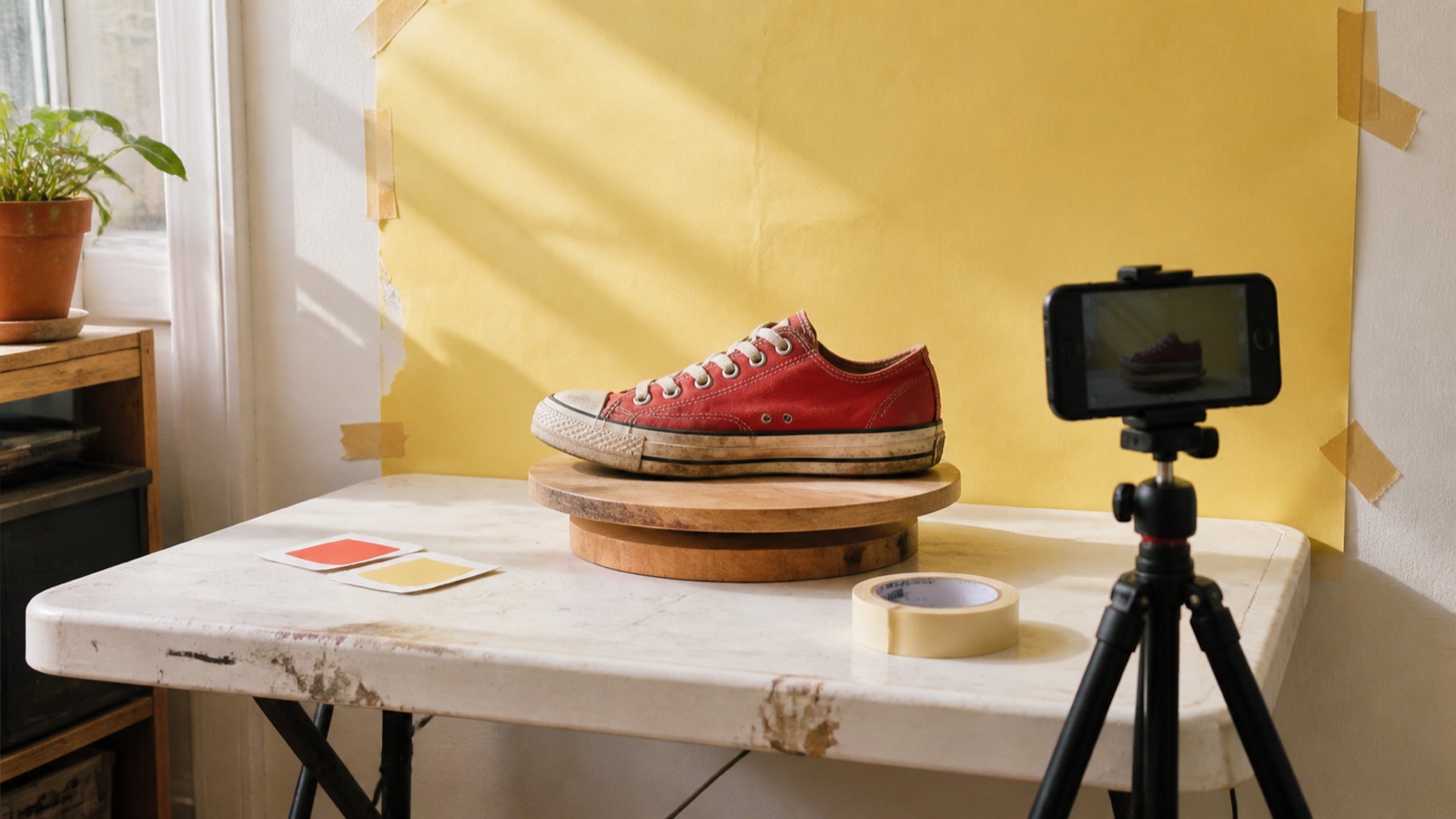
A small, controlled test is more informative than a long prompt with several subjects and competing actions.
5 Best Use Cases for Seedance 2.5 (From Reddit Workflows)
1. Short-form social video
Strong vertical clips use a visual hook. Start movement in the first two seconds, simplify the background, and reserve caption space. Test three openings, approve one motion direction, then extend only that concept.
2. YouTube B-roll and story inserts
For B-roll, generate one clear editorial idea per shot: an atmospheric establishing view, a process close-up, or a transition object. Match lens language, time of day, and color across clips. Do not ask one generation to cover an entire paragraph of narration. Creators building longer sequences can use the continuity checks in the Seedance 2.5 4K tutorial.
3. Product ads and demonstrations
Begin with an approved product image. Lock geometry, materials, label position, color, and included accessories; then request one restrained orbit, push-in, or light sweep. Build the hook, feature, proof, and end frame as separate beats. The image-to-video workspace is the practical route when product identity matters more than scene invention.
Reference-led product motion gives reviewers a stable object to compare across the entire clip.
4. Dialogue and character scenes
Convincing workflows treat acting, dialogue, facial response, and camera as one timeline. Use clean character references and short beats with explicit end states. A pause or glance often feels more human than constant movement.
5. Creative experiments and image-to-video
Hand-drawn characters, unusual materials, dance, and stylized motion work because the reference supplies a visual rule. Change one variable per rerun and protect the original line work or texture before requesting aggressive movement.
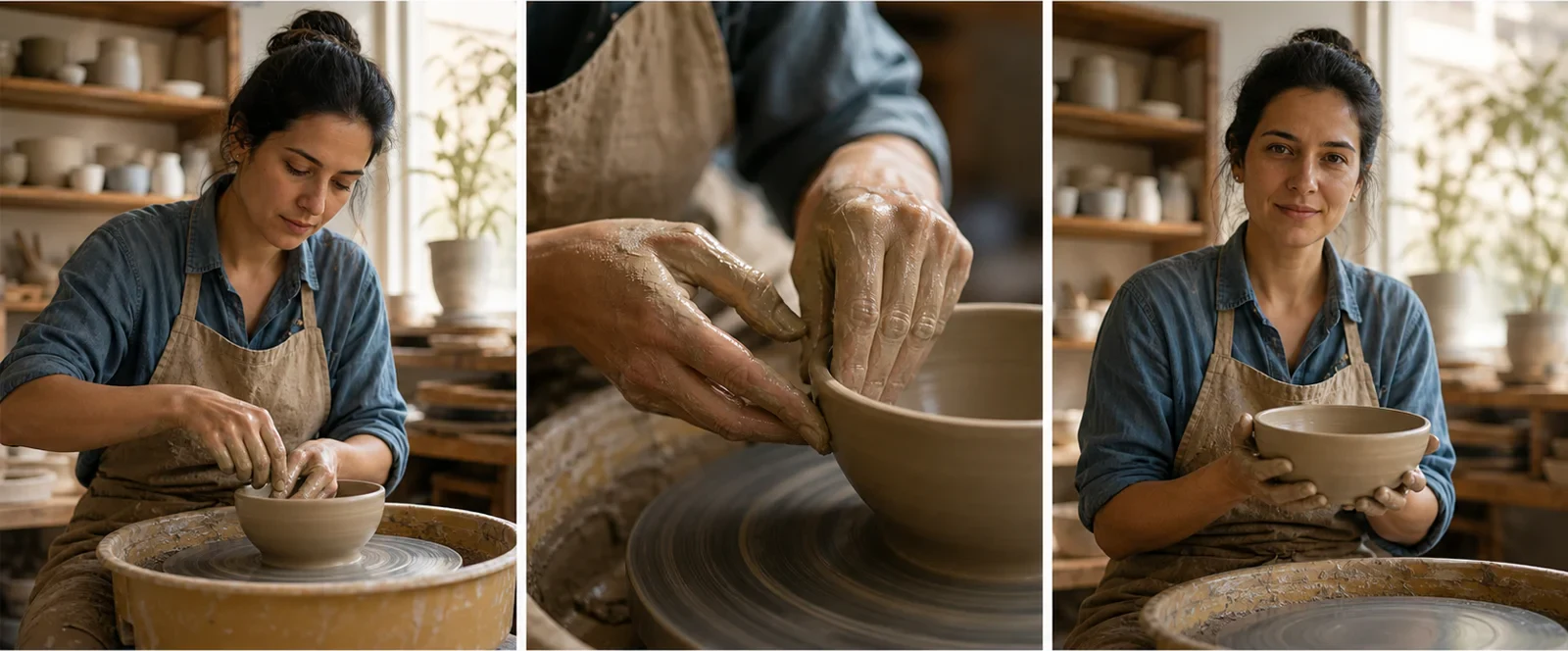
A start–middle–end board makes identity and object drift easier to spot before delivery.
Seedance 2.5 Prompt Guide: Tips Shared on Reddit
Reddit's most useful prompt advice is structural: describe what must happen, when it happens, and what must remain fixed. These ten patterns can be combined without turning the prompt into a wall of adjectives.
| Pattern | Copy-ready prompt fragment |
|---|---|
| 1. Declare format | 15 seconds, 9:16, realistic handheld social video. |
| 2. Define the anchor | Image 1 is the exact person; preserve face, age, hair, and clothing. |
| 3. Set the environment | Small daylight kitchen, soft window light, lived-in surfaces. |
| 4. Use timed beats | 0–4s: enters frame. 4–9s: opens the box. 9–15s: reacts. |
| 5. Give one camera job | Slow shoulder-height push-in; no orbit or zoom. |
| 6. Direct acting | She hesitates, looks down, then answers quietly. |
| 7. Protect continuity | Keep product geometry, label, wardrobe, and lighting unchanged. |
| 8. Separate audio | Natural room tone; one spoken line; no music. |
| 9. Specify the ending | End on a stable three-quarter product frame with empty caption space. |
| 10. Name failures | No extra fingers, warped text, duplicate objects, jump cuts, or camera shake. |
For longer work, plan the full sequence, split it into shots, storyboard it, and reuse each approved end state as the next reference. Strong examples control timing, behavior, imperfection, and continuity—not just “cinematic” style.
Seedance 2.5 vs Runway vs Kling: Which Should You Use?
Reddit comparisons are most useful when every tool receives the same prompt, reference, duration, aspect ratio, and resolution. Otherwise, the result measures different settings rather than model behavior.
| Decision | Seedance 2.5 | Runway | Kling |
|---|---|---|---|
| Best fit | Longer, reference-rich scenes with timed action and coordinated audio | Editing-led workflows and familiar production controls | Motion-focused image-to-video and controlled camera tests |
| Prompt style | Detailed scene plan with references and time ranges | Shot brief combined with editing or transformation steps | Clear motion, subject, and camera constraints |
| Test first | Character and object continuity across a longer scene | How quickly an existing asset can be changed and approved | Whether motion strength preserves anatomy and source identity |
| Choose it when | You need one workspace for text, image, references, sound, and up to a complete scene | The job begins with footage that needs controlled post-production | A shorter motion test is more important than a multi-beat sequence |
Run a matched test and score instruction following, anatomy, identity, audio, retries, and cost per approved second. Use the Seedance troubleshooting guide instead of choosing from one attractive frame.
Common Seedance 2.5 Issues Reddit Users Solved
Generation fails or stalls
Check file type and size, shorten filenames, keep the upload tab active, and retry on a stable connection. If the job fails before processing, confirm whether credits were returned before submitting again. Remove one reference at a time to isolate a problematic file instead of rebuilding the whole brief.
Credits disappear too quickly
Draft at the shortest practical duration and standard resolution. Lock the subject and camera in a low-cost test, then spend more only on the approved direction. Save every prompt with its settings and result; otherwise, repeated guesses make the true cost invisible.
Output looks generic or drifts
Replace mood words with visible actions, use cleaner references, reduce simultaneous movement, and state the final frame. If identity changes, repeat a compact identity lock in every shot. If motion feels sterile, add one believable imperfection—slight autofocus correction, uneven handheld framing, fabric lag, or a natural pause—without adding five new actions.

Change one variable per retry so the successful fix is visible and repeatable.
Fast action should be reviewed frame by frame for hands, contact points, body mechanics, and background continuity.
Is Seedance 2.5 Safe for Commercial Use?
Seedance.tv's current paid plans include commercial usage rights, but commercial safety still depends on your inputs and final output. Clear uploaded photos, footage, faces, voices, music, logos, product designs, and stock assets. Remove accidental trademarks, unsupported claims, look-alike characters, or misleading synthetic depictions before publication.
Reddit posts can demonstrate that creators use a workflow for client ads or product demos; they cannot grant rights. Keep the prompt, references, account and plan record, generation ID, licenses, releases, approval notes, and final export with each project. The complete checklist is in Is Seedance 2.5 Safe for Commercial Use?.
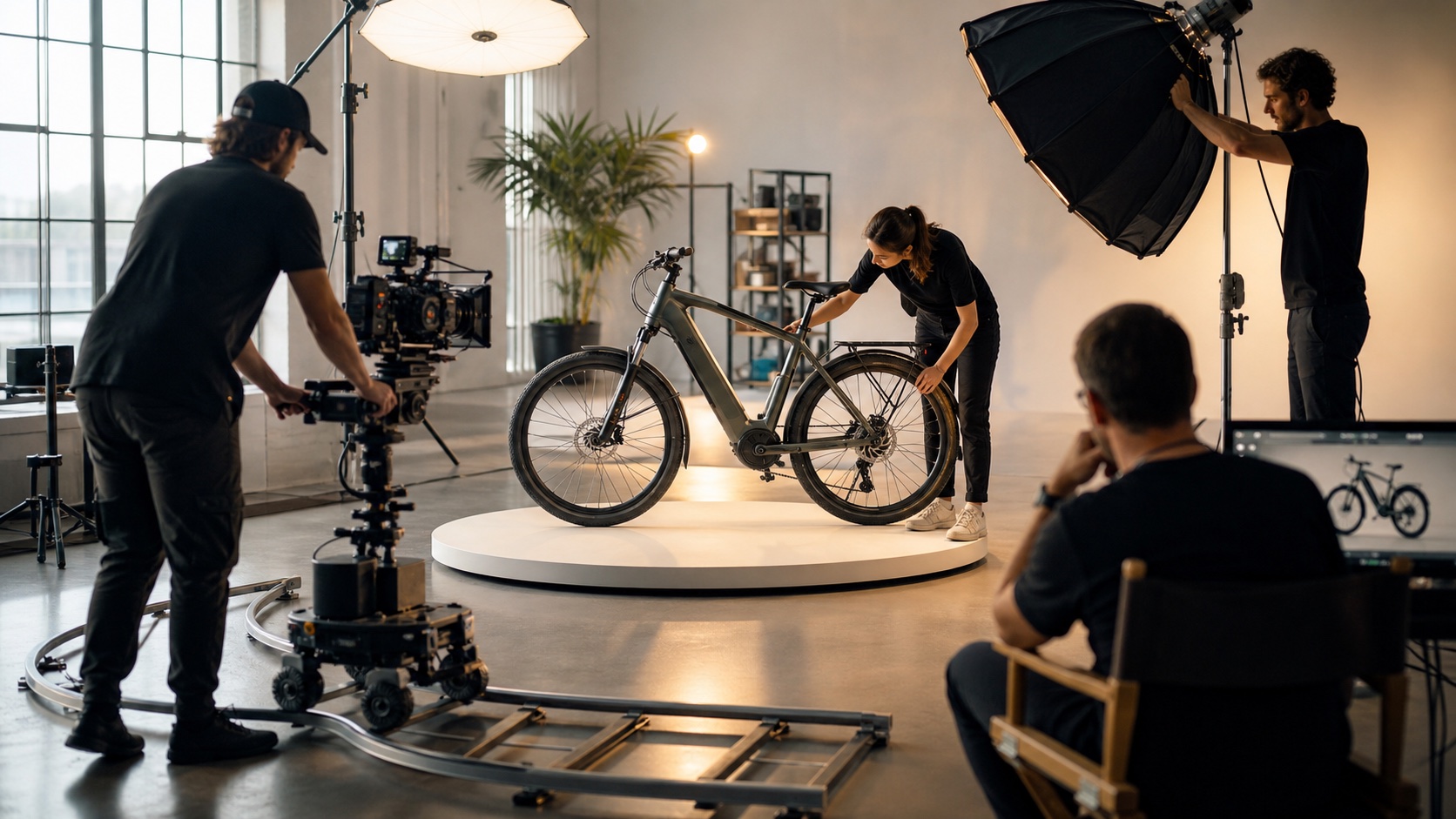
Commercial readiness comes from a documented approval workflow, not from the tool name alone.
Conclusion
Use Seedance 2.5 in the browser workspace, where the model, references, prompt, and output settings stay visible. Reddit's strongest workflows share one lesson: plan the sequence, use clean references, give each time range one job, compare tools with matched inputs, and document commercial approvals. Start with one controlled free test and scale only after the workflow is repeatable.
Ready to try it yourself?
Put the steps from this guide into practice with Seedance and turn prompts or images into polished videos in minutes.
Free credits on signup. Plans from $28/month.
Related Articles
More posts in the same locale you may want to read next.

Seedance App Preview Video Generator 2026: Create App Store and Product Launch Clips
Use Seedance to turn app screenshots, feature copy, and launch goals into App Store previews, Google Play promo videos, and product launch clips.
Read article
Gemini AI Video Prompt Examples: Copy-Ready Veo Scenes and a Better Prompt Formula
Copy Gemini AI video prompt examples for cinematic motion, product ads, dialogue, and vertical clips, then adapt them with a practical Veo prompt formula.
Read article
How to Keep Product Shape Consistent in AI Video Ads
Lock product geometry, packaging, labels, references, camera angles, and approval checks so AI video ads preserve the real SKU across every shot.
Read article