
Runway Unlimited Ending: New Date, Max Plan & Alternatives

AI Overview
Is Runway Unlimited ending?
Yes. Eligible legacy Unlimited subscriptions have been extended through November 30, 2026, when Runway says subscribers will move to Max.
Can new users still buy Runway Unlimited?
No. Runway stopped offering Unlimited to new subscribers on June 1, 2026. Max is now the high-volume subscription.
Is Runway Max the same as Unlimited?
No. Max includes 9,500 monthly credits and one month of rollover; legacy Unlimited paired 2,250 credits with relaxed-speed Explore Mode.
Does unlimited generation disappear completely?
The subscription is ending, but Runway separately lists Unlimited Mode for supported models on Pro and Max. Model availability can change.
Runway Unlimited Ending: What Changed and When?
The headline is easy to misread because two dates have circulated. Runway first planned to move legacy Unlimited users to Max on September 1, 2026. On August 27, it updated the transition and extended eligible legacy access through November 30, 2026. Pages that still lead with September 1 are now stale.
The Unlimited plan is already closed to new subscribers. That happened on June 1, when Max launched. The November date applies to eligible people who kept a legacy Unlimited subscription; it is not a window for opening a new Unlimited account.

The useful timeline: new subscriptions stopped on June 1, the deadline changed on August 27, and eligible legacy access now runs through November 30, 2026.
What happens to monthly and annual subscribers?
Monthly Unlimited subscribers are scheduled to move automatically to Max at the same $95 monthly price on November 30, unless they cancel. Annual subscribers get a different November decision: request a refund for the unused part of the term or accept a credit bonus and migrate to Max. The exact account offer should be checked against the email and billing screen tied to that subscription.
Legacy workspaces also have a practical restriction: new members can no longer be invited to an Unlimited account. Teams adding editors must plan around Max rather than treating the old workspace as a permanent entitlement.
Runway Max vs Unlimited: What Do Creators Actually Lose or Gain?
The price headline hides a change in production behavior. Unlimited rewarded patience: creators could use the included credits, then explore supported first-party models at relaxed speed without counting every attempt. Max emphasizes fast, predictable generation but gives the team a finite monthly budget.
| Decision factor | Legacy Unlimited | Max |
|---|---|---|
| Monthly price | $95 for monthly subscribers | $95 after the scheduled migration |
| Included credits | 2,250 per month | 9,500 per month |
| Rollover | Monthly credits reset | Up to one month of unused credits rolls over |
| Old Explore Mode | Included at relaxed speed | Not carried forward as the old entitlement |
| Generation priority | Fast with credits; slower while exploring | On-demand credit generation without the old queue model |
| Best fit | Open-ended experimentation and many weak takes | Deadline work with measurable monthly output |
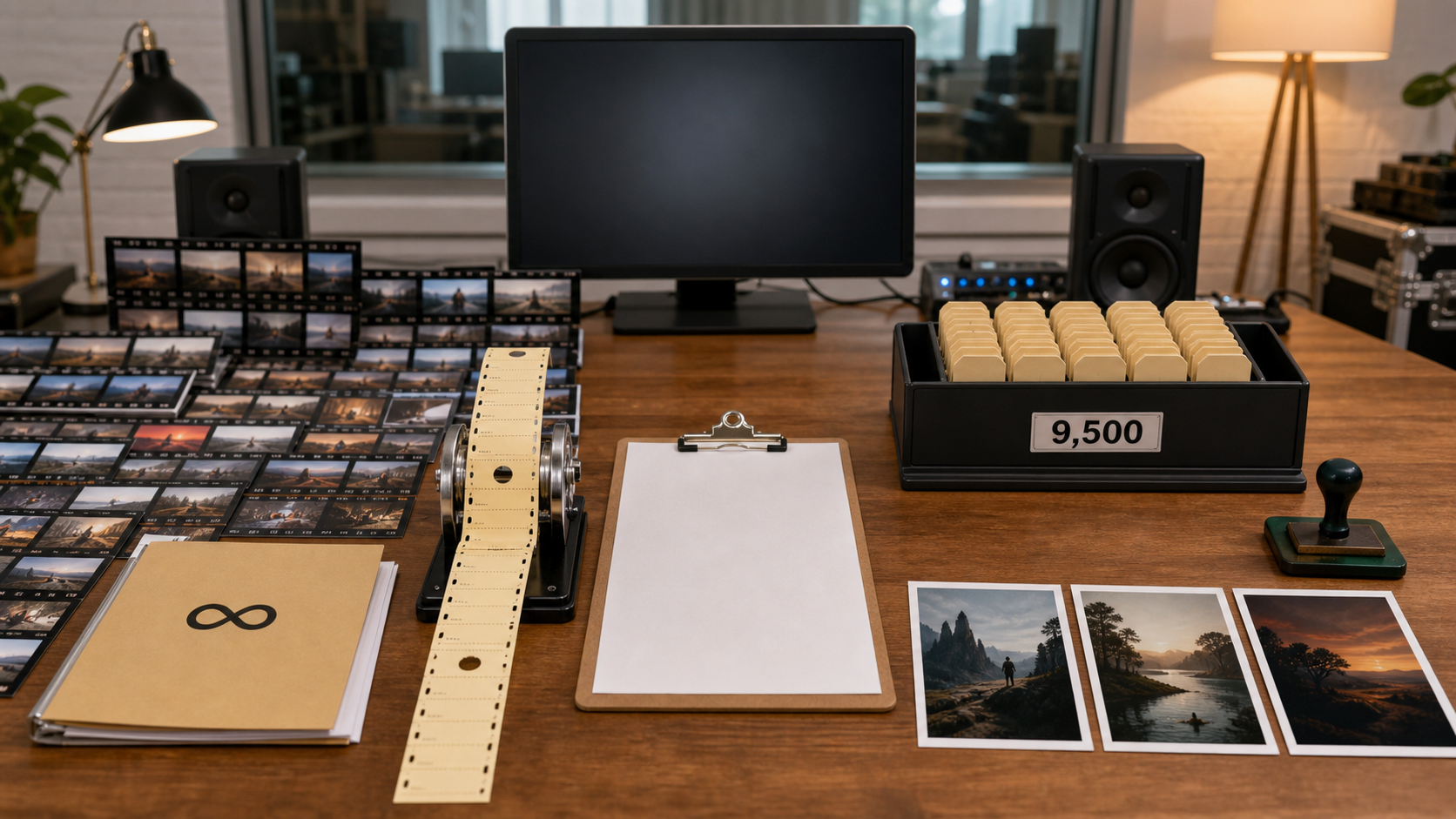
Unlimited made iteration feel open-ended; Max turns the same creative search into an allocation and approval problem.
Explore Mode and Unlimited Mode are not the same thing
Runway's current wording creates a subtle but important distinction. The Unlimited subscription is the legacy plan being retired. Explore Mode is the relaxed-speed workflow associated with that plan. A newer help page separately describes Unlimited Mode, available on Pro and Max for supported models and promotional periods.
That does not mean Max recreates the old contract. Unlimited Mode appears only when the current model or tool supports it, runs fewer simultaneous jobs, and may take longer to start. Credits Mode remains the faster option. Before renewing, open the models used in real projects and check which ones actually show the unlimited toggle.
What the Ending Means for Real AI Video Costs
Max's 9,500 credits sound generous because they are more than four times the old monthly allowance. The right denominator, however, is not credits per month or seconds generated. It is approved clips delivered after rerolls, edits, extensions, upscaling, and failed attempts.
For a concrete snapshot, a model priced at 12 credits per output second would turn 9,500 credits into about 791 generated seconds, or roughly 158 five-second attempts, if nothing else touched the pool. A 720p model priced at 30 credits per second would yield about 316 seconds—around 31 ten-second attempts before rejected takes. Rates vary by model and can change, so the estimate visible before generation is the final source of truth.
Cost per approved clip = total credits spent ÷ approved deliverables
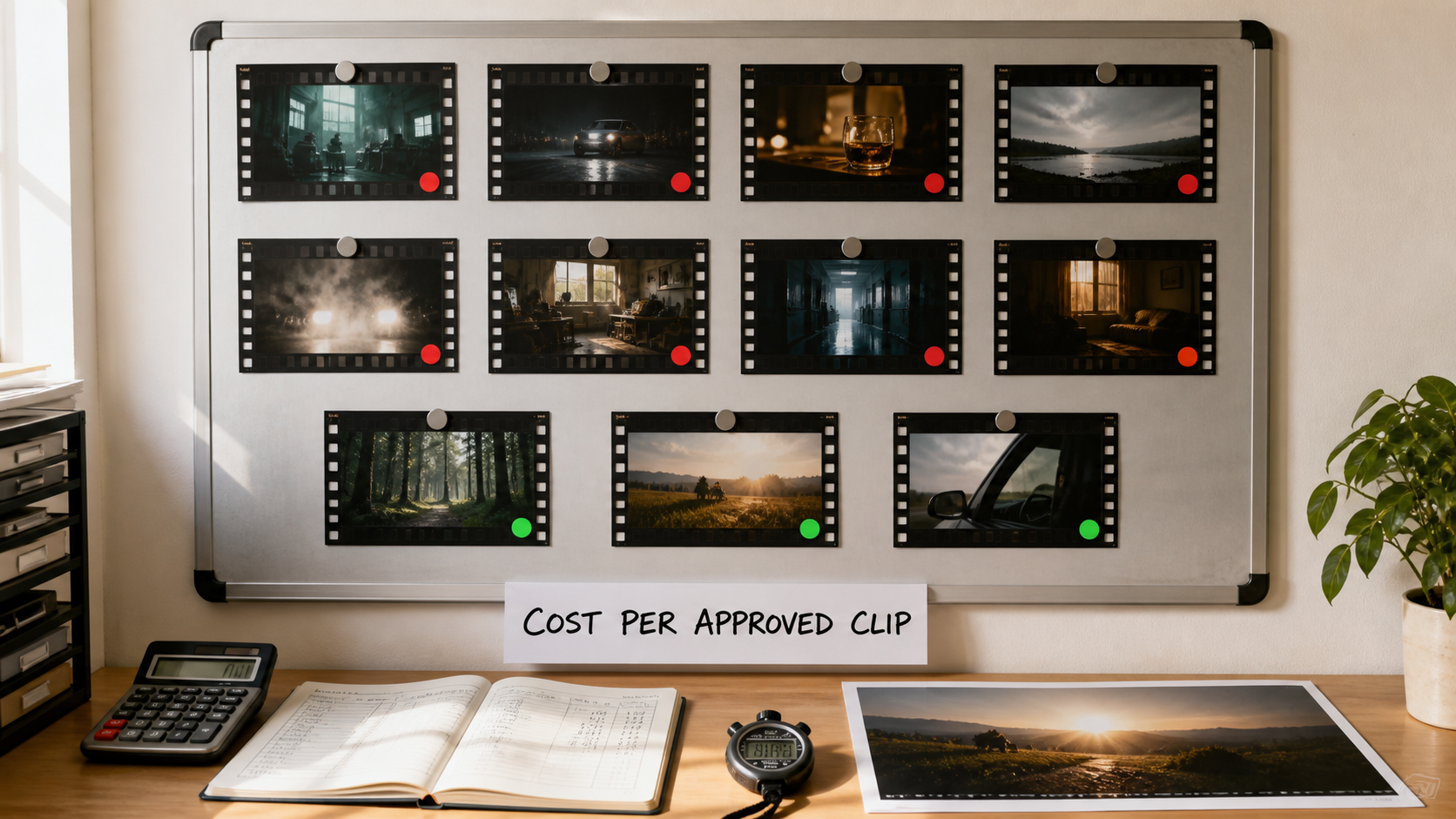
A plan is economical only when its attempts reliably become usable shots.
Three workload patterns
| Workflow | Likely effect of Max | Decision signal |
|---|---|---|
| Casual creator making a few hooks | Faster output and rollover may be enough | Credits remain at month end |
| Social team producing many variants | Strong when prompts are already controlled | Approved clips per campaign stay predictable |
| Studio exploring dozens of directions | Finite credits can punish weak briefs and client changes | Retakes consume most of the allowance |
Queue time still matters. A slower unlimited attempt is not free if a deadline slips, while a fast credit attempt is not efficient if it is rejected. Track render time beside approval rate; the Seedance 2.5 render-time guide offers a useful template for recording both.
Should You Stay, Cancel, or Request a Refund?
Stay on Max if
- client deadlines make predictable start times more valuable than unlimited rerolls;
- a normal month fits inside 9,500 credits with room for one revision cycle;
- the team needs Runway's editing, workflow, asset, and multi-model environment;
- one month of rollover matches an uneven production calendar.
Cancel or request a refund if
- the workflow depends on dozens of exploratory generations before a direction is approved;
- most value came from leaving relaxed jobs in the queue rather than using fast credits;
- third-party video models consume the allowance before the final edit is complete;
- another workflow produces more approved seconds for the same budget.
Refund checklist
Do not assume every cancellation creates an immediate cash refund. Monthly subscribers can cancel instead of moving, while ordinary monthly refunds follow the regular policy. Annual Unlimited subscribers have a transition-specific November choice involving the unused term or a migration bonus. Save the subscription email, current invoice, renewal date, usage history, and a screenshot of the account offer before acting. If the account was purchased through a mobile store, that store may control the refund route.
Best Runway Unlimited Alternatives by Workflow
There is no credible replacement based only on the word “unlimited.” Replace the mechanism, not the label. A heavy user needs to compare model access, resolution, audio, reference limits, concurrency, moderation delays, failed-generation charges, and cost per approved output.
For high-volume creative iteration
Use one fixed five- or ten-second brief and cap the test at the same spend. Record every attempt, not just the winner. A creator making short concepts can start with Text to Video; a product team protecting an approved design should run the same source through Image to Video. If the reference pack contains characters, products, movement and audio, define one job per asset using the Seedance 2.5 reference guide.
For longer multimodal production
Seedance 2.5 is a practical alternative when the real requirement is a longer continuous scene rather than endless short rerolls. It can combine text, images, video and audio across a clip of up to 30 seconds, which may remove joins, separate sound design, and continuity repair.
A real Seedance 2.5 capability sample: judge continuity, timed direction, audio, and whether one longer pass replaces several short generations.
For a second benchmark structure, the Gemini Omni vs Seedance 2.5 comparison shows how to score identical prompts, source preservation, approved seconds, and repair time.
Migration Checklist Before Unlimited Ends
Audit the current workflow
Export important assets, prompts and final clips. List the models actually used, their durations, monthly attempts, approval rate and average wait. Separate first-party relaxed generations from credit-only tools; otherwise the plan comparison mixes two different production systems.
Run a controlled alternative test
Use the same prompt, reference, aspect ratio, duration and review rubric. Give each route the same attempt budget. Score prompt coverage, identity, motion, temporal stability, audio, repair time and cost. A single lucky output is not a migration decision.
Decide before the billing event
Choose one of three paths before November 30: stay on Max, cancel or request the applicable annual option, or move only the high-iteration stages elsewhere. Hybrid routing is often safer than replacing an entire studio overnight: keep the editor that works, but send expensive exploration to the route with the best approval economics.
Conclusion
Runway Unlimited ending matters because creative search is moving from an open-ended queue to a measurable credit budget. Eligible legacy access now runs through November 30, 2026, but the plan name should not make the decision for you. Measure monthly attempts, approved clips, waiting time and repair work; then choose Max, use the applicable cancellation or annual option, or migrate the stages that need more iteration. Test a real AI video workflow on Seedance →
Ready to try it yourself?
Put the steps from this guide into practice with Seedance and turn prompts or images into polished videos in minutes.
Free credits on signup. Plans from $28/month.
Related Articles
More posts in the same locale you may want to read next.

Seedance App Preview Video Generator 2026: Create App Store and Product Launch Clips
Use Seedance to turn app screenshots, feature copy, and launch goals into App Store previews, Google Play promo videos, and product launch clips.
Read article
Kling 4.0 vs Seedance 2.5: Full Comparison
Kling 4.0 vs Seedance 2.5 compared by spec: 30-second clips, keyframes vs 50 references, audio, 4K and 10-bit color, editing, and which model fits which job.
Read article
Kling 4.0 Keyframes & Omni Reference Guide
Learn how Kling 4.0 uses up to 10 keyframes and 15 Omni Reference assets in one 30-second video, with 3 worked plans, common mistakes, and Seedance 2.5 tips.
Read article