
I Tested 7 Pika Alternatives in 2026 — Here's What Actually Works

AI Overview
What is the best free alternative to Pika?
Seedance is the best all-round free starting point because signup credits unlock several current models and complete text-to-video and image-to-video workflows. Kling is a strong second choice for character-led tests.
Is Seedance better than Pika for AI video?
For commercial video, product ads, and multi-model work, usually yes. Pika still wins when you specifically want its one-click Pikaffects, swaps, or playful transformation tools.
Why do people look for Pika alternatives?
The main reasons are limited free credits, the 480p cap on free Pika 2.5 generations, and the need for stronger realism or production tools. Pika remains excellent for fast viral effects.
Which Pika alternative is best for social media videos?
Seedance is strongest for product-led social content, Kling for realistic human motion, and PixVerse for stylized trend formats. Choose based on the shot's main risk: product fidelity, character motion, or visual novelty.
Why Creators Are Looking for Pika Alternatives in 2026
Pika is not a bad tool. Its strongest advantage is still speed: upload an image, choose an effect, and get a shareable transformation without writing a technical prompt. Pikaffects, Pikaswaps, Pikatwists, and Pikascenes make it especially good for memes, playful reveals, and lightweight social hooks.
The limits appear when that hook must become a campaign. Pika's current free plan restricts Pika 2.5 to 480p and provides a small monthly credit allowance. Paid plans unlock higher resolutions and commercial use, but repeated rerolls can consume credits quickly. Longer sequences also require creators to maintain characters, products, camera logic, captions, and edits outside the effect itself.
Pika's effect-first workflow is fast and distinctive. The harder question is whether the same shot can support a repeatable branded sequence.
For a deeper look at its plans and effect tools, read our Pika AI video generator review. The practical conclusion is simple: keep Pika when novelty is the brief; compare alternatives when realism, continuity, or commercial throughput matters more.
How We Chose These Pika Alternatives
We evaluated each platform against the same production questions: How convincing is motion? Can a reference subject remain recognizable? Is the free access meaningful? How quickly can a creator move from one clip to a usable campaign asset? We also considered generation speed, commercial workflow, audio, editing depth, and the cost of failed attempts.
The Test Briefs
Our benchmark covered a five-second product orbit, a vertical creator clip with hand and prop contact, a cinematic environmental shot, and a stylized transformation. Using the same source frame in Image to Video makes stability differences easier to see than comparing unrelated gallery examples.
Seedance ranks first because it connects several current models with direct generation and product-ad workflows, while remaining easy to try before committing to a subscription.
Seedance — Best Overall Pika Alternative
Seedance is the best overall Pika alternative for creators who need more than one effect style. It combines text-to-video, image-to-video, reference-led generation, product ads, and multi-model access in one workspace. That lets a team use one brief for realistic motion, creator-style UGC, product shots, and alternate visual treatments.
The key difference is production intent. Pika starts with an effect; Seedance starts with the deliverable. Ecommerce teams can preserve a product image, generate motion, and create ad variations without rebuilding the workflow around a novelty preset. Nano Banana Pro also supports image preparation and campaign frames before animation.
| Feature | Seedance | Pika 2.5 |
|---|---|---|
| Model approach | Multiple video and image models in one workflow | Pika models plus effect-focused creation tools |
| Free start | Signup credits with no card required | Monthly free credits; Pika 2.5 limited to 480p |
| Professional tools | Product-ad workflow, reference generation, flexible model choice | Pikaffects, swaps, twists, scenes, and frames |
| Commercial workflow | Built for product, UGC, and campaign iteration | Commercial use is listed across current plans |
| Best fit | Ecommerce, marketers, creators, and multi-format teams | Viral effects, memes, and playful short clips |
Try Seedance free if your goal is a polished product video, UGC ad, or reusable social workflow. Pika remains the better specialist when a specific Pikaffect is the creative idea.
Best Pika Alternatives for Quality and Versatility
Runway Gen-4 — Best for Professional Film Workflows
Runway is the strongest option for filmmakers and brand teams that want generation inside a broader production environment. Its tools cover video generation, image creation, editing, upscaling, audio, asset management, and API access. That depth matters when one generated shot must pass through several review and finishing stages.
The free plan is best treated as a trial: its 125 credits are a one-time allocation, supported models can change, and free output carries a watermark. Paid access makes more sense for teams that value integrated editing and organized assets enough to justify a deeper interface and faster credit consumption.
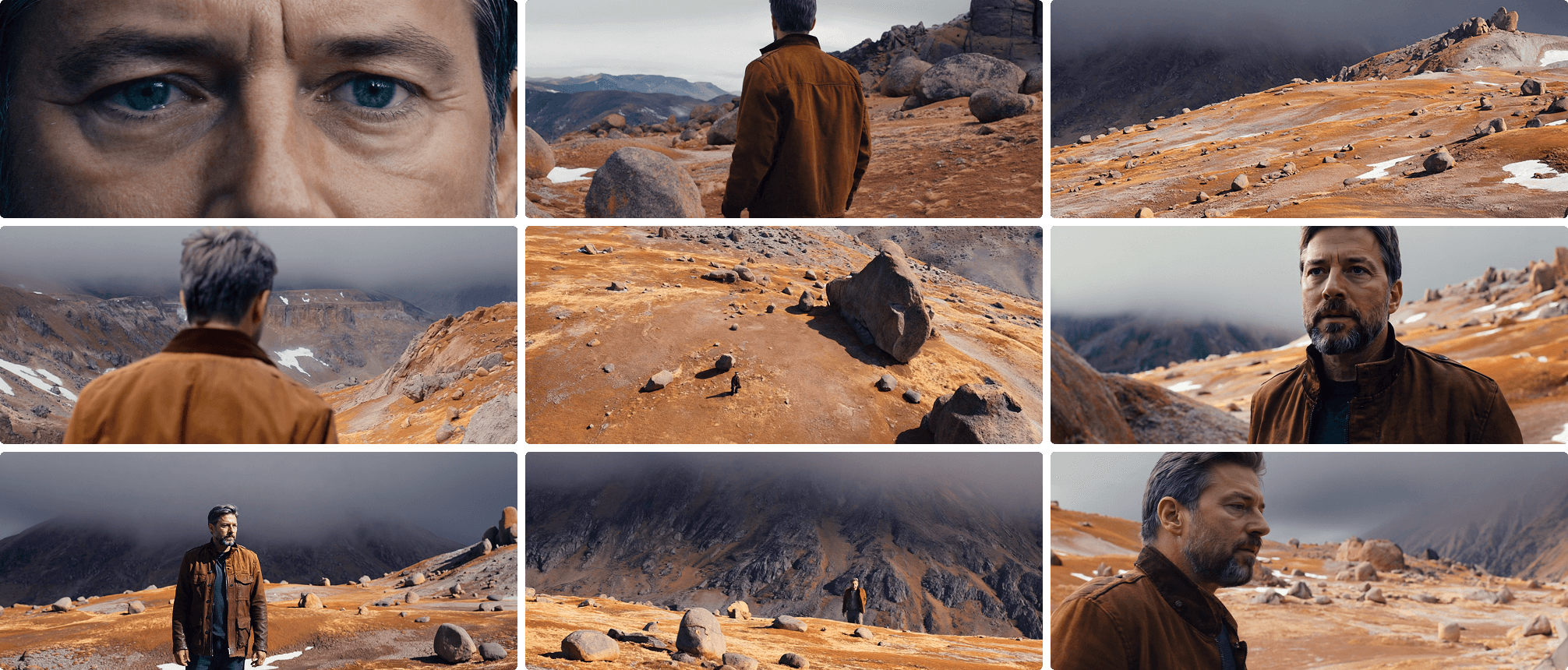
Runway is strongest when generation is one controlled stage inside a professional pipeline.
Pros: cinematic output, editing depth, team-ready workflow. Cons: limited free trial and a steeper learning curve. See our Runway workflow comparison.
Kling AI — Best for Character Motion and UGC
Kling belongs near the top of any test involving people. It is particularly useful for body motion, character identity, fashion shots, dance, and creator-style scenes where hands must touch a product naturally. Reference controls also make it easier to anchor a recognizable subject than an effect-first workflow.
The tradeoff is speed and finishing. Queue access can vary, and campaign assembly still happens elsewhere. Keep the shot simple: one person, one prop interaction, one camera move, and a clear end pose. Then evaluate the entire clip for identity, fingers, contact, and clothing continuity.
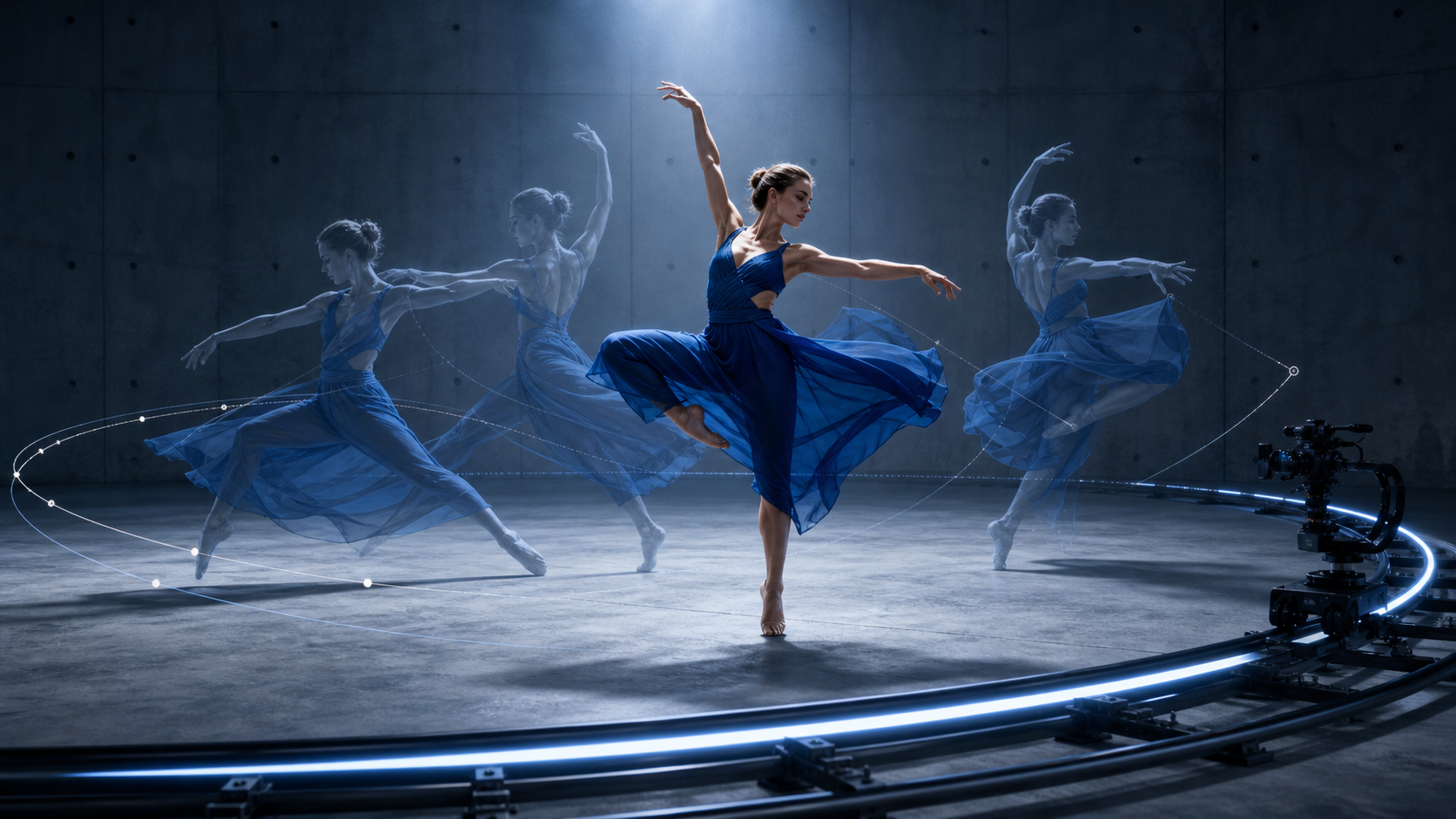
A strong character test checks motion continuity and prop contact, not only the most attractive frame.
Pros: convincing human motion and useful reference control. Cons: variable queues and limited end-to-end editing.
Google Veo 3 — Best for Cinematic Quality and Native Audio
Veo 3 is the premium choice when the brief depends on realism and synchronized sound. It can generate video with dialogue, ambience, and effects in the same pass, which reduces the disconnect between a polished image and generic stock audio. It is well suited to hero shots, atmospheric scenes, and short dialogue moments.
That quality comes with higher generation cost and route-dependent availability. It is inefficient for dozens of disposable social tests, but compelling when one approved cinematic clip matters more than volume. Prompt audio explicitly: name the speaker, environment, sound source, and moments that should remain silent.
This benchmark combines continuous performance, environmental motion, camera movement, and generated sound in one shot.
Pros: cinematic realism and native audio. Cons: premium cost and slower high-volume experimentation. Compare the workflow in Seedance vs Veo 3.
Pika Alternatives for Specific Use Cases
Luma Dream Machine — Best for Spatial Product Visualization
Luma is strong at dimensional camera movement, physical atmosphere, and scenes that need a convincing sense of space. It works well for product visualization, architecture, and concept films. Its API output is watermark-free and allowed for commercial use, but creators should still verify rights for every input asset.
Hailuo AI — Best for Budget-Conscious Testing
Hailuo is a practical option for expressive short shots and lower-cost model comparisons. It is useful when a team wants several motion directions before choosing a premium render path. Test queue speed, resolution, watermark rules, and commercial terms on the exact access route before client delivery.
PixVerse — Best for Anime and Stylized Social Content
PixVerse is a good fit for anime, fantasy, trend templates, effects, and fast mobile-first experimentation. Its newer workflows also include reference fusion, extensions, swaps, and audio options. Choose it when stylization is the point; use Seedance or Kling when product fidelity or realistic people carry more risk.
Pika vs Seedance: Side-by-Side Comparison
| Dimension | Pika 2.5 | Seedance |
|---|---|---|
| Video quality | Strong for playful short effects; free generation is 480p | Model choice supports sharper, more realistic production paths |
| Free plan | Monthly credits with selected 480p tools | Free signup credits and multiple generation workflows |
| Commercial use | Listed on current plans; users must own input rights | Supported for commercial creation; users remain responsible for rights |
| Signature tools | Pikaffects, Pikaswaps, Pikatwists, Pikascenes | Product ads, reference-led generation, multi-model access |
| Best use | Viral entertainment and rapid effect tests | Commercial video, UGC ads, product content, and campaign variants |
Pika is not replaced in every scenario. If the creative concept is “melt this,” “squish this,” or another named one-click effect, staying in Pika is efficient. Seedance becomes the better everyday platform when the team needs consistent products, realistic motion, multiple model options, and repeatable commercial output.
Which Pika Alternative Is Right for You?
Quick Match
- Want the strongest free starting point: choose Seedance.
- Making brand films or VFX-heavy concepts: choose Runway.
- Generating people, dance, or creator UGC: choose Kling.
- Need cinematic realism with native sound: choose Veo 3.
- Building spatial product or architecture shots: choose Luma.
- Testing expressive motion on a budget: include Hailuo.
- Creating anime or stylized trends: choose PixVerse.
- Need a specific Pikaffect: stay with Pika.
Before rendering a campaign, use our AI video generator for social media guide to choose aspect ratios, pacing, and platform-safe formats.
Conclusion
Pika remains a great choice for quick, effect-led clips, while the alternatives become more useful when you need realistic motion, consistent subjects, native audio, professional finishing, or repeatable product ads. Seedance is the strongest all-round option; test one real brief in your top two tools and choose the workflow that reaches an approved result with the fewest rerolls—not the flashiest demo.
Ready to create your own AI video?
Turn ideas, text prompts, and images into polished videos with Seedance. If this article helped, the fastest next step is to try the product.
Free credits on signup. Plans from $28/month.
Related Articles
More posts in the same locale you may want to read next.

Seedance App Preview Video Generator 2026: Create App Store and Product Launch Clips
Use Seedance to turn app screenshots, feature copy, and launch goals into App Store previews, Google Play promo videos, and product launch clips.
Read article
Gemini AI Video Prompt Examples: Copy-Ready Veo Scenes and a Better Prompt Formula
Copy Gemini AI video prompt examples for cinematic motion, product ads, dialogue, and vertical clips, then adapt them with a practical Veo prompt formula.
Read article
How to Keep Product Shape Consistent in AI Video Ads
Lock product geometry, packaging, labels, references, camera angles, and approval checks so AI video ads preserve the real SKU across every shot.
Read article