
AI Overview
How do I replace a character in video with MiniMax H3?
Use the Ref2VA model family with a clean identity image and the source video as separate references. Define exactly who changes, preserve the source performance and camera, and review the complete moving result rather than one attractive frame.
What is the best MiniMax H3 character replacement prompt?
Assign explicit roles to <Picture 1>, <Subject 1>, <Video 1>, and any reused audio. State the replacement once, then list the source elements that must remain: timing, action, framing, lighting, environment, interactions, and sound.
How do I stop identity drift after the character swap?
Start with one well-lit head-and-shoulders reference, keep the source clip short, and avoid changing wardrobe, location, camera, and identity in the same test. If drift begins during motion, simplify the action or split the difficult beat.
Can MiniMax H3 keep the original video's audio?
Ref2VA accepts video and audio references and can generate synchronized stereo audio. When the source soundtrack must remain, label its audio as a reuse source and verify dialogue timing, room tone, effects, and cuts across the entire output.
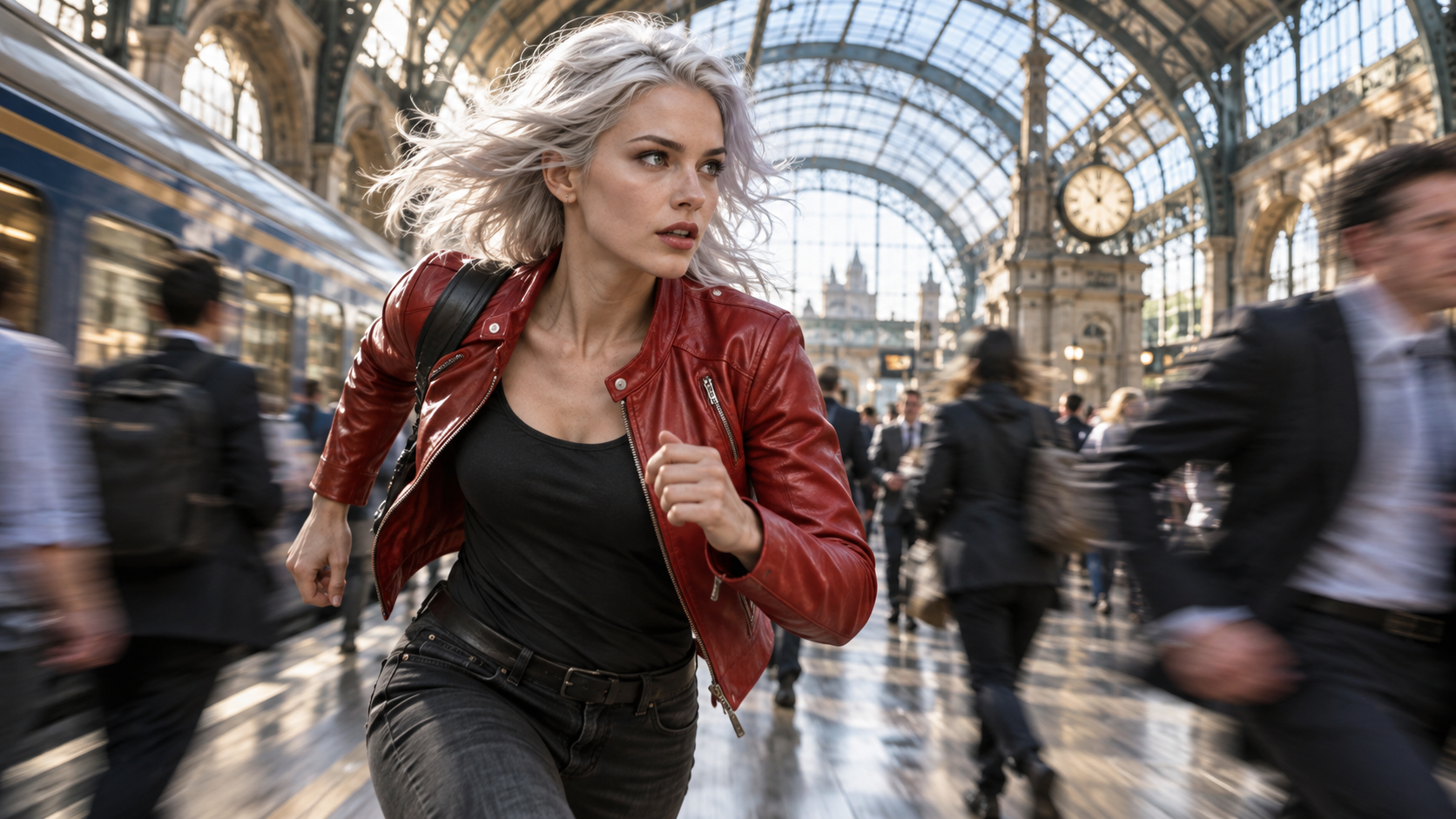
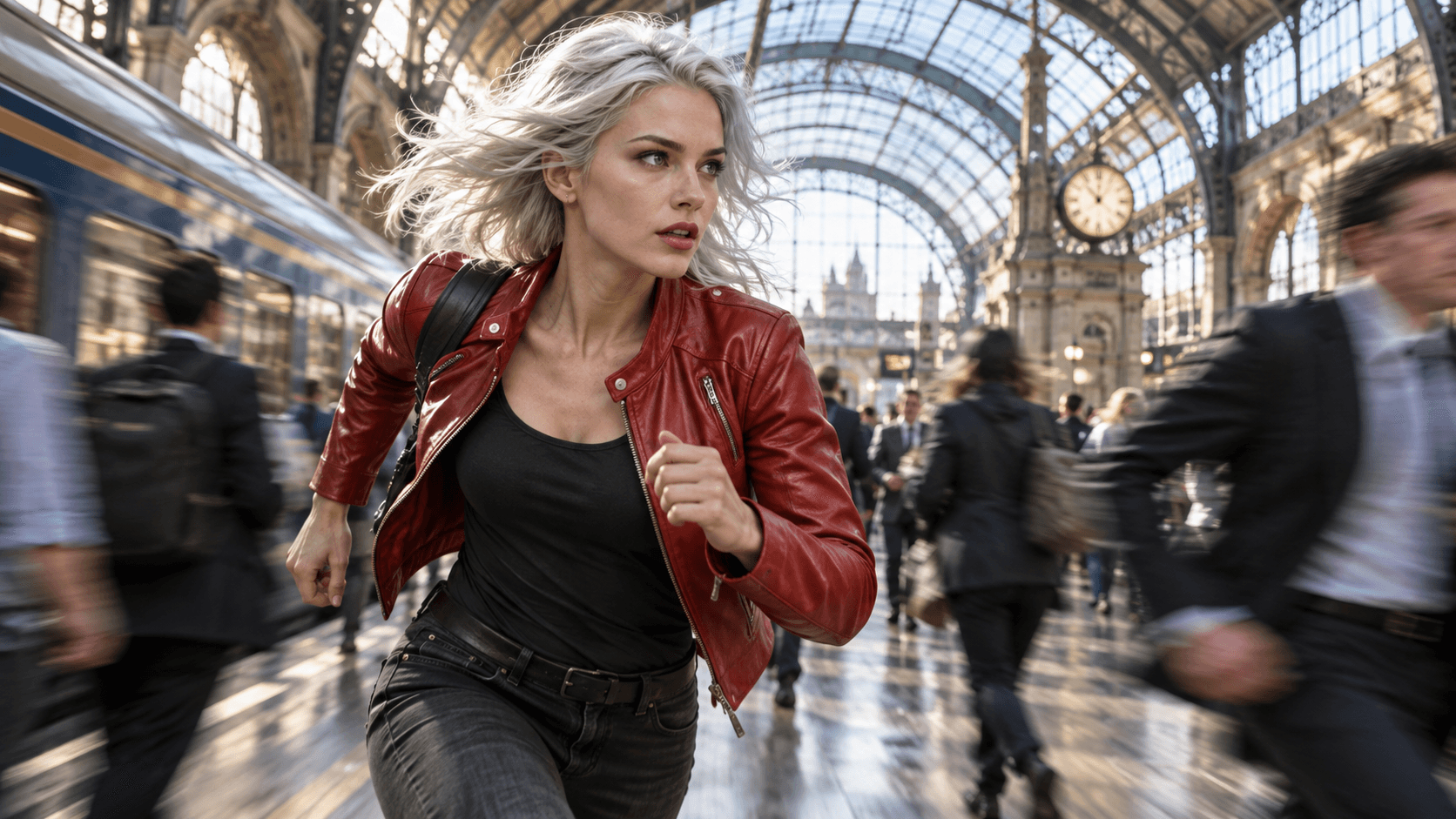
A successful replacement keeps the new identity readable while the source performance, camera energy, and environment still feel like one shot.
Define the Replacement Contract
A MiniMax H3 character replacement workflow has two simultaneous jobs: introduce a new identity and protect everything useful in the source video. Searchers are rarely asking for a fresh text-to-video scene. They usually already have timing, choreography, camera motion, lighting, interactions, and possibly audio they want to keep. The task is therefore an edit, not a vague regeneration.
Write a replacement contract before loading the model. Separate the allowed change from the invariants:
| Decision | Write it explicitly |
|---|---|
| Replacement target | Which performer changes, identified by position, clothing, or action |
| Replacement scope | Face only, full person, person plus wardrobe, or another visible subject |
| Identity source | Which image defines face, hair, age, proportions, and approved clothing |
| Source structure | Timing, choreography, camera path, cuts, contact, and environment to preserve |
| Audio role | Reuse the synchronized track, reference only a voice, or generate new sound |
| Delivery | Duration, aspect ratio, framing, and acceptance criteria |
Avoid “replace the woman” when several women appear. Write “replace the performer in the red coat who enters from frame left.” Do not ask for a full-body replacement while also demanding that the original outfit stay unchanged; that leaves ownership of the wardrobe ambiguous. The contract makes the contradiction visible before an expensive run.
This page owns the editing task. The Ref2VA versus FL2VA guide covers model-family selection more broadly; use it when you are still deciding whether to preserve a reference role or an exact endpoint frame.
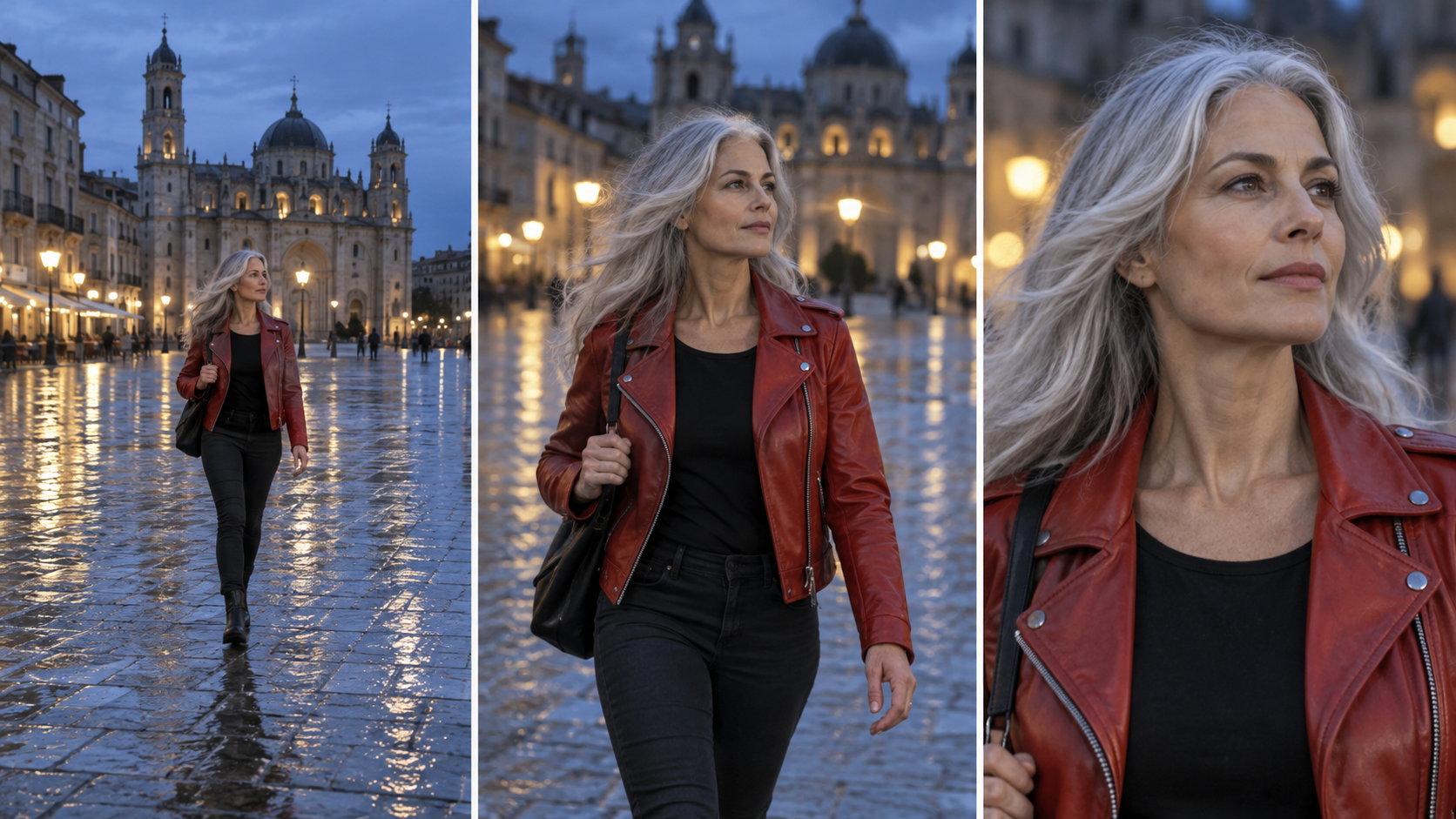
Judge replacement identity at several distances; a convincing close-up does not prove that the wide action shot will hold.
Prepare Source Video and Identity References
Use H3-Base-Ref2VA for a replacement driven by an identity image plus an editable source video. MiniMax documents Ref2VA as the omni-reference family: it accepts text with images, videos, and audio, while FL2VA is built around zero, one, or two endpoint images. The current open-source specification allows up to nine images, up to three video clips, and up to three audio clips within its stated duration and file-count limits. Maximum capacity is not a recommendation.
Begin with the smallest evidence set that can pass. One head-and-shoulders identity image is often better than several contradictory portraits. Favor even light, a visible hairline, unobstructed eyes, natural skin texture, and an angle close to the hardest moment in the source. Add a second view only when the first test proves what is missing, such as profile shape or full-body clothing.
Trim the source to one meaningful action. A 5–8 second segment with one camera move is easier to diagnose than a long clip containing several cuts, occlusions, and lighting changes. Confirm that you have the right to edit the footage and use the replacement likeness. Character replacement can create a convincing false performance; permission and disclosure remain production requirements, not optional prompt details.
Before generation, inspect five pressure points:
- The replacement target crosses or touches another person.
- Hands, hair, props, or furniture cover the face or body.
- The performer turns from front view to profile or back view.
- The shot moves from close to wide framing.
- Hard light, reflections, or motion blur changes the visible identity evidence.
The distant-face workflow addresses the fourth problem separately. Do not demand portrait-level detail from a face occupying only a few pixels.
Copy-Ready MiniMax H3 Character Replacement Prompt
MiniMax's official full-reference format separates subject definitions, summary, retention analysis, detailed playback, soundscape, and music. The template below adapts that structure into a practical single-character replacement brief. Replace the brackets with facts from your own authorized media; do not add roles for references you are not actually using.
subject_definitions:
<Subject 1> is the replacement performer from <Picture 1>: [face, hair,
age range, body proportions, wardrobe, and identity anchors].
<Subject 2> is the performer in <Video 1> who [position/action identifier].
<Video 1> is the source video for the target video edit.
<Audio 1> is the synchronized audio track of <Video 1> and is reused.

summary:
[video editing + reference generation + audio reuse]
The target video is an edited version of <Video 1>. Replace <Subject 2>
with <Subject 1>. Preserve the original timing, performance, camera motion,
framing, cuts, environment, lighting, interactions, and <Audio 1>.

retention_analysis:
<Subject 1>: attribute_transfer - identity and approved wardrobe replace
<Subject 2> throughout the shot.
<Video 1>: fully_preserved - timing, choreography, camera, environment,
lighting, and other performers remain structurally unchanged.
<Audio 1>: fully_copy - reuse the complete synchronized source track.

detailed_description:
The target keeps the source video's visual style and pacing.
[Shot 1] Describe the visible opening composition, where the replacement
performer stands, the action, occlusions, contact, camera motion, and sound.
[Shot 2] At 00:00.000, describe the next cut only if the source contains one.

overall_soundscape:
Reuse <Audio 1> without changing dialogue timing, ambience, or effects.

non_diegetic_music:
Reuse the music already present in <Audio 1>; add no new music.
The key is role clarity. <Subject 1> describes reusable visible identity; <Video 1> identifies the source edit and its temporal structure; <Audio 1> exists only when the track is intentionally reused or referenced. If the source has sound but the target should generate new audio, do not label that track as a full copy.
For a hosted reference workflow, the MiniMax H3 generator provides a simpler starting point than maintaining a local graph and separate checkpoint family.
Run Ref2VA as a Controlled Test
Lock the prompt, seed policy, duration, aspect ratio, and source files for the baseline. Generate one short take. On the first review, ignore polish and ask whether the intended performer was replaced everywhere. On the second review, compare the new output beside the source at matched playback speed. The replacement passes only when the source action remains legible.
This documented MiniMax H3 reference output illustrates why identity, body motion, camera continuity, and audio should be reviewed together.
Use a six-part scorecard:
| Check | Pass condition |
|---|---|
| Identity | Face, hair, proportions, and approved wardrobe remain recognizable |
| Coverage | The replacement persists through every required frame |
| Motion | Timing, gesture, contact, and momentum follow the source |
| Environment | Architecture, props, lighting, and other performers stay stable |
| Audio | Dialogue, ambience, effects, and lip timing remain coherent |
| Delivery | Crop, duration, resolution, and safe areas match the destination |
Do not approve a result from its poster frame. Watch at normal speed, then scrub through the hardest occlusion and the transition back to a clear view. The reference-to-video workspace is useful when the larger goal is to test identity and motion references before building a more complex edit.
Fix Identity Drift and Source Leakage
If the original performer returns for a few frames, strengthen target identification and describe where the replacement must persist. If the new face is correct at the start but drifts during a turn, add a compatible profile reference or split the turn into a shorter test. If the face holds but the original wardrobe leaks through, decide whether clothing belongs to the replacement identity or the preserved source performance, then state that choice once.
Occlusion failures need temporal evidence, not more adjectives. Review the frame before contact, the most covered frame, and the first clear frame after contact. A hand passing behind hair should reappear with the same anatomy; a dog crossing the jacket should not merge with the torso; another performer's arm should not inherit the replacement identity.

The post-occlusion frame is decisive: identity and anatomy must return cleanly after the subject is partly hidden.
When the environment changes, reduce the edit scope. “Replace the performer and keep the room” is clearer than requesting a new person, new location, new weather, and new camera in one pass. The environment-consistency guide gives a separate checklist for protecting spatial relationships.
This Seedance library clip is an inspection example, not a MiniMax benchmark; use it to see why dialogue replacement must be judged across identity, mouth timing, room tone, and cuts.
Scale the Workflow With Seedance Agent
A single replacement can be managed manually. A sequence quickly becomes a coordination problem: multiple source clips, identity angles, wardrobe rules, approved takes, audio ownership, model choices, and rerun notes must stay attached to the right shot. Seedance Agent can turn the replacement contract into a project brief, organize authorized references, route a shot to MiniMax H3, and hold the planned generation for approval.
After the first result, record one reject reason instead of asking for a random variant. The Agent can preserve accepted clips, revise only the failed shot, and carry the same identity and environment anchors into the next beat. This is where the conversion is useful: the user does not need another generic generator; they need fewer lost decisions between reference selection, generation, review, and final assembly.
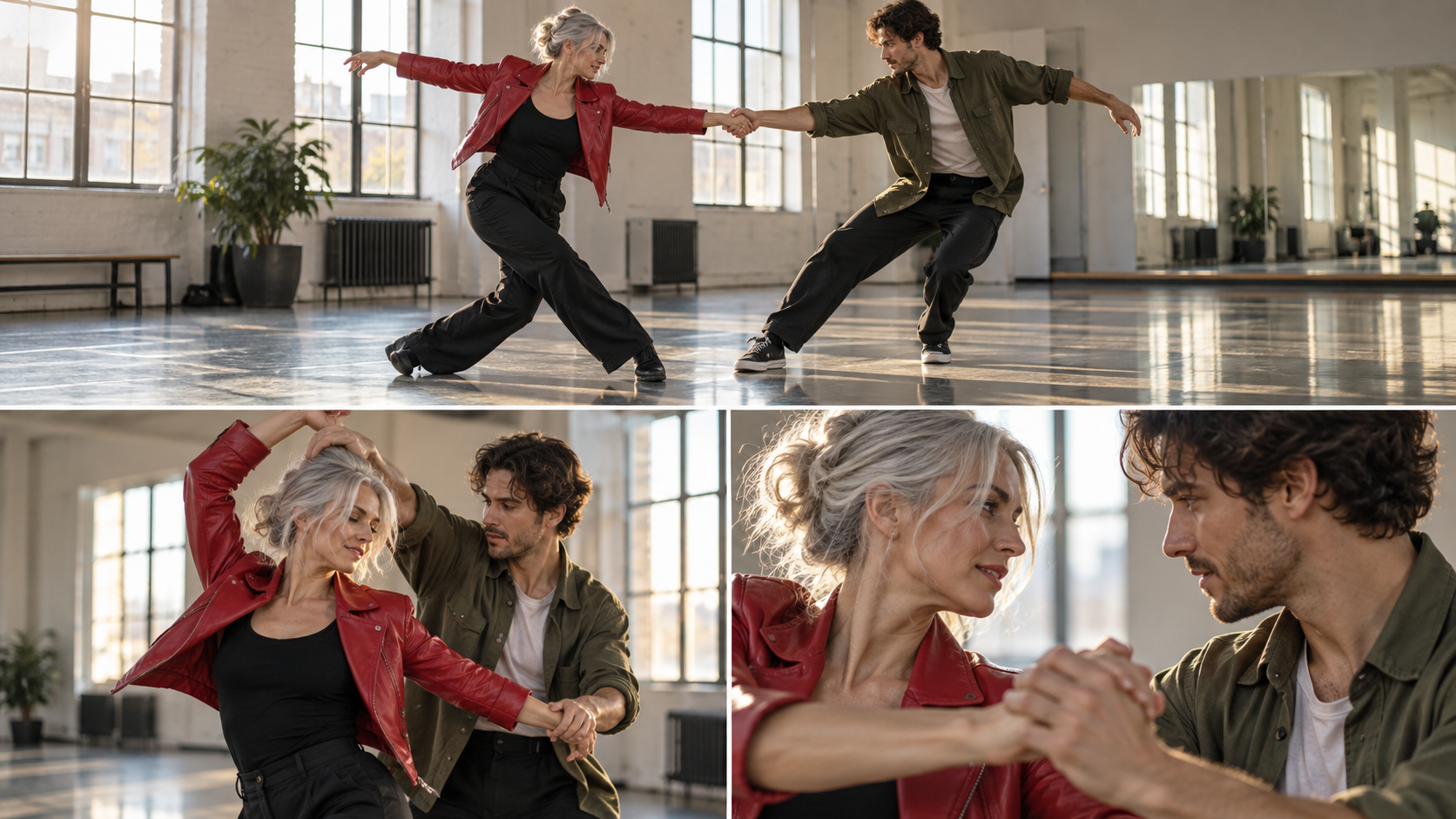
Multi-performer shots need separate identity ownership and contact checks so one replacement does not contaminate the other actor.
Keep human approval at two gates: before any credit-consuming generation and before a replacement clip enters the final edit. The Agent coordinates evidence and state; it does not turn an unauthorized likeness into an acceptable production asset.
Conclusion
A reliable MiniMax H3 character replacement workflow treats the job as a controlled video edit: define one replacement target, separate identity from source performance, choose Ref2VA, use the smallest compatible reference set, write explicit retention rules, and judge the entire moving clip for coverage, identity, contact, environment, audio, and delivery. When a failure appears, change one cause—reference angle, edit scope, action length, or role definition—while preserving the working baseline. To manage references, approvals, shot-level reruns, and continuity across a longer sequence, start the project with Seedance Agent.
Ready to try it yourself?
Put the steps from this guide into practice with Seedance and turn prompts or images into polished videos in minutes.
Free credits on signup. Plans from $28/month.
Related Articles
More posts in the same locale you may want to read next.

Seedance App Preview Video Generator 2026: Create App Store and Product Launch Clips
Use Seedance to turn app screenshots, feature copy, and launch goals into App Store previews, Google Play promo videos, and product launch clips.
Read article
How to Make a Talking AI Avatar You Can Reuse
Make a talking AI avatar with Seedance: design one consistent character, give it a voice, and make it speak in a talking photo or a full Seedance 2.5 scene, episode after episode.
Read article
Best AI Video-to-Video Models in 2026
The best AI video-to-video models in 2026 for editing footage you already shot: Higgsfield Genjutsu, Seedance 2.x, Runway Aleph, Luma Modify and Kling Omni compared.
Read article