
Higgsfield AI vs Dreamina (2026): Which Is Better for AI Video?
AI Overview
What is the main difference between Higgsfield AI and Dreamina?
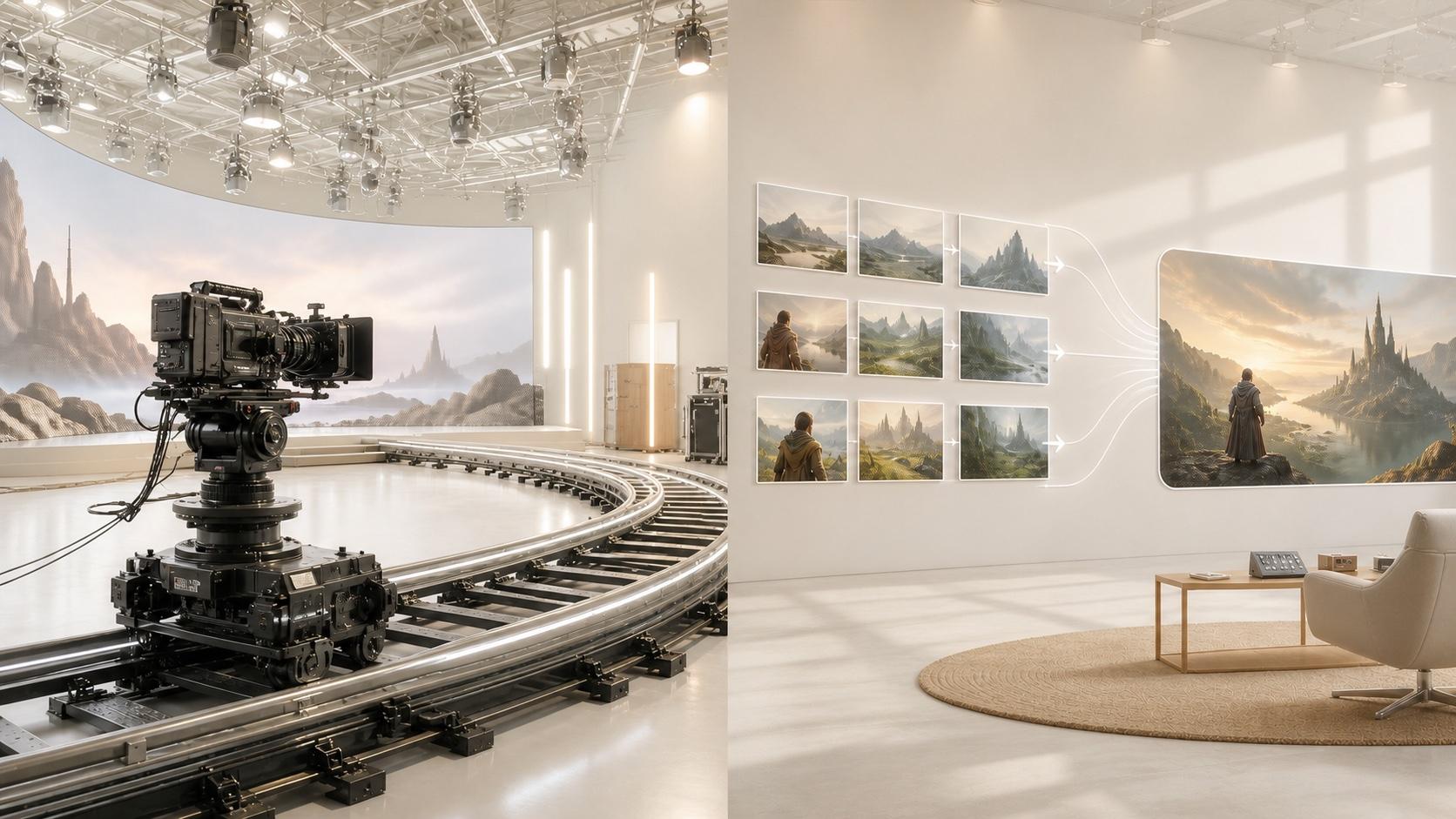
Higgsfield is a cinematic creation suite built around directed camera motion, reusable identities, and model choice. Dreamina combines image and video generation with a simpler creation flow, AI assistance, and built-in enhancement tools.
Which is better for beginners, Higgsfield or Dreamina?
Dreamina is usually faster to learn because the path from prompt or image to generated clip is direct. Higgsfield is approachable too, but its model, preset, and credit choices take longer to understand.
Is Higgsfield AI free to use?
Free access depends on current trials or promotions rather than a guaranteed recurring allowance. As checked on August 10, 2026, individual paid plans started around $9 per month, with regional differences.
Which tool produces better AI video quality in 2026?
Neither wins every prompt because both expose multiple generation models. Higgsfield has an edge for deliberately staged camera motion; Dreamina is strong for fast, integrated image-to-video and social-content workflows.
Higgsfield AI vs Dreamina: Quick Verdict (2026)
| Decision factor | Higgsfield AI | Dreamina |
|---|---|---|
| Video quality | Strong cinematic staging; result varies by model | Strong image-to-video and stylized output; result varies by model |
| Ease of use | Easy presets, but more choices to learn | Simpler path from prompt or image to clip |
| Price | Paid plans start around $9/month; credits vary by tier and region | Daily free credits are advertised; paid offers and credit costs vary by account and region |
Choose Higgsfield when a repeatable camera move or character-led shot is the creative idea. Choose Dreamina when you want to move quickly between image creation, video generation, enhancement, and social publishing. For either platform, test the exact model, duration, and resolution you plan to buy; the platform name alone does not predict the usable result.
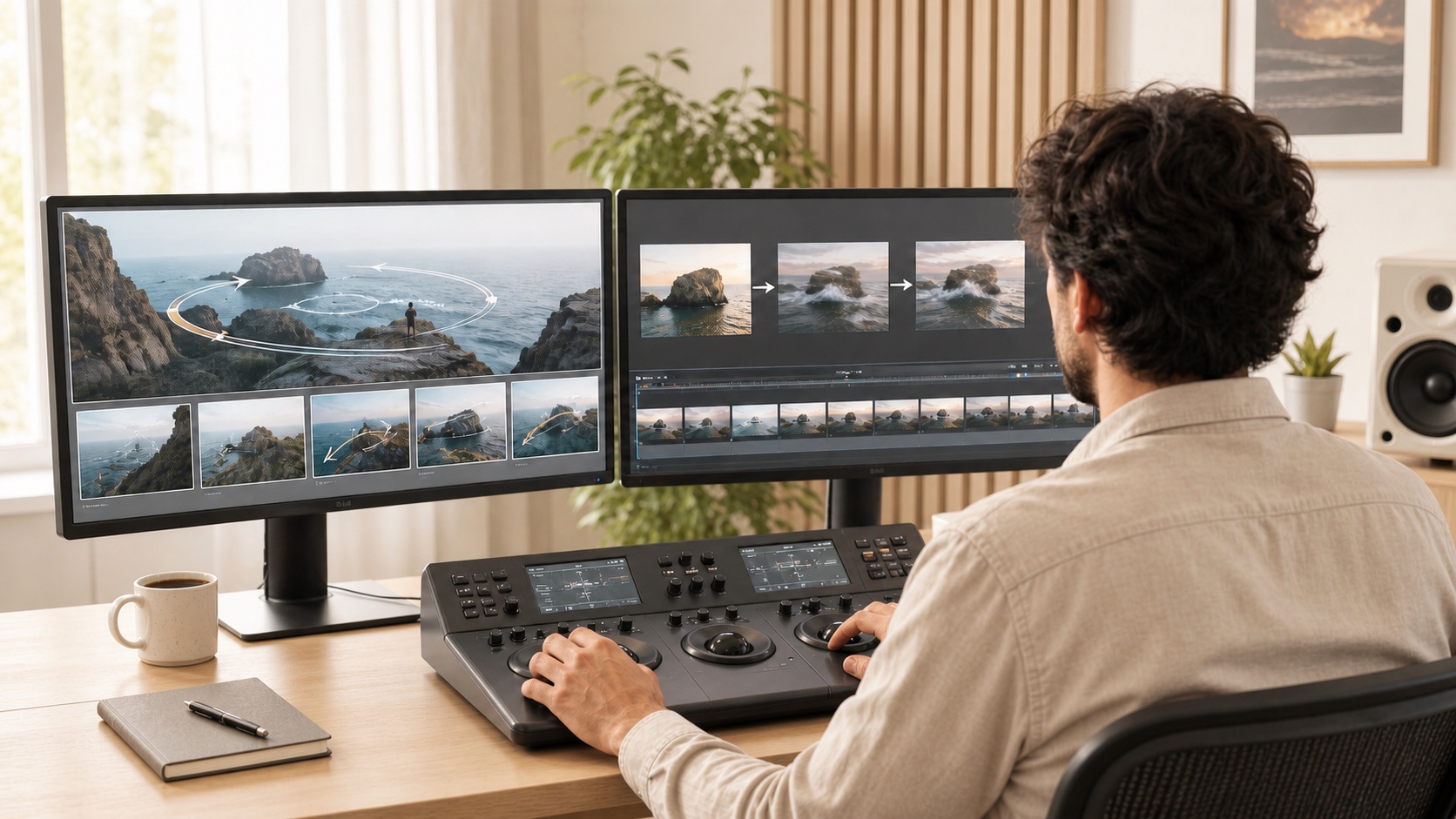
A practical comparison starts with the same creative goal, then asks which workflow reaches a usable shot with less repeated work.
What Is Higgsfield AI?
Higgsfield is an AI image and video workspace for cinematic, advertising, character, and social production. Its interface brings several generation models into one place, then adds camera-control tools, character consistency, speaking workflows, marketing templates, and higher-volume generation options.
Key Features
- Cinematic camera movements such as orbit, dolly, crash zoom, FPV, and multi-axis combinations.
- Text-to-video and image-to-video across multiple underlying models.
- Reusable character identity through Soul ID, plus first- and last-frame control.
- Speaking, lip-sync, advertising, canvas, and studio workflows.
- Parallel generation and larger production allowances on higher plans.
The real advantage is not a permanently superior model. It is the ability to stage a shot with a known motion language and repeat that setup across a campaign.
Who It's For
Higgsfield fits directors, music-video creators, fashion teams, product marketers, and social creators whose shot succeeds or fails on camera choreography. It also suits users who want to compare models without rebuilding the production setup elsewhere. It is less attractive when you need predictable cost per approved clip but do not yet know which model or preset you will use.
What Is Dreamina?
Dreamina is an integrated visual-creation suite centered on image generation, text-to-video, image-to-video, AI-assisted variations, and lightweight finishing. Its 2026 video workspace exposes several models and emphasizes a short path from idea to generated asset.
Key Features
- Prompt-to-video and image-to-video generation in one interface.
- First- and last-frame guidance, reference inputs, and adjustable duration or aspect ratio.
- An AI Agent that can propose and generate multiple visual directions.
- Upscale, interpolation, and soundtrack tools for finishing generated clips.
- Image generation and editing beside the video workflow.
Start with Text to Video when the scene is still open, or use Image to Video when a product, face, character, or composition must stay anchored.
Who It's For
Dreamina fits beginners, social teams, small businesses, and creators who want image and video work in the same workspace. It is especially practical for rapid concept exploration, animated artwork, ecommerce scenes, short ads, and storyboards. Teams needing exact credit forecasting should still check the generation button before committing to a batch because free allowances and per-video credit costs can change by account or region.
Higgsfield vs Dreamina: Feature-by-Feature Comparison
Video Quality & Output Resolution
Both platforms can produce polished clips, but quality follows the selected model, input asset, prompt, and retry budget. Higgsfield's strongest examples often combine controlled camera movement with a well-anchored subject. Dreamina performs well when a clean reference image, one dominant action, and a direct prompt carry the scene.
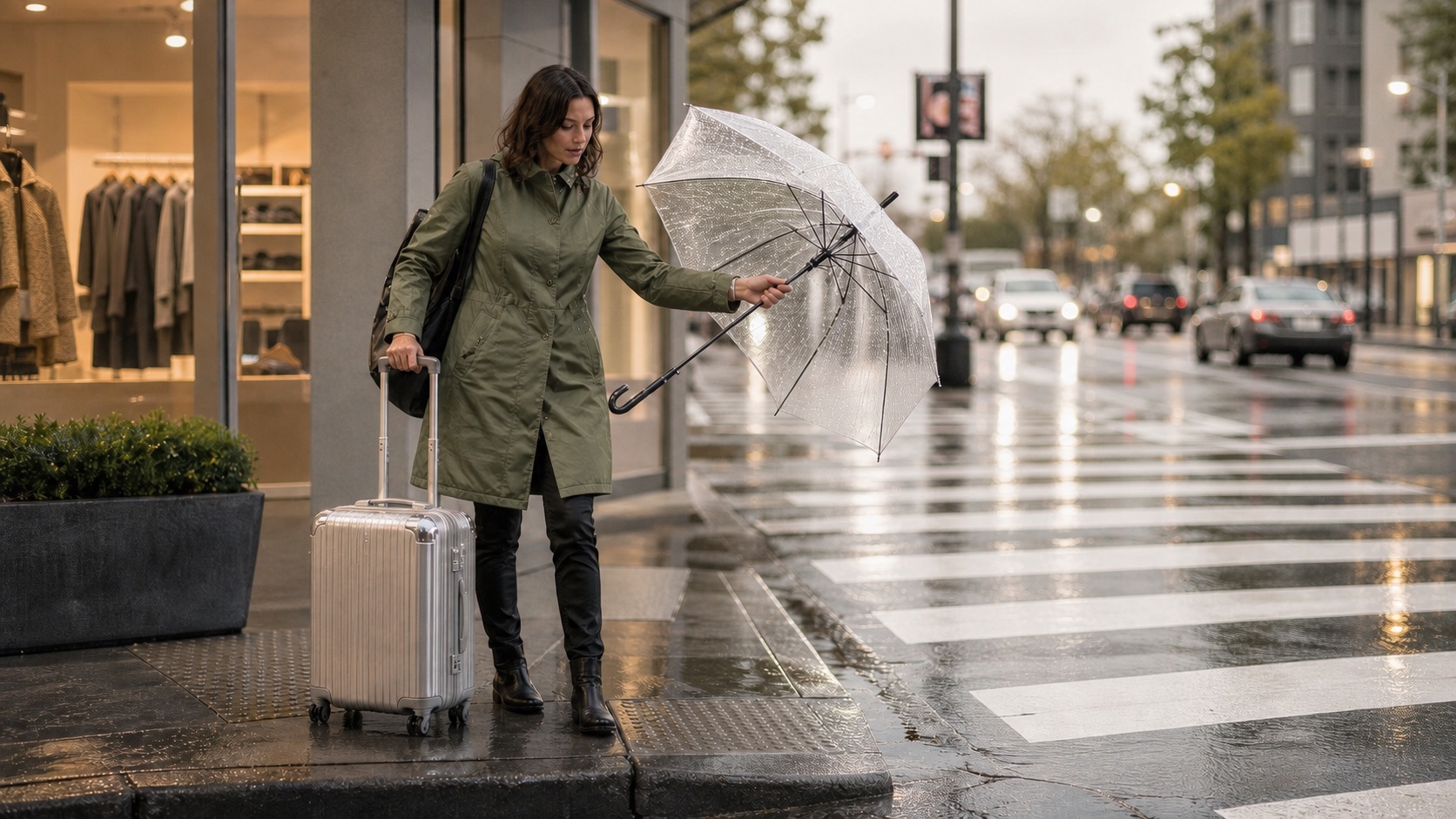
A useful benchmark checks hands, umbrella ribs, coat fabric, suitcase geometry, reflections, depth, and frame-to-frame stability—not just the opening frame.
Resolution labels need scrutiny. A 1080p export may be native, model-dependent, or an upscale. Judge the downloaded file, not the thumbnail, and compare identical duration, aspect ratio, input, and attempt count. Our Higgsfield vs Seedance comparison shows the same evidence-first method.
Prompt Control & Camera Motion
Higgsfield has the clearer advantage when you already know the camera move. Its preset and studio approach makes familiar moves easier to select, combine, and repeat. Dreamina leans more on natural-language direction and the behavior of the chosen model, which is flexible but can require more iterations for a precise path.
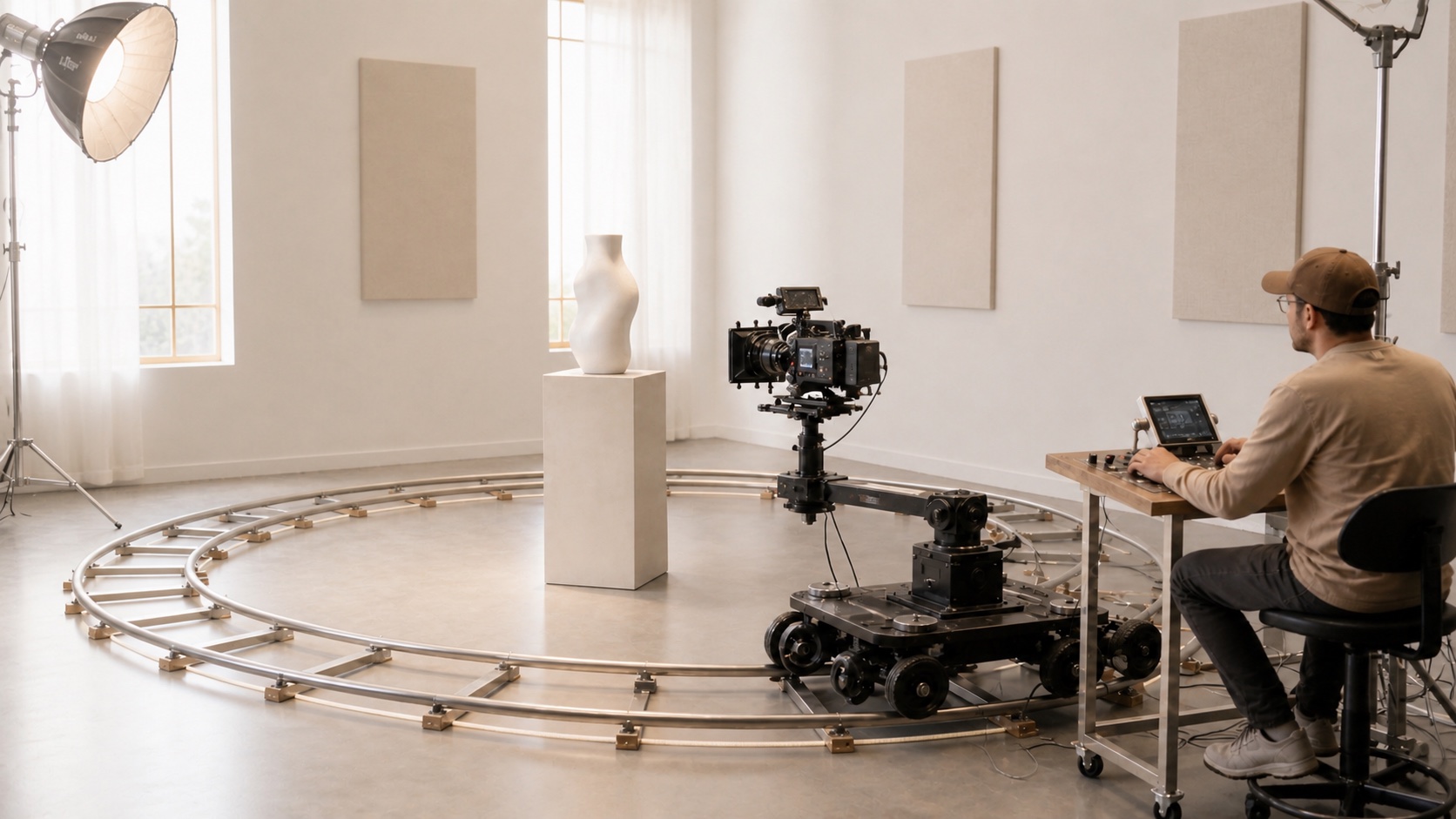
The best control method is the one that reaches a usable shot with fewer paid attempts.
A matched Seedance test showing the difference between subject motion and camera motion. These clips demonstrate evaluation design, not Higgsfield or Dreamina output.
For effect-led social work, Video Effects can be faster than rebuilding a familiar transformation from scratch.
Ease of Use & Interface
Dreamina has the gentler first session: choose an input mode, add a prompt or image, set basic options, and generate. Enhancement tools remain close to the result. Higgsfield's presets can make a complex move feel simple, but the larger model and feature surface creates more decisions before the user understands cost and output behavior.
The beginner winner is Dreamina. The workflow winner depends on repetition: once a creator knows the exact Higgsfield preset and model that produce an accepted shot, repeating it can be faster than prompt-only iteration.
Supported Styles & Use Cases
Higgsfield is strongest in motion-forward fashion, music videos, product reveals, character performances, and dramatic social hooks. Dreamina covers cinematic, realistic, illustrated, animated, advertising, ecommerce, and storytelling work, with a particularly convenient image-first path.
Both can support a broad style range. Choose by task chain: how you start, how you lock identity or product details, how many paid attempts are needed, and whether the result can move directly into editing.
Pricing Comparison: Higgsfield vs Dreamina
Pricing was checked on August 10, 2026 and can change after publication.
| Pricing factor | Higgsfield AI | Dreamina |
|---|---|---|
| Free tier | No guaranteed recurring allowance; trials or promotions may appear | Daily free credits are advertised, but availability can vary by account and region |
| Paid plans | Individual tiers start around $9/month and rise with credits, concurrency, and access | Paid offers are shown by region and account; no single stable global public table was visible |
| Credit system | Cost changes with model, duration, resolution, and workflow | Cost changes with model and video settings; check the visible cost before generating |
Do not compare raw credit totals across platforms. Run one representative clip, record the credits used, then estimate cost per usable result including failed attempts, upscaling, and post-production.
Real User Opinions (Reddit & Community)
Searches for “dreamina vs higgsfield reddit” reveal more workflow complaints than clean head-to-head tests. Higgsfield users often praise model variety, mobile access, cinematic control, and reusable character identity; recurring concerns focus on credit burn and how “unlimited” access is presented. Dreamina users praise the integrated image-and-video workflow and cinematic motion, while some report inconsistent free-credit refreshes, generation failures, or sudden changes in video credit cost.
These posts are useful warning signals, not controlled benchmarks. Region, subscription date, model, and account status differ. Before buying an annual plan, test the same real brief and record completion rate, cost per accepted clip, queue reliability, and support response. For another workflow comparison, see Higgsfield vs Artlist AI.
Where Does Seedance Fit In?
If you need a direct route from a prompt or reference image to a polished clip, consider Seedance. It is a strong fit for marketers and creators who want text-to-video, image-to-video, model choice, and fast iteration without making a camera-preset library the center of the workflow.
Seedance is not automatically better for every shot. Higgsfield remains compelling when a named camera move is the brief, while Dreamina is convenient when image creation and finishing should stay in one suite. Seedance fits between them as an everyday generation workspace: define the subject, lock what must not change, choose one action and one camera instruction, generate, then review the complete result.
Which Should You Choose?
Choose Higgsfield AI if camera choreography, reusable identities, or repeated motion presets determine the result. Choose Dreamina if you are new to AI video, work from images, or want generation and lightweight enhancement in one straightforward interface.
Choose by a paid task, not a feature checklist. Use the same source asset and brief, cap both tests at the same number of attempts, and score subject fidelity, motion, prompt adherence, export quality, time, and total credits. The winner is the platform that gives you a directly usable result without another paid generation.
Conclusion
Choose Dreamina for an easy image-first, all-in-one workflow; choose Higgsfield for preset-led cinematic camera moves and character-focused shots. For fast prompt-driven iteration, test Seedance with the same brief. No platform wins every model or prompt, so compare usable results, generation time, and total credit cost before committing.
Ready to create your own AI video?
Turn ideas, text prompts, and images into polished videos with Seedance. If this article helped, the fastest next step is to try the product.
Free credits on signup. Plans from $28/month.
Related Articles
More posts in the same locale you may want to read next.

Seedance App Preview Video Generator 2026: Create App Store and Product Launch Clips
Use Seedance to turn app screenshots, feature copy, and launch goals into App Store previews, Google Play promo videos, and product launch clips.
Read article
Gemini AI Video Prompt Examples: Copy-Ready Veo Scenes and a Better Prompt Formula
Copy Gemini AI video prompt examples for cinematic motion, product ads, dialogue, and vertical clips, then adapt them with a practical Veo prompt formula.
Read article
How to Keep Product Shape Consistent in AI Video Ads
Lock product geometry, packaging, labels, references, camera angles, and approval checks so AI video ads preserve the real SKU across every shot.
Read article