

Higgsfield combines multiple image and video models with camera presets, character tools, and marketing workflows. That breadth is useful, but it also makes credits, plan access, and production cost harder to predict. These seven alternatives cover direct generation, professional filmmaking, UGC ads, social editing, and budget-friendly experimentation.
AI Overview
What is the best free alternative to Higgsfield AI?
Seedance is the strongest free starting point for most creators. It includes signup credits, text-to-video, image-to-video, and access to multiple current models without requiring a paid subscription first.
Is Seedance a good replacement for Higgsfield?
Yes, especially for direct video generation and product-ad workflows. It is not an exact clone of Higgsfield's preset system, but overlapping model access makes it a practical alternative for many briefs.
What are the main reasons people look for Higgsfield alternatives?
The main reasons are credit cost, changing plan limits, watermarks on free output, and the need for a simpler workflow. Teams also compare output consistency against the real cost of usable clips.
Which Higgsfield alternative is best for UGC ads?
Seedance is the best all-round choice for product-led UGC ads, while Kling is strong when character motion and identity consistency matter most. The right choice depends on whether speed or character control leads the brief.
Why Look for a Higgsfield Alternative?
Higgsfield is a broad creative suite rather than one video model. Its catalog can include third-party video, image, and audio models alongside proprietary tools, which is convenient when you want many options in one account. The tradeoff is that model availability, generation cost, and promotional access can change by plan.
Pricing Structure and Free Access
| Platform | Free access | Paid structure | Practical limitation |
|---|---|---|---|
| Higgsfield | Limited free use; free output may carry a visible watermark | Individual credit plans plus business and enterprise options | Subscription credits reset, while access and per-generation cost vary by model |
| Seedance | Free signup credits with no credit card required | Paid plans start at an effective $28/month on annual billing | Heavy production still requires planning credit use by model and resolution |
Pricing alone does not reveal ROI. A cheap generation that needs five rerolls can cost more than a controlled first pass. The real comparison is usable seconds per budget, plus the time required to preserve faces, products, camera direction, and brand details. Our Higgsfield vs Seedance comparison explains that workflow difference in more depth.
When Cost Becomes a Workflow Problem
Look beyond the headline plan price. Check whether credits roll over, which models are included, whether watermark-free exports require payment, and whether commercial use changes by tier. For teams, also count review time, failed generations, and the cost of moving assets between separate tools.
How We Evaluated These Alternatives
We assessed each option across five criteria: visual quality, pricing clarity, UGC capability, workflow ease, and meaningful free access. We also considered how well each platform handles common production anchors such as a reference subject, product shape, shot direction, aspect ratio, and repeatable style.
What Matters More Than a Model Name
Two platforms can expose the same model family and still deliver different experiences because defaults, queues, presets, resolution options, and credit pricing differ. We favored tools that make the path from brief to usable export clear. For reference-led tests, start with the same source frame and motion brief in Image to Video, then compare stability rather than judging unrelated showcase clips.
Seedance ranks first because it combines multiple current models with direct text-to-video, image-to-video, and product-ad workflows while remaining easy to try before committing to a plan.
Seedance — Best Overall Higgsfield Alternative
Seedance is the best overall Higgsfield alternative for creators who want direct access to current video and image models without building their workflow around a preset marketplace. It supports text-to-video, image-to-video, reference-led generation, and product-ad creation in one account.
The strongest advantage is workflow focus. A marketer can begin with a product image, create a controlled motion shot, build a creator-style ad, and test additional models without exporting the brief into a separate platform. Filmmakers can choose a model for realism or motion, while ecommerce teams can stay closer to repeatable ad formats.
| Feature | Seedance | Higgsfield |
|---|---|---|
| Model approach | Multi-model access with direct generation workflows | Broad model aggregator plus proprietary creative tools |
| Starting cost | Free signup credits; paid plans from $28/month billed annually | Limited free access; paid credit tiers and enterprise options |
| UGC and product ads | Dedicated product-ad workflow and flexible generation tools | Marketing tools and presets vary by plan |
| Watermark | No watermark positioning on the free starting experience | Free-account generations may include a visible watermark |
| Best fit | Ecommerce ads, creators, and marketing teams | Preset-led creators and teams wanting a large catalog |
Use Seedance if you want one starting point for product shots, social clips, cinematic experiments, and model comparison. The limitation is that creators who rely on a particular Higgsfield camera preset may need to recreate the move in prompt language.

Preset-led camera control is fast, but prompt-led control can be easier to transfer across models and campaigns.
Three More Strong Alternatives
Runway ML — Best for Professional Film Workflows
Runway is the strongest choice for creative teams that need generation, editing, asset management, and developer tooling around the same production. Its current plans combine proprietary models with selected third-party models, while tools such as Aleph support controlled post-generation edits.
Runway works best when the output must pass through several professional stages: concept frame, motion test, edit, upscale, audio, and delivery. Credit usage is easy to estimate per model, but the free plan is a trial rather than an ongoing production allowance. Paid plans remove watermarks and unlock the wider toolset.
| Pros | Cons |
|---|---|
| Strong cinematic quality and editing tools | Free credits are a one-time allocation |
| Clear professional workflow and API ecosystem | Advanced models can consume credits quickly |
| Useful for teams managing many assets | More interface depth than casual creators need |
Choose it for short films, pitch visuals, and VFX-heavy work. See our Higgsfield vs Runway test for a focused comparison.
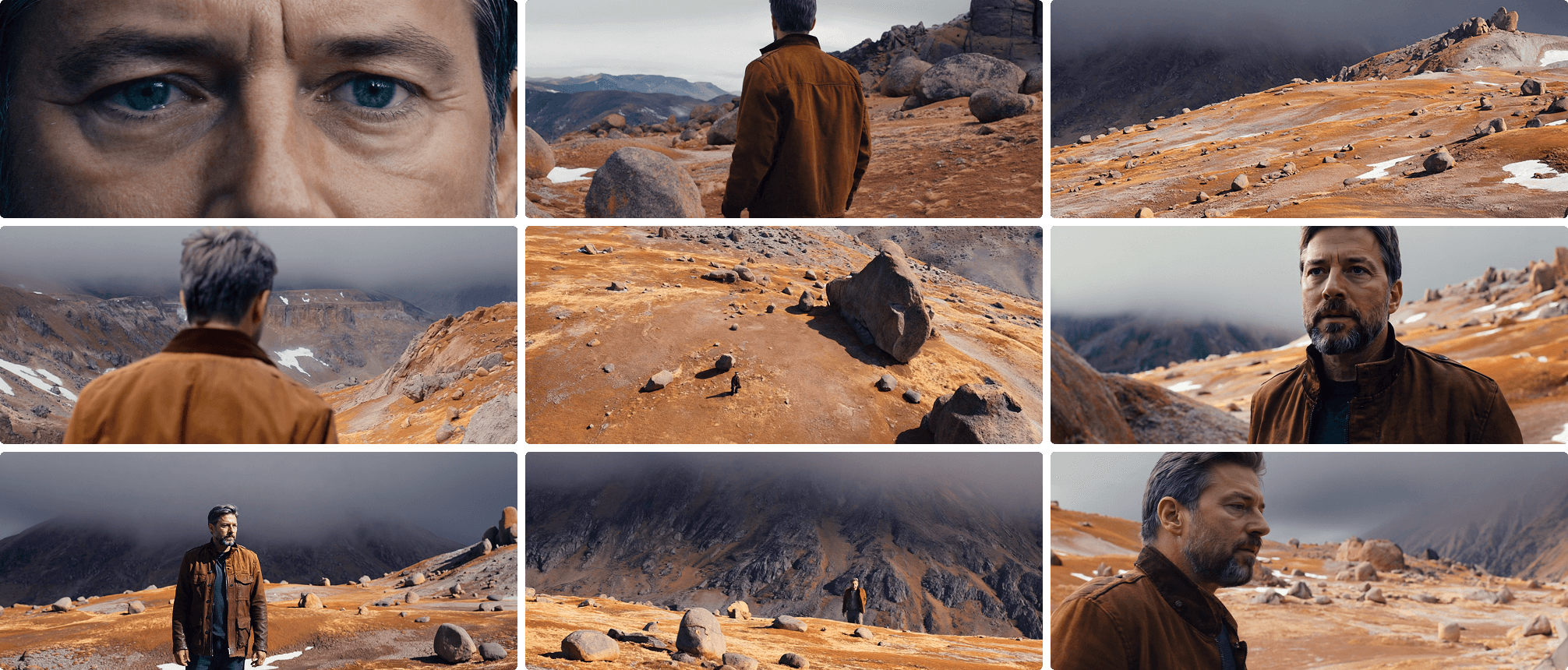
Runway is strongest when generation is one stage inside a broader production pipeline.
Kling AI — Best for Character Motion and UGC
Kling is a strong alternative for creator-style clips, character motion, and reference-driven scenes. Its appeal is motion coherence: when the brief depends on a person moving naturally, holding an object, or staying recognizable across a short shot, Kling often belongs on the test list.
The workflow is more generation-centered than editor-centered. That makes it suitable for UGC scenes and social clips, but teams may still need another tool for captions, pacing, and final assembly. Free availability and queues can vary, so test the exact model and resolution you expect to use in production.
| Pros | Cons |
|---|---|
| Strong character and motion consistency | Queue speed and access can vary by tier |
| Good fit for vertical creator content | Full campaign editing happens elsewhere |
| Useful reference-image controls | Complex scenes can still drift across shots |
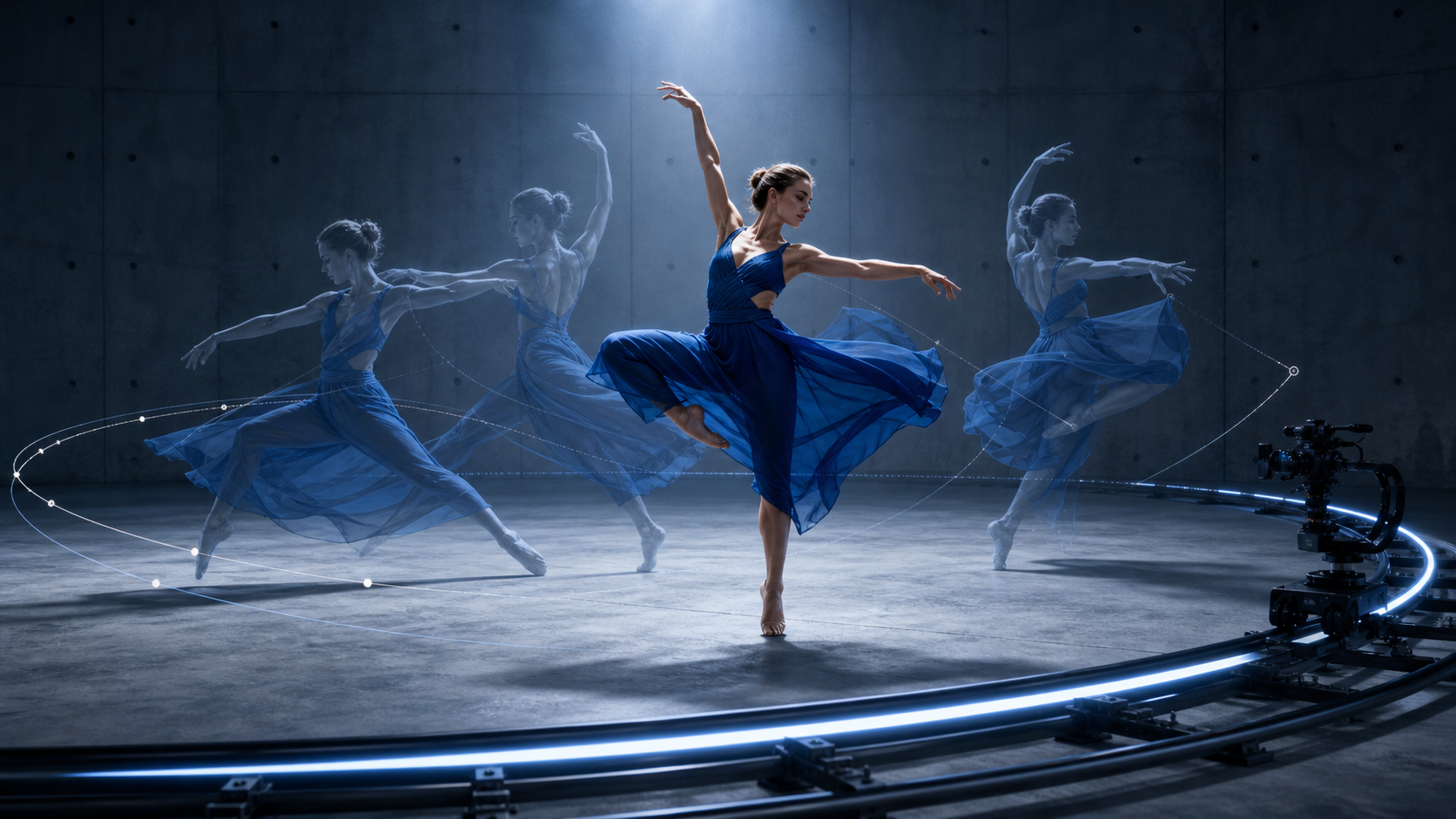
Judge character tools on identity, hands, prop contact, and motion continuity—not a single attractive frame.
Pika — Best for Fast Creative Experiments
Pika is the easiest alternative for playful effects, short transformations, and fast social experiments. Its free plan provides recurring video credits and access to selected 480p tools, while paid tiers add higher resolution, faster generation, and broader feature access.
Pika is less suited to a tightly controlled multi-shot film than Runway, but it is excellent when speed and novelty matter. Effects, swaps, additions, and short image-to-video clips can turn one source asset into several testable hooks without a long setup.
| Pros | Cons |
|---|---|
| Friendly interface and useful free plan | Free outputs and model access are resolution-limited |
| Fast effects for social content | Less control for long, connected sequences |
| Clear credit costs by feature | High-volume experimentation still burns credits |
Read the Pika AI review for current plan and workflow details.
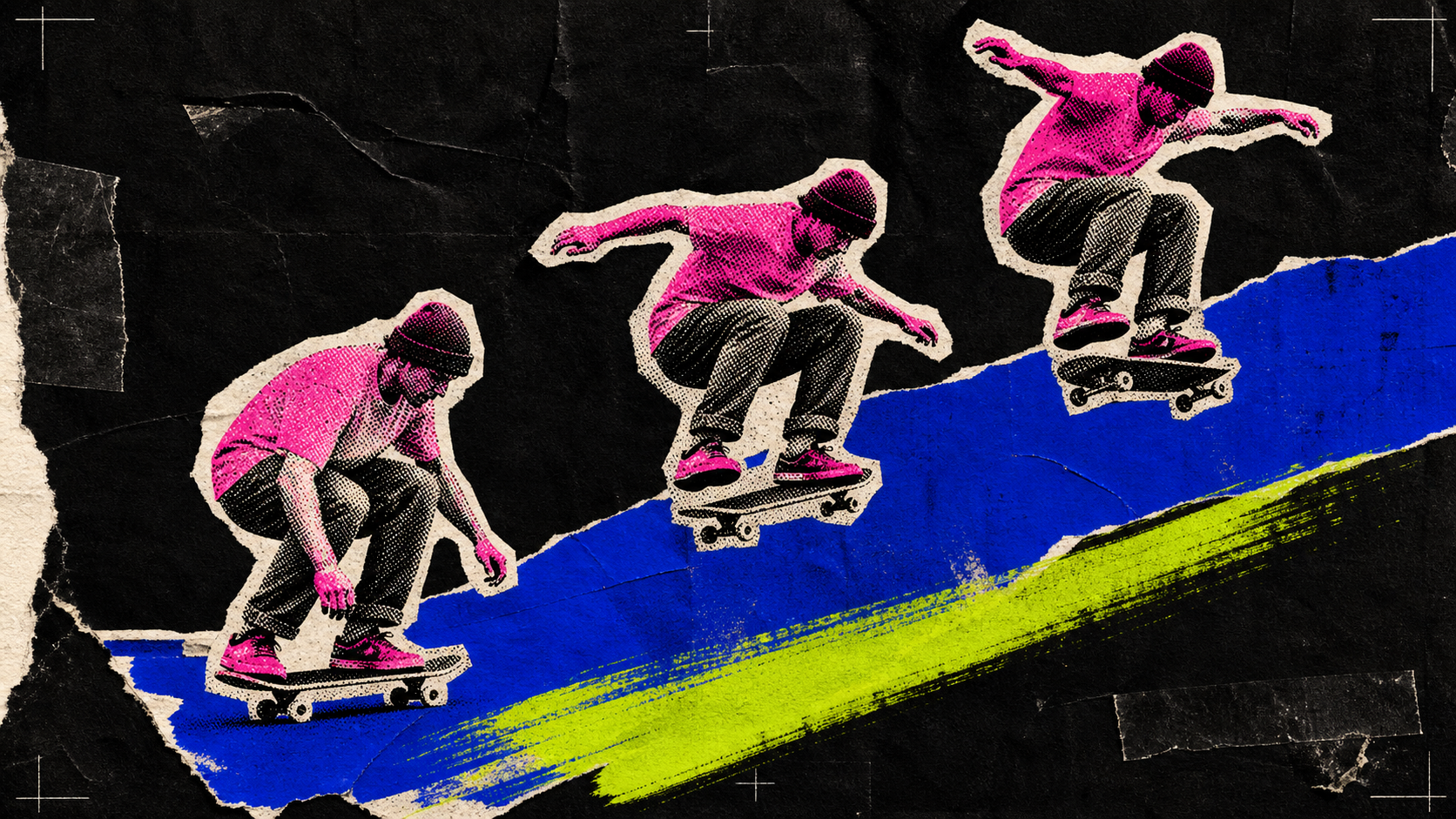
Pika fits briefs where a quick visual hook matters more than a long production timeline.
Alternatives for Specific Use Cases
VEED — Best for Editing, Captions, and Social Publishing
VEED is a better alternative when generation is only one part of the job. Its browser editor, subtitles, dubbing, avatars, and social formats help turn raw AI clips into publishable content. Choose it if your bottleneck is editing and localization rather than model-level camera control.
Luma Dream Machine — Best for Cinematic Atmosphere
Luma Dream Machine is a strong option for cinematic motion, physical atmosphere, and high-end concept shots. It suits mood films and visual development, but commercial rights depend on plan: free and Lite generations are positioned for personal use, while higher tiers unlock commercial usage.
Hailuo — Best for Budget-Conscious Testing
Hailuo is useful for creators who want to test expressive motion and short cinematic scenes without starting from a premium production plan. It has a strong user base in Asia and appears across several multi-model platforms, making it practical for side-by-side model tests. Confirm current queue, watermark, and commercial terms before a client project.
Higgsfield vs Seedance: Side-by-Side Comparison
| Category | Higgsfield | Seedance |
|---|---|---|
| Pricing | Free access plus paid credit tiers; live promotions and model costs change | Free signup credits; paid plans from $28/month billed annually |
| Model access | Large catalog including third-party and proprietary tools | Multiple current video and image models in direct workflows |
| Free allowance | Limited use; free exports may include a watermark | Free credits on signup with no credit card required |
| Commercial use | Outputs can be used commercially; watermark depends on account type | Commercial creation supported; users remain responsible for asset rights |
| UGC tools | Marketing Studio, presets, and model-based workflows | Dedicated product-ad flow plus flexible image-to-video generation |
| Programmatic access | API-related access, MCP, and CLI are part of its broader ecosystem | Primarily streamlined web creation and integrated model access |
The key conclusion is not that both platforms are identical. Their catalogs overlap on selected model families, but the workflow, pricing layer, defaults, and proprietary tools differ. Seedance is the more direct choice for creators prioritizing accessible generation and ad workflows; Higgsfield is compelling when its presets and wide catalog match the brief.
Which Higgsfield Alternative Is Right for You?
Quick Decision Tree
- Budget limited: start with Seedance free credits, then compare cost per usable export.
- Ecommerce or UGC ads: choose Seedance for product-led workflows; test Kling when character consistency is the main risk.
- Professional film and VFX: choose Runway for its deeper production and editing environment.
- Fast social experiments: choose Pika for effect-first clips or Kling for creator motion.
- Editing, captions, and localization: choose VEED.
- Cinematic mood and visual development: test Luma Dream Machine.
- Low-cost model exploration: include Hailuo in the benchmark.
For platform-specific format decisions, use the AI video generator for social media guide before rendering final aspect ratios.
Conclusion
Higgsfield is a capable creative suite, but it is not the only route to high-quality AI video. Seedance is the best overall alternative for direct multi-model access, free starting credits, and product-ad workflows. Runway is stronger for professional production, Kling for character motion, Pika for fast effects, VEED for editing, Luma for cinematic atmosphere, and Hailuo for budget-conscious testing.
Start with one real brief, one reference asset, and one delivery format. Compare usable output—not showcase quality—and choose the platform that reaches an approved clip with the fewest rerolls.
Ready to create your own AI video?
Turn ideas, text prompts, and images into polished videos with Seedance. If this article helped, the fastest next step is to try the product.
Free credits on signup. Plans from $28/month.
Related Articles
More posts in the same locale you may want to read next.

Seedance App Preview Video Generator 2026: Create App Store and Product Launch Clips
Use Seedance to turn app screenshots, feature copy, and launch goals into App Store previews, Google Play promo videos, and product launch clips.
Read article
Gemini AI Video Prompt Examples: Copy-Ready Veo Scenes and a Better Prompt Formula
Copy Gemini AI video prompt examples for cinematic motion, product ads, dialogue, and vertical clips, then adapt them with a practical Veo prompt formula.
Read article
How to Keep Product Shape Consistent in AI Video Ads
Lock product geometry, packaging, labels, references, camera angles, and approval checks so AI video ads preserve the real SKU across every shot.
Read article