
Fastest AI Video Generator: Speed, Quality and Cost Compared
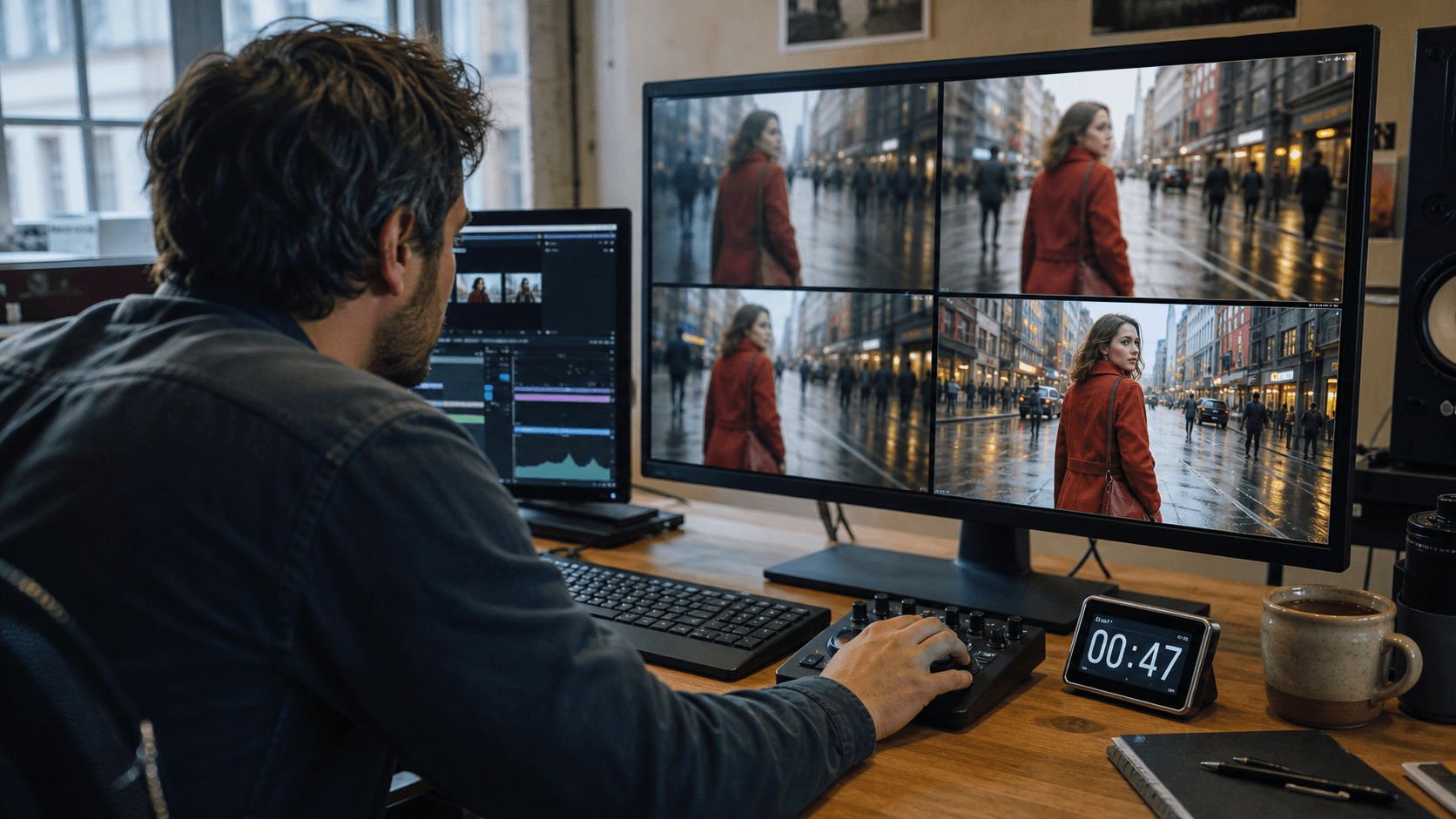
AI Overview
What is the fastest AI video generator?
For short cloud drafts, Seedance 2 Mini and other fast-mode models are among the quickest practical options. The real winner depends on queue time, settings and how often the first result is usable.
How long does an AI video generator take?
A fast short-clip model may return a draft in under two minutes. Higher resolution, native audio, long duration, references and a busy queue can extend the wait substantially.
What is the fastest AI video generator from text?
Choose a low-latency text-to-video route with strong prompt adherence. A thirty-second render is not faster overall when broken motion or missed instructions force three reruns.
Is the fastest free AI video generator really free?
Free plans often add slower queues, credit caps, watermarks or lower resolution. Compare usable videos per hour and upgrade friction—not the advertised render time alone.
Fastest AI Video Generators at a Glance
The short answer is that there is no single winner for every job. Seedance 2 Mini is the best starting point on Seedance.tv when the goal is a fast short draft. Gemini Omni Flash suits compact multimodal iteration, while Kling and Hailuo remain useful when motion or detail matters more than winning a stopwatch test. Seedance 2.5 is slower per job but can create a continuous scene up to 30 seconds, so it may finish a longer deliverable sooner than three separate short generations.
| Starting point | Practical speed profile | Best use | Main trade-off |
|---|---|---|---|
| Seedance 2 Mini | Fast 4–15 second draft route | Social hooks, product motion, prompt iteration | 720p ceiling on the current route |
| Gemini Omni Flash | Fast 3–10 second multimodal loop | Short concepts and high-resolution delivery | Shorter timeline per generation |
| Kling 3.0 | Often planned around 1–2 minutes for a short clip | Human motion and physics-led scenes | More rerolls when prompts become crowded |
| Hailuo 02 | Often planned around 2–3 minutes | Short detailed or realistic clips | Not always the lowest-latency route |
| Seedance 2.5 | About four minutes for a public 5-second 720p run; much longer at 30 seconds | Connected audiovisual scenes | Longer queue and compute commitment |
These are planning signals, not service-level promises. Account tier, provider routing, region and demand can change the same model's wall-clock time. The useful ranking therefore measures time to the first approved clip, not the fastest screenshot of one lucky job.
How We Test AI Video Generator Speed
Keep the test controlled
Use one prompt, one source image, one duration, one aspect ratio and the same practical resolution. Run each route at least three times and report the median rather than the fastest attempt. A fair ten-second benchmark should not compare a 480p silent draft with a 1080p clip that also generates audio.
Record submitted time, render start, completion time and review decision. This separates queue delay from model compute and makes failed jobs visible. Save rejected clips too: deleting them turns a reliability test into a highlight reel.
Measure the full workflow
The browser-visible wait is:
Wall-clock time = upload + queue + render + encode + delivery
The production wait is larger:
Time to approved output = all attempts + review + repair + final export

A direct generated benchmark frame from the controlled product prompt: inspect hands, bottle geometry, label stability, light direction and the final hold.
Use a scene that exposes failure: one adult, one prop, one camera move and one visible interaction. Check hands, straight edges, object shape, reflections, frame-to-frame stability and prompt coverage. The Seedance 2.5 render-time guide provides a reusable timing log and realistic long-form planning ranges.
Fastest Text-to-Video and Image-to-Video Workflows
Fastest AI video generator from text
Text-to-video starts with the smallest input payload, but prompt design decides whether that speed survives review. Begin with one subject, one action and one camera job. Replace “make an exciting commercial” with a visible instruction such as “a cyclist brakes beside a puddle while the camera makes one slow lateral track.”
Use Text to Video for the first low-cost draft. Test five seconds before expanding the scene, keep resolution at the cheapest useful tier and change only one variable per rerun. Seedance 2 Mini is the practical fast route for short drafts; use a longer model only when the story genuinely needs more timeline.
Fastest image-to-video workflow
Image-to-video can reach an approved result faster because composition, color and identity are already fixed. Upload one clean source in Image to Video, request a single controlled movement and forbid new objects or cuts. Review the opening frame, the most extreme motion and the landing frame—not just a flattering thumbnail.
If the source contains a product label or recognizable character, one slightly slower but source-faithful output usually beats several fast drifting versions. Add references only when each file has one clear job; duplicates increase preparation without necessarily improving control.
Fastest Free AI Video Generator: What Are the Limits?
“Free” and “fast” often pull in opposite directions. A free tier may place jobs behind paid traffic, limit concurrency, reduce resolution or provide enough credits for only a few serious attempts. A short first render is not a useful win if the next job must wait until tomorrow.
Check these five limits
- Queue priority: does the free plan enter a slower lane?
- Credits: how many five- or ten-second tests can the allowance support?
- Watermark: can the result be evaluated or published as required?
- Resolution: is the free draft detailed enough to approve motion and identity?
- Reset rule: do credits renew daily, monthly or only at signup?
The free AI video generator comparison is a better starting point than choosing from a “free forever” headline. Use free access to prove the prompt, motion and source image; pay for the final only after the workflow is stable.
Speed vs Quality: Which Metric Actually Matters?
First file versus first usable file
A tool can win the first-file race and still lose the production day. If a face changes, a wheel bends or a bottle label drifts, review and rerender time erase the initial advantage. A slower clip that passes on the first attempt can be the faster business decision.
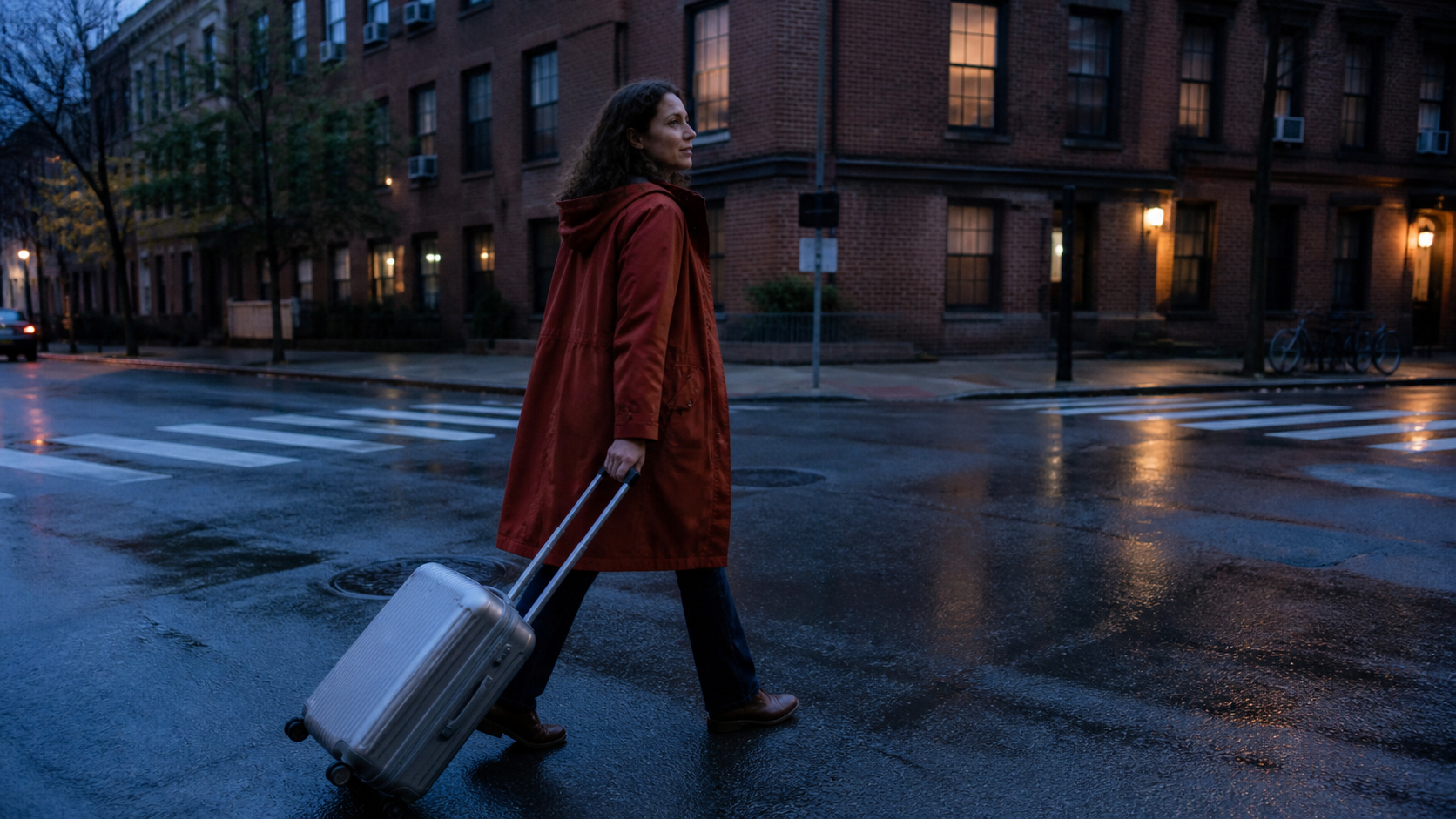
A direct generated motion benchmark: review the walking pose, hand contact, suitcase wheels, coat movement and wet-surface reflections before calling the output usable.
Use two metrics together:
- Usable clips per hour = approved clips ÷ total elapsed hours
- Cost per approved clip = total credits spent ÷ approved clips
This is especially important for high-motion scenes. The Wan 3.0 vs Kling 3.0 comparison shows how identical prompts reveal physics, continuity and reroll differences that a feature table misses.
When a slower model is faster
A continuous 30-second audiovisual generation can take much longer than a short draft, yet remove two scene joins, a separate sound pass and continuity repair. Watch a real long-form capability sample and judge the whole sequence rather than one frame:
This sample demonstrates long-form continuity; it is not presented as a short-clip speed winner.
How to Choose the Fastest AI Video Generator
Choose by the job
- Rapid social drafts: start with Seedance 2 Mini and a five-second test.
- Prompt-only concepts: favor the shortest low-latency text route that follows the brief.
- Product or character animation: use image-to-video and prioritize source preservation.
- Human motion: compare the same action across fast routes and count failed anatomy.
- Long dialogue or narrative: include stitching, audio and continuity work in the timer.
- Free experimentation: optimize for usable attempts before the credit reset.
A faster Seedance workflow
Start with the simplest route and the smallest useful job. Approve composition and motion at a draft resolution, then rerun only the winner at delivery quality. Keep a prompt template, name every reference, submit independent shots in parallel within account limits and store the job settings beside the result.
The fastest AI video generator is ultimately the workflow that produces the most approved footage with the least waiting and repair. Try the fast generation workflow on Seedance →
Conclusion
There is no honest universal winner based on one render timer. Seedance 2 Mini is the strongest fast starting point on Seedance.tv for short drafts, while image-led inputs can reduce retries and longer models can save editing on connected scenes. Compare identical settings, record queue and failures, and rank every route by usable clips per hour and cost per approved output. Start creating faster with Seedance →
Ready to try it yourself?
Put the steps from this guide into practice with Seedance and turn prompts or images into polished videos in minutes.
Free credits on signup. Plans from $28/month.
Related Articles
More posts in the same locale you may want to read next.

Seedance App Preview Video Generator 2026: Create App Store and Product Launch Clips
Use Seedance to turn app screenshots, feature copy, and launch goals into App Store previews, Google Play promo videos, and product launch clips.
Read article
Best AI Video-to-Video Models in 2026
The best AI video-to-video models in 2026 for editing footage you already shot: Higgsfield Genjutsu, Seedance 2.x, Runway Aleph, Luma Modify and Kling Omni compared.
Read article
Kling 4.0 vs Seedance 2.5: Full Comparison
Kling 4.0 vs Seedance 2.5 compared by spec: 30-second clips, keyframes vs 50 references, audio, 4K and 10-bit color, editing, and which model fits which job.
Read article