
Best Free AI Video Generators — September 2026: Tested and Ranked

AI Overview
What are the best free AI video generators in September 2026?
Seedance 2.5 is the strongest free choice for long clips, Hailuo 02 for short high-resolution tests, Kling 3.0 for recurring credits, Pika for quick effects, and Wan 3.0 for local generation.
Which free AI video generators work without a watermark?
In the September 2026 routes we tested, Seedance 2.5, Kling 3.0, Pika, Hailuo 02, and locally run Wan 3.0 could export without a watermark; Runway's free plan added one.
Can I use a free AI video generator without signing up?
Yes. A local Wan 3.0 setup can run without a hosted account, but it needs compatible hardware and installation. Browser-based free tiers generally require registration so the service can track credits.
Does Seedance 2.5 have a free tier?
Yes. New users can start with welcome credits and no card on the tested Seedance route. Credit amounts and available settings may change, so confirm the live generator before planning a campaign.
What "Free" Actually Means in AI Video — September 2026 Edition
“Free” describes access, not unlimited production. Most hosted generators use one of two systems: a welcome balance that arrives after registration, or a smaller allowance that refreshes daily or monthly. Open-weight models create a third option: no platform credit meter, but you provide the computer, storage, electricity, and setup time.
That distinction changes the real value of a free tier. Ten credits that produce one approved ten-second clip can be more useful than a larger balance consumed by slow queues, failed drafts, or premium-only settings. Check whether a retry costs credits, whether unused credits expire, and whether resolution, duration, audio, or reference controls are restricted.
Watermarks also depend on the access route and export mode. The table below is a September 2026 working snapshot of the routes we reviewed, not a permanent contract. Before publishing client work, generate one throwaway test, download the file, and inspect the full frame, audio, resolution, and usage terms.

Use the first free credit to test the hardest detail in the brief—not to make a disposable establishing shot.
Quick Comparison Table — September 2026 Free Tiers
| Tool | Free mechanism | Maximum clip | Maximum free resolution | Watermark | Registration |
|---|---|---|---|---|---|
| Seedance 2.5 | Signup credits | 30 seconds | 720p | No | Yes |
| Hailuo 02 | Daily free allowance | 15 seconds | 1080p | No | Yes |
| Kling 3.0 | Daily free credits | 10 seconds | 720p | No | Yes |
| Pika | Signup credits | 10 seconds | 720p | No | Yes |
| Wan 3.0 | Local open-weight model | Unlimited runs | 720p | No | No |
| Runway Gen-4 | Signup credits | 10 seconds | 720p | Yes | Yes |
The numbers show ceilings, not guaranteed output. A host may change its queue, credit cost, model version, or export policy without changing the model name. For a fair comparison, use the same source frame, one motion instruction, one camera move, and the same target duration. Count how many attempts produce an editable clip, not how impressive the best demo looks.
Best for Long Clips — Seedance 2.5 Free Tier
Seedance ranks first when the concept needs time to develop. The tested route exposes text-to-video, image-led generation, and reference-led workflows, with settings that can reach 30 seconds. That extra duration is useful for narrative beats, product demonstrations, and multi-character scenes where an abrupt ten-second ending would force an unnecessary cut.
The free workflow is straightforward: create an account, use the welcome balance, and begin with a low-cost draft. Choose 480p while checking composition and timing, then reserve 720p for the take that is ready for review. A strong first frame reduces identity drift, while a timed prompt gives each section one action and one camera job. The timeline prompt guide shows how to structure those beats.
A continuous 30-second example reveals wardrobe, lighting, camera, and subject consistency that a contact sheet cannot prove.
Use text to video when the shot can be described from scratch. Choose image to video when product appearance or the opening composition is already approved, and reference to video when several characters, objects, or locations must remain recognizable. If account access is the blocker, follow the Seedance 2.5 access guide before spending credits elsewhere.
The trade-off is scarcity. Welcome credits are ideal for evaluating one real brief, not for endless ideation. Prepare the prompt, references, duration, aspect ratio, and negative constraints before pressing generate. Among the free options here, Seedance offers the most useful runway for creators who value a complete scene over a short visual trick.
Best for High Resolution — Hailuo 02 Free Tier
Hailuo 02 is the high-resolution pick in this September snapshot: up to 1080p for clips of up to 15 seconds on the reviewed free route. That makes it attractive for product close-ups, faces, materials, food, and any shot where a soft 720p preview makes approval difficult. The extra pixels are most valuable when the composition is already simple and the subject stays visible.
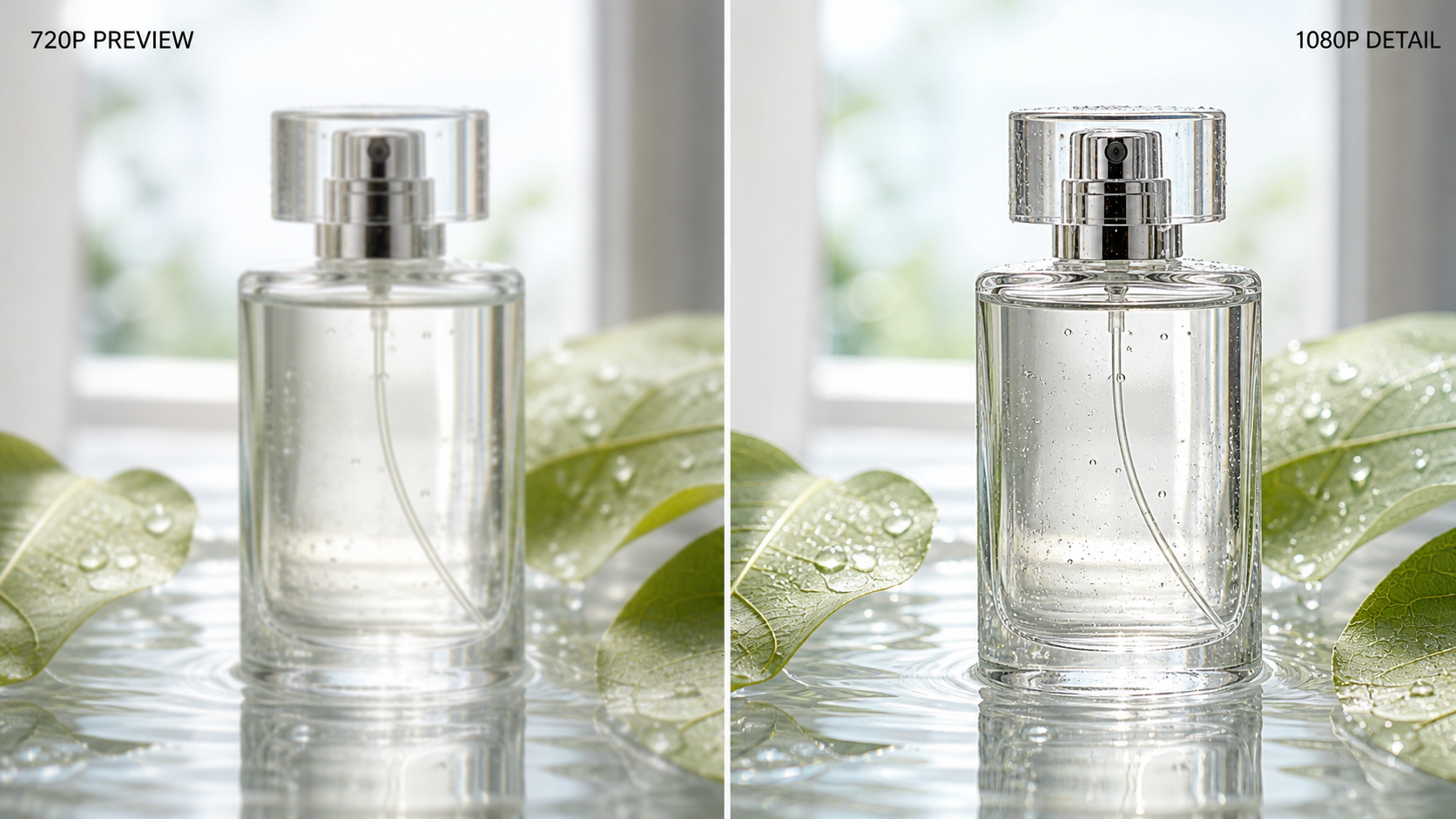
Judge resolution on edges, texture, and moving detail—not on a still frame that has been sharpened for display.
Higher resolution does not automatically mean better motion. Test hands, hair, reflections, labels, and camera speed across the full clip. If the same idea needs a longer setup, reveal, and ending, Seedance 2.5 is usually the more practical free choice; if one short hero shot must survive a large crop, Hailuo 02 deserves the first test.
Best for Daily Free Credits — Kling 3.0
Kling 3.0 is the best fit for a creator who wants to practice every day instead of spending one signup balance. The reviewed route refreshes a small daily allowance and supports 720p clips up to ten seconds without a watermark. Credits do not necessarily accumulate, so the productive habit is to arrive with one prepared test rather than waiting for a large balance.
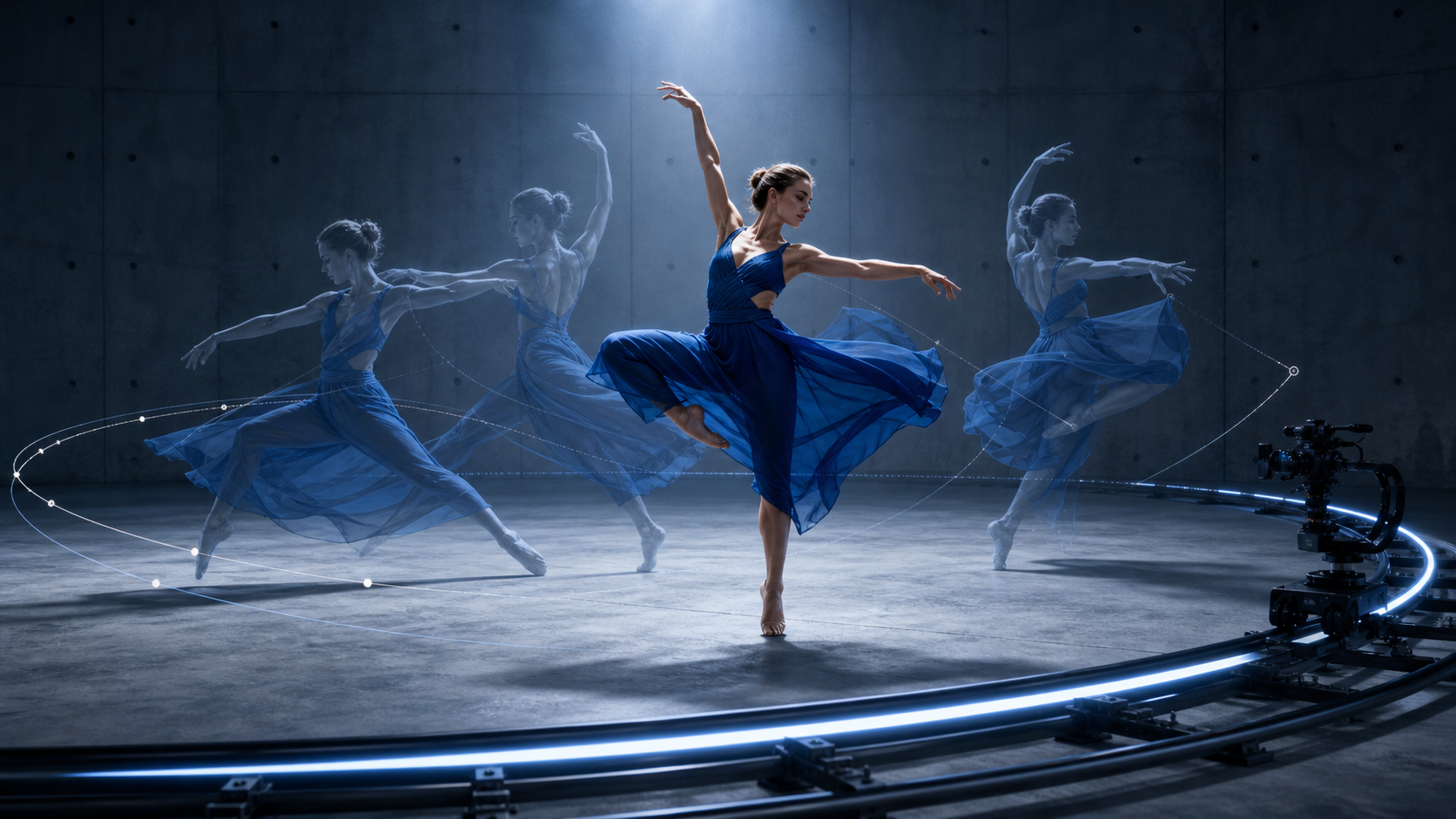
Daily credits are most useful when every run answers one specific motion question.
Use Kling for a social hook, reaction, transition, product movement, or short environment beat. Keep the prompt narrow: one subject action, one camera direction, and one finish. Advanced controls, reference options, or newer motion modes may sit behind paid access, so confirm the selected mode before building a workflow around it.
Best No-Sign-Up Option — Wan 3.0 Local
Wan 3.0 is different from every hosted free tier in the table. When the open-weight model is installed locally, there is no account, platform watermark, daily credit reset, or per-run fee. You can repeat a test as often as your hardware allows and keep source files on your own machine.
Local generation removes the credit meter, but rendering time and hardware remain real production costs.
The price is setup complexity. You need compatible hardware, model files, storage, a working runtime, and enough time to diagnose memory or dependency errors. “Unlimited” therefore means unlimited platform attempts, not instant or costless output. Hosted community demos can disappear or impose queues, so they should not be treated as the same thing as a local installation.
Choose Wan when privacy, experimentation, and control matter more than convenience. Choose a hosted tool when you need predictable access from a browser, a fast first result, or support that does not depend on maintaining a local inference stack.
How to Get the Most Out of Free AI Video Credits
Test cheaply first. Use the lowest practical resolution and shortest duration to inspect framing, identity, motion direction, and prompt compliance. Increase quality only after the scene works.
Write before you generate. Define subject, action, camera, environment, light, sound, and exclusions in one clean prompt. For a longer clip, divide time into ranges and give each range one job. Do not spend a credit discovering that the brief itself is ambiguous.
Match each tool to one task. Use Seedance for the longer master, Hailuo for a detail-critical hero shot, Kling for daily motion experiments, Pika for a quick effect, and Wan for repeated local exploration. Editing the approved pieces together is often more efficient than forcing one free tier to handle every shot.
Track expiry and evidence. Record the date, model, host, settings, credit cost, prompt, and downloaded result. Free offers change. A simple log prevents a team from planning next month's production around a route that no longer has the same allowance.
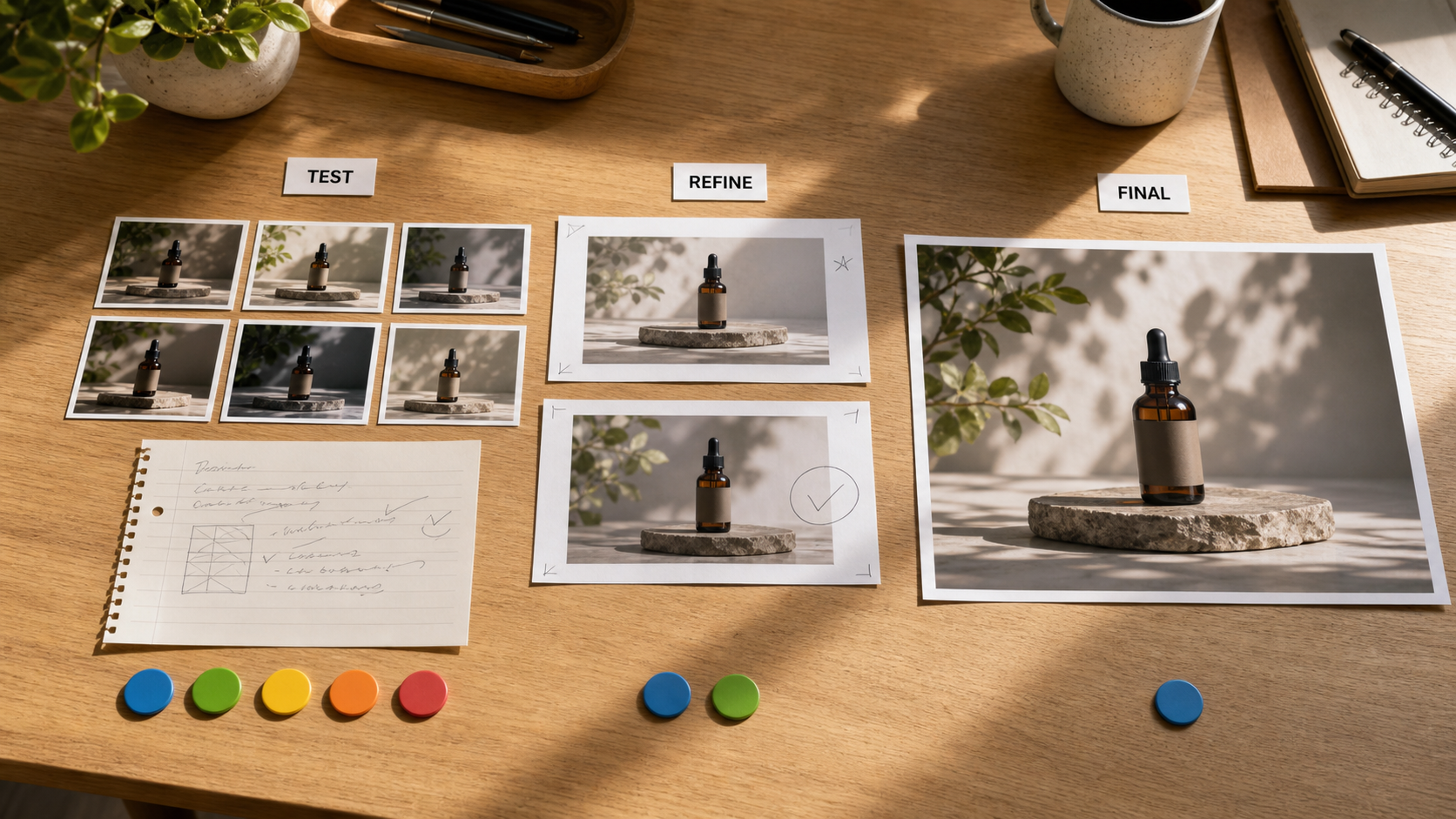
Spend several cheap tests on composition, refine only the strongest candidates, and reserve the final high-quality run for the approved frame.
Which Free AI Video Generator Should You Choose in September 2026?
Choose Seedance 2.5 for the longest free clips, multi-beat storytelling, or reference-heavy scenes. Choose Hailuo 02 when a short 1080p result is more important than duration. Choose Kling 3.0 when a recurring daily allowance supports your practice or social schedule. Choose Wan 3.0 local when no registration, local files, and repeated experimentation justify the setup.
Pika remains a friendly choice for fast effect-led clips and simple image animation. Runway can still be useful for learning its editor and workflow, but its free watermark makes it less attractive for a clean final export. If two tools look equally suitable, run the same difficult shot in both and compare usable seconds, not headline specifications.
The best free generator is the one that reaches an approved shot before the allowance is exhausted. Start with the hardest requirement—duration, resolution, continuity, privacy, or daily availability—and let that constraint choose the tool.
Conclusion
For September 2026, Seedance 2.5 is the best overall free AI video generator because its welcome credits can support a complete clip of up to 30 seconds. Hailuo 02 leads for short high-resolution tests, Kling 3.0 rewards a daily workflow, and Wan 3.0 offers the most freedom for creators prepared to run locally. Free routes change quickly, so verify the live settings with one small test, save the result, and spend the remaining allowance only after the prompt and production plan are ready.
Start generating for free - no credit card required
Create videos with free signup credits, then scale with affordable plans whenever you need more generations.
Free credits on signup. Plans from $28/month.
Related Articles
More posts in the same locale you may want to read next.

Seedance App Preview Video Generator 2026: Create App Store and Product Launch Clips
Use Seedance to turn app screenshots, feature copy, and launch goals into App Store previews, Google Play promo videos, and product launch clips.
Read article
AI Halloween Costume Transformation Video Guide
Turn one photo into a Halloween costume transformation video with AI: vampire, witch, zombie, and skeleton glow-ups, with prompts and step-by-step tips.
Read article
AI Halloween Dance Video: Skeleton & Zombie Dances
Make a viral AI Halloween dance video: dancing skeletons, zombie dance-offs, witches, and costume dance trends. Step-by-step with prompts and motion control.
Read article