
Dola AI Seedance Video Generator: Access, Free Tests and Better Prompts

AI Overview
How do I use the Dola AI Seedance video generator?
Open the Dola service you intend to use, then check whether video creation and a Seedance model are available. Choose your input, describe one clear action, and review the settings before generating.
Is Dola AI video generation free?
Check the allowance and generation cost shown in your own account. A free app download or chat session does not establish unlimited video generation, watermark-free exports, or commercial permission.
Can Dola turn an image into a Seedance video?
If your account offers image-to-video, upload a clear reference and describe what should move. Model capabilities and the controls exposed by a particular app are not necessarily identical.
What can I use if Dola video creation is unavailable?
Use an available video workflow rather than repeatedly changing your prompt. Seedance.tv offers a separate creation workspace, while Seedance Agent helps turn a product brief into a reviewed production plan.
Find the Right Dola Service Before Choosing Seedance
Searching for a Dola AI Seedance video generator can surface an assistant, independent video websites, and tutorials about different model versions. Start by identifying the service, not by trusting a familiar word in a search headline. Similar names do not establish shared accounts, ownership, credits, or support.
Dola's Smart AI Assistant app listing identifies SPRING(SG)PTE.LTD. as its developer. Separately, some similarly named video sites describe themselves as independent platforms. Seedance is the video-model family, not a universal subscription that automatically unlocks every website using its name. Seedance.tv is also an independent product, not the Dola app or ByteDance's official site.
Our September 8, 2026 check of Dola's web chat reached a region-restriction notice. That observation describes this access attempt, not every user's eligibility. We could not inspect a signed-in video selector or verify a current free-video allowance there, so this guide does not invent a universal button sequence or daily-credit number.
Before proceeding, confirm the domain or app publisher, your account's access, the exact model label, and the settings attached to that mode. If you specifically need Dreamina, use the separate Seedance Dreamina access guide; do not apply its instructions to a different interface.
Check Dola AI Video Generator Free Limits Before a Test
Treat the first test as a small production experiment. Your question is not simply whether a button is free: can the available allowance produce a downloadable clip that fits your actual project? Check these details before spending credits or buying a plan.
| Check | What to establish |
|---|---|
| Allowance | Available balance, expiry, and any stated renewal rule |
| Generation | Selected model, duration, resolution, and displayed cost |
| Export | Download availability, watermark, dimensions, and audio |
| Usage | Whether your intended personal or business use is permitted |
| Failure | What the provider says happens to credits after a failed job |
Keep a simple note of attempts and usable exports. As a hypothetical example, three generations costing ten credits each produce a thirty-credit usable clip if only one passes review. This is a planning calculation, not a Dola price quote. It explains why a slightly simpler prompt can be more valuable than a longer, more elaborate request.
Do not build a deadline around a free allowance until you have completed one export. Save the selected settings with that file so a later model change does not silently invalidate your comparison.
Make Your First Image-to-Video Test Easy to Evaluate
Choose a reference with room for motion
For a Dola AI image-to-video test, choose a clear subject, readable hands, and enough surrounding space for the action. A tight face crop is a poor starting point for a full-body turn. A product cut off at the edge gives the model missing geometry to invent.
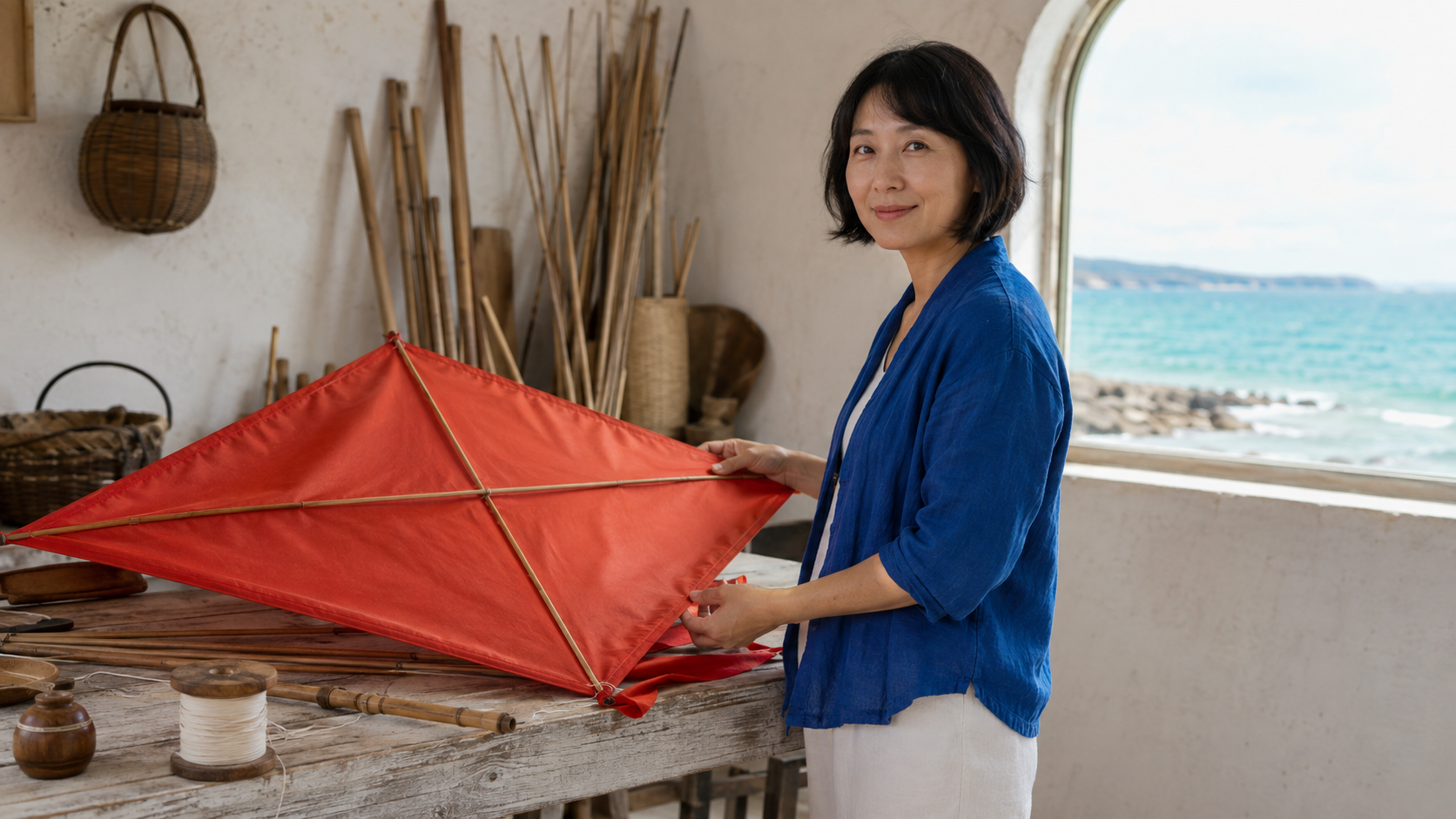
Newly generated reference example, not a verified Dola output: inspect the visible face, kite structure, hands, and space around the subject.
Use an image you own or have permission to use. Decide what must remain stable: the woman's blue jacket, the red fabric, or the bottle's cap. Keep those requirements short and observable. For more examples, the image-to-video prompt guide separates motion instructions from appearance descriptions.
Set one action and one camera instruction
Start with the shortest duration that can show the action completely. Choose the final aspect ratio before generation: a landscape composition will not automatically survive a vertical crop. Ask for a small lift, head turn, or fabric movement before trying several actions and a moving camera together.
Download the finished file and watch it at normal speed. Look for identity changes, sudden framing jumps, and objects appearing from nowhere. Then inspect the most demanding interaction. A beautiful opening frame does not prove that the entire clip works.
Existing generated motion example from our media library, not a Dola benchmark. Watch the subject and clothing while the background changes.
Dola AI Video Prompts You Can Adapt
A controlled portrait or lifestyle action
Use this structure: subject and action, camera, environment, continuity, then sound if the selected mode supports it. Describe visible behavior rather than relying on adjectives such as “professional” or “cinematic” to solve everything.
The woman in the blue jacket lifts the red kite gently to shoulder height. A light breeze moves the silk and her hair. The camera stays at eye level. Preserve her face, clothing, the kite frame, and the coastal terrace. No scene change.
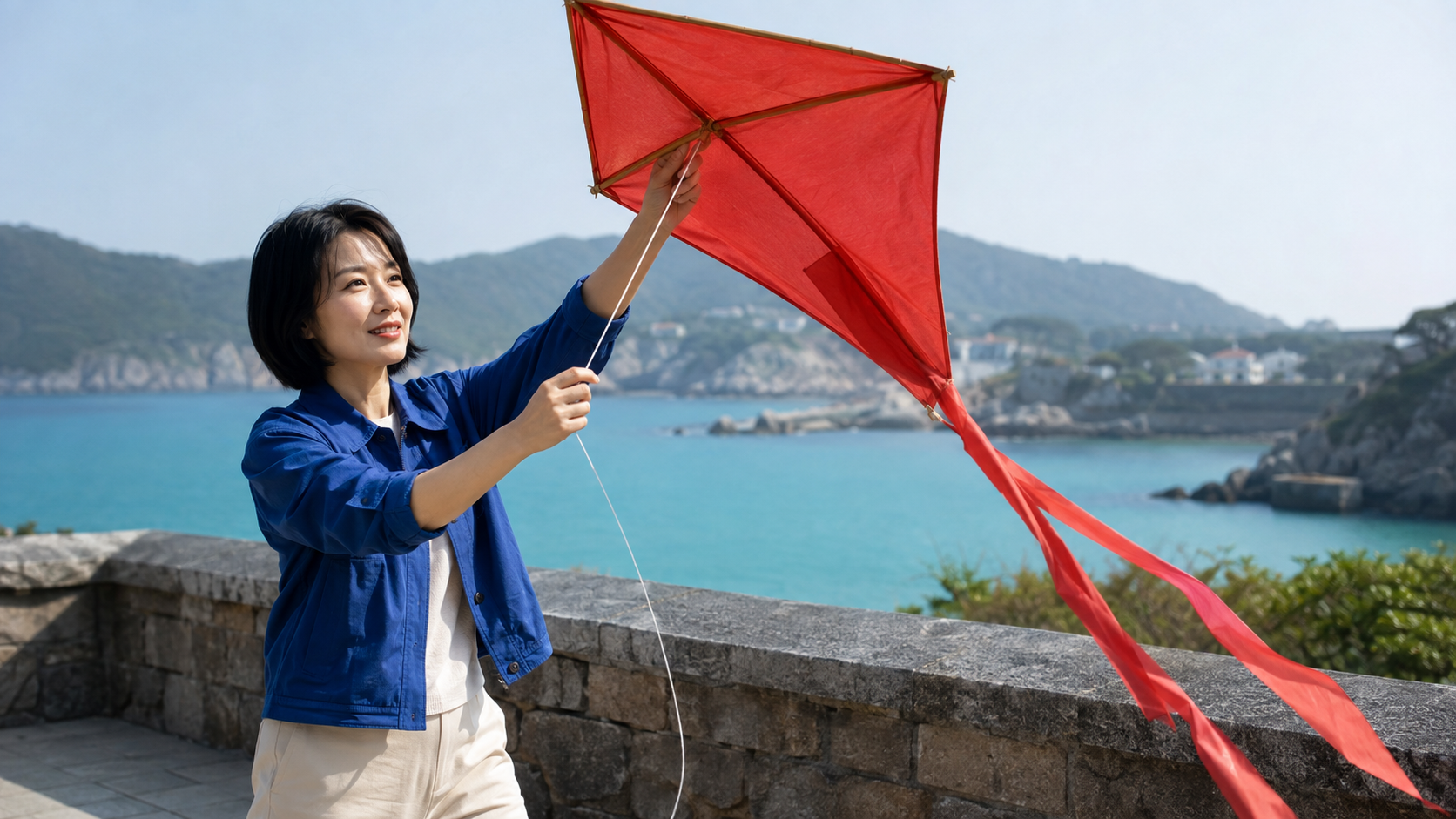
Generated target frame for the prompt, not proof of a completed animation. The intended change is fabric movement and a small lift, not a new identity or location.
A product reveal with stable geometry
An amber glass perfume bottle stands on pale stone. The camera makes a slow, small push forward as the green linen ribbon shifts in a light breeze. Preserve the bottle shape, silver cap, glass color, and single continuous shadow. No new labels or objects.
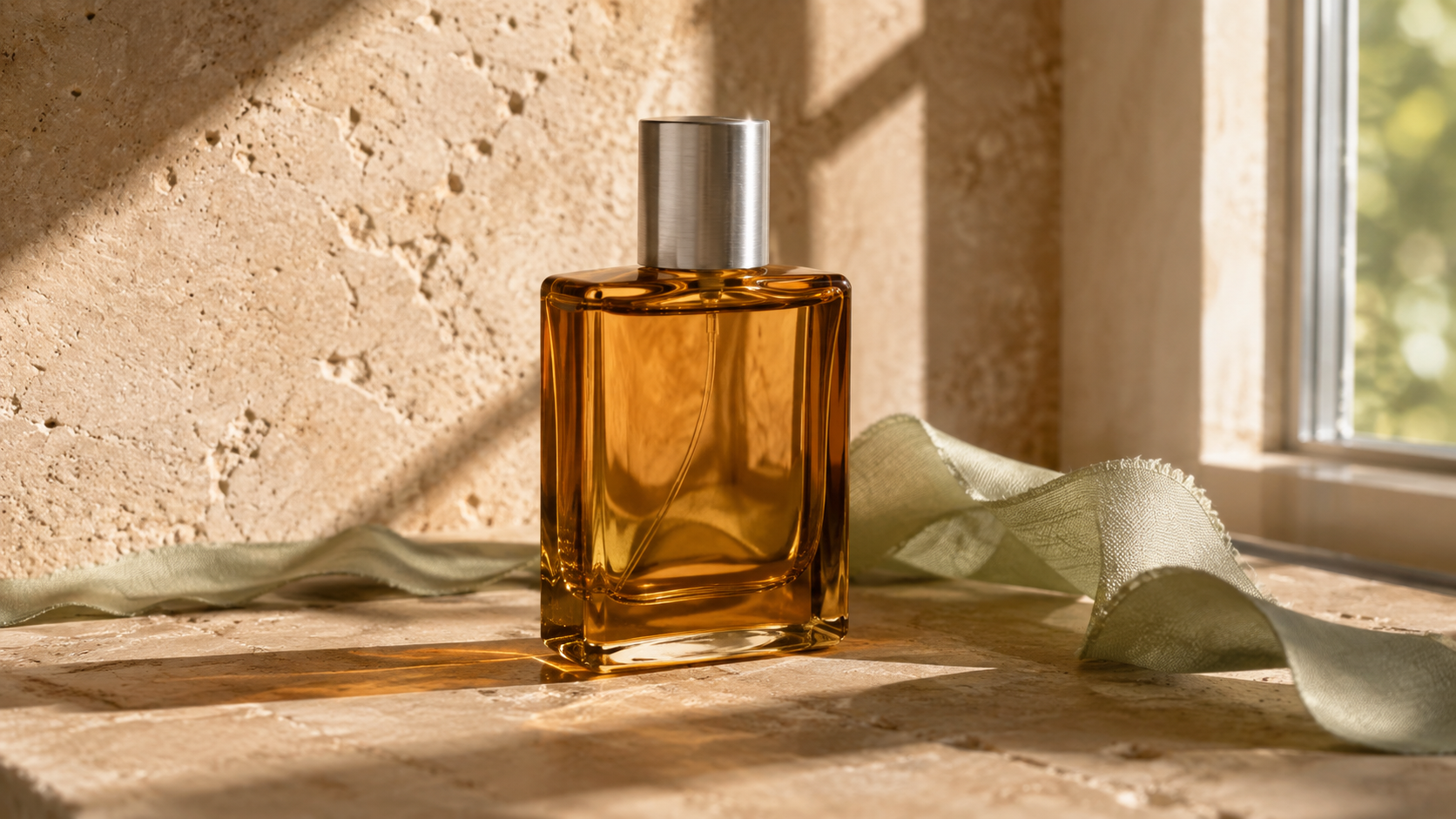
New generated product reference: glass edges, cap shape, and shadows are useful checks during animation.
For an actual product, replace the generic bottle with an approved source image. Add exact marketing text during editing if generated lettering is unreliable. The product ad video workflow is a more relevant next step when the deliverable needs selling points and a clear end card.
A short line with restrained sound
The speaker looks toward the camera and says, “Let's take this outside.” Keep the delivery relaxed, with quiet room ambience and no background music. Preserve the face and framing throughout the line.
Only request this when audio generation is available in the chosen mode. Keep one speaker and a short sentence for the initial test; judge pronunciation, voice, and lip movement together. The native-audio video guide covers those listening checks in more detail.
Fix Access and Output Problems Separately
When the video option is missing
If Dola AI video generation is not working, first identify the failure stage. A region notice, unavailable feature, expired session, or exhausted allowance is an access problem. Rewriting the creative prompt will not fix it. Read the exact message, check the supported service and account, and use the provider's help channel if eligibility remains unclear.
Do not assume that installing an unofficial app, switching to a similarly named domain, or buying unrelated credits will restore access. If a feature is unavailable, move the same approved brief and source assets into another service you can use legitimately.
When the clip looks wrong
A completed but weak clip needs a different response. Reduce the motion, remove conflicting camera directions, or replace an obstructed reference. Change one variable per retry so you learn which instruction caused the improvement.
For drift, shorten the action and state the details that must remain unchanged. For silent output, verify whether the selected mode generates audio before rerunning. For a bad crop, correct composition or aspect ratio instead of repeatedly asking for “better quality.” Record the failure timestamp rather than rejecting the whole idea without diagnosis.
Use Seedance Agent When a Test Becomes a Campaign
One experimental clip and a repeatable campaign have different requirements. A campaign needs product references, an audience, selling points, a coherent script, and a way to review results before making variants. This is where Seedance Agent on Seedance.tv fits naturally into the workflow.
For product work, bring the product images and explain the audience and desired message. Review the proposed script before approving paid generation. Keep the approved claims and visual requirements alongside each result, then decide which version is useful. Check the current model selection and generation cost inside the workspace rather than assuming another platform's allowance applies.
An existing Seedance Agent product-ad output, shown full-frame. Inspect product readability and continuity throughout playback; this is not a Dola comparison test.
An Agent is useful for coordinating the brief and production decisions, not for guaranteeing a flawless first result or bypassing another service's regional restrictions. Keep final human review in the process, especially for product appearance and spoken claims.
Conclusion
The useful Dola AI Seedance video generator workflow starts with the right service and a model you can actually access. Check the allowance, use a clean reference, request one clear movement, and judge the downloaded clip rather than its opening frame. Keep access failures separate from prompt problems, and move to a structured production workspace when you need repeatable product content. Start your next video with Seedance Agent.
Ready to try it yourself?
Put the steps from this guide into practice with Seedance and turn prompts or images into polished videos in minutes.
Free credits on signup. Plans from $28/month.
Related Articles
More posts in the same locale you may want to read next.

Seedance App Preview Video Generator 2026: Create App Store and Product Launch Clips
Use Seedance to turn app screenshots, feature copy, and launch goals into App Store previews, Google Play promo videos, and product launch clips.
Read article
Best AI Video-to-Video Models in 2026
The best AI video-to-video models in 2026 for editing footage you already shot: Higgsfield Genjutsu, Seedance 2.x, Runway Aleph, Luma Modify and Kling Omni compared.
Read article
Kling 4.0 vs Seedance 2.5: Full Comparison
Kling 4.0 vs Seedance 2.5 compared by spec: 30-second clips, keyframes vs 50 references, audio, 4K and 10-bit color, editing, and which model fits which job.
Read article