
ComfyUI Crowd Video Workflow: Control People, Motion, and Occlusion
AI Overview
What is the safest ComfyUI workflow for a crowd video?
Build one approved crowd still, separate the lead from background groups, add depth or pose guidance, and generate a short shot. Increase crowd motion only after identities, lanes, and occlusions remain stable.
How do you keep multiple people consistent in ComfyUI?
Give every important person a unique role, wardrobe anchor, screen zone, and action. Use references for priority characters, keep the camera move simple, and review complete clips for swaps or duplicates.
Why do AI crowd videos create merged bodies and extra people?
Crowds combine many overlapping subjects, fast motion, small faces, and uncertain depth. When prompts do not define layers or paths, the model may reinterpret an occlusion as a new body or identity.
Should a crowd scene be generated in one pass?
Use one pass only for a simple, lightly moving background. For denser action, generate or approve the hero layer first, control the crowd as a second layer, then composite or rerun the smallest failed region.
Why Crowd Scenes Break More Easily Than Solo Shots
A solo image-to-video shot asks the model to preserve one identity, one body, and one main action. A crowd shot multiplies those obligations while adding intersections. A person crosses behind the lead, another exits the frame, two arms overlap, and several small faces move through compression. The model must decide which pixels belong to whom across every frame. That is why a convincing poster can still become an unusable clip.
The practical goal is not “generate many people.” It is to maintain a readable hierarchy. Decide who the audience must recognize, who performs a story action, and who only supplies atmosphere. Give the lead the strongest reference and largest screen area. Treat featured extras as named roles. Treat the remaining crowd as groups with shared direction, speed, and depth rather than as twenty individually described strangers.
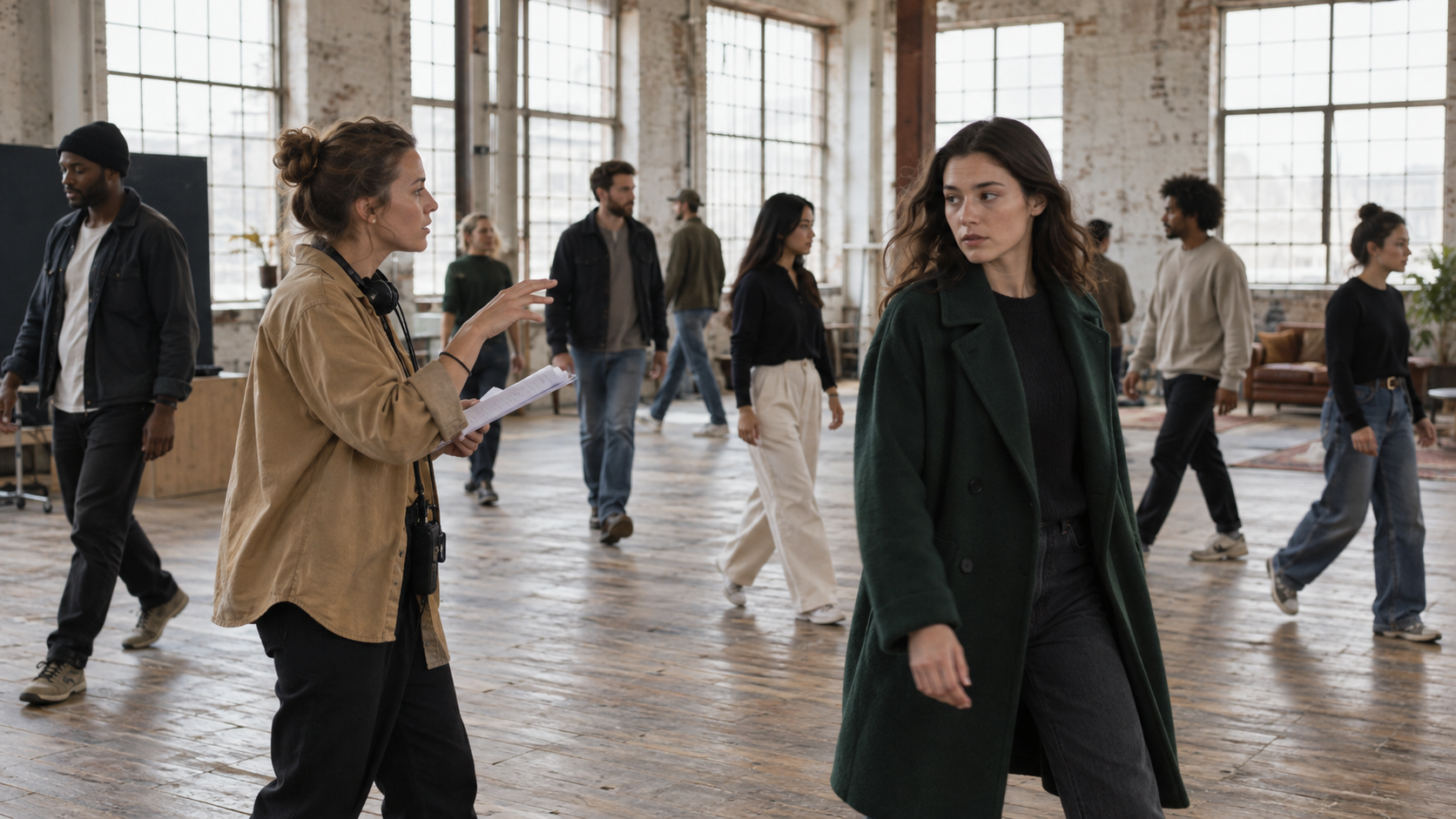
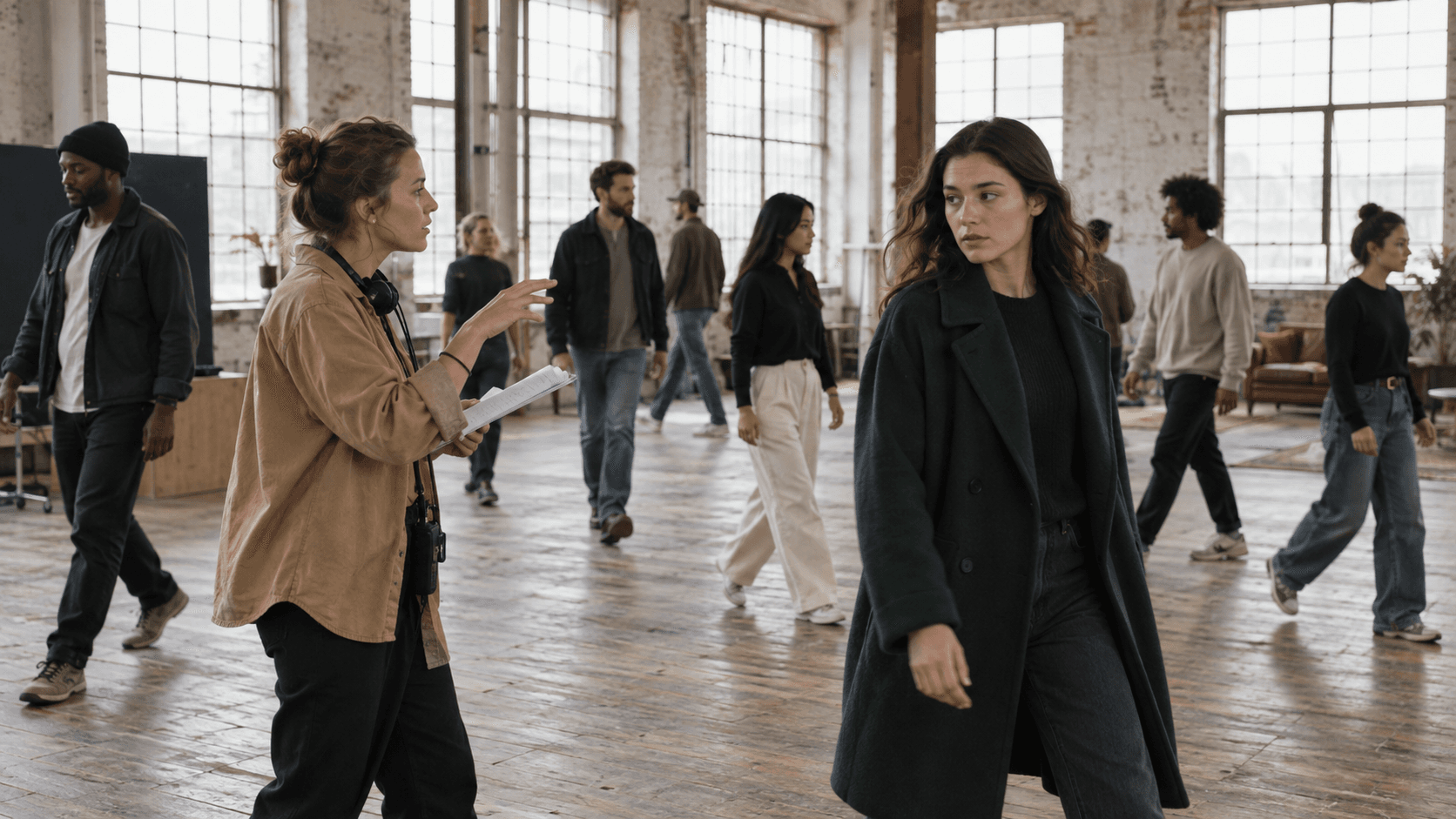
Inspect the foreground lead, midground direction, and background walkers as separate control problems rather than one undifferentiated crowd.
Start with a short acceptance contract: the lead face remains recognizable; no body duplicates; foreground paths do not collide; featured wardrobe colors stay assigned; entrances and exits happen once; the background does not steal attention. This converts “the crowd looks strange” into failures that can be isolated and rerun.
Design a Role-and-Zone Plan Before Opening the Graph
Assign identity priority
Use three levels. Priority A is the hero or speaker and receives the clearest reference. Priority B contains one to three featured extras whose wardrobe and action matter. Priority C is atmosphere: silhouettes, seated patrons, commuters, or distant pedestrians.
Write a compact manifest before prompting:
| Role | Screen zone | Visual anchor | Motion | Must remain true |
|---|---|---|---|---|
| Lead | front-left to center | rust coat, black bag | walks toward camera | face and coat stay stable |
| Extra A | rear-left | navy cap | crosses left to right | passes behind lead once |
| Group B | far platform | dark office clothes | boards slowly | remains background scale |
The table is a production control, not text that must be pasted verbatim. It forces you to resolve contradictions before the model has to guess. If you need to carry the same cast across later shots, the multi-keyframe workflow explains how to approve and reuse visual anchors.
Block depth and traffic lanes
Sketch the shot as foreground, middle, and background zones. Define two or three movement lanes with different directions. Avoid sending several full bodies through the same central point during the first test. A static or gently tracking camera leaves more capacity for body motion and identity.
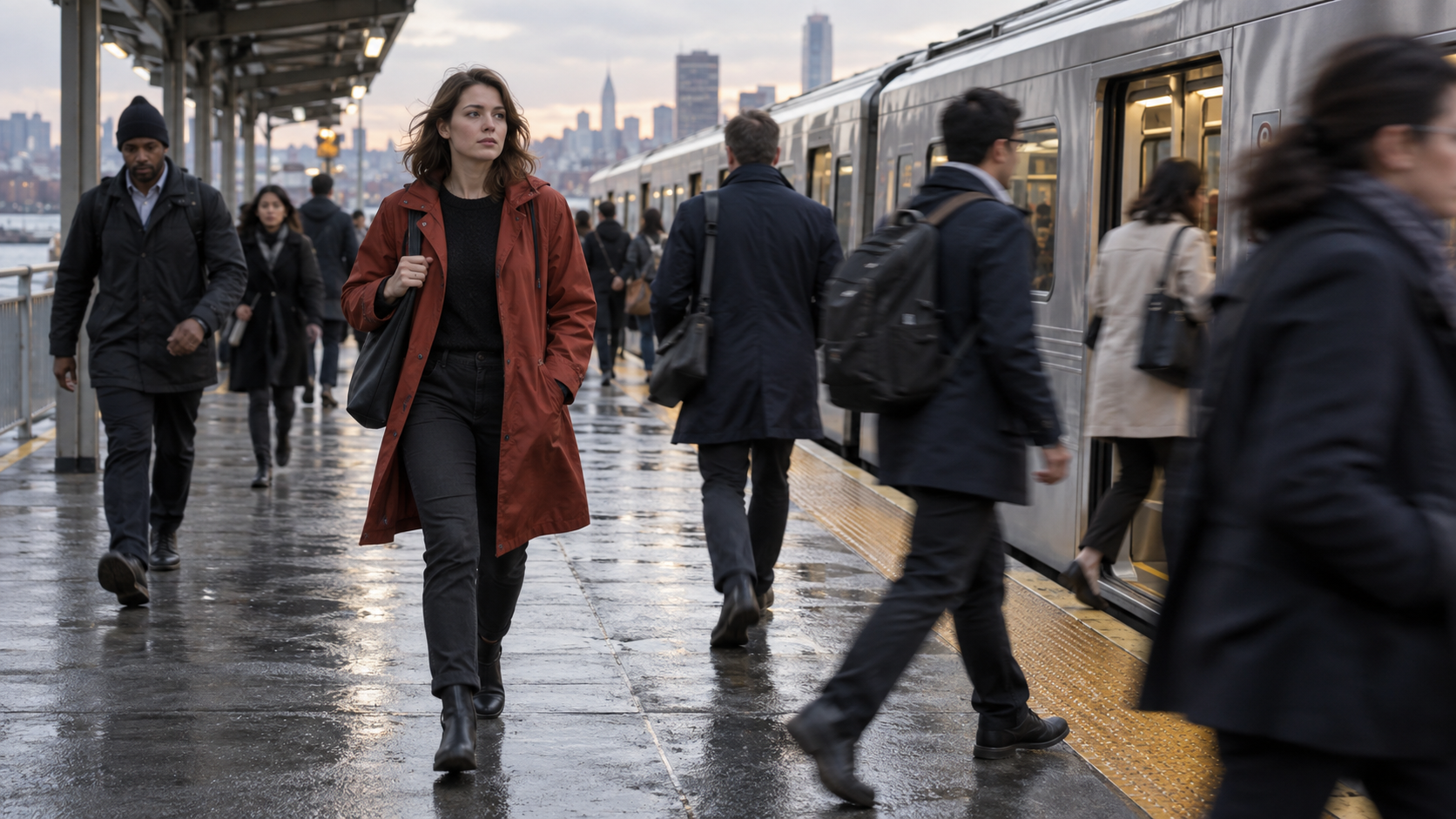
Use an occlusion test where some people pass in front and others behind, then check whether each body exits cleanly instead of merging.
Build the ComfyUI Crowd Video Workflow
1. Approve a composition still
Create or supply a clean 16:9 or 9:16 image with the final camera height, crowd density, wardrobe assignments, and open movement lanes. Fix duplicated faces, impossible hands, or intersecting feet before animation. Image-to-video can animate an approved frame; it should not be expected to repair a broken crowd layout. For a direct hosted test, the Seedance image-to-video route lets you evaluate the same source without maintaining a local graph.
2. Extract only the controls the shot needs
Choose guidance according to the failure you expect. Depth helps preserve foreground-to-background order. Pose helps a featured action. Edges can protect architecture or a large prop. Segmentation or masks help isolate the hero from an atmospheric group. Use the lightest combination that keeps the scene readable. Stacking every preprocessor at high strength can make movement rigid or introduce disagreements between controls.
For moving references, trim a clean section with a similar camera and body rhythm. Normalize resolution and frame rate before extraction. Confirm that pose tracks do not jump between neighboring people when they cross. A swapped skeleton will become a swapped motion, no matter how carefully the positive prompt is written.
3. Separate hero motion from crowd motion
Build a baseline with the hero and only a few extras. Keep the seed, model, sampler, dimensions, frame count, and camera instruction fixed. Once the hero passes, add the atmospheric crowd or a second conditioning branch. If the workflow supports masking or compositing, keep hero and background outputs independent long enough to repair one without regenerating both.
This existing Seedance library clip is an inspection example, not a controlled ComfyUI benchmark. Watch the lead body, passing pedestrians, coat edges, feet, and occlusions through the full motion.
4. Save the graph and provenance
Save workflow JSON, model filenames, custom-node versions, input hashes, seed, dimensions, frame count, FPS, control strengths, and the accepted output together. ComfyUI can rerun only changed graph regions, but that benefit disappears if the approved configuration is not recorded. If queue execution hangs after the render, use the ComfyUI freeze recovery guide before changing creative controls.
Prompt Multiple People Without Creating Chaos
Write the prompt in shot order: setting, priority subject, featured extras, crowd groups, camera, then exclusions. Name important people once and keep their descriptors stable. Describe background people collectively: “six commuters in dark coats move toward the open carriage” is clearer than a long list of unrelated faces, ages, and accessories.
A useful template is:
Wide rainy platform, eye-level camera. The woman in the rust coat walks from front-left toward center, looking ahead. A man in a navy cap crosses behind her from left to right. The far group boards the stationary train slowly. Gentle forward camera track; natural walking pace; foreground face stable; no duplicated people; no collisions; no sudden arrivals.
Use negative instructions for visible failure classes, not for every object you can imagine. “No duplicated bodies, fused limbs, face swaps, teleporting pedestrians, reverse walking, or new people entering the foreground” is actionable. If faces fail only when subjects become small, the distance-face repair guide gives a dedicated diagnosis rather than forcing stronger global guidance.
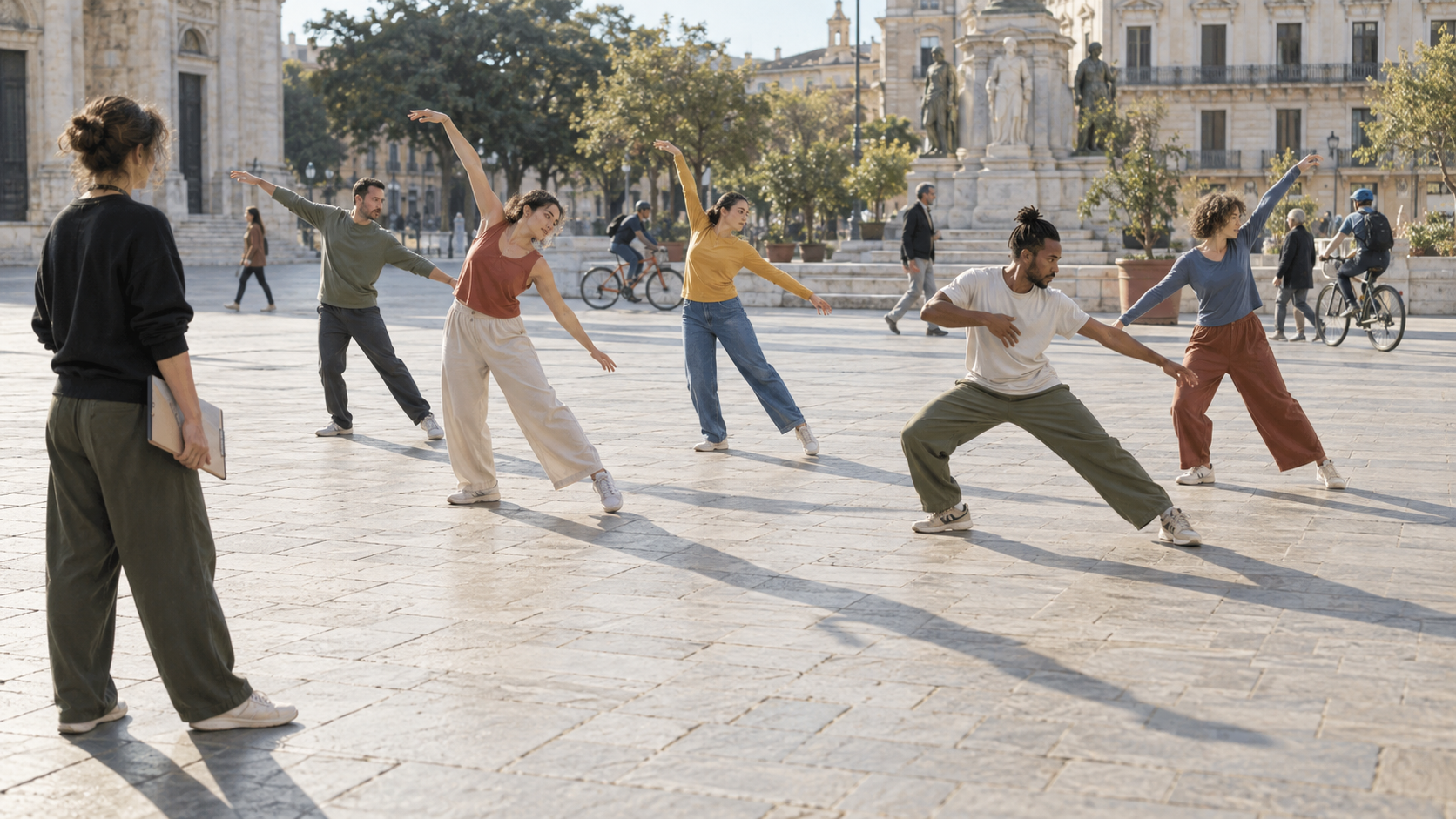
A choreography test should preserve distinct bodies and gestures while background traffic stays subordinate.
Test Crowd Consistency With a Small Stress Ladder
Do not begin with the final festival, battle, or concert. Use a four-step ladder. First, animate three people with no crossings. Second, let one extra pass behind the lead. Third, introduce one foreground occlusion. Fourth, add a distant atmospheric group. Keep the duration short and review each stage before increasing density.
Score the output at normal speed and frame by frame:
- Identity: priority faces, hair, and wardrobe remain assigned.
- Count: no new foreground people appear and no required person vanishes early.
- Anatomy: limbs separate correctly before and after overlap.
- Traffic: every entrance, crossing, and exit follows the specified lane.
- Depth: far people remain smaller and do not jump into the foreground.
- Camera: movement does not cause the entire group to slide or breathe.
- Temporal finish: the last frames are stable enough to cut or extend.
Record the first frame where a rule breaks. That point often reveals whether the cause is a bad initial layout, a pose-track swap, too much motion, weak identity conditioning, or a camera move that competes with the crowd.
Fix Failures Without Rebuilding the Whole Scene
If bodies merge, widen the starting spacing, simplify crossing paths, strengthen depth or mask separation, and shorten the shot. If the lead identity drifts, reduce crowd detail in the prompt and increase priority-reference influence rather than increasing every control. If the background is frozen, add one collective action and mild motion; do not give each distant person a separate performance.
When motion jitters, inspect pose or optical guidance frame by frame. Smooth a single faulty track, reduce control strength near the end, or remove a conflicting conditioner. When people pop in at the edges, begin with fewer edge-adjacent bodies and specify entrances explicitly. Keep a successful baseline graph beside each experiment so a node update never erases the last known-good configuration.
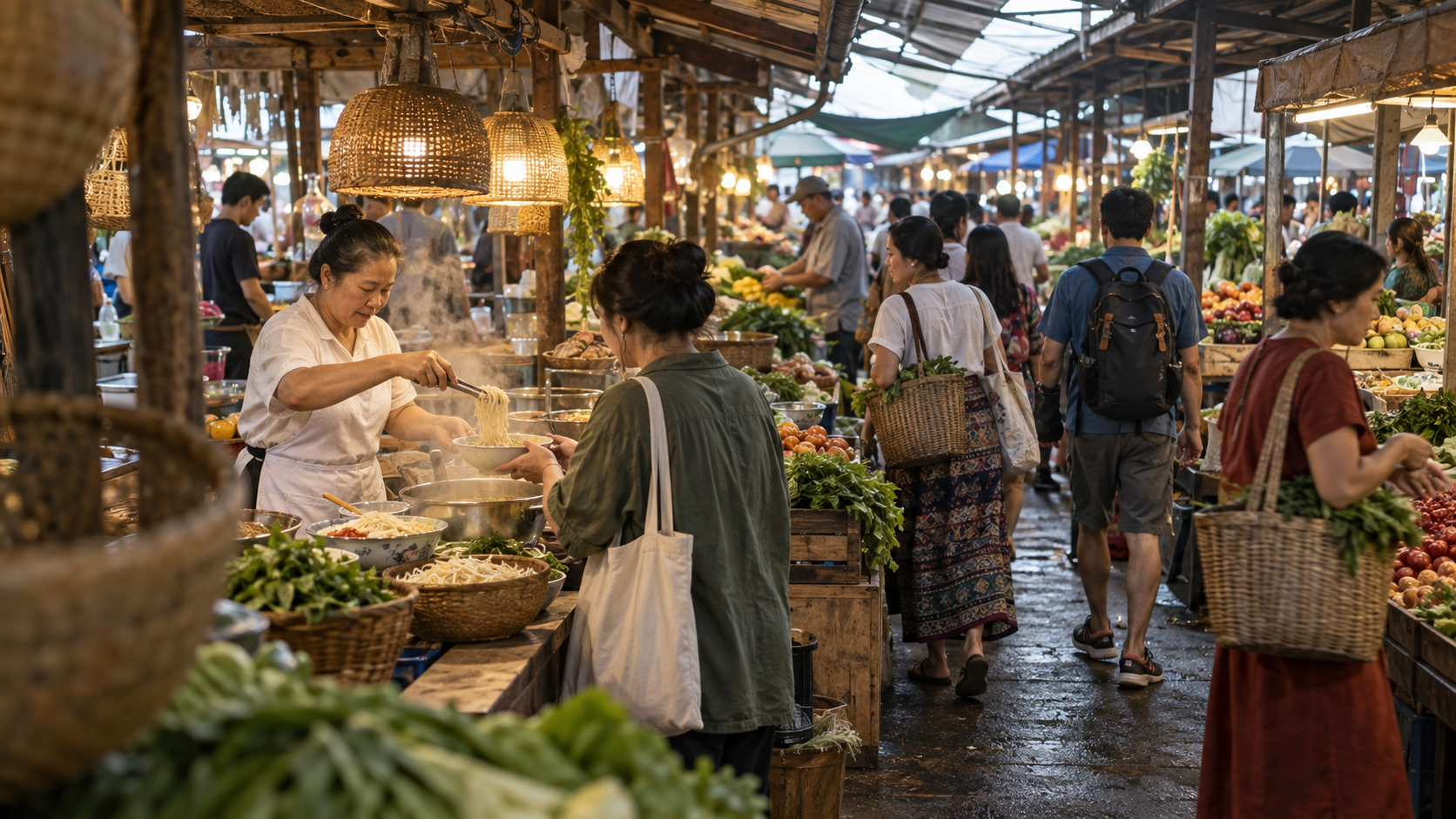
For dense atmosphere, judge depth order, clean silhouettes, and believable traffic before asking for individual background performances.
For many variations, separate creative generation from file orchestration. The ComfyUI batch-processing guide covers deterministic folders, manifests, and retries; this crowd workflow should first produce one accepted shot worth batching.
When Seedance Agent Is the Simpler Production Route
A local ComfyUI graph is valuable when you need precise preprocessors, custom masks, model-level control, or reproducible experiments. It also makes you responsible for references, node versions, queue state, output review, and partial reruns. Crowd scenes amplify that coordination because one rejected extra can invalidate an otherwise strong take.
Seedance Agent is useful when the production job matters more than graph ownership. Provide the cast priorities, reference assets, shot manifest, crowd lanes, duration, aspect ratio, and acceptance rules. Review the proposed shot plan before generation, approve the strongest result, and rerun only the failed unit. The advantage is not a promise that every crowd becomes perfect; it is a clearer boundary between planning, generation, review, and delivery.
Conclusion
A reliable ComfyUI crowd video workflow starts with an approved composition, assigns identity priority, separates depth zones and traffic lanes, applies only the necessary controls, and increases density through a measured stress ladder. Judge the full clip for identity, count, anatomy, occlusion, motion, and a usable ending, then repair the smallest failed layer instead of restarting everything. When maintaining references, masks, node versions, reviews, and reruns becomes the larger job, plan and produce the crowd sequence with Seedance Agent while keeping ComfyUI for the shots that truly benefit from local control.
Ready to try it yourself?
Put the steps from this guide into practice with Seedance and turn prompts or images into polished videos in minutes.
Free credits on signup. Plans from $28/month.
Related Articles
More posts in the same locale you may want to read next.

Seedance App Preview Video Generator 2026: Create App Store and Product Launch Clips
Use Seedance to turn app screenshots, feature copy, and launch goals into App Store previews, Google Play promo videos, and product launch clips.
Read article
How to Make a Talking AI Avatar You Can Reuse
Make a talking AI avatar with Seedance: design one consistent character, give it a voice, and make it speak in a talking photo or a full Seedance 2.5 scene, episode after episode.
Read article
Best AI Video-to-Video Models in 2026
The best AI video-to-video models in 2026 for editing footage you already shot: Higgsfield Genjutsu, Seedance 2.x, Runway Aleph, Luma Modify and Kling Omni compared.
Read article