
Best AI Anime Video Generator: Create Anime-Style Videos with AI (2026)

Anime-style AI video is one of the fastest-growing niches in AI content creation. Creators worldwide are using AI video generators to produce anime-inspired content — from short social media clips to full animated sequences — without traditional animation skills or software.
This guide covers the best AI anime video generators in 2026, how to create authentic anime-style videos with prompts, and which tools produce the most convincing anime aesthetics.
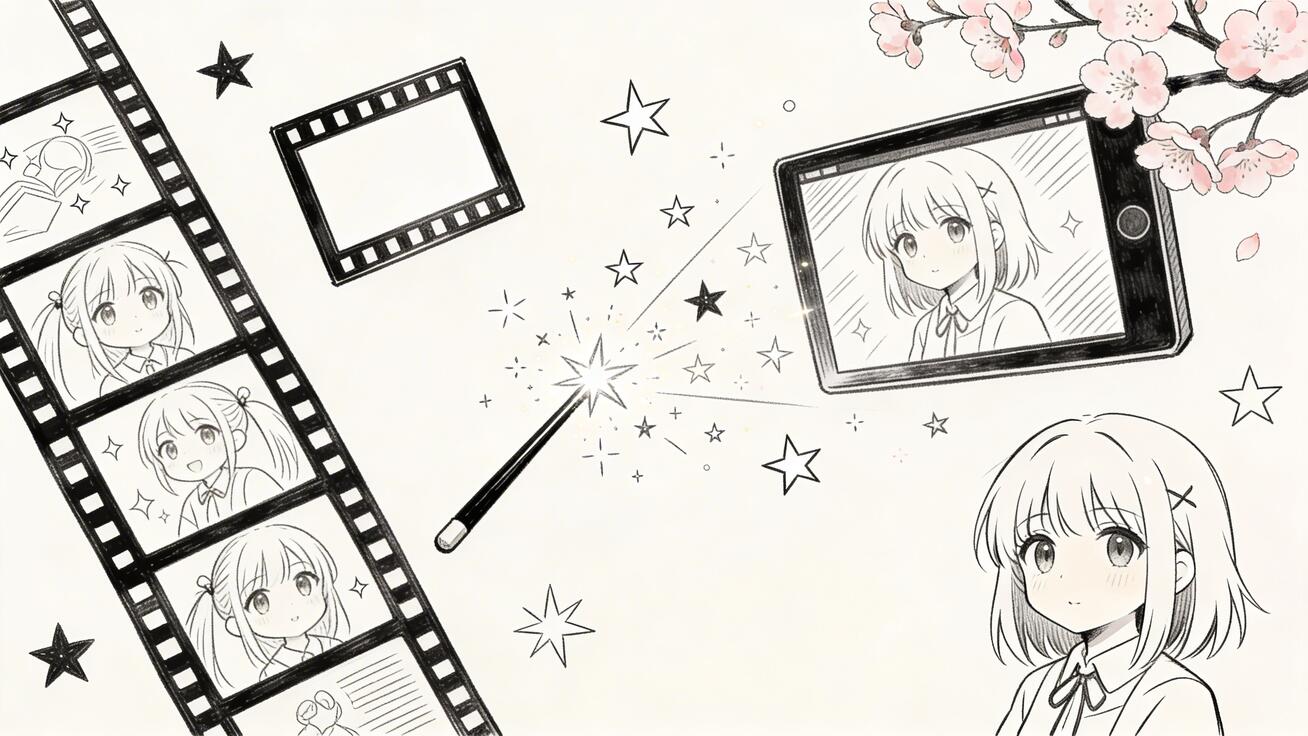
What Makes a Good AI Anime Video Generator?
Not all AI video tools handle anime aesthetics equally. The best anime-capable generators share:
- Style adherence: Correctly renders cel-shading, line art, and anime-typical color palettes
- Character consistency: Maintains character appearance across frames
- Motion quality: Smooth animation matching anime's distinctive movement style
- Prompt responsiveness: Understands anime sub-genres (shonen, shojo, mecha, slice-of-life)
- Background rendering: Creates detailed anime-style environments
Best AI Anime Video Generators in 2026
1. Seedance 2.0 — Best Overall for Anime-Style Video
Seedance 2.0 produces some of the most convincing anime-style AI video when prompted correctly. Its training on diverse visual styles includes substantial anime aesthetics, making it highly responsive to anime-specific prompts.
Anime strengths:
- Strong cel-shading and line art rendering
- Accurate anime character proportions and expressions
- Diverse sub-genre support (action shonen to gentle slice-of-life)
- Image-to-video: animate your anime character illustrations
- No watermark on free tier
Best anime prompt keywords for Seedance:
anime style,cel shading,2D animationstudio Ghibli inspired,shonen anime,slice of life animeanime film cinematography,vibrant anime colors
Try free: seedance.tv
2. Runway Gen-4 — Best for Cinematic Anime Quality
Runway Gen-4 excels at producing high-quality cinematic sequences. For anime-inspired content targeting premium aesthetics — feature film quality rather than TV series — Runway's output is exceptional.
Best for: Anime-inspired cinematic shorts, music video aesthetics, premium brand content with anime style
3. Pika 2.0 — Best for Anime Social Content
Pika 2.0's speed and social media optimization make it ideal for creators producing anime-style TikTok and Reels content at high volume. The model handles anime aesthetics well and generates quickly enough for trend-responsive posting.
Best for: Anime-style TikTok, Reels, YouTube Shorts
4. Kling 2.0 — Best for Japanese Anime Authenticity
Developed by Chinese tech company Kuaishou, Kling 2.0 has deep training on East Asian visual culture, including Japanese anime styles. It produces particularly authentic-looking anime content.
Best for: Traditional Japanese anime aesthetics, manga-inspired content, character animations
How Can You Turn Your Anime Artwork into an AI Video?
Upload one clean character frame
Start with artwork you created or have permission to animate. A single character on a readable background is easier to control than a collage, expression sheet, or crowded manga page. Upload the image through the Seedance AI video generator, choose image-to-video, and treat the illustration as the source of truth for the face, costume, silhouette, palette, and line art.
Describe only the motion that should be added. A useful first prompt is: “The character blinks once, takes one calm breath, and turns slightly toward the window. Slow camera push-in, gentle hair and sleeve movement, preserve the original facial proportions, cel-shaded colors, ink line weight, costume details, and background composition. No new character, no text, no scene change.” Action phrases such as blinks once, takes one step, cloth sways gently, hair moves in a light breeze, slow pan, and locked camera create a shot that is easier to review than “make this anime image cinematic.”
Check line stability before adding more motion
Watch the eyes, jaw, hair outline, fingers, costume seams, and any high-contrast edge at the opening, peak motion, and final frame. A common failure is line boiling: the drawing looks correct at rest, but the ink thickness pulses, the eyes redraw between frames, or a sleeve seam crawls across the arm. Another warning sign is color fill leaking across the original outline during a fast turn.
When that happens, reduce the motion before changing the style. Replace a full-body spin with a small head turn, change a fast orbit into a slow push-in, and repeat the exact details that must remain fixed. Generate separate short shots for unrelated actions, then edit them together. Upscaling cannot repair unstable drawings; it only enlarges the inconsistency.
Use the Seedance 2.5 animation guide when the project needs several illustrated shots, camera direction, audio, and character continuity. Keep the source art original or properly licensed, and avoid uploading recognizable copyrighted characters when you do not hold the necessary rights.
Anime Video Prompt Guide
The key to great AI anime video is precise style specification. Here are proven prompt structures:
Action Sequence
[Character description] performing [action] in [setting]. Dynamic anime action sequence, speed lines, dramatic camera angles. [Sub-genre: shonen / seinen / mecha]. Vibrant cel-shaded colors, detailed line art. Epic orchestral soundtrack implied.
Slice-of-Life Scene
[Character] in [everyday setting: school rooftop / cozy cafe / train window]. Soft afternoon light, gentle breeze. Slice-of-life anime aesthetic, Studio Ghibli-inspired warmth. Detailed background art, pastel color palette. Ambient sounds: wind, distant city noise.
Dramatic Emotional Scene
[Character] experiencing [emotion: realization / determination / sadness]. Close-up on face, then pull back to reveal [setting]. Anime drama cinematography, expressive eyes, dynamic lighting change. [Weather matching emotion: rain / sunset / cherry blossoms].
Fantasy/Isekai Setting
[Character] arriving in [fantasy world/location]. Sense of wonder and discovery. Isekai anime aesthetic, detailed fantastical environment, magical elements. Wide establishing shot transitioning to character reaction close-up. Fantasy orchestral music implied.
Style Keywords That Unlock Anime Aesthetics
| Keyword | Effect |
|---|---|
anime style |
General anime aesthetic |
cel shading |
Classic animation look |
studio ghibli |
Miyazaki's warm, detailed style |
shonen anime |
Action-oriented, energetic |
shojo anime |
Soft, romantic, detailed characters |
mecha anime |
Mechanical, futuristic |
isekai |
Fantasy alternate world |
slice of life |
Everyday, gentle, atmospheric |
seinen |
Mature, detailed, cinematic |
2D animation |
Flat animation look |
manga panel style |
Black and white, dramatic |
Anime Video Use Cases
Content creators: Produce anime-aesthetic YouTube content without drawing skills
Musicians: Create anime music videos for original tracks
Storytellers: Produce visual novels and short animated stories
Social media: Generate anime-style TikTok content in trending aesthetics
Game developers: Create cinematic cutscenes for indie games
Fan creators: Visualize fan fiction and original characters
Tips for Better Anime AI Video
- Be specific about sub-genre — 'shonen' and 'shojo' produce very different outputs
- Reference specific studios — 'Studio Ghibli', 'Trigger style', 'Kyoto Animation aesthetic'
- Describe the emotional tone — anime is highly expressive; specify what emotion the scene conveys
- Include weather/lighting — anime relies heavily on atmospheric lighting (golden hour, rain, sakura)
- Specify camera work — anime has distinctive camera language (dramatic close-ups, wide establishing shots, speed lines)
Frequently Asked Questions
What is the best AI tool to make anime videos?
Seedance 2.0 produces the best overall anime-style AI video with responsive anime prompts, no watermark on the free tier, and strong image-to-video capability for animating existing anime art.
Can I animate my own anime character with AI?
Yes. Tools like Seedance 2.0 and Runway Gen-4 support image-to-video — upload your character illustration and describe the desired animation to bring it to life.
Is AI anime video legal?
AI-generated anime-style content is generally legal when created from text prompts. Always ensure you have rights to any reference images used in image-to-video workflows. Avoid replicating specific copyrighted characters without transformation.
Can AI make full anime episodes?
Current AI video generators produce clips up to 8-10 seconds. Full episodes require stitching many clips together with consistent characters, which remains challenging but is being actively developed.
Start creating anime-style videos with Seedance 2.0 — free, no animation skills needed.
Related: How to Turn Photos into Videos with AI | AI Video for Social Media | Best AI Video Generator 2026
Ready to try it yourself?
Put the steps from this guide into practice with Seedance and turn prompts or images into polished videos in minutes.
Free credits on signup. Plans from $28/month.
Related Articles
More posts in the same locale you may want to read next.

Seedance App Preview Video Generator 2026: Create App Store and Product Launch Clips
Use Seedance to turn app screenshots, feature copy, and launch goals into App Store previews, Google Play promo videos, and product launch clips.
Read article
Gemini AI Video Prompt Examples: Copy-Ready Veo Scenes and a Better Prompt Formula
Copy Gemini AI video prompt examples for cinematic motion, product ads, dialogue, and vertical clips, then adapt them with a practical Veo prompt formula.
Read article
How to Keep Product Shape Consistent in AI Video Ads
Lock product geometry, packaging, labels, references, camera angles, and approval checks so AI video ads preserve the real SKU across every shot.
Read article