
Best AI Video Generator for Social Media 2026: Create Viral Content in Minutes
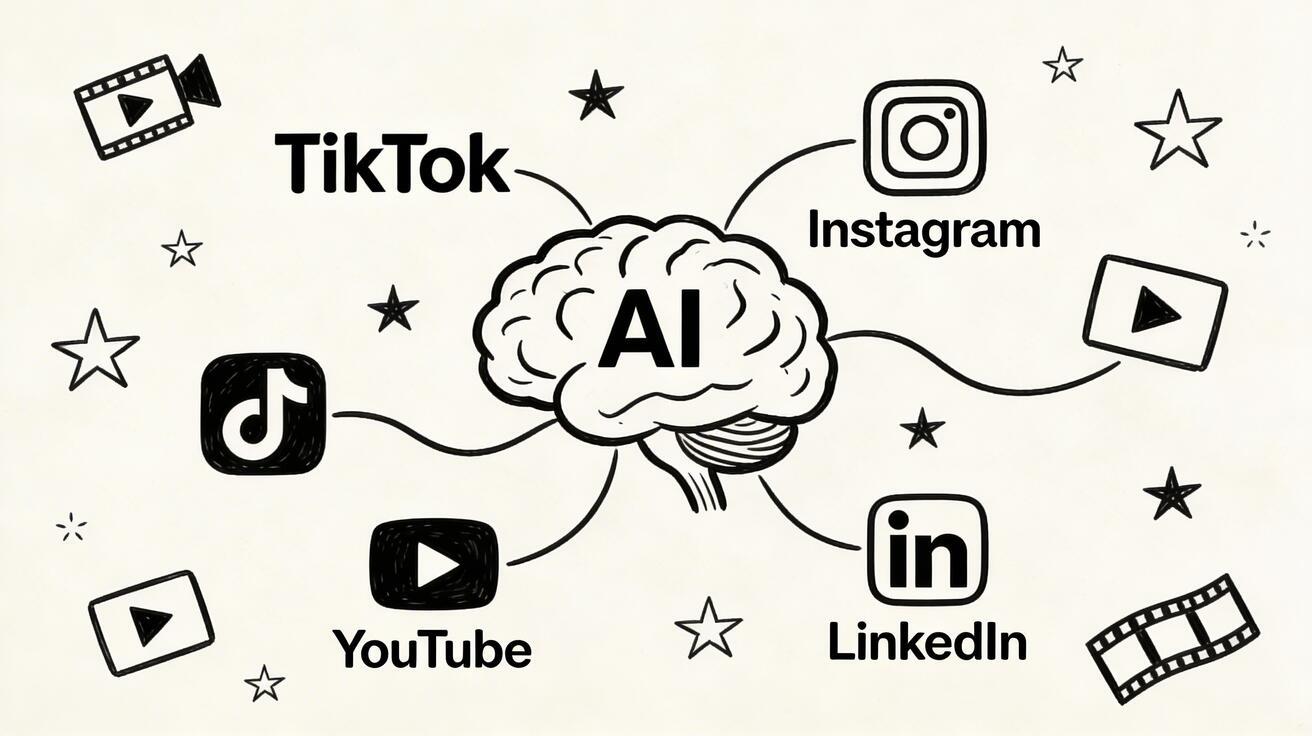
Social media has transformed how brands, creators, and businesses communicate—and video is now the dominant format across every platform. From TikTok's 15-second clips to YouTube's long-form content, from Instagram Reels to LinkedIn thought-leadership videos, the demand for high-quality video has never been higher.
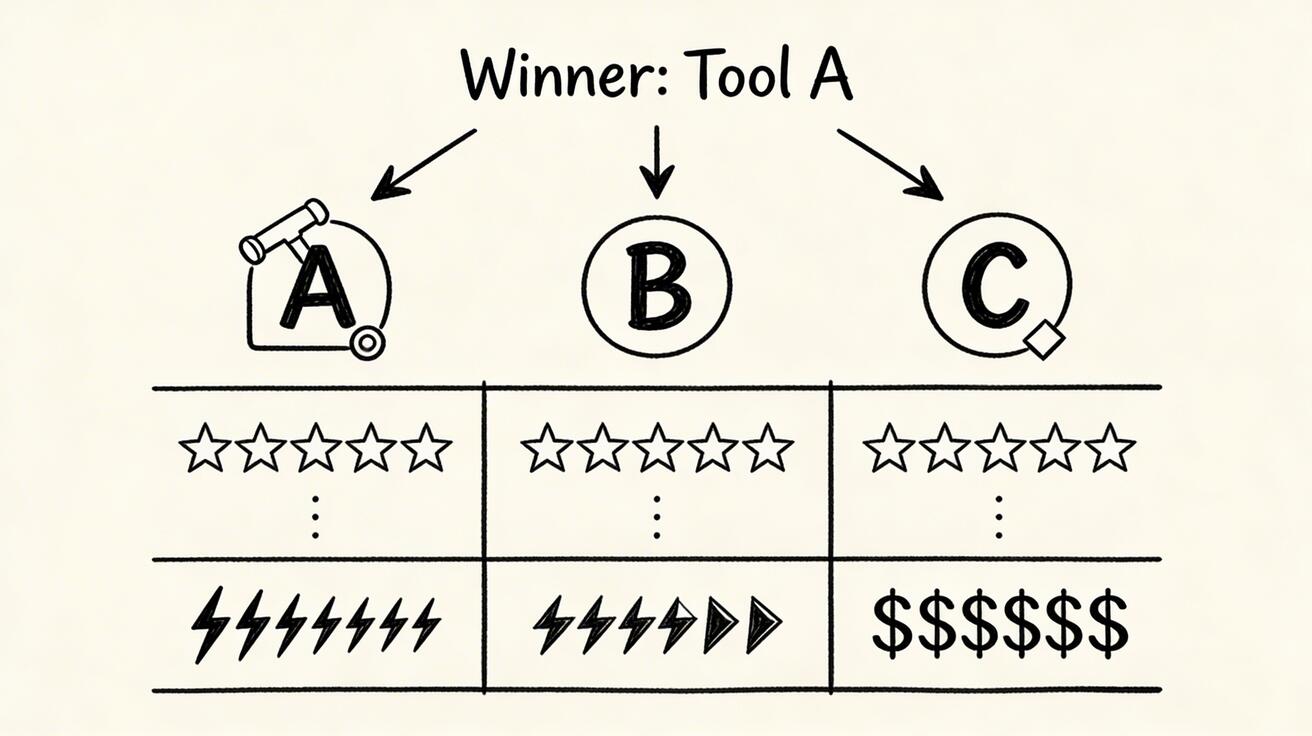
Quick Answer: The best AI video generation tools in 2025 combine quality output, ease of use, and affordability — Seedance leads this list with its state-of-the-art models, intuitive workflow, and exceptional results for creators of all skill levels.
The problem? Traditional video production is expensive, time-consuming, and requires specialized skills. Enter AI video generators: tools that let anyone create professional-quality videos in minutes, not days.
In this guide, we'll explore the best AI video generators for social media in 2026, covering what makes each platform unique, which tools deliver the best results, and how to maximize your content output.
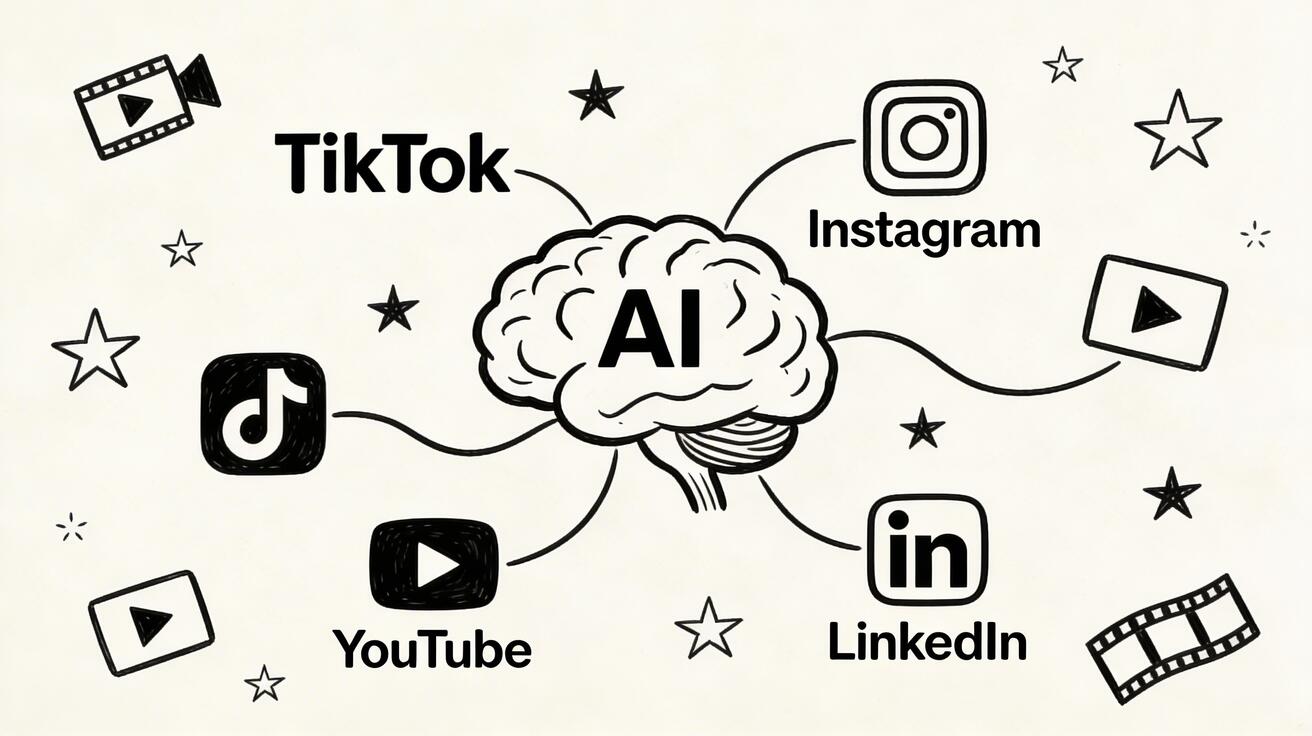
Why AI Video Generators Are Essential for Social Media in 2026
The social media landscape in 2026 is unforgiving. Algorithms reward consistency—posting daily or even multiple times per day is now table stakes for growing channels. Human video production can't keep up. Here's why AI video generators have become essential:
- Speed: Create a complete social media video in 2–5 minutes instead of 2–5 hours
- Cost: Eliminate expensive camera crews, studios, and editing software subscriptions
- Consistency: Maintain a regular posting schedule without burning out your creative team
- Scalability: Produce content in multiple languages and formats simultaneously
- Experimentation: Test dozens of video styles and hooks without major investment
The global social media management market is expected to reach $41.6 billion by 2026, and AI video tools are a critical component of every serious content strategy.
Top AI Video Generators for Social Media 2026
1. Seedance — Best Overall for Social Media Creators
Seedance has emerged as the leading AI video platform for social media creators who need professional-quality output without the complexity. Whether you're creating text-to-video content or transforming images into dynamic clips, Seedance delivers consistently impressive results.
Key Features:
- Text-to-Video: Describe your video concept in plain language and watch it materialize
- Image-to-Video: Transform static images, product photos, or brand assets into engaging video content
- Seedance 2.0: The latest generation model with enhanced motion quality, better prompt adherence, and photorealistic output
- Multi-Platform Export: Optimized outputs for TikTok (9:16), Instagram (1:1, 4:5), YouTube (16:9), and more
- Style Control: From cinematic to animated, realistic to abstract
Best For: Content creators, social media managers, small businesses, and anyone who needs to produce high-quality video at scale
Pricing: Free tier available with paid plans starting at competitive rates
2. Runway Gen-4 — Best for Creative Direction
Runway's Gen-4 model offers exceptional creative control, making it popular among professional filmmakers and agencies. It excels at maintaining character consistency across shots and handling complex motion sequences.
Strengths:
- Superior character consistency
- Advanced camera motion controls
- Strong inpainting and outpainting for video editing
- Professional-grade color grading options
Limitations:
- Higher cost per generation
- Steeper learning curve
- Can be overly "artistic" when you need straightforward commercial content
3. Kling AI — Best for Asian Market Content
Kling AI by Kuaishou has gained significant traction, particularly for content targeting Asian markets. Its models are optimized for certain visual aesthetics that resonate strongly in East Asian social media.
Strengths:
- Excellent motion fluidity
- Strong performance on text/character-heavy prompts
- Native integration with Kuaishou's ecosystem
Limitations:
- Interface primarily in Chinese
- Less consistent with Western-style content
- Limited customer support outside Asia
4. Pika — Best for Quick Iterations
Pika focuses on speed and accessibility, making it ideal for social media managers who need to iterate quickly on content ideas without deep technical knowledge.
Strengths:
- Extremely fast generation times
- Simple, intuitive interface
- Good for lifestyle and product content
- Discord community for inspiration
Limitations:
- Less control over fine details
- Limited advanced editing capabilities
5. Hailuo AI (MiniMax) — Best Value Proposition
Hailuo AI from MiniMax offers strong value, particularly for budget-conscious creators who still want quality output. Its models have improved significantly in recent months.
Strengths:
- Competitive pricing
- Solid motion quality
- Good diversity in output styles
Limitations:
- Watermarked free tier
- Slower improvement pace compared to top competitors
Platform-Specific Strategies for AI Video Content
TikTok: Speed and Authenticity Win
TikTok's algorithm rewards content that drives watch-through rates. For TikTok success with AI video:
- Hook in the first second: Your AI video should start with motion or an intriguing visual—no slow intros
- 9:16 vertical format: Always generate or crop to 9:16 for TikTok
- Sound design: AI video looks great, but pair it with trending audio for algorithmic lift
- Human voiceover: Even the best AI video benefits from a real human narration for authenticity
- Length: 15–30 seconds performs best for awareness; 60–90 seconds for tutorials
- Post frequency: TikTok rewards 1–3 posts per day; AI video generation makes this achievable
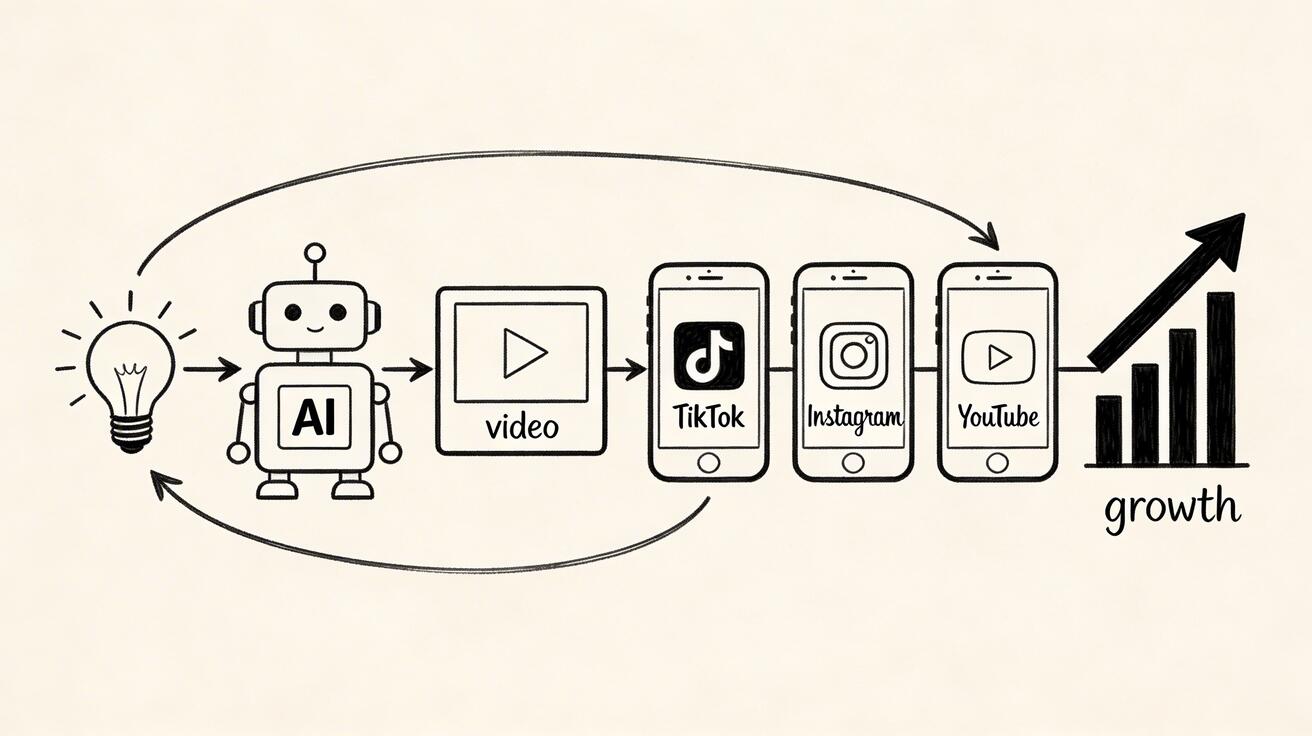
Recommended workflow with Seedance:
- Use text-to-video to generate your core visual
- Export in 9:16 ratio
- Add captions and trending audio in a mobile editor
- Post within 2 hours of peak audience time for your niche
Instagram: Aesthetic Consistency Drives Followers
Instagram rewards visual coherence. Your AI videos should maintain a consistent look and feel across your feed and Reels.
- Reels length: 15–60 seconds for top performance
- Format options: 9:16 for Reels, 1:1 for feed posts, 4:5 for portrait feed
- Aesthetic consistency: Use the same prompt style modifiers across videos to maintain brand identity
- Story covers: Use AI-generated static frames as Story cover images
- Carousel integration: Combine AI video thumbnails with carousel posts for higher engagement
Pro tip: Use Seedance's image-to-video feature to animate your product photos and brand imagery—a highly effective approach for ecommerce brands on Instagram.
YouTube: Quality Over Quantity, But Quantity Still Matters
YouTube's algorithm rewards watch time and subscriber satisfaction. AI video fits different YouTube strategies:
- Long-form: Use AI video as B-roll footage in longer human-hosted videos (saves production budget)
- Shorts: AI-generated 60-second vertical videos perform well in the Shorts feed
- Thumbnails: Generate multiple thumbnail variants to A/B test
- Episode consistency: Maintain visual language across a series
The sweet spot: one AI-assisted long-form video per week plus daily Shorts gives you broad algorithmic coverage.
LinkedIn: Professional Credibility Matters
LinkedIn video requires a different approach—less flashy, more substantive.
- Square or landscape format: 1:1 or 16:9 works better than vertical on LinkedIn
- Subtitles essential: Most LinkedIn video is watched without sound
- Thought leadership framing: Use AI video to visualize data, processes, and concepts
- Length: 1–3 minutes for most content; 30–60 seconds for news updates
- Native upload: Upload directly to LinkedIn rather than sharing YouTube links
Pinterest: Visual Discovery Platform
Pinterest is underrated for video content. Its visual discovery engine can surface your content to millions of searchers organically.
- 2:3 portrait format preferred
- Keyword-rich descriptions: Pinterest is a search engine; optimize your video titles
- Evergreen content: Unlike TikTok, Pinterest content can drive traffic for months or years
- Product demonstrations: AI video of products in use performs strongly
How to Create Viral Social Media Videos with AI: Step-by-Step
Step 1: Research Your Topic
Before generating any video, ensure there's an audience for your content:
- Check Google Trends for topic seasonality
- Browse TikTok's discovery tab for trending sounds and formats in your niche
- Look at competitor channels for their most-viewed videos
- Use keyword research tools to find high-volume search terms
Step 2: Write a Compelling Prompt
The quality of your AI video is directly tied to the quality of your prompt. A structured approach:
[Style descriptor] + [Subject/action] + [Setting/context] + [Camera motion] + [Mood/lighting]
Example: Cinematic close-up of a young entrepreneur excited about her phone screen, modern coffee shop background, slow push-in camera motion, warm golden hour lighting, high energy
For Seedance specifically, the model responds well to specific emotional states, camera movement descriptions, and lighting descriptors.
Step 3: Generate and Iterate
Don't settle for the first result. Generate 3–5 variants and select the best:
- Vary your prompt slightly for each generation
- Note which prompts produce better results
- Save successful prompts as templates for future content
Step 4: Add Platform-Specific Elements
Raw AI video usually needs these finishing touches:
- Text overlays and captions (especially for silent viewing)
- Music or sound effects (match to platform trends)
- Brand watermarks (subtle, corner placement)
- Call-to-action frames (follow, like, link in bio)
Step 5: Optimize for Each Platform
A single AI video can be repurposed across platforms with simple adjustments:
- Crop to 9:16 for TikTok/Reels
- Keep center 1:1 crop for feed posts
- Trim to platform-optimal length
- Adjust captions for different audience voices
AI Video for Different Content Types
Product Demos and Showcases
AI video excels at making products look aspirational. For ecommerce and SaaS brands:
- Before/after transitions: Show problem → solution visually
- Feature highlights: Use AI video to animate feature callouts
- Lifestyle contextualization: Place your product in aspirational settings
- 360-degree views: AI can generate multi-angle product showcases from a single image
Seedance's image-to-video tool is particularly effective here—upload a product photo and generate a dynamic video that brings your product to life.
Educational and Tutorial Content
How-to content drives massive engagement across all platforms:
- Use AI video to visualize complex processes step-by-step
- Create animated explainers for abstract concepts
- Generate consistent tutorial thumbnails with recognizable visual style
- Repurpose written guides into visual video walkthroughs
Brand Story and Culture Videos
AI video can help smaller brands compete with large companies on visual quality:
- Company mission and values visualization
- Team culture highlights (combine with real photos)
- Product origin stories
- Customer journey animations
News and Commentary
For creators in news, finance, tech, or any fast-moving niche:
- AI video of relevant stock footage (no licensing fees)
- Visualizing data and statistics
- Background b-roll for talking head videos
- Thumbnail generation at scale
Measuring Social Media Video Performance
Publishing great AI video is only half the equation. You need to track what's working:
Key Metrics by Platform
TikTok:
- Watch-through rate (target: >50%)
- Shares and duets
- Follower conversion rate from individual videos
Instagram:
- Reach and non-follower reach
- Saves (strong indicator of evergreen value)
- Story replies and DMs generated
YouTube:
- Average view duration
- Click-through rate (CTR) from thumbnails
- Subscriber conversion per video
LinkedIn:
- Video views (LinkedIn counts 3+ second views)
- Engagement rate (comments weight heavily)
- Profile views and connection requests generated
Analyzing AI Video Performance Data
Track which prompts and styles generate the best-performing videos:
- Maintain a prompt log with performance data
- A/B test different visual styles for the same topic
- Monitor audience retention curves to identify where viewers drop off
- Use platform analytics to refine posting times
Common Mistakes to Avoid with AI Social Media Video
1. Over-Relying on AI Without Strategy
AI video is a tool, not a strategy. Without clear goals, target audience definition, and content pillars, even the most beautiful AI videos won't grow your channels.
2. Ignoring Platform-Native Content Trends
What works on TikTok often fails on LinkedIn. Always adapt your AI video approach to each platform's culture and algorithm.
3. Not Optimizing Prompts
Vague prompts produce vague results. Invest time in learning effective prompting for your chosen AI video tool—it's the highest-leverage skill for content creators in 2026.
4. Neglecting Sound and Captions
Silent viewing is the norm on most platforms. Always add captions, and choose music that reinforces your video's energy.
5. Inconsistent Brand Voice
If your AI videos look dramatically different each week, your audience won't develop a strong association with your brand. Establish prompt templates that maintain visual consistency.
The Future of AI Video for Social Media
Looking ahead, several trends will shape how creators use AI video:
Real-time generation: Near-instant video creation will enable live AI video responses to trending topics—a massive advantage for news and commentary creators.
Personalization at scale: AI video will enable personalizing the same video concept for different audience segments, languages, and demographics simultaneously.
Integration with social platforms: Expect native AI video generation directly within TikTok, Instagram, and YouTube's creation tools—though third-party tools like Seedance will maintain quality advantages for serious creators.
Multi-modal content creation: AI systems that simultaneously write scripts, generate video, add narration, and select music will streamline production from hours to minutes.
Conclusion: Start Creating AI Social Media Videos Today
The competitive advantage of AI video for social media is clear: more content, better quality, lower cost, and faster iteration. Whether you're a solo creator, a social media manager at a startup, or a content team at an enterprise, AI video generation is no longer optional—it's essential.
Seedance offers the best combination of quality, ease of use, and affordability for social media content creators. With its advanced text-to-video and image-to-video capabilities, you can start creating professional-quality social media videos immediately—no production experience required.
Ready to transform your social media content strategy? Try Seedance free today and create your first AI video in minutes.
Measuring Social Media Video ROI: What Actually Matters
Most creators track vanity metrics — views, likes, shares. These matter, but they don't tell you whether your AI video investment is paying off. Here's what to measure instead.
Conversion-Linked Metrics
Click-through rate (CTR) to your link in bio or landing page is the most actionable metric for business accounts. A video with 10,000 views and 500 link clicks (5% CTR) outperforms a video with 50,000 views and 100 link clicks (0.2% CTR) for any business objective.
Follower conversion rate: What percentage of viewers follow you after watching? Track this per video type. AI-generated tutorial content typically converts viewers to followers at higher rates than trend-participation content.
Save rate: Saves indicate content that people want to reference again — a strong signal of genuine value. AI tutorial and educational content consistently earns higher save rates than entertainment-focused content.
Platform-Specific Benchmarks (2026)
| Platform | Good Engagement Rate | Strong Save Rate | Target CTR |
|---|---|---|---|
| Instagram Reels | 3-6% | 1-2% | 0.5-2% |
| TikTok | 5-10% | 2-4% | 1-3% |
| YouTube Shorts | 4-8% | 1-3% | 0.8-2.5% |
| LinkedIn Video | 2-4% | 0.5-1% | 0.3-1% |
Building a 90-Day Measurement Framework
Week 1-4: Baseline establishment. Post consistently without optimizing — you need comparable data before testing changes.
Week 5-8: A/B test one variable at a time. Video length, hook style, CTA placement. AI video generation makes this fast — you can produce test variants in minutes.
Week 9-12: Double down on what worked. Analyze which content types drove the most link clicks, saves, and follower conversions. Reallocate your AI video production budget accordingly.
Frequently Asked Questions
What is the best AI video generator for social media?
Seedance is widely regarded as the best AI video generator for social media in 2026, offering high-quality text-to-video and image-to-video generation with multi-platform export options and an intuitive interface.
How long does it take to create an AI social media video?
With tools like Seedance, you can generate a high-quality video in 2–5 minutes. Adding captions, music, and platform-specific edits typically adds another 5–10 minutes, making complete production possible in under 15 minutes.
Are AI-generated videos allowed on TikTok, Instagram, and YouTube?
Yes, AI-generated videos are allowed on major platforms. However, some platforms require disclosure of AI-generated content in certain contexts. Check each platform's current terms of service for specifics.
Can I use AI video for commercial purposes?
Most AI video generators, including Seedance, grant commercial usage rights with paid plans. Always verify the licensing terms for your specific plan.
What format should I use for AI videos on TikTok vs. Instagram?
For TikTok: 9:16 vertical, 1080x1920 pixels. For Instagram Reels: 9:16. For Instagram feed: 1:1 or 4:5. For YouTube: 16:9 horizontal. Most AI tools allow you to specify the output ratio.
How many AI social media videos should I post per day?
For TikTok, 1–3 posts per day is optimal. For Instagram, 1 Reel per day plus Stories. For YouTube, 1 long-form per week with daily Shorts performs well. With AI video generation, maintaining these posting frequencies is realistic even for solo creators.
Does AI video look fake on social media?
Modern AI video generators like Seedance 2.0 produce highly realistic output that is difficult to distinguish from traditionally filmed footage. Prompt engineering and proper style selection are key to achieving natural-looking results.
Ready to try it yourself?
Put the steps from this guide into practice with Seedance and turn prompts or images into polished videos in minutes.
Free credits on signup. Plans from $28/month.
Related Articles
More posts in the same locale you may want to read next.

Seedance App Preview Video Generator 2026: Create App Store and Product Launch Clips
Use Seedance to turn app screenshots, feature copy, and launch goals into App Store previews, Google Play promo videos, and product launch clips.
Read article
Gemini AI Video Prompt Examples: Copy-Ready Veo Scenes and a Better Prompt Formula
Copy Gemini AI video prompt examples for cinematic motion, product ads, dialogue, and vertical clips, then adapt them with a practical Veo prompt formula.
Read article
How to Keep Product Shape Consistent in AI Video Ads
Lock product geometry, packaging, labels, references, camera angles, and approval checks so AI video ads preserve the real SKU across every shot.
Read article