Start With a Selfie, or Nothing at All
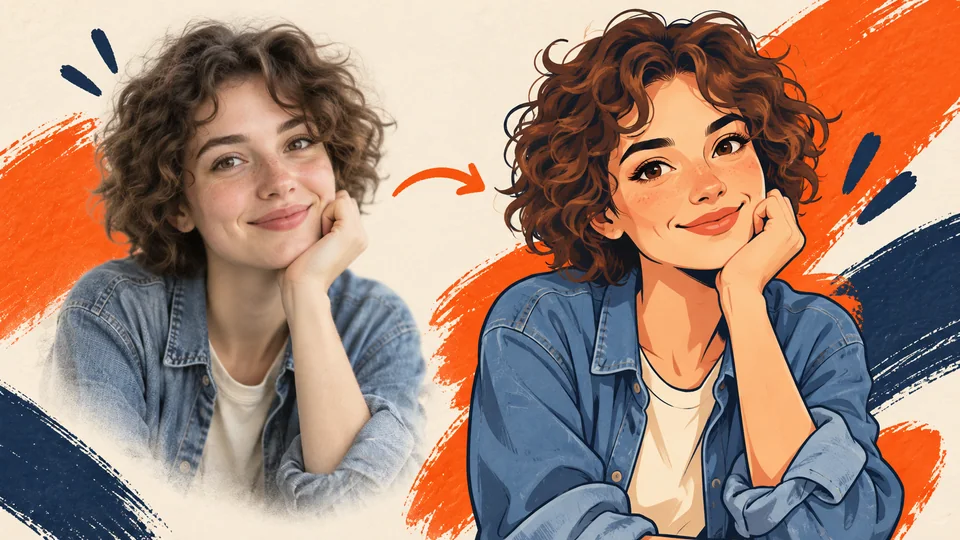
Add your own photo to make an AI version of yourself, or skip it and design a brand new character.
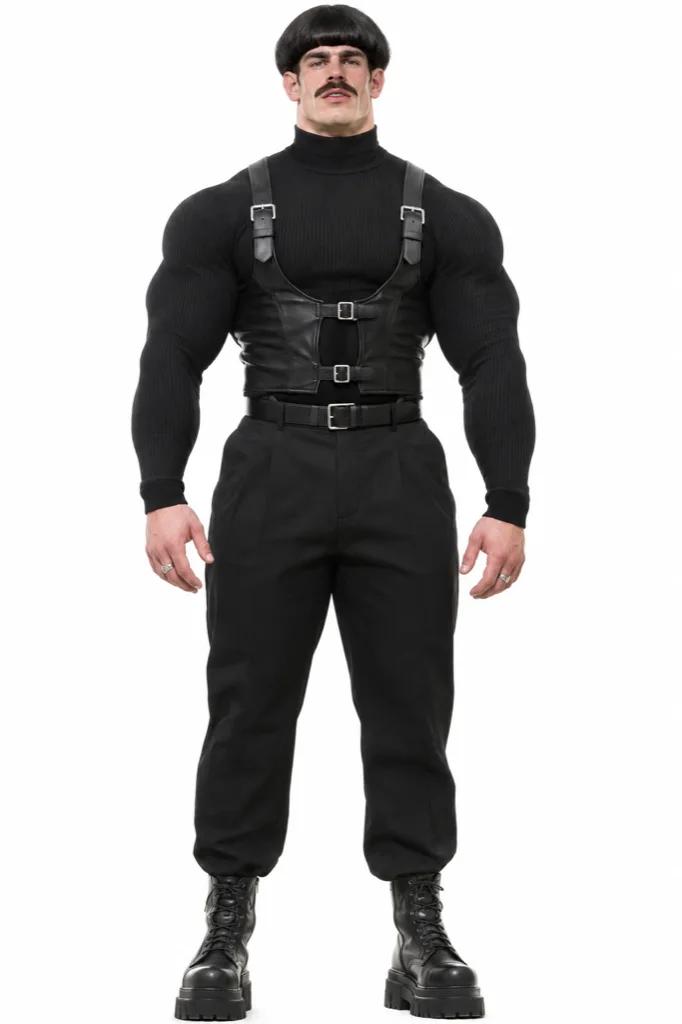
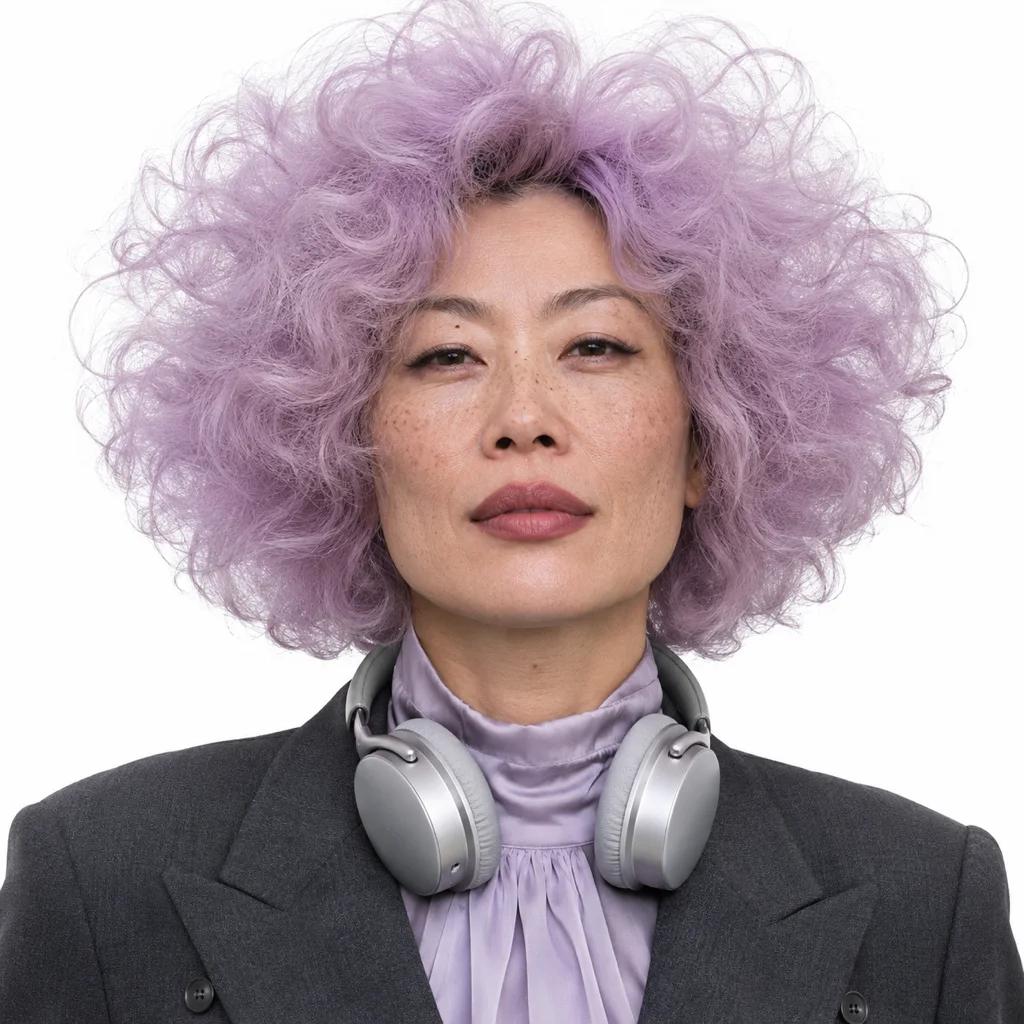
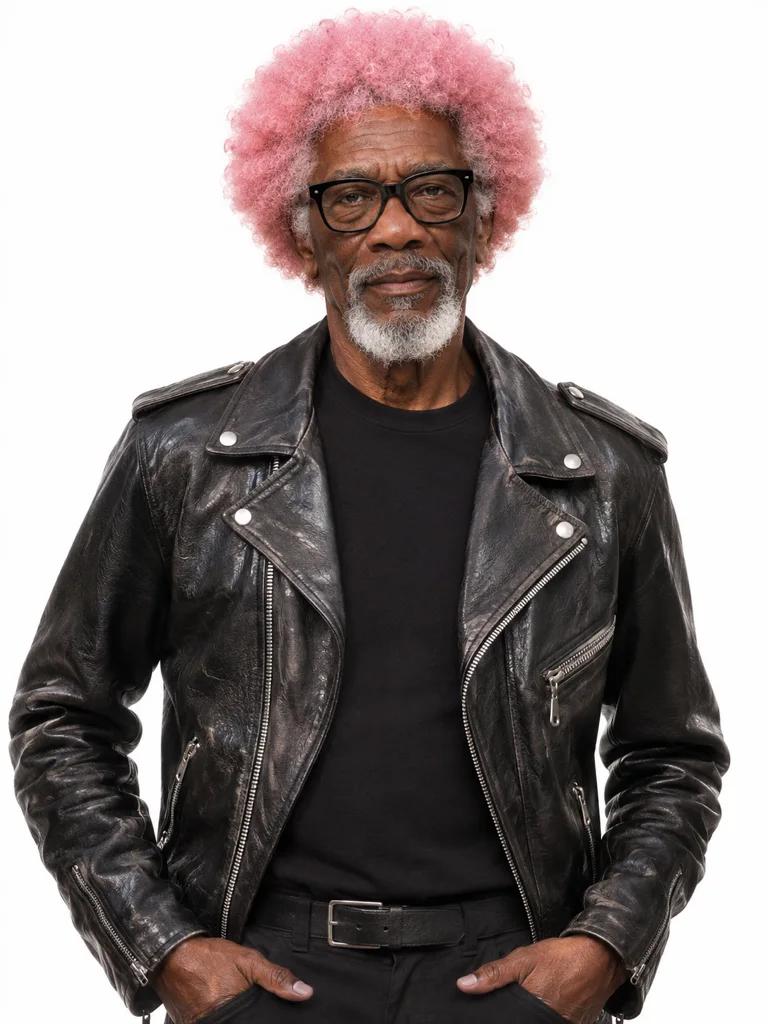

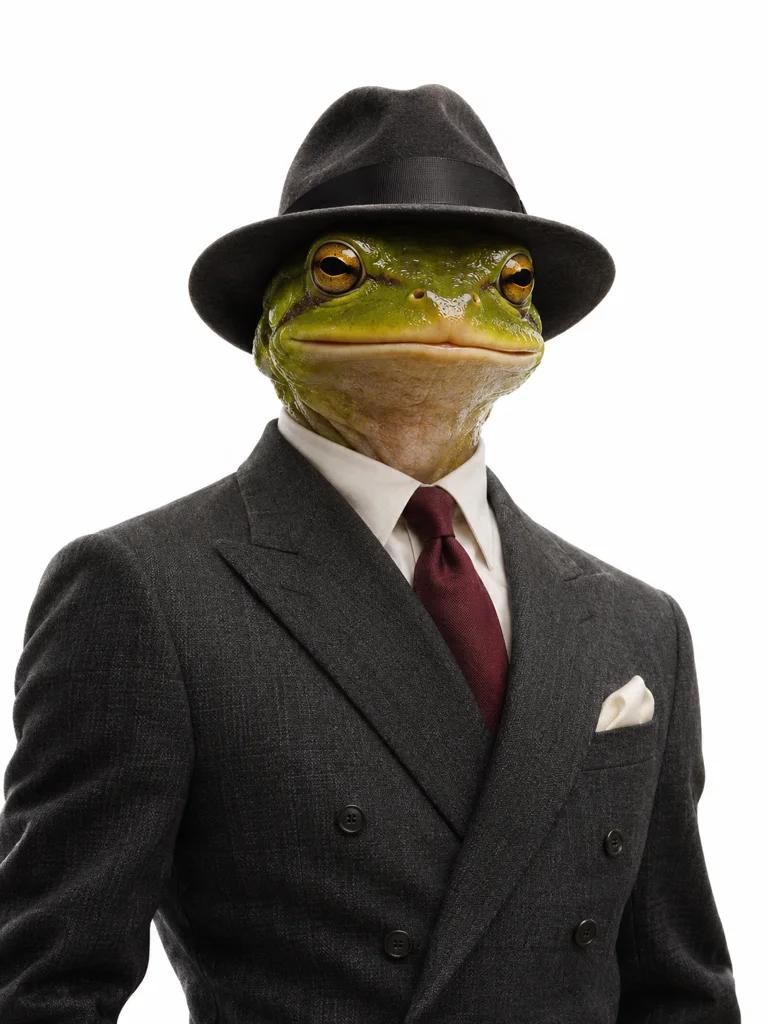
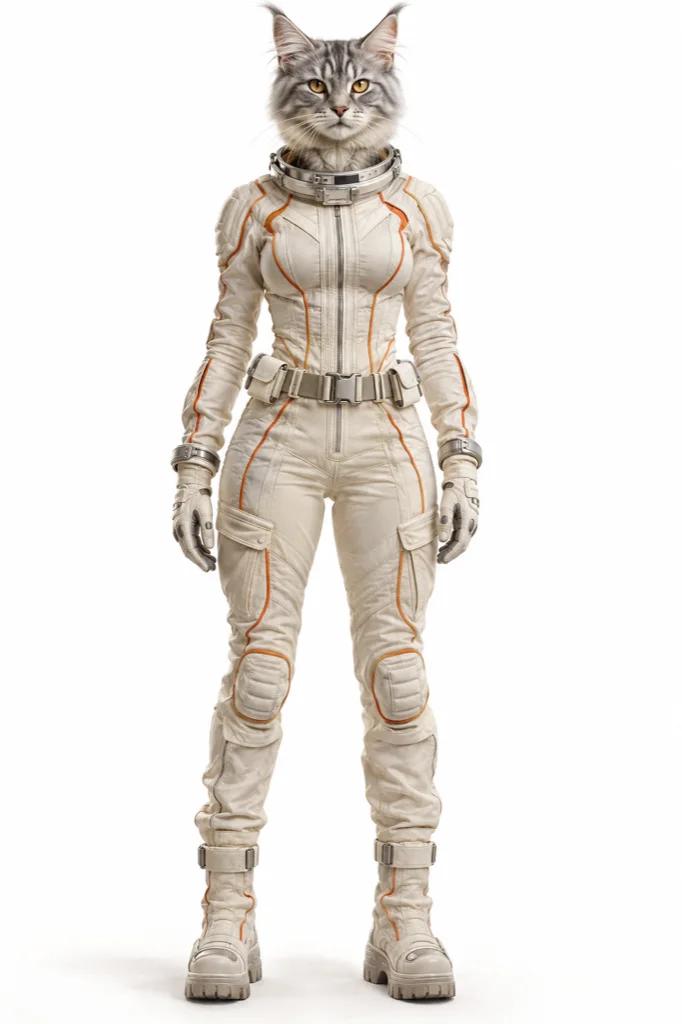
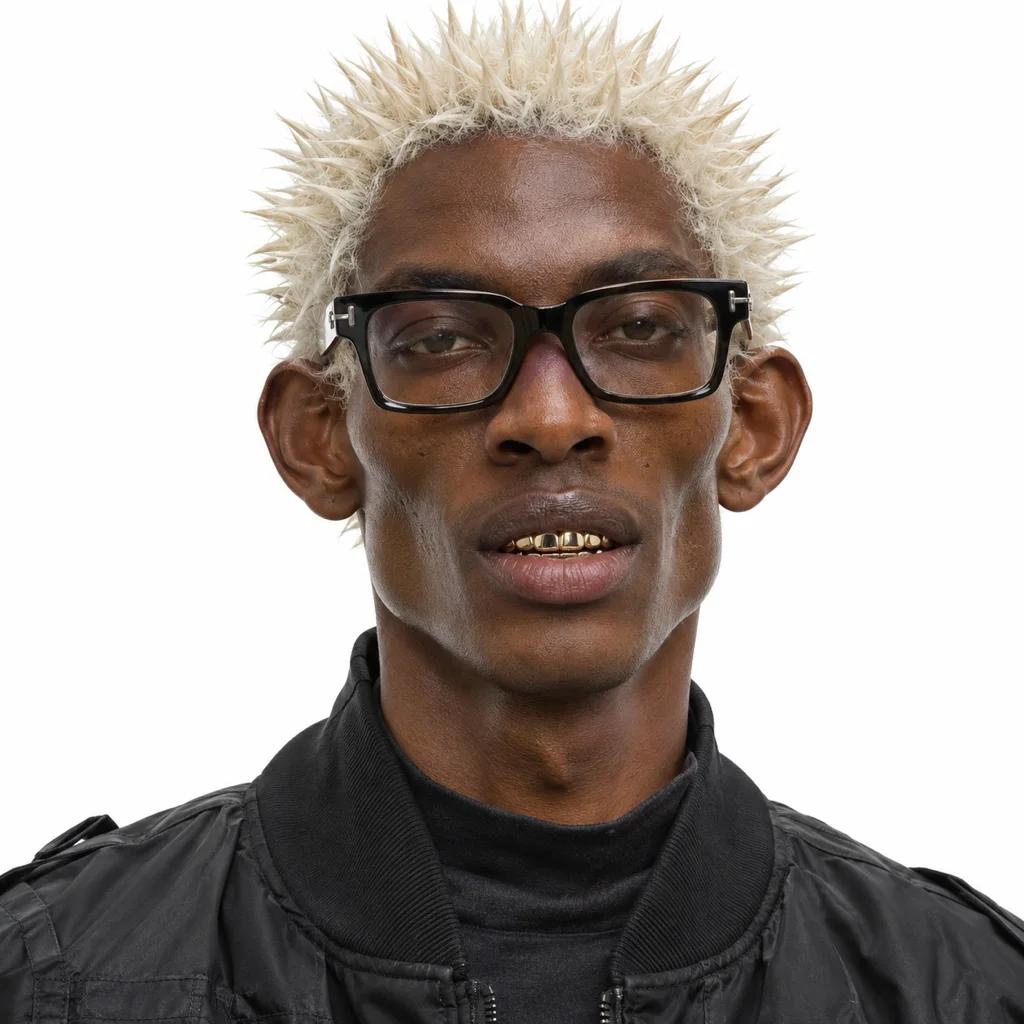
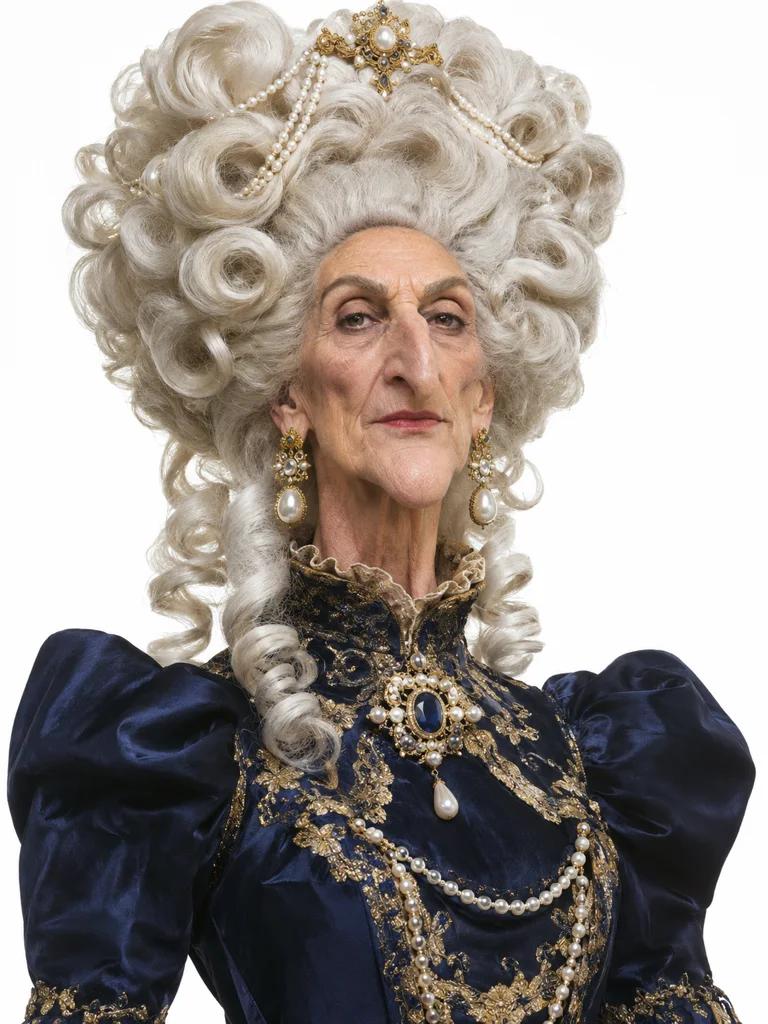
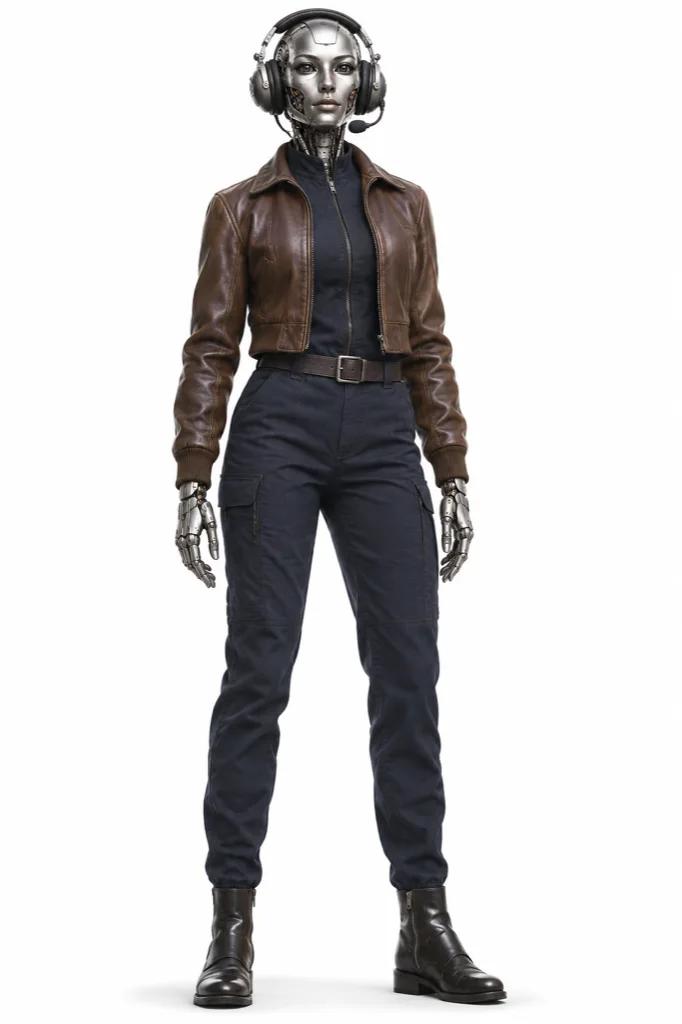
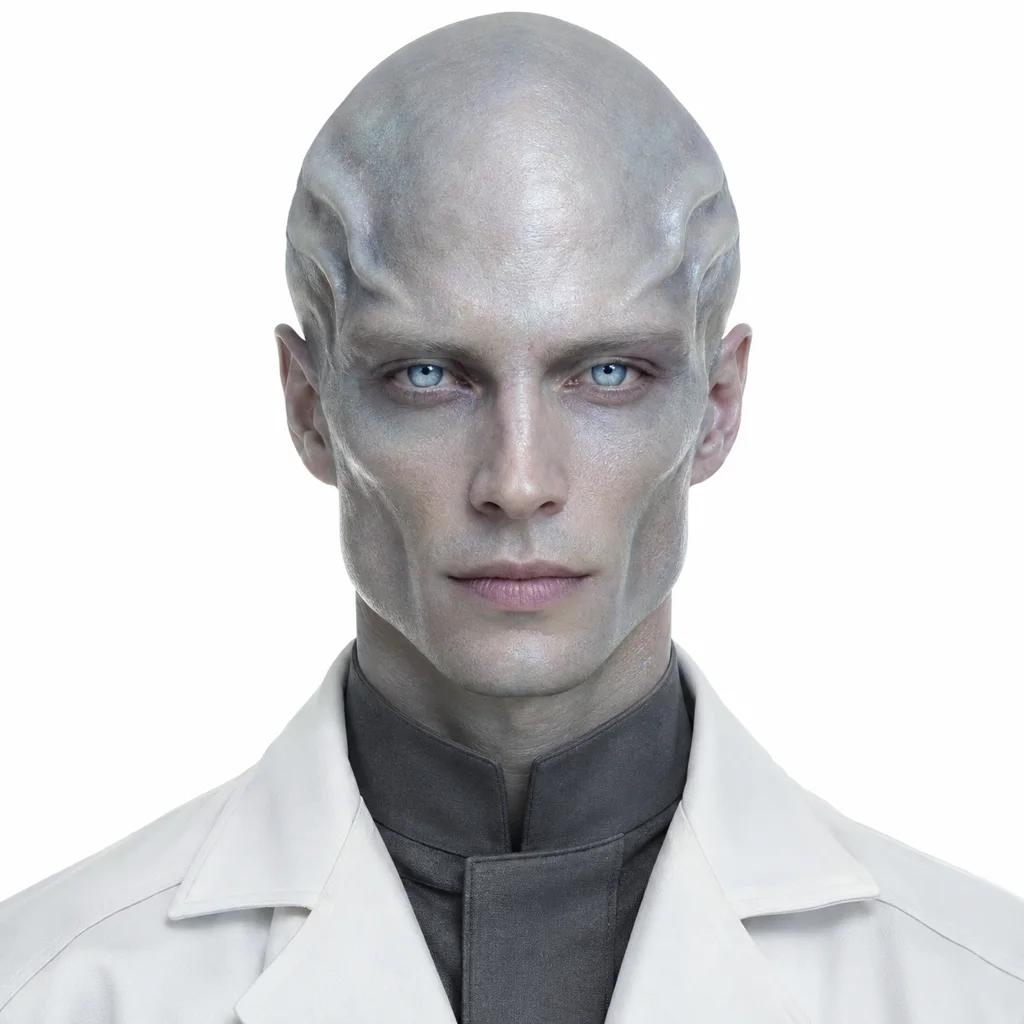

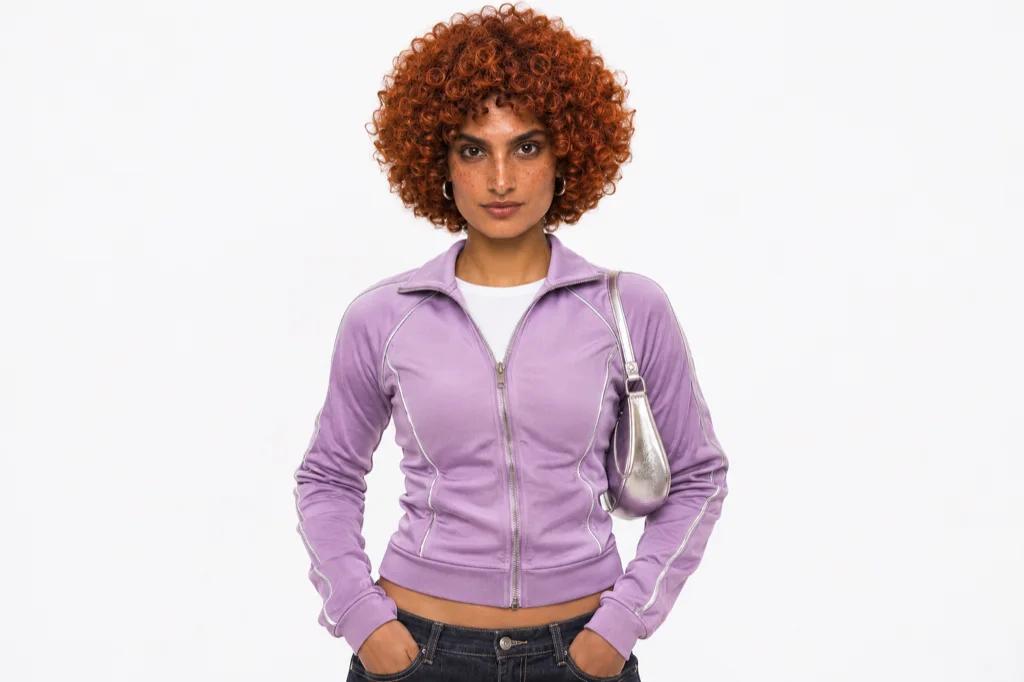
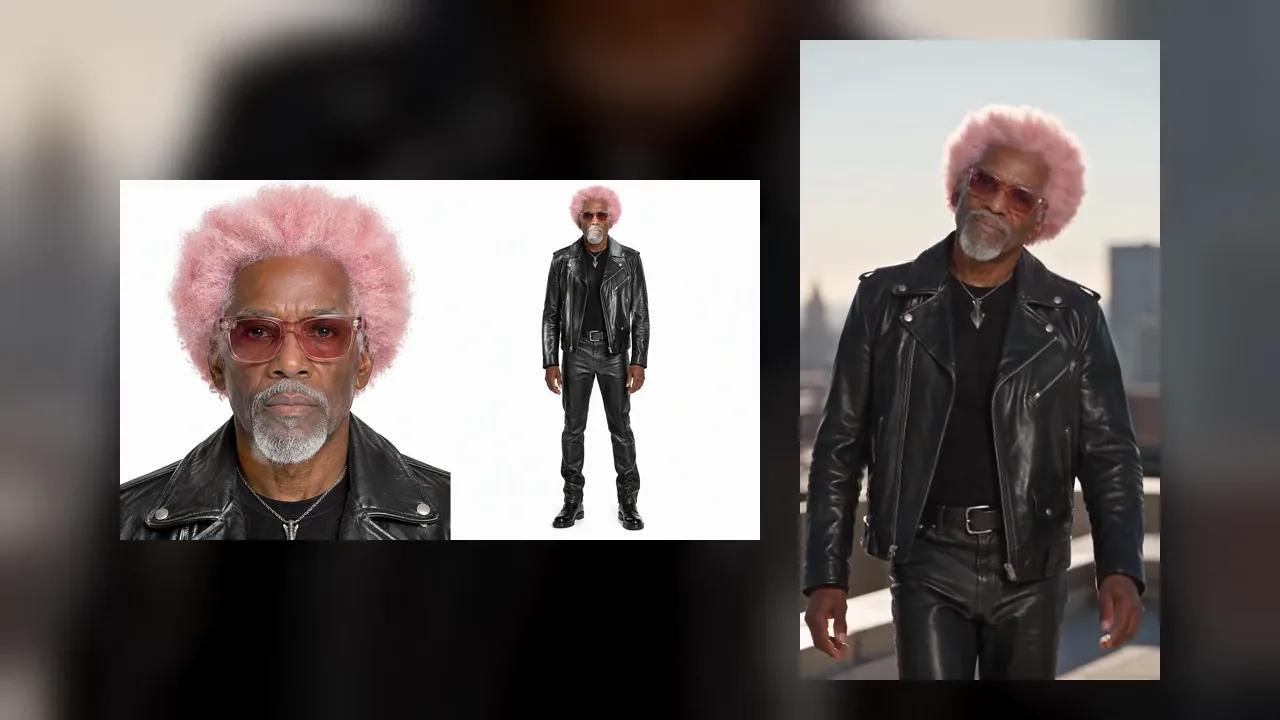
Ever wanted to post more without being on camera? Upload your photo or design someone new, and Seedance helps you create an AI influencer for Instagram and TikTok, then brings them to life on video.
Start My AI Influencer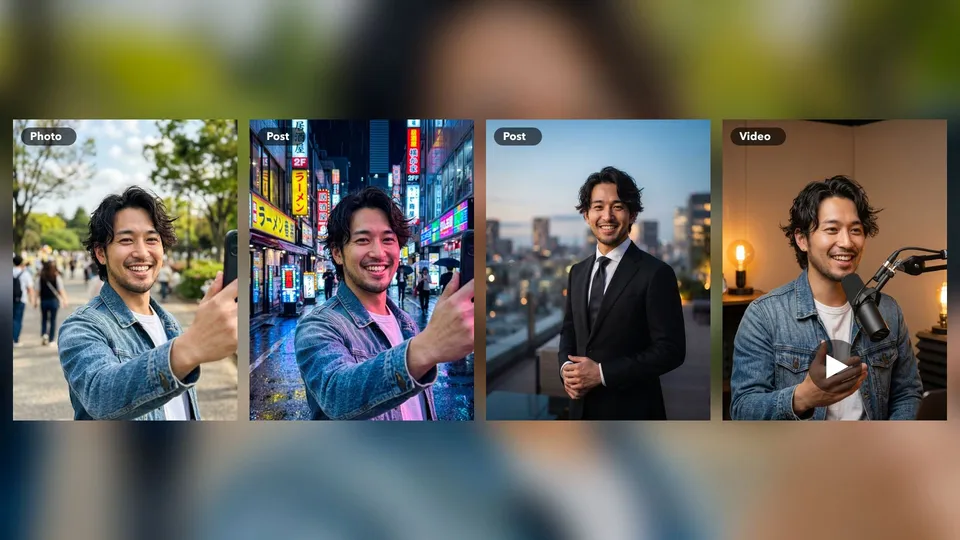
Add your own photo to make an AI version of yourself, or skip it and design a brand new character.
Shy about filming? Run a faceless channel and let your character appear in front of the camera for you.
Travel, gym, cooking or study content: pick the character and motion you want without leaving your desk.
Add a clear selfie in the Your photo slot, and your choices shape the look from there. It is a simple way to create a digital twin for days when you do not feel like filming. You can use it for your own account, as long as the photo is yours or you have permission.
Start My AI Influencer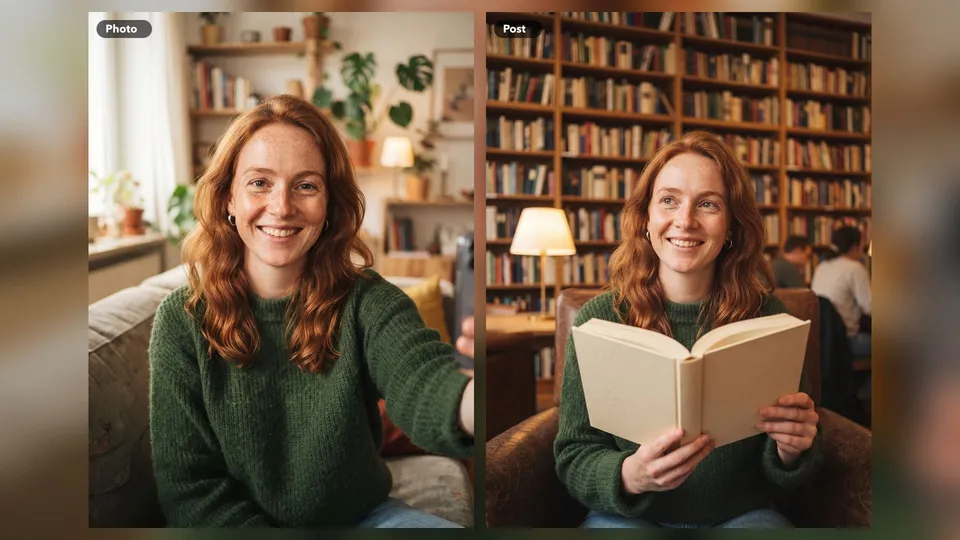
No photo? No problem. Choose hair, age, style and accessories from the options, press Random for a surprise, and recreate until someone feels right. A faceless AI influencer lets you grow a page around a topic you love without putting your own face online.
Start My AI Influencer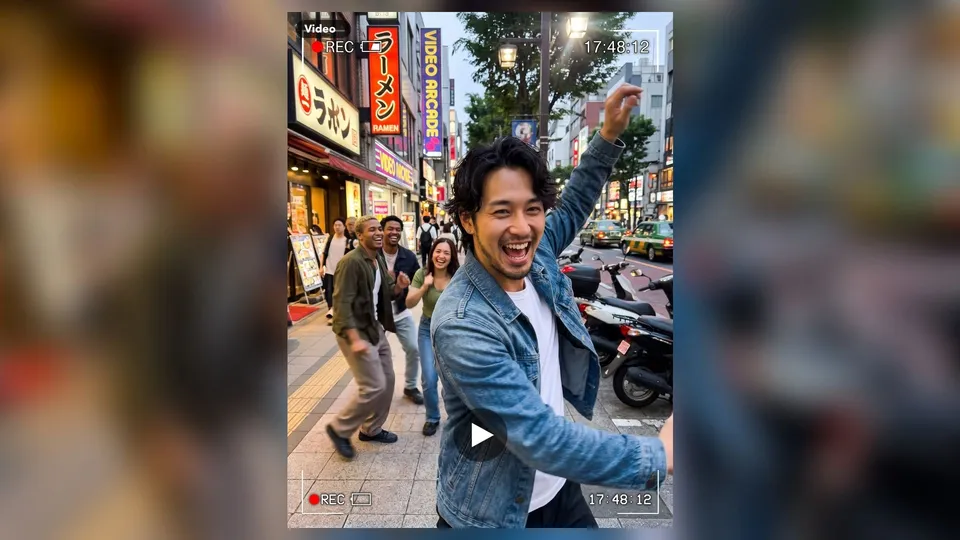
A still photo only goes so far on TikTok. Press Animate on your character, add a reference clip, and the motion carries over to them. Dance videos, walking shots and simple gestures all work well, so your feed can move as well as look good.
Start My AI Influencer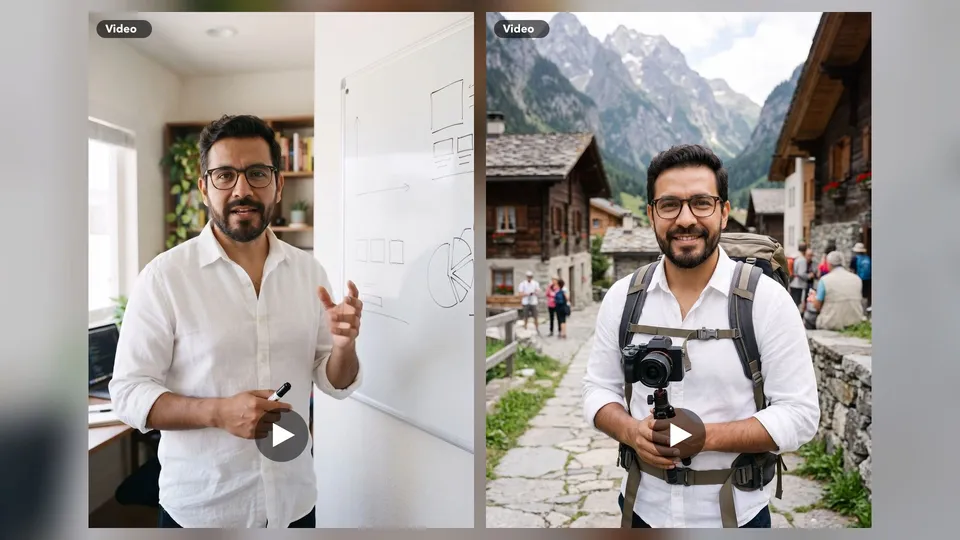
The AI influencers people follow have a clear topic and a recognizable look. Pick one niche, such as travel, books, cooking or personal finance, and keep using the same character across your posts. Followers come back for the person and the theme, not for one lucky picture.
Start My AI Influencer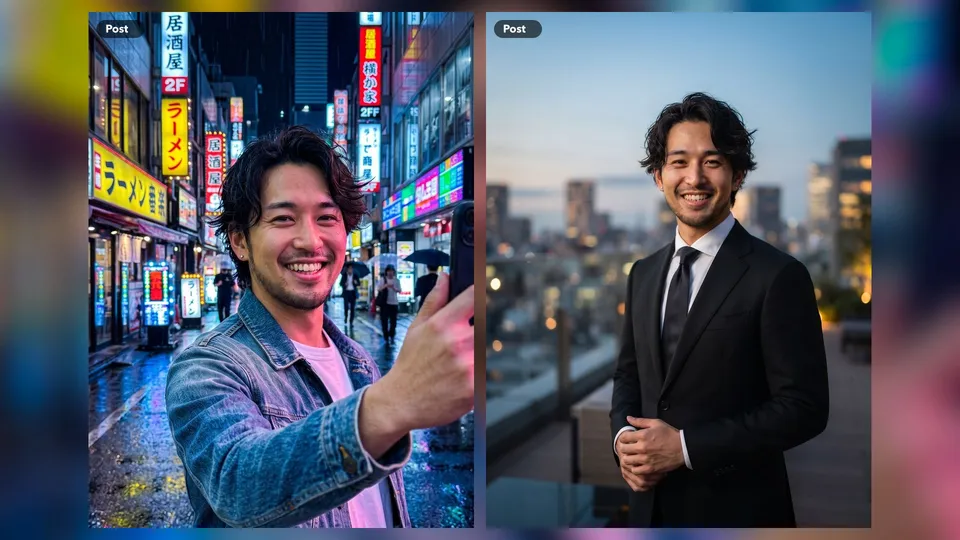
Lifestyle is the easiest place to begin. Create a character with a clear personality, then post coffee runs, rooftop outfits and city nights on Instagram as if they were living that life. Plan a week of posts in one sitting, write captions in their voice, and keep the same face, hair and style throughout. An AI Instagram account grows more easily when it feels like one person with a real routine, so think about their story before you press generate.
Calm, helpful content suits an AI character well. Build a yoga teacher, a home cook or a self-care guide, then use reference clips of a stretch or a kitchen routine to make short videos for Reels and TikTok. Share simple tips that help your audience, and let the character deliver them. Be open with viewers that the character is AI, and do not give medical or nutrition advice you would not stand behind yourself.
Plenty of creators do not want to be recognized at the supermarket. A faceless AI influencer lets you host a channel about finance, history or study tips without appearing yourself. Use the same character as your on-screen host, add voice with the lip sync tool, and record your script at your own pace. It suits side projects, since your character never needs a haircut, a good lighting day or a free afternoon.
Already a creator? Use your own photo to build a digital twin that can fill in on busy days. Try a new look, a sharp suit for a business post or a travel scene from a place you plan to visit, before you commit to the real thing. It can also help coaches and small business owners stay visible while they work. Tell your audience when a post is AI, as honesty keeps the trust you worked for.
Upload your photo if you want a likeness, or use the options to choose the look. Random is great when you need inspiration.
See what comes back. If it is not quite right, change an option or press Recreate until it feels like your influencer.
Press Animate, add a reference clip for the motion and generate. Download it and post your character's first video.
Add a photo or pick your traits, generate a character, then press Animate and add a reference clip to make a video. After that, choose a niche and post regularly.
Yes. Add a clear photo of yourself in the Your photo slot. Only use your own picture or one you have permission to use.
Creating characters and videos uses Seedance credits. The tool shows the cost before you generate, so you can check it first.
Yes. Many creators use a character as the on-screen host instead of appearing themselves. Be open about it and follow the AI labeling rules of each platform.
Some do, through brand deals, affiliate links and digital products, but it takes a clear niche and steady posting. Income is never guaranteed, so treat it as a project and not a promise.
Yes, as long as you follow their rules. Both platforms have policies on AI content, and you may need to apply a label when you post.
Keep using the character you saved as your reference. Results can vary a little, so compare each new post with your original and regenerate if it drifts.