Photo Plus Outfit Description
Upload a clear photo of the person whose outfit you want to change.
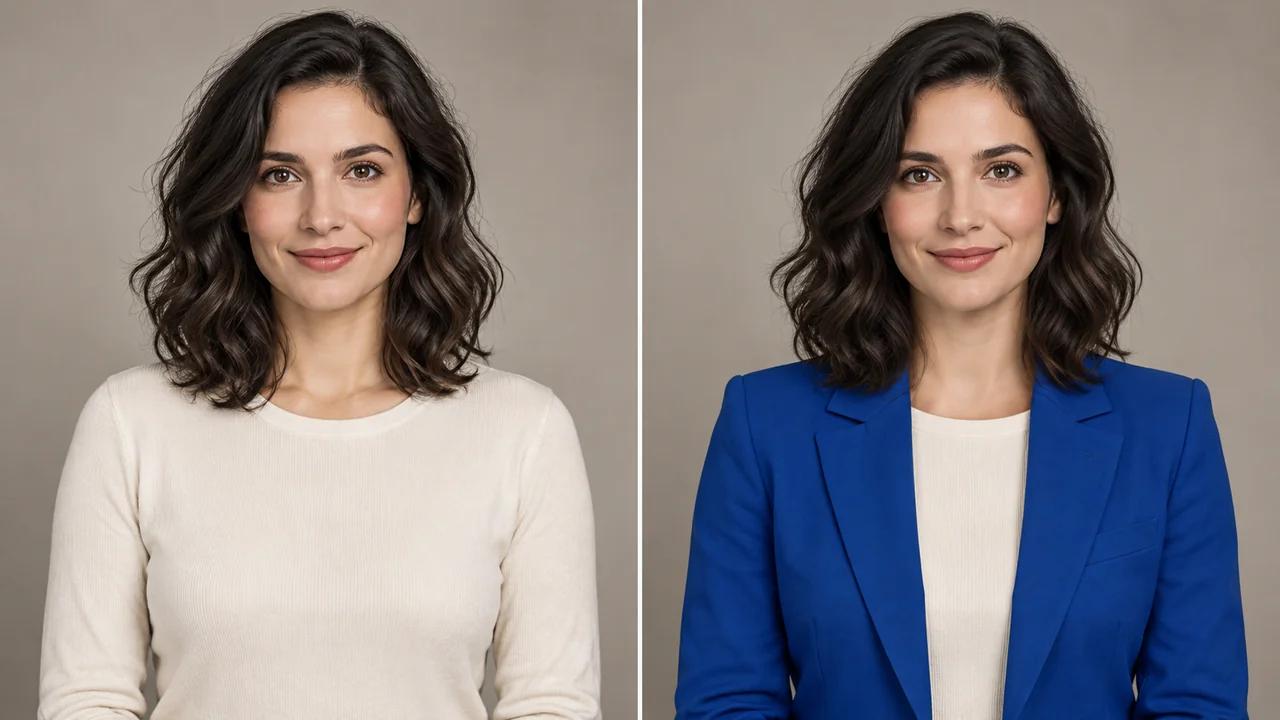
Explore a new outfit in a photo with Seedance's AI clothes changer. Upload a person's photo and describe the clothing, colors and fabrics you want to visualize.
Describe a New Outfit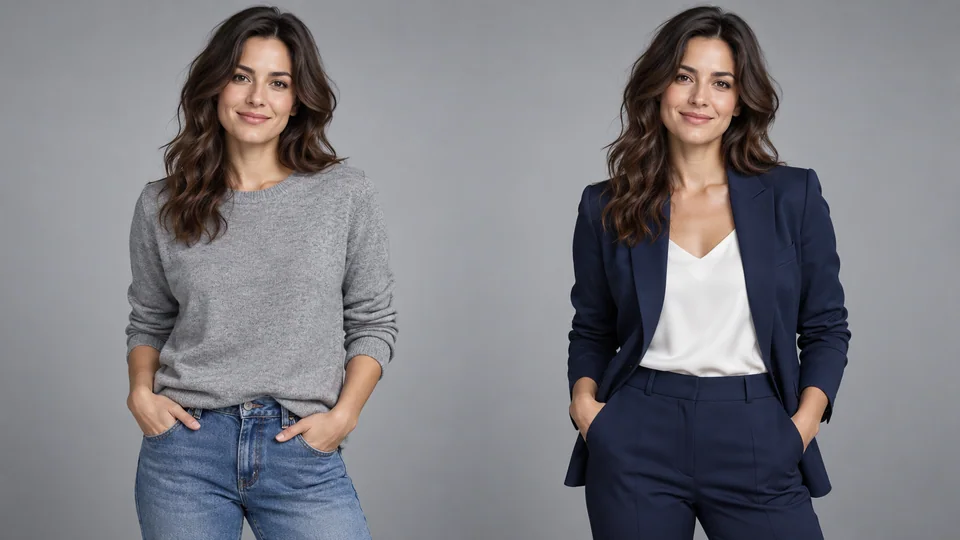
Upload a clear photo of the person whose outfit you want to change.
Describe the desired clothing and review the credit cost.
Generate the outfit, check the face, hands and clothing details, then download the result.
Upload a fully clothed person and describe the new clothing. Include garment type, color, fabric and cut to make the request clear. Seedance uses the source pose and appearance as references while asking the AI to change only clothing.
Describe a New Outfit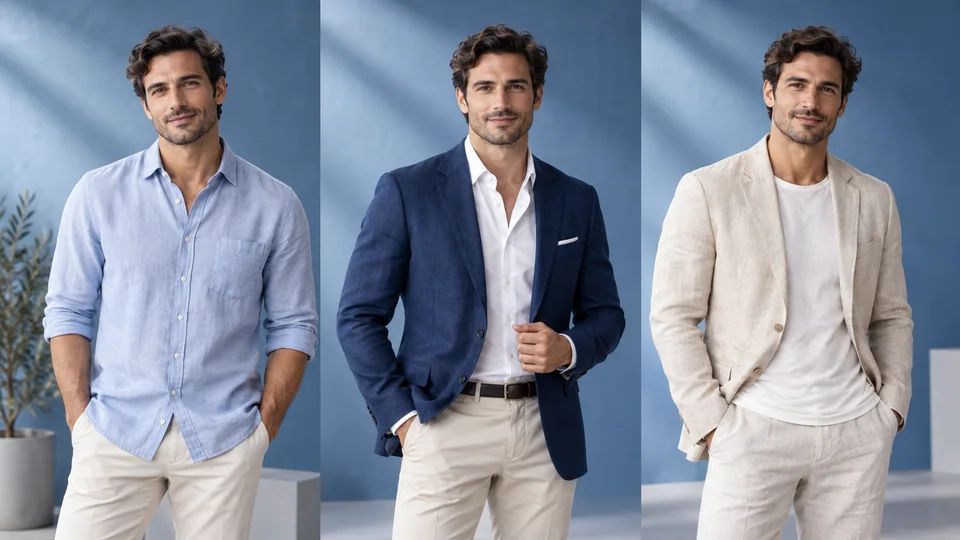
A blazer, linen jacket and casual shirt communicate different moods. Explore them in separate generations, then compare face, pose and background as well as clothing. These are creative visualizations, not measurements of how a physical garment will fit.
Describe a New Outfit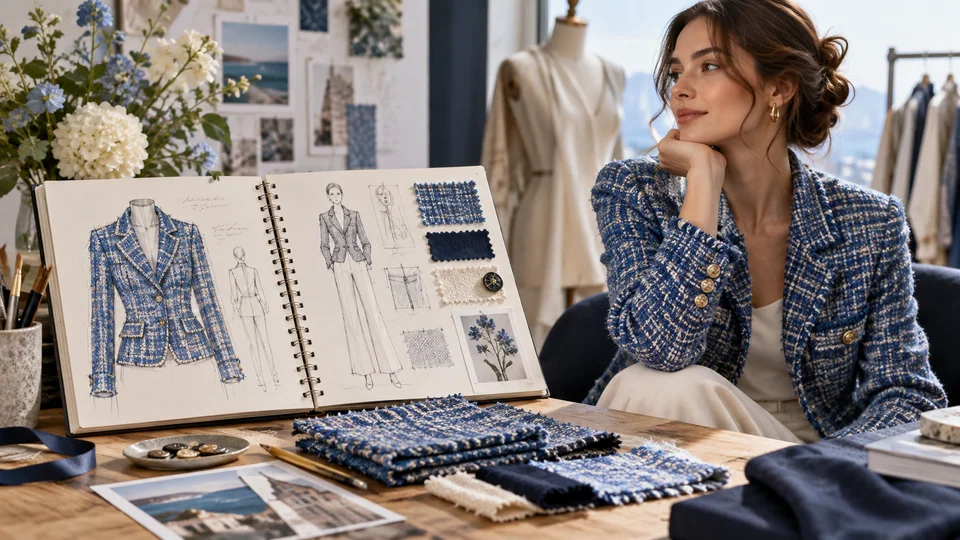
Mention texture, pattern and silhouette to communicate an outfit direction. Inspect seams, folds and transitions at hands and neck in the result. Use it as a concept reference rather than a production specification or exact reproduction of a garment.
Describe a New Outfit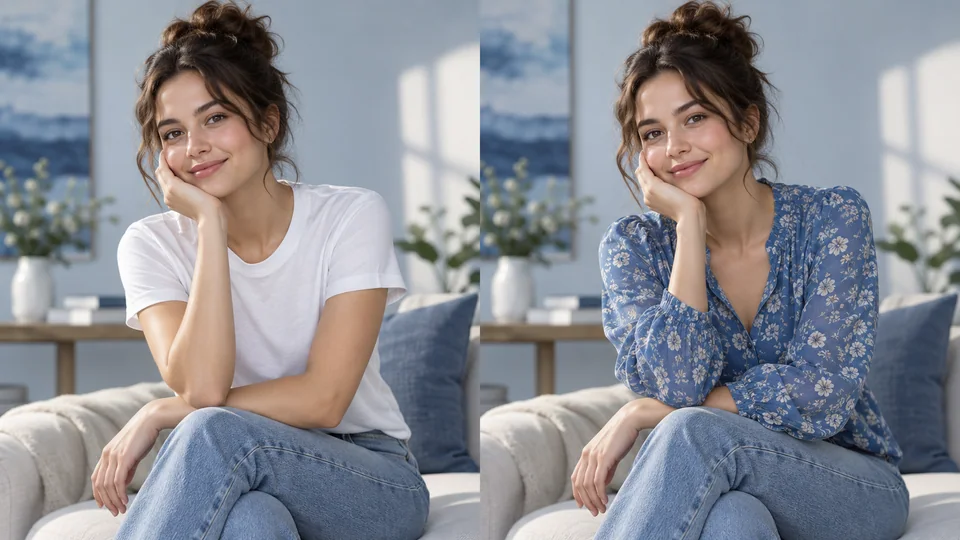
Name the clothing to replace and leave unrelated edits for another workflow. This page uses a person photo and a text prompt, not a garment-photo upload or virtual-model catalog. Review identity and body proportions before selecting a version.
Describe a New Outfit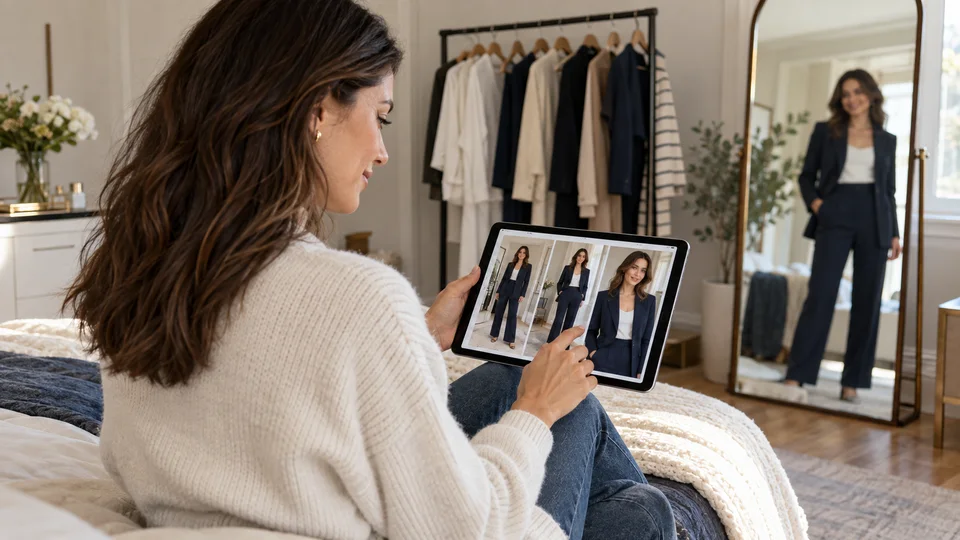
Try a fully clothed styling concept on your own photo. Compare directions without treating the image as a guarantee of real-world fit.
Describe fabric, color and silhouette to create a reference. Inspect garment details before using it to communicate the concept.
Explore clothing colors for a creative campaign. Check identity and do not present generated outfits as verified photographs of a real product.
Use the result to explain a broad styling intention. Pattern making, sizing and physical samples still require a separate design process.
Upload a clear photo of the person whose outfit you want to change.
Describe the desired clothing and review the credit cost.
Generate the outfit, check the face, hands and clothing details, then download the result.
Explore a new outfit in a photo with Seedance's AI clothes changer. Upload a person's photo and describe the clothing, colors and fabrics you want to visualize.
This tool uses one photo of a person and a text description of the new clothes. It does not use a separate garment upload in this workflow.
No. It is an AI-generated styling concept. Fabric drape, sizing and small details can differ from a real garment, so it should not be treated as a fit guarantee.
Upload a clear photo of the person whose outfit you want to change. Describe the desired clothing and review the credit cost. Generate the outfit, check the face, hands and clothing details, then download the result.
This tool uses your Seedance credits. Check the cost shown in the generator before submitting; the amount depends on the model and settings. Your existing Seedance plan and credit balance apply.
The examples below are AI-generated illustrations of possible uses, not measured outputs from this tool. Your result depends on the source image and generation settings.
Compare the output with your original at full size. Inspect faces, text, edges and important details, and make sure you have the rights to edit and publish the image.